How we make this list: we compare pricing pages, product documentation and public user reviews. Rankite is independent; if a vendor ever pays for a featured spot, that listing is clearly labeled Partner.
Key takeaways
- Google Calendar is the default for most small businesses: free with any Google account, with Workspace from $7 per user a month adding booking pages and shared calendars.
- Calendly ($10 per seat a month annually) is the standard for client booking links, but Google Calendar and Cal.com now cover the basics for free.
- Reclaim is the value pick for AI scheduling at $10 per seat a month with a free Lite plan, against Motion's $29 a month solo price with no free tier.
- Outlook is free at outlook.com and is the natural pick for Microsoft 365 shops; full desktop Outlook needs a paid Microsoft 365 plan.
Quick comparison
| Tool | Best for | Starting price | Free plan |
|---|
 Google Calendar Google Calendar | everyday scheduling for teams on Google Workspace | Free; Google Workspace from $7 per user/month (billed annually) | Yes |
 Microsoft Outlook Microsoft Outlook | offices already running on Microsoft 365 | Free; Microsoft 365 Basic from $19.99/year | Yes |
 Calendly Calendly | client-facing booking links for sales, recruiting, and services | $10 per seat/month (billed annually) | Yes |
 Cal.com Cal.com | open-source scheduling you can self-host or white-label | Free; Teams from $12 per user/month (billed annually) | Yes |
 Motion Motion | individuals who want AI to plan their entire day | $19 per seat/month (billed annually, teams); $29/month (solo) | 7-day trial only |
 Reclaim Reclaim | protecting focus time and auto-scheduling tasks on Google or Outlook | $10 per seat/month (billed annually) | Yes (Lite plan) |
 Fantastical Fantastical | Apple users who want the nicest calendar experience | See website | Yes |
Is your product missing or out of date?
We review this list regularly. Vendors can request a listing, send updated pricing or ask about featured placement.
The best calendar software
Starting priceFree; Google Workspace from $7 per user/month (billed annually)
Free planYes
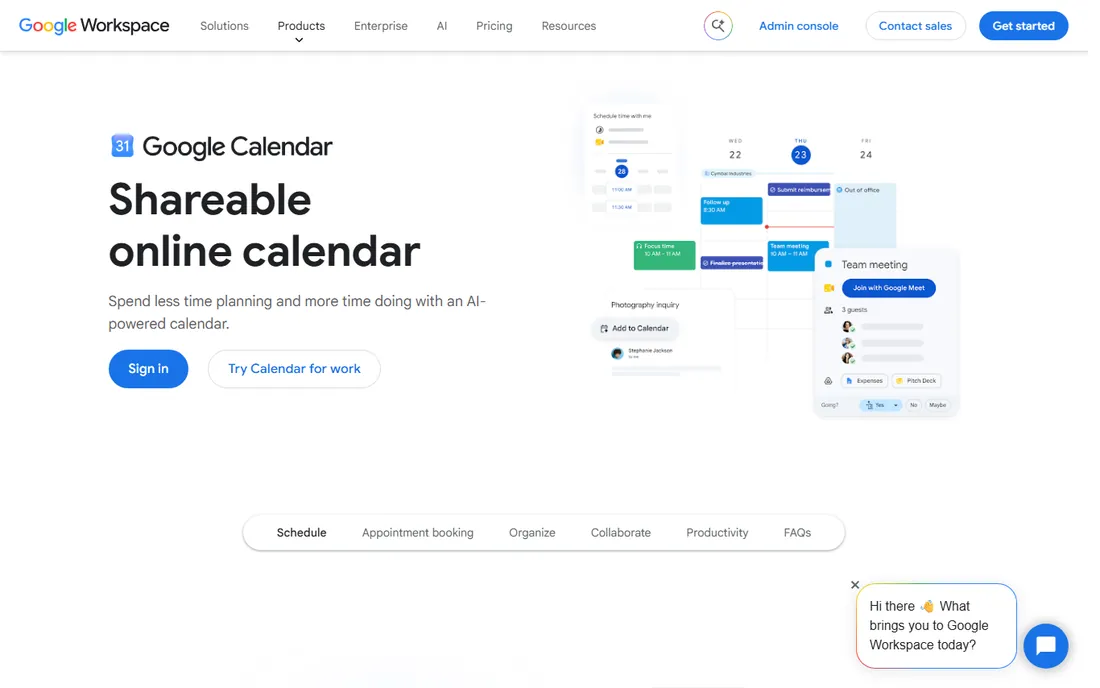
Google Calendar is the calendar most of the business world already uses, and there is a reason for it: it is free, it syncs everywhere, and everyone knows how to use it. Any personal Google account gets shared calendars, reminders, tasks, and a single appointment booking page. For businesses, Workspace Business Starter at $7 per user a month adds custom-domain email and team management, while Standard at $14 adds multiple booking pages, payment collection, and Gemini AI assistance.
The appointment schedules feature deserves attention: it turns a Google Calendar into a booking page clients can use to grab time with you, no Calendly required. Paid tiers add buffer times, email verification against spam bookings, and co-hosts. The weakness is the experience itself: Google Calendar is functional rather than pleasant, and power users who want time analytics or a beautiful daily view usually pair it with another app on this list.
The verdict is simple. If your company runs on Gmail, Google Calendar is already your calendar and the question is just which add-on to buy. The free tier covers most small business scheduling needs, and Workspace is among the cheapest ways to get a full office suite with AI included.
What we like- Free with any Google account
- Strong sharing and booking pages
- Deep Gmail and Meet integration
Watch out for- Design has barely changed in years
- Advanced booking features sit behind paid Workspace
Starting priceFree; Microsoft 365 Basic from $19.99/year
Free planYes
Outlook is the calendar your email lives in, and for Microsoft shops that combination is hard to beat. A free Outlook.com account includes email, calendar, and contacts with 15 GB of mailbox storage, working across web, mobile, and desktop apps. For businesses, Microsoft 365 adds the full desktop Outlook, Copilot AI assistance, 1 TB of storage, and admin controls starting at $14 per user a month for Business Standard.
The calendar itself is capable: shared calendars, scheduling assistant for finding meeting times, categories, and focused inbox triage that keeps the day visible next to the email it generates. The Microsoft ecosystem integration matters: Teams meetings, OneDrive attachments, and To Do tasks all flow through one interface without plugins.
The catch is that the best Outlook experience is paid. Free users get ads and no desktop app, and Copilot features require the pricier Copilot add-ons. For teams already paying for Microsoft 365, Outlook is a free calendar that comes with the bundle; for Google shops, there is no reason to switch.
What we like- Email, calendar, and contacts in one app
- Free web and mobile apps
- Strong enterprise admin controls
Watch out for- Desktop Outlook requires a paid plan
- Free tier shows ads
#3
Calendly
Best for: client-facing booking links for sales, recruiting, and services
Visit calendly.com
Starting price$10 per seat/month (billed annually)
Free planYes
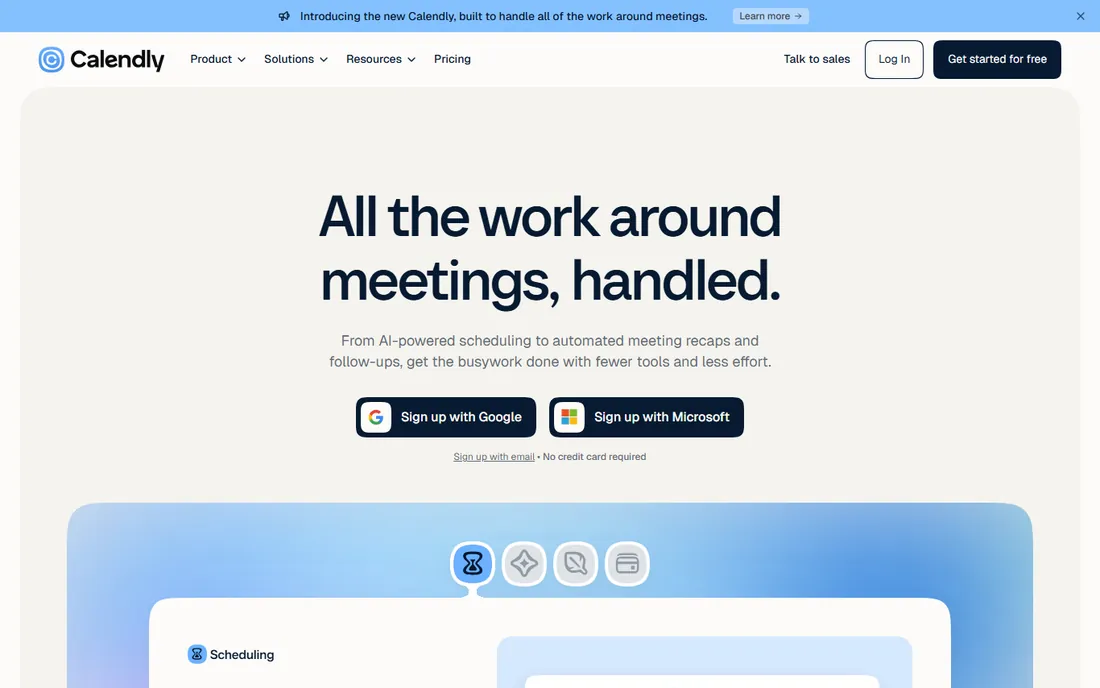
Calendly solved the "when are you free?" email thread, and its booking links are now the industry standard: share a link, invitees pick a time, both calendars update. The free plan covers one event type and one connected calendar, which is enough for a freelancer's consultation link. Standard at $10 per seat a month adds unlimited event types, reminders, payments, and branding control; Teams at $16 adds round-robin scheduling and lead routing.
Newer Plus tiers bundle AI meeting notes and an AI scheduling assistant for $8 more per seat. The integration list is the reason teams stay: Salesforce, HubSpot, Marketo, Zoom, and dozens more make Calendly part of a sales machine rather than just a calendar.
The trade-off is price creep. What starts free becomes $120 a year per person, then more for teams and AI. Solo users who just need a booking link should check Cal.com and Google Calendar's free booking pages first. For sales teams with real CRM workflows, Calendly remains the safe, proven pick.
What we like- One event type free forever
- Polished booking pages everyone recognizes
- Deep CRM integrations
Watch out for- Per-seat pricing adds up for teams
- AI features require the pricier Plus tiers
#4
Cal.com
Best for: open-source scheduling you can self-host or white-label
Visit cal.com
Starting priceFree; Teams from $12 per user/month (billed annually)
Free planYes
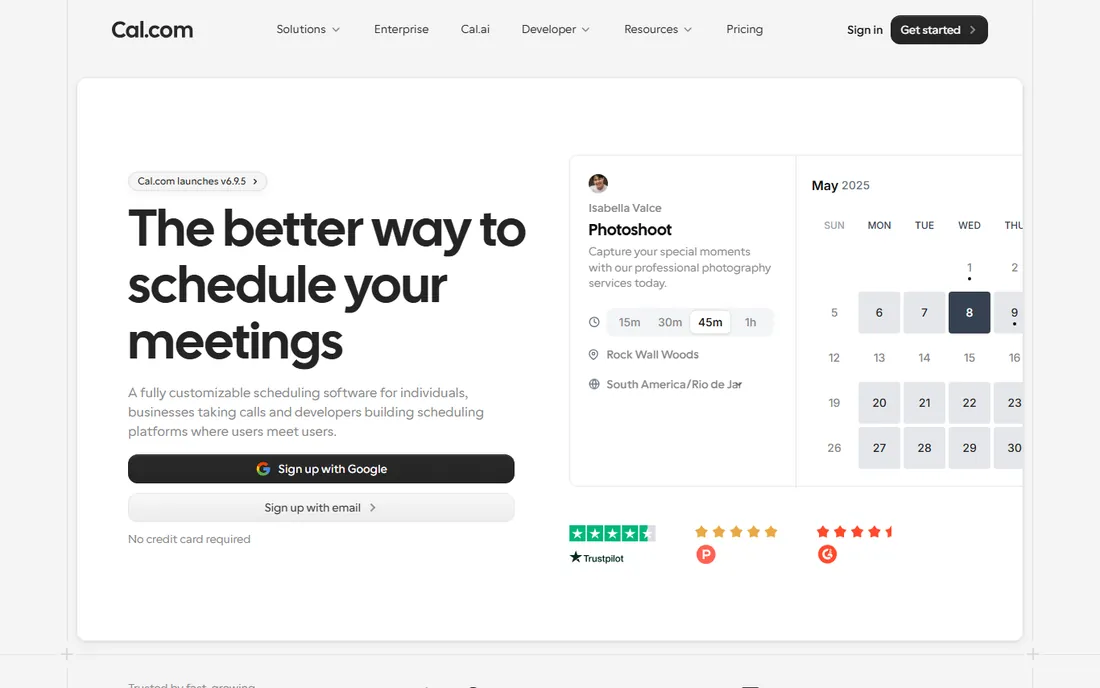
Cal.com is the open-source answer to Calendly, and it is the strongest free option in this category. The free Individuals plan includes unlimited bookings, unlimited event types, multiple calendar connections, and integrations, all for one user. Teams plans start at $12 per user a month on annual billing and add round-robin scheduling, routing forms, and SSO.
The self-hosting angle is the real differentiator: run Cal.com on your own servers and booking data never leaves your infrastructure, which matters for regulated industries and privacy-conscious European teams. Developers can fork the codebase, white-label the booking flow, or embed scheduling into their own products.
The honest catch is polish. The hosted version works well but lacks Calendly's refined experience and its deep CRM ecosystem. Self-hosting requires engineering time. For cost-conscious teams, developers, and anyone who wants to own their scheduling data, Cal.com is the obvious choice.
What we like- Generous free plan with unlimited bookings
- Self-hosting option keeps data in-house
- Open-source customization
Watch out for- Hosted version is less polished than Calendly
- Self-hosting needs technical setup
Starting price$19 per seat/month (billed annually, teams); $29/month (solo)
Free plan7-day trial only
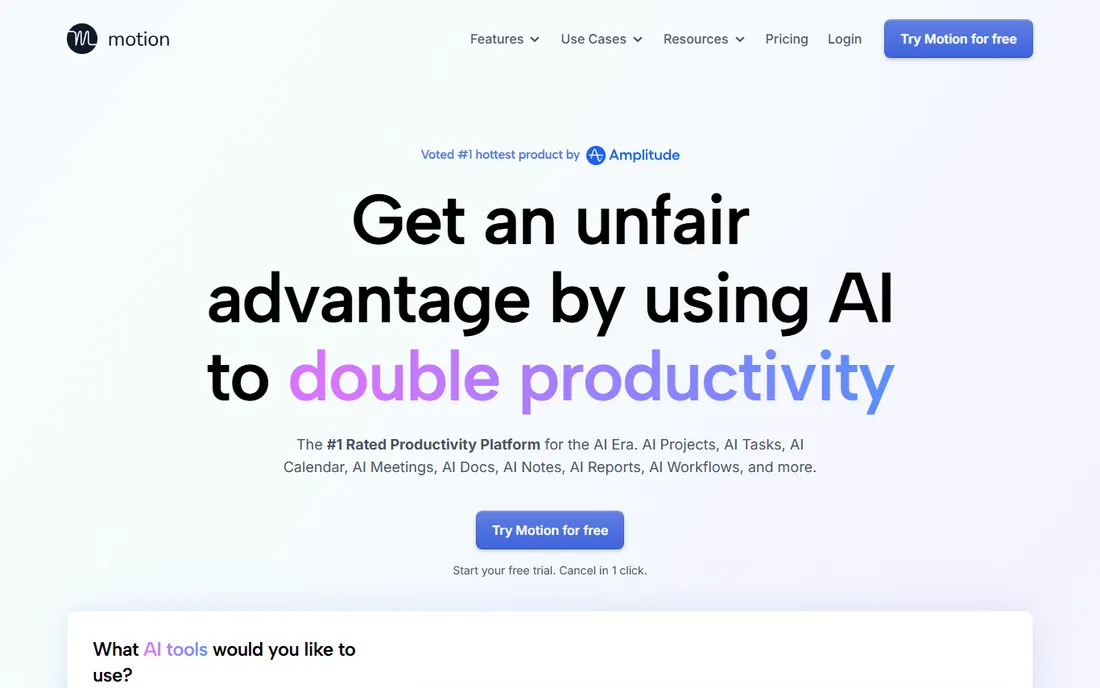
Motion is the most ambitious tool on this list: give it your tasks with deadlines, and its AI builds your day, scheduling work around fixed meetings and reshuffling when things change. It bundles task management, project planning, docs, a calendar, and an AI meeting notetaker into one workspace. Teams pay $19 per seat a month on annual billing; solo users pay $29 a month on the same billing.
The auto-scheduling genuinely works for task-heavy roles: founders, consultants, and managers whose days are fragmented by meetings find that Motion protects their execution time better than any static calendar. Each plan includes a monthly AI credit allowance with published overage rates, so heavy AI use can cost more.
The catch is the price and the lock-in. There is no free plan, only a 7-day trial that requires a credit card, and $29 a month solo is triple what Reclaim charges for similar scheduling. If you mainly need a calendar with AI help, Reclaim is the better value; Motion earns its price only if you also replace your task manager and docs with it.
What we like- Auto-schedules tasks around meetings
- Combines tasks, projects, docs, and calendar
- Meeting notetaker included
Watch out for- No free plan
- Solo pricing is steep
- AI credits can add overage costs
#6
Reclaim
Best for: protecting focus time and auto-scheduling tasks on Google or Outlook
Visit reclaim.ai
Starting price$10 per seat/month (billed annually)
Free planYes (Lite plan)
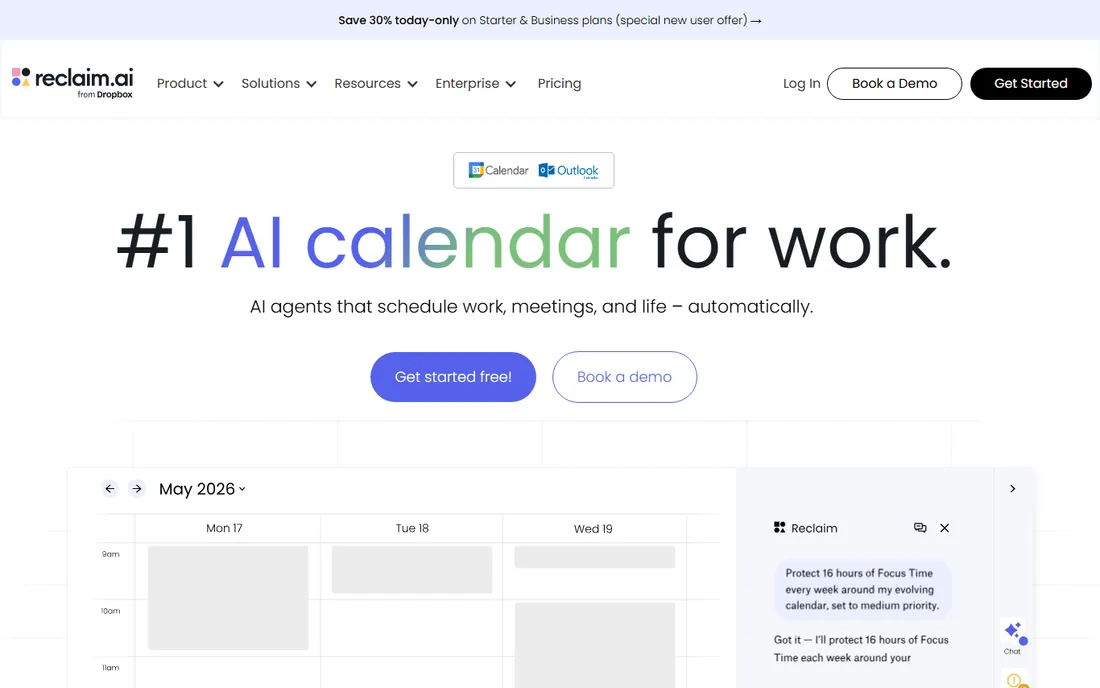
Reclaim sits on top of the calendar you already use and manages it for you: it defends focus time blocks, auto-schedules tasks from your task manager, builds in travel and break buffers, and reschedules everything when meetings move. The free Lite plan includes one habit, one scheduling link, and unlimited tasks, enough to test the core value. Starter at $10 per seat a month adds unlimited focus time, more scheduling links, and integrations with Asana, Todoist, Linear, and Jira.
The privacy-aware people analytics show how the team actually spends its time without naming names, which managers appreciate. Works with both Google Calendar and Outlook, so neither ecosystem has to switch.
The honest trade-offs: Reclaim reschedules aggressively until you tune its priorities, and it does not manage email or capture tasks itself, so you still need a task app. Smart Meetings with three or more attendees consume attendance units beyond the base plan. For small businesses losing their week to meetings, it is the best-value AI scheduler available.
What we like- Free Lite plan with no credit card
- Defends focus time automatically
- Works on top of your existing calendar
Watch out for- Needs a separate task manager to work well
- Smart Meetings with 3+ people cost extra
#7
Fantastical
Best for: Apple users who want the nicest calendar experience
Visit flexibits.com
Starting priceSee website
Free planYes
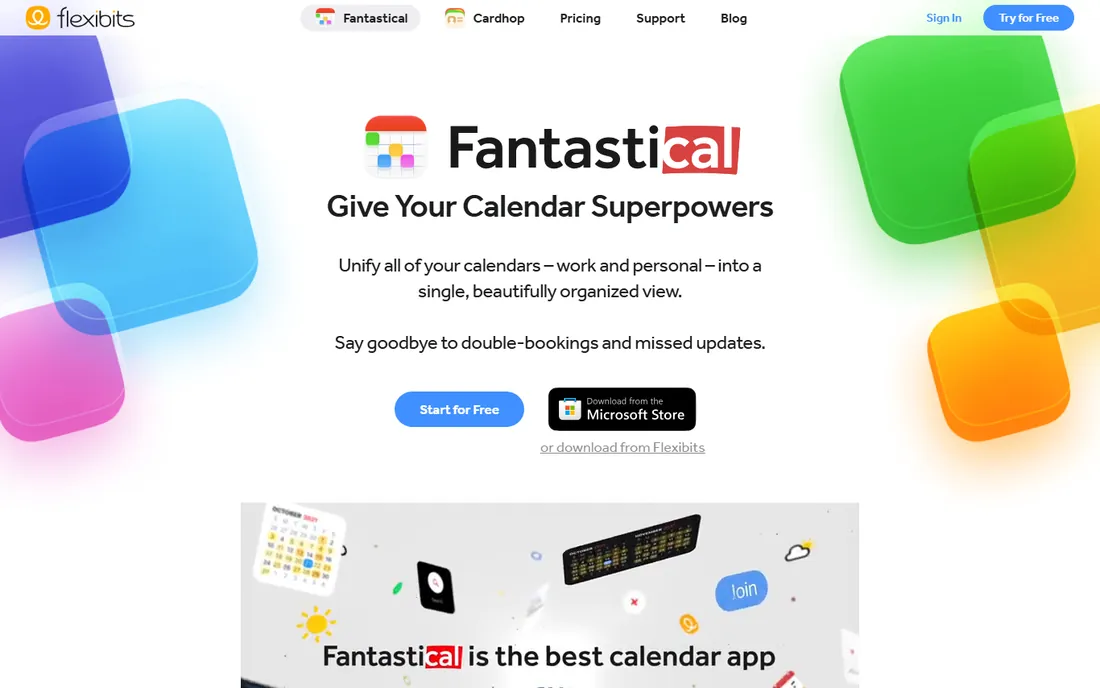
Fantastical has been the calendar Apple users rave about for over a decade: type "lunch with Sarah Tuesday at noon" and it creates the event, no field-filling required. The free tier covers core calendar features across iPhone, iPad, Mac, Apple Watch, and now Windows, with premium features like tasks, calendar sets, and full-screen views behind the Flexibits Premium subscription. A family plan covers up to five members.
Recent expansion to Windows and Googlebook shows Flexibits is serious about going beyond Apple. The design is genuinely the best in this category: weather on the calendar, interesting events, and a day view that makes the morning check pleasant instead of stressful.
The catch is paying for a calendar when Google and Apple give one away free. The premium subscription bundles Flexibits' contact app Cardhop whether you want it or not, and the price has crept up over the years. For Apple-first teams where the calendar is a daily tool, the experience is worth it; everyone else gets 90% of the value free from Google or Outlook.
What we like- Natural-language event creation
- Beautiful design across Apple devices
- Now available on Windows and Googlebook
Watch out for- Premium features need a subscription
- Bundling with Cardhop annoys some users
How we chose
We compared calendar software using vendor pricing pages and official documentation, alongside public reviews on G2, Capterra, and productivity communities. We weighed scheduling capability, booking features, AI assistance, pricing models, and fit for small business teams rather than enterprises. We treated day-management calendars and external booking tools as complementary categories. We did not perform hands-on testing.
What to look for when choosing a calendar
Start with your email: Google shops get Google Calendar free, Microsoft shops get Outlook free, and switching ecosystems for a calendar app alone is rarely worth it. Then decide which job hurts more: managing the day (add Reclaim or Fantastical on top) or booking with others (add Calendly or Cal.com).
Check the real per-person cost at your team size, because per-seat pricing turns a $10 tool into a $1,200 annual line item for ten people. Test the booking flow from the invitee's side before committing, and confirm the tool supports both Google and Outlook if your team mixes the two.
Calendar AI is the new battleground
The biggest shift in calendar software is AI doing the scheduling instead of just displaying it. Motion, Reclaim, and Calendly's Plus tiers all auto-plan the day, take meeting notes, or route bookings with varying degrees of autonomy. Google and Microsoft are baking Gemini and Copilot into their free calendars too.
The practical advice: try the free AI features in the calendar you already have before buying a dedicated tool. Reclaim's free Lite plan is the cheapest real test of AI scheduling, and Google Calendar's Gemini features come with Workspace Standard. Pay for a dedicated AI scheduler only if the built-in options do not protect your focus time.
Frequently asked questions
Is Google Calendar really free?
Yes. Google Calendar is free with any personal Google account, including shared calendars, reminders, and one appointment booking page. Paid Google Workspace plans from $7 per user a month add team management, multiple booking pages, and more storage.
What is the best free scheduling tool?
Cal.com has the most generous free plan: unlimited bookings, unlimited event types, and multiple calendar connections for one user. Google Calendar's free booking page is simpler but built into the calendar most people already use.
Calendly vs Google Calendar booking pages: which is better?
Calendly wins for sales teams with CRM integrations, round-robin scheduling, and polished branding. Google Calendar's appointment schedules are free and fine for solo professionals. Compare Calendly Standard ($10/seat) against what you actually need before paying.
Do I need a separate calendar app if I use Outlook?
Probably not. Outlook's calendar covers scheduling, sharing, and meeting management for most offices. Apps like Fantastical or Reclaim add nicer design or AI scheduling on top, but they work with your existing calendar rather than replacing it.
Which calendar app is best for focus time?
Reclaim is built for exactly this: it auto-defends focus blocks and reschedules tasks around meetings, with a free plan to test. Motion does the same plus task management at a higher price. Both work on top of Google Calendar or Outlook.
Can I use these tools with both Google and Outlook?
Most of them, yes. Calendly, Cal.com, Reclaim, and Fantastical all connect to both Google Calendar and Outlook. Motion supports both as well. Check the specific integrations on the vendor's site before buying.
Sources we checked (8)
- https://calendly.com/pricing
- https://cal.com/pricing
- https://reclaim.ai/pricing
- https://usemotion.com/pricing
- https://flexibits.com/fantastical
- https://www.microsoft.com/en/microsoft-365/outlook/email-and-calendar-software-microsoft-outlook
- https://2sync.com/blog/outlook-calendar-vs-google-calendar
- https://meetergo.com/en/magazine/calendly-vs-google-calendar
Is your product missing or out of date?
We review this list regularly. Vendors can request a listing, send updated pricing or ask about featured placement.

Shihab Mia · Founder, Rankite
Shihab has spent more than a decade helping SaaS and e-commerce brands grow through search. He writes Rankite's software buying guides from pricing pages, documentation and public user reviews. More about Shihab.