How we make this list: we compare pricing pages, product documentation and public user reviews. Ratings come from G2, Capterra or Trustpilot, with the date we checked them.
Key takeaways
- Google Calendar and Outlook are the free defaults, and most other tools here build on top of them rather than replacing them.
- Apple Calendar remains the best free option for Apple-only users, with deep system integration and no extra cost.
- Reclaim and Motion lead for AI scheduling, automatically protecting focus time and rebuilding your day when plans change.
- Sunsama is the best daily planner for people who plan tasks and calendar together, with a 14-day trial.
- Calendly is the specialist for external booking links, while Notion Calendar suits teams already living in Notion.
Quick comparison
Is your product missing or out of date?
We review this list regularly. Vendors can request a listing, send updated pricing or ask about featured placement.
The best Fantastical alternatives
Starting priceFree
Free planYes
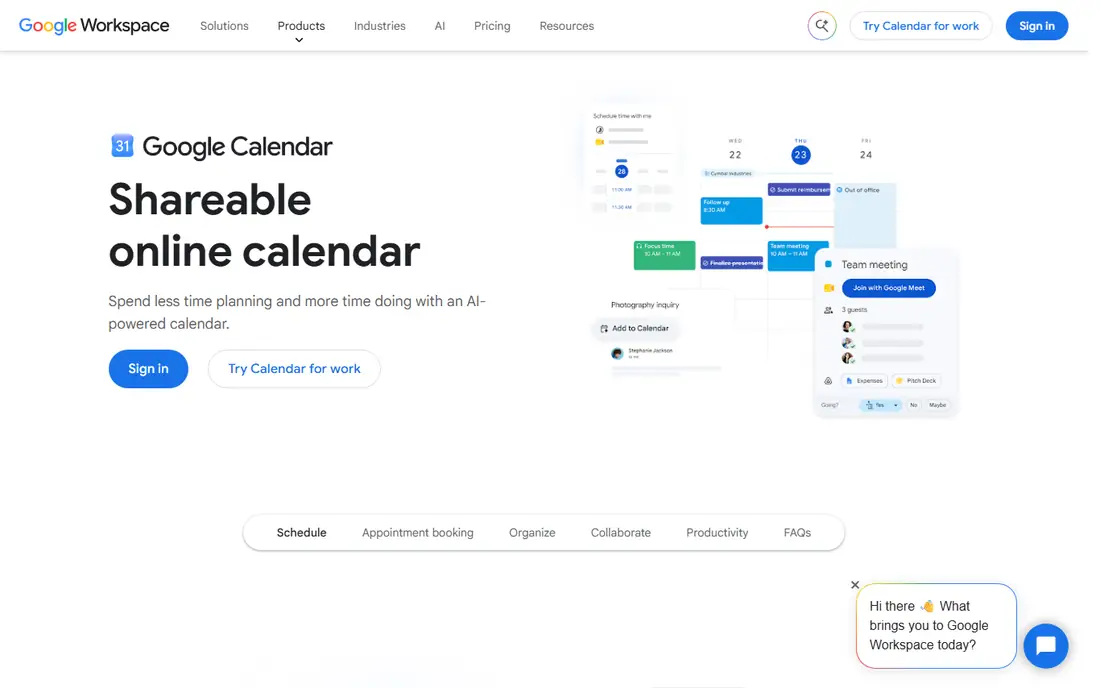
Google Calendar's homepage loads as a sign-in page to access and edit your schedule, which confirms the service but offers little product detail on its own. In practice, Google Calendar is the default calendar for most of the world: free, fast, shareable, and integrated with Gmail, Meet, and Google Workspace, with the widest third-party integration support of any calendar here.
For most Fantastical users, Google Calendar is the baseline everything else builds on, and Reclaim, Motion, and Sunsama all layer on top of it. Its main gap versus Fantastical is polish: fewer natural-language parsing tricks and less beautiful design, but the core scheduling is solid and free.
What we like- Free with any Google account
- Best sharing and collaboration for mixed-device teams
- Huge integration ecosystem
Watch out for- Homepage is a sign-in page, so feature detail must come from Google's product pages
- Fewer power features than Fantastical's natural-language parsing

#2Microsoft Outlook
Best for: Microsoft ecosystem4.5/5 on
G2 (3,547 reviews, checked Oct 2026)
Visit microsoft.com
Starting priceFree
Free planYes
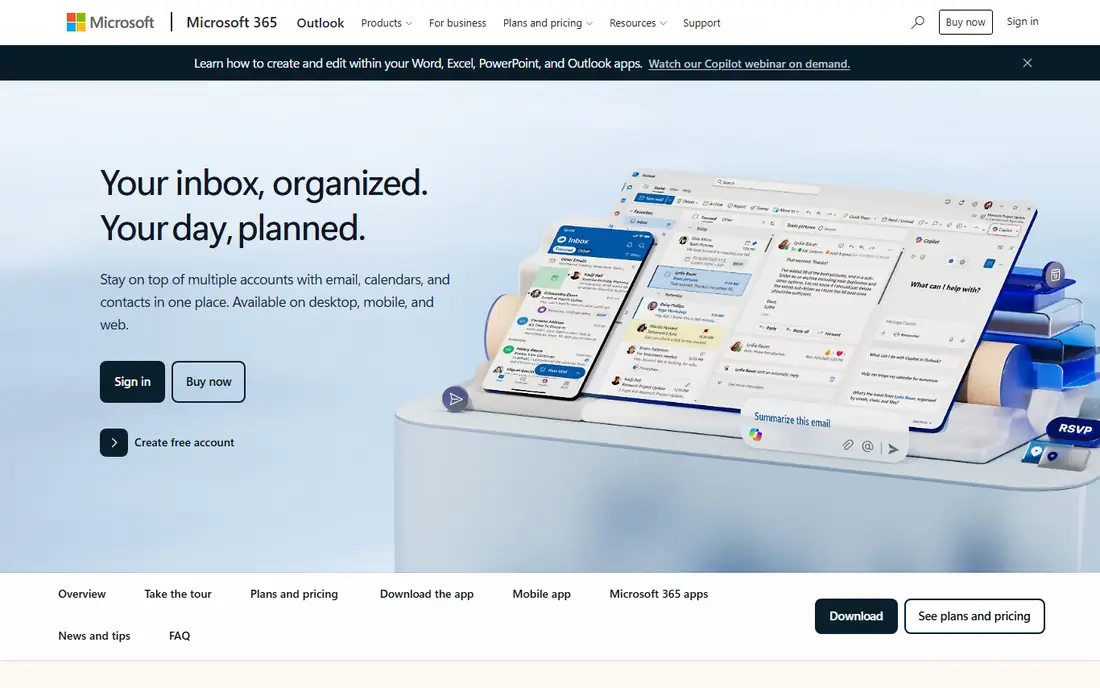
Microsoft Outlook combines personal email and calendar, and its product page confirms the practical details: free accounts available, third-party accounts supported across desktop and mobile apps, and Microsoft 365 Basic, Personal, or Family plans adding an ad-free inbox, 100 GB of mailbox storage, and advanced security. Copilot in Outlook works with outlook.com, hotmail.com, live.com, and msn.com addresses on paid plans.
For Microsoft 365 households and workplaces, Outlook Calendar is the natural Fantastical replacement, keeping mail and calendar in one app. Note that its live calendar domain could not be opened in our verification pass, so we confirmed the product through Microsoft's official Outlook page instead.
What we like- Free Outlook.com accounts with calendar included
- Desktop and mobile apps support Gmail, Yahoo, and iCloud accounts together
- Microsoft 365 plans add ad-free mail, 100 GB storage, and Copilot
Watch out for- Live calendar domain is policy-blocked in our checks, so we verified via Microsoft's Outlook product page
- Calendar features trail Fantastical's design polish
Starting priceFree
Free planYes
Apple Calendar ships free with every Apple device, and Apple's homepage confirms the ecosystem it belongs to, from iPhone and iPad to Mac and Apple Watch. Calendar integrates with Siri for natural-language event creation, pulls in invitations from Mail and Messages, and syncs through iCloud across all your Apple devices.
For Apple-only users, Apple Calendar is the closest free Fantastical alternative, and it costs nothing extra. Its limits show outside the Apple ecosystem, where Windows and Android users get a weaker experience, and power users may miss Fantastical's parsing and interface polish.
What we like- Free and built into every Mac, iPhone, and iPad
- Deep system integration with Siri, Mail, and Messages
- ICloud sync across all Apple devices
Watch out for- Website listed is Apple's homepage, not a Calendar-specific page, since Calendar ships as a built-in app
- Fewer features on Windows or Android

#4Reclaim AI
Best for: AI focus time4.8/5 on
G2 (144 reviews, checked Oct 2026)
Visit reclaim.ai
Starting priceSee website
Free planSee website
Reclaim calls itself the AI calendar for work and life, and its homepage explains the model: it moves teams from reactive scheduling to proactive time optimization, protecting focus time, improving meeting quality, and aligning calendars to strategic priorities. It runs on your Google Calendar or Outlook account, syncs multiple calendars to prevent conflicts, and scales from individuals to enterprise deployments with policy enforcement and executive dashboards.
For professionals drowning in meetings, Reclaim is the best Fantastical alternative for reclaiming focus time, since it actively defends your schedule rather than just displaying it. Remember it needs your existing calendar to work, so pair it with Google Calendar or Outlook rather than treating it as a replacement.
What we like- AI assistant protects focus time, schedules tasks and habits, and rebalances your week as priorities shift
- Runs on Google Calendar or Outlook with multi-calendar sync
- Measurable results claimed, including 7.6 extra focus hours per week
Watch out for- Layer on top of Google or Outlook, not a standalone calendar
- AI optimization needs calendar data access to work well
Starting priceSee website
Free planFree trial
Motion calls itself the AI-powered super app for work, and its homepage centers the calendar promise: an AI calendar assistant that takes all your projects and tasks, prioritizes and timeblocks them, and dynamically optimizes your schedule dozens of times a day. It combines all your calendars from Outlook, Google, or iCloud into one interface, creates meeting booking pages, and schedules meetings at ideal times that protect focus time.
For people who want their calendar to plan their day rather than just hold events, Motion is the strongest Fantastical alternative, with task planning built in. The trade-off is scope and price: it replaces several tools at once, which is a bargain if you use them all and overkill if you only need a calendar.
What we like- AI calendar assistant plans your day, timeblocks tasks, and re-plans automatically when anything changes
- Combines tasks, projects, docs, and calendar in one app
- Free trial with one-click cancel
Watch out for- All-in-one scope means calendar purists pay for project and docs features too
- Pricing is subscription-based
Starting price$19.99/month
Free plan14-day trial
Sunsama calls itself the only task manager, calendar, and daily planner for modern professionals, built to make work-life balance a reality. Its homepage describes the ritual: start each day with clarity by prioritizing tasks and setting a realistic workload, visualize and block time on your calendar, work through the day in focus mode, and end with a daily shutdown that tracks wins. It integrates Google and Outlook calendars plus task apps such as Asana, Trello, and Jira.
For people who like planning their day intentionally each morning, Sunsama is the best Fantastical alternative, turning chaos into a calm, focused plan. Its $19.99 monthly price is the highest here for a planner, but the 14-day trial with no credit card lets you test the ritual before paying.
What we like- Guided daily planning ritual combining tasks and calendar in one focused plan
- Timeboxing, focus mode, and daily shutdown features
- 14-day free trial with no credit card required
Watch out for- $19.99 per month is steep for a planner
- Manual daily ritual suits planners better than automation-first users

#7Calendly
Best for: External booking4.7/5 on
G2 (2,674 reviews, checked Oct 2026)
Visit calendly.com
Starting priceSee website
Free planSee website
Calendly describes itself as meeting scheduling software and AI meeting tools, handling all the work around meetings from booking to recaps and follow-ups. Its homepage highlights the core strength: connect calendars, set hours, control availability, and let visitors book through links, website embeds, or routing forms that qualify leads and match them to the right team member, with automated reminders reducing no-shows.
For Fantastical users whose main need is letting others book time with them, Calendly is the specialist pick, and its new Callie AI assistant can even join email threads to find times. It is not a calendar replacement on its own, so use it alongside your main calendar.
What we like- World's leading scheduling tool with 20 million professionals
- Booking links, routing forms, reminders, and payments
- 150-plus integrations and a new AI assistant, Callie
Watch out for- Scheduling-focused, so it does not replace a full calendar app
- Best paired with Google, Outlook, or Apple Calendar
Starting priceFree
Free planYes
Notion Calendar lives inside the Notion workspace, and Notion's homepage confirms the platform it belongs to: an AI workspace with 100 million users, AI search with citations, and agents that automate busywork. Notion Calendar connects your schedule with docs, databases, and tasks, so meetings, notes, and projects live in one system of record.
For teams already running on Notion, Notion Calendar is the natural Fantastical alternative, keeping scheduling inside the workspace you already use. Standalone calendar users will find its calendar features thinner than Fantastical's, but the workspace integration compensates for many teams.
What we like- Free with Notion's free tier
- Connects calendar events with Notion docs, databases, and tasks
- 100 million Notion users and a huge template ecosystem
Watch out for- Calendar is part of the Notion workspace, not a standalone calendar app
- Fewer calendar-specific features than Fantastical
How we chose
We compared calendar tools on vendor homepages, weighing free availability, platform coverage, AI scheduling, daily planning features, external booking, and workspace integration. We favored tools with live homepages and current offerings, and we included both standalone calendars and layers that build on Google and Outlook, since Fantastical buyers range from Apple loyalists to AI scheduling seekers.
What to check before you commit
Start with your platform. Apple-only users should try Apple Calendar first, since it is free and deeply integrated. Google Workspace users should start with Google Calendar plus Reclaim or Motion. Microsoft 365 users should start with Outlook Calendar and add Calendly for external booking.
Next, decide whether you want automation or ritual. Reclaim and Motion automate your schedule, rebuilding plans as priorities change, while Sunsama asks you to plan intentionally each morning. Both approaches work, but they suit different personalities, so trial one of each before committing.
Finally, check calendar sync carefully. Layers such as Reclaim, Motion, and Sunsama all sync with Google and Outlook, but two-way sync behavior, timezone handling, and shared calendar support vary. Test with your real work and personal calendars for a week before migrating fully.
Frequently asked questions
What is the best Fantastical alternative overall?
Google Calendar for most users, Apple Calendar for Apple-only users, and Outlook Calendar for Microsoft 365 users. For AI scheduling, Reclaim and Motion lead, while Sunsama leads for daily planning rituals.
Is there a free Fantastical alternative?
Yes. Google Calendar, Apple Calendar, and Outlook Calendar are all free, and Notion Calendar is free with Notion's free tier. Paid layers such as Reclaim, Motion, and Sunsama add AI scheduling and planning on top of these free calendars.
Which alternative is best for focus time?
Reclaim AI, which automatically protects focus time, schedules tasks and habits, and rebalances your week as priorities shift. Motion also timeblocks tasks and protects focus time through its AI calendar assistant.
Which alternative is best for booking meetings with clients?
Calendly, with booking links, routing forms, automated reminders, and payments, used by 20 million professionals. Its Callie AI assistant can also find meeting times directly from email threads.
Does Motion replace Google Calendar?
No. Motion combines your Google, Outlook, and iCloud calendars into one interface and layers AI planning on top. You still need an underlying calendar account for Motion to manage.
Which alternative works best with Notion?
Notion Calendar, which connects your schedule with Notion docs, databases, and tasks in one workspace. It is free with Notion's free tier and suits teams already using Notion daily.
Sources we checked (8)
- https://calendar.google.com
- https://www.microsoft.com/en-us/microsoft-365/outlook/email-and-calendar-software-microsoft-outlook
- https://www.apple.com
- https://reclaim.ai
- https://usemotion.com
- https://sunsama.com
- https://calendly.com
- https://www.notion.so
Is your product missing or out of date?
We review this list regularly. Vendors can request a listing, send updated pricing or ask about featured placement.

Shihab Mia · Founder, Rankite
Shihab has 5+ years in B2B and SaaS SEO. He writes Rankite's software buying guides from pricing pages, documentation and public user reviews. More about Shihab.
 Google Calendar
 Apple Calendar
 Motion
 Sunsama
 Notion Calendar