How we make this list: we compare pricing pages, product documentation and public user reviews. Rankite is independent; if a vendor ever pays for a featured spot, that listing is clearly labeled Partner.
Key takeaways
- Helpjuice charges a flat $249 per month for up to 30 users and designs the help center for you, which makes it the simplest buy for non-technical teams.
- Document360 and Stonly both price by quote now; expect enterprise-style sales calls and ask for the trial to evaluate the product yourself.
- ProProfs Knowledge Base and Crisp both offer genuinely free plans, so a startup can run a real help center at zero cost before upgrading.
- If you already run Zendesk or Intercom for support, their built-in knowledge bases are the path of least resistance, though per-agent pricing climbs fast.
- BetterDocs is the only WordPress-native option here, which matters if your site already runs on WordPress and you want FAQs inside your own domain.
Quick comparison
| Tool | Best for | Starting price | Free plan |
|---|
 Helpjuice Helpjuice | non-technical teams wanting a done-for-you help center | $249/month | Free trial (14 days) |
 Document360 Document360 | SaaS teams with heavy documentation needs | See website | Free trial (14 days) |
 ProProfs Knowledge Base ProProfs Knowledge Base | startups that need a free plan to begin | $49 per author/month | Yes |
 Intercom Intercom | teams already using Intercom for support | $29 per seat/month | Free trial (14 days) |
 Zendesk Zendesk | teams already on Zendesk support | $19 per agent/month (billed annually) | Free trial (14 days) |
 Freshdesk Freshdesk | budget-conscious teams wanting AI features | $19 per agent/month (billed annually) | Free trial (14 days) |
 Crisp Crisp | small teams wanting chat plus knowledge base | $45 per workspace/month | Yes |
 Stonly Stonly | interactive step-by-step guides for complex products | See website | Free trial (14 days) |
 BetterDocs BetterDocs | WordPress sites wanting native documentation | $55/year | Yes |
Is your product missing or out of date?
We review this list regularly. Vendors can request a listing, send updated pricing or ask about featured placement.
The best FAQ software
#1
Helpjuice
Best for: non-technical teams wanting a done-for-you help center
Visit helpjuice.com
Starting price$249/month
Free planFree trial (14 days)
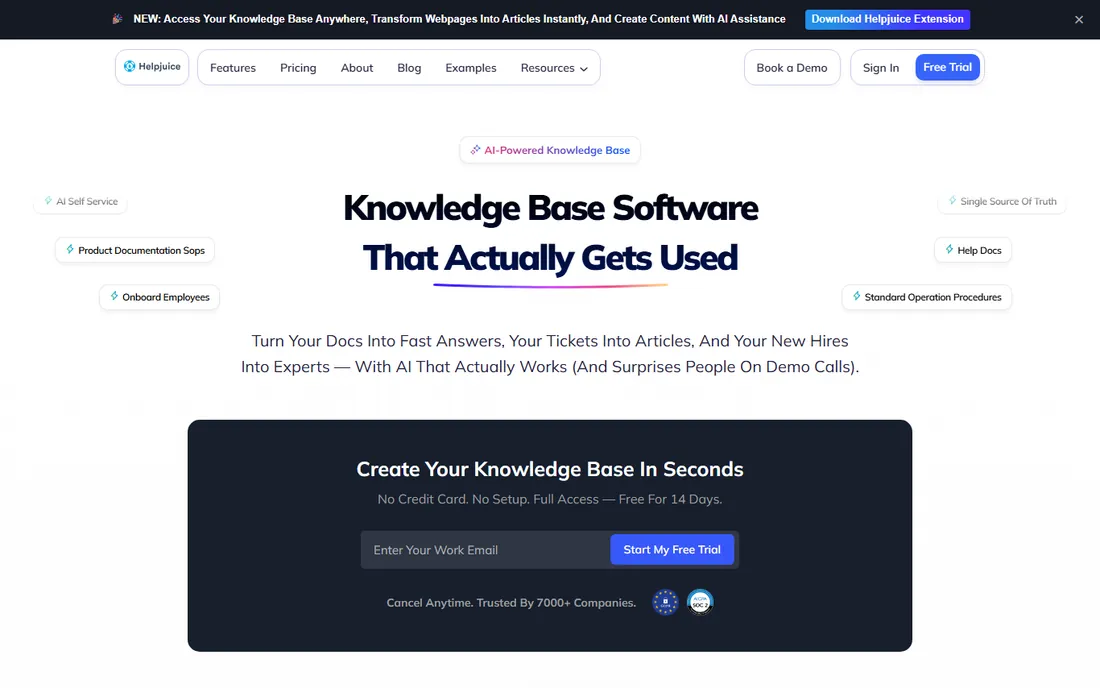
Picture this: your support lead has answered the same password-reset question forty times this week, and the "documentation" lives in a Google Doc nobody can find. Helpjuice exists for exactly that team. You sign up, and their team handcrafts a customized knowledge base design for you, pixel by pixel, so the help center matches your brand without touching code. Plans are flat monthly rates by user count: $249 per month for 30 users, $449 for the AI-powered tier with 100 users, and $799 for unlimited.
The product itself leans hard into search that forgives typos, AI article drafting, and one-click translation into 40-plus languages. Analytics show what people search for and never find, which is the fastest way to prioritize new articles. The honest catch is the entry price: at $249 per month, a five-person startup will blink. The base plan also excludes the AI suite (writer, AI search, chatbot), so factor $449 if you want those. Helpjuice fits mid-size SaaS and service companies that want a polished, customer-facing FAQ section live within days.
What we like- Vendor designs your help center for you
- Flat pricing by user count, not articles
- Strong AI search and translation
Watch out for- $249 entry price is steep for tiny teams
- AI chatbot and AI search cost extra on the base plan
Starting priceSee website
Free planFree trial (14 days)
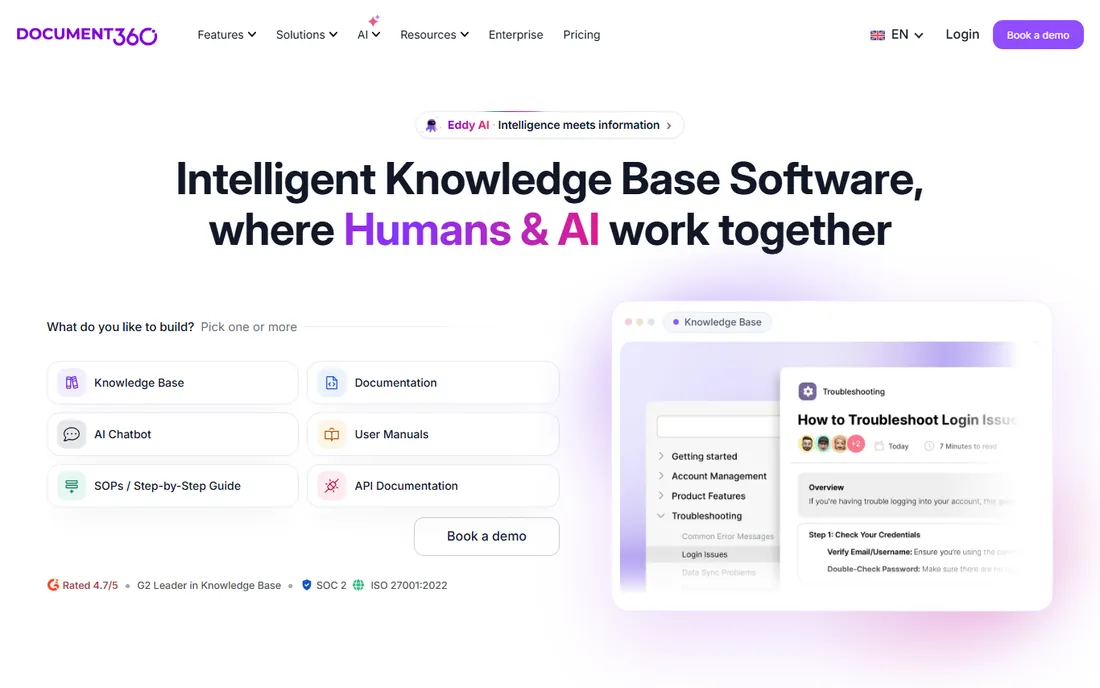
When your documentation runs into the hundreds of articles and includes API references, changelogs, and internal wikis, Document360 earns its keep. It handles multiple knowledge bases (public product docs plus private internal handbooks) under one account, with markdown and WYSIWYG editors, reusable content blocks, and review workflows that route articles through approvals before publishing. The Eddy AI assistant drafts articles, generates FAQs, and powers AI search across the corpus.
The trade is simplicity. Document360 moved to customized, quote-based pricing, so you will talk to sales and your quote depends on workspaces, languages, team accounts, and AI usage. Third-party estimates put plans in the low hundreds per month, but the vendor itself quotes per setup. Small teams with a simple FAQ page will find it overbuilt. It is the right pick for SaaS companies and developer-tools vendors whose docs are a product surface in their own right.
What we like- Built for large documentation sets
- Strong version control and review workflows
- API docs and markdown support
Watch out for- Quote-based pricing with no published rates
- Interface can feel complex for simple FAQ pages
#3
ProProfs Knowledge Base
Best for: startups that need a free plan to begin
Visit proprofs.com
Starting price$49 per author/month
Free planYes
ProProfs takes the opposite approach from Helpjuice on pricing. There is a genuinely free plan: all features, up to 25 articles, no credit card required. The paid Business plan is $49 per author per month with unlimited sites, articles, users, and groups, so readers cost nothing and only content creators count. For a startup that needs a public FAQ section this week and has no budget, that is hard to beat.
The product covers the fundamentals: templates, one-click SEO settings, conditional content access, translation into 90-plus languages, and search analytics showing failed searches. It also plugs into ProProfs Live Chat, Help Desk, and Survey for an all-in-one support suite. The weakness is polish. The editor and theme options feel a generation behind Document360 or Helpjuice, and the marketing claims (like ticket reduction percentages) deserve skepticism. Still, as a free starting point with a sane upgrade path, ProProfs is the value play.
What we like- Free plan for up to 25 articles
- Per-author pricing keeps reader costs at zero
- Connects with ProProfs chat and help desk
Watch out for- Interface looks dated
- Advanced customization needs higher-tier features
Starting price$29 per seat/month
Free planFree trial (14 days)
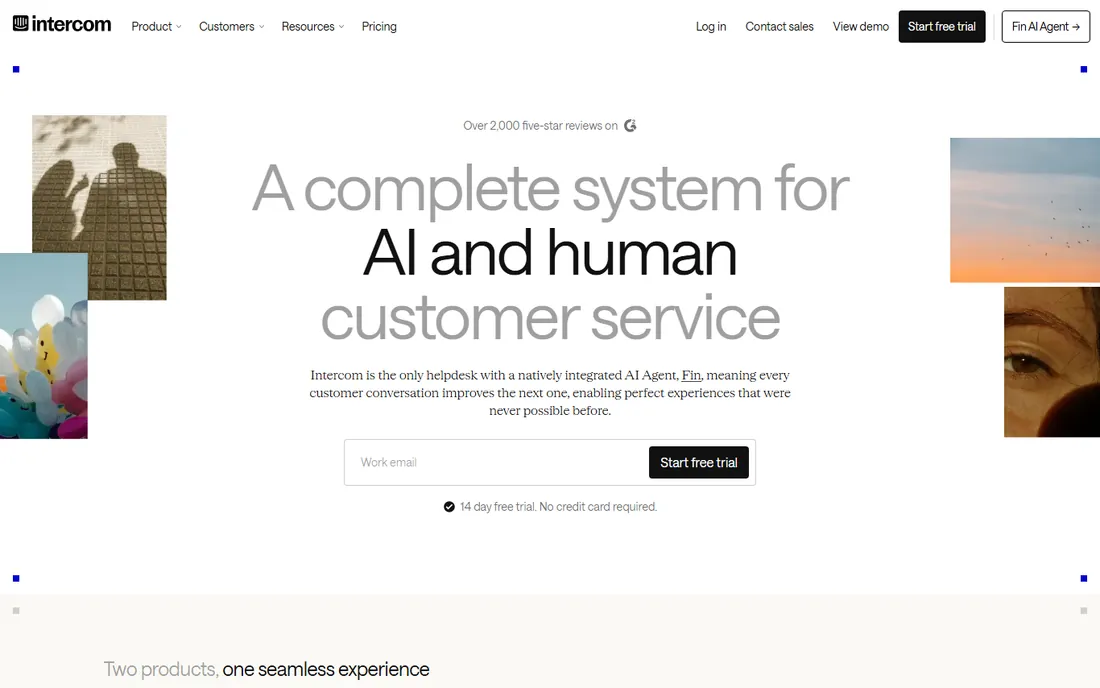
Intercom is not primarily an FAQ tool, but for the 30,000-plus brands already on the platform, the Knowledge Hub is the obvious place to host FAQs. Articles you write serve three masters: the public help center, the Copilot suggestions your agents see in the inbox, and Fin, the AI agent that resolves conversations end to end. Every ticket your team handles feeds back into content gap reports, so the FAQ section improves itself.
Pricing is $29 per seat per month for the helpdesk plus $0.99 per Fin AI resolution on outcome-based pricing, with spending caps you control. A 14-day trial is available. The honest weakness is cost creep: seats plus AI resolutions plus add-ons can surprise finance teams, and buying Intercom just for FAQs makes no sense. But if support already lives in Intercom, putting the FAQ section anywhere else creates double work. Use the hub, train Fin on it, and measure deflection in the same dashboard.
What we like- Knowledge base shares one system with Fin AI agent and inbox
- Articles power both self-service and AI answers
Watch out for- Per-seat pricing plus usage fees can escalate
- Overkill if you only need static FAQs
Starting price$19 per agent/month (billed annually)
Free planFree trial (14 days)

Zendesk's Guide is the knowledge base module inside its support suite, and its strength is the ticket integration. Agents see suggested articles inside every ticket, article votes feed content health reports, and the new AI agents resolve from the same knowledge. The Support Team plan starts at $19 per agent per month billed annually ($25 monthly), with a 14-day trial, which is reasonable for a ticketing-plus-FAQ combo.
The catch is that the more interesting Guide capabilities, like advanced content management and AI-powered search, live on the Suite plans starting at $55 per agent per month. For a team of ten agents, that is the difference between $190 and $550 a month. Zendesk also shows its enterprise DNA in setup complexity; expect an admin to own it. The fit is clear: if Zendesk already runs your support, Guide is the lowest-friction FAQ option. If you only need FAQs, standalone tools here cost less.
What we like- Guide knowledge base integrates with tickets and AI agents
- Massive app marketplace
- Proven at very large scale
Watch out for- Guide's best features sit on pricier Suite tiers
- Per-agent pricing adds up fast
Starting price$19 per agent/month (billed annually)
Free planFree trial (14 days)
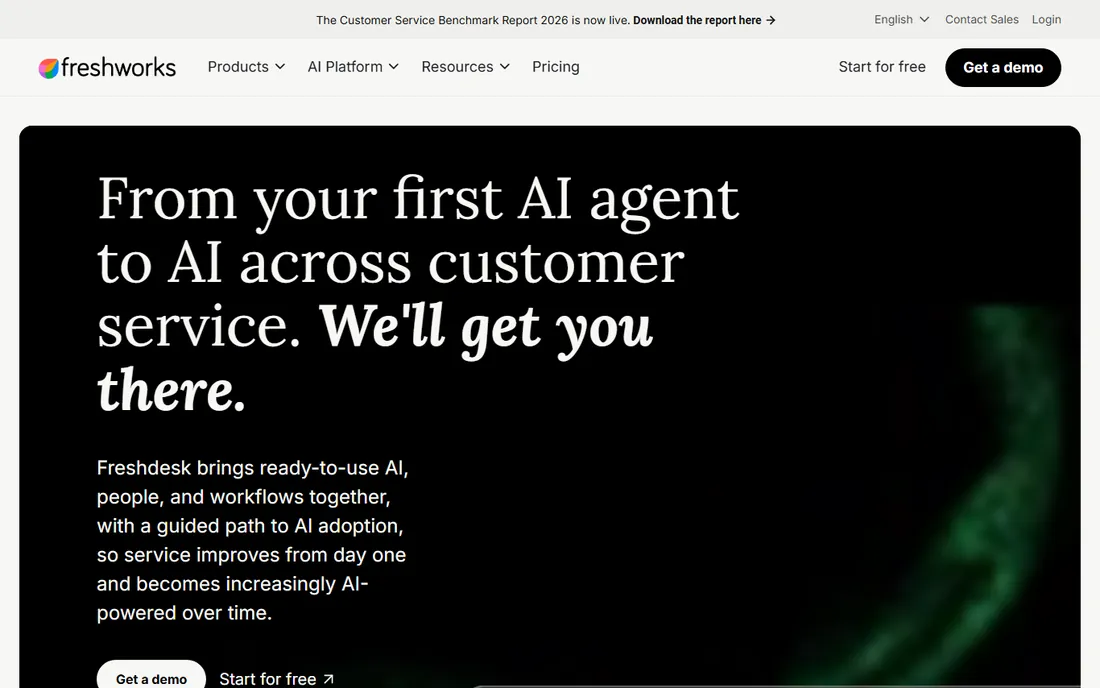
Freshdesk undercuts Zendesk on value while shipping a comparable package. The Growth plan at $19 per agent per month billed annually includes the customer portal, knowledge base, ticketing, and the Freddy AI agent with 500 free sessions. The 14-day trial gives you the Enterprise plan to evaluate, and the company charges no cancellation fees, which removes contract anxiety.
The knowledge base itself is competent rather than inspiring: articles, categories, a customer portal, and multilingual support, but theme customization is shallower than Helpjuice or Document360. Heavy AI users will hit the session limits and pay $49 per 100 extra sessions. For small and mid-size teams that want ticketing plus FAQs in one subscription without enterprise pricing, Freshdesk is the pragmatic pick, especially outside the US where its pricing lands well.
What we like- Freddy AI included from the Growth plan
- Multilingual help desk
- No cancellation fees
Watch out for- Knowledge base customization is basic
- AI session add-ons can add cost
Starting price$45 per workspace/month
Free planYes
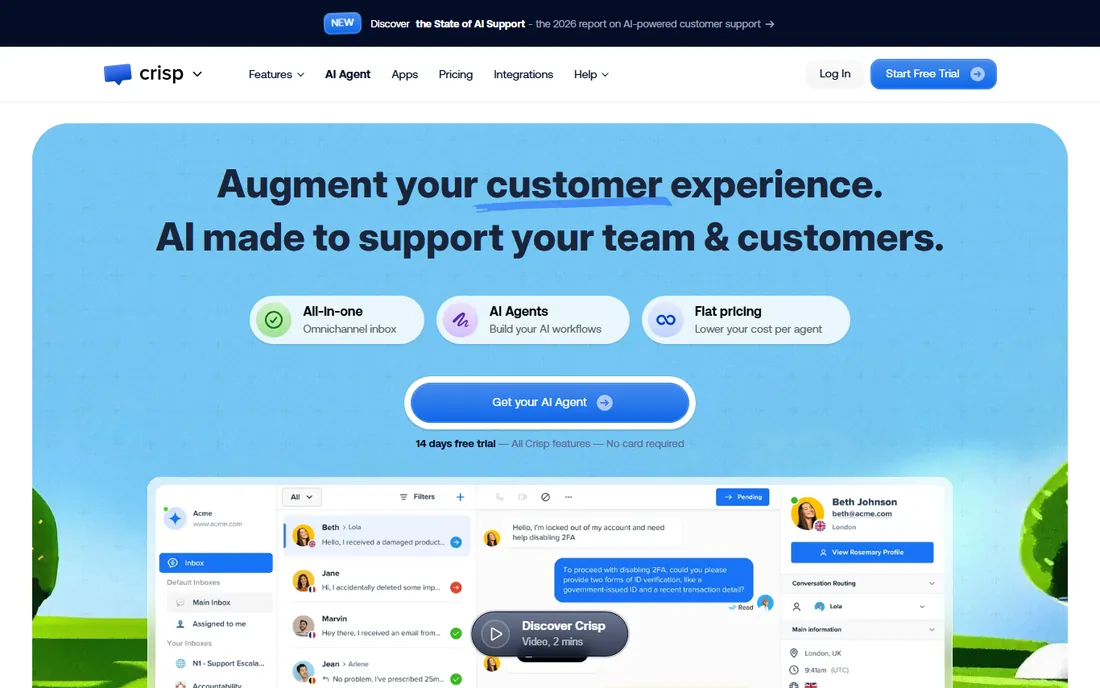
Crisp is a customer messaging platform first, with the knowledge base as one module among chat, shared inbox, CRM, and AI agents. That bundling is the point: a five-person startup gets live chat and a self-service help center under one login. Pricing is flat per workspace, not per seat: Free ($0), Mini at $45 per month, Essentials at $95, and Plus at $295, with a 14-day trial of any plan.
The knowledge base appears on the Essentials plan and up, with AI-powered site search on higher tiers. It will not match a dedicated KB tool on analytics depth or workflow features, and the free plan caps you at 100 customer profiles. But for teams whose FAQ section exists to deflect chat volume, Crisp's integrated approach beats juggling two vendors. It is particularly popular with European SaaS startups and ecommerce stores that live in the chat widget.
What we like- Flat per-workspace pricing regardless of team size
- Free tier includes chat
- Knowledge base included from Essentials
Watch out for- Knowledge base is a module, not a specialty
- Free plan limits customer profiles to 100
#8
Stonly
Best for: interactive step-by-step guides for complex products
Visit stonly.com
Starting priceSee website
Free planFree trial (14 days)
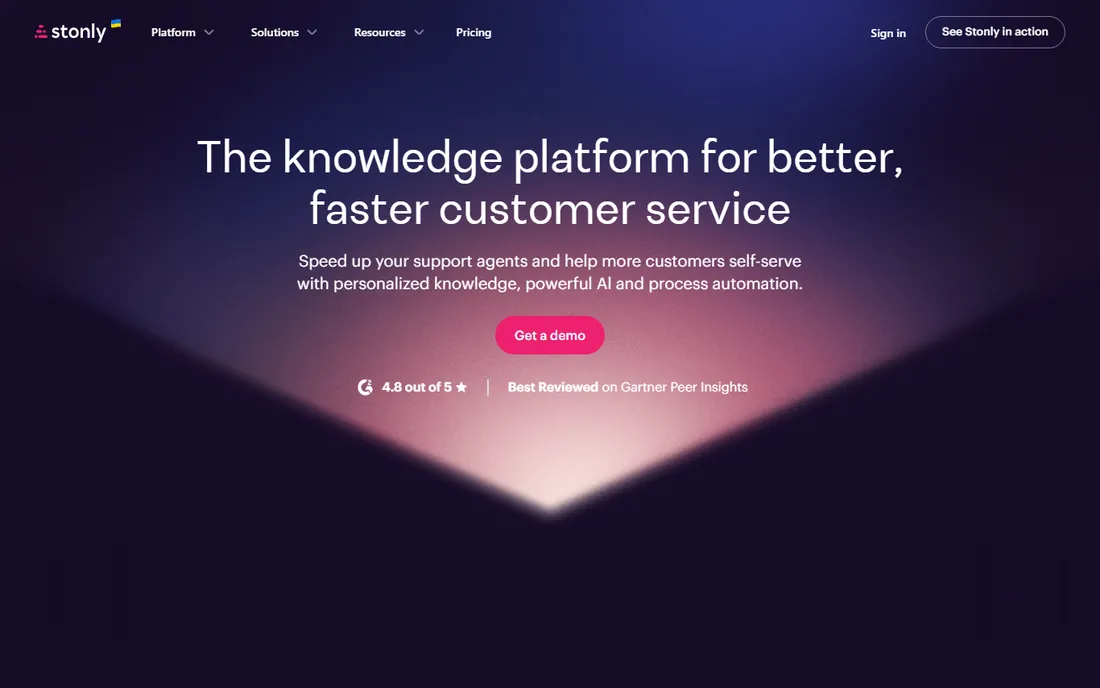
Most FAQ software assumes the answer is a block of text. Stonly assumes the answer is a process. Its interactive guides walk users step by step through troubleshooting flows, onboarding sequences, and complex configurations, embedded in your product, help center, or ticketing tool. Full-path analytics show exactly which step users abandon, which turns support content into a measurable funnel.
The Small Business plan includes unlimited guides, multiple languages, one knowledge base, and 4,000 guide views, with a 14-day trial that downgrades to a limited free Basic plan. Pricing beyond that is custom, which is the main friction: you cannot budget it without a sales conversation. Stonly fits software companies with complex products where static articles fail, like hardware setup, integrations, or multi-step account configuration. For a simple FAQ page, it is more tool than you need.
What we like- Interactive guides beat static articles for complex flows
- Embeddable anywhere
- Strong analytics on where users drop off
Watch out for- Quote-based pricing
- Overkill for a simple FAQ list
Starting price$55/year
Free planYes
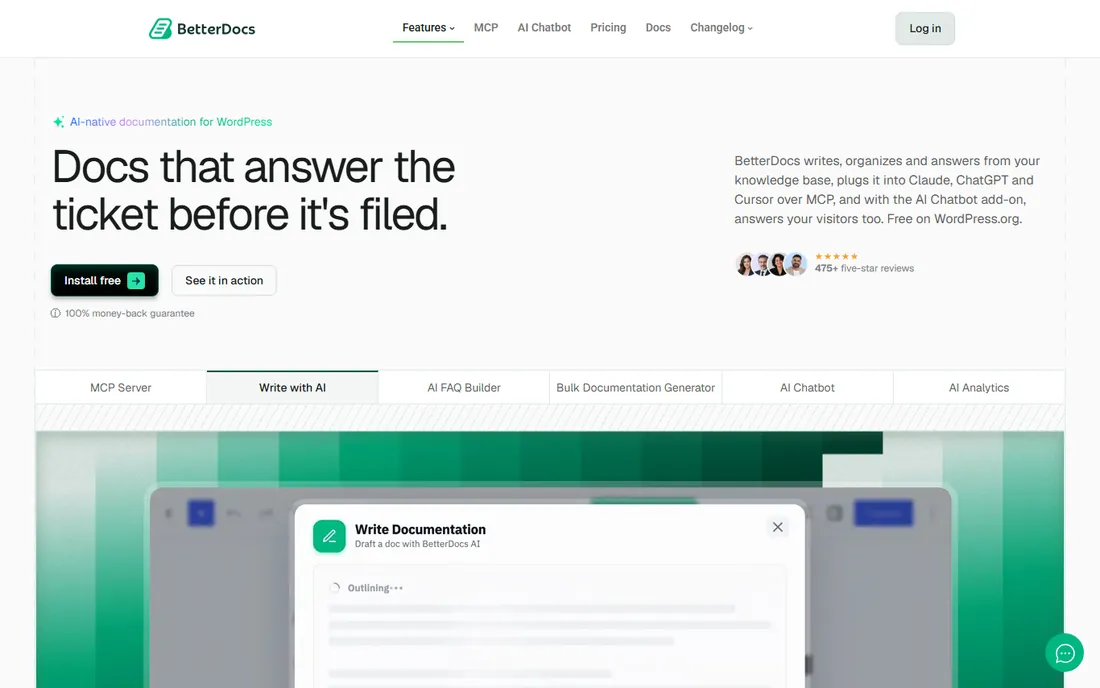
BetterDocs is the only option here that is not a SaaS platform. It is a WordPress plugin, which means your FAQ section lives on your own domain, inside your own WordPress install, with no per-user fees and no separate login. The free version on WordPress.org covers the basics; Pro starts at $55 per year for one site, with higher tiers for unlimited sites, and an AI chatbot add-on at $8.99 per month.
That architecture is both the strength and the limit. If your marketing site, docs, and blog already run on WordPress, BetterDocs slots in with Elementor and Gutenberg compatibility, instant answers, and FAQ builders. You keep full data control and pay yearly instead of monthly. But if you ever leave WordPress, the docs leave with the platform, and the review ecosystem notes occasional performance and search-accuracy complaints on large sites. For WordPress-first businesses, it is the cheapest serious option on this list.
What we like- Lives inside WordPress, no separate platform
- Free version on WordPress.org
- Yearly pricing is very affordable
Watch out for- Tied to WordPress by design
- Advanced features need Pro plus add-ons
What to look for in FAQ software
Start with who writes the content. If non-technical people own the FAQ section, prioritize a clean editor, approval workflows, and a vendor that helps with setup, which is where Helpjuice justifies its price. If developers write API docs, you need markdown, versioning, and code-friendly formatting, which points to Document360.
Search quality decides whether the FAQ section actually deflects tickets. Test each candidate with misspelled queries and partial phrases, because real customers do not type perfect keywords. Check the analytics too: failed-search reports and article ratings tell you what to write next, and tools without them leave you guessing.
Finally, think about where answers get consumed. A public help center needs SEO controls and custom domains. An in-product help widget needs embeddable guides, Stonly's specialty. An AI chatbot needs structured, current content with an API, which favors Document360 and Intercom. Buy for the channel your customers actually use, not the feature list that looks longest.
How we chose
We evaluated FAQ and knowledge base tools with live products, current pricing pages, and an active customer base, using vendor pricing pages, documentation, G2 and Capterra reviews, and Reddit discussions. Every tool had to publish a customer-facing help center or FAQ section as a core capability; we excluded general wikis, internal-only tools, and discontinued products. Prices come from vendor pricing pages where published, and we marked quote-based vendors accordingly.
Frequently asked questions
What is the difference between FAQ software and a knowledge base?
FAQ software is a subset of knowledge base software focused on short, question-and-answer content for customers. A knowledge base is broader: it includes FAQs plus long-form guides, API documentation, tutorials, and internal wikis. Most tools on this list do both, but dedicated FAQ features like the FAQ builder in BetterDocs or Stonly's interactive guides serve different use cases.
How much does FAQ software cost?
Dedicated tools range from free (ProProfs and Crisp free plans, BetterDocs free version) to Helpjuice at $249 per month for 30 users. Zendesk and Freshdesk start at $19 per agent per month, while Intercom starts at $29 per seat per month plus AI usage fees. Document360 and Stonly price by quote. Expect $50 to $300 per month for most small teams.
Can FAQ software reduce support tickets?
Yes, when the content matches what customers actually search for. Vendors publish impressive deflection claims, but real results depend on article quality, search accuracy, and keeping content current. Use failed-search reports to find gaps, measure ticket volume on topics before and after publishing, and treat the FAQ section as a living product rather than a one-time project.
Should FAQs live on my website or in my support tool?
If SEO matters, host them on your domain with proper meta controls, which favors standalone tools like Helpjuice, Document360, ProProfs, or BetterDocs for WordPress sites. If deflection inside chat matters more, the built-in knowledge bases in Intercom, Zendesk, Freshdesk, or Crisp keep answers one click from the conversation. Many teams do both with the same content source.
Do I need AI features in my FAQ software?
AI search that understands intent helps when customers phrase questions unpredictably, and AI drafting speeds up article creation. AI chatbots trained on your docs can resolve common questions end to end. None of it replaces good content: an AI agent trained on outdated articles gives outdated answers confidently. Get the content right first, then add AI.
How long does it take to launch a help center?
A simple FAQ page can go live in a day on ProProfs, Crisp, or BetterDocs. A polished, branded help center with dozens of articles typically takes one to three weeks, including content migration, which Helpjuice and Document360 both assist with. Stonly's interactive guides take longer per article but replace multiple support interactions each.
Common mistakes when launching a help center
The biggest mistake is writing articles nobody searches for. Teams document what they want to say instead of what customers ask. Start from your ticket data: export the most common questions from your help desk, check your site's search logs, and write those first. A help center with twenty articles that match real queries beats two hundred that do not.
The second mistake is launching and abandoning. Product changes, screenshots go stale, and pricing pages drift. Assign one owner, schedule quarterly content audits, and use version history so updates are safe.
The third is hiding the help center. If customers cannot find it from your navigation, chat widget, or onboarding emails, it will not deflect anything. Link it from the places questions arise: the pricing page, the checkout flow, the app dashboard, and the chat widget's first message.
Sources we checked (17)
- https://helpjuice.com
- https://helpjuice.com/pricing
- https://document360.com/
- https://document360.com/pricing/
- https://proprofs.com/knowledgebase/
- https://www.intercom.com
- https://www.zendesk.com/
- https://www.zendesk.com/pricing/
- https://www.freshworks.com/freshdesk/
- https://www.freshworks.com/freshdesk/pricing/
- https://crisp.chat
- https://crisp.chat/en/pricing/
- https://stonly.com/
- https://stonly.com/pricing
- https://betterdocs.co
- https://learn.g2.com/best-free-knowledge-base-software
- https://www.knowledgeowl.com/blog/posts/top-private-knowledge-base-software
Is your product missing or out of date?
We review this list regularly. Vendors can request a listing, send updated pricing or ask about featured placement.

Shihab Mia · Founder, Rankite
Shihab has spent more than a decade helping SaaS and e-commerce brands grow through search. He writes Rankite's software buying guides from pricing pages, documentation and public user reviews. More about Shihab.