How we make this list: we compare pricing pages, product documentation and public user reviews. Rankite is independent; if a vendor ever pays for a featured spot, that listing is clearly labeled Partner.
Key takeaways
- Zendesk and Freshdesk are the two safest bets for growing teams that need proven ticketing, automation and a deep integration library.
- Help Scout and Zoho Desk cost noticeably less than the big suites, and both include real free plans, which makes them smart starting points for small businesses.
- HubSpot Service Hub is the natural pick if your sales and marketing data already lives in HubSpot, since complaint records sit next to the customer record.
- Kayako and Intercom price very differently from everyone else: Kayako charges $1 per resolved ticket through its AI agent, while Intercom bills per seat plus $0.99 per Fin AI outcome.
- Kustomer keeps pricing off its site entirely, so budget for a sales-led quote if you want its timeline-based customer view.
Quick comparison
| Tool | Best for | Starting price | Free plan |
|---|
 Zendesk Zendesk | Mid-size teams that want a proven suite | $19 per agent/month (billed annually) | Free trial |
 Freshdesk Freshdesk | Teams that want AI assistance without enterprise pricing | $19 per agent/month (billed annually) | Free trial (14 days) |
 Zoho Desk Zoho Desk | Small teams already using Zoho apps | See website | Yes (free edition for up to 3 users) |
 HubSpot Service Hub HubSpot Service Hub | Companies whose customer data lives in HubSpot | $10 per seat/month (Starter) | Yes (free tools, up to 2 users) |
 Help Scout Help Scout | Small teams that want support to feel personal | $25 per user/month | Yes (free plan with 5 users) |
 HappyFox HappyFox | Companies that want flexible per-agent or flat-rate pricing | $24 per agent/month | Free trial (14 days) |
 Intercom Intercom | High-volume teams pairing chat with AI agents | $29 per seat/month | Free trial (14 days) |
 Kayako Kayako | Teams that want AI to fully resolve complaints | $1 per resolved ticket | No |
 Kustomer Kustomer | Enterprises that want one timeline per customer | See website | No |
Is your product missing or out of date?
We review this list regularly. Vendors can request a listing, send updated pricing or ask about featured placement.
The best complaint management software
Starting price$19 per agent/month (billed annually)
Free planFree trial
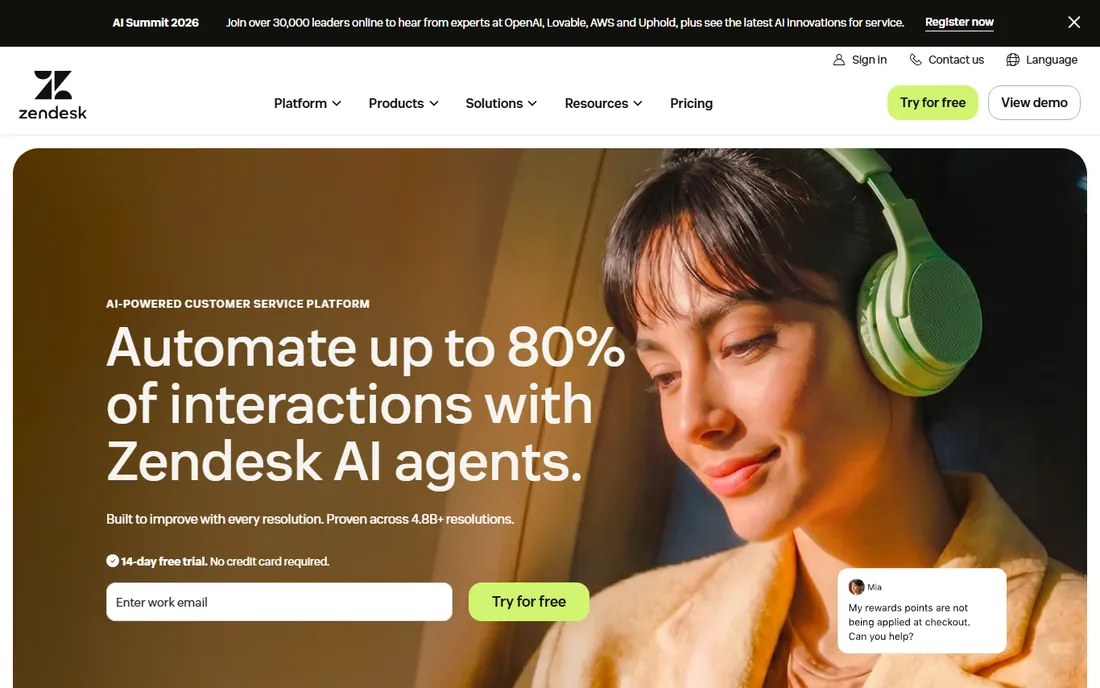
Few products in this category have the track record Zendesk does. The entry point is Support Team at $19 per agent per month on annual billing, which covers core ticketing across email, chat, phone and social. Suite Team at $55 per agent per month adds unified channels and AI agents that resolve issues on their own. That two-step structure matters, because you can start with plain ticketing and only pay for AI once your volume justifies it.
What sets Zendesk apart in complaint handling is the workflow layer. Triggers, automations and macros let a manager build escalation rules that actually mirror how their company handles angry customers, and the prebuilt reporting dashboards make it easy to spot which complaint types keep recurring. The add-ons are the honest catch. Copilot and the Workforce Engagement Bundle each cost $50 per agent per month on annual billing, so a fully loaded setup can run several times the base price. Companies that negotiate contracts or run leaner teams should model the total before committing.
What we like- Mature ticketing with strong automation
- Huge integration and app marketplace
- AI agents and Copilot add-ons included on higher tiers
Watch out for- Costs climb fast as seats and add-ons stack up
- The interface has a learning curve for smaller teams
Starting price$19 per agent/month (billed annually)
Free planFree trial (14 days)
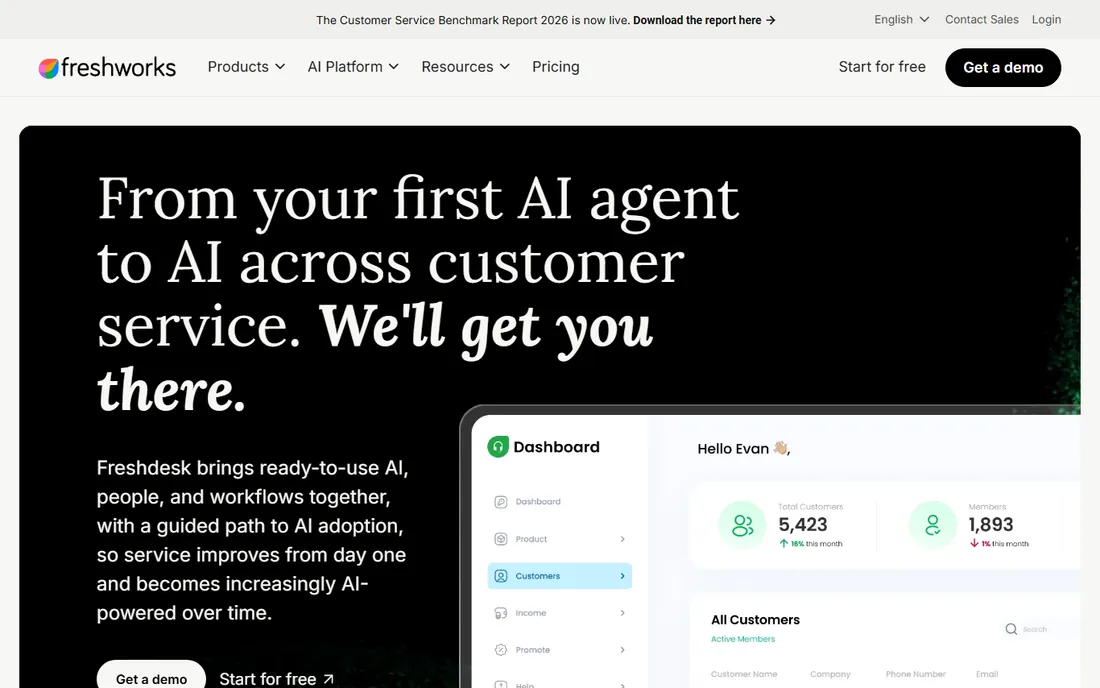
Freshdesk kept its growth story going by baking AI into every paid plan instead of selling it as an expensive add-on. Growth starts at $19 per agent per month billed annually and includes the Freddy AI Agent, with 500 sessions included before usage charges of $49 per 100 sessions kick in. Pro at $55 adds multilingual help desk, intelligent routing and custom dashboards, while Enterprise at $89 adds a sandbox, audit logs and IP restrictions. A 14-day trial starts on the Enterprise plan, which gives a fair sense of the top end.
For complaint queues, the standout is how little setup Freddy needs. The AI drafts replies, suggests solutions and can resolve common issues, which keeps first response times low when a product problem spikes complaints. Agent collision detection and round-robin assignment prevent the classic problem of two agents answering the same complaint. The catch is that the pricing page no longer shows a free tier, and usage-based items like AI sessions, day passes and connector tasks can add up quietly. Watch the usage meters in your first quarter.
What we like- Freddy AI included on every paid plan with 500 free AI sessions
- Multilingual help desk on Pro
- Simple, approachable admin
Watch out for- The old free plan appears to be gone, so every team pays from day one
- Advanced reporting sits on higher tiers
#3
Zoho Desk
Best for: Small teams already using Zoho apps
Visit zoho.com
Starting priceSee website
Free planYes (free edition for up to 3 users)
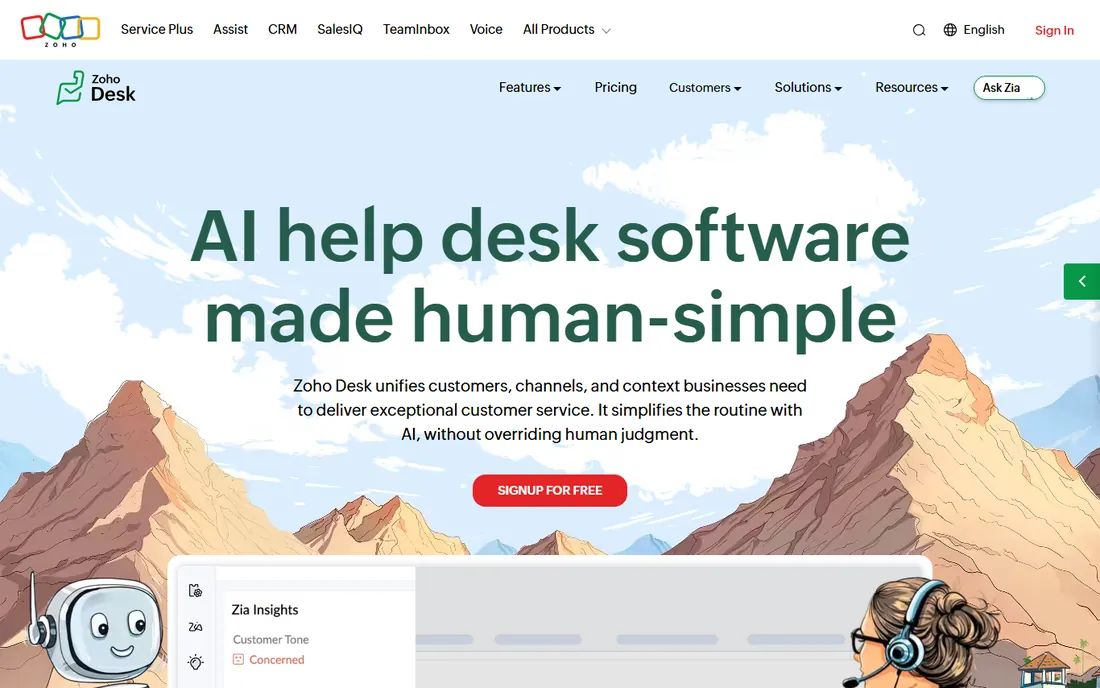
Zoho Desk is the budget-conscious pick that still behaves like grown-up software. The free edition covers up to 3 users with email ticketing, a knowledge base and a customizable help center, which is enough for a very small team to run a real complaint process. Paid editions run from Express up through Standard, Professional and Enterprise, adding live chat, telephony, Blueprints process automation, skill-based assignment and the Zia AI assistant as you climb. A 15-day free trial of any plan needs no credit card.
The reason Zoho Desk keeps showing up in shortlists is the ecosystem effect. If your customer data already lives in Zoho CRM, complaint tickets inherit that context with minimal configuration, and agents see purchase history alongside the complaint. Blueprints let managers enforce a consistent complaint workflow, for example requiring a refund approval step before closure. The honest weakness is pricing transparency. Zoho renders its prices through a script, so verify the current edition prices on their site before you budget, and note that phone support and the full Zia AI set require the higher tiers.
What we like- Genuinely useful free edition
- Tight integration with Zoho CRM and the rest of the Zoho suite
- Blueprint-style process automation on paid plans
Watch out for- The official pricing page prices load dynamically and were not retrievable for this review
- Telephony and advanced AI sit on higher editions
#4
HubSpot Service Hub
Best for: Companies whose customer data lives in HubSpot
Visit hubspot.com
Starting price$10 per seat/month (Starter)
Free planYes (free tools, up to 2 users)
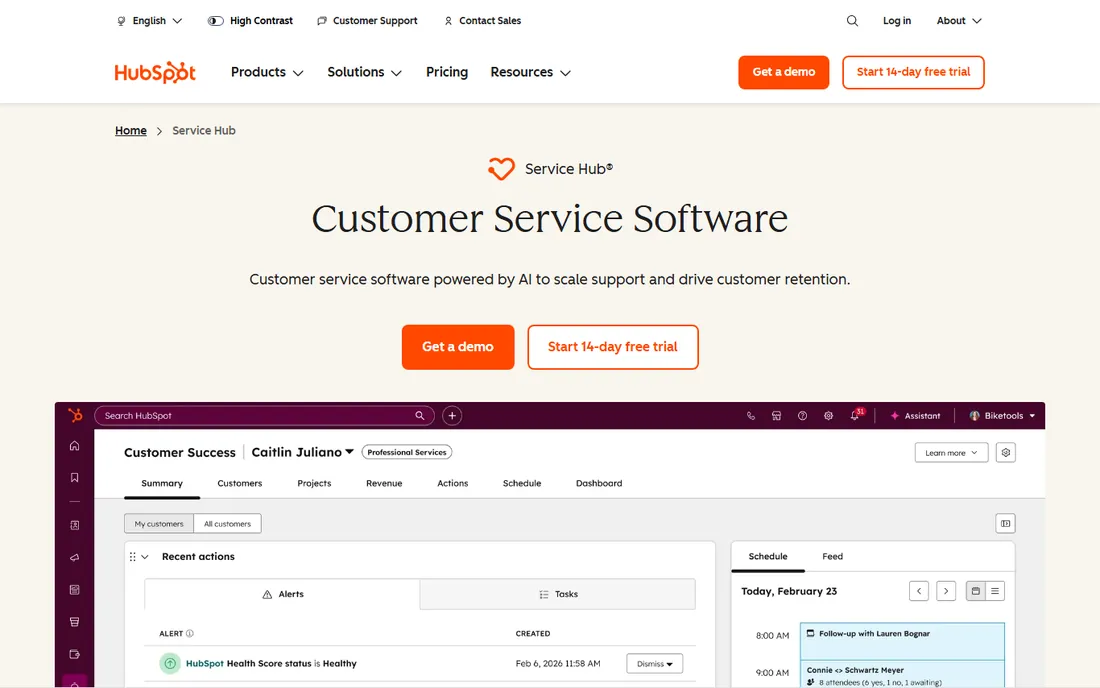
HubSpot Service Hub wins whenever the complaint process needs to share data with sales and marketing. The free tools include ticketing, contact management and a shared team email inbox for up to 2 users, which is enough to start. Starter begins at $10 per seat per month on HubSpot's site, though that figure is shown as a discounted rate for new customers against a higher list price, so confirm what your renewal looks like. Professional starts at $100 per seat per month and adds the help desk workspace, knowledge base and customer feedback tools; Enterprise starts at $150 per seat per month with a $3,500 onboarding fee.
The practical advantage is context. An agent opening a complaint sees the contact's deals, support history and marketing engagement in one record, which changes how refund and escalation decisions get made. The reporting connects complaint volume to retention, which helps support leaders argue for fixes instead of just faster replies. The catch is the classic HubSpot pattern. Costs rise per seat as you add people, the Pro and Enterprise onboarding fees are real, and some features you would expect to be standard only appear at the Professional tier. Model a two-year cost before you commit.
What we like- Free tools cover ticketing, contact management and team email
- Complaints live next to CRM, sales and marketing data
- Generous free tier for tiny teams
Watch out for- The Starter price shown is a limited-time new-customer discount
- Professional and Enterprise add setup fees and climb steeply
Starting price$25 per user/month
Free planYes (free plan with 5 users)
Help Scout takes the opposite approach to the big suites. Instead of ticket numbers and queues, customers get plain email replies and agents work from a shared inbox. Standard costs $25 per user per month and covers multiple inboxes, live chat, SMS, WhatsApp, Instagram and Messenger, plus multiple knowledge bases and a basic SLA policy. Plus at $45 adds advanced workflows, more SLA policies and CRM integrations; Pro at $75 adds unlimited SLAs, SSO, HIPAA compliance and up to 50 light users. The free plan gives 5 users, one inbox and one Docs site, and paid trials run 15 days.
For complaint management, the email-like experience has a real effect. Customers do not feel like they are shouting into a ticketing machine, which lowers the temperature of sensitive complaints. Docs, the built-in knowledge base, makes self-service easy to publish, and AI Drafts writes replies from past conversations. The honest limitations are phone and reporting. Voice requires a third-party integration, and serious SLA reporting waits for the Plus tier. Teams that handle complaints mostly over email and chat will not notice, but phone-heavy shops should budget for the integration.
What we like- Shared inbox feels like email, so agents need almost no training
- A real free plan for up to 5 users
- Live chat, SMS and WhatsApp included
Watch out for- Phone support comes through an integration, not natively
- Advanced SLAs and SSO require Plus or Pro
#6
HappyFox
Best for: Companies that want flexible per-agent or flat-rate pricing
Visit happyfox.com
Starting price$24 per agent/month
Free planFree trial (14 days)
HappyFox positions itself as the practical middle ground: more capable than entry-level tools, less expensive and complex than enterprise suites. The Help Desk starts at $24 per agent per month and covers omnichannel ticketing across email, web, chat and social, with workflow automation, SLA management and reporting. HappyFox also sells an unlimited-agent flat-rate plan with a yearly ticket allowance, which becomes cheaper than per-agent pricing once a team passes roughly 20 to 25 agents. Every plan starts with a 14-day trial and no credit card is required, and annual billing saves 20 percent.
One thing to note is how HappyFox unbundles AI. The base help desk is the ticketing platform, while AI products such as the chatbot (from $0.33 per resolution), HappyFox AI and workflow automation carry their own prices. That is transparent, but it means the quote for an AI-assisted complaint workflow is bigger than the headline per-agent number. On the plus side, the IT service desk, live chat and CRM products sit in the same family, so a company can consolidate vendors. The absence of a free tier means small teams pay from day one, unlike with Zoho Desk or Help Scout.
What we like- Omnichannel help desk from $24 per agent per month
- Unlimited-agent flat-rate option for large teams
- Separate IT service desk product available
Watch out for- AI products like chatbots and workflows are separate add-ons
- No permanent free tier
Starting price$29 per seat/month
Free planFree trial (14 days)
Intercom rebuilt its pricing around AI. Essential starts at $29 per seat per month and includes the Fin AI Agent, with Advanced at $85 and Expert at $132 adding workflow automation, multibrand support and more free Lite seats. Fin costs $0.99 per resolved outcome, where an outcome counts when the customer confirms resolution or simply stops asking for help. A 14-day trial needs no credit card, and Intercom offers its startup program with large discounts for early-stage companies.
This model suits complaint queues that spike. Fin absorbs the surge of repetitive complaints, like shipping delays or billing confusion, while human agents handle the cases that need judgment. The Messenger widget, help center and proactive messages live in one system, which keeps the experience consistent. The catch is the metered pricing. Seat costs are only half the story; Fin resolutions, SMS, WhatsApp and phone usage bill separately. A team with chatty customers can spend well beyond the seat total, so run Intercom's own cost estimator with realistic conversation volumes before signing.
What we like- Fin AI agent resolves issues across chat, email and voice
- Flexible seat model with free Lite seats on higher plans
- Startups get steep discounts
Watch out for- Fin outcomes cost $0.99 each, so heavy AI use adds up
- Usage charges for SMS, WhatsApp and phone sit outside the seat price
#8
Kayako
Best for: Teams that want AI to fully resolve complaints
Visit kayako.com
Starting price$1 per resolved ticket
Free planNo
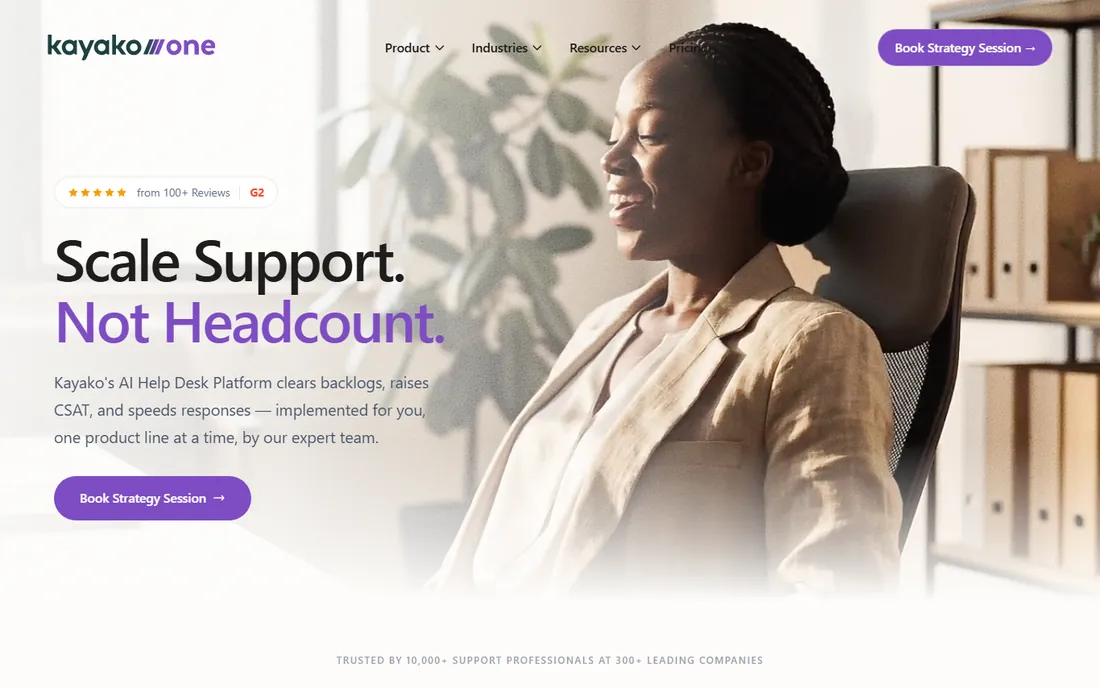
Kayako took the boldest pricing swing in this category. Instead of seats, it charges $1 per resolved ticket. Its AI agent Kay does not just draft replies; it connects to tools like Slack, Stripe, Shopify and Zendesk to take actions such as processing refunds, creating accounts, sending return labels and updating orders. You pay the dollar only when the ticket is fully resolved, and escalations to humans or partial resolutions are not charged. The full platform, Kayako One, bundles the unified inbox, ticketing system, knowledge base and live chat widget with Kay included, with white-glove onboarding.
For complaint management, the appeal is alignment. The vendor only earns when the complaint is actually fixed, which flips the usual incentive of seat licenses. Kay can also run on top of an existing help desk if you do not want to migrate. The catch is comparability. With no published seat pricing, it is hard to benchmark against Zendesk or Freshdesk without a conversation with their team, and the model rewards you only if you trust how "resolution" is counted. Teams with simple, repeatable complaints will like the math; teams with complex cases should ask for a careful definition of resolution before committing.
What we like- Pure outcome pricing with no seat fees
- AI agent "Kay" takes real actions like refunds and label creation
- Unified inbox, ticketing, knowledge base and live chat included in Kayako One
Watch out for- No published per-agent plans, so comparison shopping is harder
- You pay only when Kay resolves, which requires trusting the resolution counting
Starting priceSee website
Free planNo
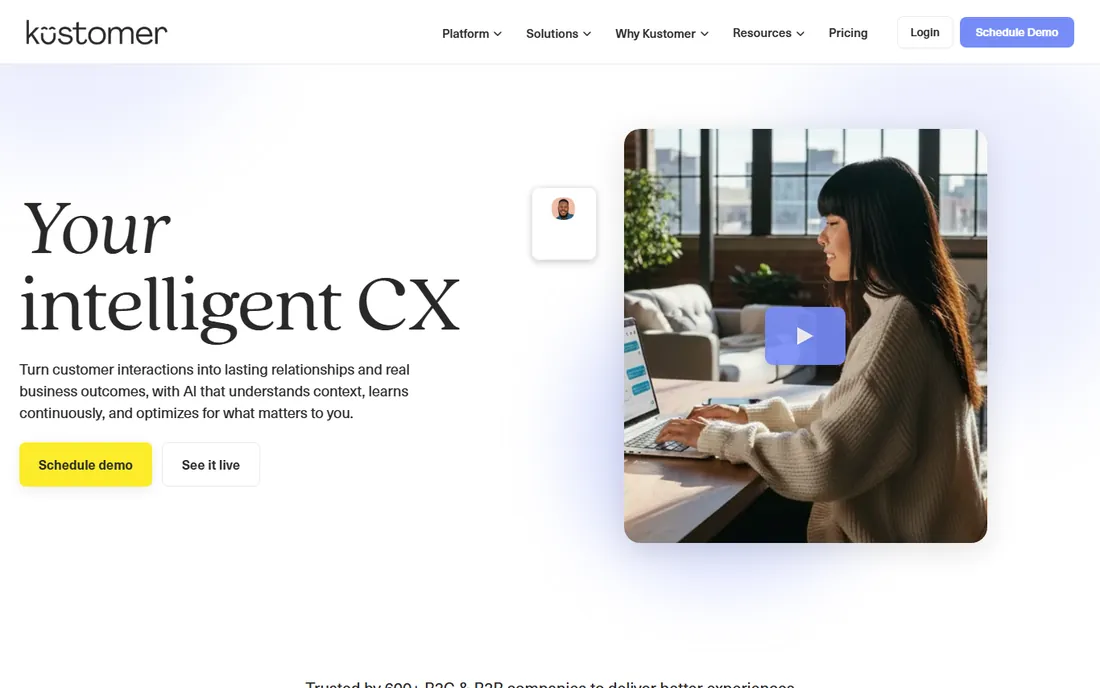
Kustomer's signature idea is the customer timeline. Instead of tickets scattered across channels, every email, chat, call and order appears in a single chronological view, so an agent answering a complaint sees the full story in seconds. The platform covers ticketing, automation, knowledge management and AI-assisted replies, and its voice, SMS and WhatsApp usage is priced pay as you go. Kustomer does not publish plan prices; its pricing page offers an ROI calculator and connects you with sales for exact numbers.
That timeline view is genuinely useful for complaint-heavy businesses like retail and travel, where the complaint often references three earlier interactions. Agents resolve faster because they stop asking customers to repeat themselves. The trade-off is opacity. Without public pricing, budget planning takes longer and small teams cannot self-serve. Kustomer's sweet spot is mid-market and enterprise teams with enough volume and complexity to justify a tailored deal. Smaller shops will find more transparent options earlier in this list.
What we like- Timeline view shows every customer interaction in one place
- Strong automation and AI tooling
- Voice, SMS and WhatsApp pricing is pay as you go
Watch out for- No public pricing, so every deal is a sales conversation
- Implementation tends to suit larger teams
How we chose
We started from the vendors' own pricing pages and product documentation, then cross-checked features against public reviews on G2, Capterra and Reddit to see where the marketing language breaks down. Every tool above exists today, fits complaint handling specifically rather than generic project management, and publishes enough detail about its plans to make an honest comparison. Prices reflect what each vendor shows on its own site as of October 2026. Where a vendor hides or script-loads its prices, we wrote See website instead of borrowing a number from a third party. We did not run hands-on trials of each product; the findings below come from documentation, pricing pages and user reports.
What actually matters when you pick one
The first decision is not which logo you like, it is which pricing shape fits your team. Per-agent pricing (Zendesk, Freshdesk, Help Scout, HappyFox) is predictable for stable teams but punishes you for adding seasonal or part-time agents. Per-seat pricing with usage meters (Intercom, HubSpot) gives flexibility but demands that you track AI resolutions and messaging spend. Outcome pricing (Kayako) can be the cheapest option for high-volume, simple complaints and the most confusing for complex ones. Ask each vendor for a quote based on your actual ticket volume, not your headcount, and compare a full year.
Channels come next. List every way complaints reach you today: email, phone, live chat, WhatsApp, social media, app reviews. Then check that each tool covers them natively rather than through a paid integration, because integrations add both cost and failure points. Phone-heavy teams should pay special attention here, since several tools in this list handle voice through third parties.
Finally, look at the escalation path. A complaint tool is judged by its worst day, not its average one. Ask how SLA breaches trigger alerts, whether a manager can force a ticket to stay open until a refund posts, and how easily you can export your full ticket history if you ever leave. A vendor that makes export painful is telling you something about the relationship. Shortlist two or three tools, run each trial with real complaint scenarios from your own inbox, and involve the agents who will use it daily before you sign.
Where the costs hide
Most complaint tools advertise a starting price that covers the simplest version of the product. The real bill includes the items vendors list further down the page. AI features are the biggest source of surprise: Freshdesk includes 500 AI sessions then charges per hundred, Intercom charges per Fin outcome, Help Scout charges per AI Answers resolution, and Kayako charges per resolved ticket. Add up your monthly ticket volume, estimate what share AI could handle, and multiply.
Onboarding and implementation fees are the second surprise. HubSpot charges up to $3,500 for Enterprise onboarding, Kayako bundles white-glove setup into its platform quote, and Zendesk's add-ons each carry their own per-agent price. Ask for the all-in first-year number in writing, including seats, usage, add-ons and onboarding. If a vendor will not give it, treat that as information too.
Frequently asked questions
What is complaint management software?
It is customer service software built around receiving, tracking and resolving customer complaints. At minimum it includes a shared inbox or ticketing system, a way to prioritize urgent cases, automation for routing and follow-ups, and reporting on resolution times and satisfaction. Most products in this list also add knowledge bases, live chat and AI assistance.
How much does complaint management software cost?
Entry points in this list range from free tiers (Zoho Desk, Help Scout, HubSpot) to roughly $19 to $29 per agent or seat per month for paid plans. Mid-tier plans with automation and AI typically run $45 to $115 per agent per month, and enterprise setups with add-ons and onboarding can exceed that. Outcome-based pricing like Kayako's $1 per resolved ticket is a different model entirely.
Is there free complaint management software?
Yes. Zoho Desk offers a free edition for up to 3 users, Help Scout has a free plan for up to 5 users, and HubSpot provides free ticketing and CRM tools. Free tiers work for very small teams but usually lack advanced automation, phone support and detailed reporting, so growing teams should budget for a paid plan within the first year.
Do I need AI features in a complaint tool?
Not necessarily. AI helps most when you have repetitive complaints, seasonal spikes or a small team covering many channels. AI drafting, suggested replies and self-service bots cut first response times. But AI adds usage costs and needs monitoring, so teams with low volume or highly sensitive complaints often do better with solid workflows and well-trained agents first.
What is the difference between a help desk and complaint management software?
The terms overlap heavily. A help desk is the broader category covering all customer requests, while complaint management emphasizes the unhappy-customer workflow: prioritization, escalation, resolution tracking and follow-up.
Sources we checked (9)
- https://www.zendesk.com/pricing/
- https://www.freshworks.com/freshdesk/pricing/
- https://www.zoho.com/desk/pricing
- https://www.hubspot.com/pricing/service/
- https://www.helpscout.com/pricing
- https://www.happyfox.com/pricing
- https://www.intercom.com/pricing
- https://kayako.com/pricing
- https://www.kustomer.com/pricing
Is your product missing or out of date?
We review this list regularly. Vendors can request a listing, send updated pricing or ask about featured placement.

Shihab Mia · Founder, Rankite
Shihab has spent more than a decade helping SaaS and e-commerce brands grow through search. He writes Rankite's software buying guides from pricing pages, documentation and public user reviews. More about Shihab.