How we make this list: we compare pricing pages, product documentation and public user reviews. Ratings come from G2, Capterra or Trustpilot, with the date we checked them.
Key takeaways
- Cozi and FamilyWall cover the whole household in one free app, with a shared calendar plus lists, meals and to-dos.
- TimeTree suits families that juggle several groups, since each group gets its own shared calendar with its own members.
- Google Calendar remains the best free base calendar, especially when family members already use Gmail and Android phones.
- Skylight, Hearth and DAKboard put the calendar on the wall, which helps kids and partners see the plan without opening a phone.
Quick comparison
| Tool | Best for | Starting price | Free plan |
|---|
 Cozi Cozi | Whole-household organizing | Free, Gold $39 per year | Yes |
 TimeTree TimeTree | Multiple group calendars | Free, Premium $4.49 per month | Yes |
 Google Calendar Google Calendar | Free shared calendars | Free | Yes |
 FamilyWall FamilyWall | Family dashboard with messaging | Free | Yes |
 OurHome OurHome | Chores and rewards for kids | Free | Yes |
 Skylight Calendar Skylight Calendar | Wall display for the family | See website | Yes |
 DAKboard DAKboard | Custom wall display on any screen | Free plan | Yes |
 Hearth Display Hearth Display | Wall display with routines | See website | No |
Is your product missing or out of date?
We review this list regularly. Vendors can request a listing, send updated pricing or ask about featured placement.
The best shared family calendar apps
Starting priceFree, Gold $39 per year
Free planYes
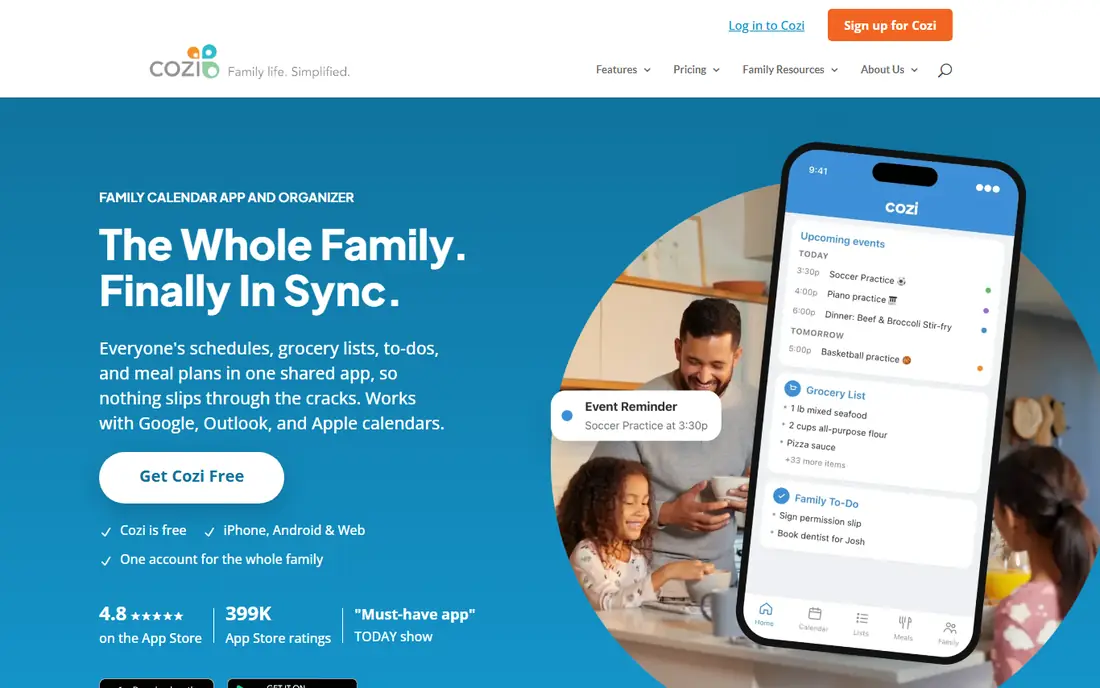
Cozi is the family organizer most households should try first. One account covers everyone, with a color-coded calendar that shows who needs to be where, plus shared shopping lists, to-do lists, a recipe box and meal planning. Agenda emails and reminders cut down on missed pickups and double-booked Saturdays, and school and sports schedules can be imported from services like TeamSnap and SportsEngine.
The free plan is genuinely useful, but it shows ads, and some conveniences sit behind Gold at $39 per year, including an ad-free experience, month view on mobile, calendar search and change notifications. A newer premium tier at $79 per year adds AI event import and meal planning. For most families, the free plan plus Gold if ads annoy you is the right level. Cozi wins by covering the whole household routine, not just dates.
What we like- One account for the whole family
- Calendar plus lists, meals and recipes
- Imports from Google, Outlook and Apple calendars
Watch out for- Free plan shows ads
- Month view on mobile needs Gold
- Design feels dated next to newer rivals
Starting priceFree, Premium $4.49 per month
Free planYes
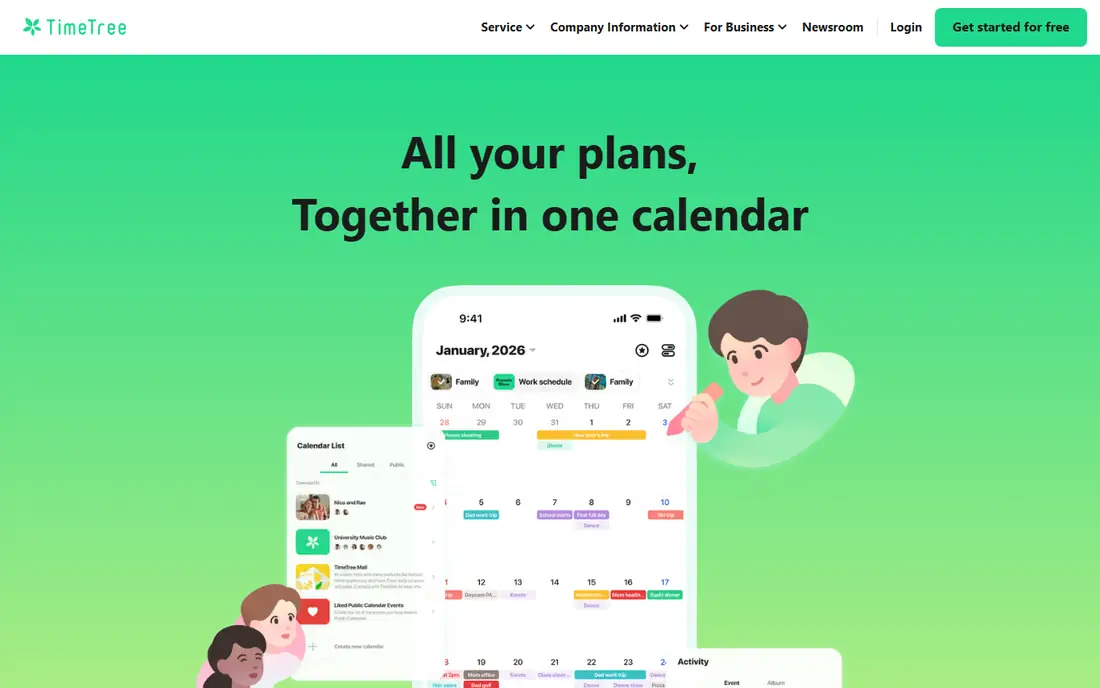
TimeTree shines when one family belongs to many groups. You can keep a family calendar, a school calendar, a sports team calendar and a hobby group calendar separate, each with its own members, and switch between them with filters or view them together. Inviting someone is as simple as sending a link, which makes it easy to add grandparents, coaches or babysitters to just the calendars they need.
TimeTree is a calendar first, not a full household organizer. Shopping lists, chores and meal planning are thinner than in Cozi or FamilyWall, so families that want those features will need a second app. Premium, at $4.49 per month or $44.99 per year, removes ads and adds file attachments, a vertical view and pinned events. Choose TimeTree when group juggling is the main problem, and Cozi when household chores and meals matter more.
What we like- Unlimited group calendars for family, school and hobbies
- Easy invite links
- Filters to view one calendar or all at once
Watch out for- No built-in shopping or chore lists at Cozi depth
- Premium features are modest for the price
- Ads on the free plan
Starting priceFree
Free planYes
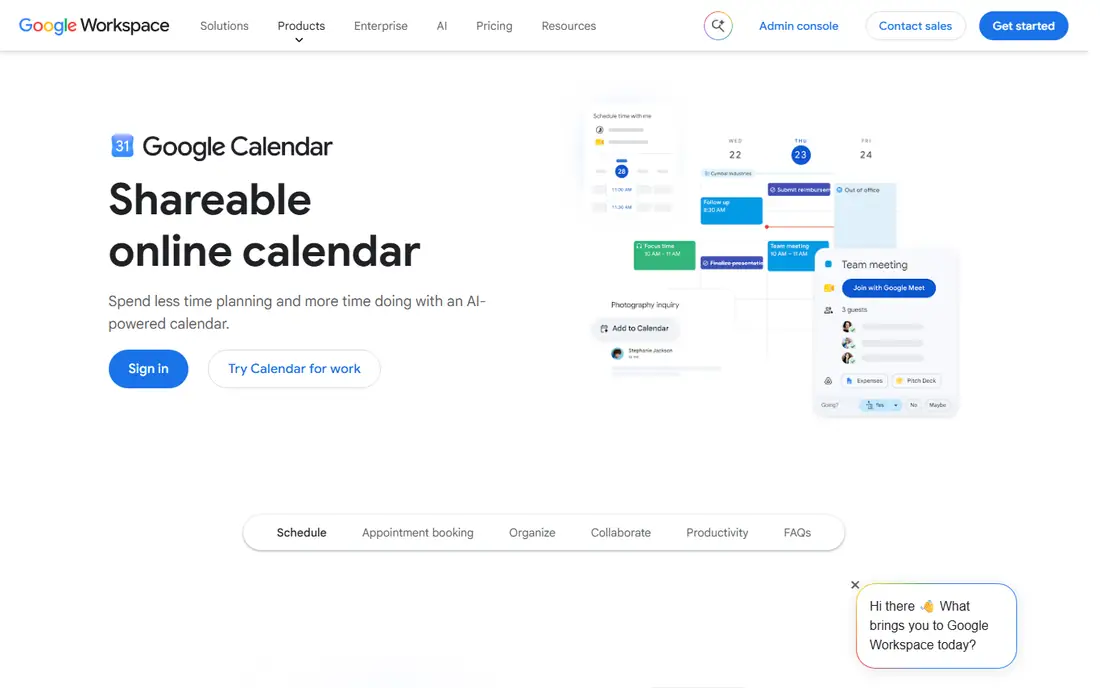
Google Calendar is the simplest shared family calendar, and for many families it is enough. Each person can share their own calendar with the family, or the family can keep one shared calendar for school runs, appointments and events, with color coding by person or activity. It works on Android, iPhone and the web, syncs with most other calendar apps, and costs nothing beyond a free Google account.
The limit is scope. Google Calendar has no family shopping list, chore chart or meal planner built in, so households that want those features pair it with a notes or lists app, or move to Cozi or FamilyWall. Sharing settings also need attention: share the right calendar with the right people, and check whether event details are visible to everyone. For a family that mainly needs to see who is where and when, Google Calendar is hard to beat for price and reliability.
What we like- Free with a Google account
- Easy sharing with individual calendars
- Works on any phone, tablet or computer
Watch out for- No built-in family lists, chores or meal planning
- Sharing settings take care to get right
- Features assume a Google account
Starting priceFree
Free planYes
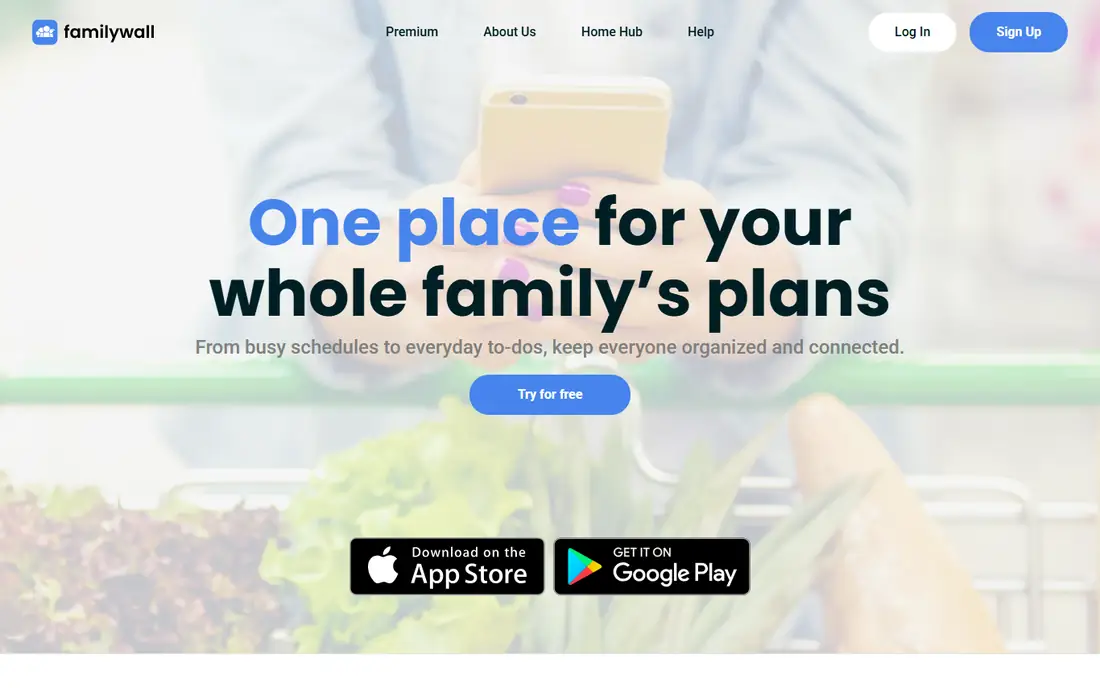
FamilyWall tries to be the whole family dashboard. The shared calendar sits next to shopping lists, to-dos, a meal planner, a private family messenger and real-time location with safe zone alerts, so parents can see when kids arrive at school or home. It syncs with Google Calendar, and you can create several private groups for extended family, friends or neighbors, each with its own shared space.
That breadth makes the app busy, and location sharing deserves a family conversation, especially with teenagers who may reasonably want more privacy. Some features, including budget tools, sit behind a premium plan, so check what the free plan covers before committing. FamilyWall suits families that want messaging and location in the same place as the calendar, and who are comfortable setting clear rules about who sees what.
What we like- Shared calendar plus lists, meals, messaging and location
- Syncs with Google Calendar
- Multiple private groups
Watch out for- Location features raise privacy questions for older kids
- Premium features needed for budget and some tools
- Interface is busy
Starting priceFree
Free planYes
OurHome is built around a simple idea: kids do more chores when chores feel like a game. Parents assign tasks with point values, kids check them off, and points turn into rewards the family agrees on, from screen time to an outing. The shared calendar keeps everyone coordinated with a month view designed for phones, and grocery lists mean whoever reaches the store sees the latest list.
The calendar itself is simpler than the ones in Cozi, TimeTree or Google Calendar, with fewer views and sharing options. OurHome is also a smaller app with a quieter update pace than its big rivals. Choose it when getting kids involved in household work is the main goal, and the calendar is the supporting tool. Choose Cozi or FamilyWall when the calendar and lists are the main job and chores are secondary.
What we like- Gamified chores with points and rewards
- Shared calendar with a mobile-friendly month view
- Grocery lists included
Watch out for- Calendar is simpler than Cozi or Google Calendar
- Smaller user community
- Design and updates feel modest
Starting priceSee website
Free planYes
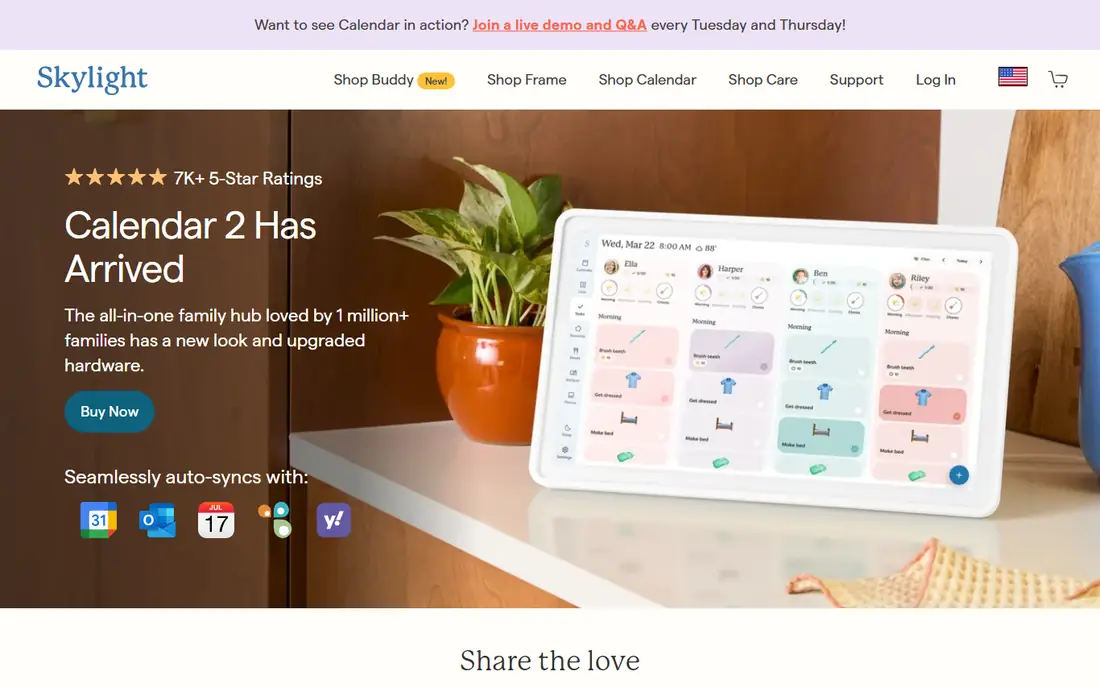
Skylight Calendar puts the family plan where everyone can see it: on a touchscreen display in the kitchen. It auto-syncs with Google, Apple, Outlook, Cozi and Yahoo calendars, so existing schedules appear without retyping, and color-coded profiles show who has what and when. Chores, custom lists and a photo screensaver come with the free features, while Calendar Plus adds meal planning, event import from emails and photos, and a rewards system for kids.
The obvious cost is hardware. You buy a display in 10, 15 or 27 inch sizes, it needs WiFi and a power outlet at all times, and it cannot run on battery. Skylight suits families where the problem is not making a plan but getting everyone to look at it. A phone calendar helps the person who made the plan; a wall calendar helps the whole household, including kids without phones.
What we like- Touchscreen wall or counter display in several sizes
- Auto-syncs with Google, Apple, Outlook, Cozi and Yahoo calendars
- Chores, lists and meal planning
Watch out for- Hardware purchase required
- Needs WiFi and mains power
- Meal planning and rewards need the Calendar Plus subscription
Starting priceFree plan
Free planYes
DAKboard takes a different route to the wall: instead of selling you a display, it turns a screen you already own into a family calendar. An old tablet on the counter, a TV in the kitchen or a spare monitor can show calendars, photos, weather, news and to-do lists in a layout you design with drag and drop. It syncs with Google Calendar, Apple iCloud, Microsoft 365 and other calendar sources, and a free plan covers the basics.
Flexibility is also the drawback. You supply the screen, arrange the layout and keep the display running, which takes more setup than unboxing a Skylight or Hearth display. Chore tracking needs a paid Essentials or Plus plan, and the result looks only as good as the screen you use. DAKboard suits tech-comfortable households and anyone with a spare screen, and it is the cheapest way to try a wall calendar before buying dedicated hardware.
What we like- Turns any TV, tablet or monitor into a family display
- Syncs with Google, iCloud, Microsoft 365 and more
- Highly customizable layouts
Watch out for- Setup takes more work than a dedicated display
- Chores need a paid plan
- Best results need a screen left on
Starting priceSee website
Free planNo

Hearth Display is a wall-mounted family hub built around routines as much as dates. Kids can follow visual morning and evening routines on the display, parents get a family dashboard and a rhythm summary of how the household is flowing, and meal planning sits alongside the calendar. It auto-syncs with Google, Outlook and Apple calendars, and a companion app lets parents manage everything from a phone.
Like Skylight, Hearth requires buying hardware and keeping it powered and connected, and some features may involve extra costs, so check the current bundle and subscription terms before ordering. Hearth is also newer than Skylight, so its long-term record is shorter. It suits families with younger kids, where visual routines and a shared dashboard matter as much as the calendar itself, and where a wall display will actually get looked at every morning.
What we like- Wall display with routines kids can follow
- Auto-syncs with major calendars
- Meal planning and family dashboard
Watch out for- Hardware purchase plus possible subscription costs
- Needs WiFi and mains power
- Newer product with a shorter track record
How we chose
We compared shared family calendar apps on what makes a household run: easy sharing, color coding by person, reminders, lists and chores, and how well each app works across iPhone, Android and the web. We checked vendor homepages and pricing pages, and weighed public reviews and parent feedback, with attention to the difference between a phone app and a wall display, since they solve different problems. We did not claim hands-on testing of every app, and prices change, so check the vendor pricing page before you subscribe.
How to pick the right app for your household
Start with who needs to see the plan. If everyone has a phone, a phone app like Cozi, TimeTree or Google Calendar is enough, and the choice comes down to whether you also want lists, meals and chores. If kids do not have phones, or if the plan only works when it is visible in the kitchen, a wall display like Skylight, Hearth or DAKboard will change behavior in a way no phone app can. Many families end up with both: a phone app for planning and a wall display for seeing.
Then test with one real week. Put every school run, practice, appointment and meal on the calendar, assign chores, and see what gets missed. The app that survives a busy week with the least nagging is the right one, even if another app has a longer feature list. Agree on one rule at the start: if it is not on the calendar, it is not happening. That rule matters more than any feature, and it is the habit that turns a calendar app from another chore into the household source of truth.
A short setup checklist
- Add every regular event first, including school runs, practices and work schedules, before adding one-off events.
- Color-code by person so anyone can read the week at a glance.
- Set reminders for pickups and departures, not just event start times.
- Decide who can add and edit events, and who only views them.
- Review the calendar together each Sunday, and fix conflicts before the week starts.
Frequently asked questions
What is the best free shared family calendar app?
Cozi is the best free all-round family app, with a shared calendar, lists and meal planning at no cost, while Google Calendar is the best free pure calendar. TimeTree is the best free option when you need several separate group calendars. Try Cozi first if you want household features, and Google Calendar if you only need shared dates.
Can my family use different phones and still share one calendar?
Yes. Cozi, TimeTree, FamilyWall, OurHome and Google Calendar all work on iPhone, Android and the web, so a mix of phones is no problem. Wall displays from Skylight, Hearth and DAKboard sync with the major calendar services, so they work alongside phone apps rather than replacing them. The key is picking one shared calendar as the source of truth.
Do I need a wall display, or is a phone app enough?
A phone app is enough for families where everyone has a phone and checks it regularly. A wall display helps when kids do not have phones, when mornings are chaotic, or when the plan needs to be visible without anyone opening an app. DAKboard is the cheapest way to test a wall display, since it reuses a screen you already own.
How do I keep kids schedules private from other groups?
Use separate calendars or groups for different audiences. TimeTree lets you create a calendar per group, so a coach sees only the team calendar and grandparents see only the family calendar. In Google Calendar, share individual calendars rather than your whole account, and check sharing settings before adding sensitive events like medical appointments.
What happens if two people edit the same event?
Most of these apps sync changes to everyone in real time, with the latest edit winning, so two people editing at once can overwrite each other. Agree on who owns which events, such as one parent owning school events and the other owning sports, and use comments or messages in the app to flag changes. Cozi Gold adds change notifications, which help catch edits you might otherwise miss.
Can these apps import school and sports schedules?
Yes, in many cases. Cozi imports school calendars and sports schedules from services like TeamSnap and SportsEngine, and Google Calendar accepts calendar feeds in standard formats. Wall displays sync with the calendars you already use, so an imported school calendar appears on the wall automatically. Check the import options for your school or league before committing to an app.
Sources we checked (8)
- https://www.cozi.com
- https://timetreeapp.com
- https://calendar.google.com
- https://familywall.com
- https://ourhomeapp.com
- https://skylightcal.com
- https://dakboard.com
- https://hearthdisplay.com
Is your product missing or out of date?
We review this list regularly. Vendors can request a listing, send updated pricing or ask about featured placement.

Shihab Mia · Founder, Rankite
Shihab has 5+ years in B2B and SaaS SEO. He writes Rankite's software buying guides from pricing pages, documentation and public user reviews. More about Shihab.