How we make this list: we compare pricing pages, product documentation and public user reviews. Rankite is independent; if a vendor ever pays for a featured spot, that listing is clearly labeled Partner.
Key takeaways
- SketchUp Free and Planner 5D handle most homeowner projects at no cost, and Planner 5D Premium starts at $4.99 per month billed annually.
- Realtime Landscaping Pro costs $279 as a one-time purchase with no subscription, the strongest value for detailed yard and garden design.
- Enscape ($47.90 per month billed annually) and Lumion lead on presentation quality for professionals who sell the design to clients.
- Cedreo and iScape are built for builders and contractors who need fast, client-ready visuals rather than a general modeling sandbox.
- Every tool on this list offers a free plan or a free trial, so test at least two on your own house before you pay.
Quick comparison
| Tool | Best for | Starting price | Free plan |
|---|
 SketchUp SketchUp | flexible 3D modeling for houses and yards | See website | Yes |
 Planner 5D Planner 5D | fast AI-assisted home and yard design | $4.99/month (billed annually) | Yes |
 Home Designer Home Designer | DIY remodeling with automated building tools | $79/month ($495/year) | Free trial |
 Live Home 3D Live Home 3D | affordable 3D design with terrain editing | See website | Yes |
 Realtime Landscaping Pro Realtime Landscaping Pro | detailed garden and yard design | $279 one-time | Free trial |
 Lumion Lumion | photorealistic real-time rendering | See website | Free trial |
 Enscape Enscape | real-time walkthroughs inside CAD models | $47.90/month (billed annually) | Free trial |
 Cedreo Cedreo | quick client presentations for builders | See website | Yes |
 iScape iScape | AR yard visualization on a phone | See website | Yes |
 SmartDraw SmartDraw | precise 2D site plans and diagrams | See website | Free trial |
Is your product missing or out of date?
We review this list regularly. Vendors can request a listing, send updated pricing or ask about featured placement.
The best exterior design software
Starting priceSee website
Free planYes
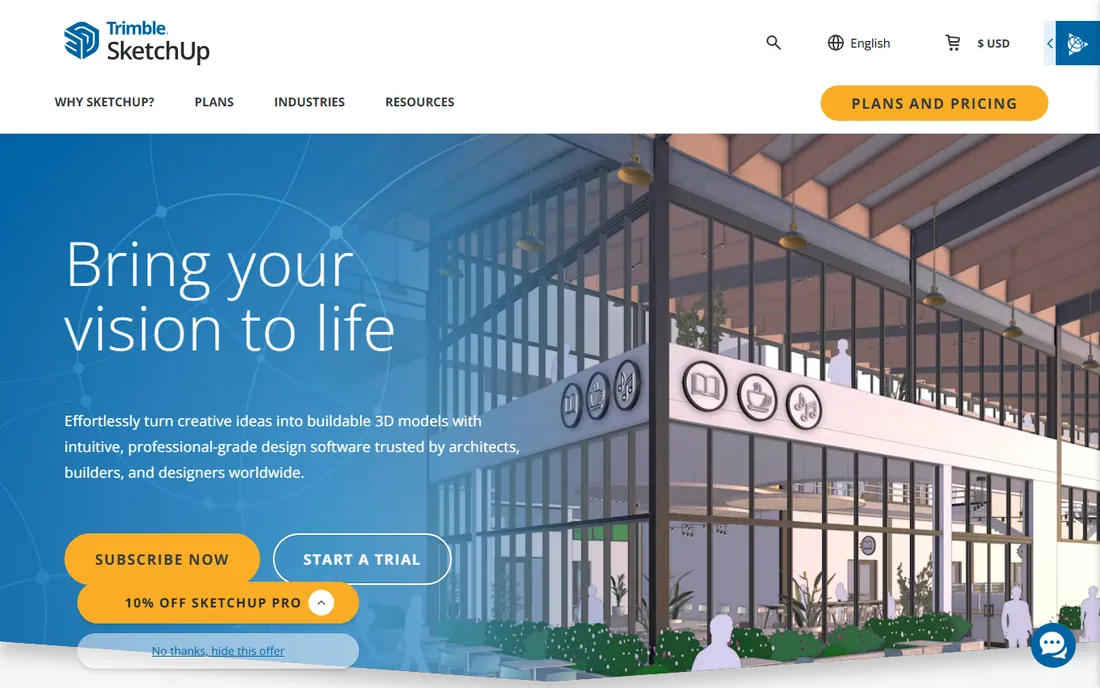
SketchUp remains the default choice when you want to model an actual house exterior rather than paint over a photo. You draw walls, roofs, decks and fences in true 3D, pull ready-made windows and plants from the 3D Warehouse, and orbit around the result. Homeowners use it to test a new porch or a garage addition, and small contractors use it to show clients exactly what the finished structure will look like from the street.
The free web version handles simple massing studies and material tests, which is why it tops so many best exterior design software roundups. The catch is rendering. Out of the box, SketchUp looks clean but flat, and the warm dusk render that sells a project means adding V-Ray, Enscape or a similar renderer, a second purchase and a second learning curve.
What we like- Huge 3D Warehouse model library
- Gentle learning curve for a real modeler
- Works on web, desktop and iPad
Watch out for- Photorealistic rendering needs a paid add-on or extension
- The free web version limits export formats
Starting price$4.99/month (billed annually)
Free planYes
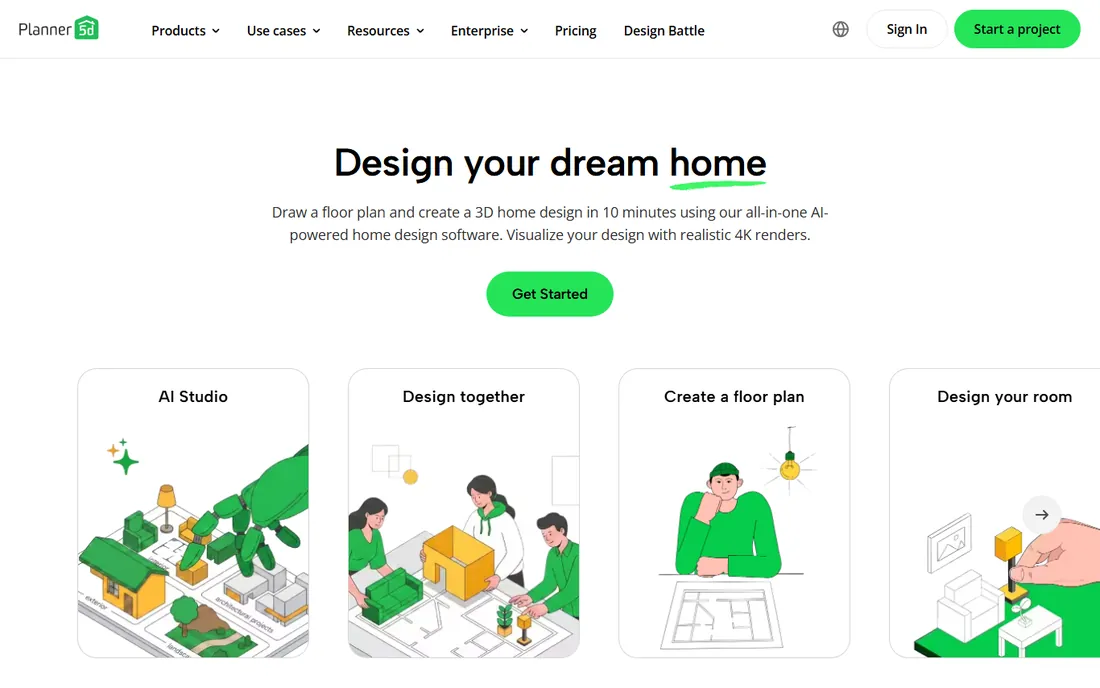
Planner 5D is the quickest route from an idea to a presentable 3D view. You enter your floor plan dimensions or scan a room, pick a style, and the AI lays out a furnished starting point in minutes. For exteriors, you can shape the house shell, add a patio and some planting, then render it in 4K on the Premium plan. The whole experience is drag and drop, and the mobile apps are genuinely usable, which matters when you are standing in the yard measuring.
The free plan gives you unlimited projects with about half the catalog, and Premium is $4.99 per month billed annually, which undercuts nearly everything else here. The trade-off is depth: the plant and hardscape library suits a concept but not a serious planting plan, and there is no real grading or drainage modeling.
What we like- AI Smart Wizard builds rooms from your dimensions
- 4K renders on the paid plan
- Runs on web, iOS, Android, Windows and Mac
Watch out for- Free catalog covers only about half the furniture and materials
- Outdoor and terrain tools are thinner than the interior set
Starting price$79/month ($495/year)
Free planFree trial
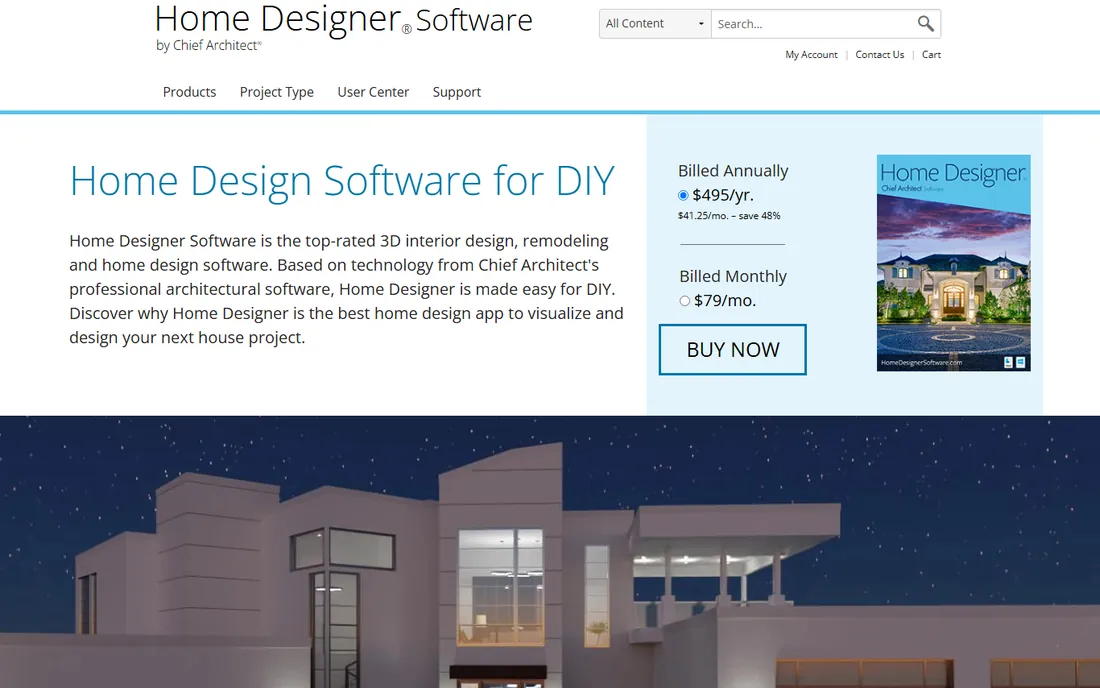
Home Designer is the consumer line from Chief Architect, the company behind professional home design software used by builders and remodelers. The pitch is that you draw walls and the software handles the hard parts, generating the roof, foundation, stairs and framing automatically while building a 3D model at the same time. For an exterior remodel, that means your new siding, windows and deck show up in 3D the moment you place them, and the materials list tells you what it will take to build.
It comes in tiers from Suite up to Pro, with rental pricing starting at $79 per month or $495 per year. That is reasonable for a contractor who uses it weekly and steep for a homeowner with a single project, so time your purchase around the actual remodel. Support is free by phone and online.
What we like- Smart building tools auto-generate roofs, stairs and framing
- Strong materials list for budgeting
- Free phone and online support
Watch out for- Rental pricing adds up fast for a one-project homeowner
- Interface feels dated next to newer web apps
Starting priceSee website
Free planYes
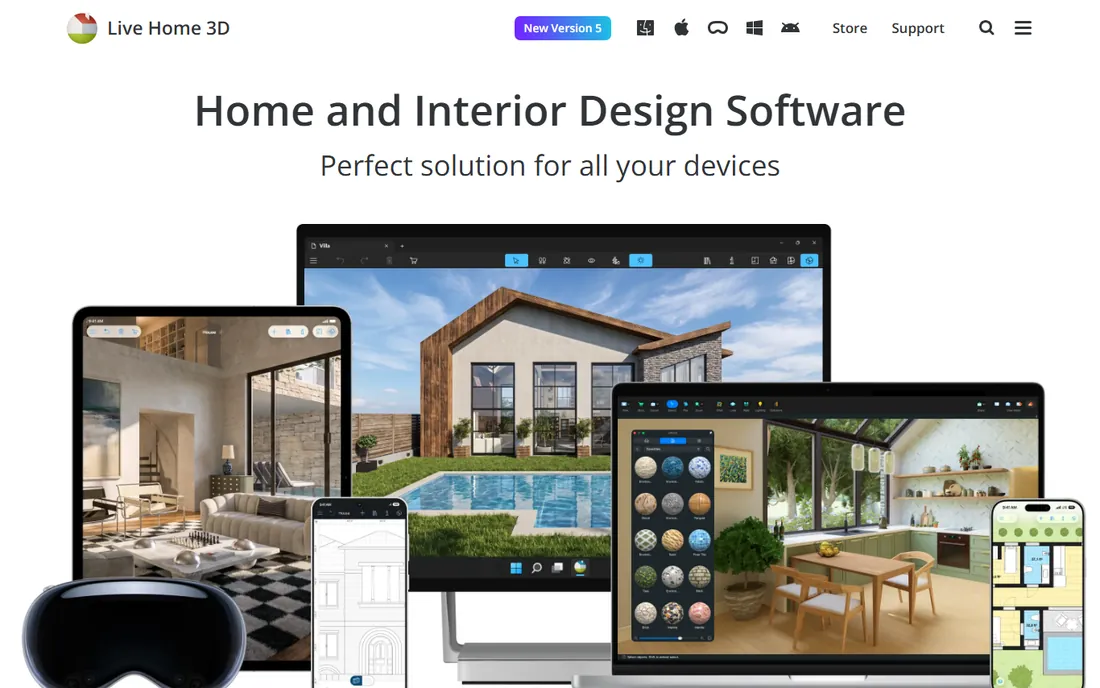
Live Home 3D sits in the sweet spot between a toy and a pro tool. You get real 2D floor plans, a 3D view, and on the Pro tier, proper terrain editing with elevation points, lines and splines, so you can model the actual slope of your lot rather than pretending it is flat. That matters for exteriors, because grading, retaining walls and drainage are where yard projects go wrong. It also exports 360-degree panoramas and video walkthroughs you can send to a contractor.
BeLight sells it as a one-time purchase with a free version to start, which is refreshing in a subscription-heavy category. The free tier is genuinely limited, with watermarks, capped resolution and no terrain editing, so treat it as a trial. For a homeowner planning one house, it is one of the cheapest ways to get a real 3D model with terrain.
What we like- Terrain editing with elevation tools on the Pro tier
- One-time purchase options instead of a subscription
- 360-degree video walkthroughs
Watch out for- Free version watermarks renders and caps video at 720p
- Plant library is smaller than dedicated garden tools
Starting price$279 one-time
Free planFree trial
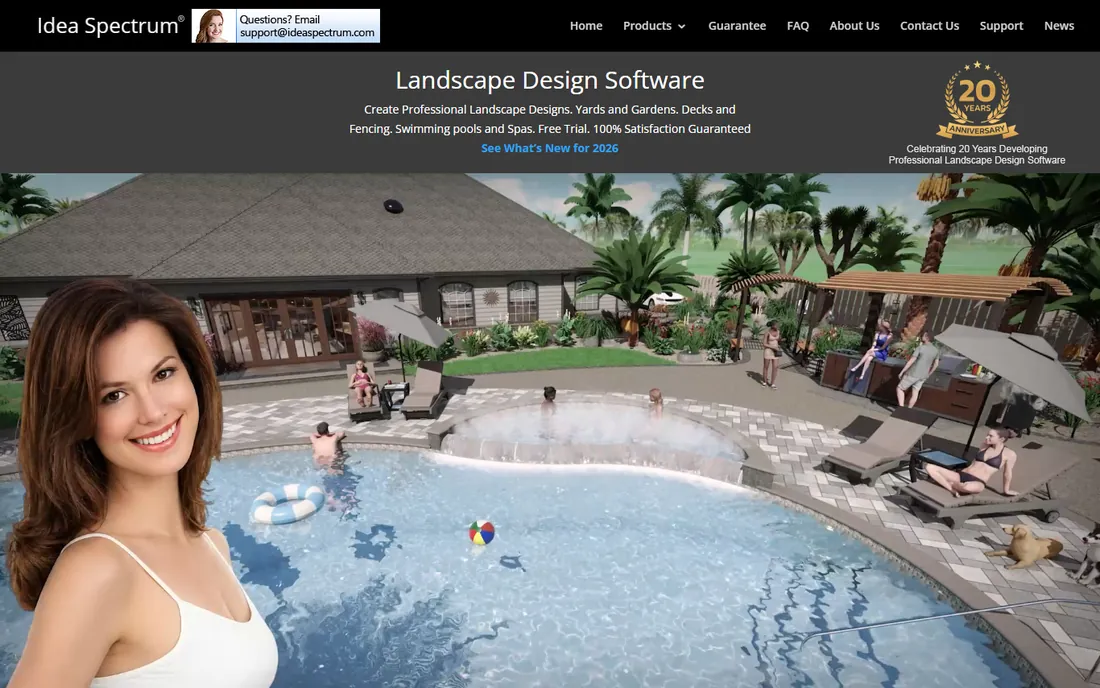
If your project is the yard itself rather than the house, Realtime Landscaping Pro is the most capable tool at this price. The plant library is enormous, with thousands of plants that show mature size, so you stop planting trees that will swallow the house in ten years. You can design patios, decks, fences, pools and water features, then generate a walkthrough animation that shows a client exactly what the finished garden feels like.
The pricing model is the headline: $279 once, no subscription. There is a free trial that watermarks output, enough to learn the interface. The honest limits are platform and performance: Windows 10 and 11 only, no Mac version, and very large designs can lag on older hardware.
What we like- 6,000-plus plant library with growth modeling
- No subscription, one-time license
- Walkthrough animations of your design
Watch out for- Windows only
- Large projects can slow down on older hardware
Starting priceSee website
Free planFree trial

Lumion is what design firms reach for when the rendering has to win the job. You import your SketchUp, Revit or ArchiCAD model, drop in trees, people, cars and weather, and produce stills, video and panoramas that look close to photography. For exteriors it shines at the money shots: the house at dusk with the yard lit, the aerial view of the whole property, the seasonal versions of the same garden. Pricing is aimed squarely at professionals, which tells you exactly who it is for.
Lumion needs a capable Windows machine with a solid graphics card, and it is not subtle about it. But if you present to clients every week, the speed matters: scenes that take hours in an offline renderer come out in minutes. Use the 14-day trial on a real project before committing.
What we like- Enormous library of models, materials and weather effects
- Renders stills and video fast once the scene is built
- LiveSync plugins for major CAD tools
Watch out for- Expensive for occasional use
- Needs a strong Windows PC with a good GPU
#7
Enscape
Best for: real-time walkthroughs inside CAD models
Visit chaos.com
Starting price$47.90/month (billed annually)
Free planFree trial
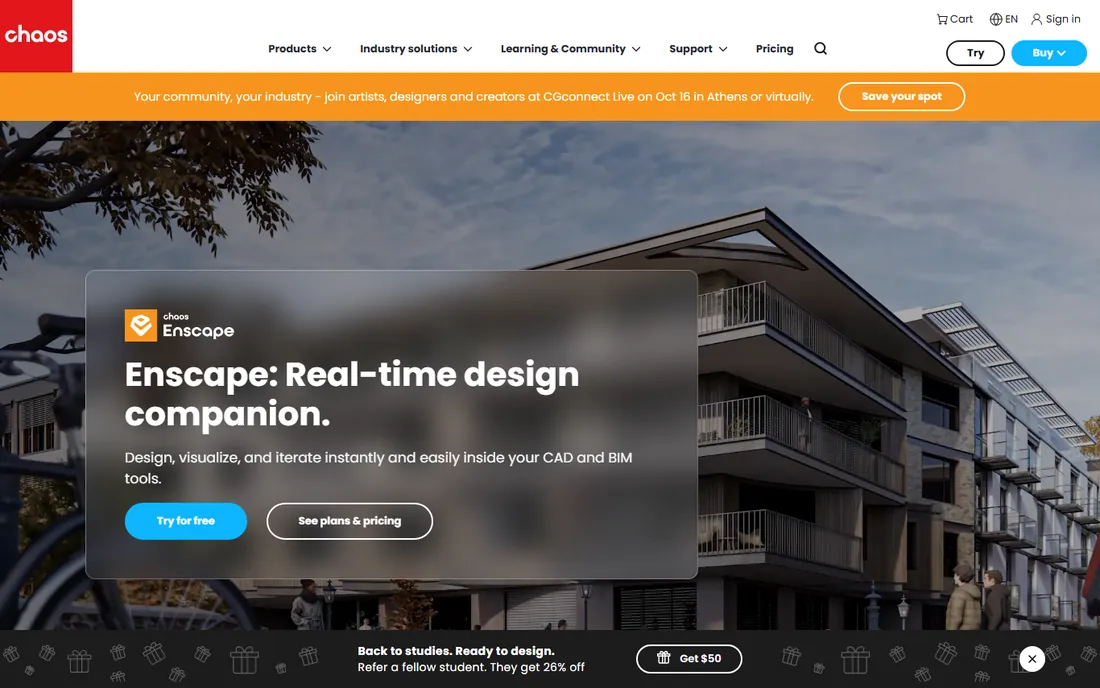
Enscape takes a different approach from Lumion. Instead of exporting your model to a separate rendering app, it lives inside your CAD software and renders the view in real time. Change the siding color in SketchUp and the Enscape window updates instantly. For exterior design, that means you can walk a client through the house and yard while you edit, trying three porch styles in the time a traditional workflow needs for one still image. Solo starts at $47.90 per month billed annually, with a 14-day free trial.
The catch is that Enscape is a renderer, not a modeler. You need Revit, SketchUp, Rhino, ArchiCAD or Vectorworks underneath it, so factor that cost in. For small firms already modeling in SketchUp or Revit, it is the fastest path from model to client-ready visual.
What we like- Renders live inside Revit, SketchUp, Rhino, ArchiCAD and Vectorworks
- Walkthroughs update the instant you edit
- 14-day free trial
Watch out for- Tied to a host CAD app, it is not a standalone modeler
- Asset library is smaller than Lumion's
Starting priceSee website
Free planYes
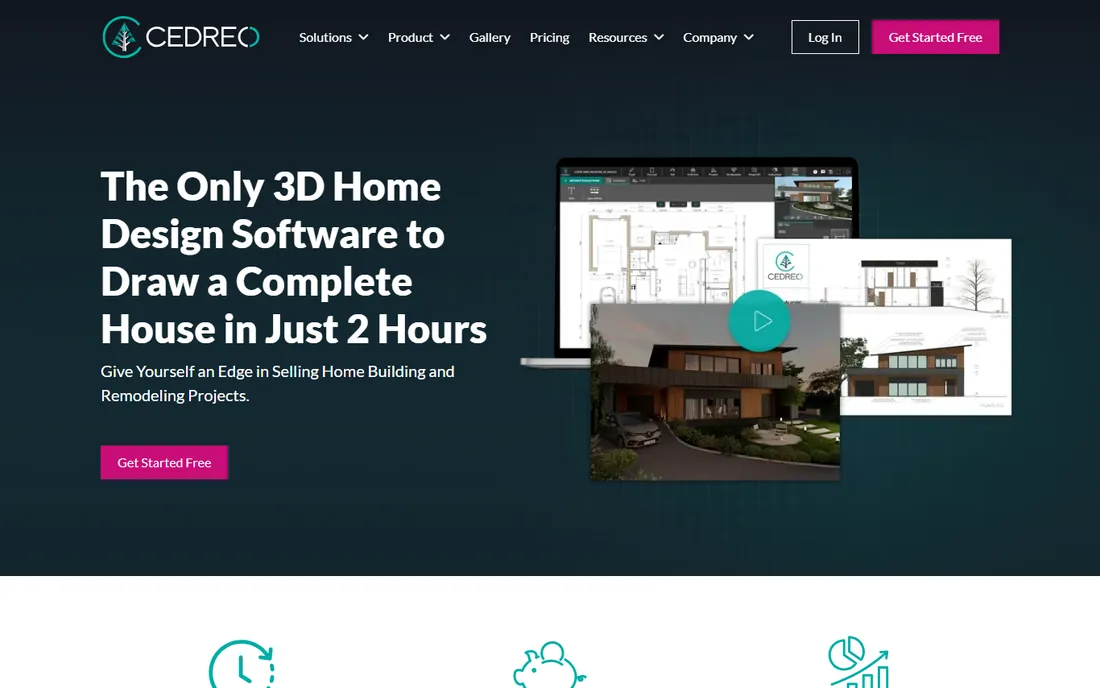
Cedreo is built for one job: helping home builders, contractors and remodelers close deals faster. You draw the floor plan, site plan and elevations in the browser, and it produces photorealistic 3D renderings of the interior and exterior in minutes, with the sun angle and camera set automatically. The terrain tools handle sloped lots, and the whole presentation can be branded for the client. It is a sales tool that happens to do design, and the workflow shows it.
A free plan covers one project and a handful of renderings, then paid tiers add monthly rendering allotments for unlimited projects. Watch the rendering caps, because extra packs cost more and unused credits expire. If you are a builder with a steady flow of projects, the speed from plan to presentation is worth it.
What we like- Full house plans plus 3D visuals in one browser tool
- Renders in minutes with automatic sun and camera setup
- Free plan for a first project
Watch out for- Monthly rendering caps can bite on busy months
- Plan upgrades only, no downgrades between tiers
Starting priceSee website
Free planYes
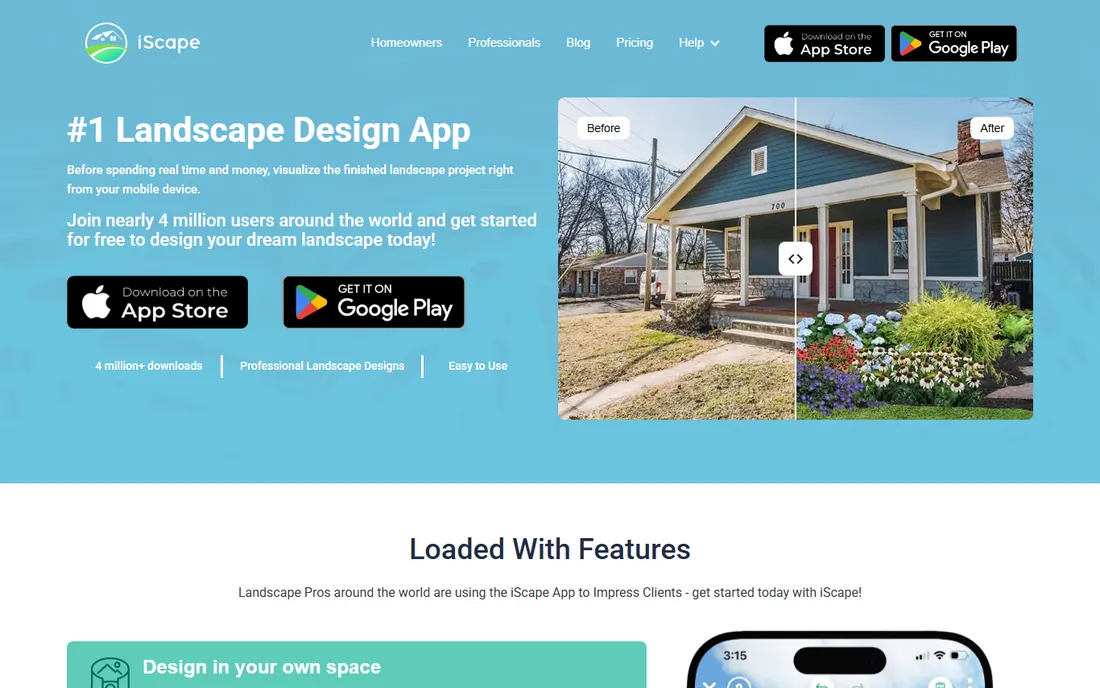
iScape is the only tool here that starts with your phone camera. You photograph your yard, then drop in plants, pavers, furniture and hardscapes in augmented reality, so the design sits on the real space instead of a blank 3D canvas. A sun slider shows how shadows move across the yard through the day, which is genuinely useful for placing trees and patios. The free app covers consumers, and a Pro subscription adds quotes, pricing and branded PDF proposals for contractors.
The full pro feature set is a paid subscription aimed at working pros rather than homeowners. The phone-first approach is both the strength and the limit: unbeatable for a quick "what would this corner look like with a maple," awkward for master-planning an acre. Every product in the library is something you can actually buy, which keeps designs honest.
What we like- Augmented reality overlays designs on your actual yard
- Pro tools generate quotes and PDF proposals
- Thousands of real-world plants and materials
Watch out for- Phone screen is cramped for big designs
- Subscription needed for the pro proposal features
Starting priceSee website
Free planFree trial
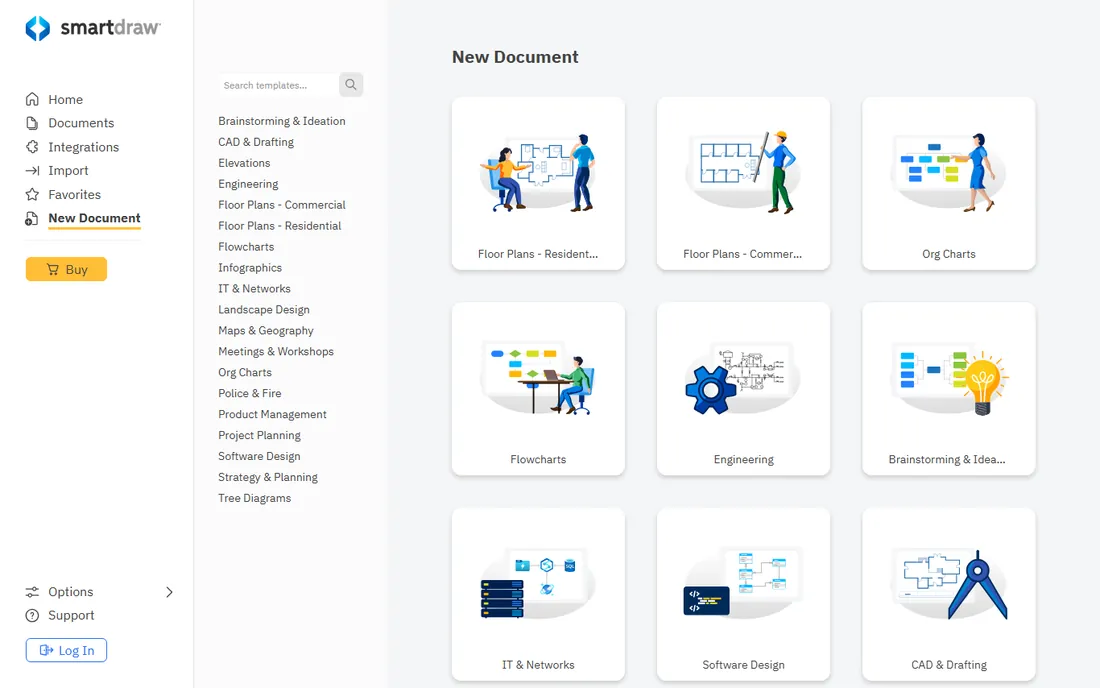
SmartDraw earns its place as the odd one out. It will not render your house at dusk, but it draws the most accurate 2D site plan, planting layout or drainage diagram on this list. If your project needs permits, contractor bids or an HOA submission, those documents matter more than a pretty render. The template library covers planting plans, floor plans, deck layouts and more, and the drawing tools snap to real measurements.
It runs entirely in the browser with team plans for collaboration, and a free trial lets you test it. The honest weakness is that 3D is an afterthought here, so pair it with a visualizer above for the pretty version. For any exterior project involving paperwork, it is the practical pick.
What we like- CAD-grade precision for site plans and planting layouts
- Huge template library beyond landscaping
- Runs in the browser, nothing to install
Watch out for- 3D visualization is basic next to the dedicated modelers
- Not a rendering tool at all
How we chose
We started with the tools that working designers and homeowners actually mention in 2026, then checked each one against its vendor pricing page, documentation and feature list. We read public reviews on G2, Capterra and Reddit to see where each tool delights and where it frustrates, and we weighed platform support and fit for small companies and serious DIY users. Prices change, so we linked the vendor pages we used and marked the rest as "See website" rather than guessing.
What to check before you pay
Exterior design software splits into three jobs, and buying the wrong type is the most common mistake. Modelers like SketchUp, Home Designer and Live Home 3D build the actual geometry of the house and yard. Renderers like Lumion and Enscape make an existing model look photographic. Visualizers like Planner 5D, iScape and Cedreo sit in the middle, trading precision for speed. Decide which job you are hiring for before you compare prices.
Match the tool to the project
A new deck or a planting bed is a visualizer job, and a free plan will probably do. A full addition or a grading change is a modeler job, because you need real measurements the contractor will build from. Buying a pro renderer to pick a paint color is overkill, and trying to document a retaining wall in a phone app is asking for trouble.
Mind the hardware and the platform
Realtime Landscaping Pro and Lumion are Windows-only and want a decent graphics card, while Planner 5D, Cedreo and SmartDraw run in a browser on anything. Check the system requirements before the trial ends, not after you pay. Mac users should note that several of the strongest yard tools never left Windows, which is why Live Home 3D and SketchUp show up so often in Mac households.
Read the rendering and export limits
Free plans in this category almost always cap something: render resolution, monthly render counts, watermarking or export formats. Cedreo meters renderings per month, Live Home 3D watermarks the free tier, and Planner 5D reserves 4K renders for Premium. Confirm the export you need is included before you pay.
Getting real value from the free trial
Two weeks is enough to evaluate any of these tools if you use a real project. Model your own house, not the sample file, because your lot's slope and your roof's shape are where the weaknesses show. Test the exact export you will deliver, whether that is a PDF plan for a permit or a dusk render for a client.
Frequently asked questions
What is the best free exterior design software?
SketchUp Free and Planner 5D are the strongest free starting points. SketchUp Free gives you real 3D modeling in the browser with the huge 3D Warehouse library, while Planner 5D's free plan offers unlimited projects with about half its catalog.
Can I design my yard with these tools, or just the house?
Most do both. Realtime Landscaping Pro and iScape are yard-first, with big plant libraries and growth modeling. SketchUp, Home Designer and Live Home 3D handle the house structure plus the lot, including terrain on the paid tiers.
Do I need a powerful computer?
Browser-based options like Planner 5D, Cedreo and SmartDraw run fine on a modest laptop. Lumion and Realtime Landscaping Pro want a Windows PC with a solid graphics card, and Enscape needs a host CAD app plus decent GPU power.
Which software is best for contractors who present to clients?
Enscape and Lumion produce the most impressive visuals, with Enscape winning on speed inside your CAD workflow and Lumion on presentation polish. Cedreo is the purpose-built sales tool, and iScape's AR view is hard to beat for on-site selling.
Is a one-time purchase or a subscription better?
One-time purchases like Realtime Landscaping Pro ($279) cost less over two or three years of steady use. Subscriptions like Enscape make sense when the tool earns its keep monthly through client work. For a single project, a one-month subscription or a free trial is usually the cheapest path.
Can this software produce plans for permits?
Home Designer and SmartDraw produce measured 2D plans suitable for permit submissions and contractor bids, though your local authority has the final say. Pure visualizers like iScape and Planner 5D are not documentation tools.
Sources we checked (10)
- https://planner5d.com/blog/best-free-home-design-software-tools/
- https://www.homedesignersoftware.com/chief-architect/
- https://www.chaos.com/enscape
- https://www.techradar.com/best/best-landscape-design-software
- https://www.techradar.com/pro/software-services/belight-software-live-home-3d-review
- https://www.machow2.com/best-landscape-design-software-mac/
- https://www.capterra.com/p/177284/Cedreo/
- https://blog.designfiles.co/chief-architect-vs-sketchup/
- https://www.genense.com/blog/the-best-exterior-home-design-software-for-use/
- https://paintit.ai/blogs/best-ai-home-exterior-design/
Is your product missing or out of date?
We review this list regularly. Vendors can request a listing, send updated pricing or ask about featured placement.

Shihab Mia · Founder, Rankite
Shihab has spent more than a decade helping SaaS and e-commerce brands grow through search. He writes Rankite's software buying guides from pricing pages, documentation and public user reviews. More about Shihab.