How we make this list: we compare pricing pages, product documentation and public user reviews. Rankite is independent; if a vendor ever pays for a featured spot, that listing is clearly labeled Partner.
Key takeaways
- Prismm (formerly AllSeated) and Cvent Event Diagramming (formerly Social Tables) are the standards for floor plans, seating charts, and 3D event visualization.
- Canva and Adobe Express handle the graphic design side, invitations, signage, and social posts, with generous free plans.
- Planning Pod and Tripleseat bundle event design into full venue management platforms, so design tools come with bookings, contracts, and payments.
- Pricing ranges from free to several hundred dollars a month, so match the tool to your event volume before committing.
Quick comparison
| Tool | Best for | Starting price | Free plan |
|---|
 Prismm Prismm | 3D spatial design and virtual venue tours | $35 per month | Free trial |
 Cvent Event Diagramming Cvent Event Diagramming | To-scale floor plans and seating charts | $0 (Free plan) | Yes |
 Canva Canva | Event invitations and graphics for non-designers | $12 per month (billed annually) | Yes |
 Adobe Express Adobe Express | Quick branded event graphics and social posts | $0 (Free plan) | Yes |
 Planning Pod Planning Pod | Venue management with built-in floor plans | $199 per month | No |
 Tripleseat Tripleseat | All-in-one event sales and management for venues | $375 per venue/month | No |
 Aisle Planner Aisle Planner | Wedding planners running multiple events | $49.99 per month (Sales Essentials) | Free trial (30 days) |
 SmartDraw SmartDraw | Diagramming floor plans and seating layouts | $6.95 per user/month (billed annually) | Free trial |
Is your product missing or out of date?
We review this list regularly. Vendors can request a listing, send updated pricing or ask about featured placement.
The best event design software
Starting price$35 per month
Free planFree trial
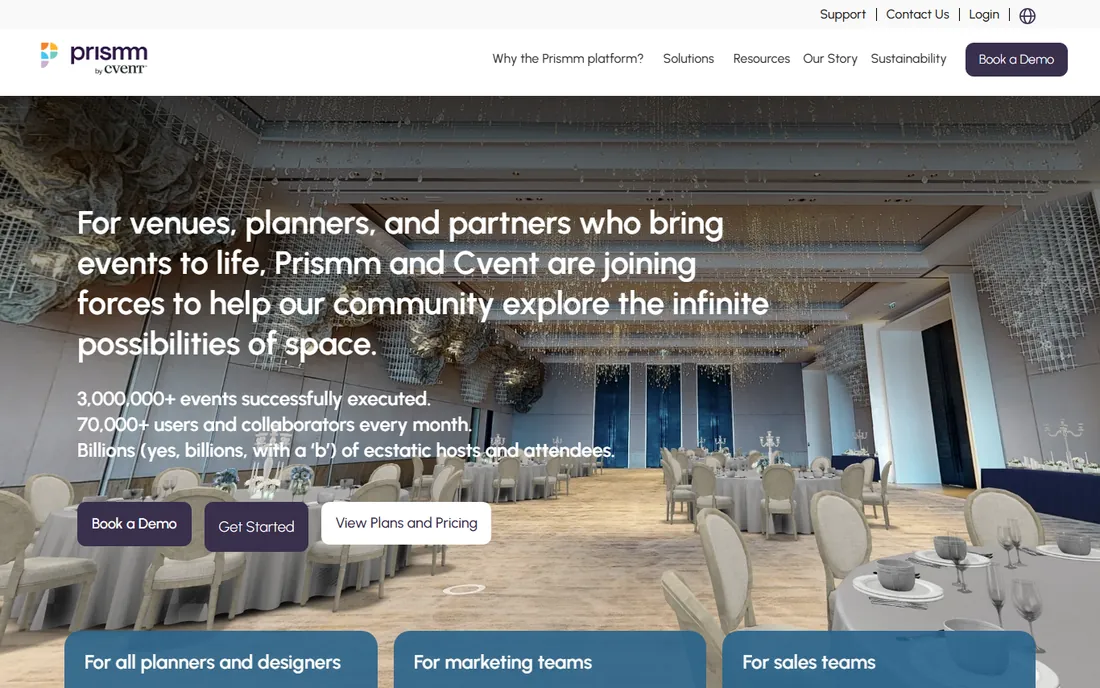
Prismm is the new name for AllSeated, which rebranded in January 2024 and later joined Cvent. The platform does one thing at an exceptional level: it turns real venues into dynamic 3D digital twins that planners and clients can walk through from anywhere. Venues build their spaces once, then planners design layouts in 2D or 3D, drop in furniture and design objects from a library of 10,000 items, and share virtual tours with clients who may never visit in person.
Pricing starts around $35 per month for planner-level plans according to third-party listings, with venue plans running higher, and a free trial is available. The honest catch is that Prismm is a design and visualization platform, not a full event management system: no contracts, no payments, no ticketing. For venues that sell on space, that visualization is worth the price. For planners who need the whole workflow, pair it with something operational.
What we like- Photo-realistic 3D virtual tours that sell venues
- Library of 50,000 venue floor plans
- 2D and 3D design with real-time collaboration
Watch out for- No free plan
- Full venue features add up in cost
Starting price$0 (Free plan)
Free planYes
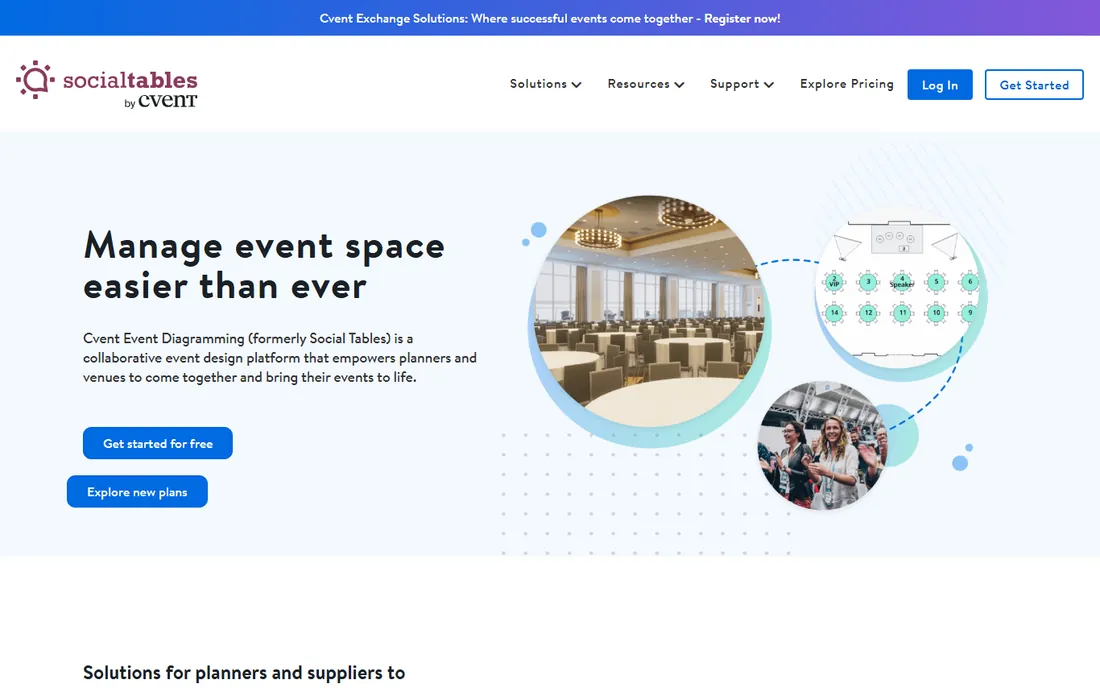
The tool you know as Social Tables is now called Cvent Event Diagramming, and it remains the industry standard for event floor planning. Planners create to-scale diagrams in minutes from a library of venue spaces, manage guest lists with visual seating charts and meal tracking, and share photo-realistic 3D walkthroughs with clients. The collaboration features are the real strength: comments, file storage, and real-time editing keep planners, venues, and vendors on the same page.
The free plan is genuinely useful, with one user account, three events, and two diagrams per event. Paid plans start at Standard for $49 per month, rising through Pro at $150 and Premium at $320, all with a 12-month commitment. The catch is that the most useful tools, unlimited events and diagrams, sit on the higher tiers, so frequent planners pay real money. For occasional event designers, though, the free plan is one of the best deals in event software.
What we like- Free plan covers small events
- To-scale layouts in minutes
- Trusted by 96,000 planner users
Watch out for- Paid plans require a 12-month commitment
- Best features sit on the higher tiers
#3
Canva
Best for: Event invitations and graphics for non-designers
Visit canva.com
Starting price$12 per month (billed annually)
Free planYes
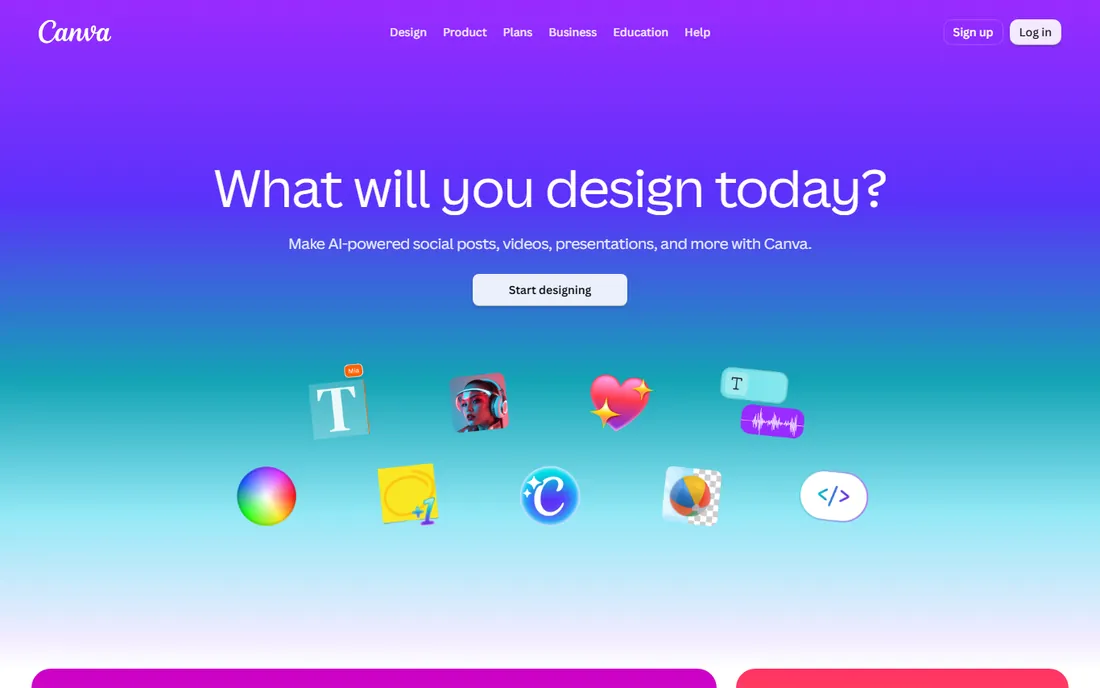
Canva covers the visual side of event design: invitations, save-the-dates, programs, table numbers, signage, and the social posts that promote the event. The template library is enormous, with thousands of event-specific designs you can customize with your fonts, colors, and photos in minutes. Brand kits keep everything consistent across a whole event, and the free plan is generous enough that many small planners never pay.
Canva Pro costs $12 per month when billed annually or $18 monthly, adding premium templates, background removal, and more storage. The honest catch is scope: Canva does graphics, not spatial design. You cannot build a floor plan or manage a seating chart here. Use it alongside a diagramming tool like Cvent Event Diagramming for the complete package.
What we like- Massive template library for invitations, signage, and social posts
- Genuinely free plan
- Easy enough for anyone on the team
Watch out for- Not built for floor plans or seating charts
- Print quality needs care at large sizes
#4
Adobe Express
Best for: Quick branded event graphics and social posts
Visit adobe.com
Starting price$0 (Free plan)
Free planYes
Adobe Express is Adobe's answer to Canva, and for event teams already in the Adobe world it is the natural choice. The free plan includes over 100,000 templates, Adobe Fonts, and limited generative AI, with no payment card required. Premium at $9.99 per month adds the full template and stock library, brand kits, one-click resize for every social format, and 250 monthly Firefly generative credits. There is a 30-day free trial of Premium.
The standout is Firefly, Adobe's AI image generator trained on licensed and public-domain content, which Adobe says is commercially safe for client work. The catch is that Express runs heavier than Canva on older laptops, and its template library, while large, has fewer event-specific designs. If your team already pays for Creative Cloud, Express Premium may be included at no extra cost, which makes this a bargain.
What we like- Free plan with 100,000+ templates
- Firefly AI generation with commercial-use safety
- Syncs with Photoshop and Illustrator files
Watch out for- Heavier on modest hardware than Canva
- Fewer event-specific templates
Starting price$199 per month
Free planNo
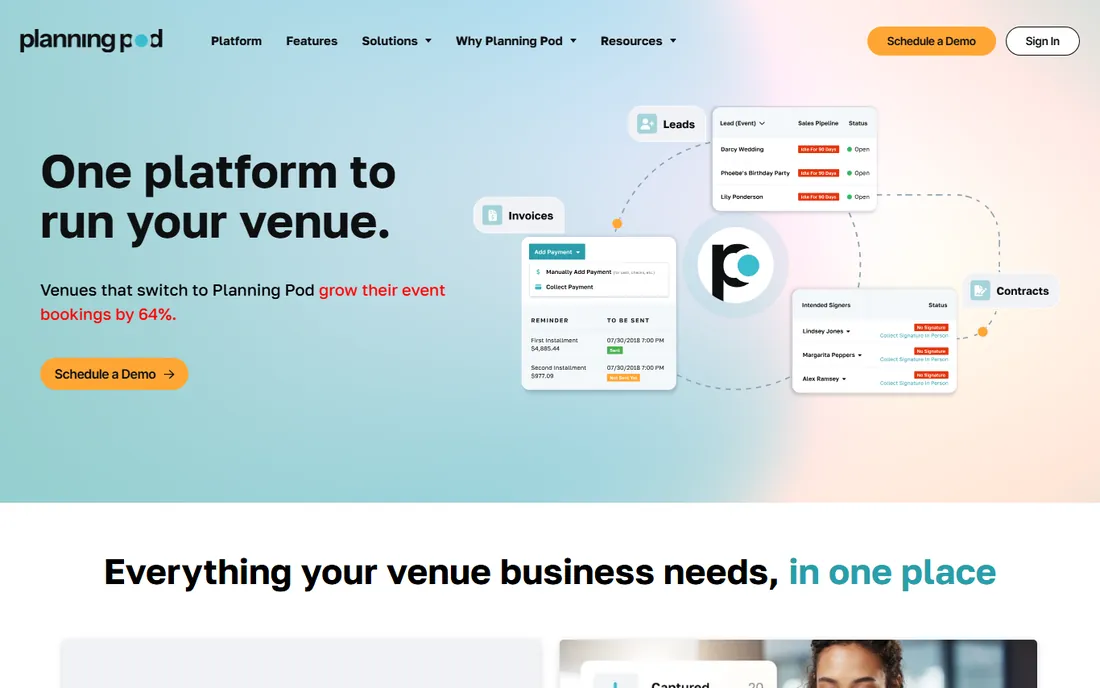
Planning Pod takes a different approach: instead of selling design tools alone, it bundles floor planning and seating into a complete venue management platform. The 30-plus tools cover lead intake, booking calendars, proposals and contracts with e-signatures, payments, banquet event orders, and the floor plan designer that lets you build professional layouts in minutes. It replaces the stack of disconnected apps many venues run on, from Google Sheets to SmartDraw to basecamp-style project tools.
Pricing is based on event volume: most single-location venues land between $199 and $319 per month according to the company's own FAQ, with annual plans available. There is no free plan; evaluation happens through personalized demos. The honest catch is the price and the positioning. This is built for venues that book events, not for independent planners designing them. If you operate a space, it is excellent value. If you do not, look at the diagramming tools above instead.
What we like- 30+ tools in one place, including floor plans
- Built for venues specifically
- Human data migration for new customers
Watch out for- Expensive for small operations
- Venue-first, so planners without a space get less
Starting price$375 per venue/month
Free planNo
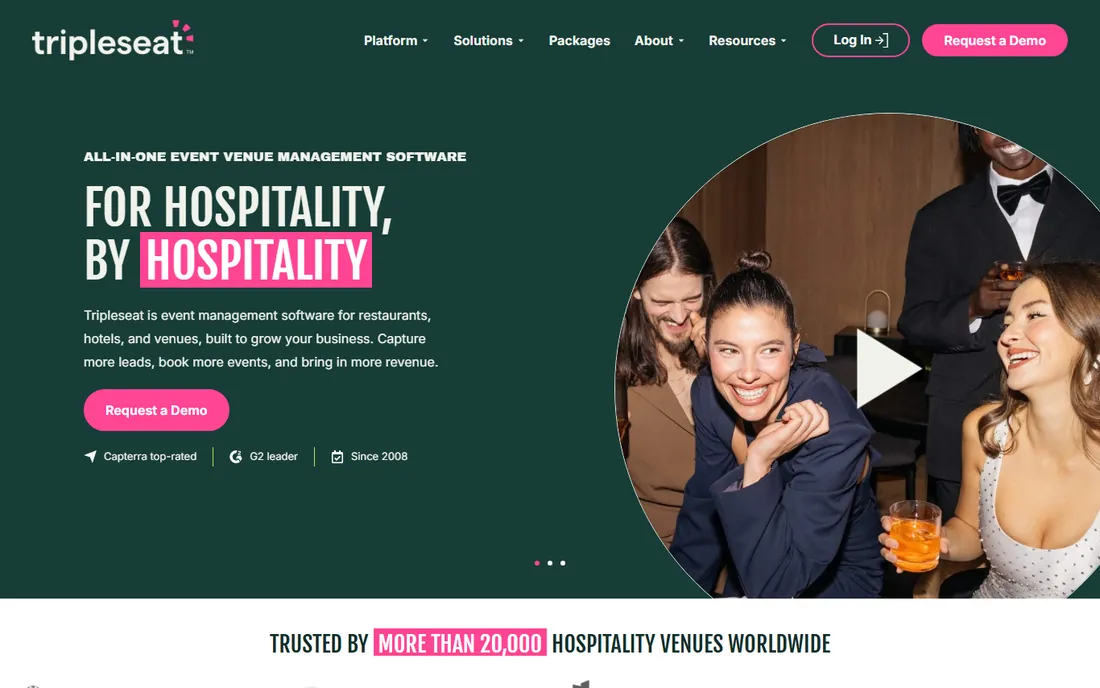
Tripleseat is the leading event management platform for hospitality venues, built by hospitality people. It centralizes every lead, booking, and event detail, with proposals, contracts, payments, and client communication in one view. The Floor Plans add-on brings 2D and 3D event design into the platform, so the layout lives alongside the booking instead of in a separate tool. Tripleseat Intelligence, the platform's AI layer, draws on data from millions of events for forecasting and benchmarking.
Pricing starts at $375 per venue per month according to the company's own FAQ, with every plan including unlimited users, integrations, and full feature access. There is no free trial; evaluation is through demos. The catch is that Tripleseat is priced and built for venues doing serious event volume. Smaller operations will find Planning Pod or standalone diagramming tools more appropriate. For established venues, though, the combination of sales tools and floor plans in one platform is hard to beat.
What we like- Trusted by over 20,000 venues
- 2D and 3D floor plan add-on
- AI features built into the platform
Watch out for- Priced for established venues
- No free trial
Starting price$49.99 per month (Sales Essentials)
Free planFree trial (30 days)
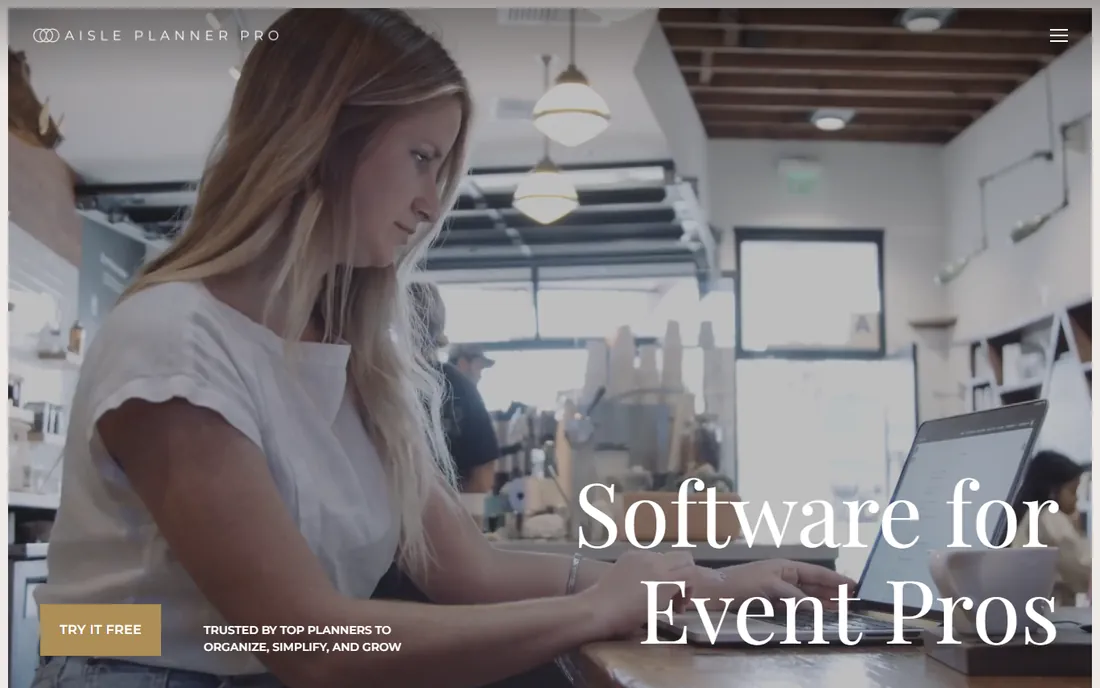
Aisle Planner is the business platform for wedding planners, bundling lead management, proposals and e-signatures, invoicing, timelines, budgets, vendor management, seating charts, and guest websites with online RSVP. Every pricing tier includes the full feature set and unlimited users; what changes is how many active projects you can run. The seating and guest management tools handle the design side, while the CRM and financial tools run the business side.
Pricing starts at Sales Essentials for $49.99 per month, with full platform plans from $69.99 for up to 15 projects, rising to $109.99, $164.99, and $229.99 as project counts grow. A 30-day free trial is available. The honest catch is the wedding focus: corporate event planners will find less to love here, and the per-project pricing means a busy season costs more. For wedding professionals, though, the combination of design, guest management, and business tools in one login is the point.
What we like- Built specifically for wedding and event professionals
- Unlimited users on every plan
- Seating charts and guest websites included
Watch out for- Priced per active project, so costs grow with volume
- Wedding-focused, less suited to corporate events
Starting price$6.95 per user/month (billed annually)
Free planFree trial
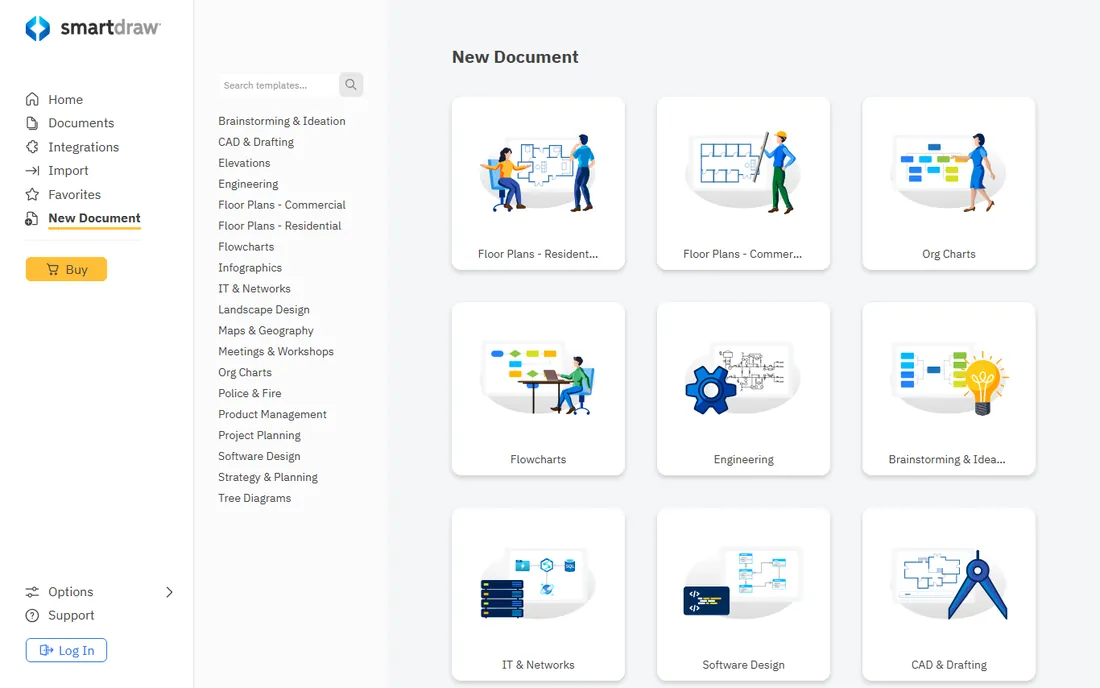
SmartDraw is a general diagramming tool that earns its spot because it is genuinely good at floor plans. Its intelligent formatting builds layouts from thousands of templates and symbols: drag in walls, tables, and fixtures and SmartDraw handles alignment, spacing, and scaling automatically. It runs in the browser and on Windows and Mac desktops, and it handles org charts, flowcharts, and every other diagram your business might need.
Pricing starts at $6.95 per user per month on annual team plans according to 2026 third-party data, with individual plans slightly higher and a free trial available. The catch is that this is not event software: there is no seating management, no guest lists, no 3D visualization, and no collaboration features built for event teams. For a planner who needs quick, professional floor plans without the cost of an event platform, it is an affordable workhorse.
What we like- Intelligent drawing that builds floor plans from templates
- Works on web and desktop
- Cheaper than most event-specific tools
Watch out for- General diagramming tool, not event-specific
- No guest management or 3D
How we chose
We evaluated event design software against vendor websites, pricing pages, and documentation current as of October 2026, plus public reviews on G2, Capterra, and event industry publications. We prioritized tools with real event-specific design capabilities, from 3D venue visualization to seating charts to event graphics, and included full venue platforms where design is a core module. We did not test these tools hands-on, and plan details change, so confirm current pricing with the vendor before buying.
Decide what kind of design you actually need
Event design software splits into three jobs, and most teams only need one or two. Spatial design, floor plans, seating charts, and 3D walkthroughs, is where Prismm and Cvent Event Diagramming live. This is the category that prevents the wrong-corner-arch problem, and if you design physical event spaces, it is where your money should go first.
Graphic design, invitations, signage, programs, and promotional posts, belongs to Canva and Adobe Express. Every event needs these, and the free plans are good enough to start immediately. Business management for venues, bookings, contracts, payments, and BEOs, is where Planning Pod and Tripleseat bundle design into the operational workflow. Pick your category before you pick your tool, and you will avoid paying for a platform that does everything except what you need.
The free and cheap stack for small planners
You do not need a big budget to design professional events. Cvent Event Diagramming's free plan covers three events with diagrams and seating charts, which is enough for a planner doing a few events a year. Canva's free plan handles every invitation, sign, and social post. SmartDraw's free trial can get you through a specific project.
When volume grows, upgrade in this order: move to Canva Pro or Adobe Express Premium for brand kits and better assets, then pick up SmartDraw or Cvent Event Diagramming's Standard plan for more events and diagrams. The full venue platforms only make sense when the operational pain, contracts, payments, and bookings, costs you more time than the design tools do.
Frequently asked questions
What is event design software?
Event design software covers the visual and spatial planning of events: floor plans, seating charts, 3D venue visualization, and often the graphic design of invitations and signage. Some tools specialize in one area, like Prismm for 3D space design, while platforms like Planning Pod bundle design into full venue management.
How much does event design software cost?
It ranges widely. Canva and Adobe Express have free plans, and Cvent Event Diagramming's free plan covers small events. Paid diagramming tools start around $35 to $50 per month, while full venue platforms like Planning Pod and Tripleseat start at $199 and $375 per month respectively.
What is the difference between Prismm and Social Tables?
Both are now owned by Cvent. Prismm, formerly AllSeated, focuses on 3D spatial design and virtual venue tours that sell event spaces. Cvent Event Diagramming, formerly Social Tables, focuses on to-scale floor plans, seating charts, and attendee management. Many venues use both.
Can I use Canva for event planning?
Canva handles the graphic design side of events, invitations, signage, programs, and social posts, very well. It does not do floor plans, seating charts, or guest management. Pair it with a diagramming tool like Cvent Event Diagramming for the spatial side.
Do I need 3D event design, or are 2D floor plans enough?
For most planners, to-scale 2D floor plans with a seating chart are enough. 3D visualization pays off when you are selling venue space sight unseen, coordinating complex multi-room events, or need clients to approve layouts remotely. Venues benefit most from 3D; planners can usually start with 2D.
Is there free event design software?
Yes. Cvent Event Diagramming's free plan includes three events with diagrams, Canva and Adobe Express have generous free plans for graphics, and SmartDraw offers a free trial. Free plans cover occasional event designers well; professionals with regular volume will need a paid tier.
Sources we checked (9)
- https://prismm.com/
- https://www.socialtables.com/
- https://www.socialtables.com/pricing/
- https://canva.com/
- https://www.adobe.com/express/
- https://planningpod.com/
- https://tripleseat.com/
- https://www.aisleplanner.com/
- https://smartdraw.com/
Is your product missing or out of date?
We review this list regularly. Vendors can request a listing, send updated pricing or ask about featured placement.

Shihab Mia · Founder, Rankite
Shihab has spent more than a decade helping SaaS and e-commerce brands grow through search. He writes Rankite's software buying guides from pricing pages, documentation and public user reviews. More about Shihab.