How we make this list: we compare pricing pages, product documentation and public user reviews. Rankite is independent; if a vendor ever pays for a featured spot, that listing is clearly labeled Partner.
Key takeaways
- WhenToWork is the straightforward pick for scheduling hourly staff across shifts, with a 30-day free trial and no credit card required.
- Sched owns the conference agenda niche: published pricing from $500 per event with 500 attendees included.
- Skedda is the specialist for booking rooms, desks and shared spaces rather than people.
- Deputy, Whova, Eventeny and Planning Pod cover the spectrum from workforce management to full event operations.
Quick comparison
| Tool | Best for | Starting price | Free plan |
|---|
 WhenToWork WhenToWork | Managers scheduling hourly employees across shifts | See website | Free trial (30 days, no credit card required) |
 Deputy Deputy | Businesses wanting scheduling integrated with time tracking and payroll | See website | No |
 Skedda Skedda | Booking meeting rooms, desks, studios and shared spaces | See website | No |
 Sched Sched | Conferences and festivals needing published agendas and session management | $500 per event (Engage plan, includes 500 attendees) | No |
 Whova Whova | Conferences wanting an event app with agenda, networking and engagement | See website (custom quote) | No |
 Eventeny Eventeny | Festivals, expos and markets juggling vendors, artists and schedules | See website | No |
 Planning Pod Planning Pod | Event venues and planners managing bookings, timelines and clients | See website | No |
Is your product missing or out of date?
We review this list regularly. Vendors can request a listing, send updated pricing or ask about featured placement.
The best event scheduling software
Scheduling is where events succeed or fail, and the numbers back it up: Sched reports customers running events with tens of thousands of attendees on small teams, precisely because the scheduling layer holds. Whether you are rostering hourly staff, booking rooms, or building a multi-track conference agenda, the tool has to match the scheduling problem. These seven cover the real categories, not just the same feature list seven times.
Starting priceSee website
Free planFree trial (30 days, no credit card required)
WhenToWork does one thing and does it well: getting hourly staff onto shifts without spreadsheet chaos. The concrete strength is AutoFill, which generates schedules considering employee preferences, time-off requests and overtime, plus the ability to suspend accounts seasonally at no cost while keeping data. The 30-day free trial requires no credit card or phone number, which tells you how confident they are in the signup flow.
The honest limitation is scope. This is shift scheduling, not workforce management: no payroll, no performance tracking, no event agenda features. Pricing is not published, so you will discover the cost during the trial. For restaurants, clinics, parks, security firms and other shift-based operations, that focus is the point. If you need scheduling plus HR, look at Deputy next.
What we like- Refreshingly simple shift scheduling with AutoFill that builds schedules from preferences, time-off and overtime rules
- Staff can check schedules on iOS and Android apps
Watch out for- No published pricing to evaluate without signing up
- Focused on shift scheduling, not broader HR or event management
#2
Deputy
Best for: Businesses wanting scheduling integrated with time tracking and payroll
Visit deputy.com
Starting priceSee website
Free planNo
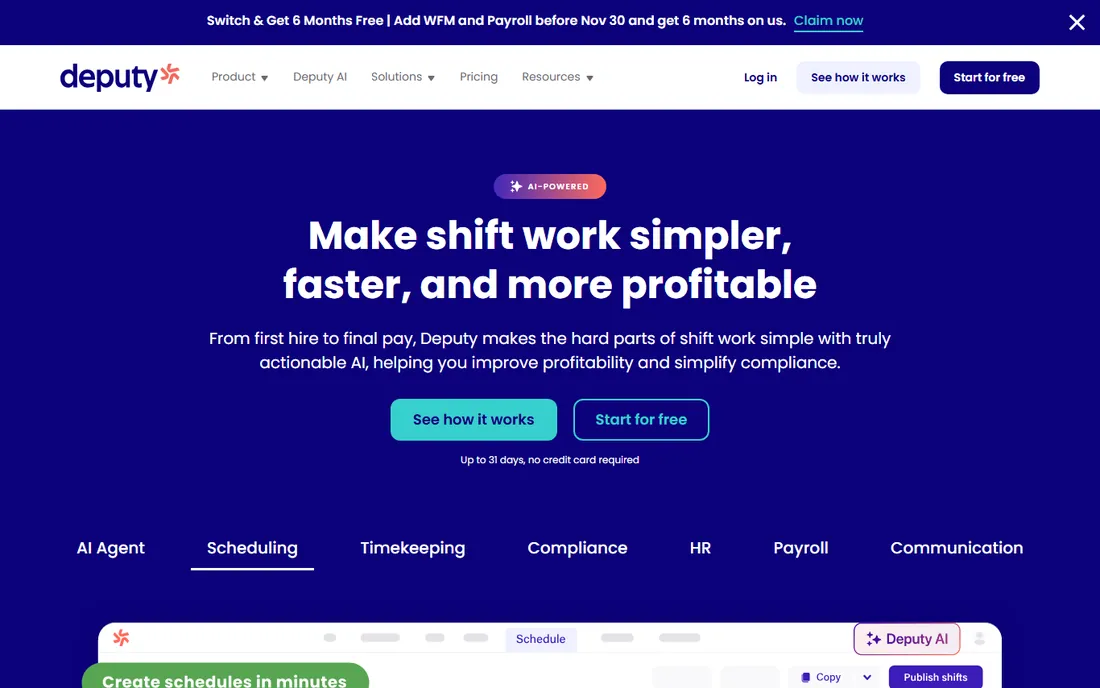
Deputy starts where WhenToWork stops: the schedule feeds directly into time tracking, timesheets, payroll exports and labor-law compliance. The concrete strength is the closed loop. A manager builds the schedule, staff clock in against it, hours flow to payroll, and overtime rules are enforced rather than hoped for. Integrations cover major payroll and POS systems.
The trade-off is that you are buying workforce management, not just a scheduler. Implementation involves more setup, pricing requires a conversation, and a 15-person cafe may find it heavy. For multi-location retail, hospitality and healthcare operations where scheduling errors become payroll errors, the integration is worth it.
What we like- Scheduling connects to time clocks, timesheets and payroll exports
- Strong compliance features for labor laws and overtime
Watch out for- Pricing not published
- More system than pure scheduling buyers need
#3
Skedda
Best for: Booking meeting rooms, desks, studios and shared spaces
Visit skedda.com
Starting priceSee website
Free planNo
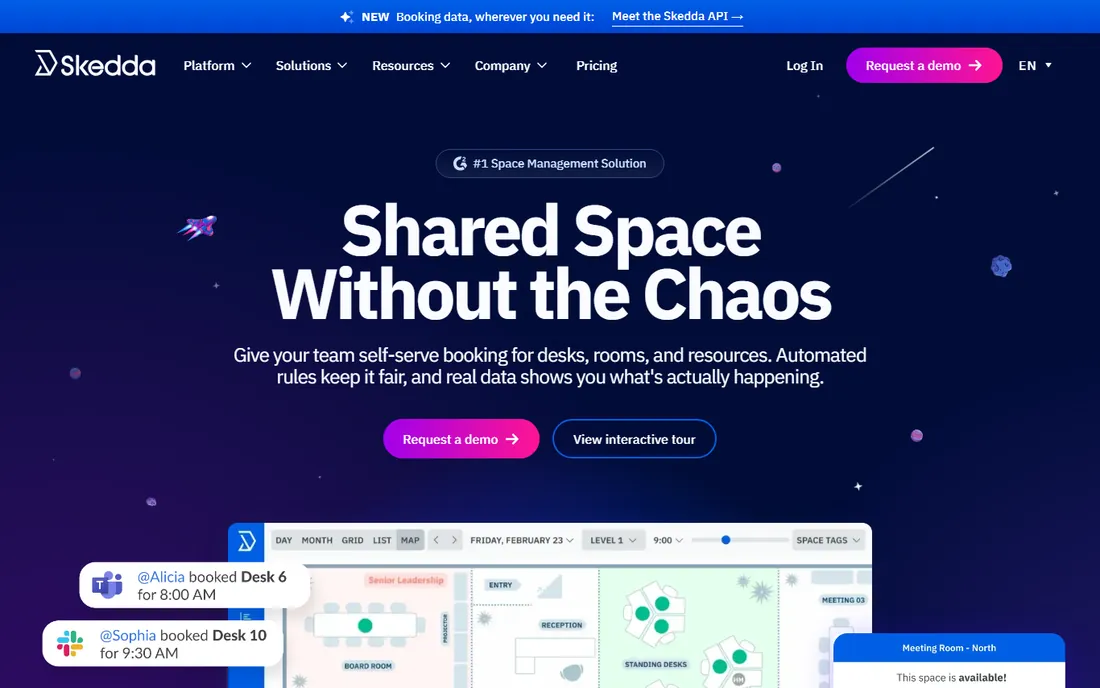
Skedda solves a different scheduling problem: the resource, not the roster. Universities, coworking spaces, studios, offices and venues use it to let people book rooms, desks and equipment with rules (who can book what, for how long, with what approval). The concrete strength is the booking experience: visual availability, self-service reservations and conflict prevention without an admin in the middle.
The honest boundary is that Skedda does not schedule staff shifts or build conference agendas. It is the room-booking layer, and it integrates with the calendar systems people already use. If your event problem is "who gets which room when," this is the specialist. If it is "who works which shift," look at WhenToWork or Deputy instead.
What we like- Purpose-built space scheduling with visual floor plans, booking rules and access control
- Handles hot-desking and room reservations elegantly
Watch out for- It schedules spaces, not people or event programs
- Pricing not published
#4
Sched
Best for: Conferences and festivals needing published agendas and session management
Visit sched.com
Starting price$500 per event (Engage plan, includes 500 attendees)
Free planNo
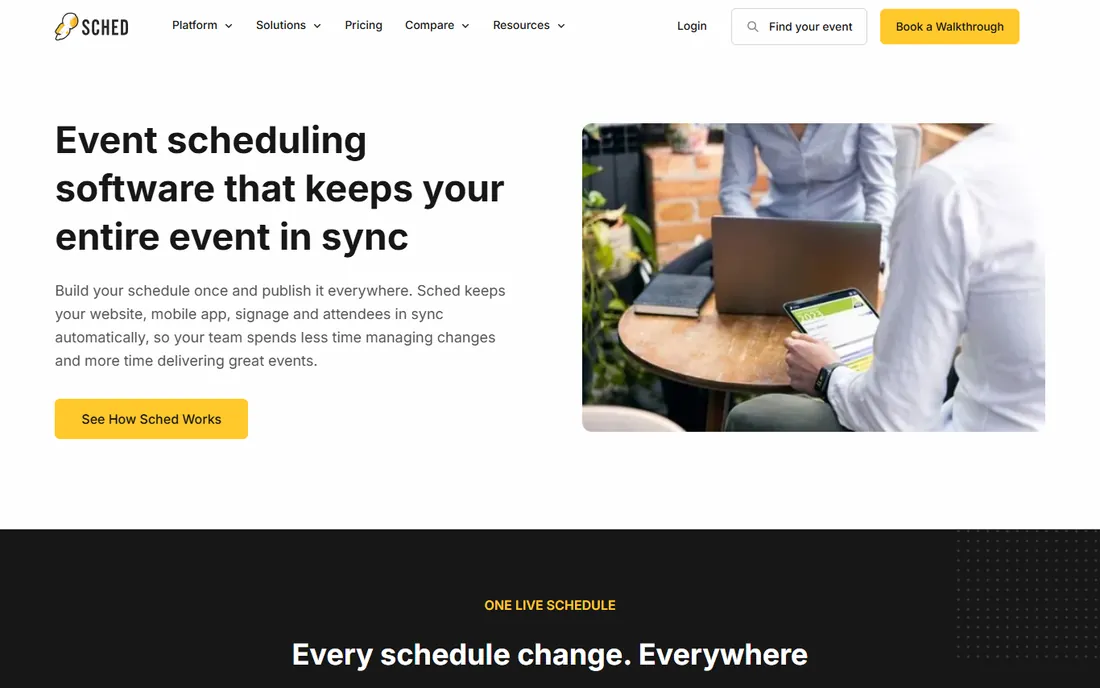
Sched is refreshingly transparent in a market of quote-based pricing: Engage at $500, Reserve at $1,500 and Native at $2,500 per event, each including 500 attendees, with nonprofit and education discounts available. The concrete strength is the conference workflow. Organizers publish the schedule, speakers manage their own session info, attendees build custom agendas, and the mobile experience works for everyone. Session feedback, announcements and check-in ride along.
The limitation is focus. Sched builds event programs, not staff rosters or room inventories. The attendee counts per tier mean very large events need to check overage terms. For the actual conference agenda, the thing attendees stare at all day, Sched's combination of published pricing and purpose-built workflow is hard to beat.
What we like- Transparent published pricing ($500/$1,500/$2,500 tiers)
- Attendees build personal agendas, organizers manage sessions, speakers and feedback in one place
Watch out for- Event-schedule focused, not a staff or venue scheduler
- Attendee caps per tier need watching for large events
#5
Whova
Best for: Conferences wanting an event app with agenda, networking and engagement
Visit whova.com
Starting priceSee website (custom quote)
Free planNo
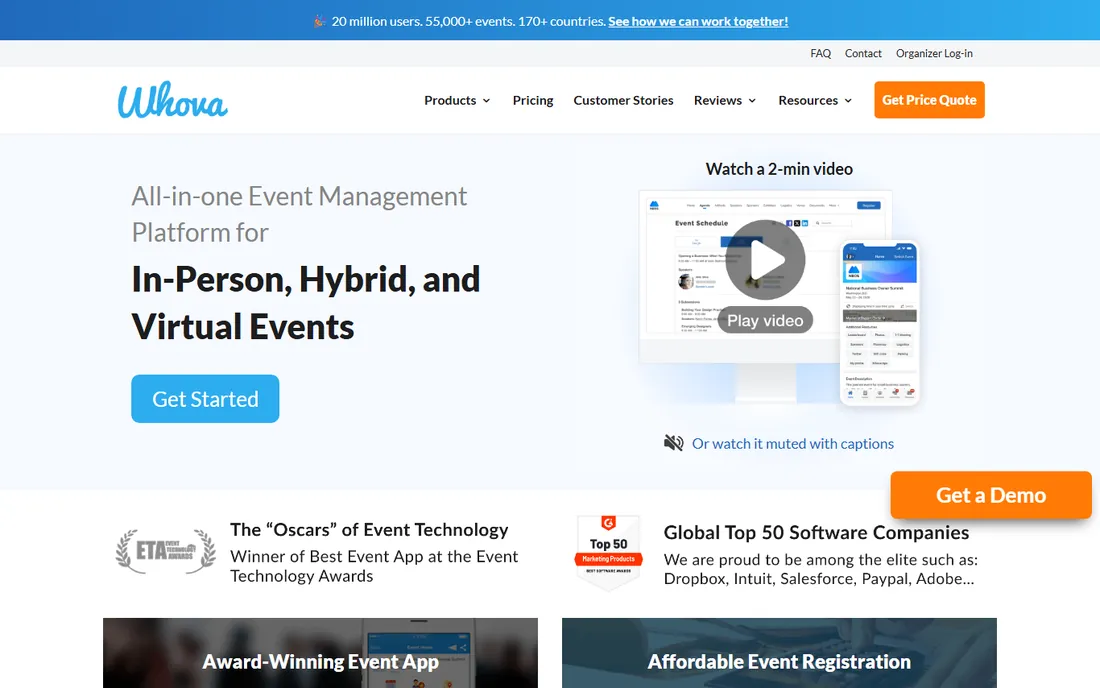
Whova's pitch is the attendee's phone: a branded event app carrying the agenda, speaker profiles, networking, live polls, Q&A and push announcements. The concrete strength is engagement depth. Organizers get analytics on session attendance and app usage, and the networking features (attendee profiles, meetup scheduling) address the hallway-track value that agendas alone miss.
The honest caveat is adoption dependence. An event app only works if attendees install it, which requires promotion and a reason to open it beyond the agenda. Pricing is quote-based, putting it in the considered-purchase category. Pick Whova when the event is large enough that attendee experience justifies an app, and commit to driving downloads.
What we like- Full event app: agenda, attendee networking, live polls, Q&A and analytics in one attendee-facing product
Watch out for- Quote-based pricing
- The app is the product, so value depends on attendee adoption
#6
Eventeny
Best for: Festivals, expos and markets juggling vendors, artists and schedules
Visit eventeny.com
Starting priceSee website
Free planNo
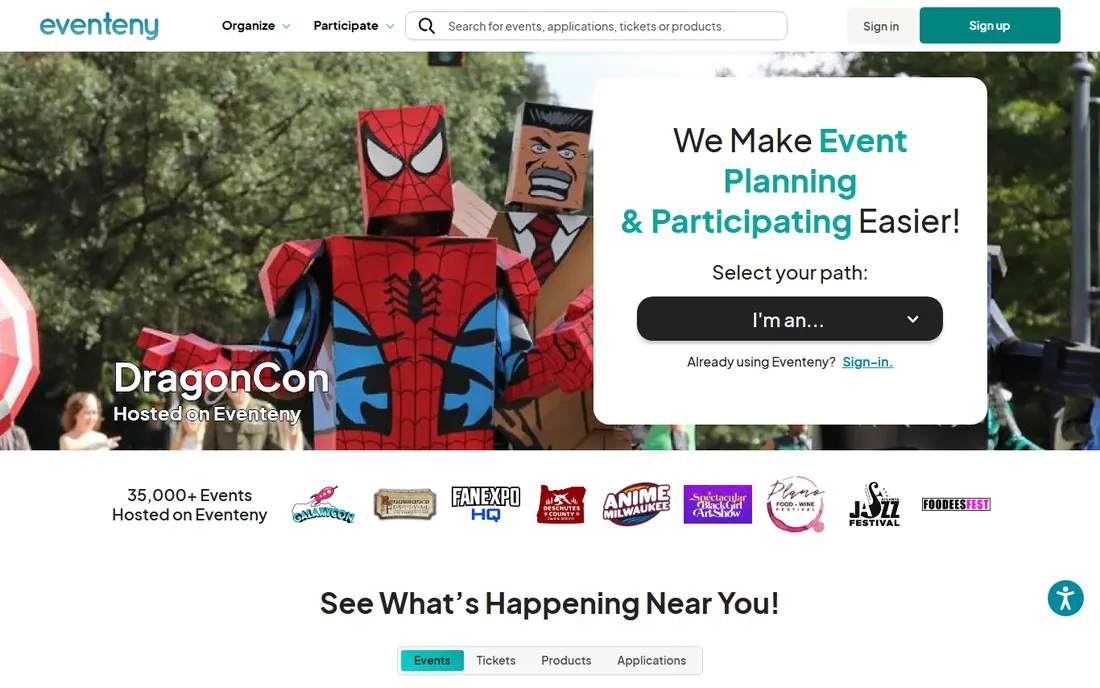
Eventeny targets the complex outdoor event: festivals and expos where organizers coordinate vendors, artists, sponsors, volunteers and attendees simultaneously. The concrete strength is stakeholder management. Vendor applications, booth assignments, artist scheduling and ticketing live together, which matches how festival teams actually work.
The trade-off is breadth versus depth in pure scheduling. If the need is strictly staff shifts or room bookings, the specialists above are tighter. Eventeny earns its place when the schedule involves dozens of external parties with conflicting needs. Pricing is not published, so budget discovery happens in the sales process.
What we like- Vendor and exhibitor management alongside ticketing and scheduling
- Built for the chaos of multi-stakeholder outdoor events
Watch out for- Pricing not published
- Broader than pure scheduling, so evaluate the modules you will actually use
#7
Planning Pod
Best for: Event venues and planners managing bookings, timelines and clients
Visit planningpod.com
Starting priceSee website
Free planNo
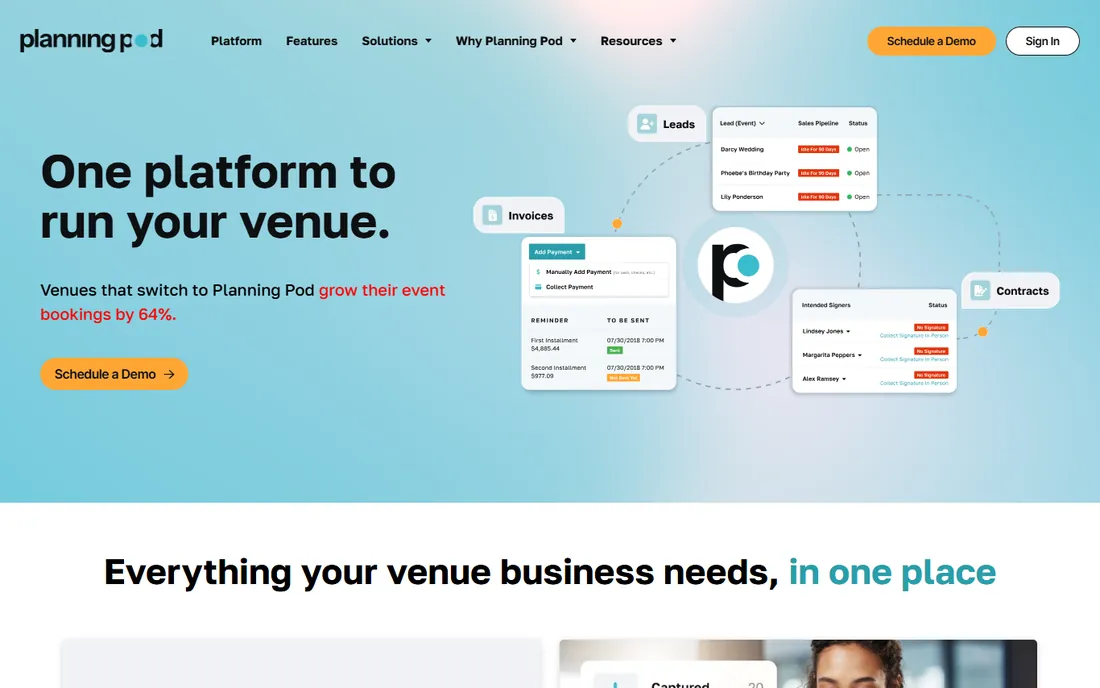
Planning Pod serves the business of events: venues, caterers, planners and rental companies that run dozens of events a year. The concrete strength is the pipeline. Leads become proposals, proposals become contracts, contracts generate timelines, task lists and floor plans, and client communication stays attached to each event. It is operations software for event companies, with scheduling as part of that flow.
The honest fit note is the audience. A corporate team planning its annual conference will find it heavy; an event venue managing 200 weddings a year will find it essential. Pricing is not published. If events are your business rather than your occasion, Planning Pod deserves the demo.
What we like- Built for event businesses: lead management, proposals, contracts, timelines and floor plans in one system
Watch out for- Pricing not published
- Geared to event professionals, not one-off organizers
How we chose
We defined event scheduling as software whose core job is coordinating people, spaces or programs around events, and excluded pure ticketing platforms and general calendar apps. That gave us four distinct scheduling problems (staff shifts, spaces, conference programs, event operations) and the leading specialist for each, plus the broader platforms buyers actually compare. Vendor sites, pricing pages (Sched publishes; most do not), G2 and Capterra reviews, and practitioner discussions informed the picks. We verified current product names and did not include renamed or shuttered products. No vendor paid for placement.
Which scheduling problem do you have
Buyers waste the most time comparing tools built for different jobs. Identify your problem first.
Scheduling people (shifts)
Hourly staff across locations and shifts: WhenToWork for simplicity, Deputy when scheduling must connect to payroll and compliance. The deciding question is whether hours flow into payroll.
Scheduling spaces
Rooms, desks, studios, courts: Skedda. The deciding question is whether the scarce resource is a place rather than a person.
Scheduling a program
Conference sessions, speakers, tracks and attendee agendas: Sched for the agenda itself, Whova when you also want a full attendee engagement app. The deciding question is whether attendees need an app or just a schedule.
Running an event business
Venues, planners and vendors managing many events: Planning Pod for the operations pipeline, Eventeny for festival-style multi-stakeholder chaos. The deciding question is whether events are your business or your occasion.
Implementation notes buyers miss
Scheduling software fails on data, not features. Staff scheduling needs accurate employee records, availability and labor rules before AutoFill can help. Room booking needs real floor plans and clear booking policies before self-service works. Conference agendas need speaker content collected early, not the week before.
Second, check the mobile story with your actual users. Shift workers live on the app; if it is clunky, adoption dies and the schedule lives in a group chat. Ask for a trial with real staff, not just an admin demo.
Third, confirm integrations before committing: payroll for Deputy, calendar systems for Skedda, registration platforms for Sched and Whova. The scheduler that does not talk to your other systems becomes another silo.
Frequently asked questions
What is the difference between event scheduling software and ticketing software?
Ticketing sells admission; scheduling coordinates the people, spaces and program. Some platforms do both, but most specialize. If your problem is "who works when" or "what happens where," you need scheduling, not ticketing.
How much does event scheduling software cost?
It varies widely. Sched publishes event pricing from $500. Staff scheduling tools like WhenToWork and Deputy do not publish prices; expect per-user monthly subscriptions. Enterprise event platforms are quote-based. Always ask about attendee caps, overage fees and implementation costs.
Can small teams use these tools?
Yes. WhenToWork's trial needs no credit card, Sched's $500 tier suits small conferences, and Skedda works for single venues. The enterprise-leaning options (Whova, Planning Pod, Eventeny) fit better at scale.
Do these tools integrate with payroll or calendars?
Deputy integrates with payroll systems; Skedda connects with calendar platforms; Sched syncs with registration tools like Eventbrite. Verify your specific integrations during the trial, not after signing.
What about free options?
WhenToWork offers a 30-day free trial. Most others do not offer free tiers. General calendar apps are free but lack the shift, booking-rule and agenda features these specialists provide.
How long does setup take?
Staff schedulers can run within days once employee data is clean. Conference platforms need weeks for content collection. Venue and operations systems like Planning Pod take longer due to pipeline and template setup.
Sources we checked (8)
- https://whentowork.com/
- https://www.deputy.com
- https://www.skedda.com/
- https://sched.com/event-scheduling-software/
- https://www.sched.co/pricing
- https://whova.com/
- https://www.eventeny.com/
- https://www.planningpod.com/
Is your product missing or out of date?
We review this list regularly. Vendors can request a listing, send updated pricing or ask about featured placement.

Shihab Mia · Founder, Rankite
Shihab has spent more than a decade helping SaaS and e-commerce brands grow through search. He writes Rankite's software buying guides from pricing pages, documentation and public user reviews. More about Shihab.