How we make this list: we compare pricing pages, product documentation and public user reviews. Ratings come from G2, Capterra or Trustpilot, with the date we checked them.
Key takeaways
- ERD tools split into code first tools for developers, visual drag and drop tools for teams, and enterprise modelers for large data architectures.
- dbdiagram suits code first developers with DBML and SQL import and export, while Draw.io suits free general diagramming with no database specific features.
- Free tiers are generous here: Draw.io is fully free, dbdiagram free covers 10 diagrams, and ChartDB is open source with a free tier.
- Collaboration separates tools: Lucidchart leads on real time team editing, while Draw.io offers basic collaboration and code first tools suit version controlled workflows.
- Enterprise pricing is usually quote based, since seats, databases, and validation depth change the bill, so confirm current pricing before budgeting.
Quick comparison
| Tool | Best for | Starting price | Free plan |
|---|
 dbdiagram.io dbdiagram.io | Code first developers | Free | Yes |
 Draw.io Draw.io | Free general diagramming | Free | Yes |
 Lucidchart Lucidchart | Team collaboration | See website | Yes |
 ChartDB ChartDB | Open source developer workflows | Free | Yes |
 QuickDBD QuickDBD | Rapid schema sketching | Free | Yes |
 DrawSQL DrawSQL | Collaborative ERD design | Free | Yes |
 SqlDBM SqlDBM | Enterprise cloud modeling | $25 per month | No |
 Vertabelo Vertabelo | Professional modeling teams | $24 per month | No |
Is your product missing or out of date?
We review this list regularly. Vendors can request a listing, send updated pricing or ask about featured placement.
Starting priceFree
Free planYes
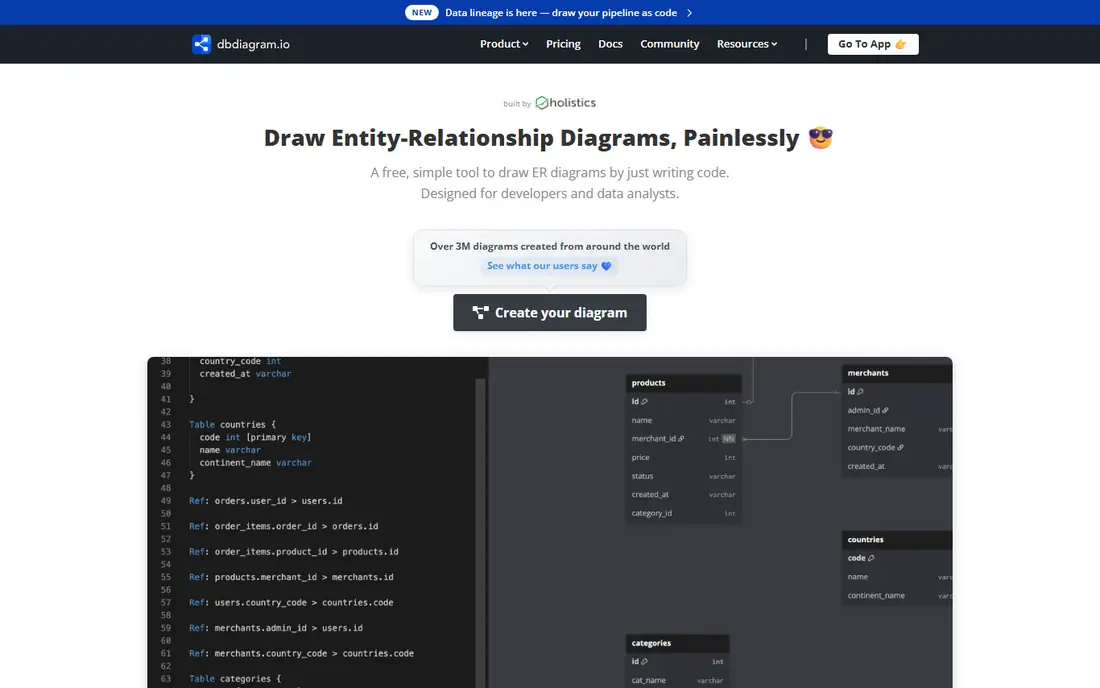
dbdiagram.io is the code first ERD tool for developers, letting you define tables and relationships in DBML, a simple domain specific language, then generate diagrams, SQL, and exports from that code. The free Personal plan covers SQL import and export, up to 10 diagrams, and public and embedded diagrams with PDF and PNG export, while Personal Pro runs 8 to 9 dollars a month depending on source, with unlimited diagrams and tables, private diagrams, version history, and password protection. Team plans run 50 dollars a month with centralized workspace and collaboration.
The trade off is learning curve and sync. DBML takes learning for non developers, and there is no live database sync, so diagrams can drift from the live schema. dbdiagram fits code first developers who want fast, version controlled schema diagrams with SQL import and export.
What we like- DBML code based workflow
- SQL import and export
- Fast iteration
- Version control friendly
- Free tier with 10 diagrams
Watch out for- DSL learning curve
- No live database sync
- Diagram and object limits on free plan
- Collaboration lighter than Lucidchart
#2Draw.io
Best for: Free general diagramming4.4/5 on
G2 (450 reviews, checked Oct 2026)
Visit diagrams.net
Starting priceFree
Free planYes
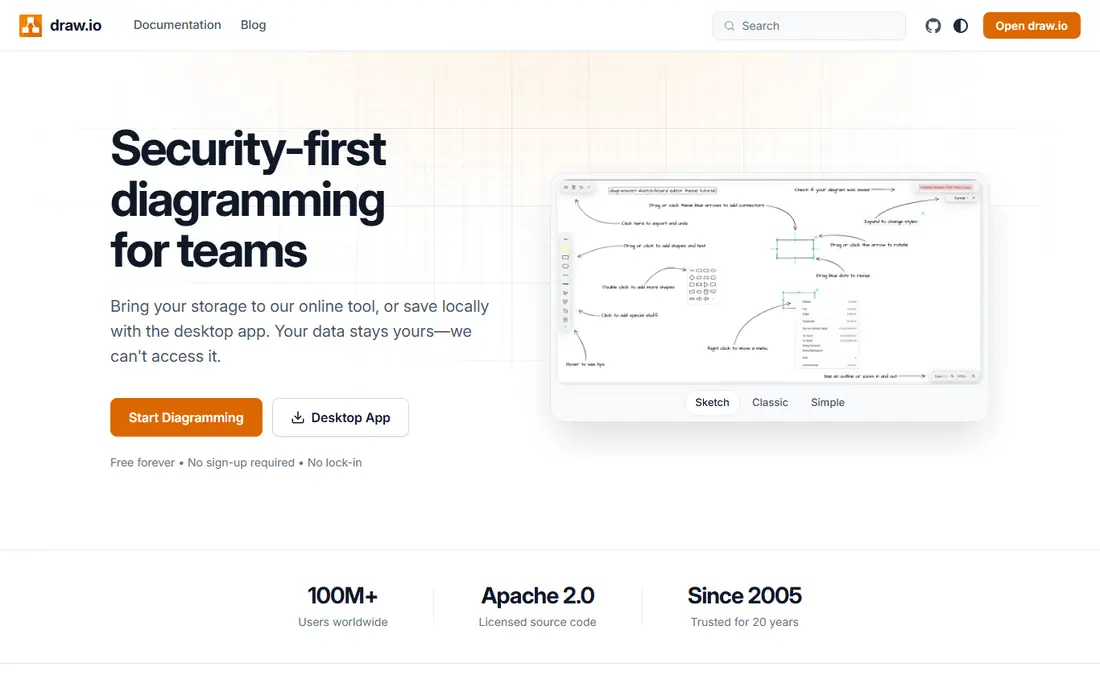
Draw.io, now Diagrams.net, is the free general diagramming tool that handles ER diagrams alongside flowcharts, org charts, UML, and network diagrams, with Crow's Foot and Chen notations, offline support, and open source code. Web use is fully free, with paid options only for Atlassian Confluence and Jira apps, and diagrams save to Google Drive, Dropbox, OneDrive, or your own computer as XML files that can be committed to Git. For individual diagramming, Draw.io produces professional looking diagrams at zero cost.
The limits are database specificity and collaboration. Draw.io offers no SQL import or export and no real time collaboration, so team editing needs screen sharing or a different tool. Draw.io fits beginners, students, and individuals who want free, offline capable ER diagrams without database features.
What we like- Fully free for web use
- Open source
- Offline support
- Crow's Foot and Chen notations
- Saves to Drive, Dropbox, OneDrive, or local disk
Watch out for- Not database specific, no SQL import or export
- No real time collaboration
- Visual polish behind Lucidchart
Starting priceSee website
Free planYes
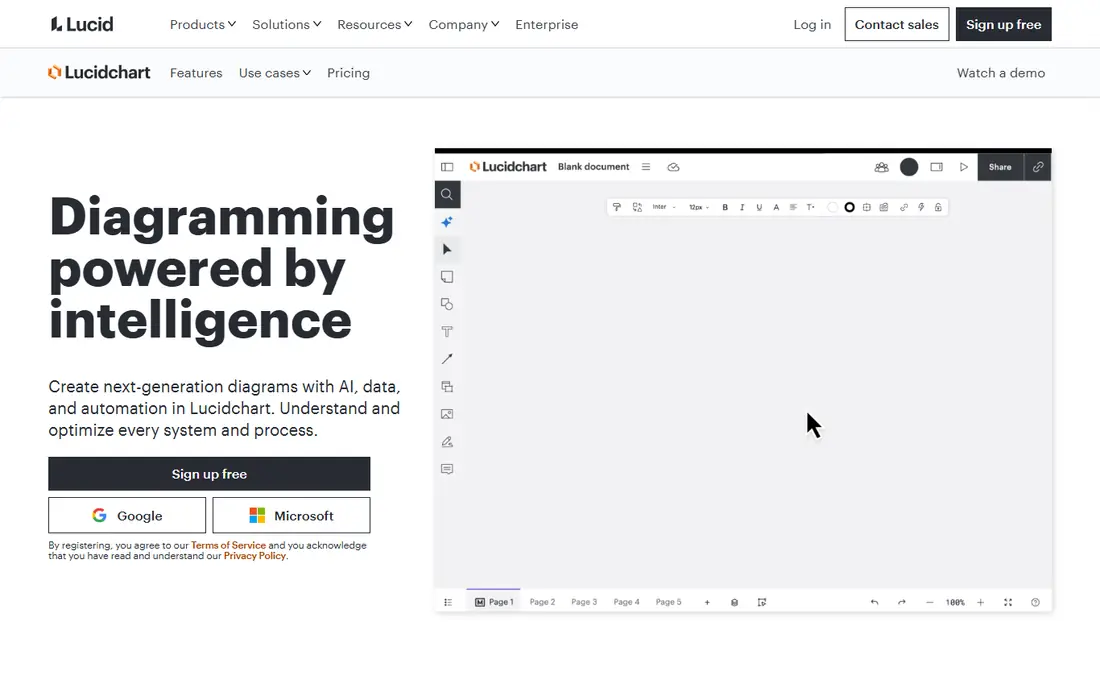
Lucidchart is the polished, collaborative ERD tool for teams, with drag and drop ERD creation, real time collaboration, AI driven visuals and templates, and integrations with Google Suite, Jira, Slack, and Confluence. Pricing is reported from 8 to 9 dollars a month for Individual plans depending on source, so check the current pricing page, while the free plan limits users to 3 diagrams and 60 objects per diagram. For teams that design together and need polished documentation diagrams, Lucidchart is the default pick.
The trade off is free limits and price spread. A medium diagram easily exceeds 60 objects, forcing a paid plan, and reported prices vary by source. Lucidchart fits teams that need real time collaboration and polished ER diagrams for documentation.
What we like- Polished drag and drop interface
- Real time collaboration
- AI driven visuals and templates
- Integrations with Google Suite, Jira, Slack, and Confluence
Watch out for- Free plan limits to 3 diagrams and 60 objects per diagram
- Pricing reported from 8 to 9 dollars a month
- Diagram limits bind medium diagrams
Starting priceFree
Free planYes
ChartDB is the open source ERD tool for developers and modern workflows, with fast schema import, multi SQL support, AI export, and self hosting for teams that want data control. The free tier covers core use, with cloud plans from 12.50 dollars a month. For developers who want an open source, modern alternative to dbdiagram with schema import, ChartDB is the freshest option here.
The limits are maturity and AI key needs. ChartDB is still evolving, and AI export needs your own API key. ChartDB fits developers and self hosting teams that want open source ERD tooling with fast schema import.
What we like- Open source
- Fast schema import
- Multi SQL support
- AI export
- Self hosting option
- Modern interface
Watch out for- Still evolving
- AI export needs an API key
- Cloud from 12.50 dollars a month
- Smaller community than dbdiagram
Starting priceFree
Free planYes
QuickDBD helps you sketch a schema diagram using only text input, capturing ideas fast with keyboard only workflow and exporting to SQL, PDF, and Word. The free plan covers 1 public diagram with 10 tables, while Pro runs 14 dollars a month for unlimited tables and private diagrams. For rapid brainstorming before detailed modeling, QuickDBD is the fastest tool here.
The trade off is limits and collaboration. The free plan covers only 1 diagram, there is no collaboration, and visuals stay basic. QuickDBD fits developers and students who want rapid schema sketching from text.
What we like- Fastest text to diagram sketching
- Keyboard only workflow
- SQL, PDF, and Word export
- Crow's Foot notation
Watch out for- Free plan limits to 1 diagram
- No collaboration
- Pro from 14 dollars a month
- Basic visuals
Starting priceFree
Free planYes
DrawSQL offers collaborative ERD design with a clean interface and templates, suited to teams that review schemas together and want a focused database diagram tool rather than a general diagrammer. The free plan covers limited use with public diagrams only, while paid plans start at 15 dollars a month for private diagrams and team features. For teams that want a clean, database specific collaborative tool, DrawSQL hits a middle ground between dbdiagram and Lucidchart.
The limits are free privacy and feature depth. Free diagrams are public only, and the feature set is smaller than Lucidchart. DrawSQL fits teams that want collaborative, database specific ERD design with a clean interface.
What we like- Clean interface
- Templates
- Collaborative design
- Good for team schema reviews
Watch out for- Public diagrams only on free plan
- Paid from 15 dollars a month
- Smaller feature set than Lucidchart
#7SqlDBM
Best for: Enterprise cloud modeling4.6/5 on
G2 (18 reviews, checked Oct 2026)
Visit sqldbm.com
Starting price$25 per month
Free planNo
SqlDBM is an enterprise cloud modeling tool with a modern visual interface, team collaboration, and forward engineering to DDL, suited to organizations that model large databases in the cloud. Pricing starts from 25 dollars a month, with a trial only free option and expensive higher tiers. For enterprise teams that need cloud modeling with team governance, SqlDBM offers a modern alternative to desktop modelers.
The trade off is free access and price. There is no permanent free plan, only a trial, and higher tiers cost significantly more. SqlDBM fits enterprise cloud teams that need modern visual modeling with team features.
What we like- Modern visual interface
- Enterprise cloud modeling
- Team collaboration
- Forward engineering to DDL
Watch out for- Trial only, no permanent free plan
- Expensive tiers above entry
- Limited free access for evaluation
Starting price$24 per month
Free planNo
Vertabelo serves professional modeling teams with advanced validation, versioning, and logical and physical modeling depth that general diagrammers lack. Pricing starts from 24 dollars a month, with a trial only free option. For data architects and modeling teams that need validation rules, version history, and professional modeling workflows, Vertabelo offers depth that free tools cannot match.
The limits are free access and learning curve. There is no permanent free plan, and advanced features take time to learn. Vertabelo fits professional modeling teams that need validation and versioning for serious data architecture work.
What we like- Advanced validation and versioning
- Professional modeling depth
- Team collaboration
- Logical and physical modeling
Watch out for- Trial only, no permanent free plan
- From 24 dollars a month
- Learning curve for advanced features
How we chose
We compared published pricing pages and third party ERD tool comparisons from 2026, recording free tier limits and entry prices rather than headline claims. We favored tools with distinct strengths, code first workflows, free general diagramming, team collaboration, open source self hosting, rapid sketching, and enterprise modeling, and we flagged where prices conflict across sources by writing See website. We weighed SQL import and export, notation support, and collaboration separately, since no single tool leads on all three.
Start with workflow: code first developers should shortlist dbdiagram and ChartDB, visual teams should shortlist Lucidchart and DrawSQL, and budget users should start with Draw.io free. Next, check SQL needs: if you import existing schemas or export DDL, database specific tools beat general diagrammers. Then confirm collaboration: real time team editing needs Lucidchart or DrawSQL, while version controlled workflows suit dbdiagram and ChartDB. Finally, test one real schema during trial, since notation support, validation, and export quality vary by tool. A tool that fits your workflow, SQL needs, and team size will keep diagrams current instead of letting them drift from the live database.
Frequently asked questions
What is the best ERD diagram tool overall?
dbdiagram suits code first developers, Draw.io suits free individual use, Lucidchart suits team collaboration, and Vertabelo suits professional modeling teams, so the best pick depends on workflow.
Is there a completely free ERD tool?
Yes. Draw.io is fully free for web use, dbdiagram free covers 10 diagrams, and ChartDB is open source with a free tier, while Lucidchart free limits to 3 diagrams and 60 objects.
What is the difference between Crow's Foot and Chen notation?
Crow's Foot uses symbols at relationship ends to show cardinality, while Chen notation uses diamonds for relationships and rectangles for entities, and most tools here support Crow's Foot with some supporting Chen.
Do ERD tools import existing databases?
Some do: dbdiagram and ChartDB offer SQL import, while Draw.io and Lucidchart generally do not, so check import support if you model an existing schema.
Should ERD diagrams live beside code?
Yes, where possible. Code first tools such as dbdiagram and ChartDB store diagrams as text that can be versioned with code, which keeps diagrams current as schemas change.
What is the best ERD tool for enterprise teams?
SqlDBM and Vertabelo suit enterprise and professional modeling with validation, versioning, and team features, while ERwin Data Modeler remains an industry standard desktop option at enterprise pricing.
Sources we checked (0)
Is your product missing or out of date?
We review this list regularly. Vendors can request a listing, send updated pricing or ask about featured placement.

Shihab Mia · Founder, Rankite
Shihab has 5+ years in B2B and SaaS SEO. He writes Rankite's software buying guides from pricing pages, documentation and public user reviews. More about Shihab.