How we make this list: we compare pricing pages, product documentation and public user reviews. Ratings come from G2, Capterra or Trustpilot, with the date we checked them.
Key takeaways
- Automox and NinjaOne lead the cloud native group: no patch server to run, agents everywhere, and policies that patch workstations wherever they sit.
- Ivanti and ManageEngine Patch Manager Plus are the depth picks, covering large third party application catalogues and traditional on premises estates.
- Microsoft Autopatch is the natural choice inside a Microsoft 365 E3 or E5 estate, and its incremental cost there is effectively zero beyond the licence you own.
- The metric that matters is time to patch for critical vulnerabilities across the whole estate, including the laptops that rarely come to the office.
- Test rings are not optional. Every platform here can stage a patch to a pilot group first; an enterprise that patches everything at once will eventually break everything at once.
Quick comparison
Is your product missing or out of date?
We review this list regularly. Vendors can request a listing, send updated pricing or ask about featured placement.
The best enterprise patch management software

#1Automox
Best for: Cloud native patching anywhere4.5/5 on
G2 (326 reviews, checked Oct 2026)
Visit automox.com
Starting priceSee website
Free planNo
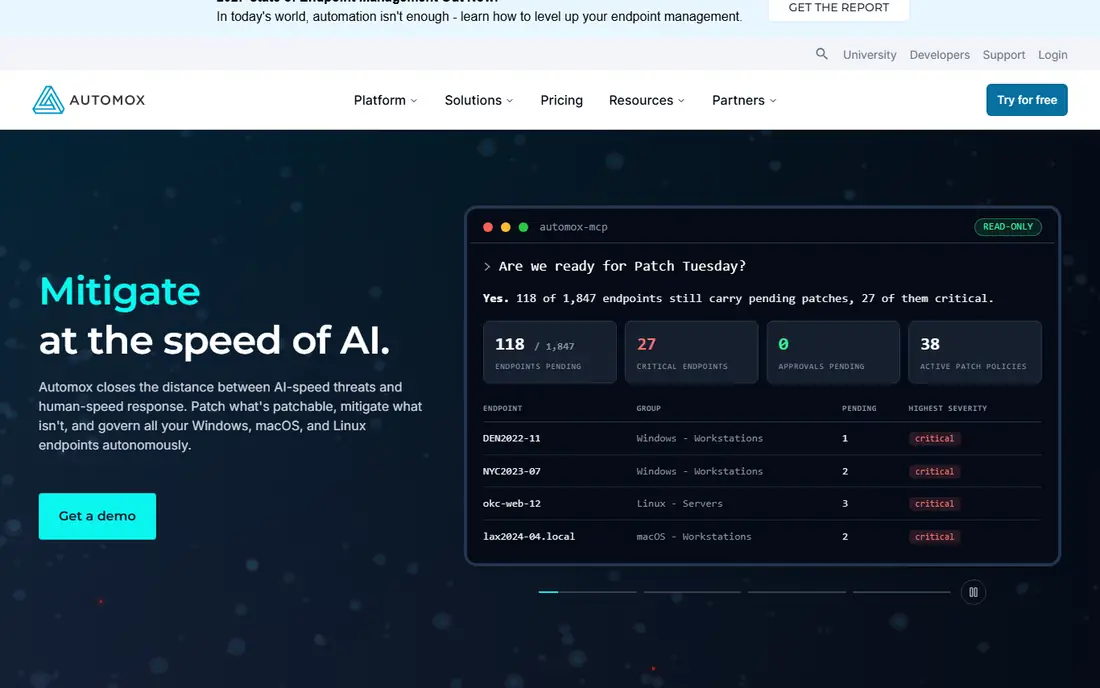
Automox rebuilt patch management for the laptop era: a cloud console, a light agent, and policies that keep every endpoint current whether it is in the office, at home, or in a hotel. Third party application patching covers the browsers, readers, and runtimes attackers actually target.
The trade off is focus against suite breadth. Automox patches brilliantly and leaves asset management and ticketing to other tools. Automox fits distributed and hybrid companies, and the IT teams tired of nursing a patch server, that want the patch cycle to run itself.
What we like- Fully cloud native: no servers, agents patch from anywhere
- Covers Windows, macOS, Linux plus hundreds of third party titles
- Policy automation handles routine patching hands off
- Fast to deploy across a remote estate
Watch out for- Quote based pricing
- Reporting depth trails the biggest suites
- Very old legacy systems may need bridging

#2Ivanti Neurons for Patch Management
Best for: Risk prioritised patching depth4.5/5 on
G2 (47 reviews, checked Oct 2026)
Visit ivanti.com
Starting priceSee website
Free planNo
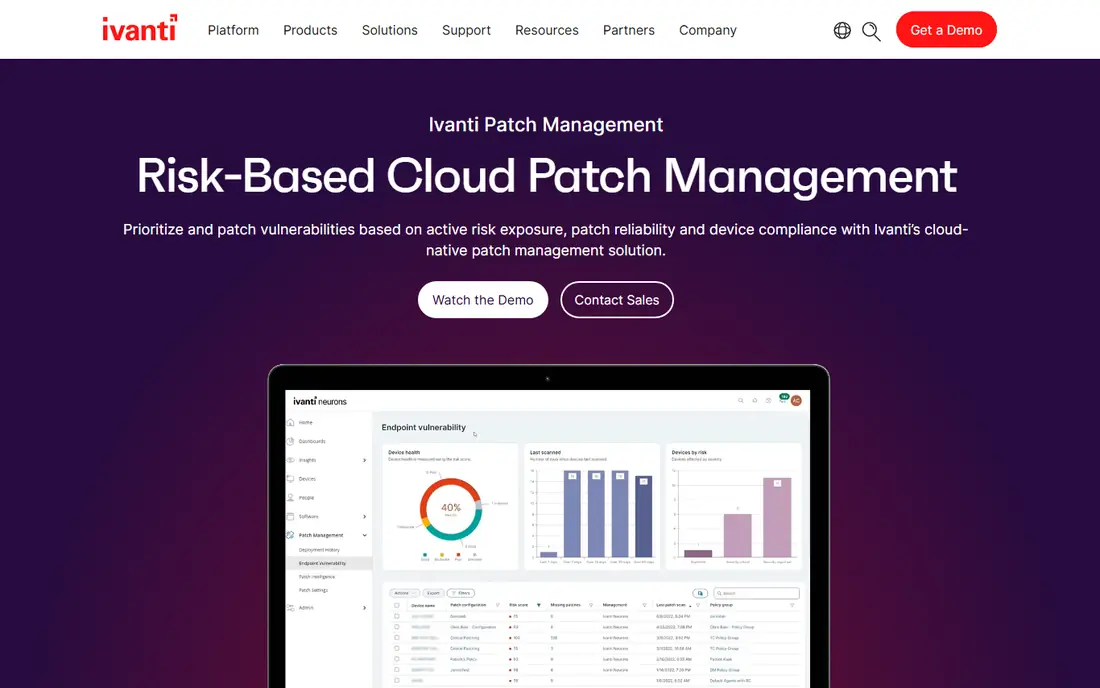
Ivanti has patched enterprise estates for decades, and Neurons is its modern form: a huge catalogue of supported applications, prioritisation driven by which vulnerabilities are actually being exploited, and coverage from cloud workloads to the awkward server in the corner. Few vendors match its third party depth.
The trade off is depth against effort. This is a platform to implement properly, not a weekend install. Ivanti fits large organisations with mixed estates and compliance duties that need an evidence trail for every patch decision.
What we like- One of the deepest third party patch catalogues in the industry
- Risk based prioritisation uses real exploit data
- Spans cloud, on premises, and server estates
- Agentless and agent options
Watch out for- Enterprise pricing and sales process
- Platform breadth makes implementation a project
- Interface rewards experienced administrators

#3ManageEngine Patch Manager Plus
Best for: Broad coverage at a fair price4.5/5 on
G2 (198 reviews, checked Oct 2026)
Visit manageengine.com
Starting price$245 per year
Free planNo
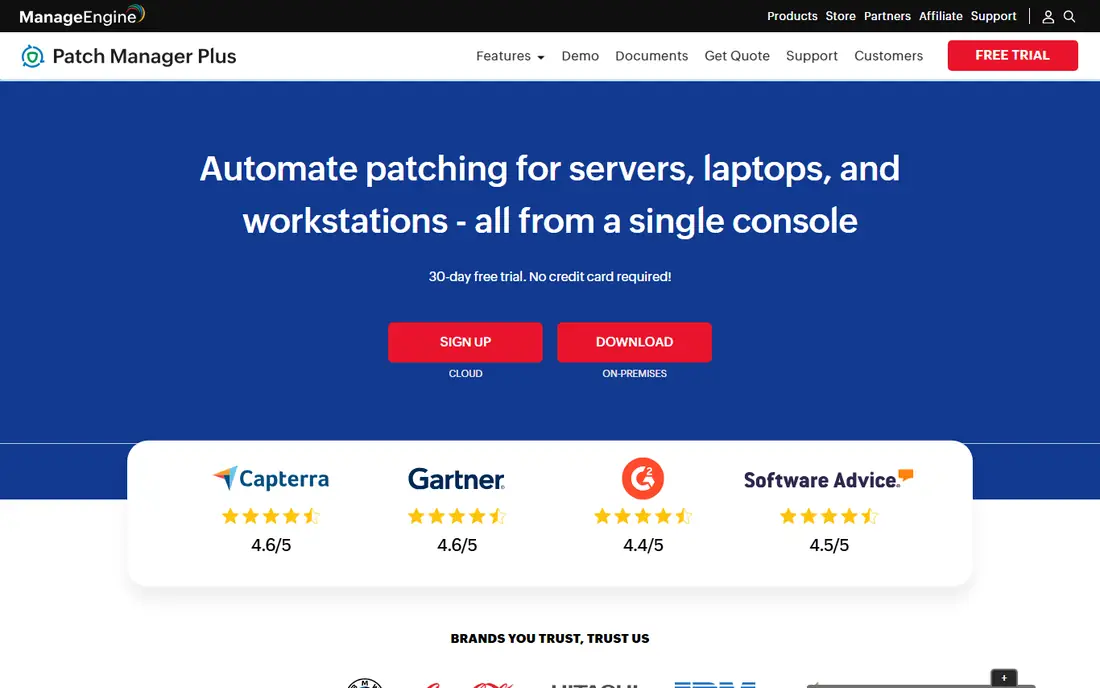
Patch Manager Plus is the value anchor of enterprise patching: a published price list starting at $245 per year, a third party catalogue past a thousand titles, and editions for cloud or on premises deployment. Its automation covers testing, approval, deployment, and restart handling in the scheduled windows you define.
The trade off is polish against price. The console is functional rather than beautiful, and large rollouts need a planned implementation. Patch Manager Plus fits mid size and large IT teams that need genuine enterprise coverage with a budget line a finance department can read.
What we like- Published pricing from $245 per year for small estates
- Patches over a thousand third party applications
- On premises and cloud editions
- Automated patch testing and approval workflows
Watch out for- Interface density takes learning
- Support experience varies by region
- Reporting needs configuration to shine
Starting priceSee website
Free planNo
Autopatch hands the Windows update cycle to Microsoft: it builds the test rings, stages the rollout, pauses on detected problems, and reports compliance in Intune. For an estate already paying for E3 or E5, the patching of the entire Microsoft stack is effectively already bought.
The trade off is scope against price. Chrome, Adobe, Java, and every line of business app still need patching from somewhere, which is why Autopatch usually sits beside a third party tool rather than replacing it. Autopatch fits Microsoft standardised organisations that want the operating system layer handled and their effort spent elsewhere.
What we like- Included with Microsoft 365 E3 and E5 and Windows enterprise licences
- Microsoft manages update rings and rollout health
- Covers Windows, Microsoft 365 Apps, Edge, and Teams
- Reporting inside the Intune console
Watch out for- Microsoft products only: third party applications still need another tool
- Eligibility depends on your licence tier
- Control is shared with Microsoft by design

#5NinjaOne
Best for: IT teams wanting one agent for all4.7/5 on
G2 (5,037 reviews, checked Oct 2026)
Visit ninjaone.com
Starting priceSee website
Free planNo
NinjaOne sells the one agent estate: patch management is one module in a platform that also monitors, remotes in, backs up, and tickets. Its patch automation is genuinely good, rings, approvals, and reboot control included, and IT teams praise how little training the console needs.
The trade off is platform logic against point depth. If you only need patching, you pay for a platform. NinjaOne fits lean IT teams and service providers consolidating tools, where one agent replacing four is the whole business case.
What we like- Patching inside a full endpoint management platform: remote access, monitoring, backup, and ticketing on one agent
- Automation policies are simple to build
- Strong reviews from IT teams and MSPs
Watch out for- Per device pricing by quote
- Patching depth on exotic software trails Ivanti
- Platform value depends on using more than patching

#6
PDQ Deploy and Inventory
Best for: Windows admins who script
Visit pdq.com
Starting price$500 per admin per year
Free planNo
PDQ is the admin's tool: Inventory scans the Windows estate, Deploy pushes patches and software from a deep ready made package library, and the whole thing speaks fluent sysadmin. At a published $500 per admin per year regardless of estate size, its pricing model is the friendliest on this page for large Windows fleets.
The trade off is platform range against Windows mastery. Mac and Linux need other arrangements, and a permanently remote fleet strains the agentless model. PDQ fits Windows centric organisations with hands on administrators who value control and a simple bill.
What we like- Beloved by Windows administrators for thirty years of practical design
- Package library covers common software out of the box
- Published pricing at $500 per admin per year
- Inventory gives the estate picture Deploy acts on
Watch out for- Windows centred
- Agentless model suits LAN estates better than fully remote fleets
- Scheduling automation is simpler than cloud rivals
Starting priceSee website
Free planNo
Tanium answers questions across a million endpoints in seconds, and its patch module turns that visibility into action: find every machine missing the critical fix and patch it in the same console. It is bought by the largest enterprises and governments for estates where other tools time out.
The trade off is scale against accessibility. Mid size companies will never spend its licence or use its ceiling. Tanium fits very large, complex organisations where estate wide certainty is worth an enterprise contract.
What we like- Real time data from every endpoint at genuine enterprise scale
- Patching sits inside a platform spanning asset discovery, vulnerability, and incident response
- Built for estates in the hundreds of thousands
Watch out for- Enterprise pricing at the top of this list
- Deployment is a programme with professional services
- Value case needs the wider platform

#8Qualys Patch Management
Best for: Vulnerability led patching4.3/5 on
G2 (3 reviews, checked Oct 2026)
Visit qualys.com
Starting priceSee website
Free planNo
Qualys starts from the vulnerability scan: its patch product deploys the fixes for the findings its own scanner raised, closing the loop between security's list and IT's work. Automated jobs can patch whole classes of critical vulnerabilities with no ticket at all, under rules you set.
The trade off is integration against independence. Standalone buyers get less than Qualys platform shops. Qualys fits security led organisations already on Qualys that want findings and fixes in one evidence chain for their auditors.
What we like- Patching fused with the Qualys vulnerability scanner, so the queue is the risk list
- Zero touch patch jobs for routine CVE classes
- Patching for operating systems and third party apps
- Strong compliance reporting
Watch out for- Makes most sense inside the Qualys platform
- Pricing by module and quote
- Interface serves security teams more than general IT
How we chose
We compared the patch platforms enterprise IT teams shortlist, separating the cloud native agents from the traditional consoles and the vulnerability led tools. Pricing was published only where it is stable and stated by the vendor: Patch Manager Plus and PDQ publish theirs, and Microsoft bundles Autopatch into licence tiers, while the rest quote and are marked See website. We required coverage of third party applications, not just operating system updates, because unpatched third party software is where estates actually get breached.
How to choose enterprise patch management software
Start with the estate you actually have: operating system mix, the third party catalogue each vendor supports, and how many endpoints never touch the corporate network. Cloud native agents win the remote argument by default; agentless tools win inside controlled data centres. Then judge the risk workflow: the tool should order work by exploited, critical vulnerabilities on exposed machines, not alphabetically, and prove closure with a rescan. Insist on rings and rollback in the pilot: patch the IT department first, then a department, then the estate, with automatic pause rules, and rehearse the bad patch day before it happens. Price the licence against the metric that matters, cost per endpoint kept within your patch window, and include the administrator time each console demands. Finally, align reporting with your compliance regime from day one; the audit evidence a tool produces is half its value in a regulated enterprise.
Frequently asked questions
What is a good patch window target?
Common enterprise targets are 48 to 72 hours for critical vulnerabilities being actively exploited, 14 days for other critical and high fixes, and 30 days for the routine monthly cycle. Measure the whole estate including remote laptops; averages that exclude the hardest machines hide the risk.
Does patch software cover third party applications?
The tools here do, and the catalogue size differs: Ivanti and ManageEngine advertise over a thousand supported titles, PDQ and Automox several hundred. Check your specific line of business applications against the catalogue before buying, since one unsupported critical app can force a second tool.
Can patching break production systems?
Yes, it happens, which is why rings, automated testing, and maintenance windows exist. Stage deployments, snapshot servers where the platform supports it, and keep a freeze calendar for peak business periods. An unpatched estate is still the bigger risk; the answer is controlled patching, not none.
How much does enterprise patch management cost?
Published anchors: Patch Manager Plus from $245 per year for small estates and PDQ at $500 per admin per year. Cloud platforms typically price per endpoint per month by quote. Enterprise platform deals, Tanium in particular, are individually negotiated.
Is Microsoft Autopatch enough on its own?
For Windows and Microsoft 365 Apps inside an eligible licence, it handles the Microsoft layer well. Third party applications, which account for a large share of exploited vulnerabilities, need one of the other tools on this page beside it.
Should patching sit with IT or security?
Both, with clear ownership: security owns the risk priority and the reporting, IT owns deployment and the change calendar, and the tool is the shared evidence. Qualys suits security led shops; Automox and NinjaOne suit IT led ones. The failure mode is each team assuming the other patched it.
Sources we checked (0)
Is your product missing or out of date?
We review this list regularly. Vendors can request a listing, send updated pricing or ask about featured placement.

Shihab Mia · Founder, Rankite
Shihab has 5+ years in B2B and SaaS SEO. He writes Rankite's software buying guides from pricing pages, documentation and public user reviews. More about Shihab.
 Microsoft Autopatch
 Tanium