How we make this list: we compare pricing pages, product documentation and public user reviews. Ratings come from G2, Capterra or Trustpilot, with the date we checked them.
Key takeaways
- The best enterprise backup software in 2026 is led by Veeam for hybrid estates, Rubrik for ransomware recovery, and Commvault for complex applications today.
- Immutability is now the deciding feature: 93 percent of leaders call absolute immutability critical, yet only 16 percent say their current setup meets it today.
- A backup that runs after ransomware encrypts data locks in the problem, so detection and clean copy checks matter as much as storage itself.
- Most incumbents do not publish dollar prices, so expect a quote and ask what restores and security add ons cost before signing.
- A shortlist is a hypothesis until each finalist handles your own environment, so run pilot tests before signing any contract.
Quick comparison
| Tool | Best for | Starting price | Free plan |
|---|
 Veeam Veeam | Hybrid and VM estates | See website | No |
 Commvault Commvault | SAP and Oracle apps | See website | No |
 Rubrik Rubrik | Ransomware recovery | See website | No |
 Cohesity Cohesity | Legacy data centers | See website | No |
 Druva Druva | Endpoint and SaaS data | See website | No |
 Dell PowerProtect Dell PowerProtect | Data Domain estates | See website | No |
 AWS Backup AWS Backup | AWS only estates | $0.05 per GB per month | No |
 Acronis Acronis | Cyber protection bundle | See website | No |
Is your product missing or out of date?
We review this list regularly. Vendors can request a listing, send updated pricing or ask about featured placement.
The best enterprise backup software
Starting priceSee website
Free planNo
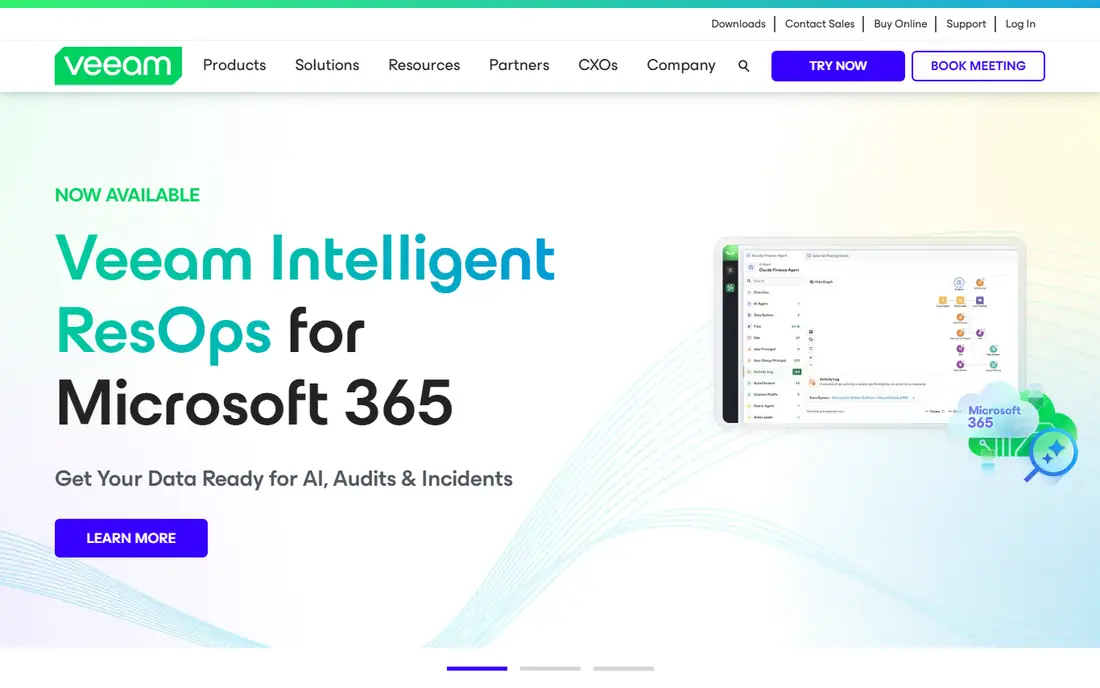
Veeam remains the most defensible choice for hybrid enterprise environments with broad workload coverage needs, covering VMs, physical servers, cloud workloads, Kubernetes through Kasten, and Microsoft 365. It meters per workload, with Veeam Vault from 4.50 dollars per TB per month, and offers hardened repositories, object lock, and ransomware anomaly detection.
The limits are configuration and effort. Veeam locks only what you configure outside Veeam Vault, so immutability depends on setup, and self run software needs patching and on call staff. For a hypervisor migration or a hybrid estate, Veeam is the best choice overall.
What we like- Broadest workload coverage
- Strong VM recovery
- Veeam Vault option
Watch out for- Immutability needs configuration
- Quote based pricing
- Self run effort
Starting priceSee website
Free planNo
Commvault fits a slow SAP or Oracle recovery, with the deepest application aware recovery in this list and a cleanroom option for testing restores before production cutover. It runs self managed or Commvault managed, licenses by front end TB capacity, and offers AirGap storage with Retention Lock.
The limits are cost and complexity. Commvault's median annual contract sits near 285,000 dollars, and its breadth needs skilled operators. For an enterprise running heavy SAP or Oracle workloads, Commvault is the best choice today.
What we like- Deepest application recovery
- Cleanroom recovery
- Broad platform support
Watch out for- Front end TB pricing is costly
- Complexity
- Median contract near 285,000 dollars per year
#3Rubrik
Best for: Ransomware recovery4.6/5 on
G2 (302 reviews, checked Oct 2026)
Visit rubrik.com
Starting priceSee website
Free planNo
Rubrik fits a ransomware scare at a security led shop, locking data on an append only filesystem from day one, with strong ransomware detection and granular recovery down to individual records. It runs as clusters on prem or hosted and managed in the cloud, with quote only pricing averaging around 57,000 dollars per year.
The limits are pricing transparency and hardware. Rubrik publishes no dollar prices, and on prem deployments need cluster hardware. For a VMware heavy, ransomware focused shop, Rubrik is the strongest pick overall.
What we like- Immutability by default
- Strong ransomware detection
- Fast granular recovery
Watch out for- Quote only pricing
- Cluster hardware for on prem
- Average near 57,000 dollars per year
#4Cohesity
Best for: Legacy data centers4.4/5 on
G2 (55 reviews, checked Oct 2026)
Visit cohesity.com
Starting priceSee website
Free planNo
Cohesity fits a renewal on a large legacy data center, consolidating backup and data services on one platform with read only snapshots, opt in DataLock, and the FortKnox isolated vault. Pricing is quote based on 1, 3, or 5 year terms, with Cohesity, partner, or customer managed deployment.
The limits are opt in locking and term pricing. DataLock must be switched on per policy, so the repository nobody switched on stays exposed. For a team consolidating backup and data services on one platform, Cohesity is a strong choice.
What we like- Consolidates backup and data services
- Read only snapshots
- FortKnox vault
Watch out for- DataLock is opt in
- Quote and term based pricing
- Complexity at scale
#5Druva
Best for: Endpoint and SaaS data4.7/5 on
G2 (746 reviews, checked Oct 2026)
Visit druva.com
Starting priceSee website
Free planNo
Druva suits endpoint and SaaS sprawl, running as a fully managed SaaS service with no appliances to patch, strong Microsoft 365 and endpoint coverage, and cloud isolation for ransomware protection. It charges per TB after deduplication or per user, with Data Lock set per policy.
The limits are per policy locking and cost model. Data Lock is not on by default, and per TB pricing adds up for large estates. For an endpoint heavy team that wants backup delivered as pure SaaS, Druva is the natural fit today.
What we like- Fully managed SaaS
- Strong endpoint and SaaS coverage
- Cloud isolation
Watch out for- Data Lock set per policy
- Per TB pricing adds up
- Kubernetes support partial
Starting priceSee website
Free planNo
Dell PowerProtect answers a Data Domain hardware refresh, with deep Data Domain integration, licensed Retention Lock, an isolated Cyber Recovery vault, and vault scanning for ransomware. It runs as appliances plus a SaaS option, with quote only pricing.
The limits are hardware and coverage. Appliances need refresh cycles and floor space, and SaaS backup coverage is partial. For a Data Domain shop refreshing hardware, Dell PowerProtect is the best choice.
What we like- Deep Data Domain integration
- Cyber Recovery vault
- Vault scanning
Watch out for- Quote only pricing
- Appliance hardware
- SaaS backup coverage partial
Starting price$0.05 per GB per month
Free planNo
AWS Backup suits AWS only teams that want native tooling, with Vault Lock in governance or compliance mode, air gapped vaults at 0.0575 dollars per GB per month, and S3 warm storage from 0.05 dollars per GB per month in us-east-1. It integrates natively with AWS services and bills by consumption.
The limits are scope. AWS Backup covers AWS only, so a multi cloud estate needs another platform alongside it. For a team certain to stay on AWS alone, AWS Backup is the best value choice overall.
What we like- Native AWS tooling
- Vault Lock
- Air gapped vaults
- Consumption pricing
Watch out for- AWS only
- Air gapped vaults only for full isolation
- Cross cloud needs another tool
#8Acronis
Best for: Cyber protection bundle4.7/5 on
G2 (1,462 reviews, checked Oct 2026)
Visit acronis.com
Starting priceSee website
Free planNo
Acronis bundles backup with active anti malware and cyber protection, with published pricing, SaaS and software delivery, and strong Microsoft 365 backup. It suits mid size enterprises that want backup plus endpoint protection in one console.
The limits are enterprise depth. Kubernetes support is limited, air gap options are partial, and application depth trails Commvault. For a mid size team that wants backup plus anti malware in one bundle, Acronis is a strong choice today.
What we like- Published pricing
- Active anti malware
- SaaS and software delivery
Watch out for- Kubernetes support limited
- Air gap option partial
- Enterprise depth lighter
How we chose
We ranked platforms by coverage of what you run today, recovery granularity, ransomware detection depth, infrastructure you must operate, and cost model, weighting the criteria toward what breaks during a real incident. We gave extra weight to immutability defaults, since a lock that depends on someone switching it on per repository leaves the forgotten repository exposed. We also weighed whether the platform can tell you the copy is clean, since locking a copy and verifying it are separate jobs. Finally, we checked restore speed, since a backup that takes days to restore fails the business even when the data itself is intact.
Buying guide
Start with where your data lives. If the estate is still mostly on prem, shortlist Veeam, Rubrik, and Dell PowerProtect, and if it is a mix of data center and heavy enterprise applications, look hardest at Commvault and Cohesity. For a cloud first enterprise, start with a cloud native platform and add AWS Backup only if you are certain to stay on AWS alone, since a single cloud tool cannot protect a multi cloud estate.
Next, run three pilot tests before signing. Launch a new database and account mid pilot, tag nothing, and note which platform protects them on its own. Drop a table and mass update rows in a test instance, then see whether the platform flags it and how close to the damaged rows you can restore. Ask for last month's backup spend broken down by resource, since a single line item means the same argument with finance next year, and a vendor that cannot break down spend will not get clearer after you sign.
Finally, price restores, not just storage. Ask what restores, security features, and egress cost, since backup spend hides inside snapshot storage, cross region transfer, and the compute you spin up to restore. A cheap storage rate with expensive restores is a costly platform, and a platform that charges for every restore discourages the very testing that proves backups work.
Frequently asked questions
What is the best enterprise backup solution?
It depends on the workload mix and the recovery goals. Veeam and Commvault lead for hybrid environments, Rubrik for VMware heavy ransomware focused shops, Cohesity for legacy data center consolidation, and Druva for endpoint heavy teams.
How much does enterprise backup software cost?
Enterprise backup in 2026 ranges from roughly 57,000 dollars to 425,000 dollars or more per year, depending on data volume and scope. Rubrik averages around 57,000 dollars per year, while Commvault has a median annual contract near 285,000 dollars.
Why does immutability matter for ransomware?
Ransomware encrypts data, and any backup that runs afterward locks in the encrypted copy. Immutable backups cannot be changed or deleted until they expire, so attackers cannot destroy the clean copy even with stolen credentials.
Should I choose SaaS or self run backup?
SaaS suits teams that want no appliances to patch and fast deployment, while self run suits teams that need full control over storage and network. Cloud first teams should favor SaaS, while data center teams with existing hardware may favor appliances. Also check where SaaS data is stored, since data residency rules in some industries limit which regions a vendor may use, and a SaaS platform that cannot meet those rules is not an option no matter how good its features look.
How do I test a backup platform before buying?
Run the three pilot tests in this guide: untagged asset protection, damaged row recovery, and spend breakdown. A platform that fails any of the three will fail you during a real incident. Also test a full restore to a clean environment, since a platform that restores files but cannot rebuild a working system has only solved half the problem.
Sources we checked (0)
Is your product missing or out of date?
We review this list regularly. Vendors can request a listing, send updated pricing or ask about featured placement.

Shihab Mia · Founder, Rankite
Shihab has 5+ years in B2B and SaaS SEO. He writes Rankite's software buying guides from pricing pages, documentation and public user reviews. More about Shihab.