How we make this list: we compare pricing pages, product documentation and public user reviews. Ratings come from G2, Capterra or Trustpilot, with the date we checked them.
Key takeaways
- ServiceNow is the most complete enterprise choice, but it is also the most complex and the hardest to price without a quote.
- Jira Service Management is the natural pick for teams already using Atlassian tools, since tickets can link directly to development work.
- Freshservice and ManageEngine ServiceDesk Plus give mid-size and large teams a faster, cheaper ITSM start than ServiceNow.
- BMC Helix suits regulated enterprises that need strong automation and AI, while SolarWinds and NinjaOne suit infrastructure and endpoint-heavy teams.
- Implementation time matters as much as the license price, because a platform that takes six months to configure delays every benefit it promises.
Quick comparison
| Tool | Best for | Starting price | Free plan |
|---|
 ServiceNow ServiceNow | Large enterprises with complex workflows | See website | No |
 Jira Service Management Jira Service Management | Teams already using Jira and Confluence | $20 per agent per month | Yes |
 Freshservice Freshservice | Teams that want ITSM running quickly | $19 per agent per month | No |
 ManageEngine ServiceDesk Plus ManageEngine ServiceDesk Plus | Teams that need ITSM plus asset management together | $13 per technician per month | No |
 BMC Helix ITSM BMC Helix ITSM | Regulated enterprises with complex service operations | See website | No |
 SolarWinds Service Desk SolarWinds Service Desk | Teams that pair service desk work with infrastructure monitoring | $39 per technician per month | No |
 NinjaOne NinjaOne | Endpoint management, patching, and remote support | See website | No |
Is your product missing or out of date?
We review this list regularly. Vendors can request a listing, send updated pricing or ask about featured placement.
The best IT management software for enterprise
Starting priceSee website
Free planNo
ServiceNow is the platform most large enterprises compare everything else against, because it covers far more than ticketing. Incident, problem, change, asset, and service request workflows run on one system, and the same platform extends into HR, customer service, and risk work. That breadth helps when a company wants one system of record instead of a patchwork of tools.
The cost of that breadth is complexity. Pricing is quote-based and varies by module, user role, and volume, so two companies can pay very different amounts for what looks like the same product. Implementation also takes planning, skilled administrators, and often a partner, especially for custom workflows. Firms that already run at enterprise scale, and that need deep automation, usually find that trade worth it, while smaller teams often do not.
What we like- Very broad ITSM, ITOM, and workflow coverage
- Strong automation and AI options
- Proven at very large scale
Watch out for- Quote-based pricing
- Long implementation for complex deployments
- Needs skilled administrators
#2Jira Service Management
Best for: Teams already using Jira and Confluence4.3/5 on
G2 (986 reviews, checked Oct 2026)
Visit atlassian.com
Starting price$20 per agent per month
Free planYes
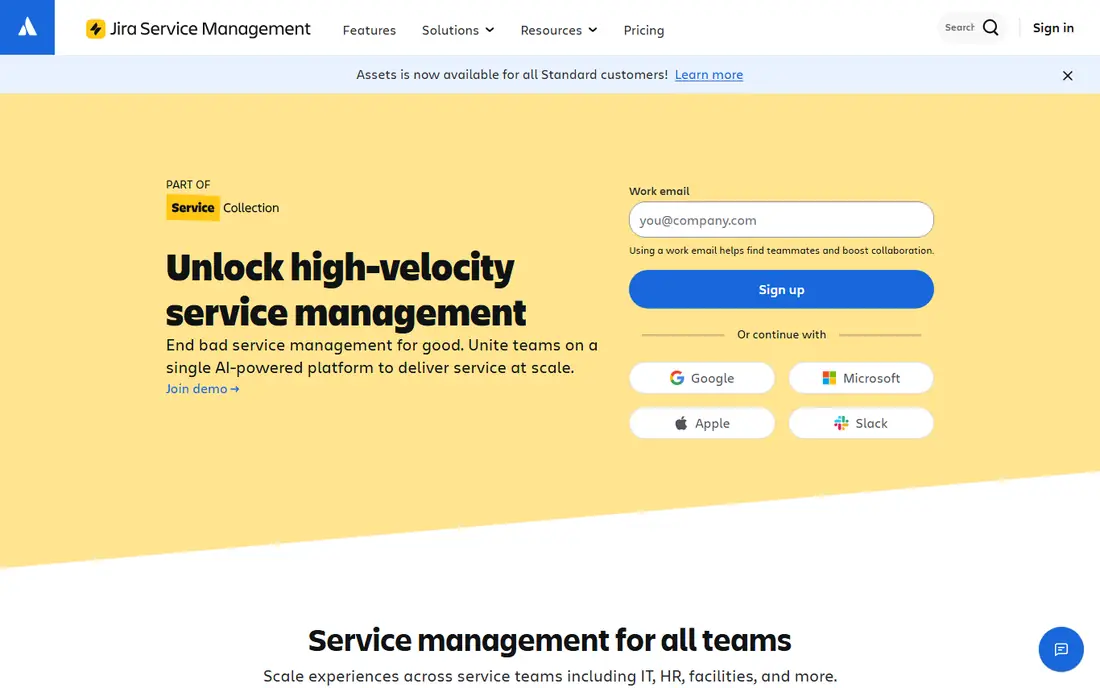
Jira Service Management fits a specific, common situation: the IT team already works in Jira, and developers already track work in the same system. A support ticket can link to a bug or a change request without copying details between tools, and Confluence pages can serve as the knowledge base behind the help center. That link between service and development work is the main reason many teams choose it over a standalone service desk.
Pricing is clearer than most enterprise tools. A free tier covers up to three agents, and paid plans start around $20 per agent per month in recent comparisons. Higher tiers add on-call management, advanced incident features, and more automation. Teams outside the Atlassian world can still use it, but they will get less of the integration benefit that makes it stand out.
What we like- Free tier for up to three agents
- Direct links between tickets and development issues
- Built-in asset management
Watch out for- Best value depends on the Atlassian ecosystem
- Advanced ITSM features sit on higher tiers
- Agent pricing adds up at scale
#3Freshservice
Best for: Teams that want ITSM running quickly4.6/5 on
G2 (1,351 reviews, checked Oct 2026)
Visit freshworks.com
Starting price$19 per agent per month
Free planNo
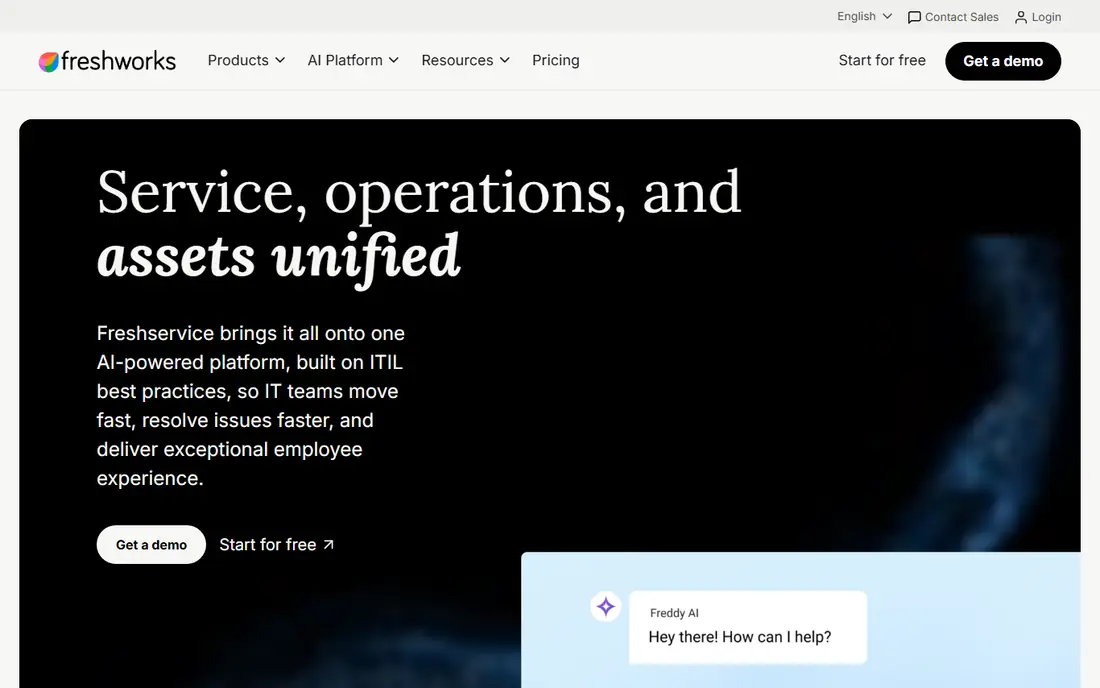
Freshservice is built for teams that have outgrown email and spreadsheets but do not want a six-month platform project. Its Starter plan, at $19 per agent per month in recent comparisons, covers core ticketing, a knowledge base, and asset tracking, while Growth at $49 and Pro at $99 add automation, custom dashboards, and AI assistance. That tiered ladder makes it easy to start small and upgrade only when the team needs more.
The platform also covers service operations beyond the help desk, including a service catalog, employee self-service, and change management. Its limits show up at the top end, where very large firms with complex approval chains and custom modules may need ServiceNow or BMC instead. For mid-size firms and growing enterprises, Freshservice often hits the best balance of speed, price, and depth.
What we like- Fast setup with ITIL-aligned templates
- Unified ticketing, assets, and service catalog
- Clear tiered pricing
Watch out for- No free plan, only a trial
- AI features concentrate on higher tiers
- Less depth than ServiceNow for very complex workflows
#4ManageEngine ServiceDesk Plus
Best for: Teams that need ITSM plus asset management together4.2/5 on
G2 (251 reviews, checked Oct 2026)
Visit manageengine.com
Starting price$13 per technician per month
Free planNo
ManageEngine ServiceDesk Plus stands out by combining service desk work with asset management and a configuration database in a single product. That matters for enterprise teams that need to know which laptop, server, or license a ticket relates to, without buying and linking a separate asset tool. It is also one of the few major ITSM products that still offers a genuine on-premises deployment, which suits firms with strict hosting rules.
Pricing is more transparent than the quote-only vendors. Recent comparisons put the cloud Standard tier at $13 per technician per month, with Professional and Enterprise tiers above it. AI features, including a virtual agent and predictive triage, are included across editions rather than sold as a separate add-on. The interface is less polished than Freshservice, and reporting can need extra setup, but the value for money is hard to ignore.
What we like- ITSM, IT asset management, and CMDB in one product
- Cloud and on-premises options
- Lower entry price than many rivals
Watch out for- Interface feels dated in places
- Advanced analytics need configuration
- Enterprise features spread across editions
#5BMC Helix ITSM
Best for: Regulated enterprises with complex service operations3.7/5 on
G2 (297 reviews, checked Oct 2026)
Visit bmc.com
Starting priceSee website
Free planNo
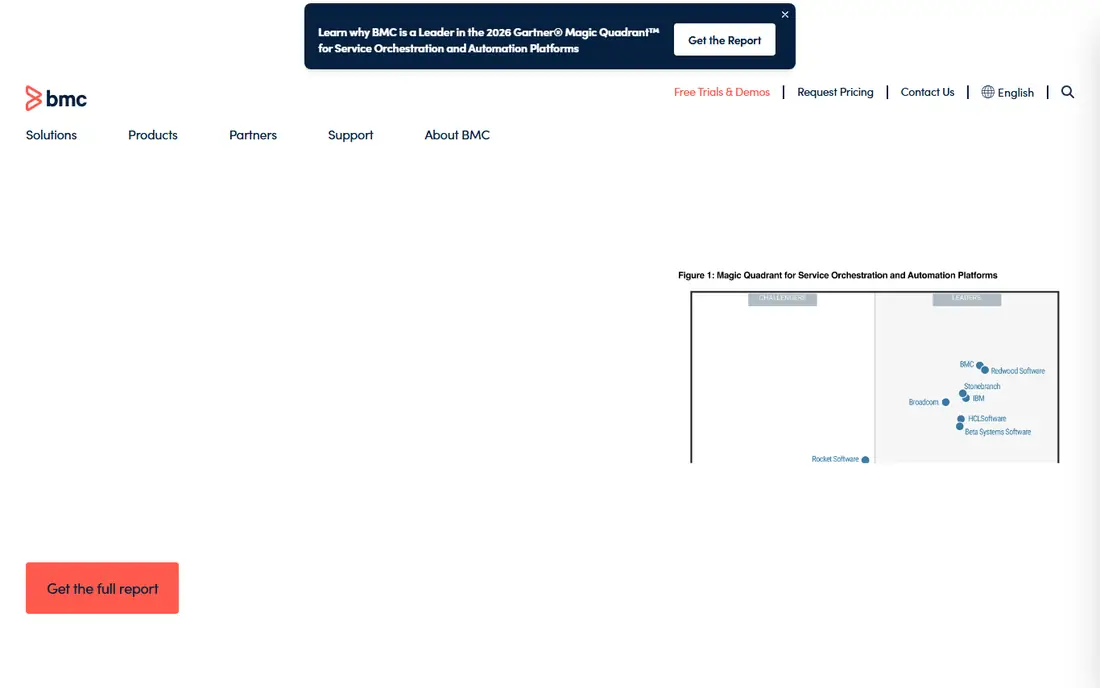
BMC Helix ITSM is aimed squarely at large, regulated organizations that need control, audit trails, and automation across many departments. Its AI features help with ticket classification, incident prediction, and service automation, and it pairs with BMC monitoring and automation products for a fuller operations picture. Firms in finance, health care, and government often shortlist it for that reason.
As with ServiceNow, pricing is quote-based, so budgeting requires a sales conversation and a clear count of users, modules, and service volume. Implementation also needs experienced administrators, and the platform rewards firms that invest in process design rather than firms that want a quick ticketing setup. For a large enterprise with strict compliance needs, that investment can pay off in fewer outages and cleaner audits.
What we like- Strong automation and AIOps features
- Suits finance, health care, and government use
- Broad enterprise service coverage
Watch out for- Quote-based pricing
- Implementation needs expertise
- Smaller teams may find it heavier than they need
#6SolarWinds Service Desk
Best for: Teams that pair service desk work with infrastructure monitoring4.6/5 on
Capterra (577 reviews, checked Oct 2026)
Visit solarwinds.com
Starting price$39 per technician per month
Free planNo
SolarWinds Service Desk suits IT teams whose daily work is tied to servers, networks, and infrastructure health. Tickets can draw on asset and monitoring context, which helps technicians see whether a user report matches a wider outage or a single device fault. That link is valuable in operations centers where the same team handles both monitoring alerts and user requests.
Recent comparisons put the Essentials tier at $39 per technician per month, billed annually, which places it above Freshservice and ManageEngine at entry level. Higher tiers add more automation and service features. Teams that only need a service desk, without infrastructure monitoring, may find better value elsewhere, but teams already using SolarWinds observability tools get a clear integration benefit.
What we like- Pairs well with SolarWinds monitoring tools
- Asset management included
- Straightforward setup for mid-size teams
Watch out for- Less breadth than ServiceNow or BMC for enterprise service management
- Pricing rises on higher tiers
- Monitoring focus may not suit pure service teams
#7NinjaOne
Best for: Endpoint management, patching, and remote support4.7/5 on
G2 (5,037 reviews, checked Oct 2026)
Visit ninjaone.com
Starting priceSee website
Free planNo
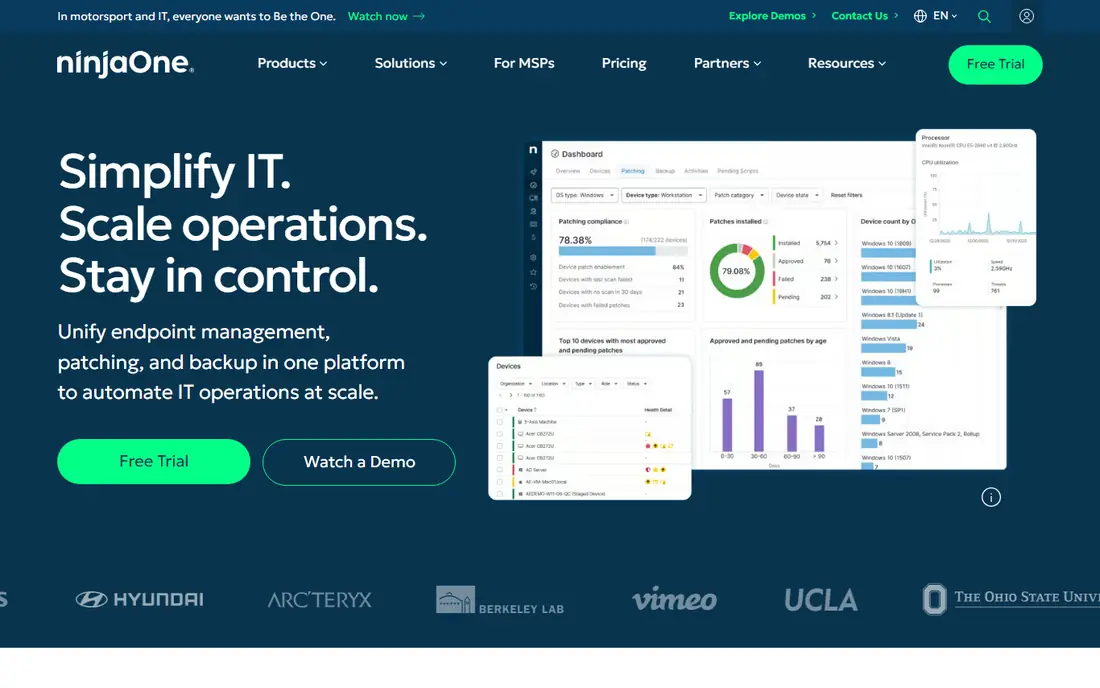
NinjaOne is different from the other tools here, because its core job is managing endpoints, not running a service desk. From one console, IT teams can patch devices, enforce policies, back up endpoints, and take remote control of a machine to fix a problem. Its ticketing and service desk features extend that console, so a support request can link directly to the device in question.
Pricing is quote-based and usually per device, which makes it hard to compare with per-agent ITSM tools without a quote for your actual device count. Teams with many endpoints and a small IT staff often find it the most practical choice, since automation cuts repetitive patching and software deployment work. Firms that need deep ITSM process design, with complex approval chains across HR and facilities, should pair it with, or choose, a dedicated ITSM platform instead.
What we like- Unified endpoint, patch, backup, and remote access console
- Strong automation
- Popular with MSPs and lean IT teams
Watch out for- Quote-based, per-device pricing
- ITSM depth is narrower than dedicated service desks
- Service desk features are an extension, not the core
How we chose
We compared vendor product pages, pricing summaries, and public reviews on G2, Capterra, and TrustRadius, and we weighed ITSM depth, asset and monitoring coverage, integrations, and fit for enterprise scale. Prices shown come from recent vendor-linked pricing summaries, and we used "See website" where the vendor publishes no list price, rather than inventing a figure. We did not claim hands-on testing, and we included only products that are actively sold today and used by enterprise IT teams.
Start by listing the work the platform must handle in the first year, not the work it might handle in five years. A ticketing and asset system is a different purchase from a full enterprise service platform, and buying the larger system early often means paying for modules no one uses. Map your current ticket volume, device count, and the departments that will use the system, then shortlist two or three tools and run a pilot on real tickets.
Check deployment and integration needs
Confirm whether you need cloud, on-premises, or hybrid hosting, since that alone removes some candidates. ManageEngine and BMC offer more deployment choice than cloud-only rivals, which matters for regulated firms. Check integrations with your identity provider, monitoring tools, and collaboration apps, because a service desk that cannot pull device or user context will slow technicians down every day.
Count agents, devices, and modules separately
Per-agent, per-technician, and per-device pricing cannot be compared directly, so convert each quote to a monthly total at your actual counts. Add modules for asset management, AI assistance, and advanced reporting, since several vendors place those on higher tiers. Ask for renewal terms and implementation costs in writing, because both can change the first-year total by a large margin.
Plan the rollout in stages
Roll out ticketing and the knowledge base first, then add change management, asset discovery, and automation in later stages. A staged rollout gives staff time to learn the system and gives you usage data to justify the next tier. Measure ticket resolution time, first-contact resolution, and self-service use after each stage, and adjust the configuration before adding more complexity.
Frequently asked questions
What is the best IT management software for a large enterprise?
ServiceNow is the most complete choice for very large, complex enterprises, while BMC Helix is a strong rival for regulated firms. Mid-size enterprises often get a better balance from Freshservice or ManageEngine, which cost less and deploy faster. The right answer depends on your ticket volume, device count, compliance needs, and how much customization your processes require.
Is Jira Service Management good for non-developer IT teams?
Yes, it works as a standalone service desk with ticketing, assets, and a help center, even without Jira Software. Its main advantage still comes from Atlassian links, so teams that do not use Jira or Confluence should compare it carefully with Freshservice. Run a pilot with your real request types before deciding, and check that its higher-tier features match your incident and change needs.
How much does enterprise ITSM software cost?
Entry prices in this guide range from $13 per technician per month for ManageEngine to around $20 per agent for Jira Service Management, while ServiceNow, BMC, and NinjaOne require quotes. Total cost depends on agent or device counts, modules, implementation, and training, so always request a quote at your actual scale. A free tier, where offered, helps only small teams, since enterprise use quickly needs paid seats.
Can one tool handle ITSM, monitoring, and endpoint management?
No single tool in this list does all three at full depth, though several cover two of them well. SolarWinds pairs service desk work with monitoring, NinjaOne pairs endpoint management with ticketing, and ServiceNow covers ITSM plus operations through modules. Most enterprises use a primary ITSM platform plus a dedicated monitoring or endpoint tool, linked by integrations.
How long does implementation usually take?
Freshservice and Jira Service Management can go live in weeks for standard ticketing, while ManageEngine averages about twelve weeks for a large enterprise setup, according to its own guidance. ServiceNow and BMC projects often take longer when workflows are heavily customized. Keep the first rollout to core ticketing and knowledge, and add complex automation only after staff are comfortable with the basics.
Sources we checked (10)
- https://www.servicenow.com
- https://www.atlassian.com/software/jira/service-management
- https://www.freshworks.com/freshservice/
- https://www.manageengine.com/products/service-desk/
- https://www.bmc.com
- https://www.solarwinds.com
- https://www.ninjaone.com
- https://www.goodfirms.co/it-management-software/blog/it-management-software-compared
- https://blog.invgate.com/servicenow-alternatives
- https://sourceforge.net/software/compare/Freshservice-vs-Jira-Service-Management/
Is your product missing or out of date?
We review this list regularly. Vendors can request a listing, send updated pricing or ask about featured placement.

Shihab Mia · Founder, Rankite
Shihab has 5+ years in B2B and SaaS SEO. He writes Rankite's software buying guides from pricing pages, documentation and public user reviews. More about Shihab.