How we make this list: we compare pricing pages, product documentation and public user reviews. Rankite is independent; if a vendor ever pays for a featured spot, that listing is clearly labeled Partner.
Key takeaways
- ServiceNow is the enterprise default; mid-market teams get most of the value from Freshservice ($19/agent/month) or SolarWinds Service Desk ($39/tech/month) without the enterprise price tag.
- RMM platforms (NinjaOne, Atera, Kaseya, ConnectWise) manage endpoints, patching and remote access; ITSM platforms (Freshservice, ServiceNow, Jira Service Management, SysAid, ManageEngine) manage tickets and service processes. Many teams run one of each.
- ManageEngine ServiceDesk Plus is free for up to 5 technicians and starts at $13/technician/month, the cheapest published ITSM price on this list.
- Jira Service Management is free for up to 3 agents and starts at $20/agent/month, which suits dev-adjacent teams already living in Atlassian tools.
Quick comparison
| Tool | Best for | Starting price | Free plan |
|---|
 ServiceNow ServiceNow | Large enterprises that want one platform for IT and the business | See website (custom quote) | No (demo offered) |
 Freshservice Freshservice | Mid-market IT teams that want ITIL-aligned service without enterprise overhead | $19/agent/month (Starter, billed annually) | Free trial (14 days) |
 ManageEngine ServiceDesk Plus ManageEngine ServiceDesk Plus | Teams that want full ITSM on a budget, with an on-premises option | $13/technician/month (Standard, cloud) | Yes (free for up to 5 technicians) |
 NinjaOne NinjaOne | IT teams that want endpoint management, patching and service desk unified | See website (custom quote) | Free trial (offered) |
 Atera Atera | MSPs and IT teams that hate per-device pricing | See website (pay-per-technician) | Free trial (30 days) |
 Kaseya Kaseya | MSPs and SMB IT teams that want everything from one vendor | See website (custom quote) | Free trial (offered on select products) |
 SolarWinds Service Desk SolarWinds Service Desk | Mid-size teams that want per-tech pricing and quick time to value | $39/tech/month | Free trial (offered) |
 ConnectWise ConnectWise | MSPs that want to standardize their entire business on one ecosystem | See website (custom quote) | Free trial (offered on select products) |
 SysAid SysAid | IT teams that want agentic AI handling tickets from day one | See website (custom quote) | Free trial (offered) |
 Jira Service Management Jira Service Management | Teams already living in Jira, Confluence and the Atlassian ecosystem | $20/agent/month (Standard) | Yes (free for up to 3 agents) |
Is your product missing or out of date?
We review this list regularly. Vendors can request a listing, send updated pricing or ask about featured placement.
What "IT management" actually means when you buy
IT management software splits into two camps, and buyers who skip this distinction buy the wrong product. ITSM platforms manage the service side: tickets, incidents, problems, changes, service catalogs and asset records. They answer "how do we handle requests and fix things systematically." RMM platforms manage the device side: remote access, patching, monitoring, scripting and backup. They answer "how do we keep every endpoint healthy without touching it."
Small internal IT teams usually start with ITSM: they need a ticket queue more than device automation. MSPs and teams managing hundreds of endpoints usually start with RMM: patching and remote access matter more than change management. Growing organizations end up with both, connected, because neither camp covers the other well. The ten tools below include both kinds, labeled as such, so you can compare inside the right camp.
The top 10 IT management software
IT management covers a lot of ground: help desks, device fleets, patching, asset tracking and the AI agents now appearing on top of all of it. The ten products below are the ones buyers actually evaluate, from the enterprise default to the budget picks, with published prices where the vendor shares them and "See website" where the vendor quotes privately.
#1
ServiceNow
Best for: Large enterprises that want one platform for IT and the business
Visit servicenow.com
Starting priceSee website (custom quote)
Free planNo (demo offered)
ServiceNow is the default answer at enterprise scale for a reason: it covers the full ITSM lifecycle and keeps going into asset management, security operations, HR service delivery and low-code app building on one platform. The Now Assist AI layer and workflow automation handle the heavy lifting, and the vendor holds Leader positions across multiple Gartner Magic Quadrants. For a large IT organization, it is the reference implementation.
The honest cost is the quote. ServiceNow publishes no prices, sells annual licenses per product line, and implementations run through partners. Teams under a few hundred employees usually find Freshservice, SolarWinds or ManageEngine deliver the ITSM essentials at a tenth of the cost. Choose ServiceNow when the platform needs to unify IT with the rest of the enterprise, not just run a ticket queue.
What we like- The deepest ITSM feature set on the market, with workflow automation spanning IT, HR, facilities and more
- Strong AI capabilities and a massive partner ecosystem for implementation
Watch out for- Enterprise pricing and implementation costs put it out of reach for most small teams
- The platform's breadth means long deployments and heavy admin
#2
Freshservice
Best for: Mid-market IT teams that want ITIL-aligned service without enterprise overhead
Visit freshservice.com
Starting price$19/agent/month (Starter, billed annually)
Free planFree trial (14 days)
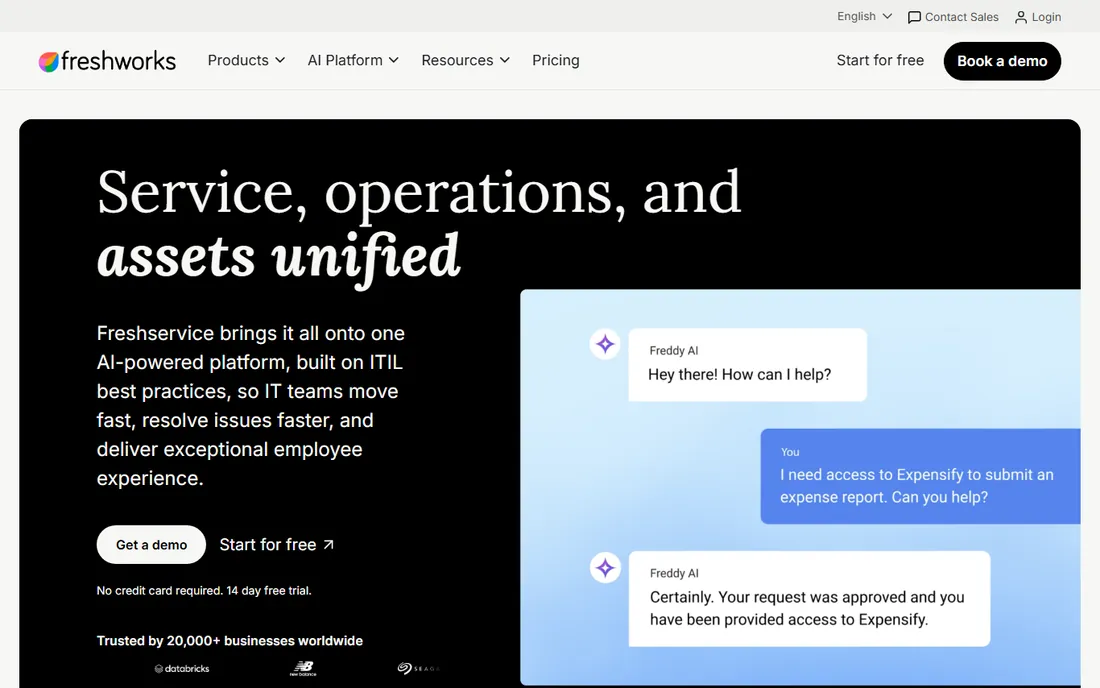
Freshservice earns its spot as the mid-market standard. Starter at $19 per agent per month (annual billing) covers incidents, knowledge base and the support portal; Growth at $49 adds the service catalog, SLAs and asset management; Pro at $99 brings problem management, change management and release management, all published on the vendor's own pricing page. The 14-day free trial covers the full product.
The catch is the add-on economy. Freddy AI Copilot costs $29 per agent per month extra on Pro and Enterprise, asset units come in 500-unit packs, and the autonomous Freddy AI Agent is Enterprise-only with a custom quote. For teams that want real ITSM practices with predictable per-agent pricing, Freshservice remains the cleanest choice between the free tools and the enterprise giants.
What we like- Published pricing that scales from $19 to $99 per agent per month before Enterprise
- Incident, problem, change and asset management aligned to ITIL
- AI copilot and agent features on higher tiers
Watch out for- Asset management is metered in packs of 500 asset units
- The most capable AI agent features sit behind the custom-quoted Enterprise tier
#3
ManageEngine ServiceDesk Plus
Best for: Teams that want full ITSM on a budget, with an on-premises option
Visit manageengine.com
Starting price$13/technician/month (Standard, cloud)
Free planYes (free for up to 5 technicians)
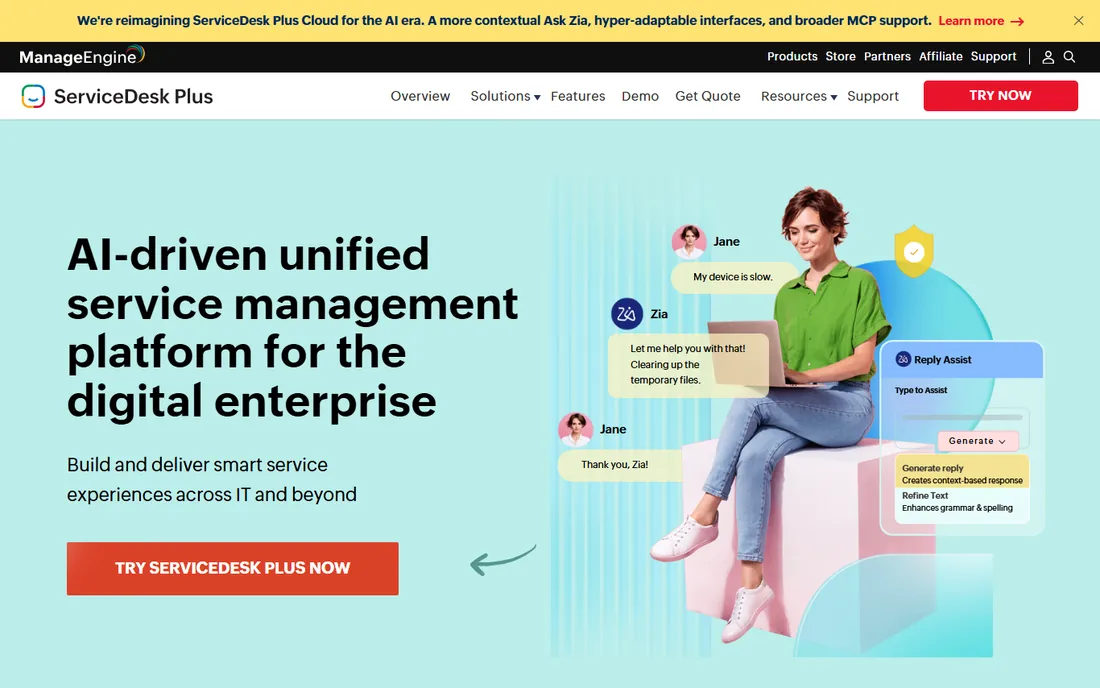
ManageEngine ServiceDesk Plus is the value play in ITSM. The vendor's own pricing page lists Standard from $13 per technician per month on cloud ($10 on the longer-lived published table, currently $13 on the live page), Professional from $27 and Enterprise from $67, all billed per technician with no end-user charges. Standard is free for up to 5 technicians, and a 30-day free trial covers all editions.
What makes it interesting is the AI inclusion: predictive triage, a virtual support agent and GenAI features ride on every edition at no extra cost, per the vendor's own product page. It also offers something none of the pure-cloud tools do: an on-premises deployment for regulated shops that need data inside their own walls. The interface is less polished than Freshservice, but the feature depth per dollar is unmatched.
What we like- The cheapest published ITSM pricing on this list, with a genuinely free tier for up to 5 technicians
- AI capabilities across all editions at no extra cost
- Cloud and on-premises deployments with migration between them
Watch out for- Change, project and problem management sit in Enterprise or paid add-ons
- The interface shows its age next to newer cloud competitors
#4
NinjaOne
Best for: IT teams that want endpoint management, patching and service desk unified
Visit ninjaone.com
Starting priceSee website (custom quote)
Free planFree trial (offered)
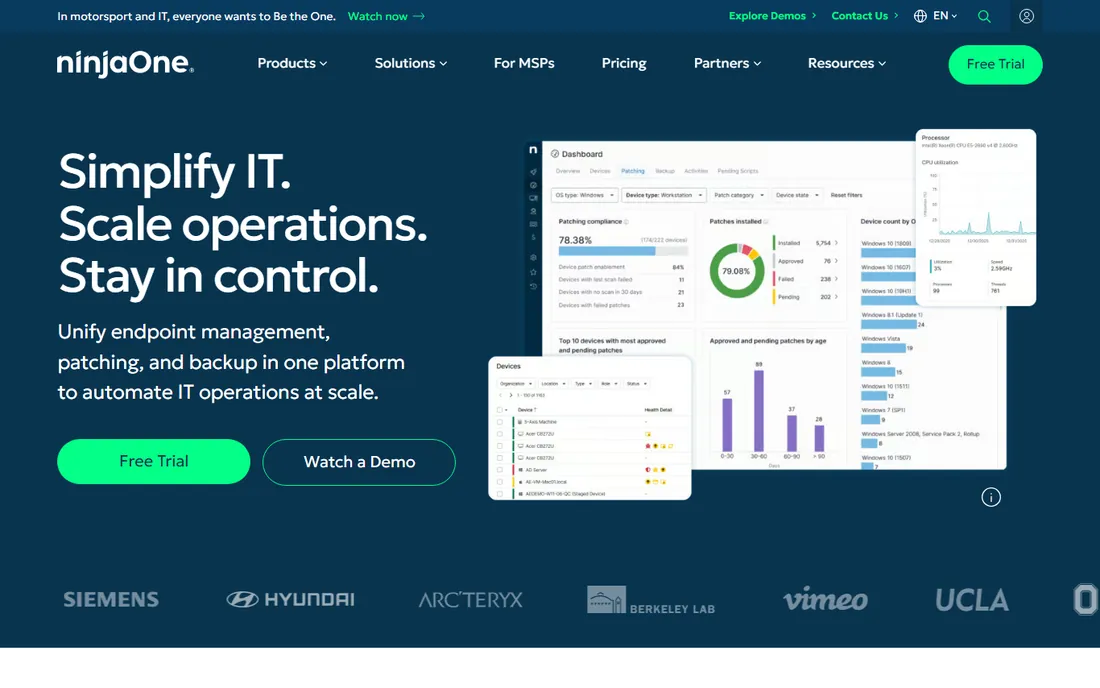
NinjaOne is the RMM-first platform that added service desk capabilities, making it a real candidate for teams that want one console instead of two products. Endpoint management, patching, MDM, backup and remote access all run from the same dashboard, with a service desk and ticketing layer on top. The vendor's customer list spans enterprises like Siemens, Thermo Fisher and Hyundai.
The trade is the quote. NinjaOne does not publish prices; sales quotes per-device pricing based on your fleet and the modules you need. Teams with sprawling device counts should model the per-device math before falling for the demo. When the fleet is moderate and the team wants one throat to choke for endpoints and tickets, NinjaOne is the most polished option on this list.
What we like- One console for endpoint management, autonomous patching, backup, remote access and a service desk
- G2 Leader recognition and strong reviews
- Trusted by enterprises including Siemens and Thermo Fisher
Watch out for- No published pricing, so every buyer goes through sales
- Priced per device, which can surprise teams with large but simple fleets
#5
Atera
Best for: MSPs and IT teams that hate per-device pricing
Visit atera.com
Starting priceSee website (pay-per-technician)
Free planFree trial (30 days)
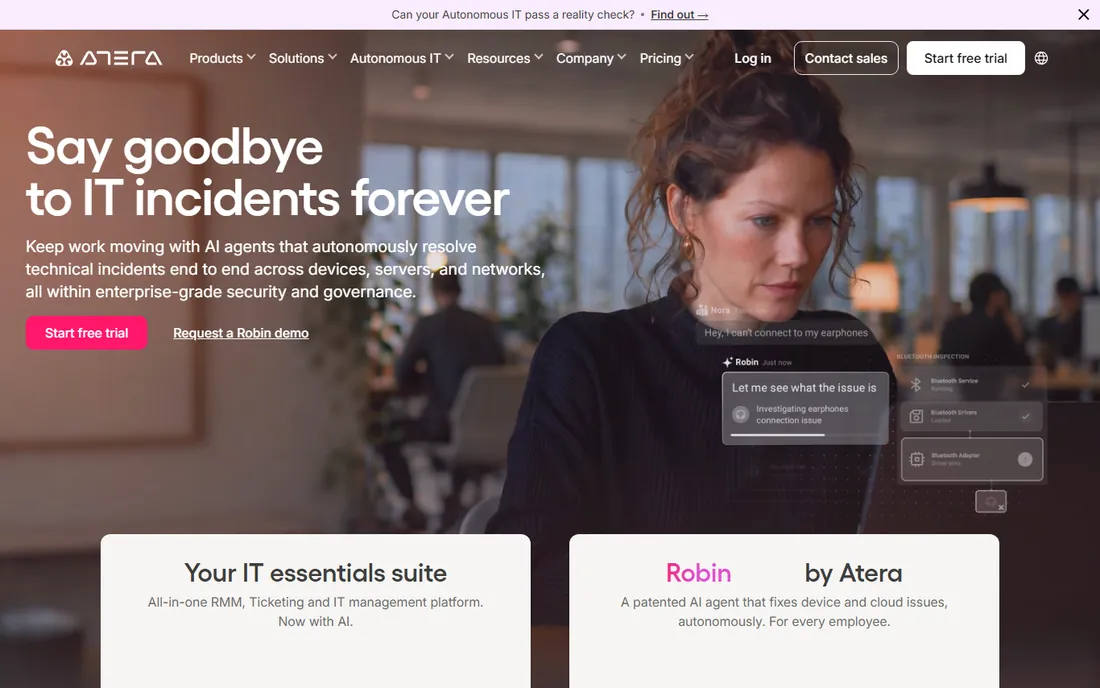
Atera's pitch is one line: pay per technician, add as many devices as you want. That model suits MSPs and IT teams whose endpoint counts keep growing, because the bill stays flat while the fleet scales. The platform bundles ticketing, RMM, patching and the Robin AI agent, which the vendor says resolves the bulk of tickets autonomously.
The honest gaps: the pricing page confirms the pay-per-technician model but does not render plan prices, so budget conversations start with a sales call or trial. Teams with many occasional technicians should ask about day-pass or occasional-agent options rather than paying full seats. For small MSPs managing big fleets on thin margins, the pricing model alone often settles the choice.
What we like- Pay-per-technician pricing with unlimited devices, so fleet growth does not raise the bill
- Ticketing, RMM, patching and AI agents (Robin) in one subscription
- 30-day free trial with no credit card
Watch out for- Plan prices are not published on the pricing page
- Per-technician costs add up for teams with many part-time techs
#6
Kaseya
Best for: MSPs and SMB IT teams that want everything from one vendor
Visit kaseya.com
Starting priceSee website (custom quote)
Free planFree trial (offered on select products)
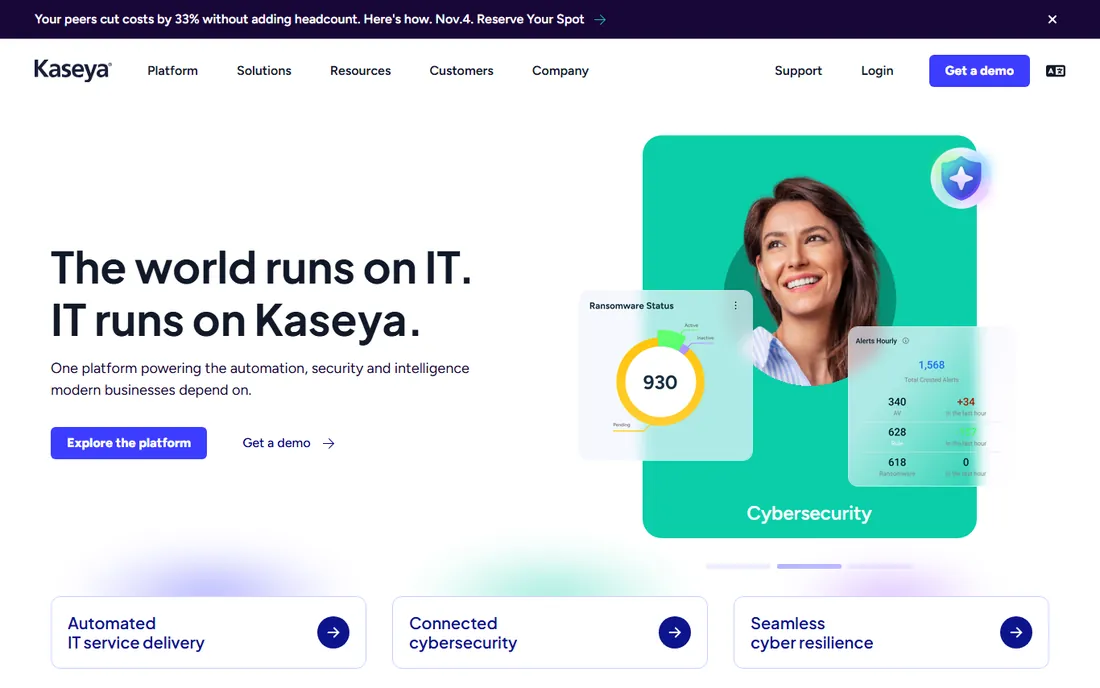
Kaseya sells the all-in strategy: one vendor for endpoint management, professional services automation, backup, documentation, security and compliance, bundled under Kaseya 365. For MSPs, the pitch is fewer vendors, fewer contracts and cross-module automation. The platform's AI layer draws on data from millions of managed endpoints.
The caveat is the contract. Kaseya's pricing is custom-quoted, and reviewers regularly report aggressive multi-year terms and price increases at renewal. Read every contract line before signing, negotiate the renewal caps, and treat the bundle price as the starting bid. When the whole stack comes from Kaseya and the price is negotiated well, the operational savings are real.
What we like- Kaseya 365 bundles management, security and automation into one subscription
- Huge product catalog covering RMM, PSA, backup, documentation and compliance
- Strong MSP community and marketplace
Watch out for- Custom-quoted pricing with multi-year contract pressure reported by reviewers
- The breadth means some modules feel bolted on rather than unified
#7
SolarWinds Service Desk
Best for: Mid-size teams that want per-tech pricing and quick time to value
Visit solarwinds.com
Starting price$39/tech/month
Free planFree trial (offered)
SolarWinds Service Desk is the straightforward middle choice. At $39 per technician per month with unlimited end users, the math is easy: count your techs, multiply, done. The cloud product covers incident management, IT asset management, a CMDB, change management and AI-assisted service delivery, with a 30-day free trial the vendor offers on its products.
It fits teams that have outgrown shared mailboxes but have no appetite for a six-figure ITSM program. The product's lineage (built on the Samanage acquisition) shows in its cloud-native design, though long-time SolarWinds watchers should note the company's complex product catalog. For per-tech transparency with real ITSM features, it undercuts Freshservice Pro on price while including more out of the box.
What we like- Published price of $39 per tech per month with unlimited end users
- Incident, asset, change management and CMDB in a cloud product with AI assistance
- Fast deployment compared to enterprise suites
Watch out for- It is one product inside the sprawling SolarWinds catalog, so account management can feel impersonal
- Customization depth trails ServiceNow and Enterprise ManageEngine
#8
ConnectWise
Best for: MSPs that want to standardize their entire business on one ecosystem
Visit connectwise.com
Starting priceSee website (custom quote)
Free planFree trial (offered on select products)
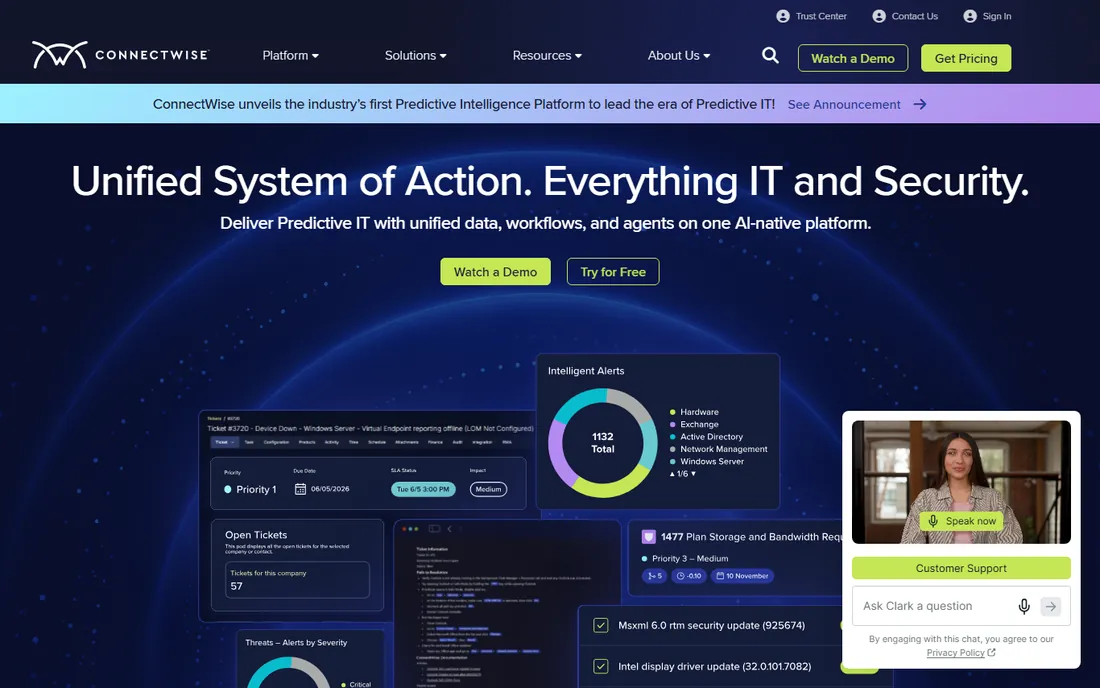
ConnectWise is the MSP incumbent. Where Kaseya bundles and Atera simplifies, ConnectWise built its platform around how managed service providers actually run: PSA for ticketing and billing, RMM for endpoint management, plus backup, security and remote control, all wired together. The platform pitch is now predictive IT with unified data and AI agents across it.
The buy is the ecosystem, and the cost is the quote. ConnectWise pricing is custom, sold through its sales team, and the product catalog has grown through acquisition, so module fit varies. MSPs already invested in the ConnectWise ecosystem get compounding returns from its integrations; shops starting fresh should compare Atera and NinjaOne for per-tech or per-device transparency before committing to the quote process.
What we like- The most MSP-native ecosystem on this list: RMM, PSA, backup, security and billing built for service providers
- Deep integrations and a huge partner community
Watch out for- Custom-quoted pricing and contract terms vary by product
- The platform's AI positioning is newer than the marketing suggests
#9
SysAid
Best for: IT teams that want agentic AI handling tickets from day one
Visit sysaid.com
Starting priceSee website (custom quote)
Free planFree trial (offered)
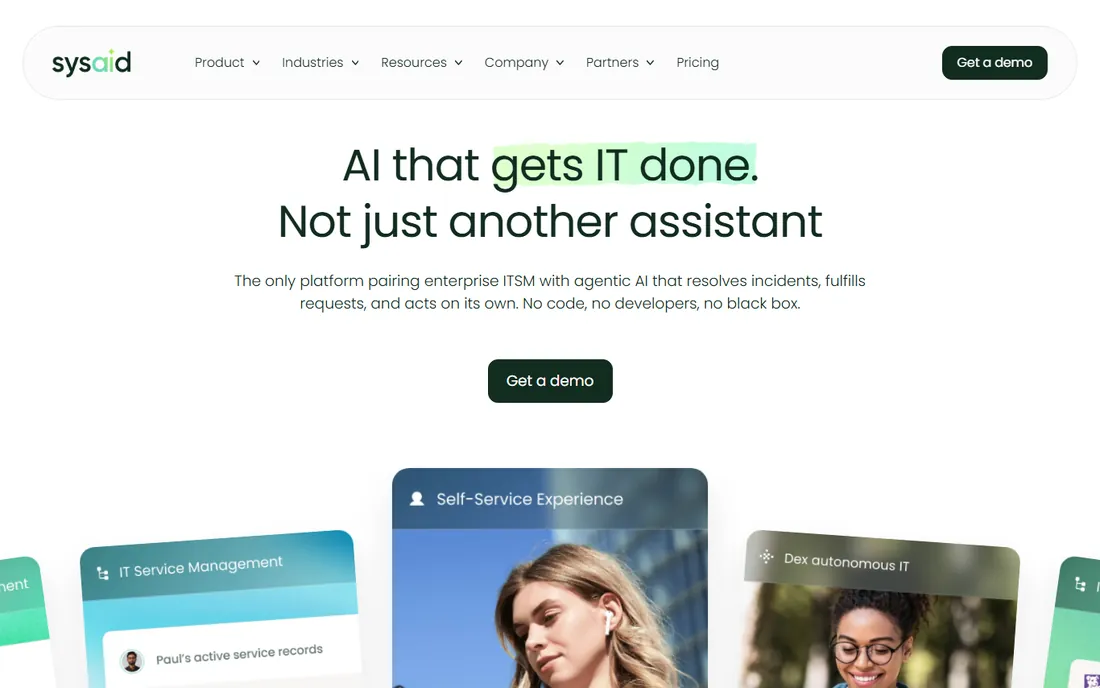
SysAid has rebranded itself around agentic AI for IT service management: AI agents that resolve tickets end to end, a copilot for employees across time zones, and automation across the service lifecycle. The vendor's customer stories cite AI-contained resolution rates and ticket volume reductions.
The honest read is to test the AI on your own tickets. Agentic claims vary wildly by ticket type, and SysAid's pricing is custom-quoted, so the value proposition depends on both the AI performance and the negotiated price. Run the free trial with your real ticket history, measure the containment rate yourself, and price against Freshservice Pro plus its AI add-on to see whether the AI-first model earns its quote.
What we like- Agentic AI positioned as the core of the product, not an add-on tier
- ITSM plus asset management with copilot support for end users
- IT-to-user ratios that the vendor's customers report improving
Watch out for- No published pricing, so budgeting requires a sales call
- The AI-first positioning needs validation against your actual ticket mix before committing
#10
Jira Service Management
Best for: Teams already living in Jira, Confluence and the Atlassian ecosystem
Visit atlassian.com
Starting price$20/agent/month (Standard)
Free planYes (free for up to 3 agents)
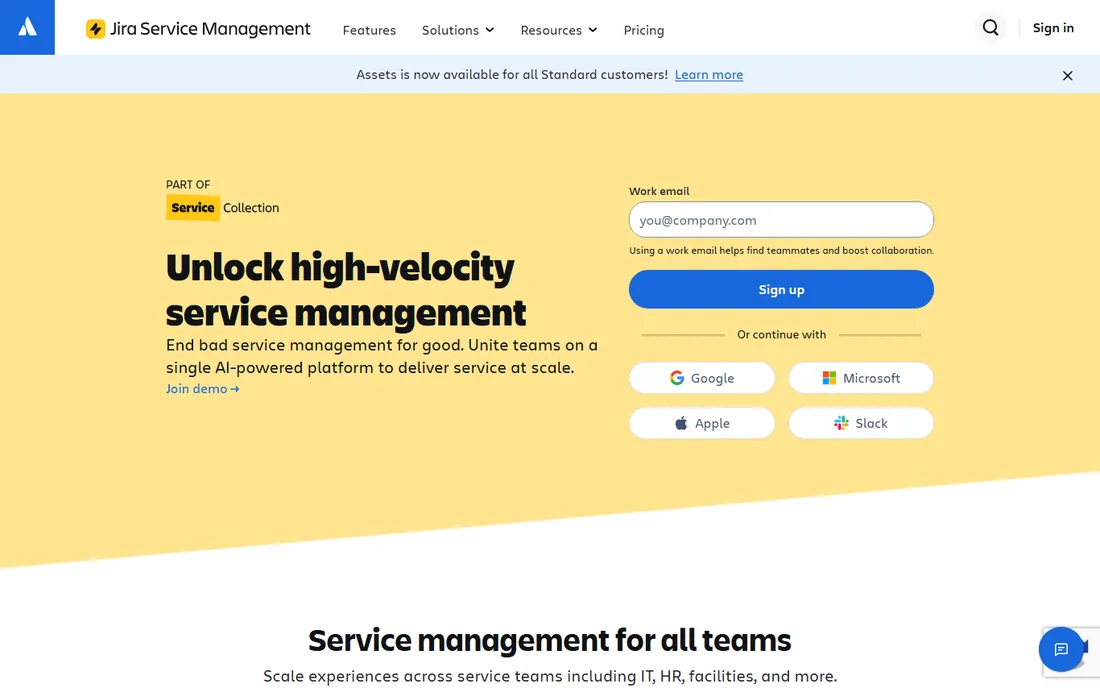
Jira Service Management, now sold inside Atlassian's Service Collection, is the natural pick for dev-adjacent IT teams. The free plan covers up to 3 agents, Standard is $20 per agent per month and Premium $51.42, all published on Atlassian's own pricing page, with a 14-day trial on paid plans. The killer feature is the dev link: a service ticket ties straight to the Jira issues and Confluence pages that resolve it.
The trade is ITSM depth. Full incident management, asset scale and the virtual service agent arrive on Premium, at which point the price overlaps Freshservice Pro. If your organization runs on Atlassian tools and the IT team supports software teams, the workflow continuity is worth it. If you need pure ITSM process depth, Freshservice or ManageEngine give more for the money.
What we like- Free for up to 3 agents
- Standard at $20 per agent per month per the vendor's own pricing page
- Native links between service tickets and dev work
- Assets and virtual service agent included in higher tiers
Watch out for- Now bundled as the Atlassian Service Collection, so the packaging keeps shifting
- Incident and asset depth trails dedicated ITSM tools until Premium ($51.42/agent/month)
ITSM vs RMM: pick your camp first
The camp decision shapes everything else. If your team's daily work is tickets, approvals, changes and service catalogs, compare the ITSM tools: ServiceNow, Freshservice, ManageEngine ServiceDesk Plus, SolarWinds Service Desk, SysAid and Jira Service Management. Price per technician or agent, count your full-time techs, and add the AI or asset add-ons only after the core plan is settled.
If your team's daily work is endpoints, patching, remote support and monitoring, compare the RMM tools: NinjaOne, Atera, Kaseya and ConnectWise. Price per device (NinjaOne, Kaseya) or per technician (Atera) and model your fleet honestly: a per-technician flat rate wins when endpoints per tech are high, per-device wins when the fleet is small. Many MSPs pair one ITSM and one RMM product; internal IT teams under 50 endpoints usually pick one camp and stop there.
The pricing traps in IT management software
First, per-tech vs per-device: always model both for your actual fleet. A $39 per-tech plan costs $390 a month for 10 techs managing 5,000 endpoints; a per-device plan at $4 per device costs $20,000 for the same fleet. The cheap-looking per-device quote is the one that bites.
Second, the AI add-on ladder. Freshservice gates its autonomous agent behind Enterprise and charges $29 per agent for the copilot on Pro; SysAid and ServiceNow bake AI deeper into their custom quotes. Decide whether AI-assisted ticketing is a must or a nice-to-have before pricing, because it can double the seat cost.
Third, asset metering. Freshservice meters asset units in 500-unit packs, ManageEngine charges per IT asset on Professional and Enterprise, and Jira charges per asset object past generous free thresholds. Count your managed assets before signing, not after. Fourth, contracts: Kaseya and ConnectWise sell multi-year terms, while Freshservice, SolarWinds and Jira offer monthly or annual flexibility. Fifth, trials are real here: most of these tools offer free trials or free tiers, so pilot with your actual tickets and endpoints for two weeks before any purchase.
Frequently asked questions
What is the difference between ITSM and RMM software?
ITSM software manages IT services: tickets, incidents, problems, changes and service requests. RMM software manages devices: remote access, patching, monitoring and automation. Internal IT teams usually buy ITSM first; MSPs and device-heavy teams usually buy RMM first. Many organizations eventually run one of each.
Which is the best IT management software for a small team?
Freshservice Starter ($19/agent/month) for ticket-based teams, ManageEngine ServiceDesk Plus (free up to 5 technicians) for the tightest budgets, and Jira Service Management (free up to 3 agents) for teams already on Atlassian. Small MSPs should look at Atera's pay-per-technician model.
How much does IT management software cost?
Published prices range from free (ManageEngine up to 5 techs, Jira up to 3 agents) to $20-39 per agent per month (Jira Standard $20, SolarWinds $39, Freshservice $19-99) and custom quotes for ServiceNow, NinjaOne, Kaseya, ConnectWise and SysAid. A 10-agent team on published pricing runs roughly $200 to $1,000 a month depending on tier.
Is ServiceNow worth it for a mid-size company?
Usually not at full breadth. ServiceNow's custom-quoted enterprise pricing and implementation costs fit organizations with hundreds of IT staff. Mid-size companies get the core ITSM practices from Freshservice Pro ($99/agent/month) or SolarWinds Service Desk ($39/tech/month) at a fraction of the cost, and only move to ServiceNow when cross-department service workflows demand it.
Do these tools include asset management?
Most do, with limits. Freshservice includes assets from Growth but meters units in packs of 500. ManageEngine Professional and Enterprise factor IT assets into pricing. Jira Standard includes 5,000 asset objects free. SolarWinds Service Desk and SysAid include asset management, while NinjaOne and Atera cover device inventory through the RMM side.
Can I try these tools before buying?
Yes. Freshservice (14 days), Atera (30 days), ManageEngine (30 days) and Jira (14 days) all offer free trials, and ManageEngine and Jira have permanent free tiers for small teams. SolarWinds, NinjaOne, Kaseya, ConnectWise and SysAid offer trials or demos through their sites. Pilot with your real tickets for two weeks before deciding.
How we chose
We searched for what IT buyers actually evaluate: IT management software, ITSM software, RMM software, service desk software and MSP software. For each candidate we opened the vendor's own pricing page, checked prices against public reviews on G2 and Capterra and practitioner discussion on Reddit, and weighed feature depth, pricing transparency, deployment options and fit for SMBs, mid-market teams, MSPs and enterprises. Where a price could not be verified on the vendor's page we wrote "See website" rather than guessing.
Sources we checked (12)
- https://www.servicenow.com/
- https://freshservice.com/pricing
- https://www.manageengine.com/products/service-desk/pricing.html
- https://www.ninjaone.com/
- https://www.atera.com/pricing/
- https://www.kaseya.com/
- https://www.solarwinds.com/service-desk
- https://www.connectwise.com/
- https://sysaid.com/
- https://www.atlassian.com/software/jira/service-management/pricing
- https://www.g2.com/categories/itsm
- https://www.capterra.com/itsm-software/
Is your product missing or out of date?
We review this list regularly. Vendors can request a listing, send updated pricing or ask about featured placement.

Shihab Mia · Founder, Rankite
Shihab has spent more than a decade helping SaaS and e-commerce brands grow through search. He writes Rankite's software buying guides from pricing pages, documentation and public user reviews. More about Shihab.