How we make this list: we compare pricing pages, product documentation and public user reviews. Rankite is independent; if a vendor ever pays for a featured spot, that listing is clearly labeled Partner.
Key takeaways
- Kiosk software splits into two camps: single-purpose lockdown apps (KioWare, SiteKiosk, Kiosk Pro) and full device-management platforms with kiosk modes (Hexnode, Moki, Esper, ManageEngine).
- Per-device pricing runs from about $2 per month (Esper, SureLock) to $669.95 one-time (FrontFace); KioWare and Kiosk Pro still sell one-time licenses.
- Free options exist: ManageEngine covers 25 devices free, Moki covers 10, and Kiosk Pro offers a free Lite version.
- iPad-only deployments have the simplest path with Kiosk Pro; Windows and Android fleets need more planning around peripherals and remote control.
Quick comparison
| Tool | Best for | Starting price | Free plan |
|---|
 KioWare KioWare | Windows and Android lockdown with peripheral support | From $45 per device (one-time) | Free trial |
 SiteKiosk SiteKiosk | Secure public terminals with remote management | From $239 per device/year (billed annually) | Free trial |
 Hexnode Hexnode | Kiosk fleets managed alongside other devices | From $2.20 per device/month (billed annually) | Free trial (14 days) |
 42Gears SureLock 42Gears SureLock | Low-cost Android kiosk lockdown | $2.99 per device/month | Free trial |
 Moki Moki | iPad and Android kiosks with strong remote support | From $5 per device/month (billed annually) | Yes (up to 10 devices) |
 Esper Esper | DevOps-style control of large Android fleets | From $2 per device/month | Free trial (30 days) |
 Kiosk Pro Kiosk Pro | iPad-only kiosk browser on a one-time license | From $24.99 per device (one-time) | Free trial (free Lite version) |
 ManageEngine Mobile Device Manager Plus ManageEngine Mobile Device Manager Plus | Free kiosk lockdown for small fleets | Free up to 25 devices; paid from $1.28 per device/month | Yes (up to 25 devices) |
 KioskSimple KioskSimple | Turning a website into a Windows kiosk quickly | $199 per kiosk | Free trial |
 FrontFace FrontFace | Touch terminals built from Office documents | $669.95 one-time | Free trial |
Is your product missing or out of date?
We review this list regularly. Vendors can request a listing, send updated pricing or ask about featured placement.
The best kiosk software
#1
KioWare
Best for: Windows and Android lockdown with peripheral support
Visit kioware.com
Starting priceFrom $45 per device (one-time)
Free planFree trial
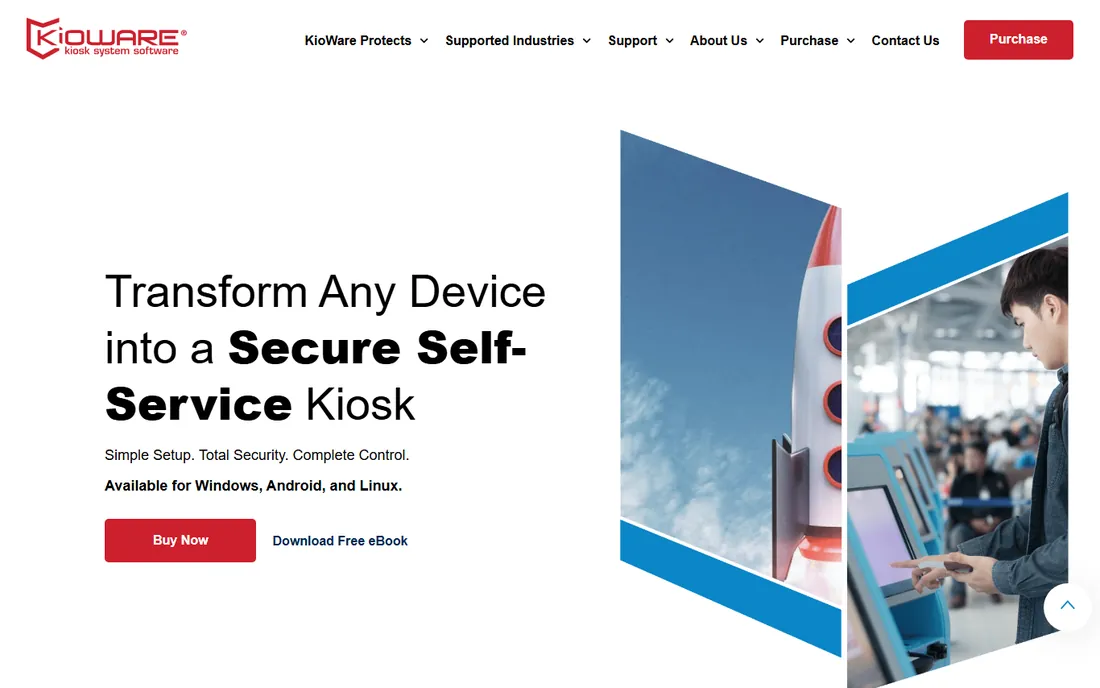
KioWare has been locking down kiosks since 2003, and that history shows in the places that matter. Where many tools stop at hiding the taskbar, KioWare controls keyboard input, blocks file downloads, clears session data, and talks to the physical hardware kiosks actually use: magnetic stripe readers, barcode scanners, receipt printers, and cash acceptors. If your kiosk takes payments or prints tickets, this is the kind of depth you need.
The licensing model is old-school in a good way. The Lite edition for Android starts at $45 per device as a one-time purchase, and Windows licenses start at $70. Volume discounts kick in as your fleet grows. The trade-off is that the product line is split across Lite, Basic, and Full tiers, and true remote monitoring means buying KioWare Server on top. For a single self-service terminal in a lobby, Lite is plenty. For fifty terminals across retail locations, budget for Full plus the server.
What we like- Deep lockdown for Windows and Android
- Supports card readers, printers, and bill acceptors
- One-time license option keeps long-term costs predictable
Watch out for- Interface feels dated
- Remote management requires the separate KioWare Server product
Starting priceFrom $239 per device/year (billed annually)
Free planFree trial
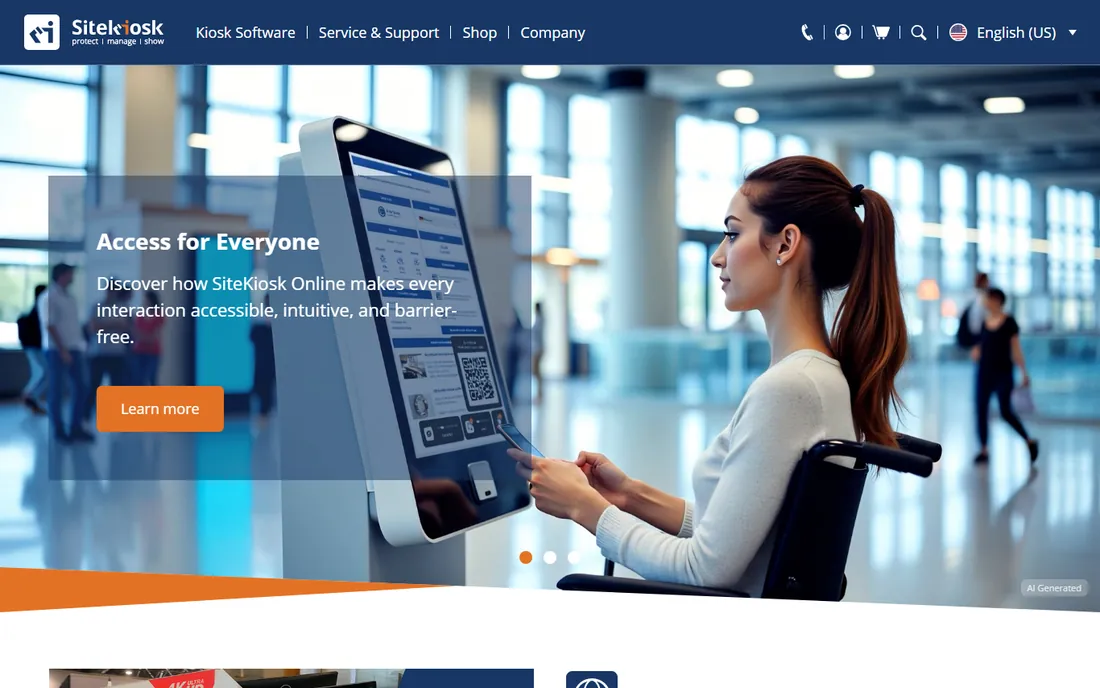
PROVISIO rebuilt its flagship as SiteKiosk Online, a cloud-managed platform that bundles the three jobs a public terminal needs: protect the device, manage it remotely, and show content. The lockdown side covers browser and OS protection with allowlisting, and the management console lets you watch device health and push configuration changes from any browser. Session cleanup is a quiet strength: history, cookies, and cache clear automatically so the next visitor starts fresh.
Pricing is subscription-based at $239 per device per year, which positions SiteKiosk above the budget options but below enterprise MDM suites for kiosk-only use. PROVISIO has been in this business since 1996 and claims more than 10,000 customer companies, which matters when you are trusting a vendor with devices the public touches every day. The honest catch is cost at scale: twenty terminals means close to $4,800 a year before any hardware.
What we like- All-in-one lockdown, remote management, and content tools
- Strong privacy features that wipe user data after each session
- Runs on Windows and Android
Watch out for- Annual subscription adds up for large fleets
- The Classic and Online product lines can confuse new buyers
Starting priceFrom $2.20 per device/month (billed annually)
Free planFree trial (14 days)
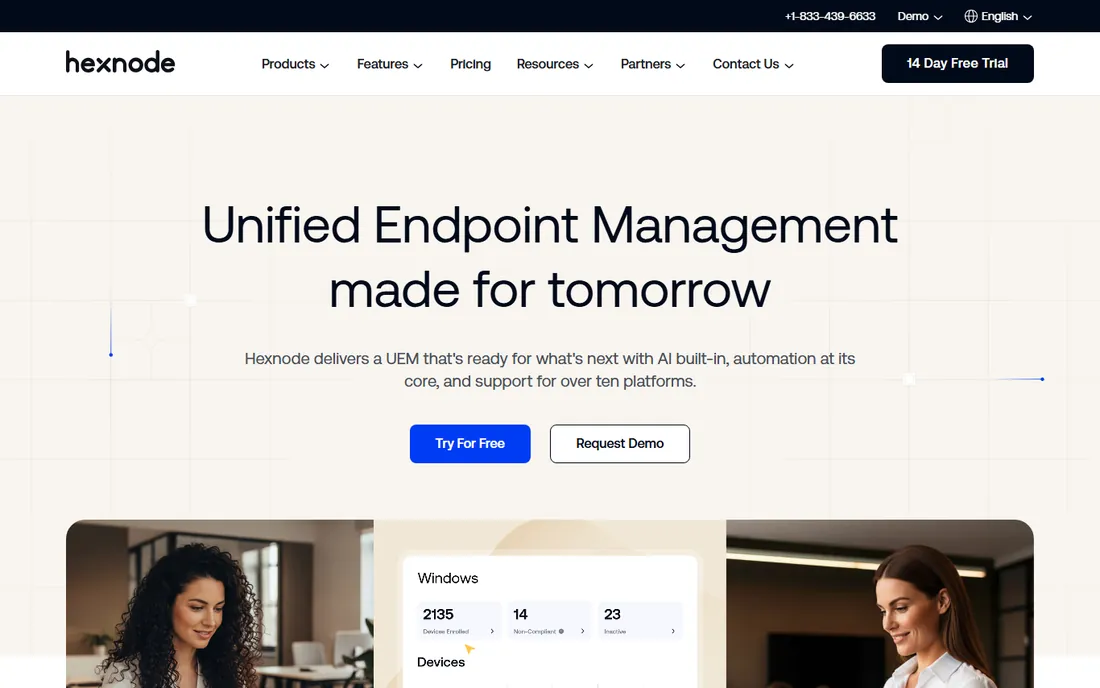
Most companies do not only run kiosks. They also have employee phones, laptops, and tablets, and Hexnode lets one IT team manage all of them from a single console. The kiosk lockdown supports single-app and multi-app modes on Android, iOS, Windows, and tvOS, with a managed kiosk browser for web-based use cases. That breadth makes it a natural pick when kiosks are one part of a larger device fleet rather than the whole story.
Pricing starts at $2.20 per device per month on the Pro plan, which includes mobile kiosk management. The 14-day trial needs no credit card, so you can test the kiosk policy workflow before committing. The catch is scope: if you only need to lock down three tablets in a waiting room, a full UEM platform is more than you need, and a purpose-built tool like Kiosk Pro or KioWare Lite will be simpler.
What we like- One console for kiosks, phones, laptops, and desktops
- Single-app and multi-app kiosk modes across platforms
- Straightforward per-device pricing
Watch out for- Full kiosk value requires the UEM platform, not just a lockdown app
- Advanced features sit on higher tiers
Starting price$2.99 per device/month
Free planFree trial
SureLock is the budget workhorse of the kiosk world. At $2.99 per device per month for the Android cloud subscription, it is one of the cheapest ways to lock a tablet to a single app or a set of approved apps. 42Gears also still supports Windows and even Windows Mobile/CE, which is rare and genuinely useful if you are maintaining older hardware in warehouses or logistics.
The product is intentionally narrow: it locks devices down, and for everything else 42Gears points you to SureMDM, its full management platform (SureLock is now bundled into SureMDM plans at no extra cost). That bundling is worth knowing about, because it changes the math. If you need remote control, app deployment, and compliance reporting, price the SureMDM bundle rather than SureLock alone.
What we like- Very low per-device price
- Covers Android, Windows, and legacy Windows Mobile/CE
- Pairs with SureMDM for remote management
Watch out for- The standalone product is basic compared with full MDM suites
- Interface and docs lag behind newer competitors
#5
Moki
Best for: iPad and Android kiosks with strong remote support
Visit moki.com
Starting priceFrom $5 per device/month (billed annually)
Free planYes (up to 10 devices)
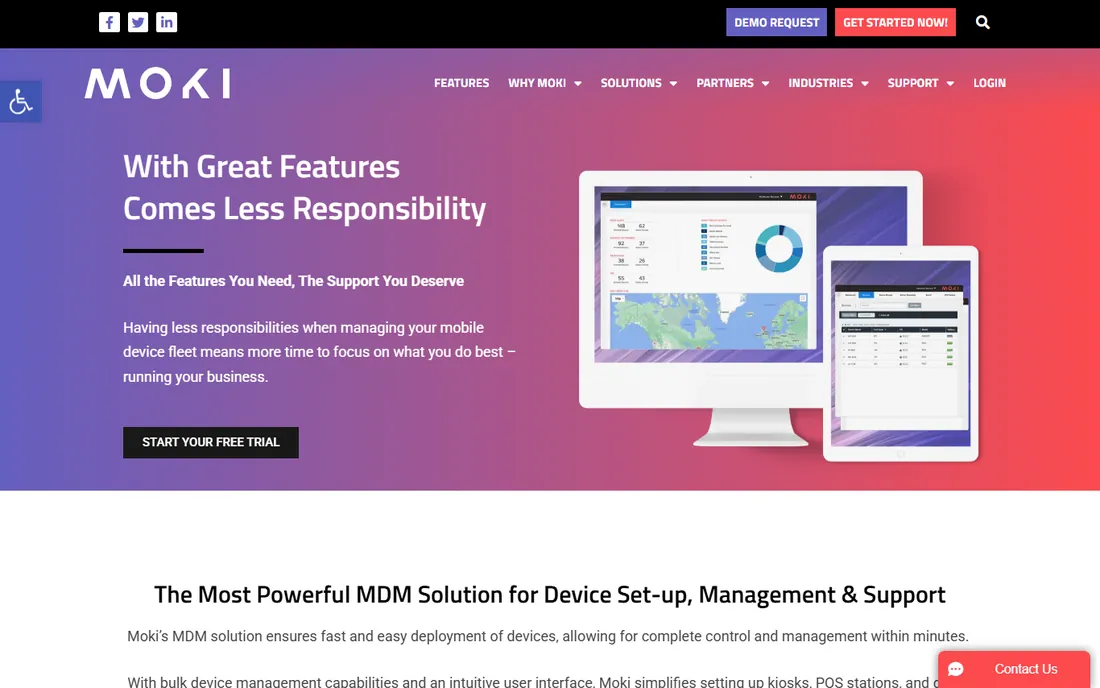
Moki does one thing and does it well: managing tablets that customers touch. The platform handles enrollment, lockdown, remote control, and content for iOS, Android, and BrightSign devices, with a Kiosk app that restricts browsing to approved URLs and media. Deployment is genuinely fast; the company says a device can go from box to managed in about 15 minutes.
The pricing structure favors small starts. The free tier covers up to 10 devices with full features, which is enough to pilot a real deployment. Paid plans start at $5 per device per month on annual billing for fleets of 11 to 100 devices. Moki is based in San Antonio, Texas, and buyers consistently praise the support. The limitation is platform scope: if your kiosks run Windows, look elsewhere.
What we like- Free tier covers up to 10 devices
- Purpose-built for customer-facing tablets
- US-based support team with a reputation for responsiveness
Watch out for- IOS, Android, and BrightSign only, no Windows
- Per-device cost climbs on monthly billing
#6
Esper
Best for: DevOps-style control of large Android fleets
Visit esper.io
Starting priceFrom $2 per device/month
Free planFree trial (30 days)
Esper approaches kiosks like infrastructure, not gadgets. You define the desired state of a device once, and the platform enforces it continuously, correcting drift without a technician. For companies running hundreds or thousands of identical Android terminals, that model removes an entire category of field support tickets. The API-first design means your developers can build device operations into their own systems.
The Genesis tier starts at $2 per device per month and includes kiosk mode, remote lockdown, and blueprint configuration. A 30-day trial covers up to 25 devices. Esper is overkill for a dozen tablets in a clinic waiting room, but for restaurant chains, logistics companies, and healthcare systems running Android at scale, it is one of the most capable options on this list.
What we like- Declarative device management that auto-corrects drift
- Strong APIs and developer tooling
- Custom Android OS and OTA pipeline options
Watch out for- Android-centric, limited value for iPad fleets
- The platform assumes a technical team
Starting priceFrom $24.99 per device (one-time)
Free planFree trial (free Lite version)
If every kiosk you own is an iPad, stop reading the rest of this list and look at Kiosk Pro first. It was the first kiosk app for iOS, launched in 2010, and it has been continuously developed since. It turns an iPad into a locked-down browser for displaying web content, PDFs, and video, with remote management options for larger deployments. The company claims its software powers over a million iPad kiosks.
Licensing is refreshingly simple: a one-time fee per device starting at $24.99, with free updates and support included. There is also a free Lite version. The obvious boundary is the Apple-only focus. Mixed fleets with Android or Windows devices will need a second tool, which defeats the simplicity.
What we like- Purpose-built for iPad with over a decade of development
- One-time license includes free updates
- Free Lite version for basic use
Watch out for- IOS and iPadOS only
- No fleet management console comparable to MDM platforms
#8
ManageEngine Mobile Device Manager Plus
Best for: Free kiosk lockdown for small fleets
Visit manageengine.com
Starting priceFree up to 25 devices; paid from $1.28 per device/month
Free planYes (up to 25 devices)
ManageEngine offers the most generous free deal in kiosk software: full Mobile Device Manager Plus, including kiosk mode, free for up to 25 devices on both cloud and on-premises editions. For a small business with a handful of tablets, that is hard to beat. The kiosk mode supports single-app and multi-app lockdown, and the broader platform adds app management, security policies, and remote troubleshooting.
Paid cloud plans start at $1.28 per device per month for the Standard edition, which keeps it among the cheaper options when you outgrow the free tier. The trade-off is that you are adopting a full IT management suite, not a focused kiosk tool. Setup takes longer, and the interface carries the weight of dozens of features you may never touch. For IT teams that already use ManageEngine products, though, the kiosk capability is essentially a bonus.
What we like- Generous free tier with full features
- Kiosk mode included alongside full MDM
- Cloud and on-premises deployment options
Watch out for- Kiosk features are part of a large IT suite, which adds complexity
- Paid tiers add up beyond the free tier
Starting price$199 per kiosk
Free planFree trial
KioskSimple answers a specific question: what if you already have a website and just need it running safely on a public Windows PC? The setup really is three steps: enter your website, configure optional security settings, and lock the kiosk down. The Chromium-based browser keeps modern web apps rendering correctly, and the JavaScript and .NET APIs give developers hooks for deeper integration.
The price is $199 per kiosk, a one-time fee. That is more than KioWare Lite for a comparable Windows lockdown, but KioskSimple wins on speed of deployment and simplicity. It is a Windows-only product from RedSwimmer, a small US company, so support is personal but the ecosystem is narrower than the big platforms. For a single-purpose web kiosk, it is one of the fastest paths from idea to locked-down terminal.
What we like- Dead-simple setup: enter a URL and lock it down
- Developer-friendly with JavaScript and .NET APIs
- Chromium-based browser
Watch out for- Windows only
- One-time price is per kiosk with no subscription flexibility
Starting price$669.95 one-time
Free planFree trial
FrontFace takes a different angle on kiosk content. Its Print2Screen feature lets you design screens in PowerPoint, Word, or Excel and print them straight into the kiosk software as content. For museums, hotels, and corporate lobbies that already produce materials in Office apps, that removes the need for a designer or a separate content tool. The software also handles interactive touch terminals, video walls, and digital menu boards.
The license costs $669.95 as a one-time purchase, with a SaaS subscription alternative and a fully functional free trial. The perpetual license is the draw: no ongoing costs, and an on-premises option for organizations that cannot put devices in the cloud. It is the priciest entry point here, but for a terminal that will run unchanged for years, the total cost can still come out ahead.
What we like- Unique Print2Screen feature turns any printable document into kiosk content
- Perpetual license with no ongoing costs
- On-premises option for strict IT policies
Watch out for- Highest upfront price on this list
- Windows and Android only
- Smaller vendor with a Europe-centered presence
What to check before you buy kiosk software
Lockdown depth
Basic tools hide the home screen and block a few buttons. Better tools filter keyboards, block downloads, clear session data, and survive reboots without leaking access to the OS. Match the depth to the risk: a menu board in your own restaurant needs less than a payment terminal in a public hallway.
Remote management
Ask how you will update content, push settings, and reboot a frozen device without visiting it. Cloud consoles (SiteKiosk Online, Moki, Esper) do this from a browser. One-time-license tools (KioWare Lite, Kiosk Pro) may need an add-on server or accept manual updates. For more than a handful of devices, remote management is not optional.
Peripherals and payments
If the kiosk prints receipts, reads cards, or scans barcodes, confirm driver and hardware support before you buy. KioWare leads here with broad peripheral support. MDM-style tools sometimes treat peripherals as an afterthought, so test with your actual hardware during the trial.
Pricing model
One-time licenses (KioWare Lite, Kiosk Pro, FrontFace, KioskSimple) favor stable, long-lived deployments. Subscriptions (SiteKiosk, Hexnode, Moki, Esper, SureLock) spread the cost and bundle remote management. Do the three-year math for your device count before deciding.
Platform fit
iPad-only fleets are simplest with Kiosk Pro. Android-heavy fleets suit Esper, SureLock, or Moki. Windows terminals point to KioWare, SiteKiosk, KioskSimple, or FrontFace. Mixed fleets usually land on Hexnode or ManageEngine.
How we chose
We started from the vendor's own pricing pages and product documentation, then cross-checked features and pricing against public review sources including G2, Capterra, Slashdot, and SourceForge listings. We compared lockdown depth, remote management capabilities, platform coverage, peripheral support, and pricing models, and we weighted fit for small and mid-size US companies over enterprise-only platforms. We did not claim hands-on testing of any product; every fact here comes from published vendor materials or public review data.
The hardware decision comes first
Software arguments are fun, but the device you buy constrains everything downstream. A consumer tablet without kiosk-friendly firmware will fight you on auto-boot, remote wake, and peripheral support no matter which software you install. Before comparing tools, decide on the device: iPad for simplicity and a mature kiosk app ecosystem, Android for cost and hardware variety, Windows when you need desktop applications or specific peripherals. Then pick the software that manages that device best. Buyers who choose software first and hardware second usually end up re-buying one of them.
Frequently asked questions
What is kiosk software?
Kiosk software locks a computer or tablet into a controlled experience so the public can only use approved apps or websites. It blocks access to the operating system, settings, and other apps, and most products add remote management so you can update and monitor devices without visiting them.
How much does kiosk software cost?
Entry-level options start around $2 per device per month (Esper, SureLock) or $25 to $70 as a one-time license (Kiosk Pro, KioWare Lite). Mid-range platforms run $2 to $6 per device per month (Hexnode, Moki). Premium one-time licenses reach $199 to $670 per device (KioskSimple, FrontFace). Free tiers cover small fleets at ManageEngine (25 devices) and Moki (10 devices).
Can I turn an iPad into a kiosk without extra software?
Apple's built-in Guided Access can lock an iPad to one app, which works for temporary or single-device use. For anything beyond that, Kiosk Pro is the standard choice: it adds remote management, better lockdown, and content features that Guided Access does not provide.
Do I need an MDM platform or a dedicated kiosk app?
Choose a dedicated kiosk app (KioWare, SiteKiosk, Kiosk Pro) when kiosks are the whole job and you want the deepest lockdown features. Choose an MDM or UEM platform (Hexnode, ManageEngine, Moki, Esper) when kiosks are part of a larger fleet of company devices, or when you need remote management across many locations.
What is the difference between single-app and multi-app kiosk mode?
Single-app mode locks the device to one application, which suits check-in terminals and menu boards. Multi-app mode presents a controlled launcher with several approved apps, which suits employee-facing devices or terminals that need a browser plus a payment app. Most tools on this list support both.
Sources we checked (16)
- https://kioware.com/
- https://www.sitekiosk.com
- https://sitekiosk.fr/web/Shop/Shop.aspx?GroupIdx=1
- https://42gears.com/
- https://businessrow.42gears.com/shop/category/surelock-3
- https://www.hexnode.com
- https://www.hexnode.com/blogs/hexnode-uem-pricing-breakdown/
- https://moki.com/
- https://esper.io/
- https://www.g2.com/products/esper/pricing
- https://www.kioskproapp.com
- https://manageengine.com/
- https://www.manageengine.com/mobile-device-management/
- https://kiosksimple.com/
- https://mirabyte.com/
- https://www.mirabyte.com/en/frontface/
Is your product missing or out of date?
We review this list regularly. Vendors can request a listing, send updated pricing or ask about featured placement.

Shihab Mia · Founder, Rankite
Shihab has spent more than a decade helping SaaS and e-commerce brands grow through search. He writes Rankite's software buying guides from pricing pages, documentation and public user reviews. More about Shihab.