How we make this list: we compare pricing pages, product documentation and public user reviews. Ratings come from G2, Capterra or Trustpilot, with the date we checked them.
Direct answer
Start with Exclaimer if you need central signature control at $0.90 per user per month billed annually. Pick CodeTwo if your estate is Microsoft 365 and you want one plan with per user pricing. Choose Opensense if marketing banners and CRM targeting matter, but note the $500 per month minimum.
Key takeaways
- Large Microsoft 365 teams should compare Exclaimer at $0.90 per user per month and CodeTwo at $1.22 for 10 licenses.
- Marketing teams should check Opensense, because Signature starts at $1 per user per month with a $500 monthly minimum.
- Multi entity firms should review Letsignit at $2 per user per month, because Enterprise lists governance, roles, permissions, and multi directory sync.
- Teams that need a stated trial should test Xink, because it lists a 14 day free trial and a 10 user minimum.
- Firms with 50 employees should price Rocketseed carefully, because annual billing starts at $705 for 50 employees plus a setup fee.
Quick comparison
| Tool | Best for | Starting price | Free plan |
|---|
 Exclaimer | Central control at scale | $0.90 per user per month billed annually for Starter | 14 day free trial |
 CodeTwo Email Signatures 365 | Microsoft 365 estates | $1.22 per user per month billed yearly for 10 licenses | 14 day trial for up to 1,000 mailboxes |
 Letsignit | Multi entity governance | $2 per user per month | None found on vendor page |
 Opensense | Banner campaigns and targeting | $1 per user per month for Signature | None found on vendor page |
 Xink | One plan for mixed estates | EUR 1.10 per user per month billed monthly | 14 day free trial |
 WiseStamp | Teams that also need cards | $19 per month plus $1 per employee per month billed annually for Basic | 14 day free trial |
 Crossware Email Signature | Mixed mail platforms | See website | Free trial offered, length not stated on vendor page |
 Rocketseed | Managed setup and design | $705 per year for 50 employees | 14 day trial for businesses with 50 or more employees |
 Newoldstamp | Central signatures with banners | $1.8 per signature per month billed annually | 7 day trial, signatures cannot be used until upgrade |
 MySignature | Smaller teams with team controls | $6 per user per month billed yearly for Core | Free plan with 1 signature per email address |
Is your product missing or out of date?
We review this list regularly. Vendors can request a listing, send updated pricing or ask about featured placement.
The best enterprise email signature software
Enterprise signature software keeps names, titles, disclaimers, banners, and brand rules consistent across every mailbox. The buying decision is not only design. IT must check directory sync, server side or client side deployment, shared mailboxes, legal disclaimers, and what happens when a subscription ends. Marketing must check banner scheduling, targeting, and click reporting. We ranked these tools by vendor price clarity, trial terms, platform fit, and governance facts from vendor pages checked on 2026-11-28. If a vendor did not publish a price in the opened text, the entry says See website.
Starting price$0.90 per user per month billed annually for Starter
Free plan14 day free trial
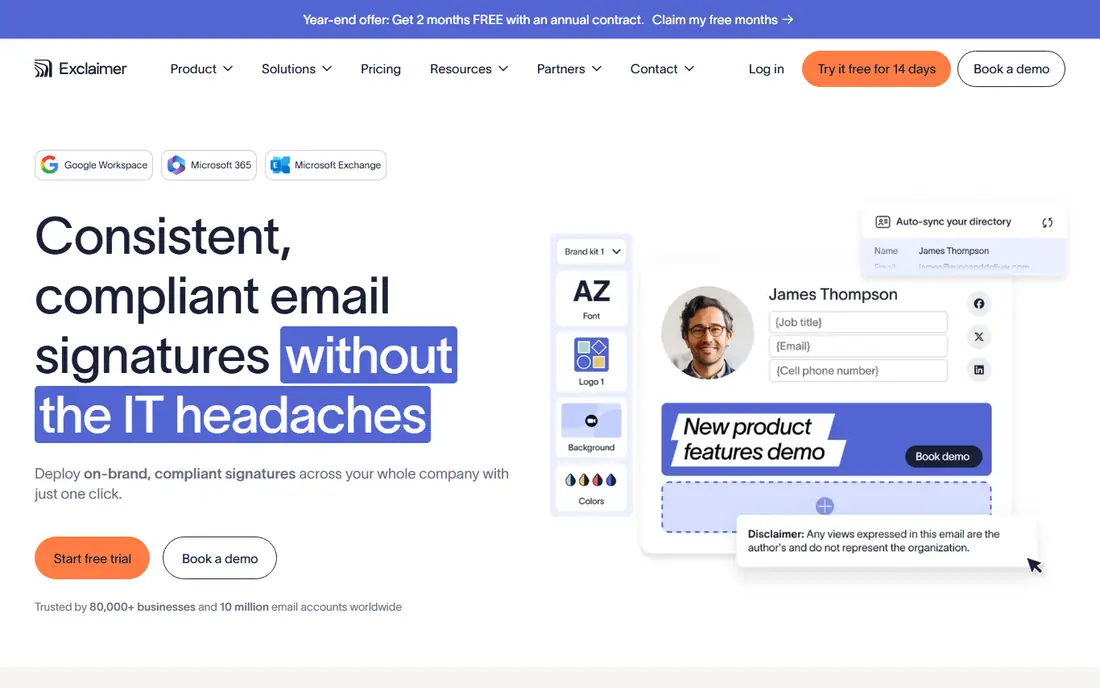
Exclaimer fits enterprises that want central signature control with clear entry pricing. The vendor page lists Starter at $0.90 per user per month billed annually, Standard at $1.45, and Pro at $1.75. Starter covers centrally managed signatures, auto updated employee details, legal disclaimers, and consistent signatures across devices. The page states a minimum of ten users and licensing based on active mailboxes. It also lists a 14 day free trial. For a large rollout, the mailbox rule helps IT count shared and service mailboxes before purchase. IT should test shared mailboxes and mobile sends during the first trial week.
The catch is plan gating. Standard adds unlimited templates, department signatures, scheduled banners, and three Brand Kits. Pro adds unlimited brands, engagement data, HRIS data, and user editable fields. Enterprise is custom priced. Pick Exclaimer if you want a clear starting price and central control. Look elsewhere if you need public pricing for a complex multi brand rollout or if your estate is not ready to count active mailboxes.
What we like- Starter price is stated
- Minimum user count is 10
- Licensing is based on active mailboxes
Watch out for- Enterprise pricing is custom
- Department signatures and banner scheduling need Standard or higher
Starting price$1.22 per user per month billed yearly for 10 licenses
Free plan14 day trial for up to 1,000 mailboxes
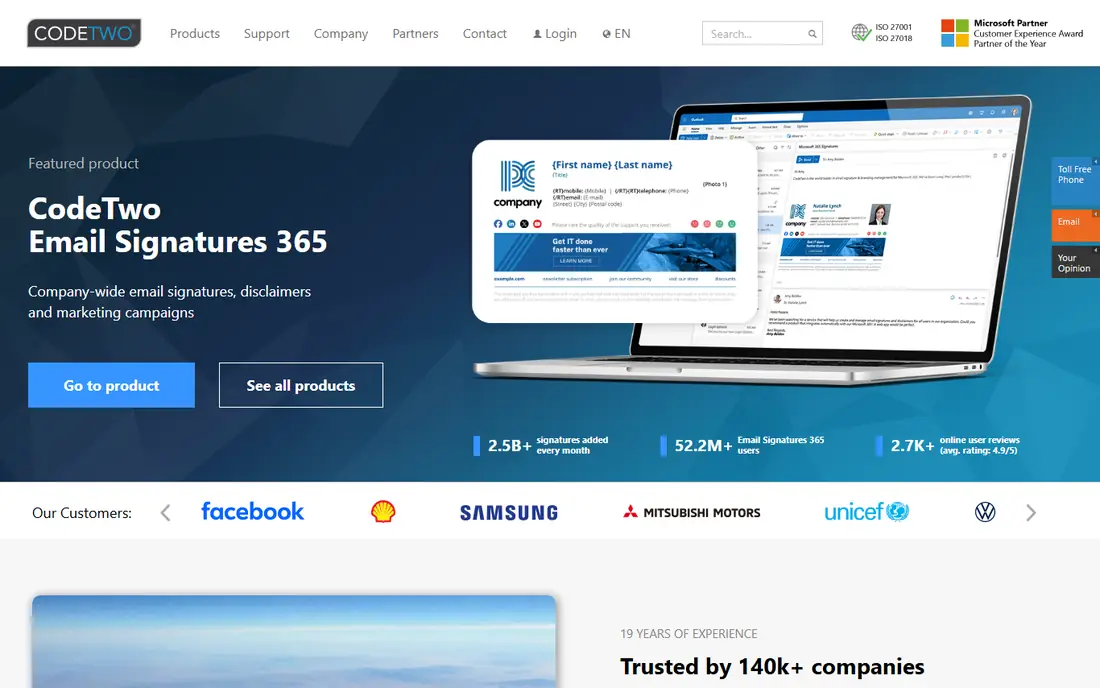
CodeTwo Email Signatures 365 suits organizations that standardize on Microsoft 365 and want one plan instead of feature tiers. The vendor pricing page lists per user monthly prices by license count and period. For yearly billing, 10 licenses cost $1.22 per user per month, 100 licenses cost $1.11, 250 cost $0.91, and 500 cost $0.73. The page states a 14 day fully functional free trial, extendable to 21 days, with a trial limit of 1,000 mailboxes. Licenses are assigned per user or shared mailbox routed through the cloud service or using the Outlook add in.
The catch is platform scope. This is a Microsoft 365 product, so a mixed Google Workspace estate should not assume the same fit. Prices are also net of VAT and taxes. Pick CodeTwo if your mail estate is Microsoft 365 and you want volume pricing in public. Look elsewhere if Google Workspace, Exchange, or HCL Domino support is a core requirement.
What we like- One plan with all features
- Price falls as license count rises
- Trial can extend to 21 days
Watch out for- Product focus is Microsoft 365
- Prices are net of VAT and taxes
Starting price$2 per user per month
Free planNone found on vendor page
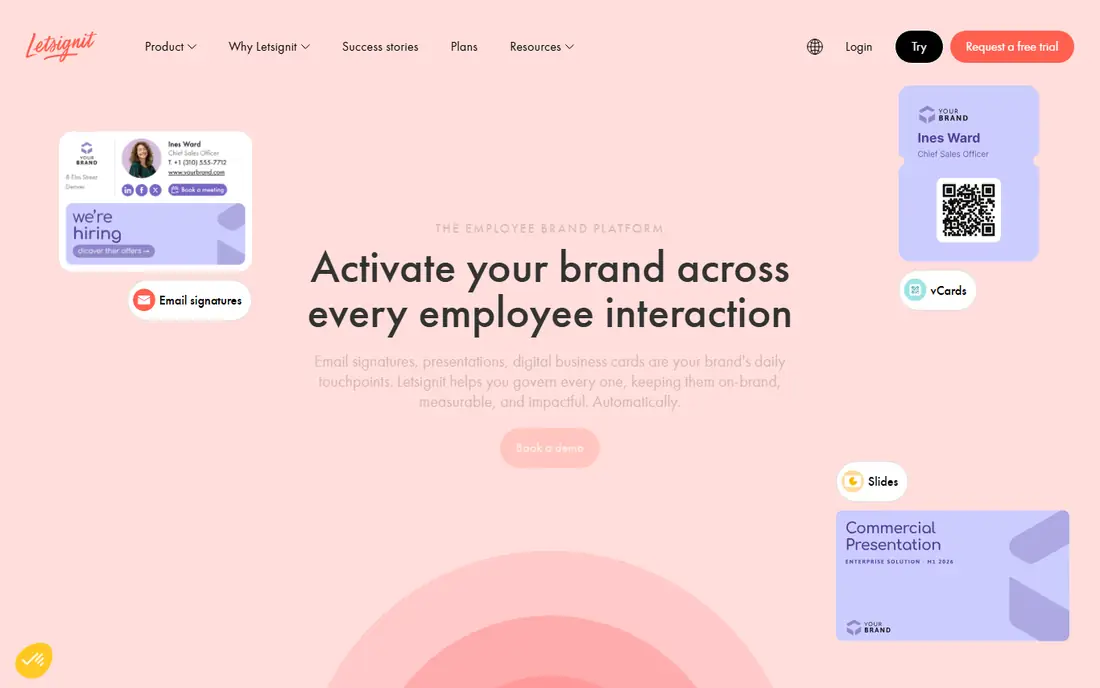
Letsignit fits complex organizations that need signatures, campaigns, vCards, and governance in one platform. The vendor pricing page lists Email signatures and vCards at $2 per user per month. It states compatibility with Microsoft 365, Google Workspace, and CRM tools. Enterprise adds advanced management of complex environments, multi directory synchronization through API and SCIM, and architecture choices such as on premise, SMTP, and SSO. The page also states that plans are annual subscriptions and users can be added with prorated billing. IT should test shared mailboxes and mobile sends during the first trial week.
The catch is commitment and Enterprise opacity. Annual plans suit a planned rollout, but they are less flexible for a short pilot. Enterprise pricing is contact based, so a multi entity buyer cannot finish a budget from the public page. Pick Letsignit if governance, multi entity structure, and directory sync are central. Look elsewhere if you need a monthly plan or a stated free trial on the pricing page.
What we like- Signature plan price is stated
- Enterprise lists roles and permissions
- Multi directory sync is listed
Watch out for- Plans are annual subscriptions
- Enterprise pricing is contact based
Starting price$1 per user per month for Signature
Free planNone found on vendor page
Opensense suits enterprises where signatures also carry marketing campaigns. The vendor page lists Signature at $1 per user per month, Pipeline at $3, and Complete at $5. Every plan has a $500 per month minimum. Signature covers centrally managed and deployed signatures, instant updates, and in client previews. Pipeline adds scheduled banner campaigns and A/B testing. Complete adds CRM account, stage, and recipient based targeting plus recipient level banner insights. Directory integrations include Azure AD and Google. IT should test shared mailboxes and mobile sends during the first trial week.
The catch is the minimum spend. A 200 user company does not pay $200 per month on Signature. It pays at least $500 per month. Banner campaigns also require Pipeline or Complete. Pick Opensense if signature banners are a revenue channel and the minimum fits your budget. Look elsewhere if you only need compliant signatures for a smaller estate. Confirm that point during the trial.
What we like- Signature, Pipeline, and Complete prices are stated
- Plans support directory integrations
- Complete adds CRM targeting
Watch out for- Plans have a $500 per month minimum
- Banner campaigns need Pipeline or Complete
Starting priceEUR 1.10 per user per month billed monthly
Free plan14 day free trial
Xink fits teams that want one plan across Microsoft 365 and Google Workspace. The vendor page lists EUR 1.10 per user per month billed monthly at 10 users and a 14 day free trial. It states that one license covers one email address across devices and clients. The minimum subscription size is 10 users. Xink lists Outlook add in and server side signatures, Gmail push without email rerouting, shared mailboxes and aliases, directory sync from Entra ID, Active Directory, or Google Workspace Directory, and data storage choices across the EU, UK, US, Canada, and Australia.
The catch is currency and scale pricing. The opened page shows euros, so a US buyer should confirm billing currency during activation. For more than 300 users, Xink directs buyers to contact for volume pricing. Pick Xink if you want one plan and clear data region choices. Look elsewhere if you need a public USD price for a very large estate.
What we like- One plan covers Microsoft 365 and Google Workspace
- Minimum subscription is 10 users
- Data region choices are listed
Watch out for- Price is shown in euros on the opened page
- Volume pricing over 300 users needs contact
Starting price$19 per month plus $1 per employee per month billed annually for Basic
Free plan14 day free trial
WiseStamp suits teams that want signatures plus digital business cards and campaign tools. The vendor page lists Basic at $19 per month plus $1 per employee per month billed annually. Grow is $49 per month plus $1 per employee per month. Platform is $189 per month plus $1 per employee per month. The page states a 14 day free trial with no credit card required. Platform adds client and server side deployment, SSO, roles and permissions, and advanced directory sync. Enterprise custom pricing adds audit log and a 99.9 percent uptime SLA.
The catch is the base fee and deployment model. A small team pays the platform fee before the per employee charge. Basic and Grow use client side deployment, while Platform adds server side deployment. Pick WiseStamp if cards, banners, and team controls matter and Platform features fit your IT rules. Look elsewhere if you need server side deployment on the entry plan.
What we like- Basic, Grow, and Platform prices are stated
- Platform adds SSO and roles
- Trial needs no credit card
Watch out for- Base fee applies before per employee cost
- Basic and Grow deployment is client side
Starting priceSee website
Free planFree trial offered, length not stated on vendor page
Crossware Email Signature fits organizations with more than one mail platform. The homepage we opened states support for Microsoft 365, Google Workspace, Microsoft Exchange, and HCL Domino. It also states per user licensing and shows a free trial route. For an enterprise with legacy Domino or Exchange estates, platform breadth can matter more than a small per user price gap. A buyer should confirm deployment model, directory sync, disclaimer rules, and support terms during the trial. IT should test shared mailboxes and mobile sends during the first trial week. Record the result.
The catch is public price detail. The homepage says competitively priced but does not publish a price figure in the opened text. Trial length also was not stated there. Pick Crossware if mixed platform support is the deciding factor and you will confirm price and trial terms with the vendor. Look elsewhere if procurement needs a public per user price before a demo.
What we like- Supports Microsoft 365 and Google Workspace
- Supports Microsoft Exchange and HCL Domino
- Per user licensing is stated
Watch out for- Price figure was not published on the homepage we opened
- Trial length was not stated in the opened text
Starting price$705 per year for 50 employees
Free plan14 day trial for businesses with 50 or more employees
Rocketseed suits companies that want central signature management with setup help. The vendor pricing page lists annual totals of $705 for 50 employees, $1,320 for 100, $1,843 for 150, and $2,445 for 200. Monthly totals are $73 for 50, $137 for 100, $192 for 150, and $237 for 200. Businesses with 50 or more employees can trial free for 14 days with no payment required upfront. The page states that global 24/7 support is included. IT should test shared mailboxes and mobile sends during the first trial week.
The catch is the separate setup fee. Rocketseed states that a one time setup fee covers technical implementation, signature and banner design, account activation, and team training, and that it is separate from subscription price. Pick Rocketseed if managed setup and design help are worth a separate fee. Look elsewhere if you need self serve pricing under 50 employees or a total first year cost with no setup line.
What we like- Annual and monthly totals are stated by employee count
- 24/7 support is included
- Trial covers 50 plus employee businesses
Watch out for- One time setup fee is separate
- Pricing starts at 50 employees in the published table
Starting price$1.8 per signature per month billed annually
Free plan7 day trial, signatures cannot be used until upgrade
Newoldstamp fits teams that want centralized signature management with banners and analytics. The vendor pricing text lists $1.8 per signature per month billed annually and a custom plan for more than 200 signatures. It lists centralized management, Google Workspace and Microsoft 365 integration, banner campaigns, analytics, and live chat support. The FAQ states a free 7 day trial with full feature access, but signatures cannot be used until upgrade. That makes the trial useful for setup review, not for a live send test. IT should test shared mailboxes and mobile sends during the first trial week.
The catch is subscription dependence. The FAQ states that signatures stop working when the subscription expires or the account is deleted. An enterprise must plan renewal ownership and exit steps. Pick Newoldstamp if central management and banners fit and the trial limit is acceptable. Look elsewhere if you need to send live test signatures during a trial or if legal requires signatures to remain after cancellation.
What we like- Centralized management is listed
- Google Workspace and Microsoft 365 integration are listed
- Banner campaigns and analytics are listed
Watch out for- Trial signatures cannot be used until upgrade
- Signatures stop working when the subscription expires
Starting price$6 per user per month billed yearly for Core
Free planFree plan with 1 signature per email address
MySignature suits smaller teams that want signature management without a heavy enterprise rollout. The vendor page lists Core at $6 per user per month billed yearly and a recommended plan at $7 per user per month billed yearly. It states that Teams offers centralized signature management, automation for Google Workspace and Microsoft 365, and advanced team controls. The free plan covers basic email signatures with limited functions and 1 signature per email address. A full Teams trial must be requested. IT should test shared mailboxes and mobile sends during the first trial week.
The catch is price at enterprise scale and cancellation behavior. At $6 per user per month, a 500 user estate costs more than tools priced near $1 per user. The FAQ also states that signatures, online cards, and wallet cards stop working after the billing cycle ends. Pick MySignature if your team is small and wants a free start. Look elsewhere if you need low per user cost for hundreds of mailboxes.
What we like- Core price is stated
- Teams lists centralized management
- Free plan covers basic signatures
Watch out for- Per user price is higher than several enterprise tools
- Signatures stop working after cancellation
What does 250 users cost on the published plans?
At 250 users, published per user pricing separates the field fast. Exclaimer Starter at $0.90 per user per month billed annually equals $225 per month, or $2,700 per year before tax and plan upgrades. CodeTwo at 250 licenses lists $0.91 per user per month billed yearly, which equals $227.50 per month, or $2,730 per year before VAT and taxes. Opensense Signature lists $1 per user per month, but the $500 monthly minimum makes the floor $6,000 per year. Letsignit at $2 per user per month equals $500 per month, or $6,000 per year, before Enterprise terms. MySignature Core at $6 per user per month equals $1,500 per month, or $18,000 per year. Rocketseed does not publish a 250 employee total in the table we opened; 200 employees cost $2,445 per year plus a setup fee, and 200 plus is custom. Use this math only as a first screen. Then check shared mailboxes, server side deployment, banner rights, and renewal terms.
Should you choose server side or client side signatures?
Choose server side signatures when every sent message must carry the correct signature, including mobile and shared mailbox sends. Choose client side when users need to preview and edit the signature while composing. Exclaimer states that packages can be deployed server side, client side, or both. WiseStamp states that Basic and Grow are client side, while Platform adds server side. Match the deployment model to legal and brand risk.
Google Workspace support is stated by several vendors in this guide. Letsignit lists Microsoft 365, Google Workspace, and CRM compatibility. Xink states the same price for Microsoft 365 and Google Workspace. Crossware lists Microsoft 365, Google Workspace, Microsoft Exchange, and HCL Domino. Newoldstamp lists Google Workspace and Microsoft 365 integration. CodeTwo is the Microsoft 365 focused option, so do not assume Google Workspace fit there.
What happens when the subscription ends?
Ask this before rollout, because signature tools can control live email identity. Newoldstamp states that signatures stop working when the subscription expires or the account is deleted. MySignature states that signatures, online cards, and wallet cards stop working after the billing cycle ends. For other tools, confirm export, grace period, and mailbox cleanup steps in the contract. A low per user price is not enough if exit creates broken signatures.
Frequently asked questions
How many users do you need to start?
Exclaimer states a minimum of ten users. Xink states a minimum subscription size of 10 users. Rocketseed publishes pricing from 50 employees and offers its trial to businesses with 50 or more employees. Opensense has a $500 per month minimum, which can matter more than user count. Count active mailboxes, shared mailboxes, and aliases before you request a quote.
Is $1 per user per month always cheaper?
No. Opensense Signature lists $1 per user per month but also a $500 per month minimum. At 250 users, that floor is $6,000 per year. Exclaimer Starter at $0.90 per user per month billed annually equals $2,700 per year at 250 users. Always multiply by users, then apply minimums, setup fees, taxes, and plan gates.
Do signature tools replace legal disclaimers?
They can apply disclaimers centrally, but legal still owns the text and the rule for when it appears. Exclaimer lists legal disclaimers on every email for Starter. Xink lists legal disclaimers on every email. MySignature lists legal disclaimer support. Confirm internal and external rules, language variants, and regulated entity needs before rollout.
Can marketing run banners in signatures?
Yes, if the plan includes banner campaigns. Opensense Pipeline and Complete add banner campaigns and targeting. Exclaimer Standard adds scheduled signatures and campaign banners. Xink lists scheduled campaigns by team, department, or office. Check approval rights and click reporting. A banner that IT cannot govern can create brand and compliance risk.
What should IT test in a trial?
Test directory sync, shared mailboxes, mobile sends, reply and forward signatures, disclaimer rules, and user edit limits. CodeTwo trial covers up to 1,000 mailboxes. Exclaimer and Xink list 14 day trials. Newoldstamp trial signatures cannot be used until upgrade, so plan a different live test path. Record false details, missing fields, and support response quality.
What to look for before you buy
First, count active mailboxes, shared mailboxes, aliases, and service accounts. Second, confirm Microsoft 365, Google Workspace, Exchange, or Domino support for every estate. Third, decide server side, client side, or both based on legal risk and user preview needs. Fourth, price the full year with minimums, setup fees, taxes, and plan gates. Fifth, test directory sync, disclaimers, banners, and exit steps before you sign an annual plan.
How we chose
We compared vendor pricing pages and official product pages checked on 2026-11-28. We favored tools with stated per user prices, trial terms, platform support, and governance facts. We did not claim hands on testing. Where a vendor page loaded but did not publish a price figure in the opened text, we wrote See website instead of copying a third party figure.
Sources we checked (10)
- https://exclaimer.com/pricing/
- https://www.codetwo.com/email-signatures/pricing
- https://letsignit.com/pricing
- https://www.opensense.com/pricing
- https://www.xink.io/pricing
- https://www.wisestamp.com/pricing
- https://crossware365.com
- https://www.rocketseed.com/pricing
- https://newoldstamp.com/pricing
- https://mysignature.io/pricing
Is your product missing or out of date?
We review this list regularly. Vendors can request a listing, send updated pricing or ask about featured placement.

Shihab Mia · Founder, Rankite
Shihab has 5+ years in B2B and SaaS SEO. He writes Rankite's software buying guides from pricing pages, documentation and public user reviews. More about Shihab.