How we make this list: we compare pricing pages, product documentation and public user reviews. Rankite is independent; if a vendor ever pays for a featured spot, that listing is clearly labeled Partner.
Key takeaways
- Exclaimer is the enterprise standard for centralized Microsoft 365 and Google signatures.
- WiseStamp and Newoldstamp suit growing teams wanting branded signatures fast.
- CodeTwo serves Microsoft shops deeply; Crossware covers Microsoft 365 specifically.
- MySignature is the simple free generator for individuals.
- Letsignit, Rocketseed, Symprex and Opensense fill marketing, compliance and analytics niches.
Quick comparison
| Tool | Best for | Starting price | Free plan |
|---|
 Exclaimer Exclaimer | Enterprise signature management | See website | Free trial |
 WiseStamp WiseStamp | Team branding made easy | See website | Free plan |
 CodeTwo CodeTwo | Microsoft email signatures | See website | Free trial |
 Newoldstamp Newoldstamp | Marketing-ready signatures | See website | Free plan |
 MySignature MySignature | Free personal signatures | Free | Yes |
 Letsignit Letsignit | Signature marketing campaigns | See website | Free trial |
 Rocketseed Rocketseed | Branded signatures with control | See website | Free trial |
 Symprex Symprex | Microsoft 365 signatures | See website | Free trial |
 Crossware Crossware | Microsoft 365 signature simplicity | See website | Free trial |
 Opensense Opensense | Signatures with analytics | See website | No |
Is your product missing or out of date?
We review this list regularly. Vendors can request a listing, send updated pricing or ask about featured placement.
The best email signature software
Starting priceSee website
Free planFree trial
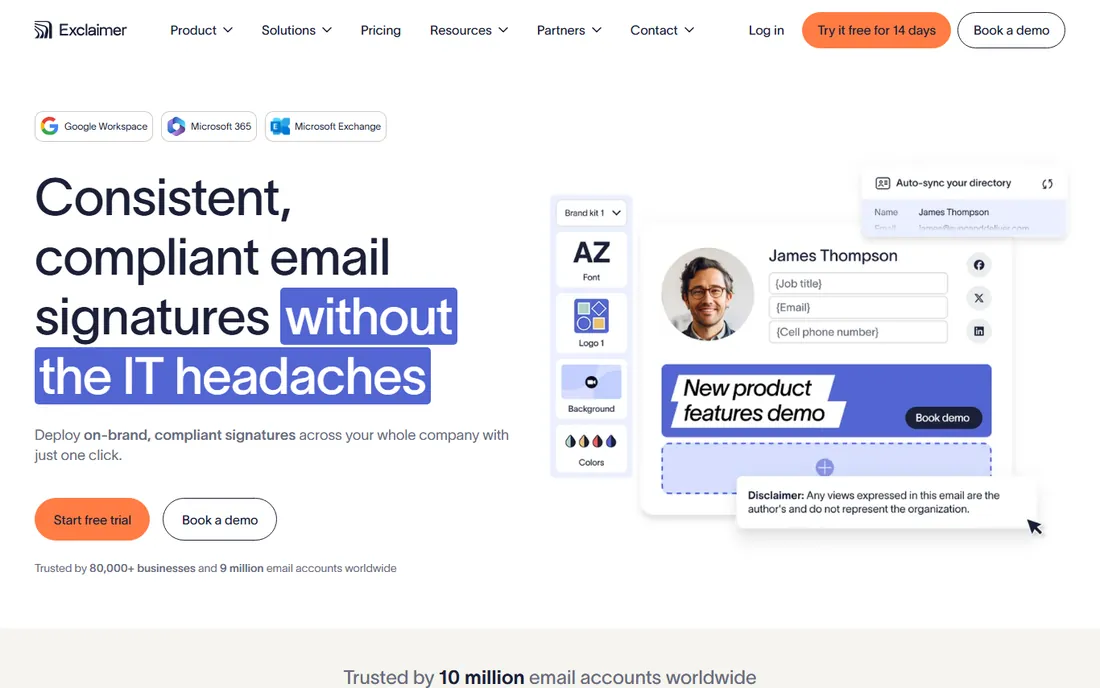
Exclaimer manages email signatures centrally for the world's largest organizations: every employee's signature consistent, compliant and on-brand, controlled from one console across Microsoft 365 and Google Workspace. Legal disclaimers, marketing banners and directory-driven details update automatically.
Pricing and complexity target mid-market and up; tiny teams do not need this. But for organizations where brand consistency and compliance are non-negotiable, Exclaimer's depth and reliability make it the default enterprise choice.
Exclaimer's signature analytics show which banners and campaigns perform across the organization: marketing finally measures the email channel. The directory integration pulls names, titles and departments automatically, so signatures stay correct through reorganizations. Legal disclaimers apply by rule, covering regional requirements. For enterprises where every email is a brand impression, the centralized control is non-negotiable.
Exclaimer's directory sync keeps signatures accurate through every hire, move and rebrand: IT never touches templates manually. The transport rules apply signatures after sending, so mobile and webmail get the same branding as Outlook. For regulated industries, the enforced disclaimers reduce legal risk. It is the enterprise answer, and the pricing reflects it.
What we like- The enterprise standard for centralized signatures
- Deep Microsoft 365 and Google integration
- Strong compliance features
Watch out for- Enterprise pricing
- Overkill for tiny teams
- Setup needs planning
Starting priceSee website
Free planFree plan
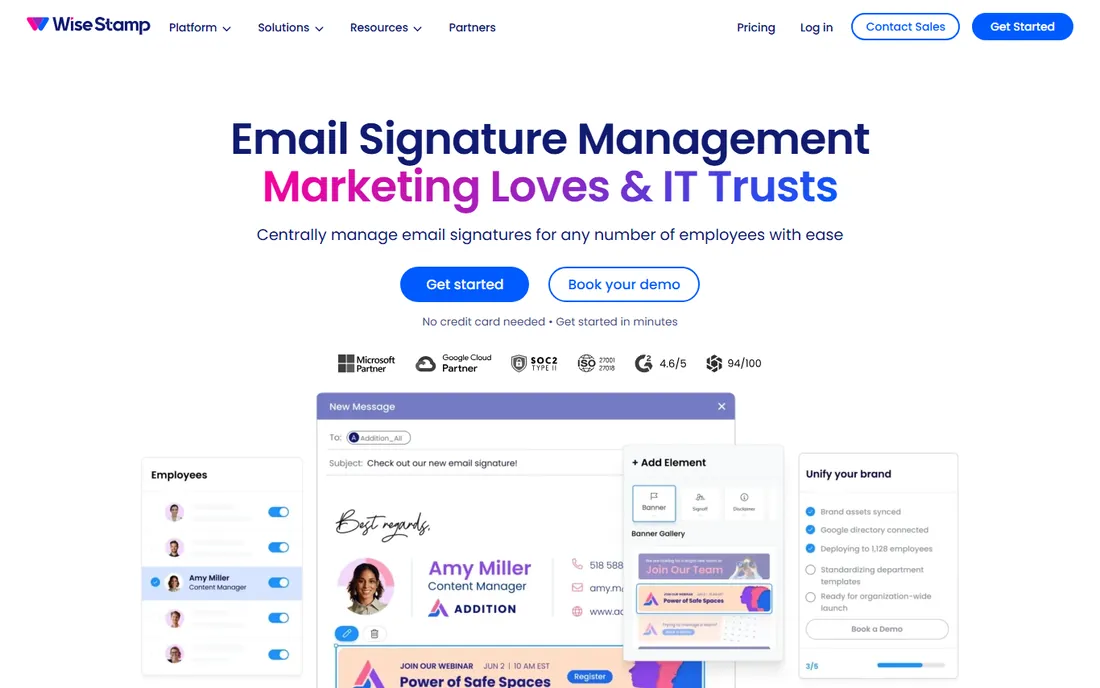
WiseStamp gives growing teams professional signatures without IT projects: templates, centralized management, and social icons that stay current. The free plan covers individuals, and team plans stay approachable. Marketing teams like the campaign features.
Enterprise depth trails Exclaimer; very large organizations need more. But for SMBs wanting branded, consistent signatures this week, WiseStamp's ease is the appeal.
WiseStamp's employee advocacy features turn signatures into social proof: latest company content and social feeds appear automatically. The Google Workspace and Microsoft 365 integrations deploy without IT projects. Template management keeps branding consistent as teams grow. For SMBs wanting professional signatures plus light marketing, the balance of ease and capability is right.
WiseStamp's team management adds departments and roles to signature templates: each group gets the right information automatically. The photo and social icons humanize outreach. Deployment through Google Workspace takes minutes. For SMBs, the balance of professional polish and simple management is hard to beat.
What we like- Easy team signature management
- Good templates
- Free plan for individuals
Watch out for- Advanced enterprise features are thinner
- Analytics cost extra
- Per-user pricing adds up
Starting priceSee website
Free planFree trial
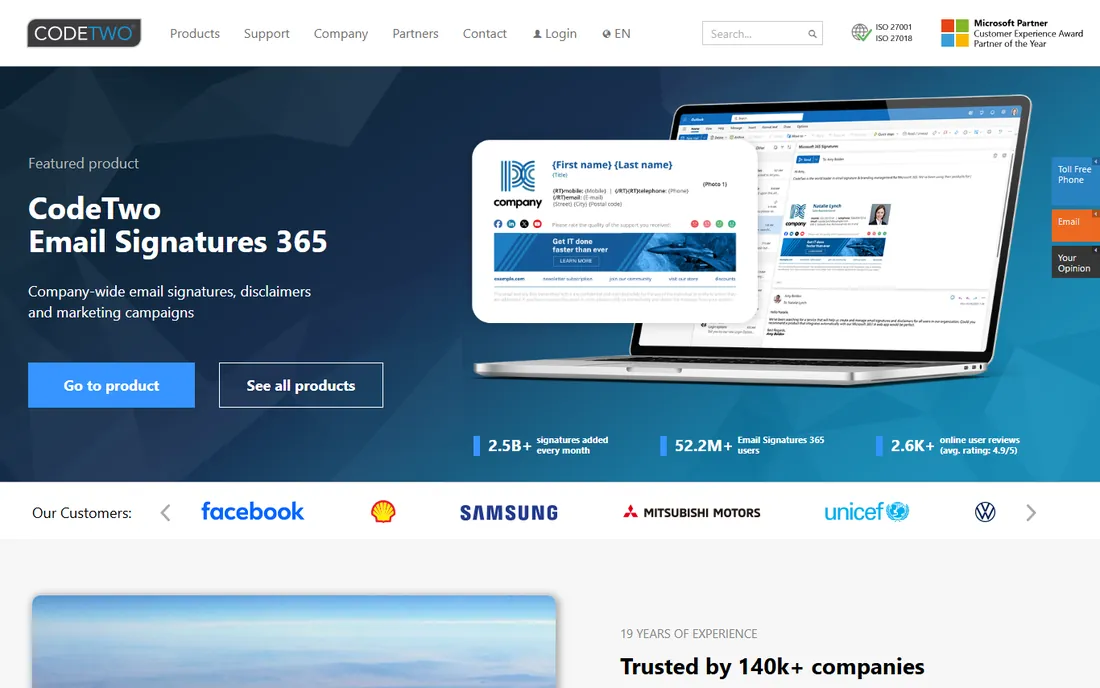
CodeTwo has served Microsoft email for decades: server-side signatures applied consistently across Outlook, phones and webmail, with rules targeting departments, regions or campaigns. Exchange admins trust it.
It is Microsoft-only; Google shops look elsewhere. The interface prioritizes function. But for Microsoft-centric organizations wanting bulletproof server-side signatures, CodeTwo's specialization shows.
CodeTwo's rule engine targets signatures by sender attributes, message type and recipients: different signatures for internal versus external mail, or per-department branding. The Azure and Microsoft 365 integration is deep from decades of focus. Email flow rules handle disclaimers and branding server-side. For Microsoft shops, the specialization means edge cases are already solved.
CodeTwo's migration tools carry signatures through Office 365 transitions: the investment survives platform changes. The template editor handles complex layouts with conditional content. Support for shared mailboxes covers the edge cases. For Microsoft-centric IT, the long-term reliability matters.
What we like- Deep Microsoft Exchange and 365 expertise
- Server-side signatures for all devices
- Strong rule engine
Watch out for- Microsoft-only focus
- Interface is utilitarian
- Pricing is per-mailbox
Starting priceSee website
Free planFree plan
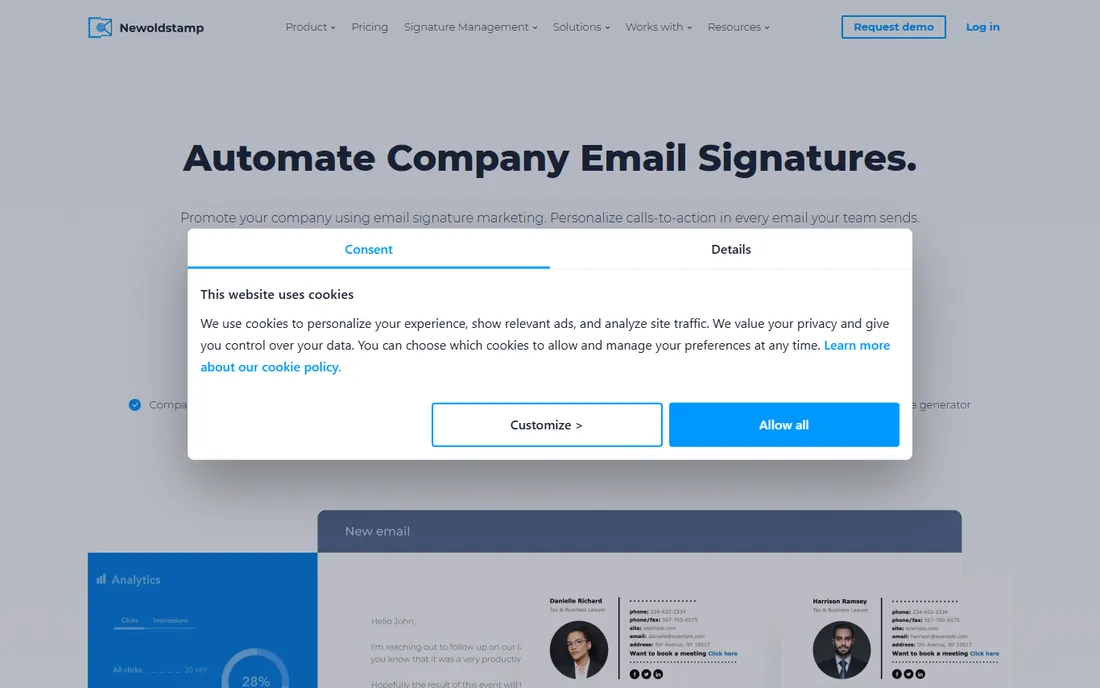
NEWOLDSTAMP treats signatures as marketing: banners, CTAs and campaigns in every email, managed centrally. The generator is quick, team management is straightforward, and small marketing teams get brand consistency plus promotion.
Large enterprises need deeper management. But for teams that see every email as a marketing impression, the campaign features justify it.
Newoldstamp's campaign scheduler rotates banners automatically: product launches, events and announcements appear in signatures on schedule. The analytics show click-through by campaign. G Suite and Office 365 integrations cover the common platforms. For marketing teams treating signatures as media inventory, the campaign features are the point.
Newoldstamp's integrations extend beyond email: the signatures work with CRMs and helpdesks. The team analytics show engagement by department. For marketing-led organizations, the measurable brand touchpoint is the story.
What we like- Marketing-focused signature campaigns
- Easy generator
- Good for small teams
Watch out for- Enterprise management is lighter
- Analytics need paid tiers
- Smaller company
Starting priceFree
Free planYes
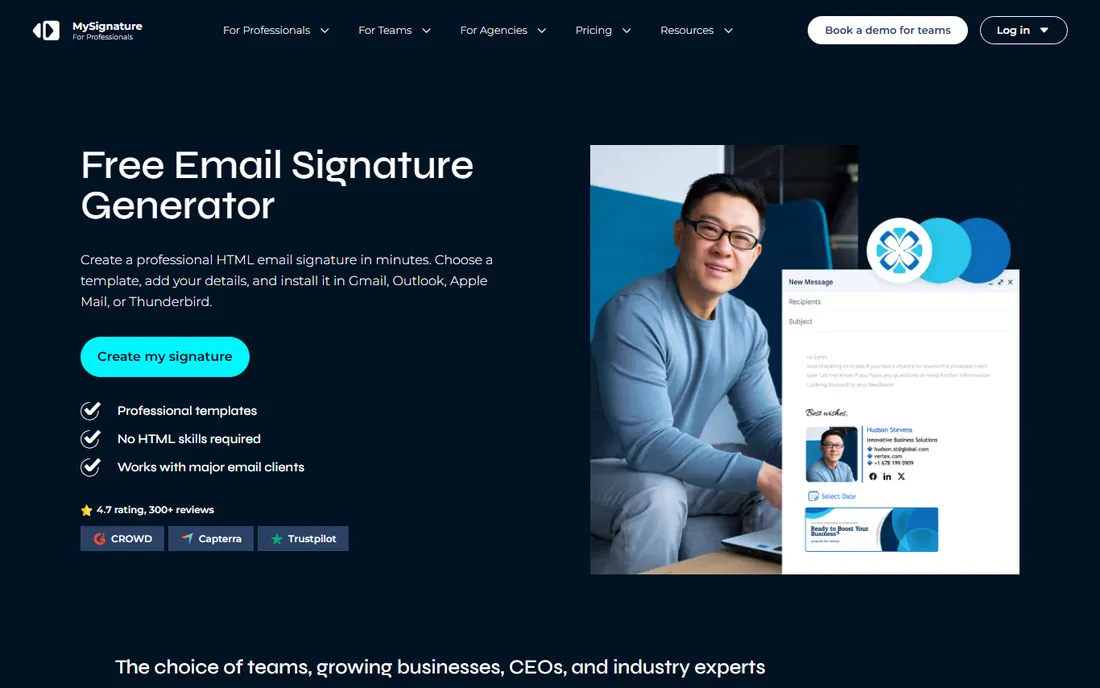
MySignature is the quick free generator: build a professional signature in minutes, paste it into your email client. Individuals and tiny teams get polished signatures without accounts or fees.
There is no centralized team management; it is personal, not organizational. But for the individual who just wants a good-looking signature today, free and fast wins.
MySignature's generator covers the essentials fast: name, title, company, social icons and a photo, formatted cleanly. The templates look professional without design skills. It is the fastest path from nothing to a decent signature. Individuals who just need to look professional today should start here and consider team tools only when consistency becomes a problem.
MySignature's business plans add team features: shared templates and centralized management. The API enables custom integrations. For growing teams, the step up from free is affordable.
What we like- Free signature generator
- Quick and easy
- Decent templates
Watch out for- No team management
- Basic features
- Branding on free tier
Starting priceSee website
Free planFree trial
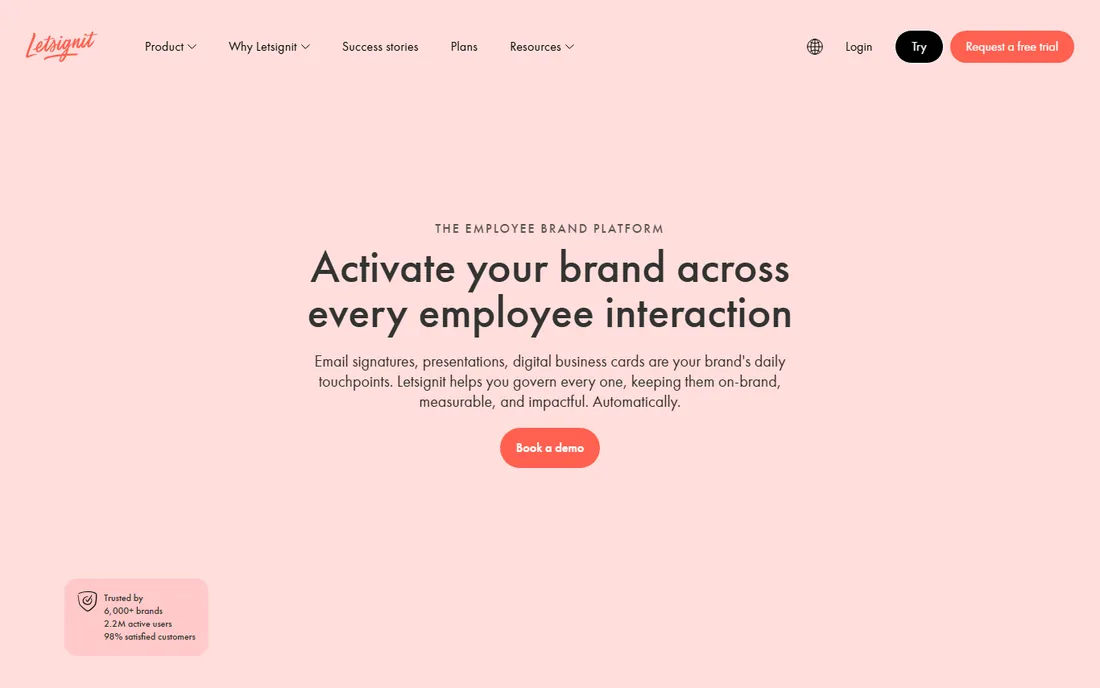
Letsignit turns signatures into a communication channel: marketing campaigns, banners and announcements pushed to signatures centrally. European companies form the core base, with solid Microsoft 365 and Google Workspace support.
US buyers find less presence and community. But for organizations wanting signatures as managed marketing inventory, Letsignit's campaign focus stands out.
Letsignit's communication campaigns push internal announcements through signatures: HR messages, event invites and company news reach every recipient. The Microsoft 365 and Google Workspace support is solid. Banner management centralizes the creative. For organizations using email as an internal comms channel, the capability is unique.
Letsignit's campaign statistics prove the internal comms value: open rates on signature banners. The segmentation targets messages by department or location. For HR and internal comms, the channel is uniquely effective.
What we like- Strong campaign and banner features
- Good Microsoft 365 and Google support
- French/European roots
Watch out for- Smaller global presence
- Pricing is quote-based
- Less known in US
Starting priceSee website
Free planFree trial
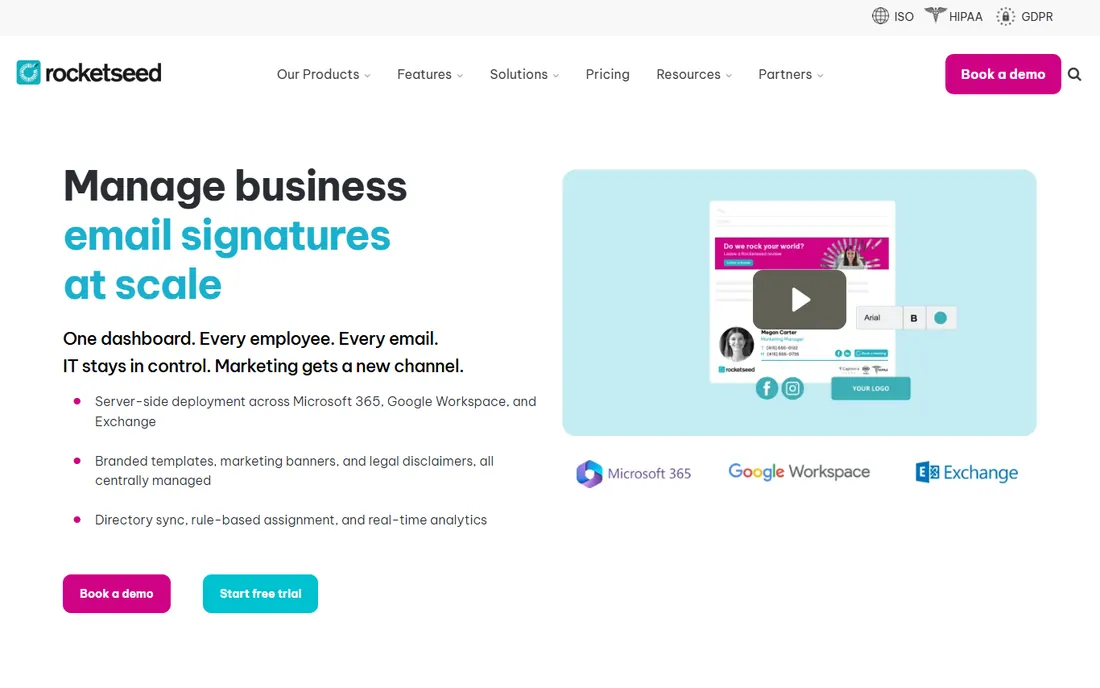
RocketSeed gives brand managers control: centrally designed signatures deployed consistently, with flexibility for franchises, departments and regions. Multi-brand organizations manage variations cleanly.
The smaller vendor means less ecosystem and community. But for brand-precise organizations, especially franchises, the control model fits.
RocketSeed's franchise management handles multi-location branding: corporate controls the template, locations customize approved fields. The email banner campaigns run centrally. Delivery reliability is the quiet strength. For distributed organizations needing brand control without bottlenecks, the model works.
RocketSeed's legal compliance features enforce disclaimers globally: regional requirements handled by rules. The franchise controls keep branding tight. For multi-national operations, the governance scales.
What we like- Centralized control with design flexibility
- Good for franchises and multi-brand
- Reliable delivery
Watch out for- Smaller vendor
- Pricing is quote-based
- Less ecosystem
Starting priceSee website
Free planFree trial
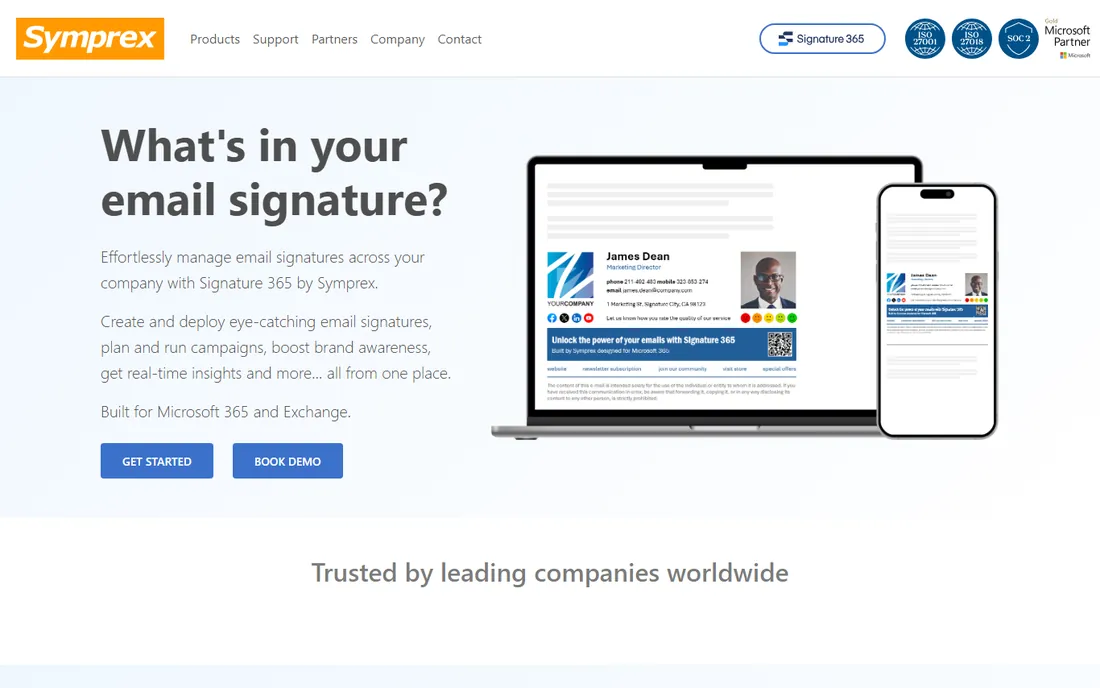
Symprex does Microsoft 365 signatures simply and well: centralized templates, directory integration, consistent deployment. The focus keeps it straightforward and affordable.
It does not try to be a marketing platform; campaign features are thin. For Microsoft shops wanting reliable signatures without enterprise overhead, Symprex's focus is a virtue.
Symprex's simplicity is deliberate: templates, directory sync and deployment without the enterprise overhead. The pricing stays accessible for mid-size Microsoft shops. Support gets good reviews from IT admins. For straightforward signature needs, the focus avoids paying for unused features.
Symprex's Exchange and 365 support covers hybrid environments: the signatures work during migrations. The simplicity reduces admin burden. For mid-size Microsoft shops, the focus is the value.
What we like- Focused Microsoft 365 signature tool
- Straightforward
- Good value
Watch out for- Narrow focus
- Smaller vendor
- Fewer marketing features
Starting priceSee website
Free planFree trial
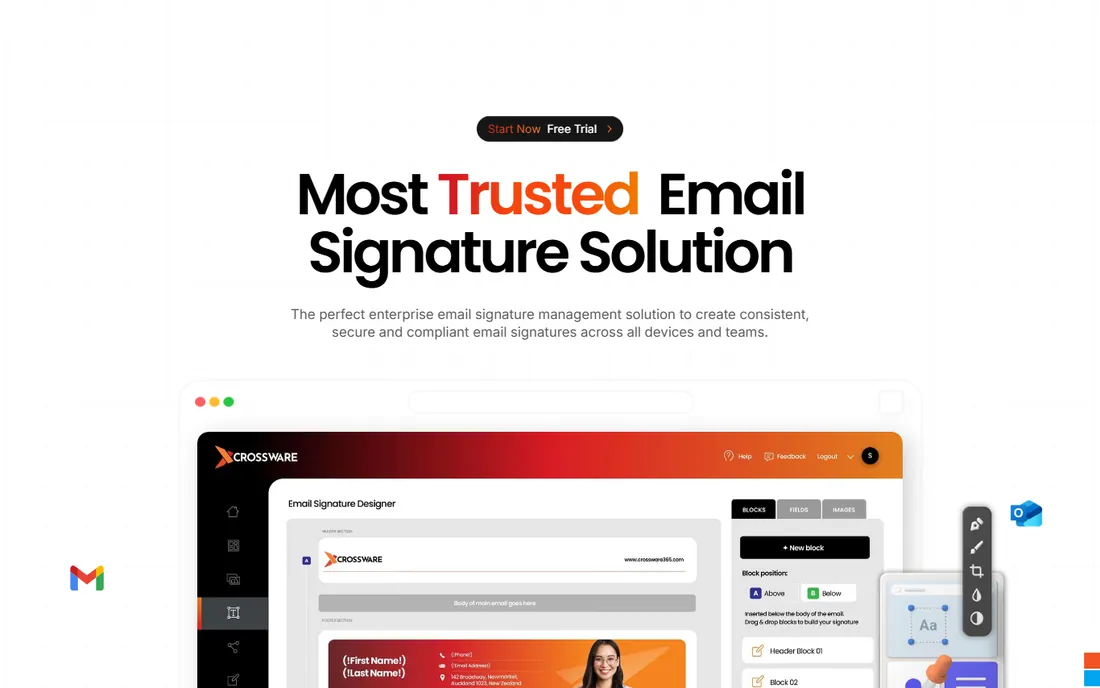
Crossware 365 keeps Microsoft 365 signatures simple: templates, central management, quick deployment. The support reputation is genuinely good, which matters for IT admins.
Microsoft-only and feature-focused rather than broad. For small to mid-size Microsoft shops wanting signatures solved without fuss, Crossware delivers.
Crossware's setup takes minutes: connect Microsoft 365, design the template, deploy. The signature preview shows exactly what recipients see. The support team helps with the edge cases. Small IT teams appreciate tools that just work, and Crossware qualifies.
Crossware's analytics show banner performance: marketing measures the channel. The template library speeds deployment. For quick professional results, the ease wins.
What we like- Simple Microsoft 365 signatures
- Easy setup
- Good support reputation
Watch out for- Microsoft-only
- Feature set is focused
- Smaller vendor
Starting priceSee website
Free planNo
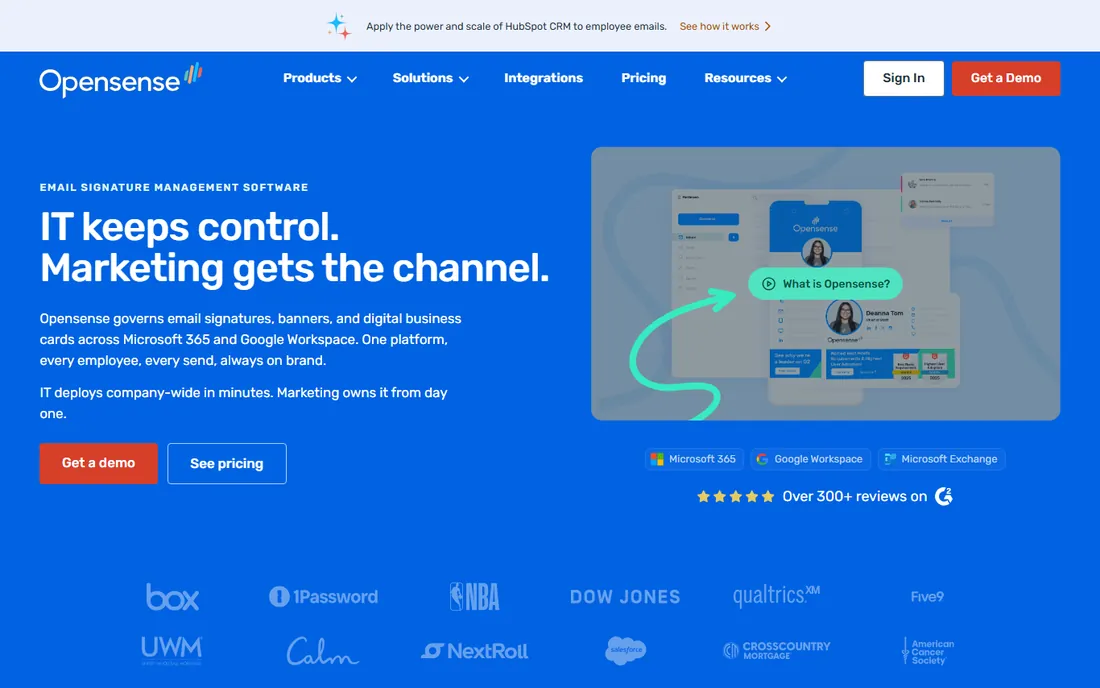
Opensense adds intelligence: which signature banners get clicks, account-based marketing integration, analytics on the email channel. Marketing-driven organizations measure what others guess.
There is no free tier and pricing runs higher. Simple branding needs do not require this. But for teams treating email signatures as measurable marketing, Opensense's analytics justify the premium.
What we like- Signature analytics and ABM features
- Good for marketing-driven teams
- Solid integrations
Watch out for- No free tier
- Pricing is higher
- Complexity for simple needs
How we chose
We selected established signature management tools with real team adoption, spanning enterprise, SMB and free options. We reviewed features, platform support and user reviews, and verified each vendor's current status, noting Crossware's move to crossware365.com.
What to check before you commit
Confirm platform support: Microsoft 365, Google Workspace, or both, including mobile and webmail coverage. Server-side signatures guarantee consistency; client-side depends on user setup. Test the directory integration: signatures should pull names, titles and numbers automatically.
Check the marketing features you will actually use: banner campaigns, click tracking, scheduling. And verify compliance needs: legal disclaimers by region, which the enterprise tools handle properly.
Frequently asked questions
What is email signature software?
Software that centrally creates, manages and deploys email signatures across an organization, ensuring brand consistency, legal compliance and marketing banners without relying on users.
How much does it cost?
From free (MySignature, WiseStamp tiers) to a few dollars per user monthly for team tools, to enterprise contracts for Exclaimer-scale deployments.
Do I need it for a small team?
Under ten people, a generator like MySignature plus a shared template often suffices. Past that, central management saves real time and brand embarrassment.
Server-side vs client-side signatures?
Server-side applies signatures at the mail server: consistent on every device, no user action. Client-side lives in the email app: flexible but inconsistent. Enterprises prefer server-side.
Can signatures include marketing banners?
Yes, and the marketing-focused tools (Newoldstamp, Letsignit, Opensense) manage banner campaigns, track clicks and schedule promotions across all signatures.
What about legal disclaimers?
Enterprise tools apply disclaimers by rule: region, department or message type. This matters for regulated industries and international operations.
Sources we checked (10)
- https://exclaimer.com/
- https://www.wisestamp.com/
- https://www.codetwo.com/
- https://newoldstamp.com/
- https://mysignature.io/
- https://letsignit.com/
- https://www.rocketseed.com/
- https://www.symprex.com/
- https://www.crossware365.com/
- https://www.opensense.com/
Is your product missing or out of date?
We review this list regularly. Vendors can request a listing, send updated pricing or ask about featured placement.

Shihab Mia · Founder, Rankite
Shihab has spent more than a decade helping SaaS and e-commerce brands grow through search. He writes Rankite's software buying guides from pricing pages, documentation and public user reviews. More about Shihab.