How we make this list: we compare pricing pages, product documentation and public user reviews. Rankite is independent; if a vendor ever pays for a featured spot, that listing is clearly labeled Partner.
Key takeaways
- Cryptomator is the cheapest way to add real encryption to Dropbox, Google Drive or OneDrive, because the desktop app is free and open source.
- Tresorit is the pick when a compliance officer asks about SOC 2 and ISO 27001 by name, but you pay a premium per user.
- Filen offers the lowest price per terabyte among zero-knowledge providers, starting at 1.99 euros a month for 200 GiB, with encryption on by default.
- pCloud only encrypts one folder with true client-side encryption unless you buy the Crypto add-on, so read the fine print before assuming your whole drive is zero-knowledge.
- For full control with no vendor involved, VeraCrypt encrypts containers and whole drives on your own devices for free.
Quick comparison
| Tool | Best for | Starting price | Free plan |
|---|
 Cryptomator Cryptomator | people who want to keep their current cloud storage | Free | Yes |
 NordLocker NordLocker | simple zero-knowledge storage without managing keys | See website | Yes |
 Tresorit Tresorit | regulated businesses needing compliance credentials | See website | Yes |
 Sync.com Sync.com | best value encrypted storage for teams | See website | Yes |
 Proton Drive Proton Drive | people already in the Proton privacy ecosystem | $3.99 per month (200 GB, billed annually) | Yes |
 pCloud pCloud | lifetime-plan buyers who want one-time pricing | See website | Yes |
 Filen Filen | cheapest zero-knowledge storage per terabyte | €1.99 per month (200 GiB) | Yes |
 VeraCrypt VeraCrypt | maximum control on your own devices | Free | Yes |
Is your product missing or out of date?
We review this list regularly. Vendors can request a listing, send updated pricing or ask about featured placement.
The best encryption software for cloud storage
Starting priceFree
Free planYes
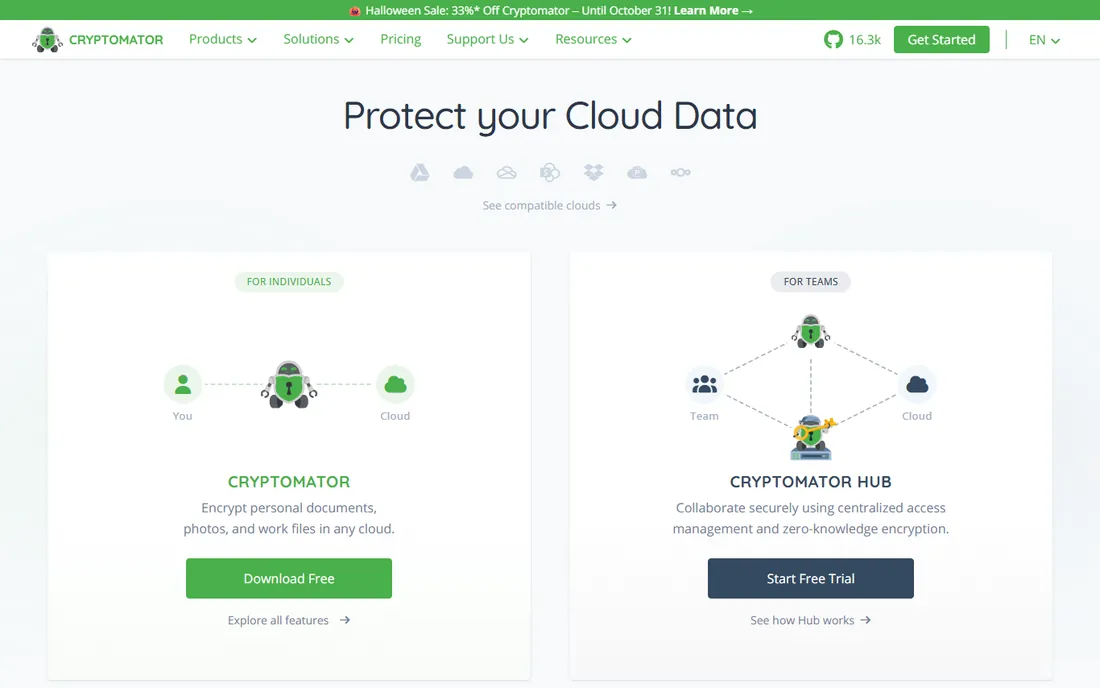
Cryptomator takes a different approach from everything else on this list. It does not sell you storage. Instead, it creates encrypted vaults inside the Dropbox, Google Drive, OneDrive or iCloud folders you already use. Files are encrypted with AES-256 on your device before the sync client ever touches them, so your provider stores only scrambled file names and ciphertext. There is no account to create and no subscription required for the desktop apps on Windows, Mac and Linux.
That design is both the strength and the catch. You keep the storage plan you already know and add a genuine zero-knowledge layer for nothing, but collaboration gets clumsy because everyone who opens the vault needs Cryptomator too. The mobile apps are paid, and there is no web access to encrypted files. For an individual or small team that already pays for cloud storage and wants real privacy without switching providers, it is hard to beat, and its code is open for anyone to inspect.
What we like- Open source and independently audited
- Encrypts file names as well as contents
- Works with any cloud provider
Watch out for- No storage included, you need your own cloud plan
- Mobile apps cost extra
- Setup is more hands-on than turnkey services
Starting priceSee website
Free planYes
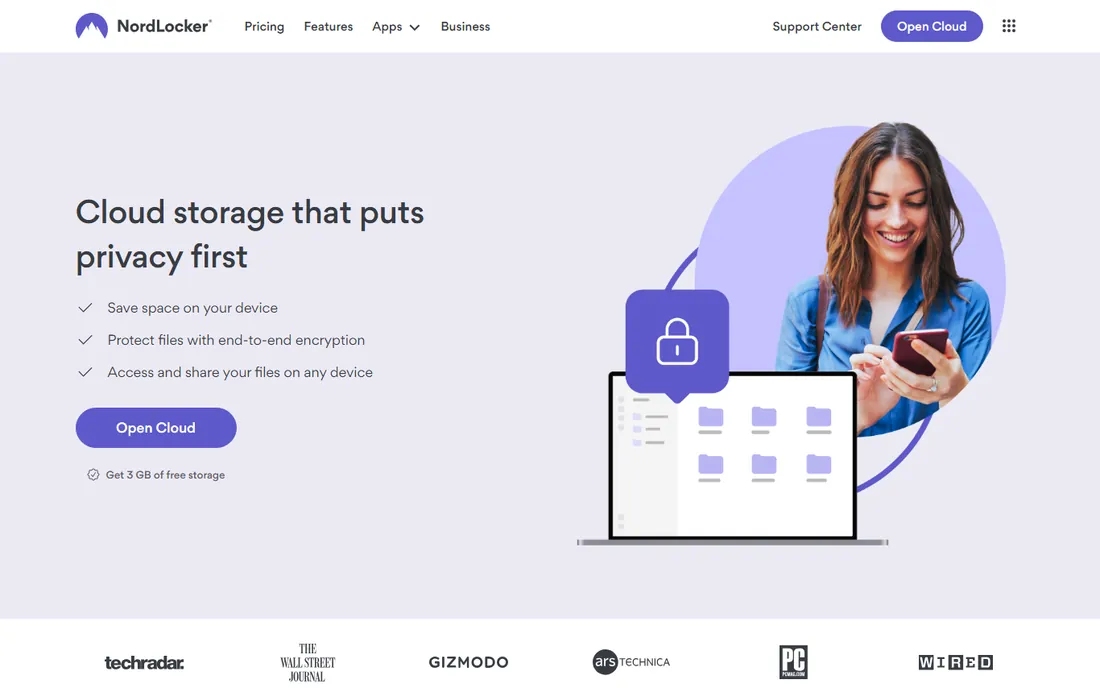
NordLocker comes from Nord Security, the company behind NordVPN, and it feels like it: a consumer-friendly app that hides the cryptography completely. You drop files into a locker, they are encrypted on your device with AES-256 and related ciphers, and optionally synced to NordLocker's zero-knowledge cloud. The free plan includes 3 GB of cloud storage plus unlimited local encryption, which makes it a genuinely useful free file-encryption tool even if you never pay.
The trade-offs are worth knowing. NordLocker has not published an independent audit of its encryption, which matters next to audited rivals. There is still no Linux app, and the largest plan is 2 TB, so heavy media archives will outgrow it. Paid plans run on a first-year discount that renews higher, so check the renewal price. For a freelancer or small business that wants encrypted storage that simply works, it is one of the easiest on-ramps here.
What we like- Unlimited local file encryption on the free plan
- Drag and drop simplicity
- Apps for Windows, Mac, iOS, Android and the web
Watch out for- No Linux app
- Storage tops out at 2 TB
- No published independent audit of its encryption
#3
Tresorit
Best for: regulated businesses needing compliance credentials
Visit tresorit.com
Starting priceSee website
Free planYes
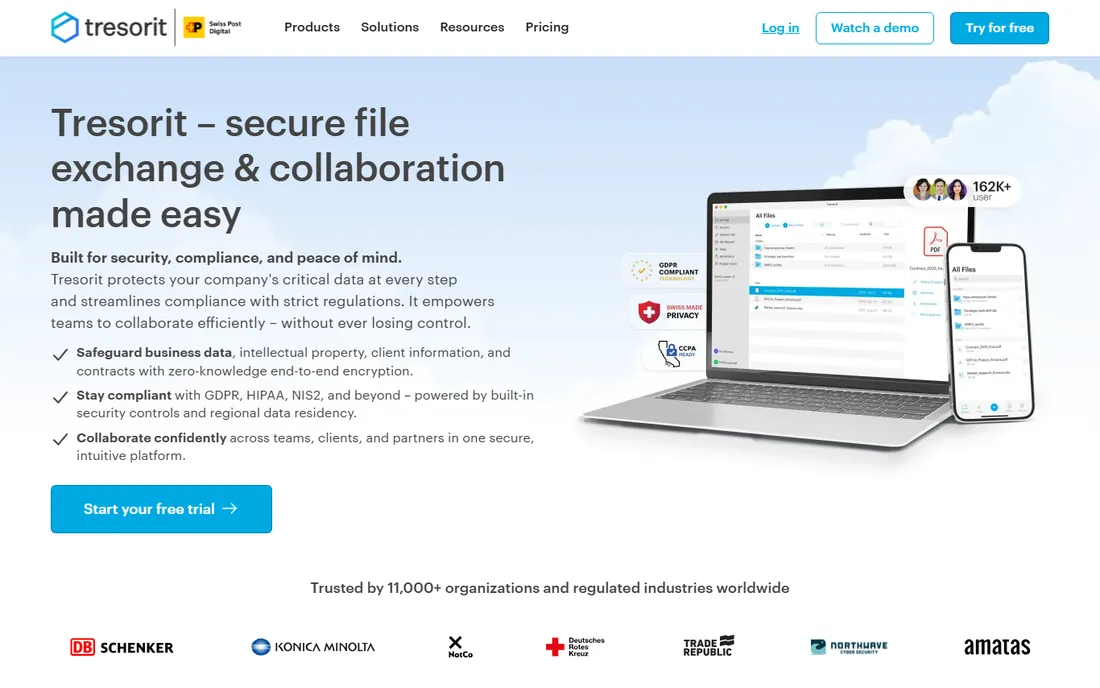
When the question is not just "is it encrypted" but "can you prove it to our auditors," Tresorit is the name that comes up. The Swiss company built its whole product around regulated industries: end-to-end encrypted file sync and sharing, data residency choices across 12 global locations, granular permissions, audit logs, and Outlook and Gmail plugins that send encrypted attachments from your existing inbox. It holds the SOC 2 and ISO 27001 certifications that compliance questionnaires ask about by name.
You pay for that pedigree. Individual plans start with a free 3 GB tier, while business plans start at three users minimum with per-user monthly pricing billed annually. Reviewers note slower sync speeds than mainstream providers and a learning curve for admins. If you handle client data in legal, finance or healthcare and need the paperwork to match the encryption, this is the shortlist. If you just want cheap encrypted terabytes, look at Sync.com or Filen instead.
What we like- SOC 2, ISO 27001, GDPR and HIPAA-aligned posture
- Choice of data residency regions
- Granular admin and sharing controls
Watch out for- Premium pricing per user
- Steeper learning curve than consumer tools
- Business plans require a three-user minimum
#4
Sync.com
Best for: best value encrypted storage for teams
Visit sync.com
Starting priceSee website
Free planYes
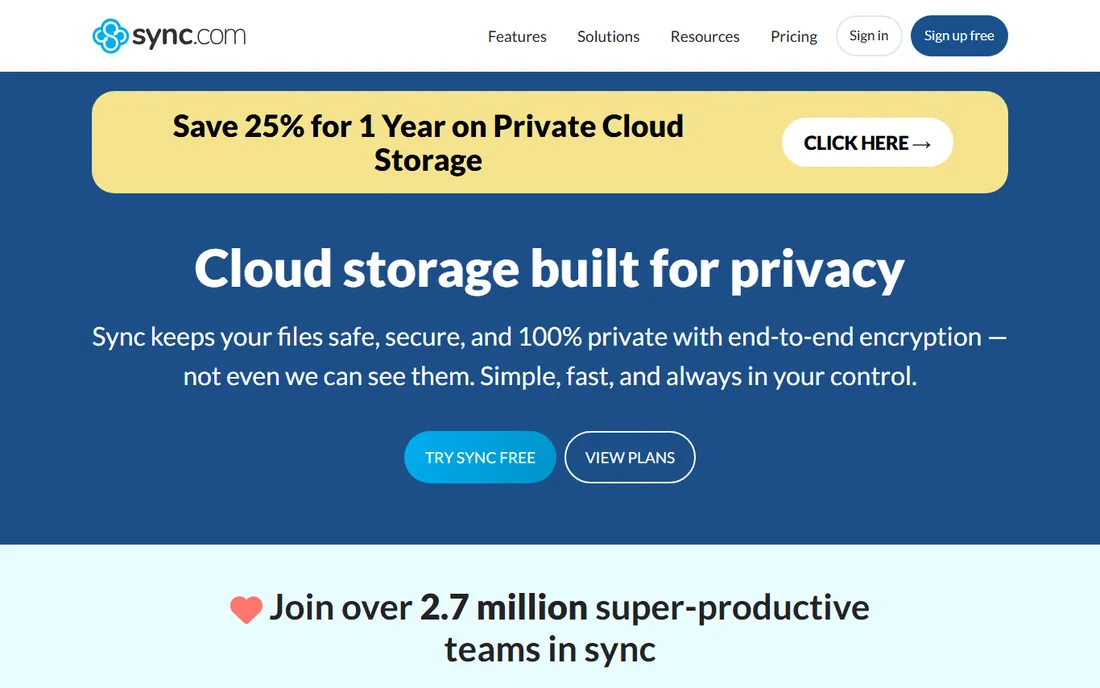
Sync.com is the value pick in encrypted cloud storage, and the math is not close. Its individual plans start with 5 GB free, and paid Solo plans offer 2 TB and up at prices that undercut Tresorit and Proton Drive substantially, with first-year discounts on top. Teams plans support HIPAA, GDPR and PIPEDA compliance, include granular sharing controls, remote device wipe, and unlimited data transfer. For a small business that wants a Dropbox-like workflow where encryption is simply always on, it is the most storage for the money.
One privacy caveat: on paid plans, Sync enables email-based password reset by default, and a reset lets its automated systems access your encryption key temporarily. Free accounts have no email reset at all. The setting can be disabled, but most buyers never look. Plan names and storage tiers have shifted over time, so confirm the current lineup on the pricing page. For teams that want encrypted storage without the enterprise price tag, Sync.com remains the default recommendation.
What we like- Strong storage per dollar on paid plans
- HIPAA, GDPR and PIPEDA compliance support
- Office 365 integration and real-time backup
Watch out for- Paid plans enable email password reset by default, which briefly exposes keys to automated systems
- Sync speeds are mid-pack
#5
Proton Drive
Best for: people already in the Proton privacy ecosystem
Visit proton.me
Starting price$3.99 per month (200 GB, billed annually)
Free planYes
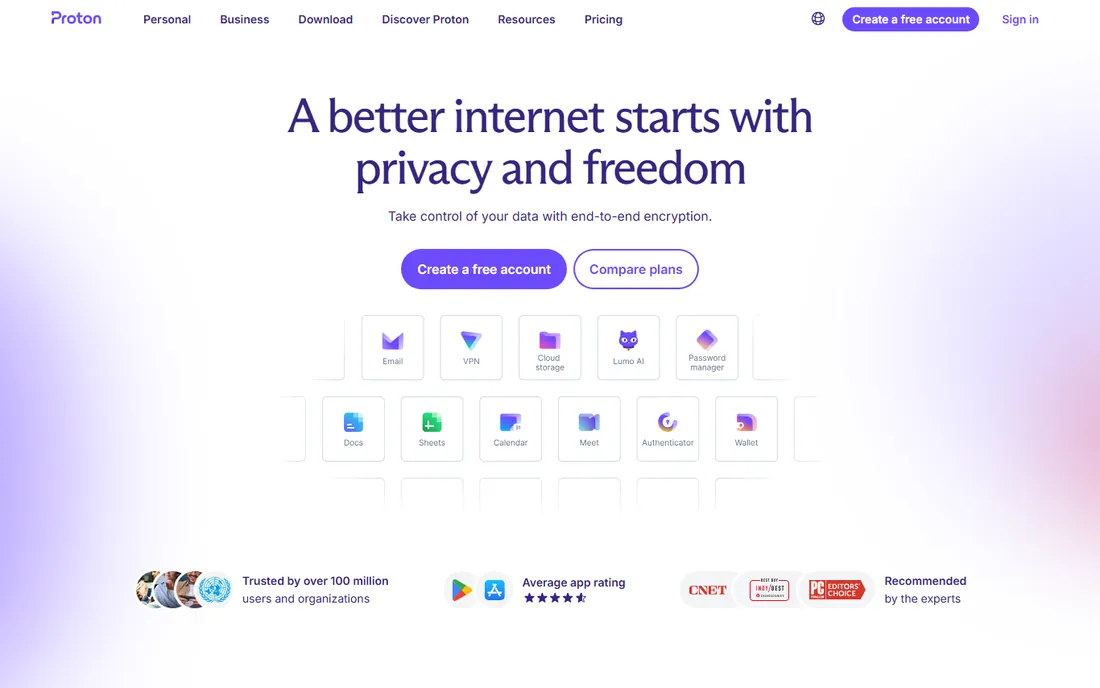
Proton Drive makes the most sense as part of a bundle. On its own, the Drive Plus plan costs $3.99 a month for 200 GB with a 5 GB free tier, which is expensive per gigabyte next to Google Drive or OneDrive. But step up to Proton Unlimited at $9.99 a month and you get 500 GB of storage plus Proton VPN, Proton Mail, Proton Calendar and Proton Pass, all end-to-end encrypted under Swiss privacy law. If you were going to pay for a VPN and encrypted email anyway, the bundle math works.
The product itself is solid: open-source apps, encrypted document editing, password-protected sharing links with expiry dates, and automatic photo backup on mobile. Weaknesses are familiar: no native Linux client, search limited to metadata, and 200 GB fills fast with photos and video. Buy it for the ecosystem and the jurisdiction, not for raw storage value.
What we like- Swiss jurisdiction outside intelligence-sharing alliances
- Open-source clients
- Bundles VPN, Mail and Pass on higher tiers
Watch out for- Higher cost per gigabyte than mainstream storage
- No native Linux desktop client
- Search is limited to metadata because of encryption
#6
pCloud
Best for: lifetime-plan buyers who want one-time pricing
Visit pcloud.com
Starting priceSee website
Free planYes
pCloud is the only mainstream-feeling cloud drive on this list, with a music player, video streaming, file versioning and the famous lifetime licenses: pay once for 500 GB, 2 TB or 10 TB and never get billed again. The free plan starts at 2 GB and can grow to 10 GB through referrals and setup tasks. For buyers who hate subscriptions, nothing else here offers that model.
The encryption story needs a careful read. By default, pCloud encrypts files on its own servers with keys it manages, which is not zero-knowledge. The Crypto add-on gives you one client-side encrypted Crypto Folder, sold separately as a yearly or lifetime license. That is fair if you only need to lock down tax documents, but it is not whole-drive encryption. Note that ETH Zurich researchers published attacks against the Crypto Folder in 2024 with no announced fix, and the apps are not open source.
What we like- One-time lifetime licenses up to 10 TB
- Strong media features and file versioning
- Choice of US or EU data region
Watch out for- True client-side encryption is a paid add-on covering a single folder
- Apps are not open source
- Past security findings remain unaddressed
#7
Filen
Best for: cheapest zero-knowledge storage per terabyte
Visit filen.io
Starting price€1.99 per month (200 GiB)
Free planYes
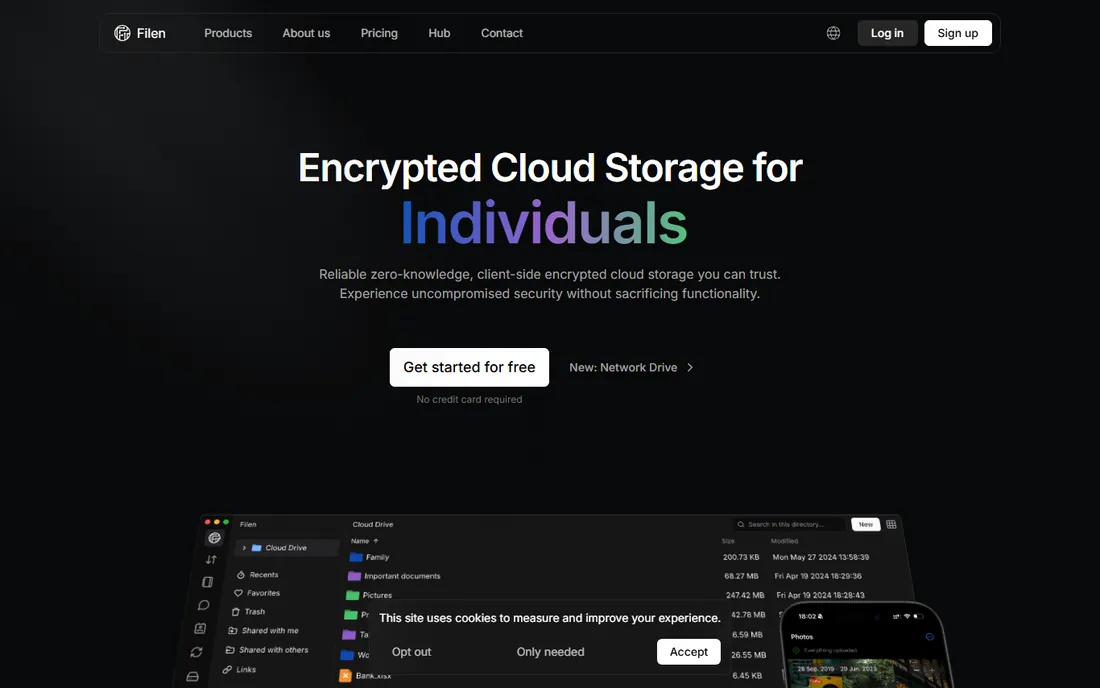
Filen is a German provider that does one thing and does it cheaply: zero-knowledge, client-side encrypted cloud storage on every tier, starting at 1.99 euros a month for 200 GiB. The 2 TiB plan runs 8.99 euros a month, which undercuts nearly every rival per terabyte, and plans stack on one account with no upper limit. The free tier includes 10 GB. Apps are open source, servers sit in Germany under strict data protection law, and power users get a network drive feature, a headless CLI, and TypeScript, Rust and Go SDKs.
The honest catch is company size. Filen is a small team with a short track record next to Proton or Tresorit, and support runs through email and a FAQ-style knowledge base rather than live chat or phone. Plans bill in euros, so US buyers see currency conversion at checkout. If your priority is maximum encrypted storage per dollar from an EU jurisdiction, Filen is the price leader. If you need a vendor your board has heard of, pay more for Tresorit.
What we like- Zero-knowledge encryption included on every plan
- German data protection and open-source apps
- Network drive, CLI and developer SDKs
Watch out for- Smaller company with a shorter operating history
- Support is email and knowledge base only
- Plans are billed in euros
Starting priceFree
Free planYes
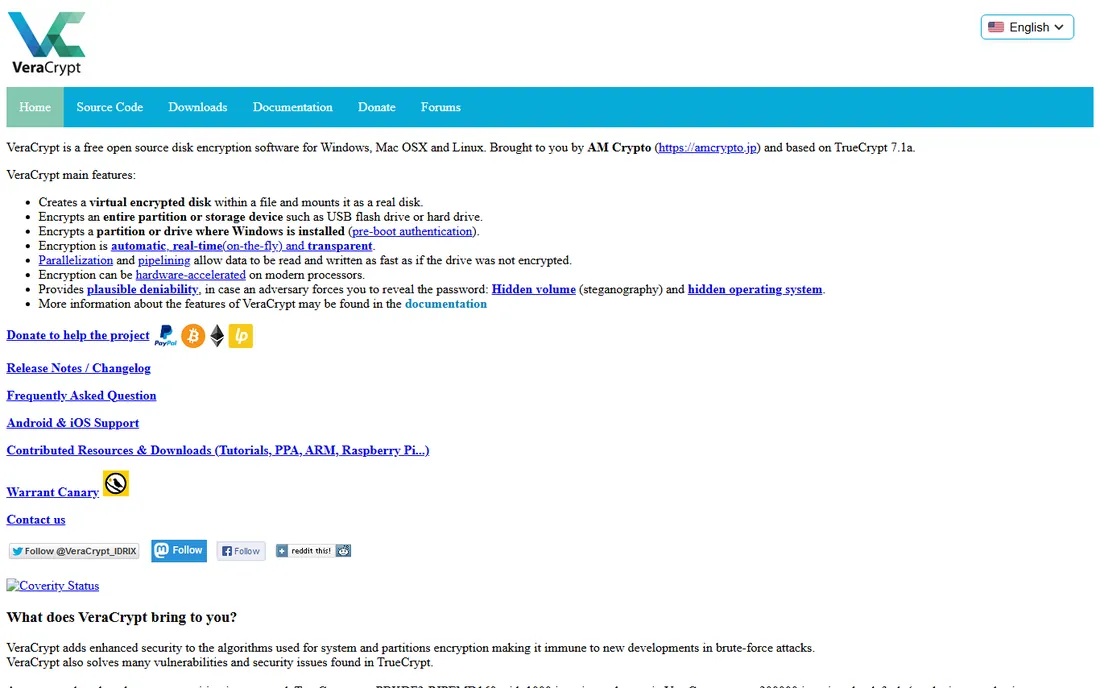
VeraCrypt is not cloud storage software at all, which is exactly why it belongs here. It encrypts data on your own devices: full system drives, partitions, USB sticks, or file containers that you can then sync through any cloud provider you like. It is free, open source, audited, and descended from the legendary TrueCrypt project. Features like hidden volumes give you plausible deniability, and it runs on Windows, Mac and Linux.
The trade-off is that you are the entire IT department. There is no sync, no sharing, no web access, no mobile app, and no password reset: lose your password and your data is cryptographically unrecoverable. VeraCrypt fits buyers with a serious threat model who want encryption with no vendor in the loop. Pair it with any plain cloud storage for off-site backup for the cheapest zero-knowledge setup possible. For everyone else, a managed service from this list will save hours.
What we like- Free and open source
- Encrypts full disks, partitions and containers
- Hidden volumes for plausible deniability
Watch out for- No cloud storage included
- No official mobile apps
- A forgotten password means permanent data loss
How we chose
We started from each vendor's own site and pricing page, then checked documentation, published security audits, and public reviews on G2, Capterra and Reddit. We looked at how encryption is actually implemented (client-side before upload versus server-side with vendor-held keys), whether the code is open source or audited, what the free tier really includes, and how the vendor handles the hard cases: password loss, data residency, and compliance paperwork. We excluded tools that were acquired or shut down, and we favored products that exist today with clear, current pricing. No vendor paid for placement.
What to look for before you buy
Start with the encryption model, because marketing language blurs it. "Encrypted cloud storage" usually means the provider encrypts files on its servers yet keeps the keys. "Zero-knowledge" or "client-side encryption" means files are encrypted on your device before upload and the provider cannot read them. Only the second model protects you from breaches and insider access at the provider. Ask which one you are buying before you compare prices.
Next, decide whether you need storage or just encryption. Cryptomator and VeraCrypt add encryption to storage you already have, which is cheapest if you already pay for Dropbox or Google Drive. The rest bundle storage and encryption together, which is simpler but means migrating files. For teams, check the admin side: user management, remote wipe, audit logs and SSO usually live only on business tiers.
Finally, plan for the worst day. With true zero-knowledge encryption, a forgotten password usually means lost data. Some providers offer recovery keys; know which one you have before you need it. Check data residency if you serve EU clients, confirm the renewal price behind any first-year discount, and export a test batch of files before you commit your archive anywhere.
Free plans: where they actually fall short
Every tool on this list has a free tier, and every free tier has a ceiling designed to convert you. Cryptomator's desktop apps are free without limits, but you still need to pay someone for the storage underneath. NordLocker, Tresorit and Sync.com give you 3 to 5 GB, enough to test the workflow, but not a photo library. Proton Drive's 5 GB and Filen's 10 GB are the most generous here.
Watch for feature gating rather than storage caps: versioning history, priority support and admin controls almost always require a paid plan. pCloud's free plan is useful for everyday storage, but the encryption that matters, the Crypto Folder, is a paid add-on. VeraCrypt is the exception: completely free with no upsell. If you only need to encrypt a few gigabytes of sensitive documents, the free tiers of Cryptomator or Filen may be all you ever need.
Frequently asked questions
What is zero-knowledge encryption?
It means your files are encrypted on your own device before they are uploaded, and only you hold the decryption key. The cloud provider stores ciphertext it cannot read. This protects you against data breaches, insider access and government requests directed at the provider, because there is nothing readable to hand over.
Is free encryption software safe to use?
The free and open-source tools here, Cryptomator and VeraCrypt, are independently audited and widely trusted by security professionals. "Free" in this category usually means open source rather than ad-supported, which is a good sign. Be more cautious with free tiers from commercial vendors: check what is actually encrypted and whether the free plan quietly uses weaker defaults.
Can my cloud provider still see my file names?
With most zero-knowledge tools, no. Cryptomator, Tresorit, Filen and NordLocker encrypt file and folder names along with contents. With pCloud's default setup, the provider can see your file names and folder structure; only files inside the paid Crypto Folder are fully hidden. If metadata privacy matters to you, confirm filename encryption specifically.
What happens if I forget my password?
With true zero-knowledge services, you lose access to your data, because the vendor has no key to give you. Some tools offer recovery keys you must store safely, and Sync.com offers an optional email reset that weakens the zero-knowledge guarantee. Write down your password or recovery key and store it somewhere safe before you upload anything important.
Do I need encryption software if my provider already encrypts my files?
It depends on your threat model. Provider-side encryption protects against someone stealing a hard drive from a data center. It does not protect against the provider itself, its employees, or legal orders served on it. Client-side encryption software adds the layer where even the provider cannot read your files. For tax records, legal documents and business IP, that extra layer is worth it.
Which option is best for a small business with compliance requirements?
Tresorit is the strongest fit when you need SOC 2, ISO 27001 and GDPR documentation for auditors. Sync.com covers HIPAA, GDPR and PIPEDA at a much lower price per user if your compliance needs are lighter. Confirm the specific certifications your industry requires before you buy.
Sources we checked (15)
- https://cryptomator.org
- https://nordlocker.com/
- https://tresorit.com/
- https://sync.com/
- https://proton.me
- https://proton.me/drive/pricing
- https://pcloud.com/
- https://filen.io/
- https://filen.io/pricing
- https://veracrypt.fr/
- https://gizmodo.com/best-cloud-storage/nordlocker
- https://gizmodo.com/best-cloud-storage/sync
- https://tech-insider.org/tresorit-vs-sync-vs-proton-drive-2026/
- https://cyberinsider.com/cloud-storage/reviews/tresorit/
- https://stateofsurveillance.org/guides/basic/encrypted-cloud-storage-comparison/
Is your product missing or out of date?
We review this list regularly. Vendors can request a listing, send updated pricing or ask about featured placement.

Shihab Mia · Founder, Rankite
Shihab has spent more than a decade helping SaaS and e-commerce brands grow through search. He writes Rankite's software buying guides from pricing pages, documentation and public user reviews. More about Shihab.