How we make this list: we compare pricing pages, product documentation and public user reviews. Rankite is independent; if a vendor ever pays for a featured spot, that listing is clearly labeled Partner.
Key takeaways
- Everbridge and AlertMedia lead for mass notification to employees, while Veoci and Juvare WebEOC are built for full emergency operations center workflows.
- Most platforms are quote-based enterprise sales, so expect demos, pilots and annual contracts rather than transparent per-seat pricing.
- Regroup Mass Notification is the friendlier pick for schools, local government and smaller organizations that need reliable alerts without an enterprise budget.
- Rave Mobile Safety now sits inside Motorola Solutions, and OnSolve has been absorbed into Crisis24, so check which product name your vendor actually sells today.
Quick comparison
| Tool | Best for | Starting price | Free plan |
|---|
 Everbridge Everbridge | Large enterprises and government agencies | See website | No |
 AlertMedia AlertMedia | Employee safety and two-way communication | See website | No |
 Veoci Veoci | Virtual EOC and incident management | See website | No |
 Crisis24 Crisis24 | Integrated risk intelligence and response | See website | No |
 Regroup Mass Notification Regroup Mass Notification | Schools, healthcare and local government | See website | Free trial |
 Juvare WebEOC Juvare WebEOC | Government emergency operations centers | See website | No |
 Rave Mobile Safety Rave Mobile Safety | Campuses and public safety agencies | See website | No |
 BlackBerry AtHoc BlackBerry AtHoc | Government and defense secure notifications | See website | No |
 D4H D4H | Response teams and readiness management | See website | No |
 CrisisGo CrisisGo | Schools and safety drill management | See website | Free trial |
Is your product missing or out of date?
We review this list regularly. Vendors can request a listing, send updated pricing or ask about featured placement.
The best emergency management software
Starting priceSee website
Free planNo
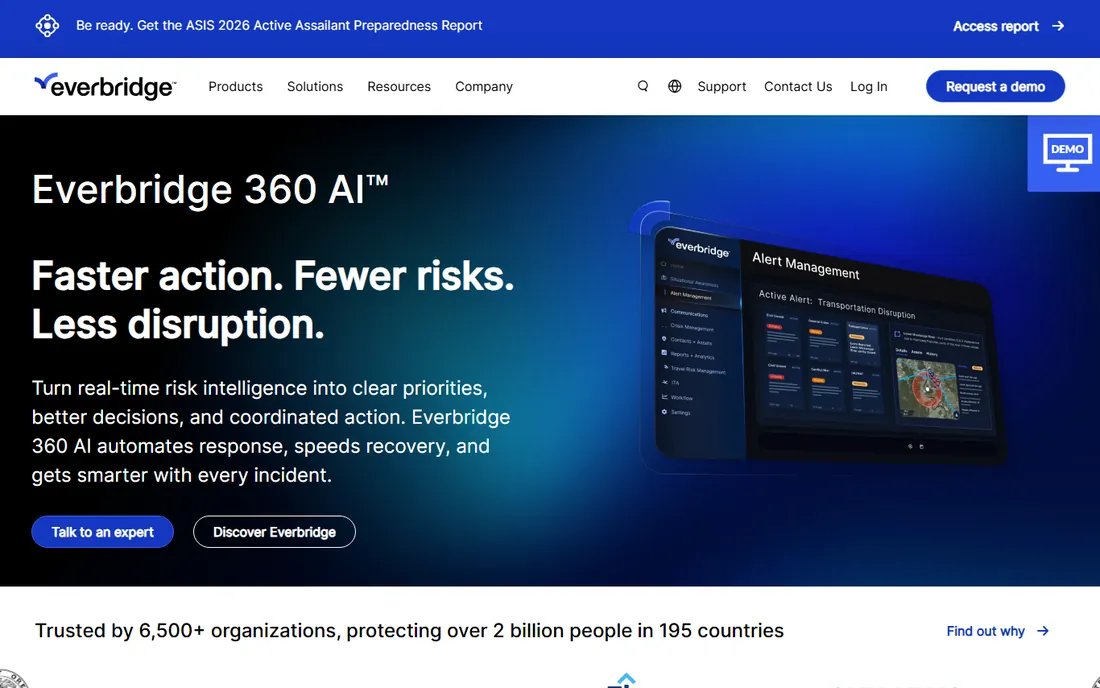
Everbridge is the name most procurement teams already know, and that familiarity is part of the value. It handles the whole critical event lifecycle, from threat monitoring and risk intelligence to mass notification and after-action reporting. If you need a platform that talks to your existing IT service management tools, HR systems and security feeds, Everbridge has the connector library to do it.
The honest catch is cost and complexity. Pricing is quote-only and the platform rewards organizations that invest time in configuration. A small city government or mid-size manufacturer can find simpler tools for half the effort. But for a Fortune 1000 company or a state agency that needs one system of record for every kind of crisis, Everbridge is the default choice for a reason.
What we like- Deepest integrations with IT and security stacks
- Proven at national scale with governments and corporations
- Full critical event management suite beyond notifications
Watch out for- Enterprise pricing puts it out of reach for small organizations
- Implementation can be lengthy and consultant-heavy
Starting priceSee website
Free planNo
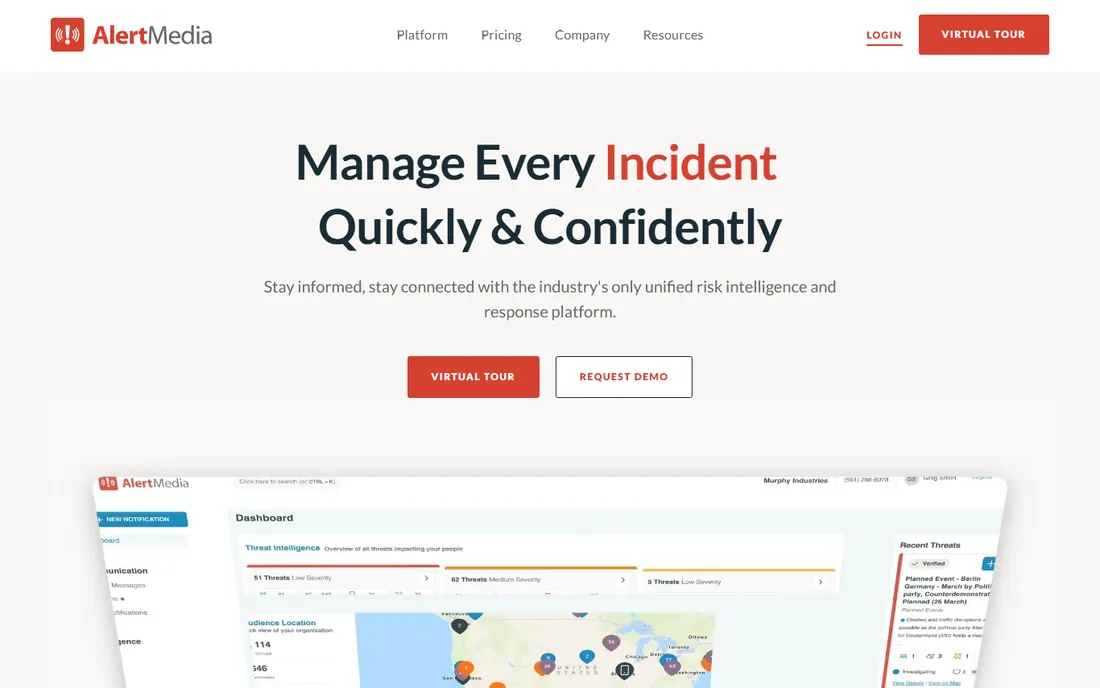
AlertMedia built its reputation on being the modern alternative to clunky legacy notification systems. The mobile experience is genuinely good, which matters when your alerts go to field workers and distributed teams. Its threat monitoring watches weather, crime and travel risks near where your people actually are, then lets you push targeted alerts to just the affected group.
Where it falls short is depth on the operations side. If you run a formal emergency operations center with ICS forms, resource requests and multi-agency coordination, AlertMedia is not a replacement for a dedicated EOC platform. Pair it with something like Veoci or WebEOC if you need both. As a pure employee-safety and notification layer, though, it is one of the strongest options on this list.
What we like- Clean two-way messaging that employees actually answer
- Strong threat monitoring tied to employee locations
- Fast to deploy compared to legacy platforms
Watch out for- Quote-only pricing
- More communication-focused than full EOC operations
Starting priceSee website
Free planNo
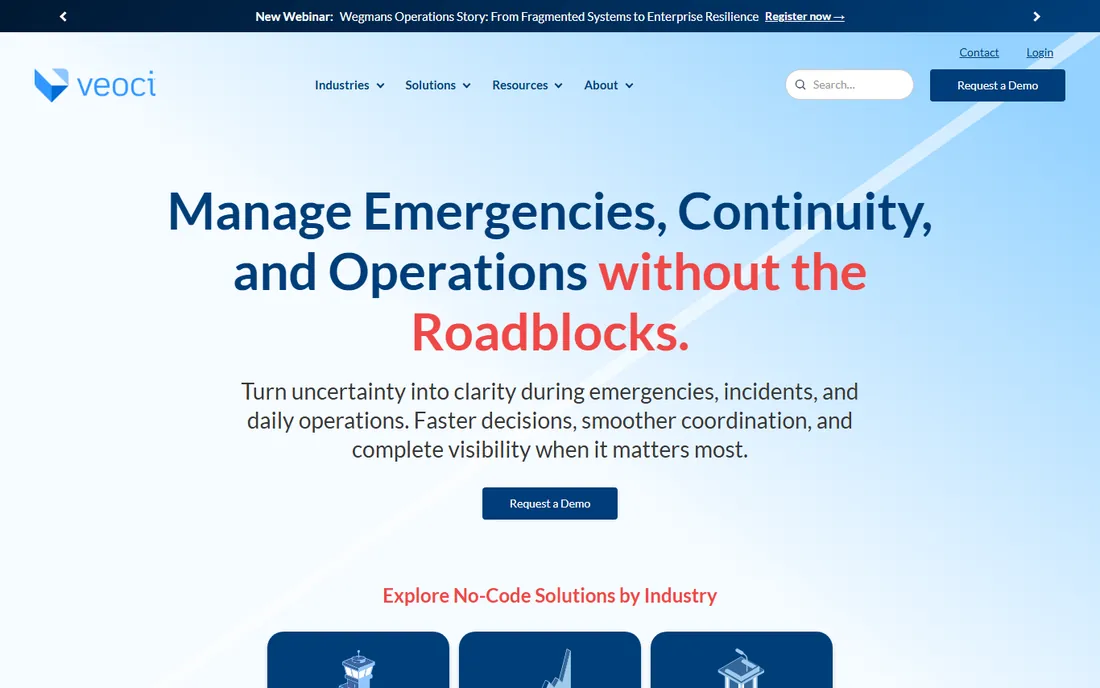
Veoci is a no-code platform for crisis, incident and emergency management that organizations use to build their own response workflows. Universities, hospitals and government agencies run virtual EOCs on it, with digital ICS forms, real-time maps, resource tracking and mass notification in one workspace. Because it is no-code, your emergency manager can adjust plans and dashboards without filing an IT ticket.
That flexibility is also the trade-off. You get a platform, not a finished product, so expect real configuration effort before your first activation. Pricing is quote-based. But if your operation does not fit a cookie-cutter notification tool, Veoci gives you room to build what you actually need.
What we like- No-code platform you can shape into real operational workflows
- Used by hundreds of universities and agencies
- Strong incident action planning and mapping
Watch out for- Flexibility means more setup work
- Pricing is custom
Starting priceSee website
Free planNo

Crisis24 absorbed OnSolve, which means the CodeRED, MIR3 and Send Word Now products many agencies know now sit inside the Crisis24 portfolio. The result is a platform that pairs worldwide threat intelligence with the notification infrastructure to act on it. Multinational companies use it for travel risk management, executive protection and duty of care across 150-plus countries.
The portfolio is wide after the acquisitions, so make sure you know exactly which product you are being quoted. Demo the specific notification tool, not the brand. For a global organization that wants intelligence and action under one roof, the combination is hard to match.
What we like- Combines global threat intelligence with notification and response
- OnSolve's mass notification products now live here
- Strong for multinational duty of care
Watch out for- Complex portfolio after acquisitions
- Sales process is enterprise-only
#5
Regroup Mass Notification
Best for: Schools, healthcare and local government
Visit regroup.com
Starting priceSee website
Free planFree trial
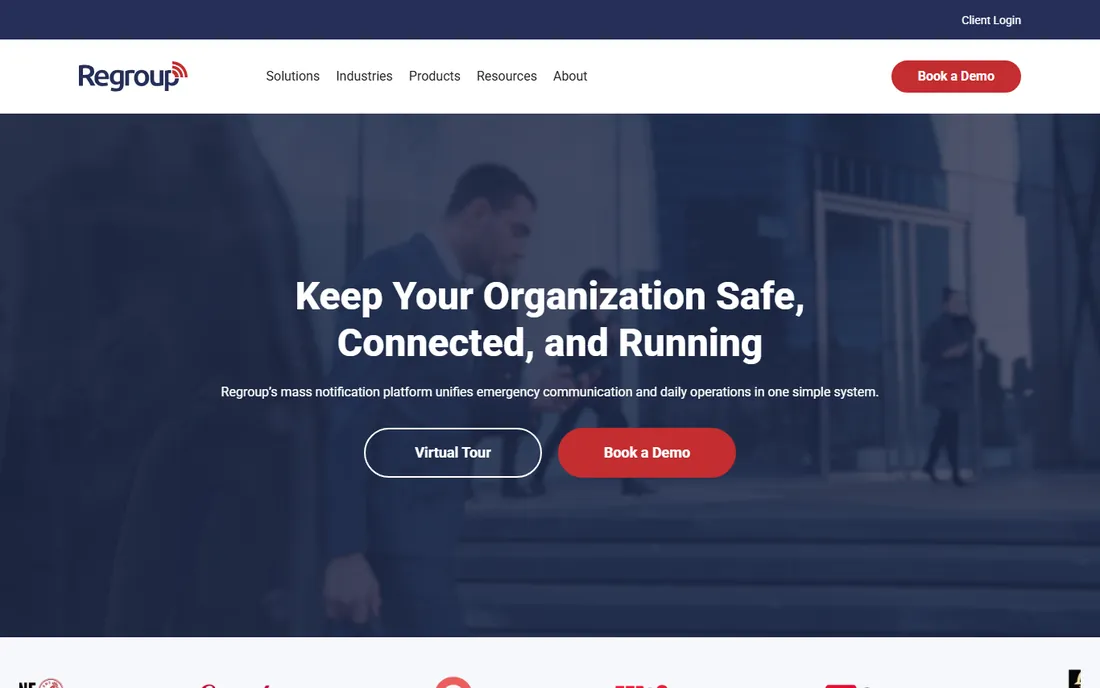
Regroup is the practical pick for organizations that need reliable mass notification without hiring a consultant to configure it. Schools, hospitals and county agencies use it to reach staff, students and residents by text, voice, email and social channels. Setup is quick, the interface is approachable, and the vendor publishes friendlier pricing than the enterprise giants.
You will not get full incident management or global threat intelligence here. Regroup knows what it is: a notification platform done well. If your needs stop at getting the right message to the right people fast, that focus is a feature, not a flaw.
What we like- Straightforward pricing and fast setup
- Unlimited groups and templates
- Good fit for education and mid-size organizations
Watch out for- Fewer advanced EOC and risk-intelligence features
- Not built for national-scale operations
#6
Juvare WebEOC
Best for: Government emergency operations centers
Visit juvare.com
Starting priceSee website
Free planNo
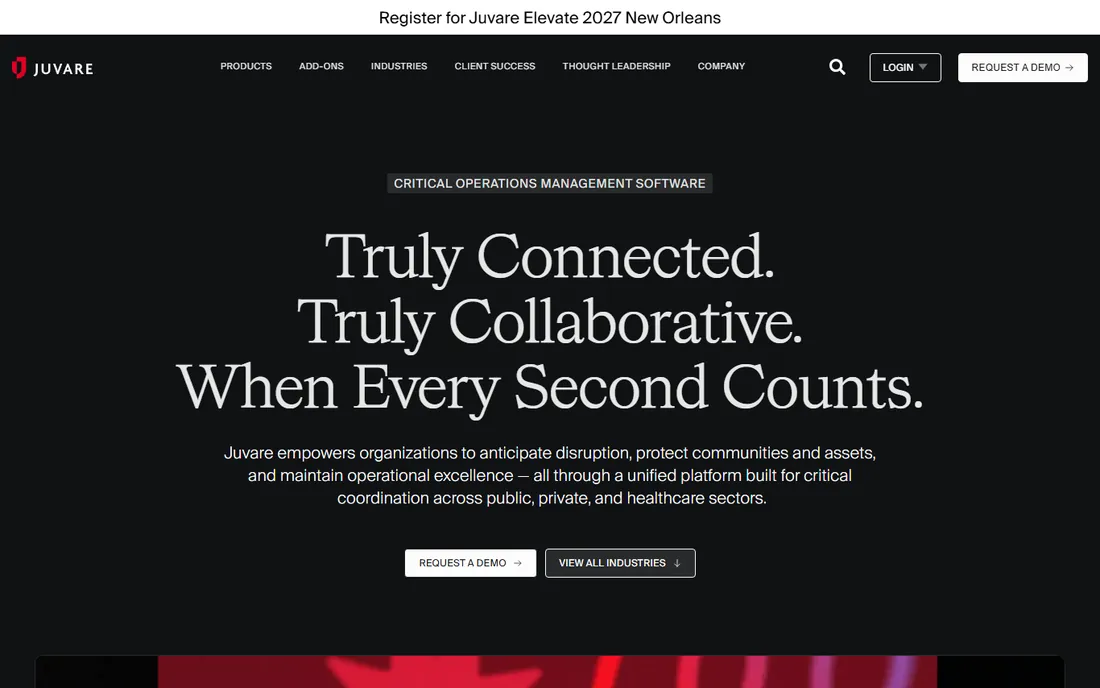
WebEOC from Juvare is the coordination layer that emergency operations centers have used for years. It provides shared situational awareness: status boards, resource requests, incident logs and interagency coordination in one web platform. If your state or county EOC already runs on it, compatibility alone is a strong argument.
The interface shows its age, and standing up a well-organized WebEOC instance takes real planning. It is also squarely aimed at government and large institutions, not small businesses. But for formal emergency management with multiple agencies at the table, it remains the common language.
What we like- The standard EOC coordination tool across US emergency management
- Strong situational awareness boards and resource tracking
- Deep public-sector adoption
Watch out for- Dated interface in places
- Implementation is a project, not a signup
Starting priceSee website
Free planNo
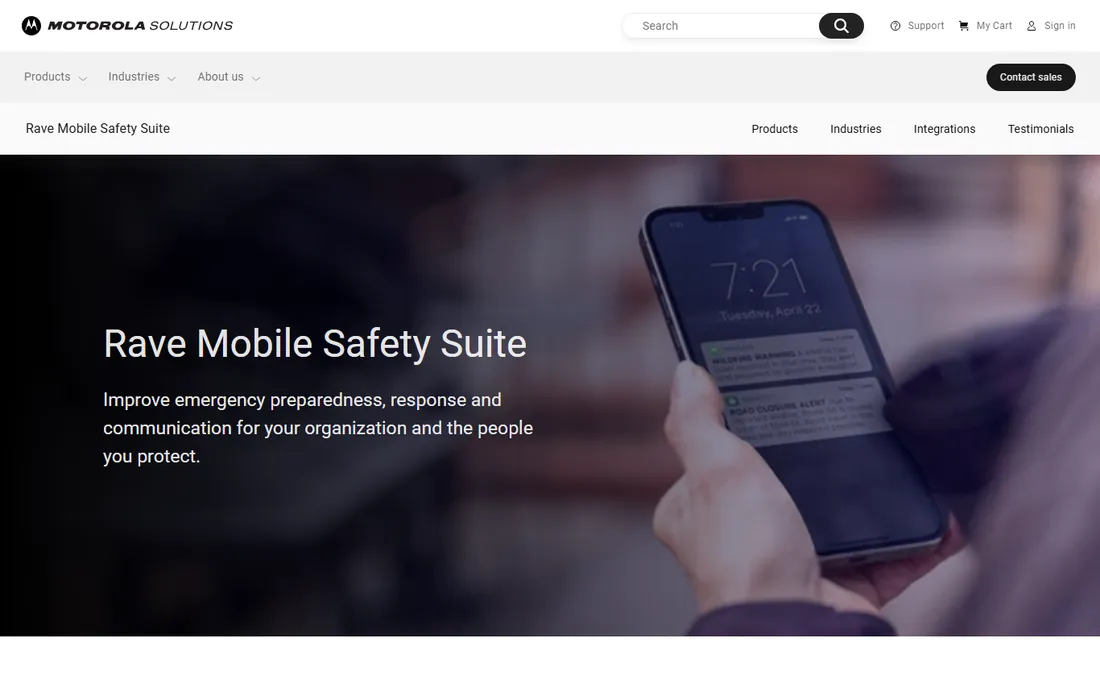
Rave Mobile Safety made its name in campus and community safety, with tools for emergency alerts, anonymous tip texting and personal safety apps. The company is now part of Motorola Solutions, which folded Rave into its command center software portfolio. That backing brings resources and integration with Motorola's public safety ecosystem.
Buyers should confirm exactly which Rave product they are evaluating, since the lineup spans several tools and the Motorola transition shuffled some names. For a university, K-12 district or city that needs both mass alerts and community safety features, Rave's breadth is still a real advantage.
What we like- Strong campus safety suite with panic buttons and tip texting
- Now backed by Motorola Solutions
- Proven with universities and 911 centers
Watch out for- Product lineup is fragmented across several Rave-branded tools
- Migration to Motorola branding caused confusion
Starting priceSee website
Free planNo
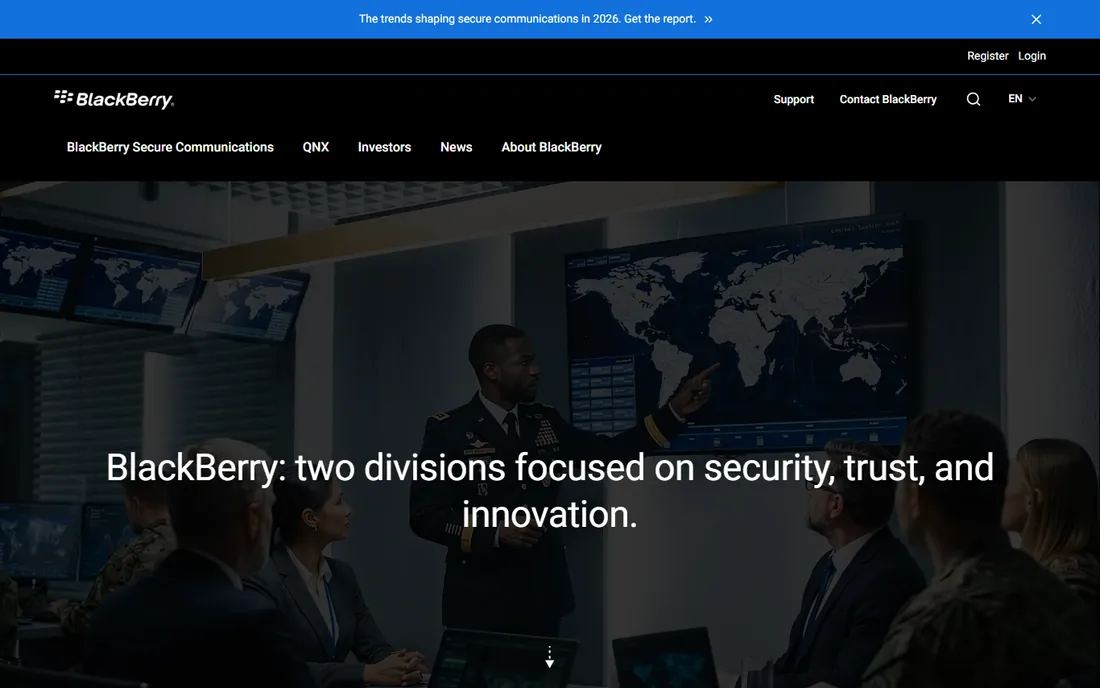
BlackBerry AtHoc is the notification platform behind many military, federal and large enterprise deployments. Its strength is accountability: knowing who received an alert, who responded and who is still unaccounted for, with the security controls defense customers require. It integrates with personnel systems so your contact data stays current.
This is not the tool for a 200-person company that wants a quick signup. The sales cycle, implementation and cost structure assume large, security-conscious organizations. If you operate under federal or defense requirements, AtHoc belongs on the shortlist. Otherwise, the tools above will serve you faster.
What we like- Security pedigree trusted by defense and federal agencies
- Strong accountability and personnel tracking
- Interoperable with command systems
Watch out for- Government-first design can feel rigid for commercial buyers
- Pricing is quote-only
#9
D4H
Best for: Response teams and readiness management
Visit d4h.com
Starting priceSee website
Free planNo
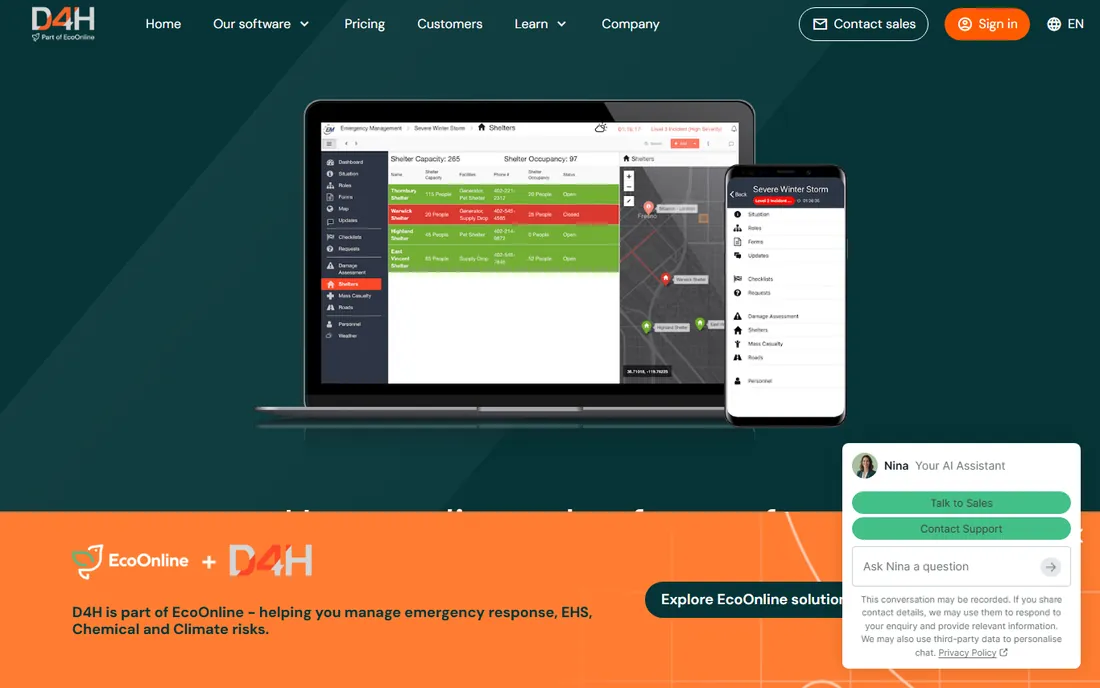
D4H comes from the emergency response world, and it shows. The platform covers incident management, personnel and equipment readiness, and training records, which makes it a natural fit for fire services, search and rescue teams and corporate response teams. The interface is modern and the learning curve is gentler than the legacy EOC tools.
As a smaller vendor, D4H does not carry the procurement familiarity of Everbridge or WebEOC. Feature depth in mass notification is thinner than the dedicated notification platforms. But response teams that need readiness plus incident tracking in one place will find it refreshingly practical.
What we like- Practical focus on team readiness, equipment and training
- Clean modern interface
- Affordable relative to enterprise suites
Watch out for- Smaller vendor with less brand recognition
- Limited public-sector footprint in the US
Starting priceSee website
Free planFree trial
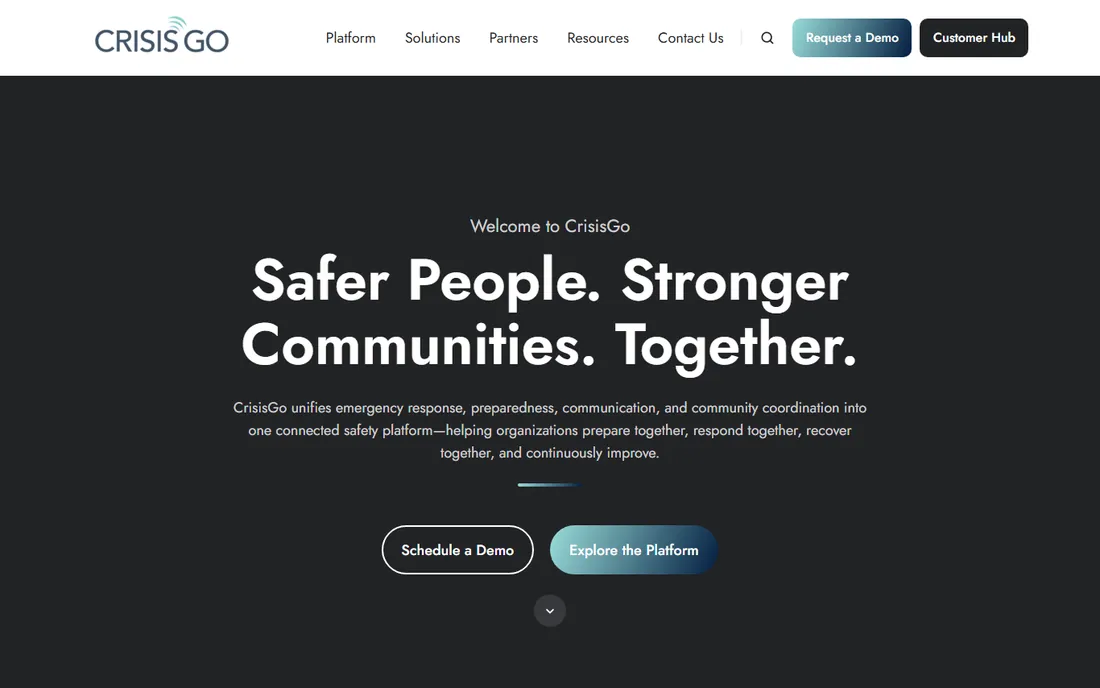
CrisisGo is designed for schools. It handles panic alerts, safety drills, reunification and two-way communication between staff and administrators during an incident. The drill management features are genuinely useful: scheduling, tracking participation and reporting on readiness over time.
The education focus is both the strength and the limit. A school district will get more relevant workflows here than from a generic enterprise platform. A hospital system or manufacturer should look elsewhere. Pricing is accessible for districts, and a free trial lets safety teams test it during an actual drill cycle.
What we like- Built around school safety workflows and drills
- Panic alerting with two-way communication
- Affordable for districts
Watch out for- Narrow focus on education
- Not a full emergency management suite
How we chose
We compared platforms on real buyer criteria: notification reach and reliability, EOC and incident management depth, integrations, deployment model, and fit for different organization sizes. We checked each vendor's homepage and product pages for current positioning, looked at public review sentiment on G2 and Capterra, and verified which products have been acquired or rebranded so the list reflects what you can actually buy in 2026. We did not run live activations or lab tests of alert delivery.
What to check before you buy
Start with your activation model. Some organizations need a notification tool their staff can operate in the first hour of a crisis with no training. Others need a full EOC platform with ICS forms and multi-agency boards. Buying a notification tool when you need operations software (or the reverse) is the most common and most expensive mistake in this category.
Ask about message throughput and delivery channels. How many contacts can you alert in five minutes? Which channels are included in the base price, and does the vendor charge per message on top of the subscription? Confirm whether mobile app alerts require every employee to install an app, or whether SMS and voice work without one.
Data freshness matters more than most demos show. Personnel notification systems rot quickly when contact lists go stale. Ask how the platform syncs with your HR system or Active Directory, and who is responsible for keeping contact data current. Finally, confirm the contract terms: most of these are annual enterprise agreements, so ask what happens to your data and your alert history if you leave.
Pricing reality in emergency management software
Almost nothing in this category has public per-seat pricing, and that is not an accident. Vendors price by contact volume, feature tier and deployment complexity, which means two organizations can pay very different amounts for the same product. Budget planning should start with a demo and a written quote, not a pricing page.
For rough planning, small organizations using tools like Regroup or CrisisGo typically land in the low thousands per year. Mid-size enterprises usually see five-figure annual contracts for notification platforms. Full EOC suites and government deployments at Everbridge or WebEOC scale routinely reach six figures. Always ask whether implementation, training and ongoing support are bundled or billed separately.
Frequently asked questions
What is the difference between mass notification and emergency management software?
Mass notification software sends alerts to people fast. Emergency management software adds the operational layer: incident command, resource tracking, situational awareness and recovery planning. Many vendors sell both, but the best notification tool is rarely the best EOC platform.
Do we need an app on every employee's phone?
No. SMS, voice calls and email reach people without an app install. Apps add richer features like panic buttons and two-way chat, but in a real emergency you want channels that work for everyone, including visitors and contractors.
How long does implementation take?
Simple notification tools can go live in days or weeks. EOC platforms typically take one to three months with configuration, data imports and training. Ask for a written implementation plan with dates before you sign.
Can these tools integrate with our HR system?
Most enterprise platforms sync with Active Directory, common HRIS tools or via API. This matters because stale contact lists are the number one reason alerts fail. Confirm the sync is automatic, not a manual CSV upload.
What happened to OnSolve and Rave Mobile Safety?
OnSolve was acquired by Crisis24, so its products (including CodeRED) now sit in the Crisis24 portfolio. Rave Mobile Safety was acquired by Motorola Solutions and is now part of its command center software lineup. The product names still appear in the market.
Is there free emergency management software?
Real free options are rare in this category. A few vendors offer free trials or limited community tiers, and some open-source EOC tools exist for technical teams. For production alerting that lives depend on, budget for a paid platform.
Sources we checked (10)
- https://www.everbridge.com/
- https://www.alertmedia.com/
- https://veoci.com/
- https://www.crisis24.com/
- https://www.regroup.com/
- https://www.juvare.com/
- https://www.motorolasolutions.com/en_us/products/command-center-software/rave.html
- https://www.blackberry.com/en
- https://www.d4h.com/
- https://www.crisisgo.com/
Is your product missing or out of date?
We review this list regularly. Vendors can request a listing, send updated pricing or ask about featured placement.

Shihab Mia · Founder, Rankite
Shihab has spent more than a decade helping SaaS and e-commerce brands grow through search. He writes Rankite's software buying guides from pricing pages, documentation and public user reviews. More about Shihab.