How we make this list: we compare pricing pages, product documentation and public user reviews. Rankite is independent; if a vendor ever pays for a featured spot, that listing is clearly labeled Partner.
Key takeaways
- Hatch Embroidery ($199 Organizer to $1,199 Digitizer, one-time purchase) is the best all-rounder for home businesses: Wilcom's stitch engine without the commercial price.
- Wilcom EmbroideryStudio is the professional standard for digitizing shops; pricing is quote-based through dealers, and it is the most expensive option here.
- Brother owners should start with PE-Design 11 (sold through authorized dealers): 1,000-plus built-in designs, 130 fonts and wireless transfer to Luminaire machines.
- The free options are real: Ink/Stitch (open source, runs in Inkscape) and BERNINA ArtLink (free from BERNINA) both handle editing and file conversion at $0.
Quick comparison
| Tool | Best for | Starting price | Free plan |
|---|
 Hatch Embroidery Hatch Embroidery | Home embroidery businesses that want professional results without a learning cliff | $199 one-time (Organizer) | Free trial (30 days, every level) |
 Wilcom EmbroideryStudio Wilcom EmbroideryStudio | Commercial digitizing shops and production embroiderers | See website (quote-based, sold through dealers) | Free trial |
 Brother PE-Design 11 Brother PE-Design 11 | Brother machine owners who want the deepest integration | See website (sold through authorized dealers) | No |
 Embrilliance Essentials Embrilliance Essentials | Mac users and anyone who wants embroidery software without the learning curve | $139 one-time (on sale; $159 list) | Free trial |
 Embird Embird | Budget buyers who want to pay only for the features they use | $163 one-time (Basic + Iconizer bundle) | Free trial (30 days) |
 SewArt SewArt | Turning images and clipart into embroidery files for $75 | $75 one-time (email download) | Free trial (30 days, limited to 3 colors) |
 Ink/Stitch Ink/Stitch | Anyone who wants free, open-source embroidery digitizing | Free | Yes (free and open source) |
 BERNINA ArtLink BERNINA ArtLink | Free design editing, viewing and machine transfer | Free | Yes (free download) |
Is your product missing or out of date?
We review this list regularly. Vendors can request a listing, send updated pricing or ask about featured placement.
The best embroidery software
Most people buy too much embroidery software. They pay four figures for a professional digitizing suite, then use it to resize designs and add names to towels, jobs a $75 tool does in an afternoon. The honest way to buy is backwards: figure out what you actually do (edit purchased designs, add lettering, or create designs from scratch), then buy the cheapest tool that does that job well.
#1
Hatch Embroidery
Best for: Home embroidery businesses that want professional results without a learning cliff
Visit hatchembroidery.com
Starting price$199 one-time (Organizer)
Free planFree trial (30 days, every level)
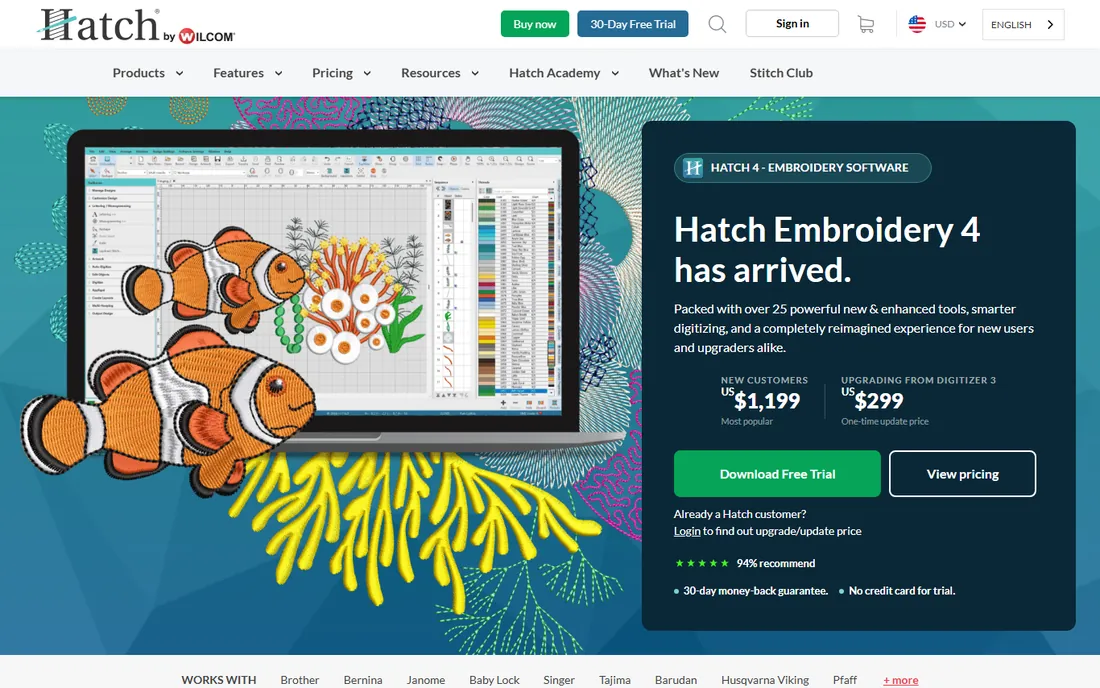
Hatch is Wilcom's consumer line, and it inherits the stitch engine that made Wilcom the industry standard. The four levels are the product strategy: Organizer at $199 handles resizing, recoloring and format conversion; Personalizer at $299 adds lettering and monogramming with 66 digitized fonts; Composer at $699 adds auto-digitizing; Digitizer at $1,199 adds full manual digitizing with 130 fonts, PhotoStitch and applique tools. Every purchase includes 400 free designs and 500-plus Hatch Academy lessons.
The 30-day trial covers every level, which is the right way to evaluate it: digitize your actual artwork, stitch it out, then decide which level you need. The 30,000-member community and in-house support team answer questions within a day. The catch is the platform lock-in: no native Mac version, and paid updates arrive as new paid versions. For a home business doing custom names, logos and monograms, Composer or Digitizer is the sweet spot.
What we like- One-time purchase, no subscription, with a 30-day money-back guarantee
- Built on Wilcom's commercial stitch engine, so stitch quality is genuinely professional
- Four levels let you buy only what you need and upgrade by paying the difference
Watch out for- Windows only, Mac users need Parallels with a Windows install
- Auto-digitizing is good but still needs manual cleanup on complex artwork
#2
Wilcom EmbroideryStudio
Best for: Commercial digitizing shops and production embroiderers
Visit wilcom.com
Starting priceSee website (quote-based, sold through dealers)
Free planFree trial
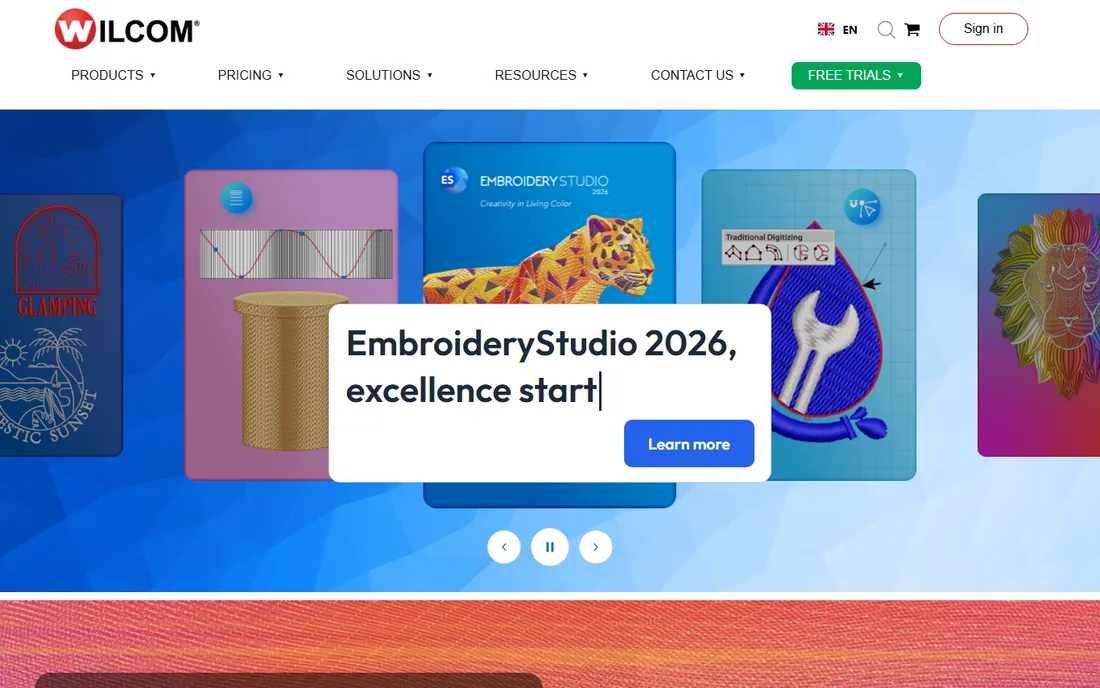
EmbroideryStudio is what the designs you buy were probably digitized in. The 2026 version adds Multi Blend stitch blending, Redwork automation, continue-digitizing and one-click exports, all aimed at production speed. The .EMB object-based file format stores artwork, objects and stitches in one editable file, which is why shops standardize on it. Compatibility covers every major machine brand from Tajima and Barudan to Brother and Ricoma.
Pricing is quote-based through dealers, and third-party reports put entry levels around $3,499 for a lifetime license, with higher tiers well above that. Wilcom also offers a subscription option on premium levels and a dongle-free license. This is not a hobbyist purchase. If you digitize for paying clients or run multi-head machines, it is the tool. If you embroider as a side business, Hatch (Wilcom's own consumer line) gives you the same stitch engine for a fraction of the price.
What we like- The industry-standard digitizing engine, used by professional shops worldwide
- CorelDRAW integration and advanced stitch controls no consumer tool matches
- Four product levels scale from decorating to full commercial digitizing
Watch out for- The most expensive software on this list by a wide margin
- The learning curve is steep, and it assumes you already understand digitizing
#3
Brother PE-Design 11
Best for: Brother machine owners who want the deepest integration
Visit brother-usa.com
Starting priceSee website (sold through authorized dealers)
Free planNo
PE-Design 11 is the official Brother software, and the integration is the reason to buy it. Designs transfer wirelessly to compatible machines, the Intelligent Color Sort groups same-color stitching to cut thread changes, and the Fabric Selector auto-adjusts stitch attributes for your fabric. The feature list is deep: Design Center for manual punching, Layout and Editing, Design Database, font mapping for TrueType fonts, and the Stitch Design Factory for creating decorative stitches up to 100mm wide.
The buying experience is the old-school part. Brother does not publish a price; you buy through authorized dealers, and US dealers list it around $1,958. Two hours of online training come with the purchase. If you own a Brother machine and want the tightest workflow, this is it. If you own any other brand, the other tools on this list give you more for less.
What we like- Built for Brother machines, with wireless LAN transfer to the Luminaire XP1
- 1,000-plus built-in designs and 130 fonts included
- PhotoStitch, cross-stitch and applique wizards plus a font creator and stitch design factory
Watch out for- No published price: sold through dealers, with US street prices around $1,958
- Windows only, and the interface shows its age next to Hatch or Embrilliance
#4
Embrilliance Essentials
Best for: Mac users and anyone who wants embroidery software without the learning curve
Visit embrilliance.com
Starting price$139 one-time (on sale; $159 list)
Free planFree trial
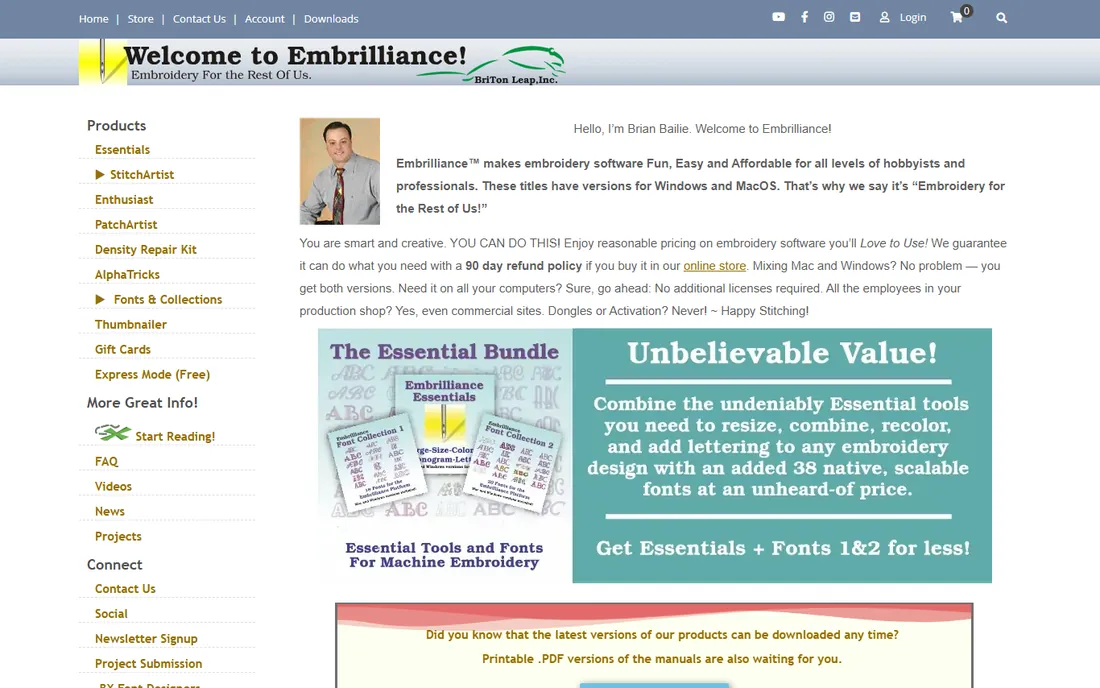
Embrilliance is the friendly outlier. It runs natively on Mac and Windows, installs without dongles or activation headaches, and the license covers all your computers including commercial use. Essentials at $139 handles the everyday jobs: merging designs, resizing with stitch recalculation, colorizing, lettering with 21 built-in fonts plus BX font support, and saving to your machine's format. The 90-day refund policy is the most generous here.
The modular system is the whole point. When you are ready to create designs, add StitchArtist in levels: Level 1 at $169 for basic digitizing, Level 2 around $380, Level 3 at $649 for commercial-grade tools. You never rebuy what you own. For Mac users, this is the obvious first stop, since Hatch, PE-Design and SewArt are all Windows-only. For everyone else, it is the simplest path from editing to digitizing.
What we like- Native Mac and Windows versions, the only brand here that runs natively on both
- Modular pricing, buy Essentials now and add StitchArtist digitizing later
- No dongles, no activation limits, install on all your computers
Watch out for- Essentials does not digitize: creating designs from artwork needs StitchArtist Level 1 ($169) and up
- The interface is simple, which power users may find limiting
#5
Embird
Best for: Budget buyers who want to pay only for the features they use
Visit embird.com
Starting price$163 one-time (Basic + Iconizer bundle)
Free planFree trial (30 days)
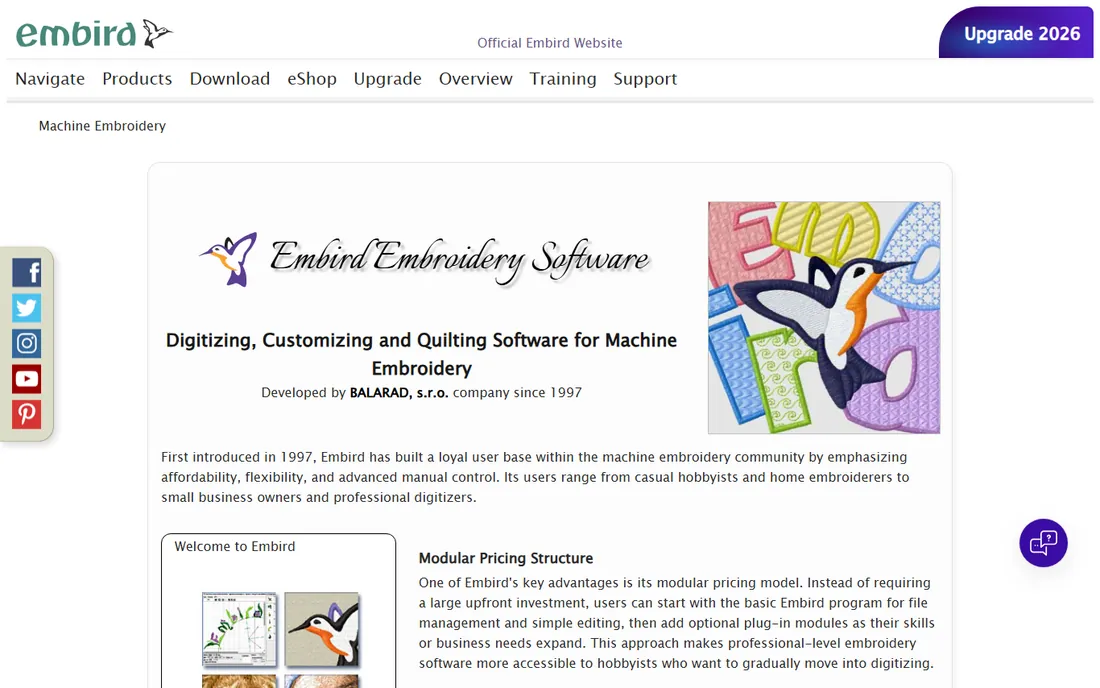
Embird has been the budget digitizer's choice for nearly three decades. The Basic program handles resizing, editing, converting and printing designs, and the bundle with Iconizer (which shows design previews in Windows Explorer) starts at $163. From there you add only what you need: Digitizing Tools for manual and automatic digitizing, Font Engine for TrueType lettering, Sfumato Stitch for photo embroidery, Cross Stitch for chart work. The 30-day free trial is fully functional.
The honest tradeoff is polish. Embird's interface has not kept pace with Hatch or Embrilliance, and advanced work takes more manual effort. But the format support is unmatched: more than 70 machine formats, SVG import, and machine independence, so it works with whatever brand you own. For the technically patient buyer who wants professional capability at hobbyist prices, the modular model means you never pay for features you will not touch.
What we like- Modular pricing since 1997: buy Basic now, add digitizing, fonts or cross-stitch plug-ins later
- Supports 70-plus embroidery file formats, the widest compatibility here
- Sfumato Stitch module does photo-realistic embroidery few tools attempt
Watch out for- The interface looks dated and the learning curve is real
- Full capability requires stacking plug-ins, and the total climbs with each one
Starting price$75 one-time (email download)
Free planFree trial (30 days, limited to 3 colors)
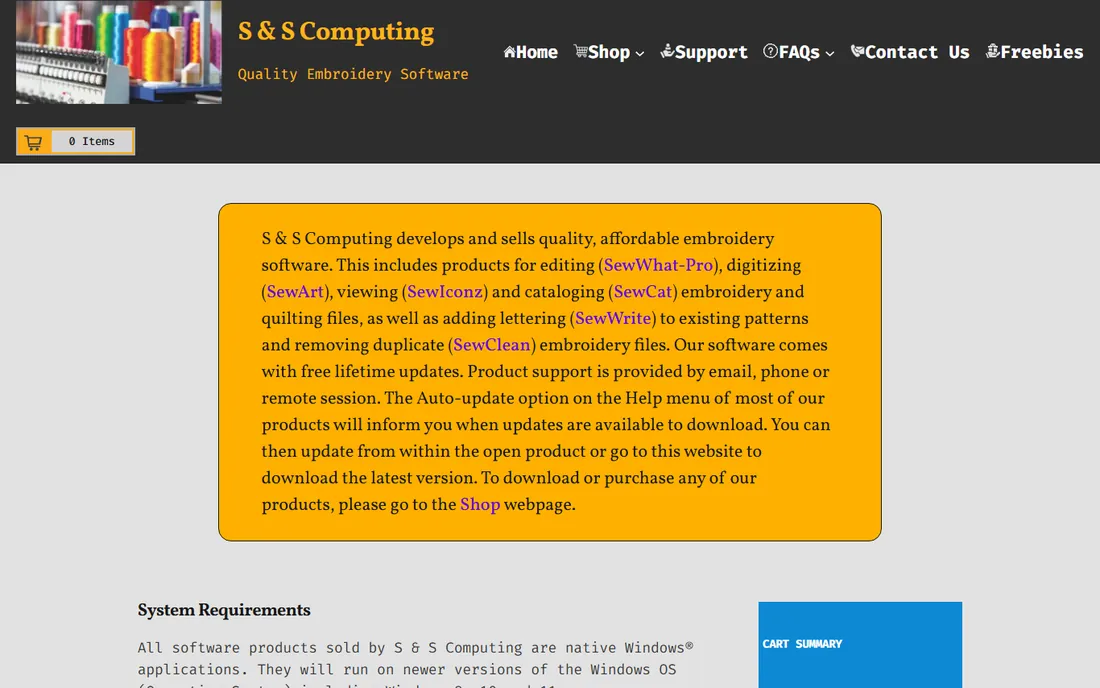
SewArt does one job: convert images into stitch files. Load a JPG, PNG or SVG, run the image-processing tools to reduce colors and smooth edges, follow the wizard, and get a PES or DST file out. Pattern fills apply texture to regions, and a manual satin-fill tool handles the details the automation misses. At $75 for an email download (or $93 for the CD), it is the cheapest way to go from clipart to stitch-out.
The 30-day demo limits designs to three colors, which is enough to evaluate the workflow honestly. There is no subscription and no upsell: $75 buys the program. The limitations are what you would expect at this price. It is Windows-only, the interface is utilitarian, and photographic images need serious preprocessing to stitch well. For simple logos, clipart and text-based designs, it is remarkable value. For complex digitizing, pair it with an editor like Embrilliance Essentials.
What we like- The cheapest auto-digitizer here at a flat $75 with no subscription
- Image-processing tools plus a step-by-step wizard guide the conversion
- Reads raster and vector formats (JPG, PNG, SVG, EMF) and writes PES, DST, JEF, EXP, HUS, VP3 and XXX
Watch out for- Windows only, Mac needs an emulator
- Auto-digitizing quality depends heavily on the source image, and complex artwork needs cleanup elsewhere
#7
Ink/Stitch
Best for: Anyone who wants free, open-source embroidery digitizing
Visit inkstitch.org
Starting priceFree
Free planYes (free and open source)
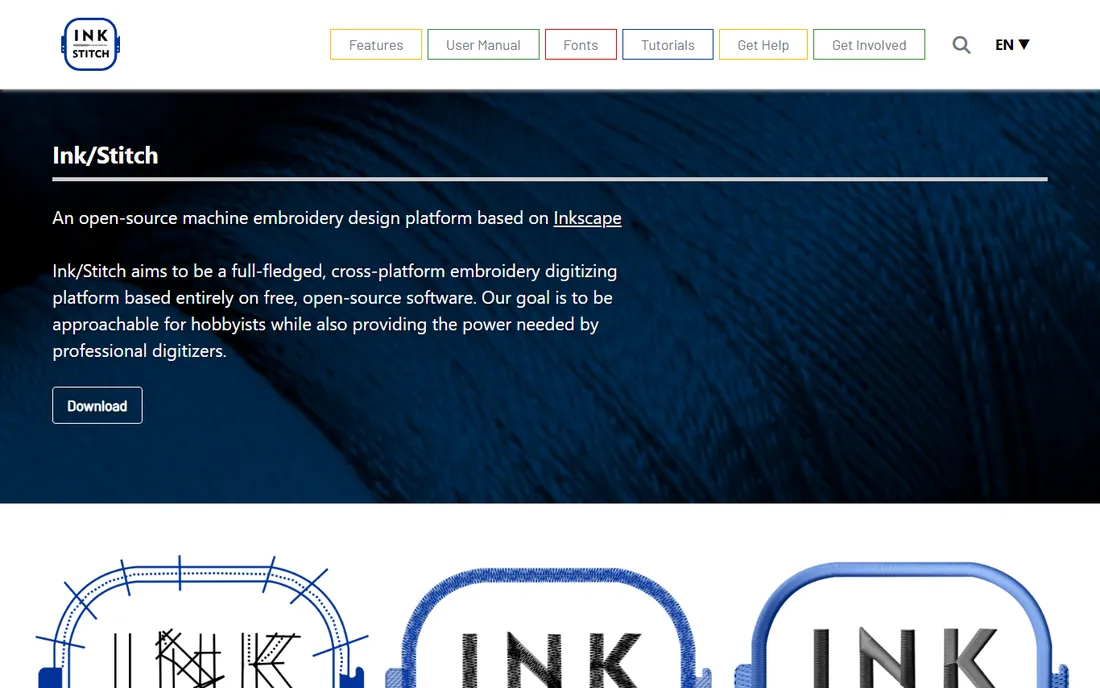
Ink/Stitch is the open-source answer to thousand-dollar digitizing software. It is an extension for Inkscape (itself free) that turns vector paths into stitch files: satin stitches, fill stitches, applique, lettering with pre-digitized fonts, stitch path optimization, and output to the formats machines read. Version 3.3.0 arrived in mid-2026 with an active development community, user meetings and a thorough manual.
The tradeoff is the workflow. There is no auto-digitizing button: you draw or trace your design as vectors, assign stitch types, and Ink/Stitch generates the stitches. If you already know Inkscape, this is liberating. If you have never drawn a Bezier curve, the learning curve is steep. For the budget-conscious maker willing to learn vector drawing, it is the only tool here that costs nothing and does real digitizing.
What we like- Completely free with no trial limits, watermarks or feature gates
- Runs inside Inkscape, so vector drawing and digitizing live in one program
- Active community with tutorials, sample files and a detailed manual
Watch out for- No auto-digitizing from images: every design is built manually from vector paths
- The learning curve assumes comfort with vector drawing, which beginners may not have
#8
BERNINA ArtLink
Best for: Free design editing, viewing and machine transfer
Visit bernina.com
Starting priceFree
Free planYes (free download)
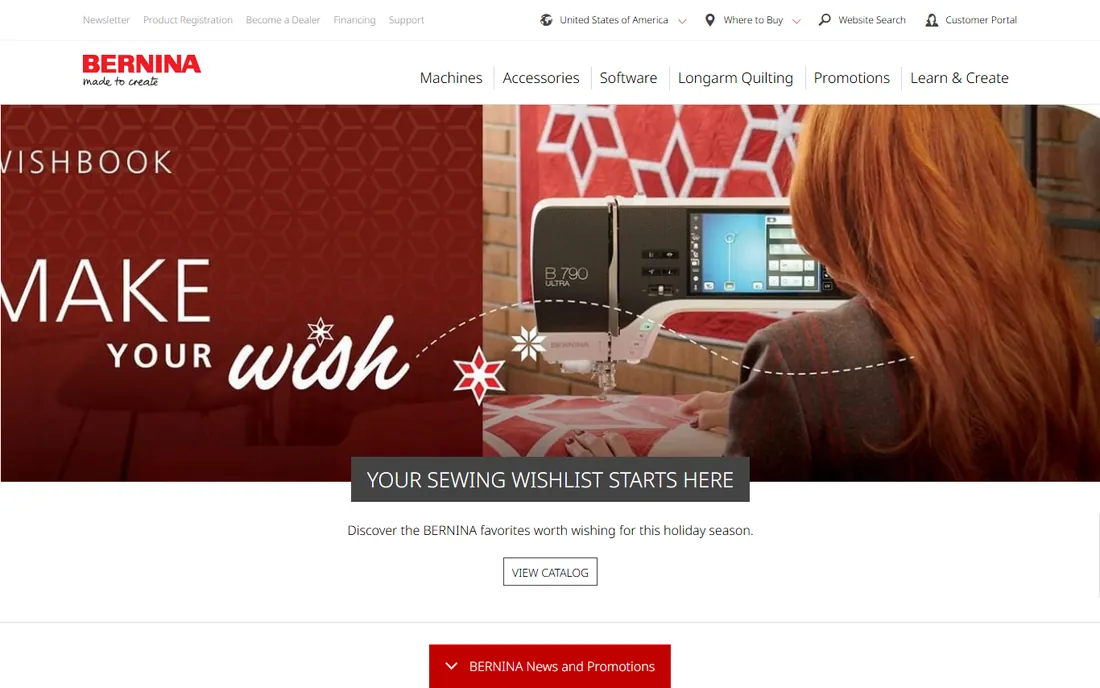
ArtLink is BERNINA's free gift to the embroidery world. Download it, open any design file, resize it, recolor it, add lettering, convert between formats, preview the stitch-out in 3D, and send it to your machine. For the huge number of embroiderers whose actual work is editing purchased designs, ArtLink does the job at $0. It is not a trial and it does not expire.
The boundary is digitizing. ArtLink edits; it does not create from images or artwork. If your work grows into design creation, BERNINA's paid Embroidery Software 9 is the upgrade path, or any digitizer on this list. But as a free starting point, it beats every trial: no 30-day clock, no color limits, no watermarks. Every embroiderer should have it installed even if they own something else.
What we like- Free from BERNINA with no catch: view, edit, convert and transfer designs
- 3D stitch preview shows how designs will sew before you commit thread
- Works with all major machine brands, not just BERNINA
Watch out for- No digitizing: you cannot create designs from artwork, only edit existing ones
- The feature set is intentionally basic next to paid editors
Match the software to the job
Embroidery software falls into three jobs, and buying the wrong tier is the expensive mistake. Job one is editing purchased designs: resizing, recoloring, merging, adding names. ArtLink does this free, Embrilliance Essentials does it for $139, and Hatch Organizer does it for $199. Job two is lettering and monogramming: Hatch Personalizer at $299 and Embrilliance Essentials both excel. Job three is digitizing, creating stitch files from artwork: that needs Hatch Composer or Digitizer, Wilcom EmbroideryStudio, Embird with plug-ins, StitchArtist, SewArt for simple images, or Ink/Stitch for free.
Start with the job, not the brand. A home business personalizing towels needs job one and two, not a $1,199 digitizer. A shop creating custom logos needs job three, and the cheapest credible path is SewArt at $75 for simple work or Hatch Composer at $699 for real auto-digitizing. Almost every tool here offers a free trial: digitize your actual artwork and stitch it out before you pay.
The one-time-purchase advantage
Nearly every tool on this list is a one-time purchase, which makes embroidery software unusual in 2026. Hatch, Wilcom, Embrilliance, Embird and SewArt all sell perpetual licenses: you pay once and own the version you bought. No subscriptions, no monthly fees, no losing access when the card expires. For a home business watching every dollar, that matters.
The catch is upgrades. New versions arrive as paid upgrades: Hatch Digitizer 3 to 4 costs $299, and major version jumps across the industry work the same way. Budget for an upgrade every few years, or skip versions until a feature you need appears. FlexPay plans (Hatch offers monthly installments) spread the cost without becoming a subscription: you own the license after the payments finish. Compare the five-year cost, not the sticker price, and the one-time model wins for anyone who keeps software longer than two years.
Frequently asked questions
How much does embroidery software cost?
From $0 to several thousand. Free options (Ink/Stitch, BERNINA ArtLink) handle editing and basic digitizing. Budget tools run $75 (SewArt) to $199 (Hatch Organizer, Embrilliance Essentials $139). Mid-range digitizing costs $649 to $1,199 (StitchArtist Level 3, Hatch Digitizer). Professional suites (Wilcom EmbroideryStudio, PE-Design 11 through dealers) run $1,958 to $3,499-plus.
Do I need digitizing software, or just an editor?
If you buy designs and only resize them, add names or merge them, an editor is enough: ArtLink (free), Embrilliance Essentials or Hatch Organizer. You need digitizing software only when you create stitch files from your own artwork or logos. Most embroiderers overbuy here; start with an editor and upgrade when a paying job requires it.
What is the best embroidery software for beginners?
Embrilliance Essentials for its simplicity and native Mac support, or Hatch Embroidery for the guided levels and 500-plus Academy lessons. Both offer trials. Beginners should avoid starting with Wilcom EmbroideryStudio or Embird's full plug-in stack; the learning curve will slow you down more than the features help.
Can I use embroidery software on a Mac?
Natively, your options are Embrilliance (Mac and Windows) and Ink/Stitch (runs in Inkscape on Mac). Hatch, PE-Design, SewArt and Embird are Windows-only; Mac users run them through Parallels or CrossOver. If you are Mac-only, start with Embrilliance or Ink/Stitch.
What file formats do I need to know?
PES (Brother, Babylock), DST (Tajima, commercial machines), JEF (Janome), EXP (Melco), HUS and VP3 (Viking/Pfaff), XXX (Singer). Your machine reads one or two of these. Every tool here writes the common formats; Embird reads the most (70-plus). Buy for your machine's format, not for the longest format list.
Is free embroidery software actually usable?
Yes, with boundaries. Ink/Stitch does real manual digitizing for free if you learn vector drawing. BERNINA ArtLink edits, converts and previews designs with no limits. What free tools do not do is auto-digitize images into quality stitch files; that remains a paid feature. For editing purchased designs, free is genuinely enough.
How we chose
We started with the categories embroidery buyers actually search: embroidery software, embroidery digitizing software, and free embroidery software. For each candidate we opened the vendor's own pricing page, checked one-time versus subscription pricing and trial terms, and compared features against public reviews and practitioner discussion in embroidery communities. Where a price could not be verified on the vendor's page we wrote "See website" rather than guessing.
Sources we checked (8)
- https://www.hatchembroidery.com/
- https://www.wilcom.com/
- https://www.brother-usa.com/
- https://www.embrilliance.com/store
- https://www.embird.com/
- http://sandscomputing.com/products-shop/sewart-embroidery-digitizer/
- https://inkstitch.org/
- https://www.bernina.com/
Is your product missing or out of date?
We review this list regularly. Vendors can request a listing, send updated pricing or ask about featured placement.

Shihab Mia · Founder, Rankite
Shihab has spent more than a decade helping SaaS and e-commerce brands grow through search. He writes Rankite's software buying guides from pricing pages, documentation and public user reviews. More about Shihab.