How we make this list: we compare pricing pages, product documentation and public user reviews. Ratings come from G2, Capterra or Trustpilot, with the date we checked them.
Key takeaways
- Wilcom EmbroideryStudio is the professional standard for commercial digitizing, but its price puts it out of reach for most hobby users.
- Hatch Embroidery is the best middle ground for serious home users, with strong auto-digitizing and editing at a lower price than Wilcom.
- Ink/Stitch is free and open source, which makes it the best way to learn digitizing before spending money.
- Machine file formats matter more than feature lists, so check that your software exports the format your machine reads.
- Auto-digitizing saves time on simple art, but complex logos still need manual stitch editing for clean results.
Quick comparison
Is your product missing or out of date?
We review this list regularly. Vendors can request a listing, send updated pricing or ask about featured placement.
The best embroidery digitizing software
Starting priceSee website
Free planNo
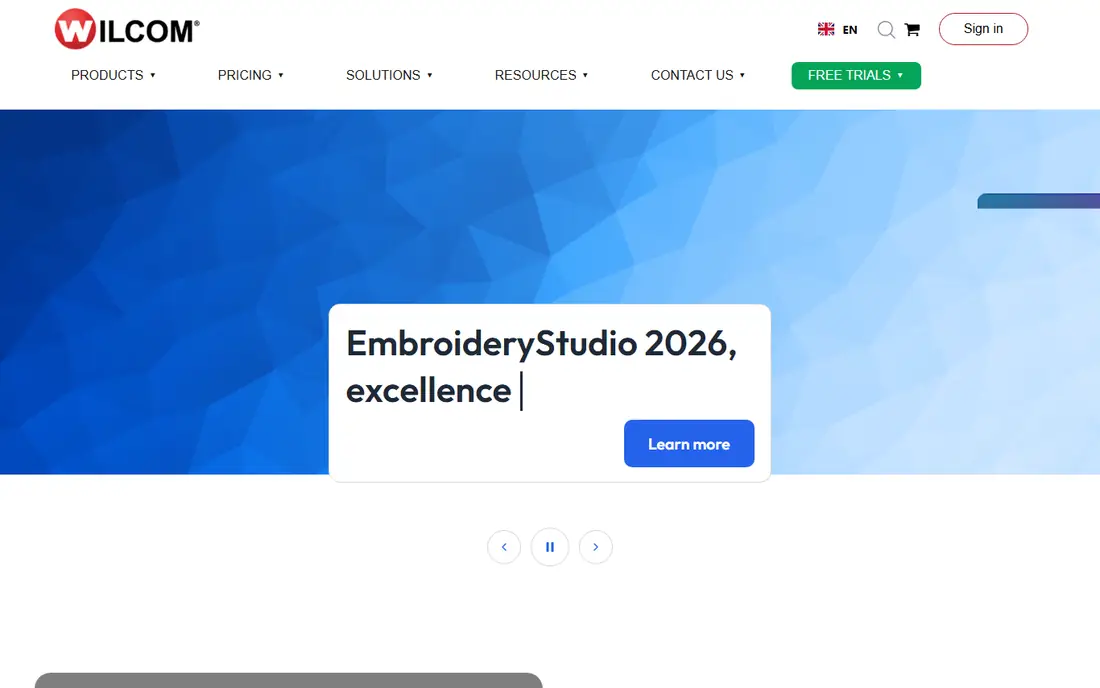
Wilcom EmbroideryStudio is the software most commercial embroidery shops use, and it sets the standard for stitch quality and control. It handles complex logos, applique, 3D foam, and sequins, and it gives digitizers fine control over stitch type, density, underlay, and pull compensation. Large shops rely on it because its output runs cleanly on industrial machines and because its file handling fits commercial workflows.
The limits are price and learning time. EmbroideryStudio is sold in tiers and costs far more than hobby software, and new users need training to use its manual digitizing tools well. It also runs on Windows only. Even so, Wilcom suits anyone who digitizes for paying clients and needs output that holds up at production speed.
What we like- Industry standard for commercial shops
- Precise stitch control
- Strong lettering and effects
Watch out for- High price
- Steep learning curve
- Windows only
Starting priceSee website
Free planNo
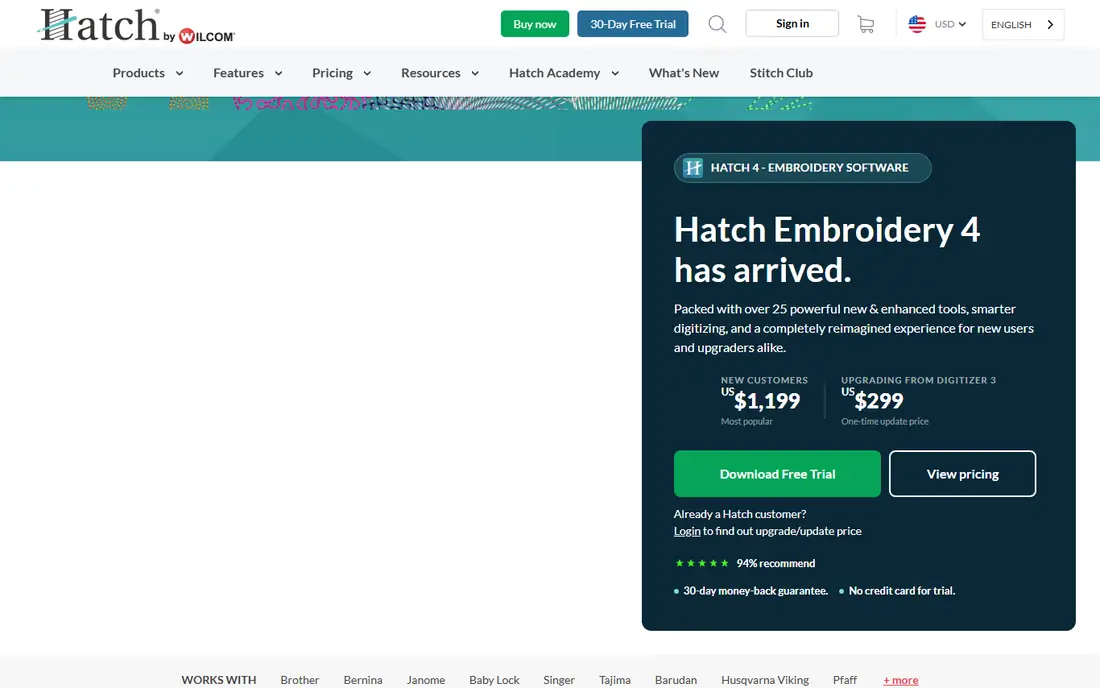
Hatch Embroidery is made by Wilcom for home and small-business users, and it shares much of the same digitizing engine as EmbroideryStudio at a lower price. It offers auto-digitizing from images, manual editing, lettering with built-in fonts, and export to all common machine formats. A 30-day trial lets buyers test the full program before committing, which matters at this price level.
The trade-offs are cost and platform. Hatch is still a serious purchase for a hobby user, and higher tiers that add advanced features cost much more. It runs on Windows only, so Mac users need a workaround. Even so, Hatch suits home users who sell custom embroidery or want professional-quality output without a commercial license.
What we like- Built on Wilcom technology
- Good auto-digitizing
- 30-day trial
Watch out for- Still pricey for casual users
- Windows only
- Higher tiers cost much more
Starting priceSee website
Free planNo
Brother PE-Design 11 is the official digitizing software for Brother embroidery machines, and it integrates tightly with them, including wireless transfer on supported models. It offers auto-digitizing, a photo stitch feature that turns photos into stitched portraits, manual editing, and a large lettering library. For Brother owners, the workflow from design to machine is smoother than with third-party software.
The limits are brand fit and price. PE-Design works best inside the Brother ecosystem, and its interface feels dated next to Hatch or mySewnet. It is also a significant purchase for a single-brand tool. Even so, Brother machine owners who want the simplest path from artwork to finished stitch will find it hard to beat.
What we like- Deep integration with Brother machines
- Photo stitch feature
- Good lettering library
Watch out for- Works best with Brother machines
- Pricey
- Interface feels dated
Starting priceSee website
Free planNo
Embrilliance Essentials is a popular entry point for home embroiderers because it runs on both Mac and Windows and costs far less than Wilcom or Hatch. The base program handles resizing, merging, lettering, and format conversion, and optional add-ons add auto-digitizing, applique, and advanced editing. That modular approach lets users pay only for the features they need.
The trade-off is scope. Essentials on its own is an editor more than a full digitizer, so true auto-digitizing requires buying add-ons. The community and tutorial library are also smaller than Hatch or Wilcom. Even so, Embrilliance suits Mac users and budget buyers who want solid editing now and the option to add digitizing later.
What we like- Runs on Mac and Windows
- Affordable entry price
- Modular add-ons
Watch out for- Base version edits more than it digitizes
- Full digitizing needs add-ons
- Smaller community
Starting priceSee website
Free planNo
SewArt is one of the cheapest paid digitizing tools, aimed at hobby users who want to turn clip art and simple images into stitch files without a large investment. It offers auto-digitizing with stitch density and color controls, basic editing, and export to common formats. For simple designs on home machines, it produces usable results quickly.
The limits are editing depth and polish. Manual stitch control is limited, the interface looks dated, and complex logos often need cleanup in another program. Even so, SewArt suits beginners who want to try digitizing at a low price and who work mostly with simple artwork.
What we like- Very low price
- Simple auto-digitizing
- Works on Windows
Watch out for- Limited manual editing
- Dated interface
- Smaller format support than rivals
Starting priceFree
Free planYes
Ink/Stitch is a free, open source digitizing extension for the Inkscape vector editor, and it is the best way to learn digitizing without spending money. It handles manual digitizing, lettering, applique, and export to many machine formats, and it runs on Mac, Windows, and Linux. The community produces tutorials and updates, and the price makes it easy to recommend to students and hobby groups.
The trade-offs are setup and automation. You must install Inkscape first, the workflow feels technical, and auto-digitizing from images is limited compared with paid tools. Even so, Ink/Stitch suits patient beginners, educators, and anyone who wants full digitizing control at no cost.
What we like- Free and open source
- Runs on Mac, Windows, and Linux
- Active community
Watch out for- Needs Inkscape installed
- Learning curve is steep
- Auto-digitizing is limited
Starting priceSee website
Free planNo
Embird is a long-running modular embroidery program where users buy a base editor and add plug-ins for digitizing, lettering, and 3D effects. It supports a wide range of machine formats and has a loyal user base built over many years. The modular model keeps the entry price lower than all-in-one suites, since you buy only the pieces you need.
The limits are age and scope. The interface feels dated, full digitizing requires the separate Studio plug-in, and it runs on Windows only. Even so, Embird suits experienced users who know exactly which modules they need and who value its broad format support.
What we like- Modular plug-ins
- Long history
- Wide format support
Watch out for- Interface feels old
- Digitizing is a separate plug-in
- Windows only
Starting priceSee website
Free planNo
mySewnet is the modern embroidery platform from the Viking, Pfaff, and Singer family, with cloud storage, a mobile app, and a cleaner interface than most older tools. It handles editing, lettering, and design management, and it syncs designs to supported machines over Wi-Fi. The subscription model keeps it updated, and the app makes it easy to browse and send designs from a phone.
The trade-offs are price model and depth. Subscriptions add up over years, the best experience comes with supported machine brands, and manual digitizing depth trails Wilcom. Even so, mySewnet suits owners of Viking, Pfaff, or Singer machines who want a modern, cloud-connected workflow.
What we like- Cloud library and app
- Modern interface
- Works with Pfaff, Viking, and Singer machines
Watch out for- Subscription pricing
- Best with supported brands
- Digitizing depth trails Wilcom
How we chose
We compared digitizing tools on auto-digitizing quality, manual stitch control, lettering, machine format support, platform availability, and price, favoring software with a track record on real machines. We excluded simple viewers and converters that cannot create or edit stitch data. Prices in this category are often quote-based or tiered, so where a vendor does not publish a clear starting price, we wrote See website rather than guessing.
Buying guide
Start by checking your machine format. Most home machines read PES, JEF, VP3, or EXP, and most software on this list exports all of them, but confirm your exact format before buying. Next, decide whether you need auto-digitizing or manual control. Auto-digitizing suits simple clip art, while logos and text for clients need manual editing for clean edges and correct stitch order.
Then weigh platform, price, and support. A strong tutorial library and an active user forum matter a lot when you hit your first failed stitch-out, since digitizing problems are easier to fix with examples than with manuals alone. Mac users have fewer options, with Embrilliance and Ink/Stitch leading, while Windows users can choose from the full list. Try a trial before buying, and digitize the same test logo in two programs to compare stitch quality on your own machine. That test tells you more than any feature list.
Finally, think about how your work will grow. A hobby user who later takes paid orders will outgrow a basic editor fast, while a commercial shop that buys hobby software will pay twice when it upgrades. Buying one step above your current needs is often cheaper than switching programs later, since learning a new digitizer takes weeks of practice before output quality recovers.
Frequently asked questions
What is embroidery digitizing software?
It turns artwork into stitch files that an embroidery machine can sew, controlling stitch type, order, density, and color changes. Without digitizing, a machine cannot sew a logo or image.
Do I need expensive software to start?
No. Ink/Stitch is free and teaches real digitizing, while SewArt and Embrilliance offer low-cost entry points. Buy professional software only when you sell work or need production-level output.
What file format does my machine use?
Brother and Babylock machines use PES, Janome uses JEF, Viking and Pfaff use VP3, and commercial machines often use DST or EXP. Check your manual, since most digitizing software exports all common formats.
Is auto-digitizing good enough for logos?
For simple art, yes. For detailed logos, text, or small lettering, manual editing usually produces cleaner edges and fewer thread breaks, so commercial digitizers still edit by hand.
Can I use digitizing software on a Mac?
Yes, but options are fewer. Embrilliance and Ink/Stitch run on Mac, while Wilcom, Hatch, and PE-Design need Windows or a Windows setup on your Mac.
Sources we checked (0)
Is your product missing or out of date?
We review this list regularly. Vendors can request a listing, send updated pricing or ask about featured placement.

Shihab Mia · Founder, Rankite
Shihab has 5+ years in B2B and SaaS SEO. He writes Rankite's software buying guides from pricing pages, documentation and public user reviews. More about Shihab.
 Wilcom EmbroideryStudio
 Hatch Embroidery
 Brother PE-Design 11
 Embrilliance Essentials
 SewArt
 Ink/Stitch
 Embird
 mySewnet