How we make this list: we compare pricing pages, product documentation and public user reviews. Rankite is independent; if a vendor ever pays for a featured spot, that listing is clearly labeled Partner.
Key takeaways
- Wilcom Hatch is the best starting point for home embroiderers: real digitizing tools powered by Wilcom's stitch engine, without the industrial price tag.
- Embird gives the most software for the least money (bundle from $163 with a 30-day trial), and Ink/Stitch is completely free for hobbyists willing to learn.
- Commercial shops digitizing for clients should look at Tajima DG17 or Wilcom EmbroideryStudio: the output quality and production tools justify the investment.
- Brother, Janome and CREATIVATE (formerly mySewnet) make the most sense if you already own that brand's machine.
Quick comparison
| Tool | Best for | Starting price | Free plan |
|---|
 Wilcom Hatch Wilcom Hatch | Home embroiderers and small businesses wanting professional digitizing | See website (tiered product levels) | Free trial |
 Embrilliance StitchArtist Embrilliance StitchArtist | Mac and Windows users who want affordable, no-dongle digitizing | See website | No (90-day refund policy on store purchases) |
 Brother PE-Design 11 Brother PE-Design 11 | Brother machine owners who want the native workflow | See website | Free trial |
 Tajima DG17 Tajima DG17 | Commercial embroidery shops and professional digitizers | See website (sold through distributors, quote-based) | Free trial |
 Embird Studio Embird Studio | Budget digitizers who want a complete modular toolkit | From $163 (Embird Basic + Iconizer bundle) | Free trial (30 days) |
 Ink/Stitch Ink/Stitch | Hobbyists and makers who want free, open-source digitizing | Free | Yes (completely free and open source) |
 CREATIVATE CREATIVATE | Husqvarna Viking and Pfaff owners (formerly mySewnet) | Free Basic; Elite $399.99/year (digitizing included at Elite) | Yes (Basic tier free) |
 BuzzEdit 4 BuzzEdit 4 | Editing, resizing and light digitizing on a tight budget | See website | Free trial |
 Janome Digitizer MBX Janome Digitizer MBX | Janome machine owners who want the manufacturer's own software | See website | Free trial |
Is your product missing or out of date?
We review this list regularly. Vendors can request a listing, send updated pricing or ask about featured placement.
The best digitizing software for embroidery
Here is the blunt truth about embroidery digitizing software: the free tools can produce genuinely good stitch files, and the expensive tools mostly buy you speed, not quality. A patient hobbyist with Ink/Stitch can out-digitize a rushed professional with a $5,000 suite. What you are really shopping for is workflow: how fast you can turn artwork into clean stitches, how well the software talks to your machine, and whether the learning curve fits your patience. These nine tools cover the full range, from free to industrial.
#1
Wilcom Hatch
Best for: Home embroiderers and small businesses wanting professional digitizing
Visit wilcom.com
Starting priceSee website (tiered product levels)
Free planFree trial
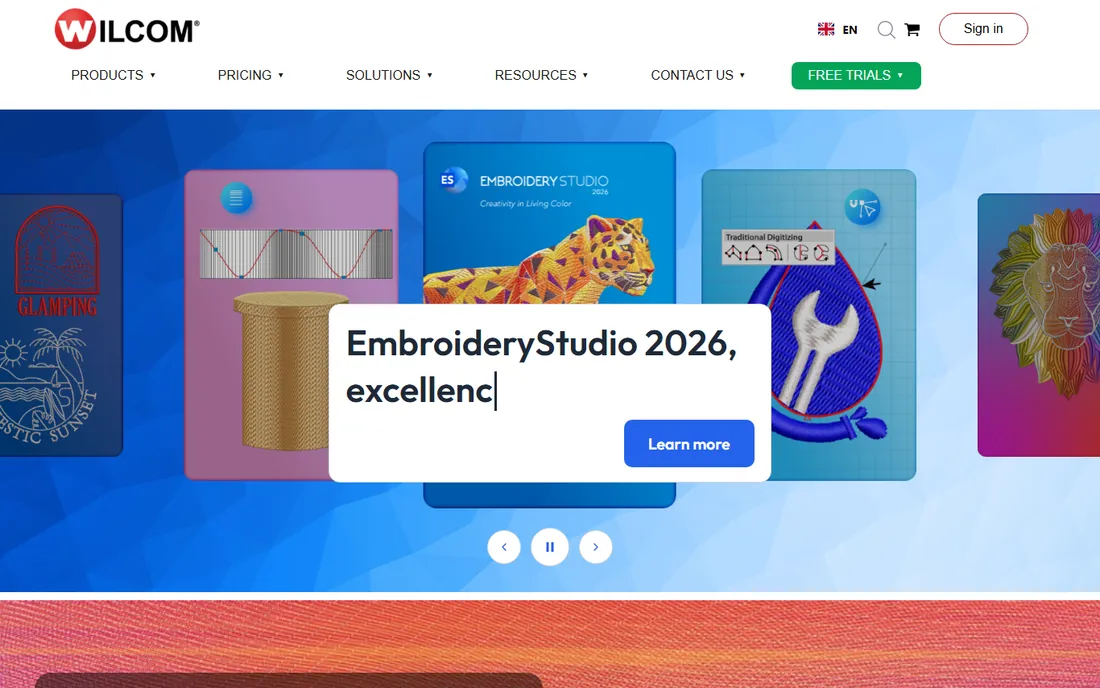
Hatch is Wilcom's answer to everyone who admired EmbroideryStudio but could not justify industrial software for a home business. It runs on the same world-leading stitch engine, which means the auto-digitizing, lettering and editing behave like the pro tool, wrapped in an interface a crafter can learn. Four product levels let you buy only the depth you need, from basic editing up to full digitizing.
The honest catch is the upsell ladder. The entry level handles purchased designs beautifully but only the top Digitizer level gives you complete manual digitizing control, so price the level you actually need. Hatch also assumes Windows. If you want the industry standard's little sibling and you sew on a PC, this is the default recommendation.
What we like- Powered by the same stitch engine as Wilcom's industrial EmbroideryStudio
- Intuitive interface designed for hobbyists rather than engineers
- Works with all major machine brands
Watch out for- Windows-only, so Mac users need a workaround
- The full digitizing power sits in the higher-priced tiers
#2
Embrilliance StitchArtist
Best for: Mac and Windows users who want affordable, no-dongle digitizing
Visit embrilliance.com
Starting priceSee website
Free planNo (90-day refund policy on store purchases)
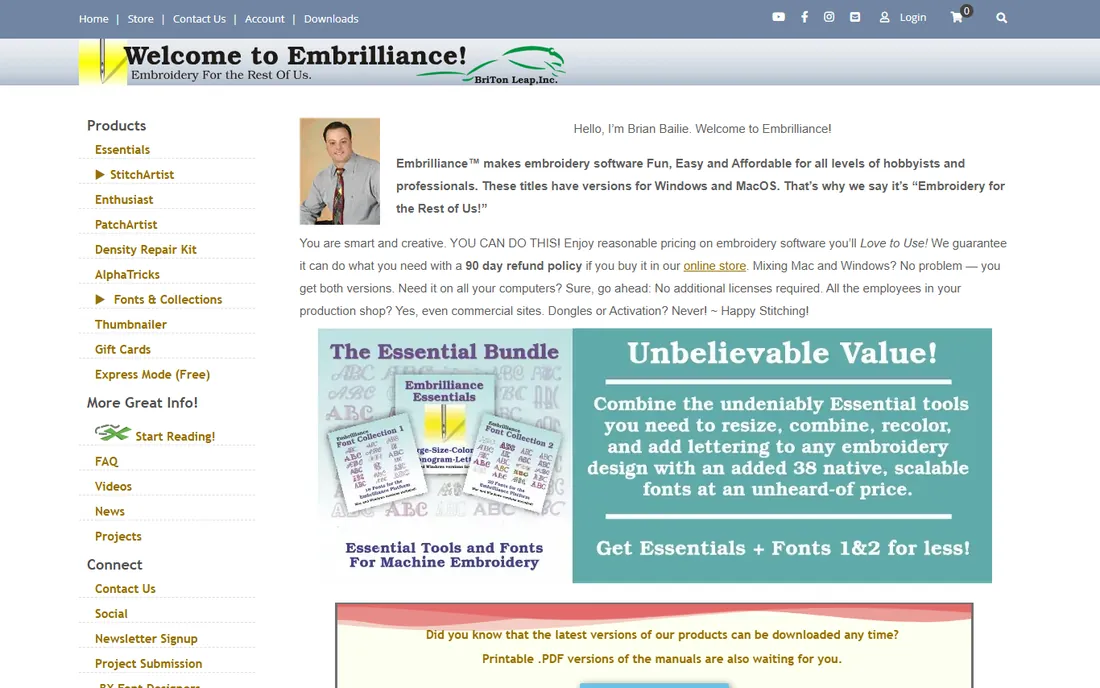
Embrilliance built its following on a simple promise: embroidery software for the rest of us. StitchArtist comes in levels like the competition, but the pricing stays in hobbyist territory and one purchase covers both Mac and Windows, which matters enormously to Mac-based crafters locked out of Wilcom. The 90-day refund policy on store purchases removes the buying risk.
It is not the prettiest software here, and commercial digitizers will miss some of Wilcom's or Tajima's production automation. But for creating original designs, applique and lettering on either operating system, the value is hard to argue with. The free trial versions let you test-drive before spending anything.
What we like- Native Mac and Windows versions with one purchase covering both
- No dongles, no activation headaches, install on all your computers
- Famously friendly pricing and support
Watch out for- The interface looks dated next to Wilcom
- Advanced production features lag the industrial tools
#3
Brother PE-Design 11
Best for: Brother machine owners who want the native workflow
Visit brother-usa.com
Starting priceSee website
Free planFree trial
If you sew on a Brother, PE-Design 11 is the path of least resistance. Designs move to the machine over wireless on supported models, the software speaks Brother's file formats natively, and features like PhotoStitch turn photos into stitch files with minimal fuss. Version 11 added improved fonts, decorative fills and a refreshed interface.
The lock-in is real: much of the magic depends on owning Brother hardware. Non-Brother owners get a competent digitizer but lose the integration that justifies the price. Brother's version-to-version upgrade costs also add up over the years. Buy it for the ecosystem, not as a standalone digitizer.
What we like- Deep integration with Brother machines (wireless transfer on supported models)
- Photo-to-embroidery and applique wizards
- Large built-in font and design library
Watch out for- Optimized for Brother machines, less appealing otherwise
- Upgrade pricing between versions frustrates long-time users
#4
Tajima DG17
Best for: Commercial embroidery shops and professional digitizers
Visit pulsemicro.com
Starting priceSee website (sold through distributors, quote-based)
Free planFree trial
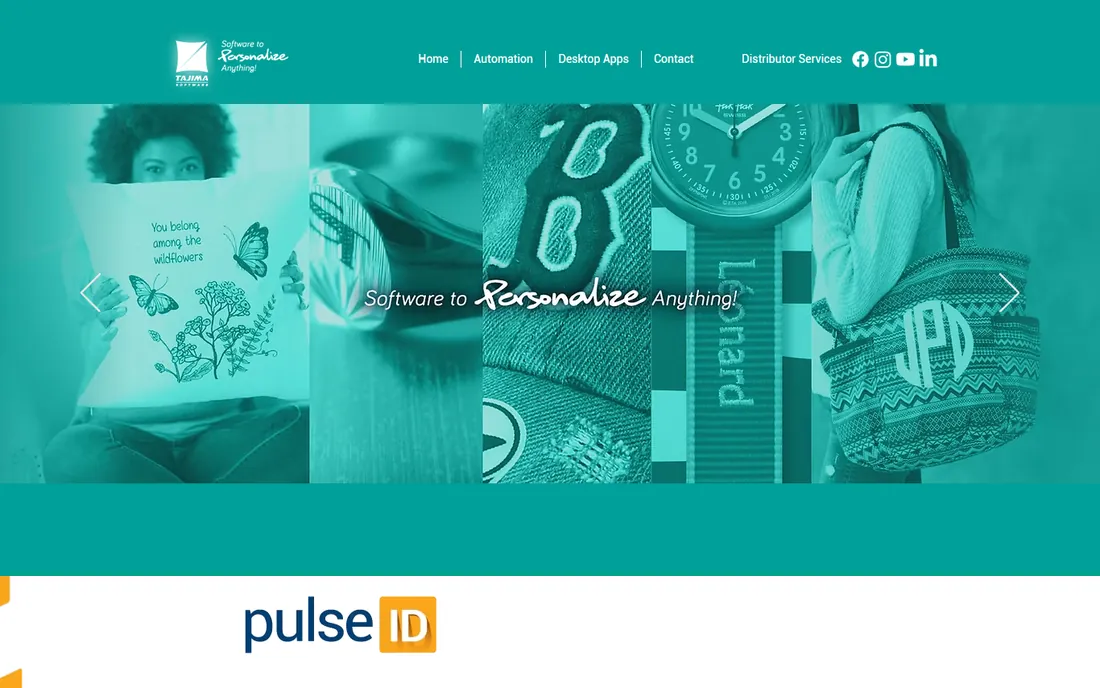
Tajima DG (now at version 17, from Tajima Software Solutions, formerly Pulse Microsystems) is what commercial digitizers mean when they talk about professional software. The stitch quality on complex designs, the production sequencing tools, and the workflow automation through PulseID are built for shops running multiple machines and tight deadlines. If you digitize for paying clients, this is the tool your competitors use.
Everything about the buying experience says commercial: distributor sales, quote-based pricing, training programs. Hobbyists should look elsewhere. For a production business, the calculation is output quality per hour, and DG17 earns its keep there.
What we like- Industry-standard output quality trusted by production shops
- Deep automation for high-volume work (sequencing, production management)
- PulseID workflow tools connect the software to the shop floor
Watch out for- Quote-based pricing through distributors means no instant buy
- The learning curve is steep for hobbyists
- Overkill for home use
#5
Embird Studio
Best for: Budget digitizers who want a complete modular toolkit
Visit embird.com
Starting priceFrom $163 (Embird Basic + Iconizer bundle)
Free planFree trial (30 days)
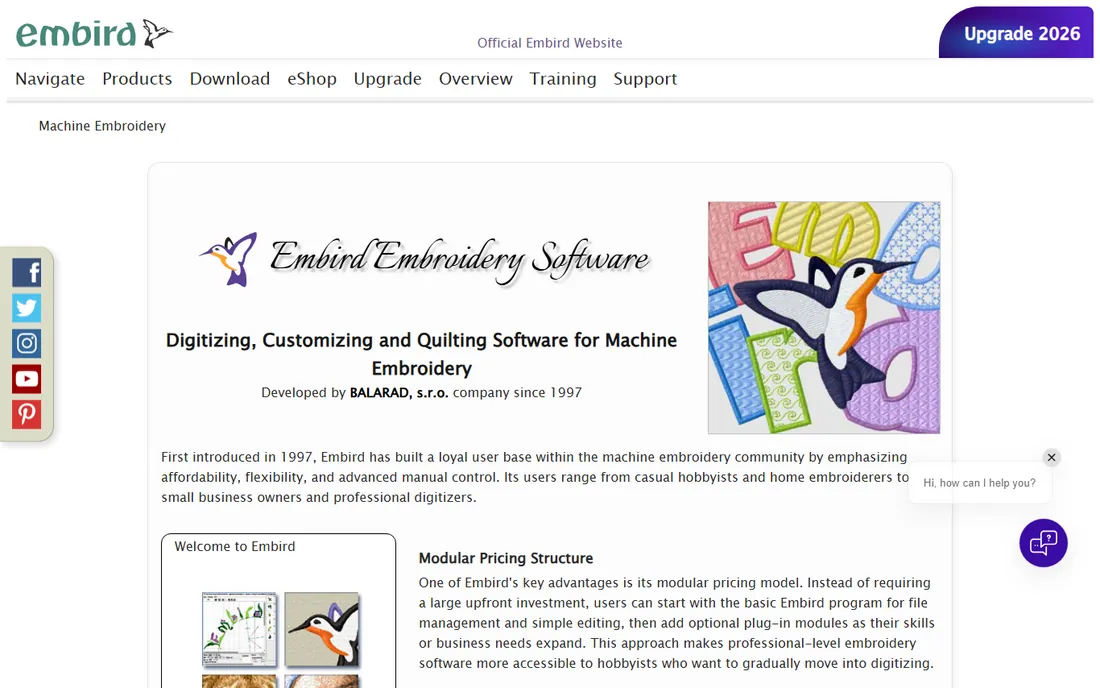
Embird is the veteran bargain of embroidery software. Since 1997 it has offered digitizing, editing, lettering, conversion and even quilting modules at prices far below the big names, and the 30-day free trial is genuinely fully functional. Support for more than 70 file formats makes it the universal translator of the embroidery world, handy in any mixed-machine shop.
The modular system cuts both ways: the $163 starting bundle covers basics, and serious digitizers will add the Studio digitizing plug-in and others, raising the real cost. The interface will not win design awards. But for capability per dollar, nothing else here touches it.
What we like- The cheapest full-featured path: bundle pricing from $163 with modular plug-ins
- Supports 70+ machine file formats
- Made by working digitizers since 1997
Watch out for- Windows-only
- The modular pricing means the full toolkit costs more than the headline price
- The interface shows its age
#6
Ink/Stitch
Best for: Hobbyists and makers who want free, open-source digitizing
Visit inkstitch.org
Starting priceFree
Free planYes (completely free and open source)
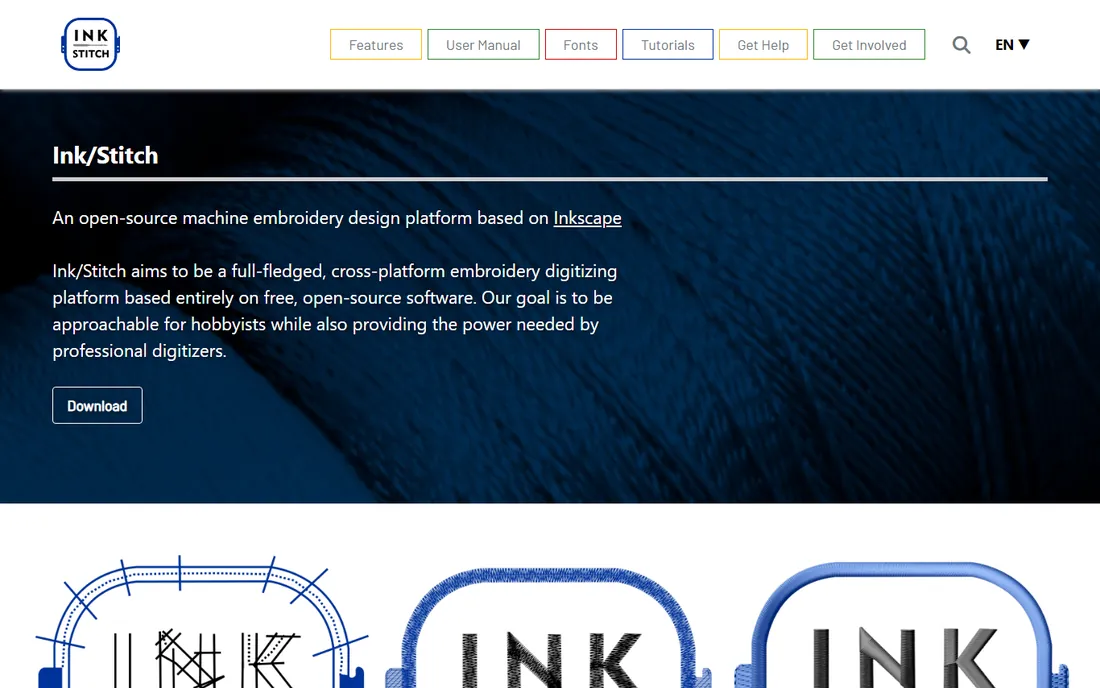
Ink/Stitch is the proof that free software can digitize. Built as an extension for the Inkscape vector editor, it offers stitch types, lettering with pre-digitized fonts, stitch-path optimization and output in many machine formats, all for zero dollars. Version 3.3.0 (July 2026) keeps it actively developed, with user meetings and a real community behind it.
The price of free is learning two programs at once: Inkscape's vector tools plus Ink/Stitch's embroidery parameters. There is no PhotoStitch-style one-click magic. But the manual is thorough, the tutorials are practical, and the results sew out well. For makers, educators and the budget-conscious, it is the obvious first try.
What we like- Completely free with no tiers or upsells
- Runs inside Inkscape on Windows, Mac and Linux
- Active community with tutorials, sample files and a detailed manual
Watch out for- You must learn Inkscape alongside the embroidery tools
- Fewer automated wizards than commercial software
- Support comes from the community, not a help desk
Starting priceFree Basic; Elite $399.99/year (digitizing included at Elite)
Free planYes (Basic tier free)
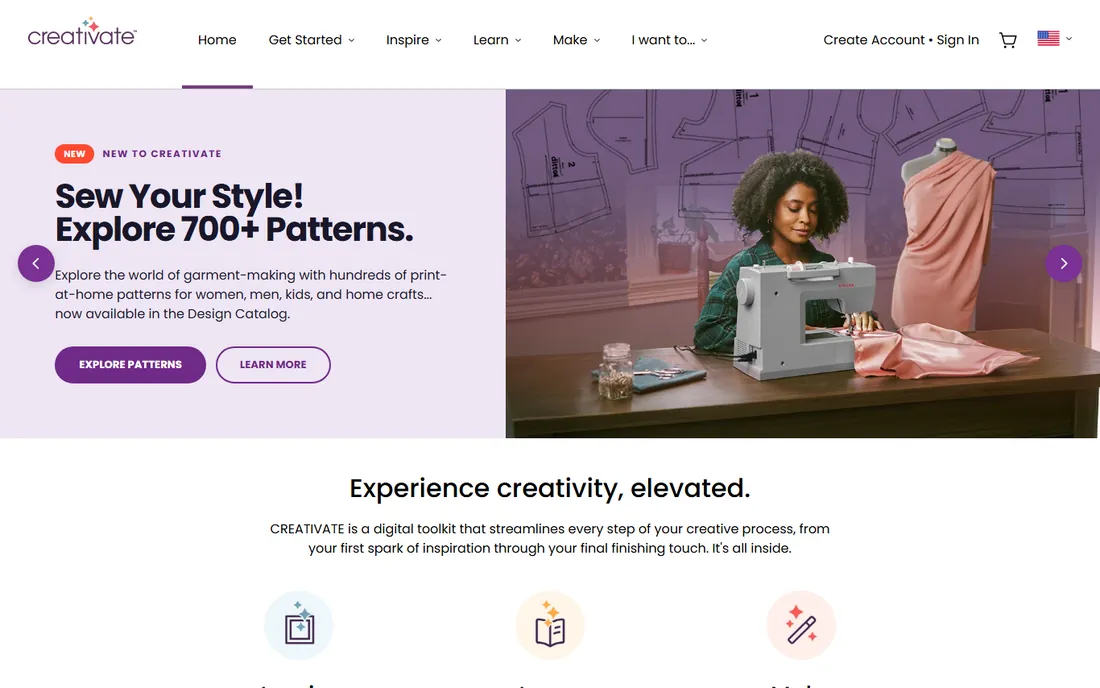
If you knew it as mySewnet, meet CREATIVATE: same tools and logins, new name, organized around Inspire, Learn and Make sections with a design catalog, tutorials and software downloads. The tiered memberships run from a free Basic account through Essential ($99.99/year) and Extra ($199.99/year) to Elite ($399.99/year), which includes embroidery digitizing, the stitch editor and advanced embellishment.
This is ecosystem software: it shines connected to a compatible Viking or Pfaff machine, with designs flowing from the cloud library to the hoop. Owners of other brands get less. If your machine says Husqvarna Viking or Pfaff, start with the free Basic tier and upgrade only when you need the digitizing tools.
What we like- The current name for mySewnet, so existing users keep their logins and designs
- Cloud-connected workflow with the machine
- Tiered memberships from free to full digitizing
Watch out for- Full digitizing requires the $399.99/year Elite tier
- Best value only for Viking/Pfaff machine owners
#8
BuzzEdit 4
Best for: Editing, resizing and light digitizing on a tight budget
Visit buzztools.com
Starting priceSee website
Free planFree trial
Buzz Tools sells embroidery software the old-fashioned way: small, focused, affordable programs that do one job well. BuzzEdit 4 edits designs and handles basic manual digitizing, BuzzXplore organizes and converts your design library, BuzzWord adds lettering, and BuzzSize resizes designs while recalculating stitch counts to preserve fills. Bought together they cover most home-embroidery needs for a fraction of one big suite.
Nobody mistakes this for Wilcom. Complex manual digitizing belongs elsewhere. But for the extremely common jobs (fix a design, resize it, add a name, organize the library), Buzz Tools is fast, cheap and honest about what it does.
What we like- Affordable modular tools (BuzzEdit for editing, BuzzWord for lettering, BuzzXplore for organizing)
- Excellent at resizing designs while preserving fill patterns
- Simple enough for beginners
Watch out for- Not a full manual digitizer like Hatch or StitchArtist
- The product line's look and site feel dated
#9
Janome Digitizer MBX
Best for: Janome machine owners who want the manufacturer's own software
Visit janome.com
Starting priceSee website
Free planFree trial
Janome's Digitizer MBX is the manufacturer's own digitizing software, and for Janome owners that matters: native format support, machine-aware features, and a workflow designed around the machines Janome sells. The interface targets crafters rather than production digitizers, which keeps the learning curve manageable.
The usual brand-software caveat applies: it is at its best with Janome hardware, and shops running mixed machine brands will find Embird or Wilcom more flexible. If your embroidery machine says Janome and you want to create original designs, this is the natural companion purchase.
What we like- Designed around Janome machines and their formats
- Approachable interface for Janome owners
- Integrates with Janome's ecosystem of tools
Watch out for- Like all brand software, it favors its own machines
- Third-party format support is narrower than Embird's
What to check before you buy
Match the software to your machine first, your skill second, and your budget third. Machine compatibility is the hard constraint: every program here reads common formats, but wireless transfer, machine-specific features and native file support favor the manufacturer's own software. If you own a Brother, Janome, Viking or Pfaff, start with that brand's offering before shopping the independents.
Then be honest about digitizing versus editing. Most buyers need editing (resize, recolor, combine, add lettering) far more than true digitizing (creating stitch files from artwork). Editing needs are served well by cheaper tools like Embird or BuzzEdit; full digitizing is where Hatch, StitchArtist, Tajima DG and CREATIVATE Elite earn their prices. Buying a digitizer to edit purchased designs is the most common overspend in this market.
How we chose
We started with the programs embroiderers actually buy: Wilcom's consumer and professional lines, the independent digitizers, the machine-brand software, and the free open-source option. For each candidate we opened the vendor's homepage, confirmed the product is current (including the mySewnet to CREATIVATE rename and Tajima DG17), and checked pricing on the vendor's own pages. Where prices were not published we wrote "See website" rather than repeating retailer or forum figures.
Free versus paid digitizing: an honest comparison
Ink/Stitch proves that money is optional: it digitizes, edits and outputs to real machine formats for free, and patient users produce professional results. What paid software buys is speed and convenience. Auto-digitizing wizards, photo-to-stitch conversion, huge font libraries and one-click exports compress hours of manual work into minutes, which matters when you digitize for clients or run a product line.
The middle ground is where most buyers land. Embird's $163 starting bundle and Embrilliance's affordable tiers deliver 80 percent of the expensive tools' capability at a fraction of the price. Upgrade when paid work justifies it: a commercial shop's hourly rate makes Tajima DG17 or EmbroideryStudio pay for itself, while a hobbyist making gifts will never recoup that cost. Start free or cheap, and let your actual projects tell you when to spend more.
Frequently asked questions
What is embroidery digitizing software?
It converts artwork into stitch files that computerized embroidery machines can sew: stitch types, directions, densities, start and stop points. That is different from editing software, which modifies existing stitch files. True digitizing tools include Wilcom Hatch (Digitizer level), Embrilliance StitchArtist, Tajima DG17 and Ink/Stitch.
Can I digitize embroidery designs for free?
Yes. Ink/Stitch is a complete free, open-source digitizer that runs inside Inkscape. It handles stitch types, lettering and multiple machine formats. The trade-off is a steeper learning curve and fewer automated wizards than paid tools.
Which digitizing software works on Mac?
Embrilliance StitchArtist and Ink/Stitch run natively on Mac. CREATIVATE offers cloud-connected tools that work from most devices. Wilcom Hatch, Embird and PE-Design are Windows-only, so Mac users need virtualization or a separate PC.
Do I need the same brand of software as my embroidery machine?
Not strictly, but it helps. Independent software like Wilcom Hatch, Embird and Embrilliance works with all major brands through standard file formats. Brand software (PE-Design for Brother, Digitizer MBX for Janome, CREATIVATE for Viking/Pfaff) adds wireless transfer and machine-specific features you lose with third-party tools.
What is the difference between Wilcom Hatch and EmbroideryStudio?
Both come from Wilcom and share stitch technology. Hatch targets hobbyists and home businesses with a friendlier interface and lower prices; EmbroideryStudio is the industrial tool for professional digitizers and production shops, with deeper automation and commercial pricing.
Is mySewnet still available?
mySewnet has been renamed to CREATIVATE. Existing usernames, passwords, designs and perpetual licenses carry over unchanged, and paid mySewnet subscriptions map to the new membership tiers (Silver to Essential, Gold to Extra, Platinum to Elite).
Sources we checked (9)
- https://wilcom.com/
- https://embrilliance.com/
- https://brother-usa.com/
- https://www.pulsemicro.com
- https://www.embird.com
- https://inkstitch.org
- https://creativate.com/
- https://buzztools.com/
- https://janome.com/
Is your product missing or out of date?
We review this list regularly. Vendors can request a listing, send updated pricing or ask about featured placement.

Shihab Mia · Founder, Rankite
Shihab has spent more than a decade helping SaaS and e-commerce brands grow through search. He writes Rankite's software buying guides from pricing pages, documentation and public user reviews. More about Shihab.