How we make this list: we compare pricing pages, product documentation and public user reviews. Rankite is independent; if a vendor ever pays for a featured spot, that listing is clearly labeled Partner.
Quick comparison
| Tool | Best for | Starting price | Free plan |
|---|
 Family Tree Maker Family Tree Maker | Ancestry users who want a desktop tree that syncs | See website | Free trial available |
 Legacy Family Tree Legacy Family Tree | Researchers who prioritize rigorous sourcing and documentation | See website | Free basic edition available |
 RootsMagic RootsMagic | Genealogists who want balanced power with online sync options | See website | Free essentials edition available |
 Heredis Heredis | Visual thinkers who want beautiful charts and an elegant interface | See website | Free trial available |
 MacFamilyTree MacFamilyTree | Mac users who want a native genealogy app | See website | Free trial available |
 Family Historian Family Historian | Researchers who want the most powerful diagrams | See website | Free trial available |
 Gramps Gramps | Researchers who want powerful genealogy software free | Free | Yes (free and open source) |
 MyHeritage Family Tree Builder MyHeritage Family Tree Builder | MyHeritage users who want a free synced desktop tree | Free | Yes (free with optional premium site features) |
Is your product missing or out of date?
We review this list regularly. Vendors can request a listing, send updated pricing or ask about featured placement.
Key takeaways
- If your tree lives on Ancestry: Family Tree Maker syncs with it directly and is the natural desktop companion.
- For serious researchers: Legacy Family Tree and RootsMagic offer the deepest sourcing, citation and research tools.
- For Mac users: MacFamilyTree is the native option; most competitors are Windows-first.
- For zero budget: Gramps is a genuinely capable free research program, and MyHeritage Family Tree Builder is free with sync to MyHeritage.
The best genealogy software
Online family trees get the attention, but desktop genealogy software still does things websites do not: it keeps your research on your own computer, produces publication-quality charts and reports, enforces proper source citations, and works offline in archives with no Wi-Fi. Whether you are starting your first tree or managing decades of research, the program you choose shapes how carefully the work gets done. These eight cover the serious options.
#1
Family Tree Maker
Best for: Ancestry users who want a desktop tree that syncs
Visit mackiev.com
Starting priceSee website
Free planFree trial available

Family Tree Maker is the desktop companion to the world's biggest genealogy site: build your tree in the software, sync it with Ancestry, and changes flow both ways with sources and media attached. For researchers who use Ancestry's records but want local control plus serious charts and reports, that sync is the deciding feature. The charting tools produce wall charts and books that online trees cannot match.
The value concentrates on Ancestry users; without a subscription the sync matters less. The Mac version has historically trailed Windows in polish. But for the huge number of genealogists whose research lives on Ancestry, Family Tree Maker is the desktop program built for exactly that workflow.
What we like- Direct sync with Ancestry trees, including sources and media
- Strong charting and reporting with customizable trees
- Handles large trees reliably
Watch out for- Sync is Ancestry-specific, less useful without a subscription
- Windows and Mac versions differ in polish
- Upgrade pricing for new editions
Starting priceSee website
Free planFree basic edition available
Legacy Family Tree is the researcher's program: its source citation system is the most thorough in this category, built around the evidence standards serious genealogists follow. SourceWriter templates format citations correctly, the research guidance suggests next steps, and reports document not just conclusions but the evidence behind them. The free basic edition covers real work, not just a demo.
The interface looks like software from another decade, the deluxe edition holds the complete toolkit, and there is no Mac version. But genealogy done well is documentation done well, and no program on this list takes sourcing as seriously as Legacy. Researchers who care about proof should start here.
What we like- Superb source citation tools built for evidence-based research
- Free basic edition is genuinely usable
- Strong reports, charts and research guidance features
Watch out for- Interface is dated
- The full feature set needs the paid deluxe edition
- Windows only
#3
RootsMagic
Best for: Genealogists who want balanced power with online sync options
Visit rootsmagic.com
Starting priceSee website
Free planFree essentials edition available
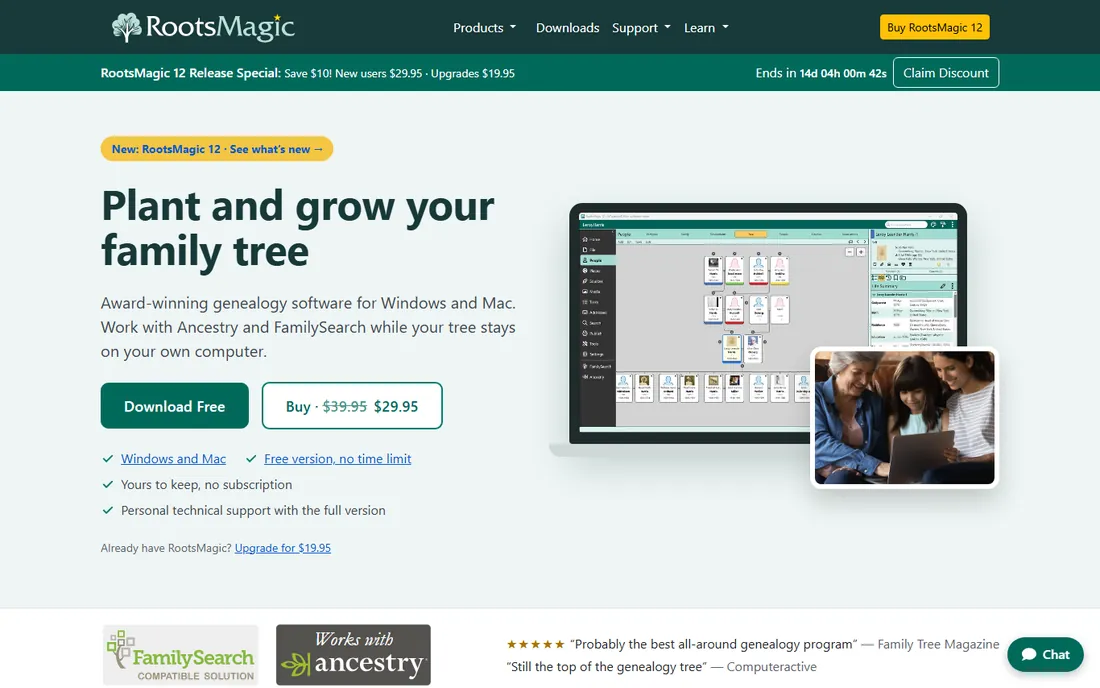
RootsMagic is the balanced choice: a full-featured desktop program that syncs with both Ancestry and FamilySearch, runs on Windows and Mac, and wraps serious research tools in an interface normal humans can learn. TreeShare with Ancestry and FamilySearch integration mean your desktop research and online records stay connected without manual re-entry.
The free essentials edition covers the basics while the full version holds the complete set. Charting is solid rather than spectacular, and Legacy still leads on citation depth. But for genealogists who want one program that does everything well and plays nicely with the big online services, RootsMagic is the easiest recommendation.
What we like- Syncs with both Ancestry and FamilySearch
- Clean interface that balances power and usability
- Runs on Windows and Mac
Watch out for- Full version needed for the complete feature set
- Charting is good but not class-leading
- Some advanced tools trail Legacy on sourcing depth
#4
Heredis
Best for: Visual thinkers who want beautiful charts and an elegant interface
Visit heredis.com
Starting priceSee website
Free planFree trial available
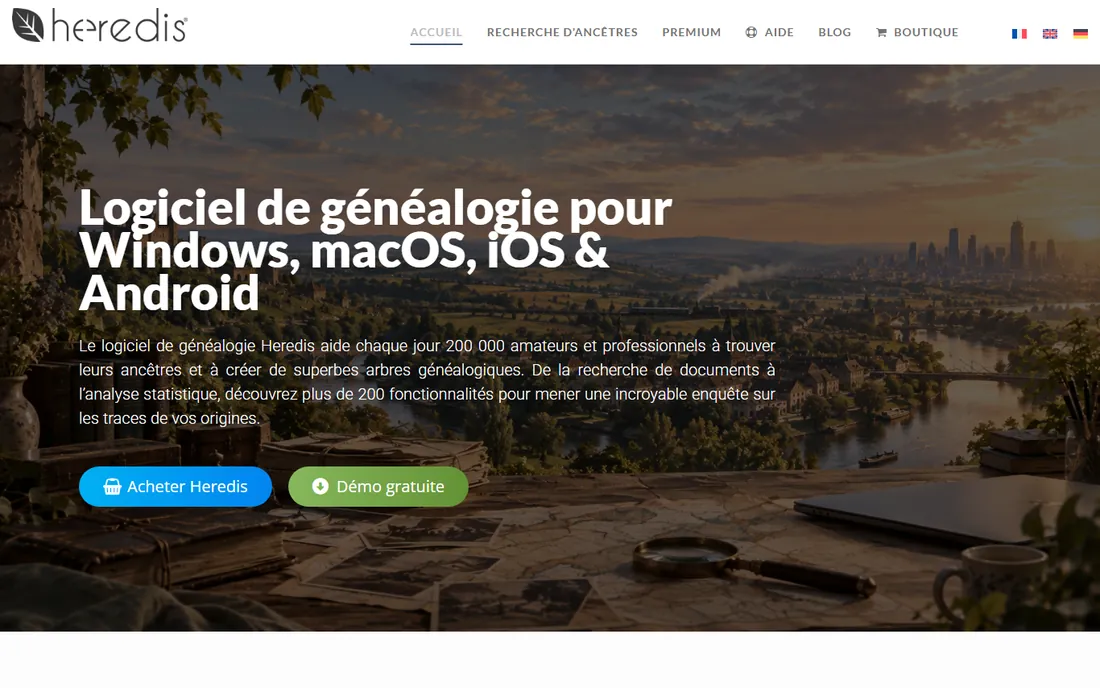
Heredis, from France, is the design-led entry: an elegant interface that makes building and browsing a tree genuinely enjoyable, with chart and book publishing that produces beautiful output. European researchers benefit from its record integrations, and the whole program feels modern next to its dated competitors.
The community is smaller in English-speaking countries, pricing is premium, and sourcing tools do not match Legacy's depth. But genealogy software you enjoy opening gets used more, and used software produces better research. For visual thinkers and design-sensitive users, Heredis is worth the premium.
What we like- Gorgeous, intuitive interface that makes tree-building pleasant
- Excellent chart and book publishing tools
- Strong on French and European records integration
Watch out for- Smaller English-speaking user community
- Premium pricing
- Advanced sourcing less deep than Legacy
Starting priceSee website
Free planFree trial available
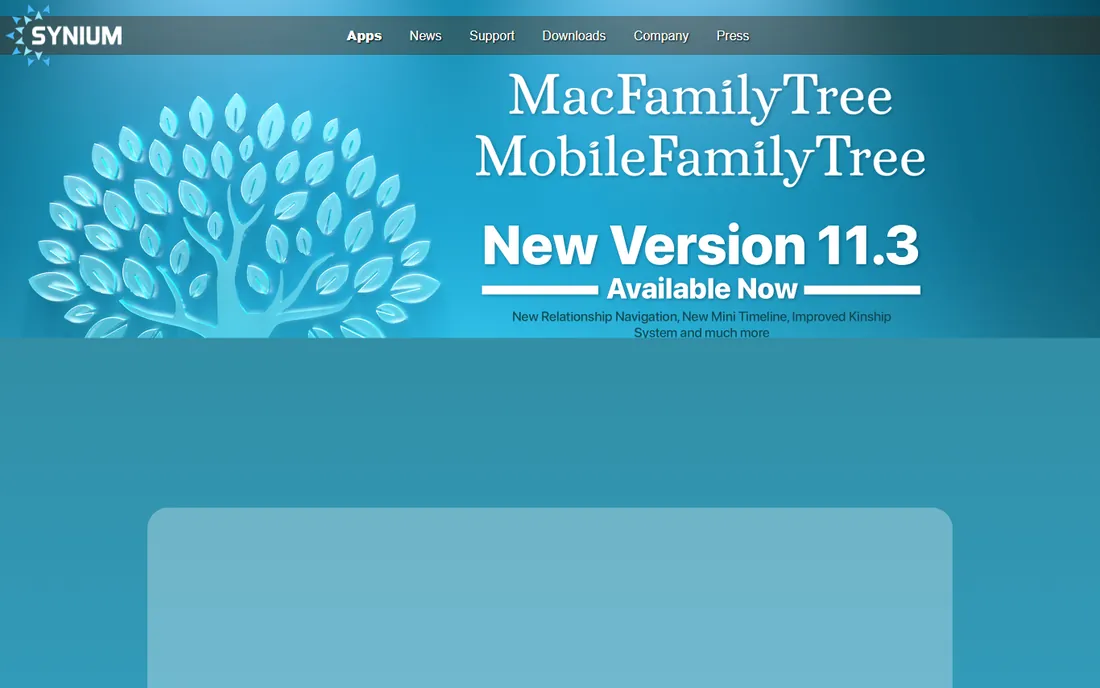
MacFamilyTree is the answer to the Mac user's perennial complaint: most genealogy software is Windows-first. This is a genuine Mac app with iCloud sync to iPhone and iPad companions, interactive views from classic charts to a 3D tree and a virtual globe showing family migrations, and publishing tools for sharing. It makes genealogy feel like a modern Apple app.
Windows users are out of luck, and the sourcing depth trails Legacy. Online integration centers on FamilySearch rather than Ancestry sync. But for Apple-household genealogists, nothing else on this list feels this native, and the mobile companions make it the best tree to carry into a family gathering.
What we like- True Mac-native app with iCloud sync to iPhone and iPad
- Beautiful interactive tree views including 3D and virtual globe
- Solid charts and reports
Watch out for- Mac and iOS only, no Windows version
- Sourcing tools adequate rather than exceptional
- FamilySearch-focused online integration
Starting priceSee website
Free planFree trial available
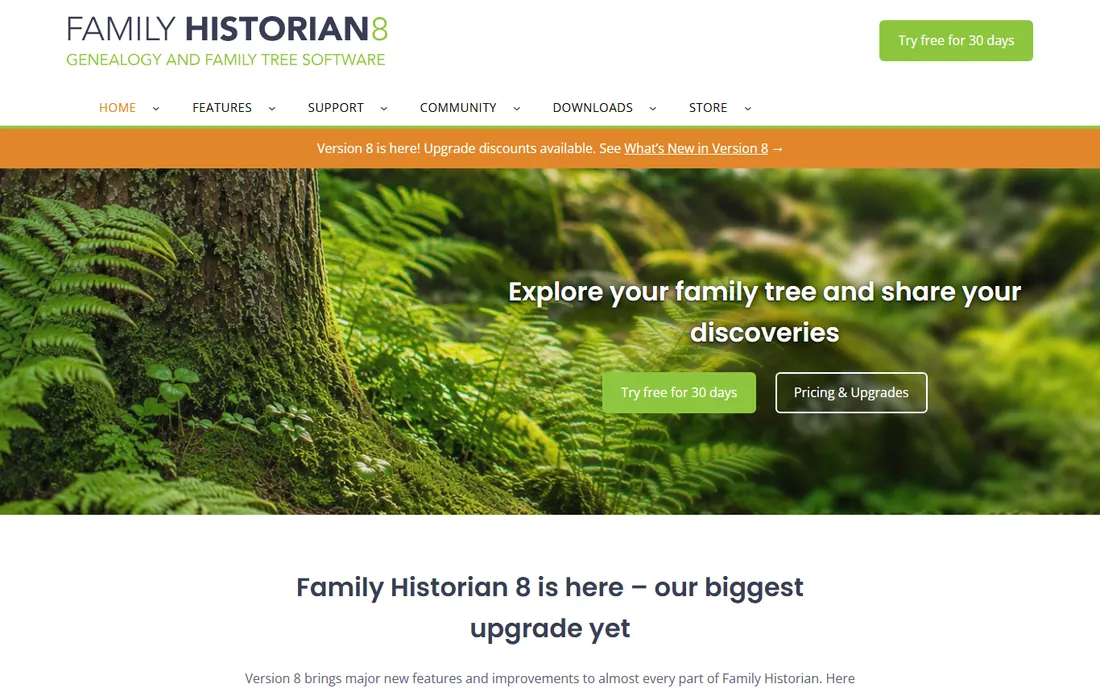
Family Historian's diagrams are legendary among genealogists: no other program lets you customize ancestor, descendant and all-relative charts as deeply, which matters when a standard fan chart cannot show what your research found. Data entry is smart, with automatic source citation as you type, and UK researchers get strong local record integration.
The user base skews British, the interface is a power tool rather than a pretty one, and there is no Mac version. But for researchers whose trees have outgrown standard charts, or who want the deepest diagram control available, Family Historian is in a class of one.
What we like- Diagramming is the best in class: endlessly customizable ancestor and descendant charts
- Strong data entry with automatic source citations
- Excellent UK record integration
Watch out for- UK-developed with a smaller US user base
- Interface prioritizes power over beauty
- Windows only
Starting priceFree
Free planYes (free and open source)
Gramps is the open-source researcher's choice: free software with a serious underlying data model, proper source citations, event and place management, and a plugin ecosystem for charts and reports. It runs everywhere, costs nothing and respects open data formats, so your research is never locked in.
The interface will not win design awards, and the full power takes learning. There is no Ancestry sync. But Gramps treats genealogy as research data rather than a social feature, and for methodical researchers on a budget, or anyone who values open formats, it is remarkably capable. Try it before assuming you need to pay.
What we like- Completely free with professional-grade data modeling and sourcing
- Runs on Windows, Mac and Linux
- Extensible with community plugins and reports
Watch out for- Interface is functional and dated
- Learning curve for the full data model
- No built-in online tree sync
#8
MyHeritage Family Tree Builder
Best for: MyHeritage users who want a free synced desktop tree
Visit myheritage.com
Starting priceFree
Free planYes (free with optional premium site features)
Family Tree Builder is MyHeritage's free desktop program, and free is the headline: full tree-building software with charts, reports and source management at no cost, syncing with your MyHeritage online tree. Smart Matches surface connections with other members' trees, and the photo tools, colorization, enhancement, animation, are genuinely fun for bringing old family photos to life.
The ecosystem lock-in is real: the sync matters most with a MyHeritage subscription, and the desktop program is Windows-focused. But as a free desktop tree with serious features and online matching, it is the best no-cost entry point tied to a major genealogy service.
What we like- Free desktop software that syncs with MyHeritage online trees
- Smart Matches connect your tree with others
- Photo tools including colorization and enhancement
Watch out for- Sync value depends on using MyHeritage online
- Advanced site features need a subscription
- Windows-focused desktop program
Key takeaways
- If your tree lives on Ancestry: Family Tree Maker syncs with it directly and is the natural desktop companion.
- For serious researchers: Legacy Family Tree and RootsMagic offer the deepest sourcing, citation and research tools.
- For Mac users: MacFamilyTree is the native option; most competitors are Windows-first.
- For zero budget: Gramps is a genuinely capable free research program, and MyHeritage Family Tree Builder is free with sync to MyHeritage.
7. Gramps
website: https://gramps-project.org
best_for: Researchers who want powerful genealogy software free
starting_price: Free
free_plan: Yes (free and open source)
pros: Completely free with professional-grade data modeling and sourcing; runs on Windows, Mac and Linux; extensible with community plugins and reports
cons: Interface is functional and dated; learning curve for the full data model; no built-in online tree sync
Gramps is the open-source researcher's choice: free software with a serious underlying data model, proper source citations, event and place management, and a plugin ecosystem for charts and reports. It runs everywhere, costs nothing and respects open data formats, so your research is never locked in.
The interface will not win design awards, and the full power takes learning. There is no Ancestry sync. But Gramps treats genealogy as research data rather than a social feature, and for methodical researchers on a budget, or anyone who values open formats, it is remarkably capable. Try it before assuming you need to pay.
8. MyHeritage Family Tree Builder
website: https://www.myheritage.com
best_for: MyHeritage users who want a free synced desktop tree
starting_price: Free
free_plan: Yes (free with optional premium site features)
pros: Free desktop software that syncs with MyHeritage online trees; Smart Matches connect your tree with others; photo tools including colorization and enhancement
cons: Sync value depends on using MyHeritage online; advanced site features need a subscription; Windows-focused desktop program
Family Tree Builder is MyHeritage's free desktop program, and free is the headline: full tree-building software with charts, reports and source management at no cost, syncing with your MyHeritage online tree. Smart Matches surface connections with other members' trees, and the photo tools, colorization, enhancement, animation, are genuinely fun for bringing old family photos to life.
The ecosystem lock-in is real: the sync matters most with a MyHeritage subscription, and the desktop program is Windows-focused. But as a free desktop tree with serious features and online matching, it is the best no-cost entry point tied to a major genealogy service.
Desktop software vs online family trees
They are complements, not competitors. Online trees on Ancestry, MyHeritage and FamilySearch give you records, hints, DNA matching and collaboration: the raw material of research. Desktop software gives you ownership, rigor and output: your data on your computer, proper source citations, and charts and books worth printing.
The practical setup most serious genealogists use is both: research online, maintain the master tree on the desktop, sync between them. Family Tree Maker syncs with Ancestry, RootsMagic with Ancestry and FamilySearch, Family Tree Builder with MyHeritage. Gramps and Legacy serve researchers who prefer the desktop as the system of record. Choose the desktop program that syncs with wherever your records live, and keep local backups regardless: companies change, but your research should not depend on any one of them.
How to choose genealogy software
Start with where your tree lives now. Ancestry: Family Tree Maker or RootsMagic. MyHeritage: Family Tree Builder. FamilySearch: RootsMagic or MacFamilyTree. Starting fresh: RootsMagic for balance, Legacy for research depth, Gramps for free.
Then weigh what matters most. Rigorous sourcing: Legacy. Beautiful output: Heredis or Family Historian's diagrams. Mac household: MacFamilyTree. Budget: Gramps or Family Tree Builder. And download the free editions first: Legacy and RootsMagic both offer free tiers, Gramps is fully free, and an afternoon with your own family data reveals more than any feature list.
How we chose
We started with the categories buyers search: genealogy software, family tree software and best family tree maker software. For each candidate we confirmed it is current and available, checked tree building, charting, sourcing, sync and pricing against the vendor's own site, and read practitioner discussion in genealogy forums and Reddit. Where a price could not be verified on the vendor's page we wrote "See website" rather than guessing.
Frequently asked questions
What is the best genealogy software for beginners?
RootsMagic for the best balance of power and usability, or MyHeritage Family Tree Builder if you want it free with online matching. Both sync with major online services so your early work is not wasted.
Is there free genealogy software?
Yes. Gramps is free and open source with professional-grade research tools, and MyHeritage Family Tree Builder is free with sync to MyHeritage. Legacy Family Tree and RootsMagic both offer free basic editions.
Should I use desktop software or just build my tree online?
Use both. Online trees provide records, hints and DNA matching; desktop software provides local ownership, rigorous sourcing and better charts. Family Tree Maker, RootsMagic and Family Tree Builder sync between the two.
Can genealogy software sync with Ancestry?
Yes. Family Tree Maker syncs directly with Ancestry trees, and RootsMagic syncs with both Ancestry and FamilySearch. Changes, sources and media flow between the desktop and the online tree.
What is the best genealogy software for Mac?
MacFamilyTree, as the only true Mac-native option with iPhone and iPad companions. RootsMagic and Gramps also run on Mac; most other serious programs are Windows-only.
How do I cite sources in my family tree?
Use the source citation tools in Legacy Family Tree, RootsMagic or Gramps: record what the source is, where you found it and what it says, attached to each fact. Good citations let future researchers, including your own family, verify every conclusion.
Sources we checked (8)
- https://www.mackiev.com
- https://legacyfamilytree.com
- https://rootsmagic.com
- https://www.heredis.com
- https://www.syniumsoftware.com
- https://www.family-historian.co.uk
- https://gramps-project.org
- https://www.myheritage.com
Is your product missing or out of date?
We review this list regularly. Vendors can request a listing, send updated pricing or ask about featured placement.

Shihab Mia · Founder, Rankite
Shihab has spent more than a decade helping SaaS and e-commerce brands grow through search. He writes Rankite's software buying guides from pricing pages, documentation and public user reviews. More about Shihab.