How we make this list: we compare pricing pages, product documentation and public user reviews. Rankite is independent; if a vendor ever pays for a featured spot, that listing is clearly labeled Partner.
Key takeaways
- For home embroiderers starting out: Hatch Embroidery (by Wilcom) and Embrilliance offer the gentlest learning curves with real digitizing power.
- For professionals and shops: Wilcom EmbroideryStudio and Chroma are the commercial-grade options built for production work.
- For zero budget: Ink/Stitch is a genuinely capable free and open-source digitizer worth trying before spending anything.
- Match the software to your machine brand first: Brother owners should check PE-Design, while multi-brand shops need broad format support.
The best digitizing software for embroidery machines
Buying the embroidery machine is the easy part. The moment you want to stitch your own logo, a custom name or artwork you drew yourself, you need digitizing software: the tool that converts images into stitch files your machine can sew. Digitizing is a real skill, part software and part craft, and the software you choose decides how steep the learning curve is. These eight tools cover home hobbyists through commercial shops.
Starting priceSee website
Free planFree trial available
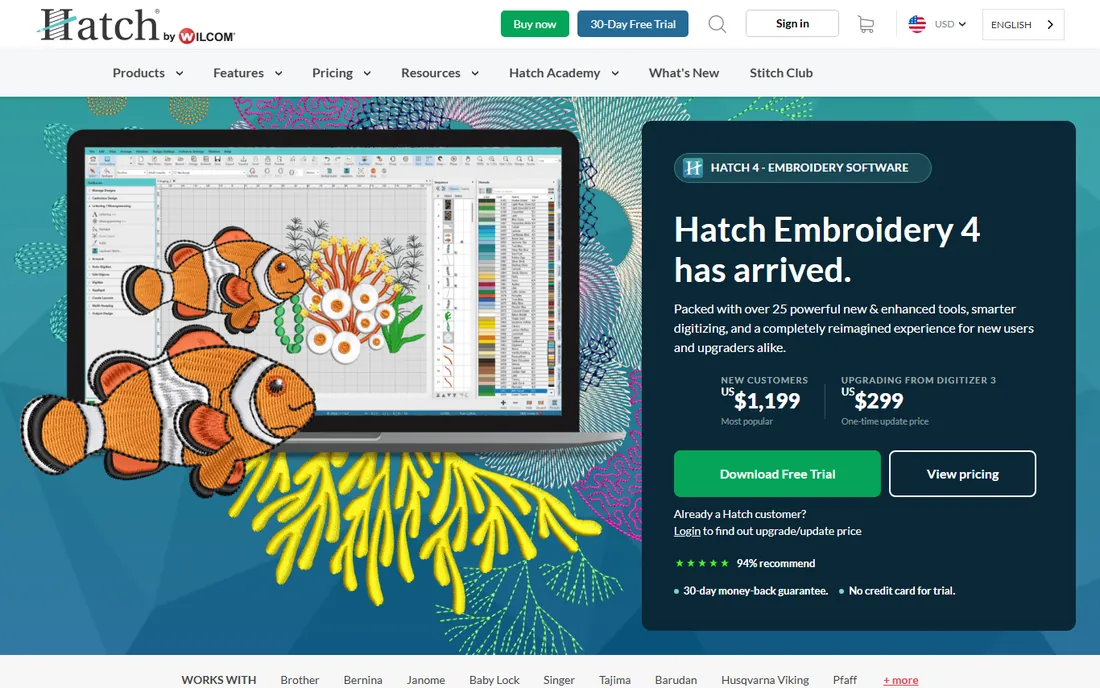
Hatch Embroidery is Wilcom's home-market line, and it matters because Wilcom also makes the industry-standard commercial software: the digitizing engine underneath is the real thing. The tiered editions start with organizer and lettering tools and scale up to full digitizing with auto-digitizing, manual stitch control and applique. For a home embroiderer who wants to grow into serious digitizing, Hatch is the on-ramp to professional tools.
The tiers are also the catch: the entry edition does not digitize, so check which level includes the features you need before buying. It is Windows-only, and no software replaces learning how stitches actually work. But as a balance of power, price and learning curve for home users, Hatch leads this list.
What we like- Built on Wilcom's professional digitizing engine with auto-digitizing and manual tools
- Tiered editions let you buy only the features you need
- Strong built-in lettering and editing
Watch out for- Tiers get expensive as you move up
- Windows only with no Mac version
- Full digitizing still requires learning real technique
#2
Embrilliance
Best for: Mac and Windows users who want modular, buy-what-you-need software
Visit embrilliance.com
Starting priceSee website
Free planFree trial available
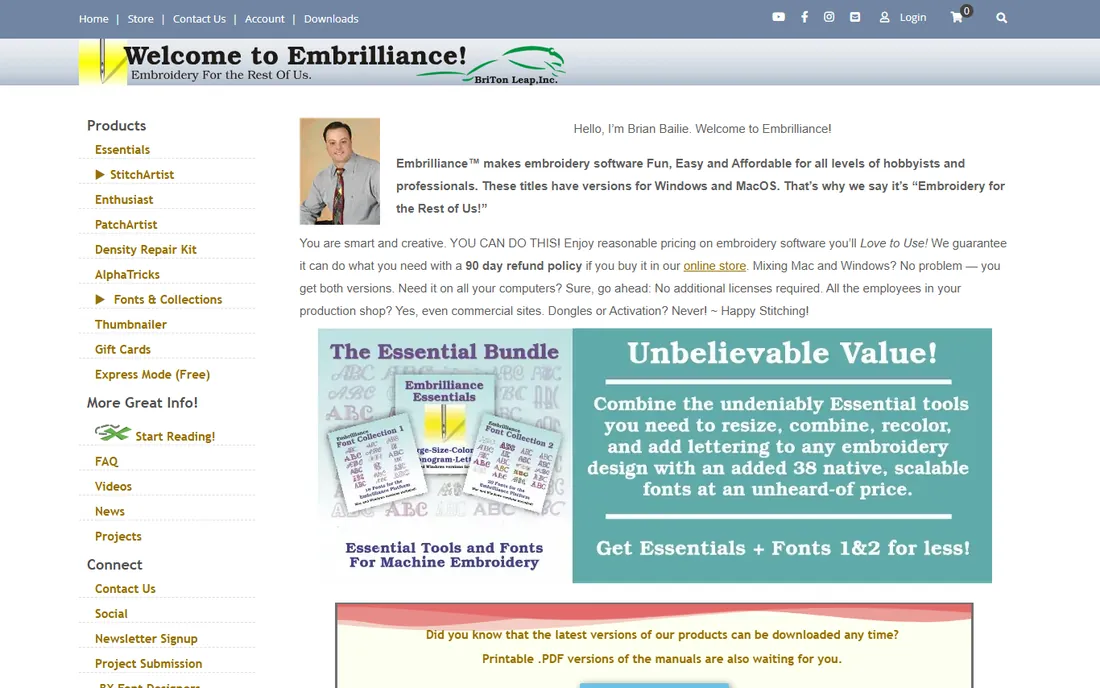
Embrilliance stands out first for platform support: it is one of the few serious embroidery programs that runs natively on Mac, where most competitors are Windows-only. The modular approach lets you start with the free Express mode or the basic platform and add modules like StitchArtist for true digitizing, AlphaTricks for lettering or Density Repair as you need them.
The modular pricing cuts both ways. You never pay for tools you will not use, but a full digitizing setup means buying several modules, so price the bundle you actually need. StitchArtist is capable software for creating designs from artwork. For Mac-owning embroiderers, Embrilliance is close to the only serious choice; for Windows users it competes on flexibility.
What we like- Runs natively on Mac and Windows, which is rare in this category
- Modular design means you pay only for the tools you use
- Excellent lettering and design-merging features
Watch out for- Full digitizing requires the StitchArtist module on top of the base
- Modules add up if you buy several
- Interface is practical rather than polished
#3
Ink/Stitch
Best for: Anyone who wants to try digitizing free before spending money
Visit inkstitch.org
Starting priceFree
Free planYes (free and open source)
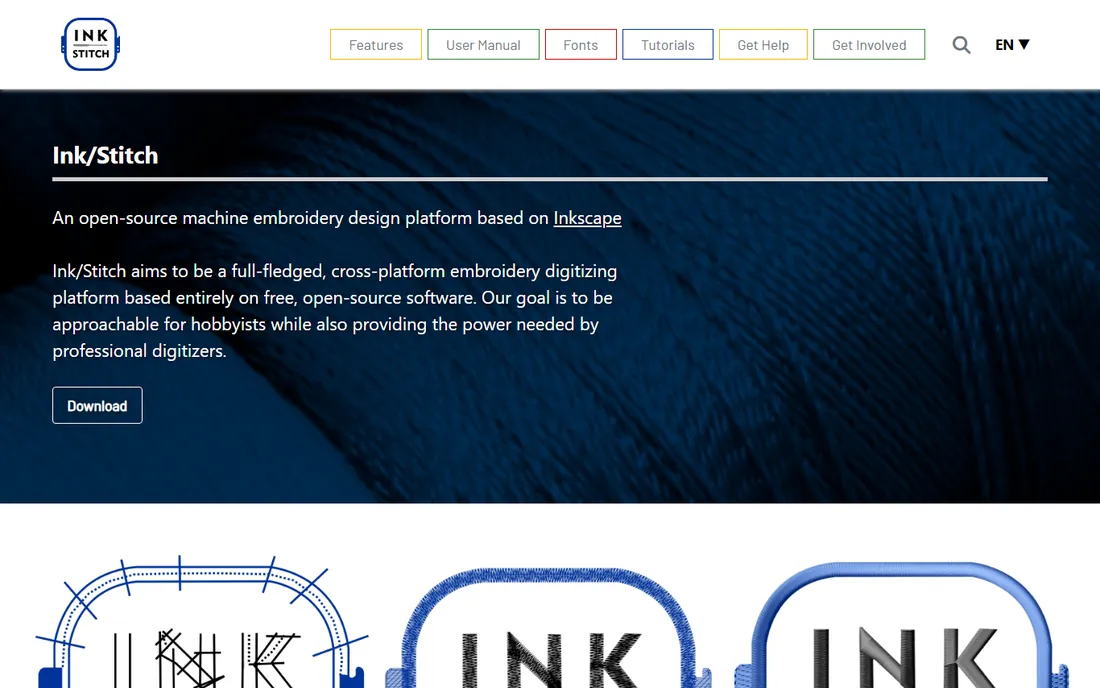
Ink/Stitch is the free option that is actually worth using: an open-source extension for Inkscape that turns vector artwork into stitch files with real control over stitch types, densities, underlay and pull compensation. It runs on every major platform, the community produces solid tutorials, and it costs nothing to find out whether digitizing is for you.
The honest limits are the interface and the automation. You learn Inkscape and Ink/Stitch together, which is two learning curves at once, and auto-digitizing from raster images is weaker than what Hatch or Wilcom produce. There is no support desk. But as a way to learn digitizing fundamentals and produce real stitch files free, nothing else comes close. Try this before you buy anything.
What we like- Completely free and open source with real digitizing features
- Runs on Windows, Mac and Linux via Inkscape
- Active community with tutorials and documentation
Watch out for- Interface is Inkscape-based, so there is a double learning curve
- Auto-digitizing is weaker than paid tools
- No commercial support line when you get stuck

#4
SewArt
Best for: Budget buyers who mainly need auto-digitizing from images
Visit sewart.com
Starting priceSee website
Free planFree trial available
SewArt occupies the budget corner: inexpensive software focused on converting images to stitch files automatically. For simple designs, bold clip art, uncomplicated logos, the workflow is quick: load the image, reduce colors, generate stitches, save in your machine's format. The price is a fraction of the big names, which makes it a low-risk experiment.
Complex artwork exposes the limits. Auto-digitizing is genuinely hard, and SewArt's output on detailed images needs manual cleanup that its basic editing tools make tedious. The interface shows its age. Think of SewArt as a converter with editing rather than a full digitizing studio: fine for simple jobs, frustrating for serious design work.
What we like- Very affordable one-time price for auto-digitizing
- Simple workflow from image to stitch file
- Handles common machine formats
Watch out for- Auto-digitizing quality needs cleanup on complex artwork
- Manual editing tools are basic
- Dated interface

#5
Chroma
Best for: Ricoma machine owners and small commercial shops
Visit ricoma.com
Starting priceSee website
Free planFree trial available
Chroma is Ricoma's digitizing line, built for the step from serious hobby to commercial embroidery. The higher tiers offer the full professional toolkit: advanced auto-digitizing, manual stitch editing, sequin and chenille support, and production features like design management. Integration with Ricoma machines smooths the workflow from design to stitch-out.
The positioning is the caveat. Pricing and features target people running embroidery as a business, and owners of other machine brands should confirm format compatibility before committing. It is Windows-only. For a small shop standardizing on Ricoma hardware, Chroma is the natural software choice; for everyone else, compare it against Hatch and Wilcom on features per dollar.
What we like- Commercial-grade digitizing with strong auto-digitizing and manual tools
- Tiered editions from home to industrial
- Tight integration with Ricoma machines
Watch out for- Best value if you own Ricoma hardware
- Higher tiers are priced for businesses
- Windows only

#6
Wilcom EmbroideryStudio
Best for: Professional digitizers and commercial embroidery businesses
Visit wilcom.com
Starting priceSee website (quote-based)
Free planFree trial available
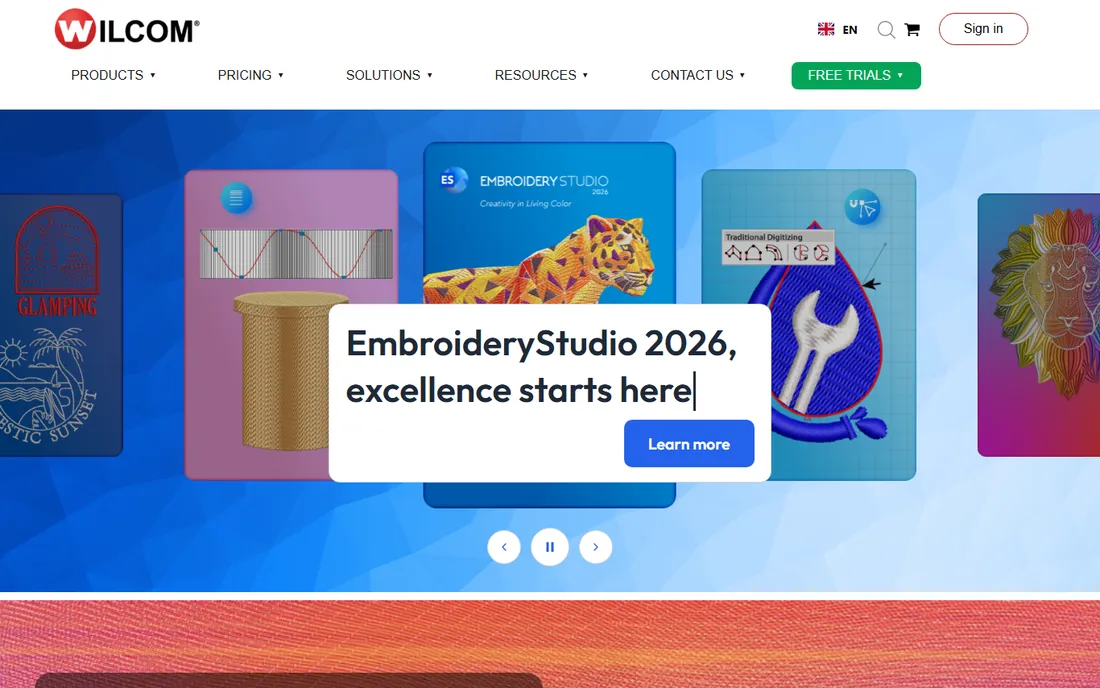
Wilcom EmbroideryStudio is what the commercial embroidery industry runs on: the professional digitizing software behind countless shops, with manual control over every aspect of a design and production tools for high-volume work. If you digitize for clients or run multi-head machines, this is the tool your competitors use, and file compatibility with the industry matters.
Everything about it says professional, including the price and the learning curve. This is not software you master from YouTube alone; Wilcom assumes training. Hobbyists should buy Hatch, which shares the engine, instead. But for a business where digitizing quality is the product, EmbroideryStudio is the standard everything else is measured against.
What we like- The industry standard for commercial digitizing, used by professional shops worldwide
- Unmatched manual stitch control and production tools
- Handles complex, high-stitch-count designs reliably
Watch out for- Professional pricing well beyond hobby budgets
- Steep learning curve that assumes training
- Quote-based sales process
#7
Brother PE-Design
Best for: Brother embroidery machine owners who want first-party software
Visit brother-usa.com
Starting priceSee website
Free planFree trial available
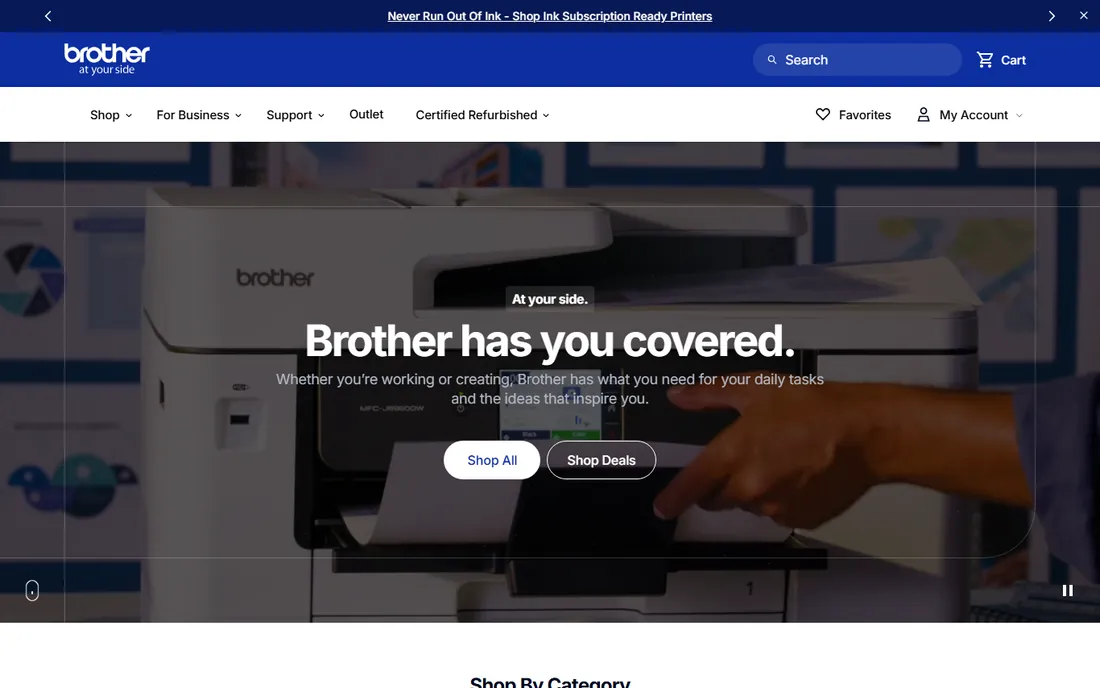
PE-Design is Brother's own digitizing software, and for Brother machine owners the integration is the argument: designs transfer directly, formats match exactly, and features like PhotoStitch are tuned for Brother hardware. The full version digitizes from images, edits stitches manually and handles the big multi-position designs Brother's larger machines support.
Outside the Brother ecosystem there is no reason to buy it, and the full version is priced at a premium. It is also Windows-only. But software and hardware from the same maker remove a whole category of compatibility headaches, and for committed Brother owners that alone is worth pricing.
What we like- Designed around Brother machines with direct transfer and full format support
- Photo-stitch turns photos into stitched portraits
- Strong lettering with built-in fonts
Watch out for- Only makes sense if you own a Brother machine
- Premium pricing for the full version
- Windows only
Starting priceSee website
Free planFree trial available
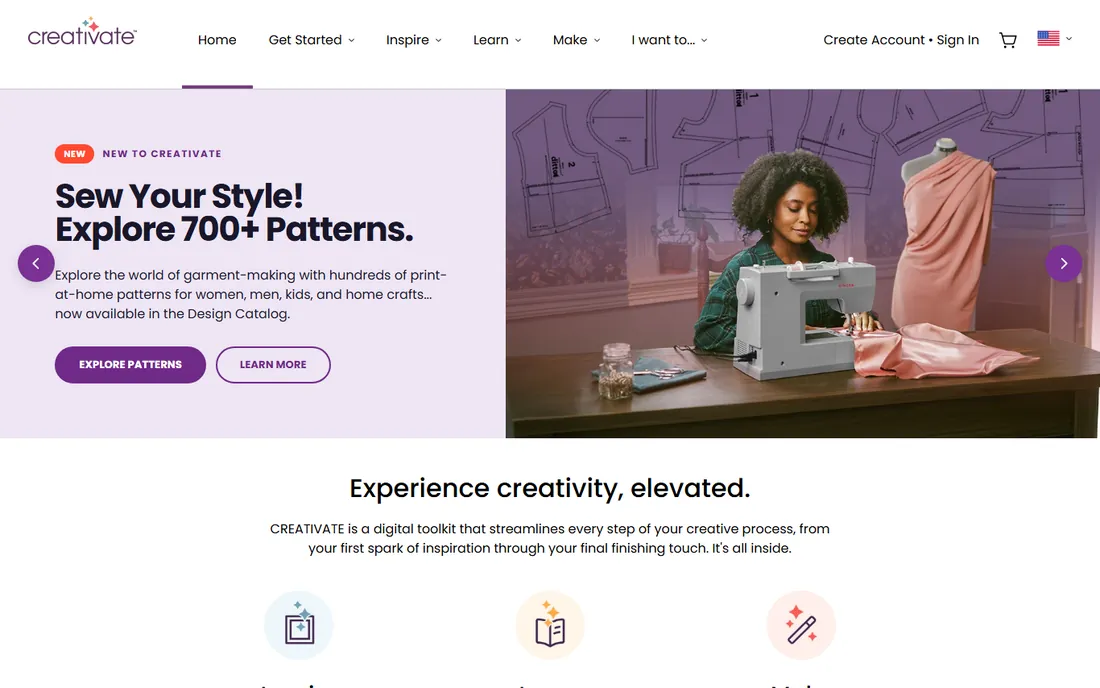
Premier+2 is the first-party option for Pfaff and Husqvarna Viking owners, now wrapped into the mySewnet ecosystem. The suite covers the full range from design editing to true digitizing, and the cloud connection syncs designs between the software, the machine and mobile apps. For owners invested in these brands, it is the path of least resistance.
The lock-in is real: the value concentrates inside the Pfaff/Viking world, pricing is premium, and some features lean on the cloud subscription. Multi-brand shops should look at Wilcom or Hatch instead. But if your machines are Pfaff or Viking, matching software removes friction at every step from design to stitch-out.
What we like- First-party software for Pfaff and Viking machines with cloud-connected features
- Full digitizing suite with auto and manual tools
- MySewnet ecosystem syncs designs across devices
Watch out for- Tied to the Pfaff/Viking ecosystem
- Pricing is premium
- Some features need the cloud subscription
Quick comparison
| Tool | Best for | Starting price | Free plan |
|---|
 Hatch Embroidery Hatch Embroidery | Home embroiderers who want Wilcom power without the commercial price | See website | Free trial available |
| Embrilliance | Mac and Windows users who want modular, buy-what-you-need software | See website | Free trial available |
| Ink/Stitch | Anyone who wants to try digitizing free before spending money | Free | Yes (free and open source) |
| SewArt | Budget buyers who mainly need auto-digitizing from images | See website | Free trial available |
| Chroma | Ricoma machine owners and small commercial shops | See website | Free trial available |
| Wilcom EmbroideryStudio | Professional digitizers and commercial embroidery businesses | See website (quote-based) | Free trial available |
| Brother PE-Design | Brother embroidery machine owners who want first-party software | See website | Free trial available |
 Premier+2 Premier+2 | Pfaff and Husqvarna Viking machine owners | See website | Free trial available |
Is your product missing or out of date?
We review this list regularly. Vendors can request a listing, send updated pricing or ask about featured placement.
How to match software to your machine
Check format support before anything else. Every machine brand speaks its own stitch file language: Brother uses PES, Janome uses JEF, Tajima commercial machines use DST, and so on. All eight tools here export the common formats, but first-party software guarantees a perfect match, which is why PE-Design and Premier+2 exist. If you run machines from several brands, confirm your shortlist writes every format you need.
Then be honest about who is digitizing. True digitizing, converting artwork into clean stitch files manually, is a skilled craft that takes months to learn. Auto-digitizing converts images with one click but produces files that need cleanup on anything complex. Beginners get better results starting with Ink/Stitch or a lower Hatch tier and learning the fundamentals than buying professional software and expecting it to do the thinking.
The free option: Ink/Stitch vs paid digitizing
Ink/Stitch deserves a serious look before you spend anything, because it answers the real question: do you enjoy digitizing enough to invest in it? The stitch engine is genuinely capable, with control over stitch types, density and underlay that teaches the fundamentals paid tools automate. Plenty of hobbyists never outgrow it.
Paid software earns its price in three places: auto-digitizing quality, workflow speed and support. Hatch and Wilcom convert complex artwork more cleanly, their interfaces are built around embroidery rather than adapted from illustration software, and there is someone to call when a design sews badly. The practical path is to learn on Ink/Stitch, then buy paid software when you can name the specific limitations holding you back. That purchase will be an informed one instead of a hopeful one.
How we chose
We started with the categories buyers search: embroidery digitizing software, best digitizing software for embroidery machines and Wilcom alternative. For each candidate we confirmed it is current and available, checked machine-format support and digitizing features against the vendor's own site, and read practitioner discussion in embroidery forums and Reddit. Where a price could not be verified on the vendor's page we wrote "See website" rather than guessing.
Frequently asked questions
What is the best digitizing software for beginners?
Hatch Embroidery for the gentlest path into real digitizing, or Ink/Stitch if you want to learn free. Both teach actual technique rather than hiding it behind one-click conversion.
Can I digitize embroidery designs for free?
Yes. Ink/Stitch is free and open source and produces real stitch files. Its auto-digitizing is weaker than paid tools, but for learning and simple designs it is genuinely capable.
What is the difference between Hatch and Wilcom EmbroideryStudio?
Both come from Wilcom. Hatch is the home and small-business line with tiered editions and straightforward pricing; EmbroideryStudio is the professional commercial software with deeper production tools and quote-based pricing.
Which file format does my embroidery machine need?
It depends on the brand: Brother uses PES, Baby Lock uses PES, Janome uses JEF, Bernina uses EXP or ART, and commercial machines commonly use DST. All the tools here export multiple formats, so match the software output to your machine.
Do I need digitizing software if I buy designs?
No. If you only stitch purchased or downloaded designs, you need file management and transfer, not digitizing. Digitizing software is for creating original stitch files from artwork or logos.
Is auto-digitizing good enough for commercial work?
For simple designs, often yes with cleanup. For complex artwork, client logos and production runs, manual digitizing or heavy editing of auto-digitized files is still the professional standard. No current software fully replaces digitizing skill.
Sources we checked (8)
- https://hatchembroidery.com
- https://embrilliance.com
- https://inkstitch.org
- https://sewart.com
- https://www.ricoma.com
- https://www.wilcom.com
- https://www.brother-usa.com
- https://www.mysewnet.com
Is your product missing or out of date?
We review this list regularly. Vendors can request a listing, send updated pricing or ask about featured placement.

Shihab Mia · Founder, Rankite
Shihab has spent more than a decade helping SaaS and e-commerce brands grow through search. He writes Rankite's software buying guides from pricing pages, documentation and public user reviews. More about Shihab.