How we make this list: we compare pricing pages, product documentation and public user reviews. Rankite is independent; if a vendor ever pays for a featured spot, that listing is clearly labeled Partner.
Key takeaways
- For photographers with big RAW libraries: Adobe Lightroom and Photo Mechanic remain the professional standards for organizing plus editing or culling speed.
- For families with photos scattered across devices: Mylio Photos unifies libraries without forcing everything into one cloud.
- For zero budget: digiKam is a genuinely powerful free and open-source organizer.
- For fast AI tagging without subscriptions: Excire Foto and ACDSee Photo Studio tag and find photos locally on your machine.
The best picture organizing software
Everyone's photo library is a mess. Phone shots, camera RAWs, screenshots and downloads pile up across devices until finding one specific picture means scrolling for ten minutes. Picture organizing software, also called digital asset management or DAM, fixes this with catalogs, tags, face recognition, ratings and fast search. The eight tools below cover professional photographers, families and archivists.

#1
Adobe Lightroom
Best for: Photographers who want organizing plus editing in one catalog
Visit adobe.com
Starting priceSee website
Free planFree trial available
Lightroom is the default photo organizer for a reason: the catalog system is mature, fast and deep, with collections, smart collections, keywords, ratings, flags and color labels that scale from a hobbyist's thousands to a professional's hundreds of thousands of images. Editing is built in, so organizing and processing live in one place, and the cloud plans sync everything to mobile.
The subscription model is the long-standing complaint: there is no buy-it-once Lightroom anymore. Very large catalogs need occasional optimization, and the cloud storage you actually need costs extra beyond the base plan. But for photographers who want the standard tool with the biggest tutorial ecosystem, Lightroom is still the safest choice.
What we like- Industry-standard catalog with collections, keywords, ratings and flags
- Cloud sync puts the library on phone, tablet and desktop
- Strong RAW support for every major camera
Watch out for- Subscription only, no perpetual license
- Catalog can slow down past very large libraries
- Cloud storage tiers add cost

#2
Mylio Photos
Best for: Families with photos scattered across phones, computers and drives
Visit mylio.com
Starting priceSee website
Free planFree tier available
Mylio Photos solves a different problem from Lightroom: not the photographer's archive, but the family's scattered mess. Instead of moving everything into a cloud, Mylio links the devices you already own, phone, laptop, external drives, into one searchable library with face recognition, timeline and map views. Your originals stay on your hardware, synced device to device.
The model confuses people at first: there is no single cloud library to point at. The paid plan adds the full device count and features, and editing is basic next to Lightroom. But for households whose photos live in five places and who do not want another cloud subscription holding them, Mylio's approach is the most practical on this list.
What we like- Unifies photos across all your devices without uploading everything to one cloud
- Face recognition, calendar and map views for browsing
- Protects originals with device-to-device sync
Watch out for- Concept takes a moment to grasp
- Advanced features need the paid plan
- RAW editing is lighter than Lightroom's
Starting priceFree
Free planYes (free and open source)
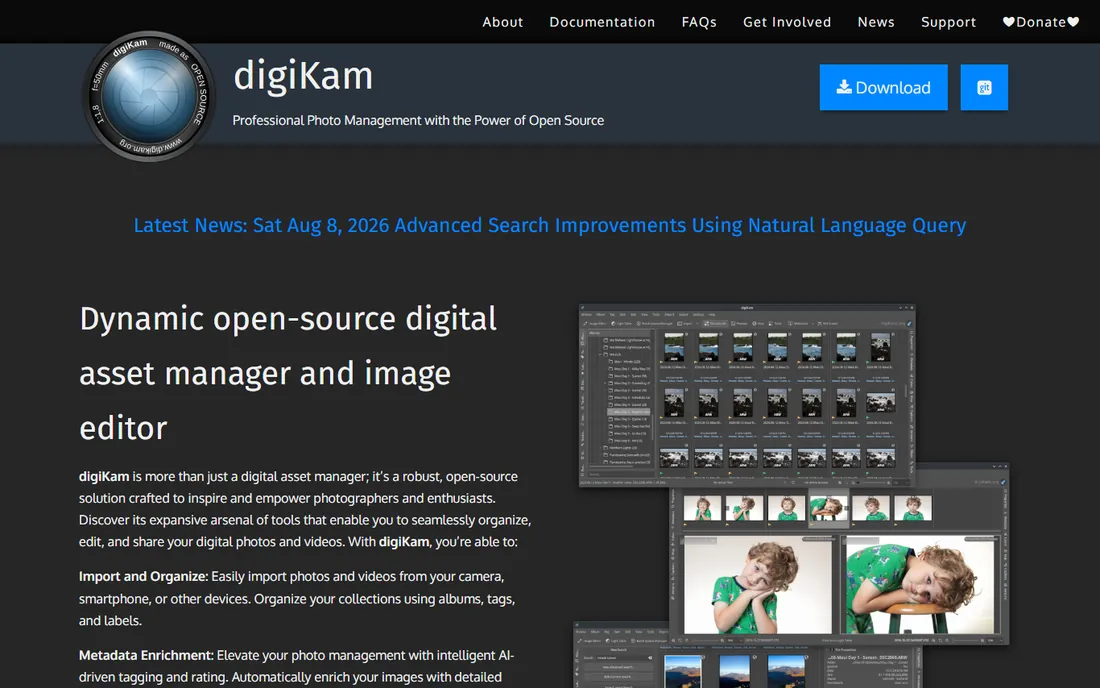
digiKam is the open-source surprise of this category: a free photo manager with albums, tags, ratings, geolocation, face detection and batch processing that rivals paid software on features. RAW support covers an enormous camera list, and it runs on every desktop platform. For archivists and budget-conscious photographers, the price-to-power ratio is unmatched.
The interface shows its open-source roots: powerful but dense, with a learning curve for the advanced features. There is no cloud sync or companion mobile app. But as a free desktop organizer that respects your files, digiKam embarrasses some paid competitors. Try it before you pay for anything.
What we like- Completely free with professional-grade cataloging, tagging and face detection
- Handles RAW files from hundreds of cameras
- Runs on Windows, Mac and Linux
Watch out for- Interface is dense and dated
- Face recognition setup takes effort
- No cloud sync or mobile apps
Starting priceSee website
Free planFree trial available
Photo Mechanic is the tool sports and news photographers open first: it renders previews from camera-embedded JPEGs instead of decoding every RAW, which makes scrolling through thousands of shots dramatically faster than Lightroom. Ingest, rename, tag with IPTC metadata and select keepers at a speed nothing else matches. Agencies standardize on it for deadline work.
It is not an editor and not a family photo app: the interface is a working tool, and the price reflects the professional audience. Hobbyists do not need this speed. But for anyone who regularly faces a memory card with three thousand images and a deadline, Photo Mechanic pays for itself in the first week.
What we like- The fastest image browser in the business for culling large shoots
- IPTC metadata and keywording built for newsroom speed
- Rock-solid with huge card dumps
Watch out for- Organizer and culler first, editor second
- Premium pricing
- Interface is utilitarian

#5
ACDSee Photo Studio
Best for: Windows users who want organizing plus editing without a subscription
Visit acdsee.com
Starting priceSee website
Free planFree trial available

ACDSee Photo Studio is the buy-it-once alternative for Windows photographers: a fast catalog with AI-assisted keywording, face detection and people mode, plus genuinely capable RAW editing in the same program. The perpetual license option matters to everyone tired of subscriptions, and the catalog speed is excellent on large local libraries.
The Mac version lags the Windows one, AI features differ across editions so check which tier includes what, and the interface can feel crowded. But for Windows users who want one program that organizes and edits with no monthly bill, ACDSee is the strongest alternative to Lightroom's subscription.
What we like- Perpetual licenses available alongside subscriptions
- Fast catalog with AI keywording and face detection
- Solid built-in RAW editing
Watch out for- Windows-focused with a thinner Mac offering
- AI features vary by edition
- Interface packs a lot into one window

#6
Excire Foto
Best for: Photographers who want AI tagging with no cloud and no subscription
Visit excire.com
Starting priceSee website
Free planFree trial available

Excire Foto does one thing remarkably well: it looks at your photos and tags what is in them, locally, with no cloud upload and no subscription. Search "dog," "sunset" or "wedding" across a hundred thousand unsorted images and it finds them. For photographers with vast untagged archives, that content-based search is close to magic, and the privacy angle, nothing leaves your computer, is a real differentiator.
It is a finder, not a full workflow: editing and advanced cataloging are thinner than Lightroom's. The AI wants decent hardware for large libraries. But as a one-time purchase that makes an unorganized archive searchable in an afternoon, Excire Foto earns its place.
What we like- AI keywording runs locally on your machine, so photos never upload
- Finds images by content, like "beach" or "bicycle," with impressive accuracy
- One-time purchase, no subscription
Watch out for- Organizer and search tool, not a full editor
- AI runs best on reasonably modern hardware
- Smaller ecosystem than Adobe

#7
Peakto
Best for: Mac users who want a visual browser across all their photo apps
Visit cyme.io
Starting priceSee website
Free planFree trial available
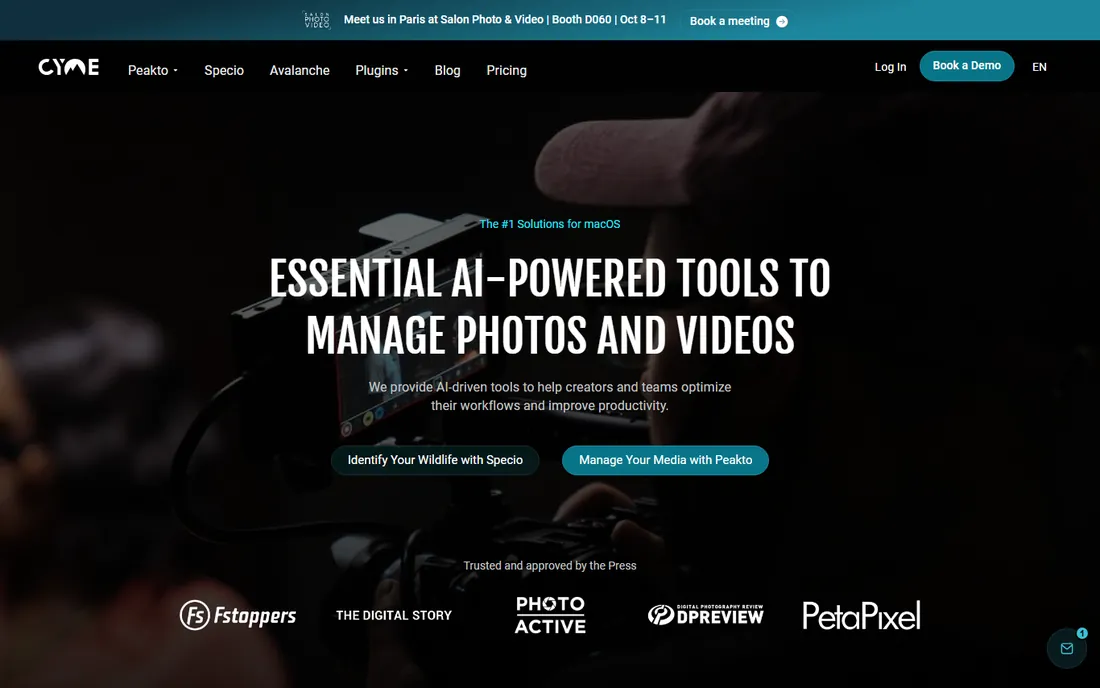
Peakto, from CYME, is built for the Mac photographer whose images live in several places: it catalogs across Lightroom catalogs, Apple Photos libraries, Capture One sessions and plain folders into one searchable visual browser. AI content search finds images by what is in them, and the Mac-native interface is polished.
The limits are platform and role: Mac only, and it organizes and finds rather than edits. If your library already lives in one app, Peakto adds less. But for Mac users juggling multiple photo apps and folders, seeing everything in one visual catalog is genuinely useful.
What we like- Shows every photo across Lightroom, Apple Photos, Capture One and folders in one visual catalog
- AI search by image content
- Mac-native design
Watch out for- Mac only
- Browser and organizer rather than an editor
- Subscription pricing

#8
ON1 Photo RAW
Best for: Photographers who want an all-in-one alternative to Lightroom
Visit on1.com
Starting priceSee website
Free planFree trial available
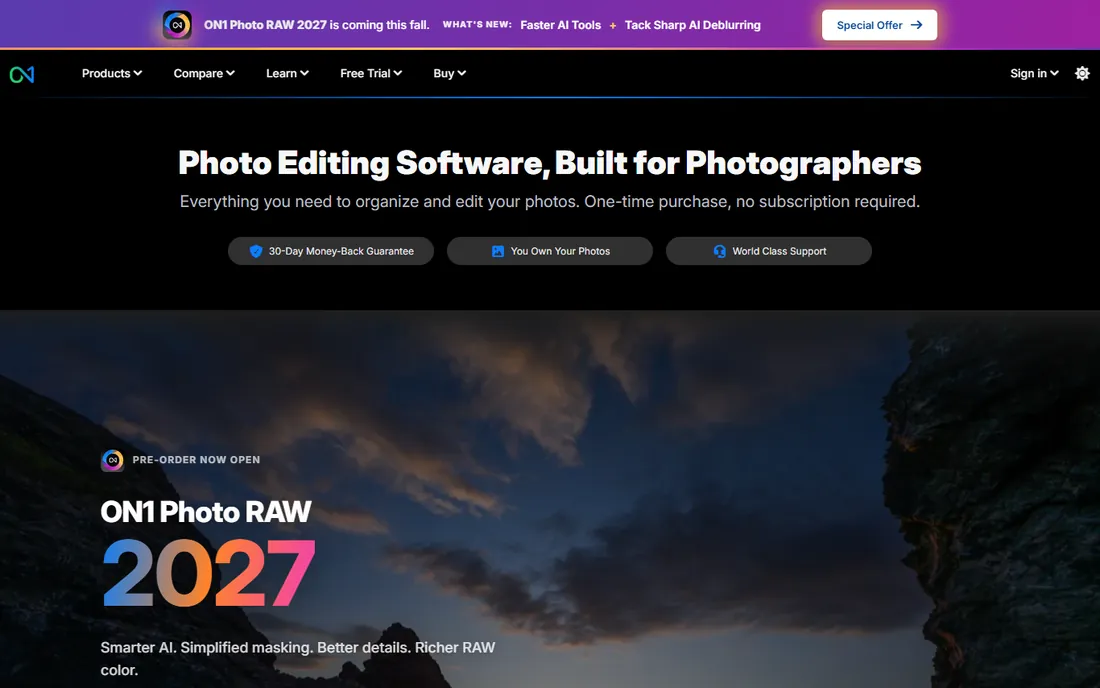
ON1 Photo RAW is the all-in-one Lightroom alternative: browse, organize, edit RAW files and apply effects without importing everything into a catalog first. The perpetual license appeals to subscription refusers, and the browse module is fast for quick triage. Effects and portrait tools are strong for the price.
Lightroom still leads on catalog depth at very large scale and on AI masking quality. ON1's interface takes adjustment if you are coming from Adobe. But as a single purchase that covers the whole workflow, it is the most complete non-subscription alternative here.
What we like- Perpetual license option with organizing, RAW editing and effects in one app
- Fast browse module that does not require importing
- Regular feature updates
Watch out for- Catalog depth trails Lightroom for very large libraries
- Interface has its own learning curve
- AI masking lags Adobe's
Quick comparison
| Tool | Best for | Starting price | Free plan |
|---|
| Adobe Lightroom | Photographers who want organizing plus editing in one catalog | See website | Free trial available |
| Mylio Photos | Families with photos scattered across phones, computers and drives | See website | Free tier available |
 digiKam digiKam | Anyone who wants a powerful organizer free | Free | Yes (free and open source) |
 Photo Mechanic Photo Mechanic | Working photographers who cull thousands of shots fast | See website | Free trial available |
| ACDSee Photo Studio | Windows users who want organizing plus editing without a subscription | See website | Free trial available |
| Excire Foto | Photographers who want AI tagging with no cloud and no subscription | See website | Free trial available |
| Peakto | Mac users who want a visual browser across all their photo apps | See website | Free trial available |
| ON1 Photo RAW | Photographers who want an all-in-one alternative to Lightroom | See website | Free trial available |
Is your product missing or out of date?
We review this list regularly. Vendors can request a listing, send updated pricing or ask about featured placement.
Free DAM vs paid organizers: where the money goes
digiKam proves the core organizing job, catalogs, tags, ratings, face detection, does not require payment. What paid software buys is convenience layered on top: Lightroom's cloud sync and mobile apps, Mylio's cross-device unification, Excire's polished AI search, Photo Mechanic's culling speed. None of those are the catalog itself; they are the workflow around it.
The practical test is your pain. If your pain is "ten thousand unsorted photos," digiKam or Excire Foto solves it. If your pain is "photos on five devices," Mylio solves it. If your pain is "three thousand RAWs after every wedding," Photo Mechanic solves it. Pay for the pain you have, not the feature list that impresses you. And whatever you choose, keep the originals backed up in two places: no organizer replaces a backup.
How to choose picture organizing software
Start with your platform and library size. Mac-only households should shortlist Peakto and Mylio; Windows photographers get the full field. Under ten thousand images, almost anything works; past fifty thousand, catalog speed matters and Lightroom, Photo Mechanic and ACDSee pull ahead.
Then decide the subscription question honestly. If a monthly fee bothers you, ACDSee and ON1 sell perpetual licenses, Excire Foto is a one-time purchase and digiKam is free. If you want phone, tablet and desktop in sync, Lightroom's cloud or Mylio's device sync is the answer. Download the free tiers first: organizing software is personal, and an hour with your own photos teaches more than any comparison.
How we chose
We started with the categories buyers search: picture organizing software, photo organizer software, best photo management software and Lightroom alternative. For each candidate we confirmed it is current and available, checked catalog features, AI tagging, RAW support and pricing against the vendor's own site, and read practitioner discussion on Reddit and photography forums. Where a price could not be verified on the vendor's page we wrote "See website" rather than guessing.
Frequently asked questions
What is the best free picture organizing software?
digiKam: free, open source, with professional-grade cataloging, tagging, face detection and broad RAW support on Windows, Mac and Linux. Mylio Photos also offers a usable free tier for unifying devices.
Is Adobe Lightroom worth the subscription?
For photographers who want the industry-standard catalog plus editing and cloud sync across devices, yes. If you object to subscriptions, ACDSee Photo Studio and ON1 Photo RAW offer perpetual licenses, and digiKam is free.
What is the difference between Lightroom and Photo Mechanic?
Lightroom is a catalog plus editor for the whole workflow; Photo Mechanic is a speed tool for culling and keywording huge shoots before editing elsewhere. Many professionals use both: Photo Mechanic to select, Lightroom to finish.
Can photo organizers find pictures by what is in them?
Yes. Excire Foto, Mylio Photos and Peakto offer AI content search that finds images by subject, like beaches or bicycles, without manual tagging. Lightroom has added similar AI features in recent versions.
Do I need organizing software if I use Apple Photos or Google Photos?
For casual phone libraries, probably not. Dedicated organizers earn their place with large libraries, RAW files, multi-device unification, professional metadata and local control of originals.
How should I back up my photo library?
Follow the 3-2-1 rule: three copies, on two different media types, with one offsite. Organizing software catalogs your photos; it is not a backup. An external drive plus a cloud backup covers most households.
Sources we checked (8)
- https://www.adobe.com
- https://www.mylio.com
- https://www.digikam.org
- https://home.camerabits.com
- https://www.acdsee.com
- https://www.excire.com
- https://cyme.io
- https://www.on1.com
Is your product missing or out of date?
We review this list regularly. Vendors can request a listing, send updated pricing or ask about featured placement.

Shihab Mia · Founder, Rankite
Shihab has spent more than a decade helping SaaS and e-commerce brands grow through search. He writes Rankite's software buying guides from pricing pages, documentation and public user reviews. More about Shihab.