How we make this list: we compare pricing pages, product documentation and public user reviews. Rankite is independent; if a vendor ever pays for a featured spot, that listing is clearly labeled Partner.
Key takeaways
- Every tool here offers a free tier, so start free and upgrade only when you hit limits.
- Yesware, Streak, Mixmax and Mailbutler pair tracking with sales workflows (templates, sequences, CRM sync) for active outreach.
- Mailsuite (formerly Mailtrack) and Right Inbox are the simplest options for pure open and click tracking in Gmail.
- Staffbase Email (formerly Bananatag) serves a different buyer: internal comms teams tracking employee email engagement at scale.
Quick comparison
| Tool | Best for | Starting price | Free plan |
|---|
 Yesware Yesware | Sales teams on Gmail and Outlook | Free (Free Forever) | Free plan |
 Mailsuite Mailsuite | Simple Gmail open tracking | Free | Free plan |
 HubSpot Sales Hub HubSpot Sales Hub | Free tracking inside a free CRM | Free (free tools) | Free plan |
 Streak Streak | Tracking inside Gmail pipelines | Free (email tools) | Free plan |
 Mixmax Mixmax | Sales engagement from the inbox | Free | Free plan |
 Mailbutler Mailbutler | Tracking across Gmail, Outlook and Apple Mail | Free (Starter) | Free plan |
 Right Inbox Right Inbox | Lightweight Gmail tracking and reminders | Free (5 tracked emails/month) | Free plan |
 Staffbase Email Staffbase Email | Internal comms email analytics | See website | No |
Is your product missing or out of date?
We review this list regularly. Vendors can request a listing, send updated pricing or ask about featured placement.
The best email tracking software
Starting priceFree (Free Forever)
Free planFree plan
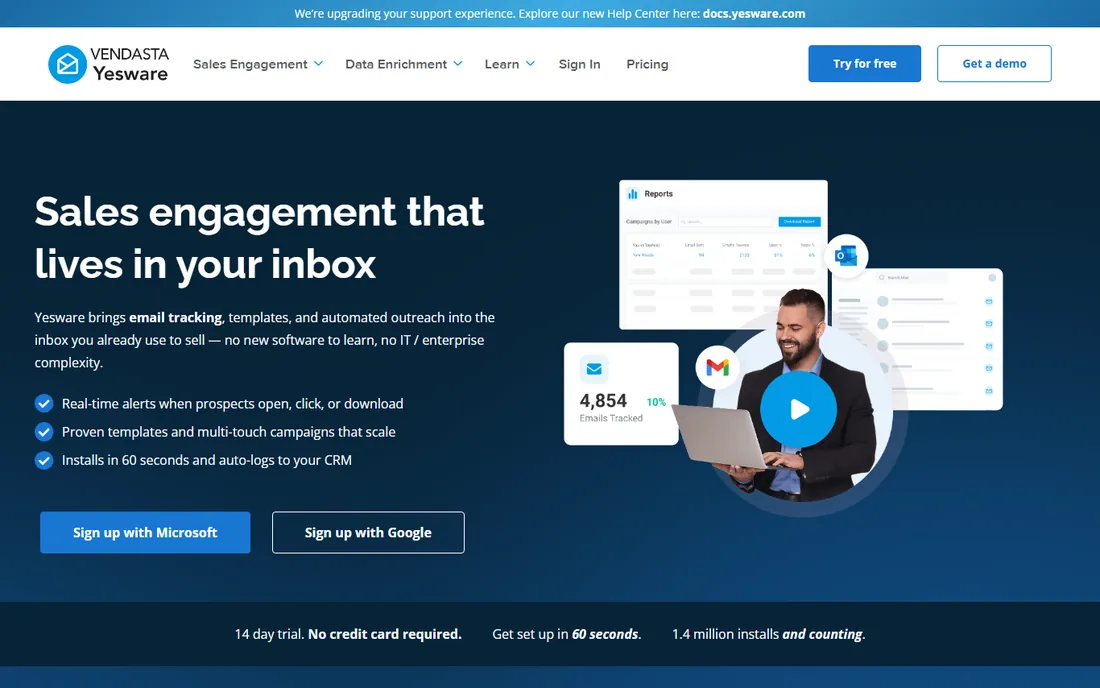
Yesware is the veteran sales add-in for Gmail and Outlook, with a Free Forever plan covering basic email open tracking, attachment tracking, a meeting scheduler and 10 campaign recipients a month. Paid tiers run Pro at $19 a seat a month with unlimited open, link and attachment tracking, Premium at $45 with team reporting and shared templates, and Enterprise at $85 with Salesforce sync.
The maturity shows. Yesware has tracked email since 2010, and the templates, campaigns, meeting scheduler and engagement reports cover the full outbound workflow from the inbox. The 14-day free trial lets teams test paid features before committing.
The honest limits: the free tier is basic, unlimited tracking starts at $19 a seat, and team features need Premium at $45. For sales teams that want proven tracking plus templates and campaigns in one add-in, Yesware remains a safe default.
What we like- Free tier with open tracking
- Strong templates and campaigns
- Salesforce sync on Enterprise
Watch out for- Unlimited tracking needs Pro at $19
- Advanced features climb tiers
- No per-recipient nuance on basic plans
Starting priceFree
Free planFree plan
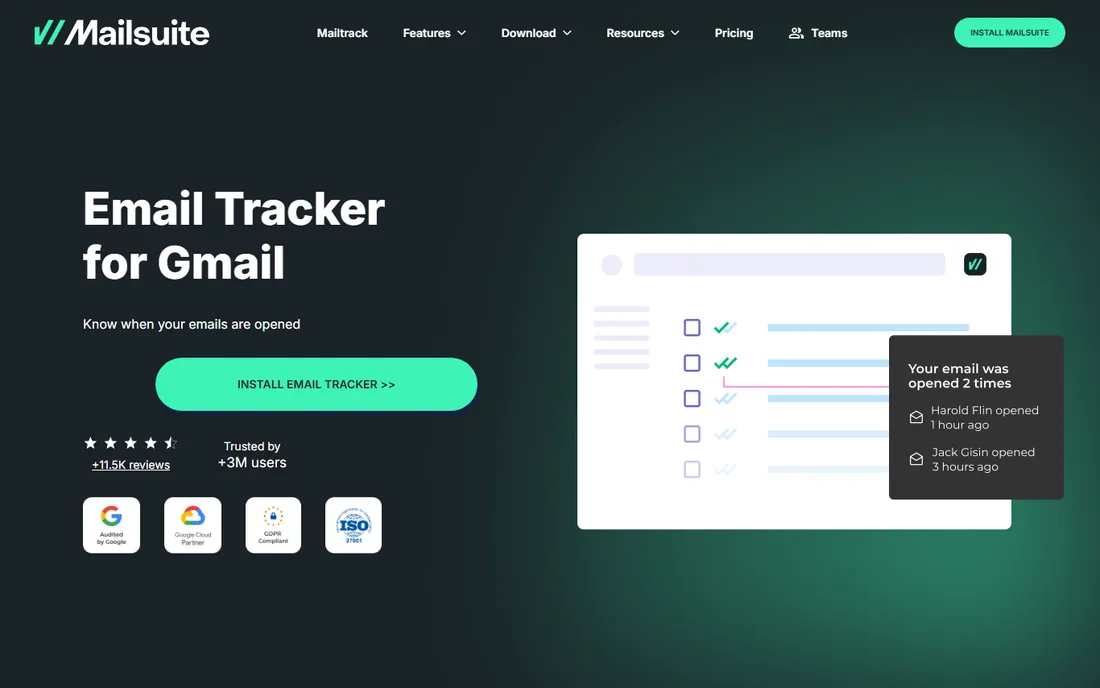
Mailsuite, formerly Mailtrack, is the simplest email tracker here: a Gmail and Outlook extension that shows double check-marks when emails are opened, with real-time open notifications. The free plan includes unlimited open tracking with a "Sent with Mailsuite" signature; the Pro plan removes branding and adds link tracking, campaign scheduling and productivity data.
The appeal is zero friction. Install the extension, send email normally, and see exactly when messages are read. For freelancers and founders who just want to know whether a proposal was opened, nothing is faster to adopt.
The honest caveats: the free signature is visible to recipients; serious features like link tracking and campaigns need Pro; and there is no CRM, sequencing or template depth. For pure open tracking at no cost, Mailsuite is the lightest option available.
What we like- Free unlimited open tracking
- Dead simple
- Double check-mark read receipts
Watch out for- Free plan adds a signature
- Link tracking needs Pro
- Limited sales features
Starting priceFree (free tools)
Free planFree plan
HubSpot's free Sales tools include email open and click tracking inside Gmail and Outlook, alongside a genuinely free CRM with contact management, deal pipelines and meeting scheduling. Paid Sales Hub tiers start at $20 a seat a month, with Professional at $90-plus and Enterprise from $150.
The ecosystem argument wins here. Tracking notifications arrive in a system that already holds your contacts, deals and email history, so an opened email becomes a logged engagement automatically. For startups, the free tier covers tracking, CRM and scheduling with no card required.
The honest limits: as a pure tracker, HubSpot is simpler than dedicated tools; the free tier carries HubSpot branding; and costs escalate fast past Starter. For teams that want tracking as part of a free CRM rather than a standalone add-in, HubSpot is the obvious pick.
What we like- Free email tracking plus free CRM
- Gmail and Outlook integrations
- Scales into full sales platform
Watch out for- Tracking alone is basic
- Paid tiers jump to $20 a seat
- HubSpot branding on free emails
Starting priceFree (email tools)
Free planFree plan
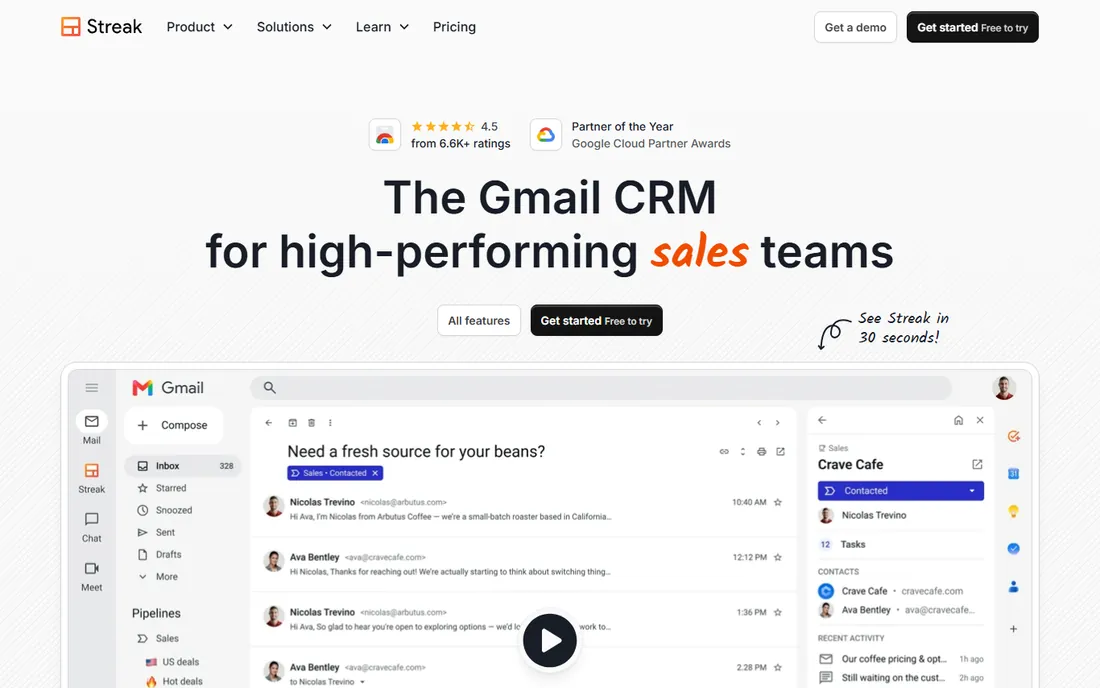
Streak lives inside Gmail as a Chrome extension, and its free plan includes email and link tracking, snippets, 50 mail merge sends a day and thread tools at no cost. Paid CRM plans start at Pro at $49 a user a month billed annually ($59 monthly), with Pro+ at $69 and Enterprise at $129, all with unlimited contacts and pipelines, plus a 14-day trial.
The inbox-native design is the draw. Pipelines sit beside your email, tracked opens feed directly into deal records, and mail merge sends personalized outreach without leaving Gmail. For founders and small sales teams that live in Gmail, the workflow stays smooth.
The honest reality: the old free CRM tier is gone, so pipeline features start at $49 a user; Streak is Gmail-only with no Outlook support; and paid plans are priced for CRM value, not just tracking. For Gmail teams that want tracking plus pipelines, the free email tools are an excellent start.
What we like- Free tracking inside Gmail
- Pipelines live in the inbox
- 14-day Pro+ trial
Watch out for- CRM pipelines need Pro at $49
- Gmail-only
- Free CRM tier discontinued
Starting priceFree
Free planFree plan
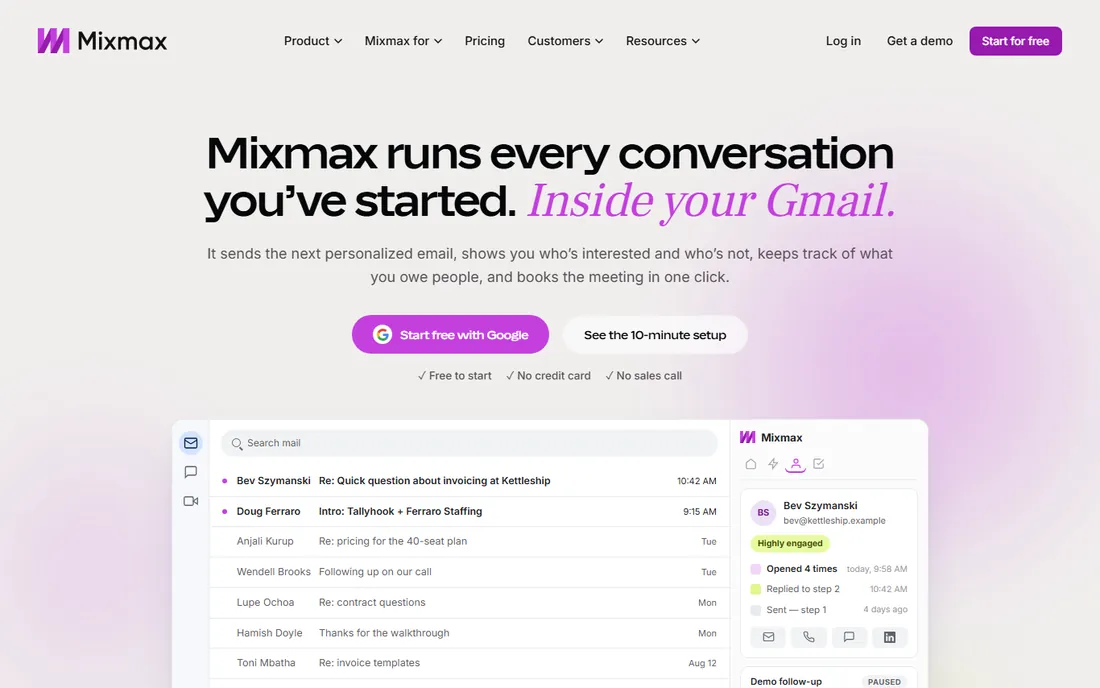
Mixmax's free plan includes email tracking, scheduling, templates, polls and surveys for small teams, with paid tiers at SMB $29 a user a month, Growth $49 and Growth plus CRM $69, plus a 14-day free trial. It works from inside Gmail (with Outlook support) and adds sequences, rules-based automation, AI writing assistance and Salesforce or HubSpot integrations on higher tiers.
The engagement features stand out. Interactive email elements like polls, surveys and calendar embeds lift reply rates, and the sequence builder with personalization and rules automates follow-up without feeling robotic. The free tier covers tracking and productivity basics.
The honest caveats: Mixmax repriced toward per-copilot plans, so the full suite costs more than the headline SMB figure; advanced automation and CRM sync sit on higher tiers; and it is strongest in Gmail. For reps who want engaging, automated outreach from the inbox, Mixmax is a strong free start.
What we like- Free plan with tracking
- Strong sequences and templates
- Polls and calendar embeds
Watch out for- Full sales engagement costs more
- Recent pricing restructure
- Gmail-centric
Starting priceFree (Starter)
Free planFree plan
Mailbutler is the cross-platform tracker: Gmail, Outlook and Apple Mail, with a free-forever Starter plan that includes unlimited tracked emails and signatures. Paid plans start around €4 a user a month, with the popular Smart plan adding per-recipient tracking on group sends, device and location details, and AI writing assistance, and Business adding a custom tracking subdomain and HubSpot or Salesforce sync.
The multi-client support is unique in this list. Teams split across Gmail, Outlook and Apple Mail get identical tracking everywhere, which matters in mixed BYOD environments. The free Starter plan is genuinely useful rather than a teaser.
The honest limits: pricing is euro-denominated, which complicates US budgeting; meaningful engagement data needs the Smart tier; and the integration ecosystem is smaller than HubSpot or Yesware. For mixed email-client teams, Mailbutler is the only tracker that covers everyone.
What we like- Only tracker here with Apple Mail support
- Free Starter with unlimited tracked emails
- Per-recipient tracking on Smart
Watch out for- Paid plans priced in euros
- Advanced tracking needs Smart
- Smaller ecosystem than US rivals
Starting priceFree (5 tracked emails/month)
Free planFree plan
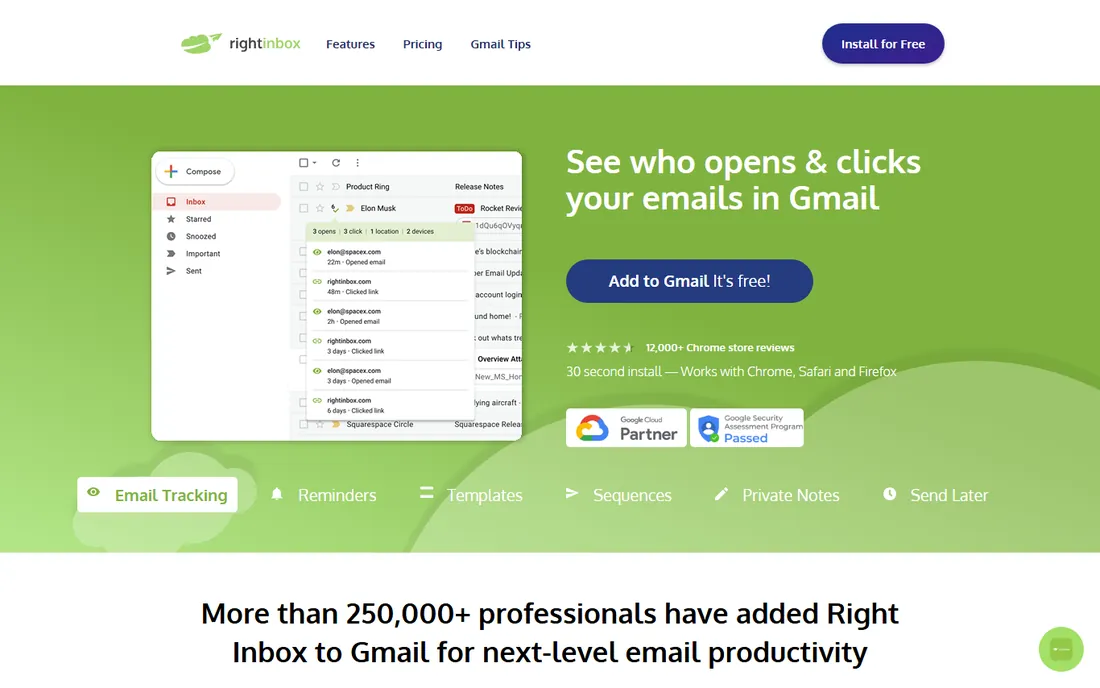
Right Inbox is the minimalist Gmail extension for tracking, scheduling and reminders. The free plan covers 5 tracked emails a month plus limited templates, reminders and scheduled sends; Personal at $7.95 a month billed annually opens up unlimited tracking, templates, recurring emails and reminders; Professional at $14.95 adds mail merge, sequences and CRM integrations.
The simplicity is the point. Real-time open notifications, send-later scheduling and follow-up reminders sit directly in the Gmail compose window with almost no learning curve. For occasional senders who want tracking without a sales platform, the free tier suffices.
The honest caveats: 5 tracked emails a month is a tight cap; serious outreach features need the $14.95 Professional plan; and it is Gmail-only with no CRM depth. For light Gmail users who want tracking plus scheduling, Right Inbox is the cheapest path.
What we like- Dead simple
- Free tier for occasional use
- Cheap Personal plan at $7.95
Watch out for- Free tier limited to 5 tracked emails
- Mail merge needs Professional
- Gmail-only
Starting priceSee website
Free planNo
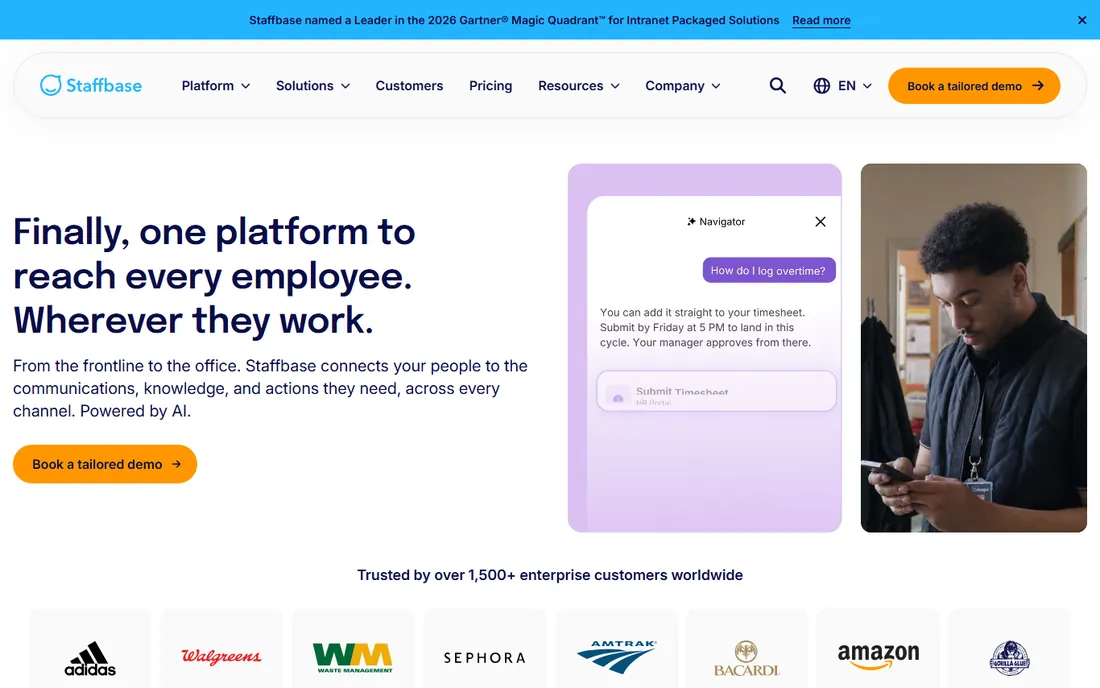
Staffbase Email, formerly Bananatag, is the enterprise product for internal communications teams: track opens, clicks and engagement on employee emails, break down metrics by department, location or role, run pulse surveys inside messages and manage distribution lists. Pricing is quote-based through Staffbase's enterprise sales motion.
The use case is different from everything else here. Internal comms teams at large organizations measure whether employees actually read CEO updates, policy changes and benefits announcements, with analytics that prove communications impact. Outlook integration and list management make it operationally serious.
The honest reality: there is no free plan and no self-serve pricing; this is enterprise software with enterprise procurement. If you send company-wide email and need to prove it was read, Staffbase Email is the category tool; if you track sales outreach, pick one of the seven above.
What we like- Built for employee communications
- Engagement analytics by audience segment
- Outlook integration
Watch out for- Quote-based pricing
- Enterprise buying motion
- Overkill for individual tracking
What to compare before you buy
Open tracking accuracy
Modern email clients prefetch images and block pixels, so open rates are directional rather than exact. Tools differ in how they filter bot and proxy opens. Treat open data as a signal for follow-up timing, not as precise analytics, and prefer tools that are transparent about filtering.
Privacy and compliance
Tracking pixels collect recipient behavior without explicit consent, which raises GDPR and workplace privacy questions. Internal comms tools like Staffbase include consent and audience controls; sales tools should be used with clear privacy policies and opt-out paths. Check your jurisdiction's rules before tracking at scale.
How we chose
We built this list from vendor pricing pages and 2026 industry coverage, cross-checking published prices against at least two sources. Every tool had to offer email open or engagement tracking and be live today. Prices are stated exactly as vendors publish them; where pricing was unpublished or quote-only, we wrote "See website". We did not run hands-on trials; this guide reflects documented capabilities as each vendor presents them.
Frequently asked questions
What is the best free email tracking software?
Mailsuite, Mixmax, Mailbutler and HubSpot Sales all offer free tiers with real open tracking. Mailsuite is the simplest pure tracker; HubSpot adds a free CRM; Mailbutler covers Apple Mail too. Start free and upgrade when you need link tracking, sequences or CRM sync.
How does email tracking work?
A tiny invisible image (tracking pixel) is embedded in the email. When the recipient opens the message and images load, the pixel request registers the open with a timestamp. Link tracking rewrites links through a redirect that logs clicks. Privacy features that block images or prefetch content can affect accuracy.
Can recipients tell an email is being tracked?
Usually not. The pixel is invisible and adds no visible content. Some tools add a branded signature on free plans (Mailsuite does), which signals tracking indirectly. Privacy-conscious recipients may use image blocking or privacy relays that prevent tracking entirely.
Does email tracking hurt deliverability?
Simple tracking pixels have minimal direct impact on deliverability. The risk comes from shared tracking domains used by free tools: if other users trigger spam filters, the shared domain can be blacklisted. Paid plans with custom tracking domains avoid this, which matters for high-volume outreach.
What is the difference between email tracking and email analytics?
Tracking tells you what happened to individual emails: who opened, when, and what they clicked. Analytics aggregates that data into rates, trends and reports across campaigns or audiences. Sales tools focus on per-email tracking; Staffbase Email focuses on audience-level analytics for internal comms.
Is email tracking legal?
In most jurisdictions, tracking opens on business emails you send is legal, but privacy regulations like GDPR require transparency about data collection. Employee monitoring has stricter rules in many regions. Include tracking in your privacy policy, honor opt-outs, and check local law before tracking at scale.
Sources we checked (8)
- https://www.yesware.com/plans-and-pricing/
- https://mailsuite.com/pricing/
- https://www.hubspot.com/pricing/sales
- https://www.streak.com/pricing
- https://www.mixmax.com/pricing/
- https://www.mailbutler.io/pricing/
- https://www.rightinbox.com/pricing
- https://staffbase.com/products/employee-email/
Is your product missing or out of date?
We review this list regularly. Vendors can request a listing, send updated pricing or ask about featured placement.

Shihab Mia · Founder, Rankite
Shihab has spent more than a decade helping SaaS and e-commerce brands grow through search. He writes Rankite's software buying guides from pricing pages, documentation and public user reviews. More about Shihab.