How we make this list: we compare pricing pages, product documentation and public user reviews. Ratings come from G2, Capterra or Trustpilot, with the date we checked them.

Key takeaways
- Mailtrap is the best all-round email testing tool, with a fake SMTP server, previews, and spam analysis in one platform.
- Litmus and Email on Acid lead for rendering previews across clients and devices, which matters for marketing email.
- MailHog, Mailpit, and MailCatcher are the best free, self-hosted options for developers testing locally.
- Mailosaur and Testmail.app suit automated testing, with real addresses and API access for test suites.
- Email testing splits into sandbox sending, rendering previews, and automated assertions, so pick the type your workflow needs.
Quick comparison
Is your product missing or out of date?
We review this list regularly. Vendors can request a listing, send updated pricing or ask about featured placement.

#1Mailtrap
Best for: All-round email testing4.8/5 on
G2 (77 reviews, checked Oct 2026)
Visit mailtrap.io
Starting priceFree
Free planYes
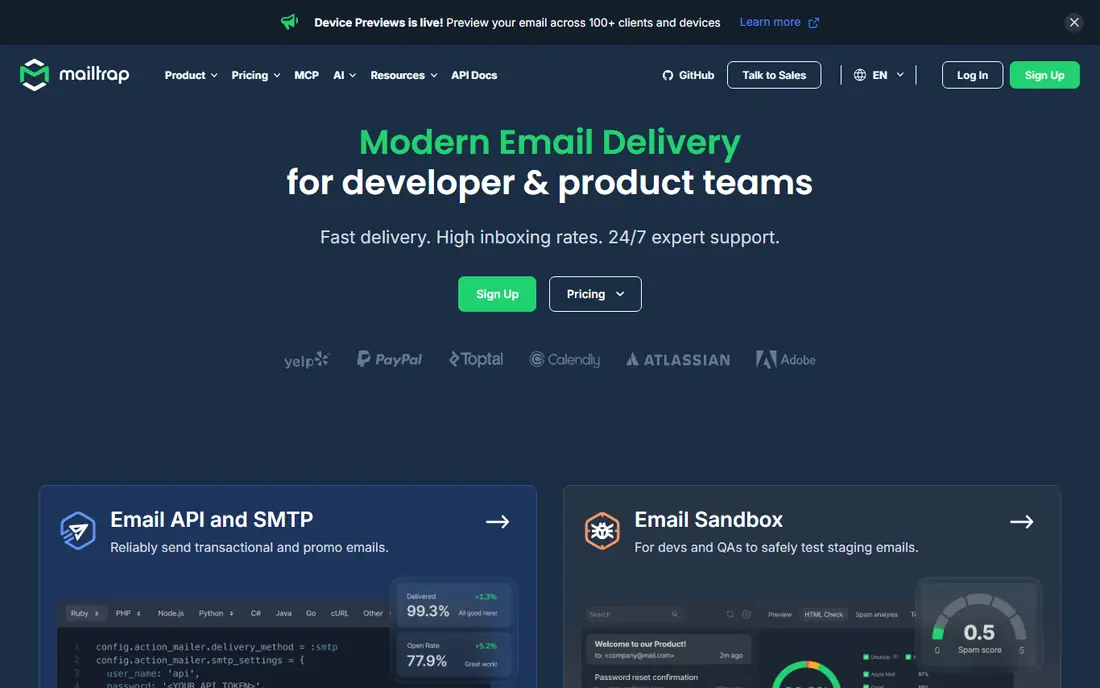
Mailtrap is the most complete email testing platform, offering a fake SMTP server that captures test emails without sending them to real recipients, plus HTML previews, spam score analysis, and header inspection. Its free tier covers individual testing, with paid plans adding team inboxes, more messages, and API access.
Free limits on messages and inboxes push larger teams to paid plans, and Mailtrap's sending product is separate from its testing product. For developers and teams that need safe, inspectable email testing, Mailtrap is the default choice.
What we like- Fake SMTP server for safe testing
- HTML previews and spam analysis
- Team inboxes and API
Watch out for- Free tier limits messages and inboxes
- Sending features are separate from testing
- Larger teams need paid plans
Starting priceSee website
Free planFree trial
Litmus leads for rendering previews, showing how an email looks across more than 100 clients and devices, with spam filter testing, link checks, and collaboration tools for marketing teams. Its builder and analytics extend it beyond testing into full email production.
Pricing is confirmed on the vendor site, there is no permanent free tier beyond a trial, and it is overkill for developers who only need to catch test emails. Litmus suits marketing and design teams whose emails must render perfectly everywhere.
What we like- Previews across 100+ email clients and devices
- Spam filter testing
- Email analytics and collaboration
Watch out for- Pricing sits on the vendor site
- Overkill for developers who only need SMTP testing
- No free tier beyond trial
Starting priceSee website
Free planFree trial
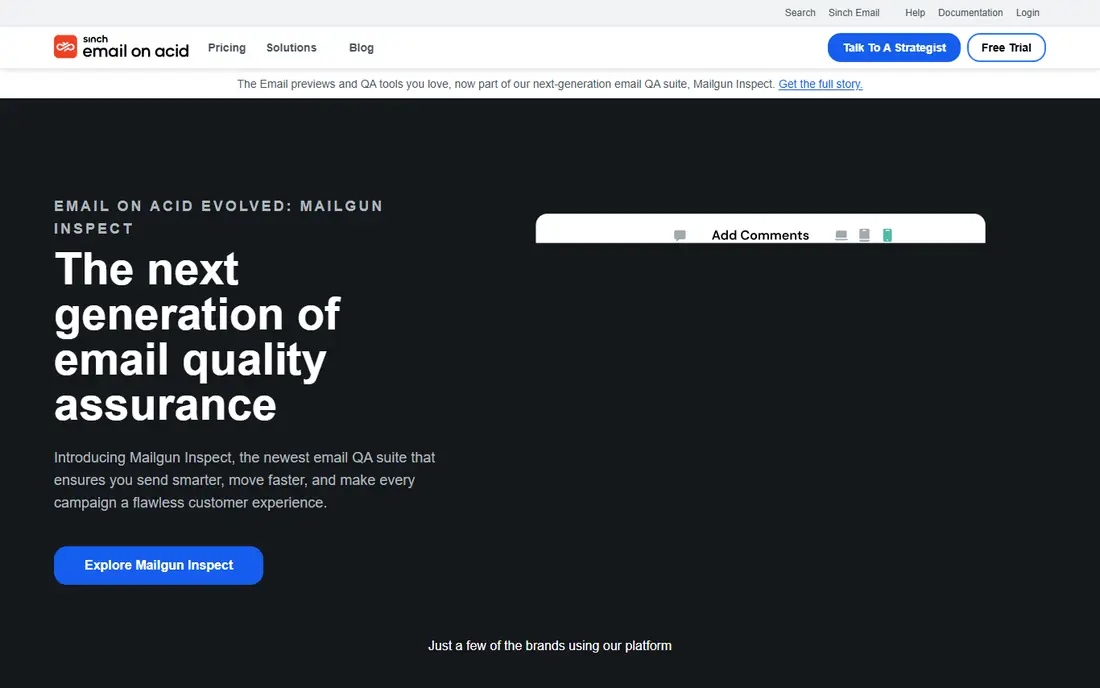
Email on Acid combines rendering previews with deliverability, spam, and accessibility checks, plus campaign preflight tools that catch problems before sending. That breadth suits email teams that need both design verification and inbox placement insight.
Pricing is confirmed on the vendor site, the interface feels dated beside Litmus, and there is no permanent free tier. Email on Acid suits marketing teams that want rendering and deliverability in one preflight workflow.
What we like- Rendering previews plus deliverability checks
- Spam and accessibility testing
- Campaign preflight tools
Watch out for- Pricing sits on the vendor site
- Interface is dated
- No free tier beyond trial
Starting priceFree
Free planYes
MailHog is the classic free local email testing tool: a small SMTP server with a web interface that captures outgoing mail from a development environment, letting developers inspect messages without sending them. It runs easily in Docker and costs nothing.
Maintenance has slowed, there is no hosted option, and features are basic compared with Mailtrap's platform. MailHog suits developers who want a free, local, no-account testing server and do not need hosted previews or spam analysis.
What we like- Completely free and open source
- Local SMTP server with web UI
- Easy Docker setup
Watch out for- Project maintenance has slowed
- No hosted option
- Features are basic compared with Mailtrap
Starting priceFree
Free planYes
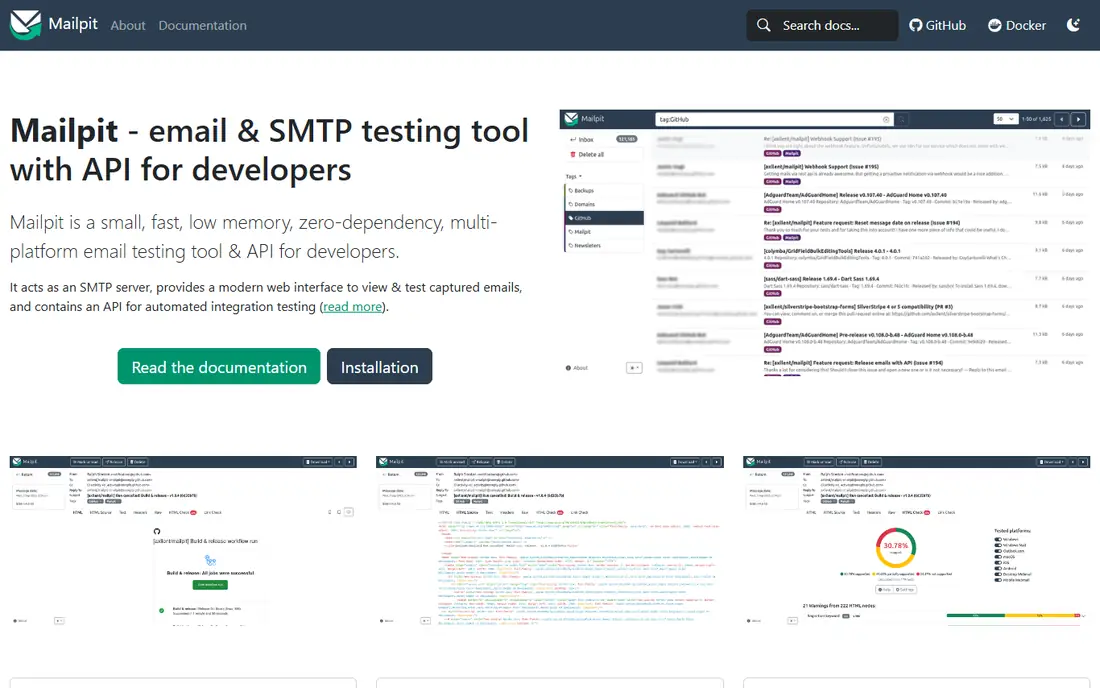
Mailpit is the modern successor to MailHog's idea, offering a fast, free, open-source local SMTP server with a modern web interface, message search, and an API. Its active maintenance and clean UI make it the best current choice for local email testing.
It is local only, with no hosted service, the community is still growing, and rendering previews are absent. Mailpit suits developers who want a maintained, modern local testing tool without accounts or fees.
What we like- Free and open source
- Modern web UI
- Fast and actively maintained
- API and search
Watch out for- Local only, no hosted service
- Smaller community than MailHog historically
- No rendering previews
Starting priceFree
Free planYes
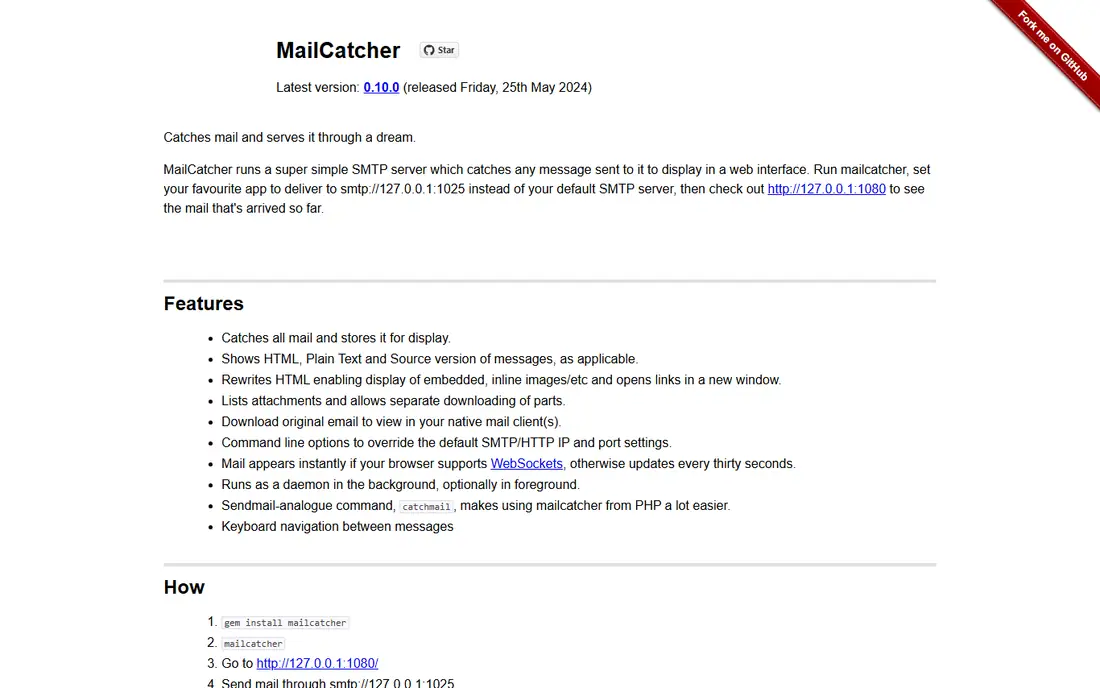
MailCatcher is a simple free local SMTP server with a web interface, popular in Ruby and Rails development for catching test emails. Its setup is minimal, and it shows captured messages with HTML and plain-text views.
The feature set is basic, it carries a Ruby dependency, and development has slowed compared with Mailpit. MailCatcher suits Ruby developers who want the simplest possible local capture tool, while new projects should consider Mailpit first.
What we like- Free and open source
- Very simple setup
- Web UI for captured mail
Watch out for- Basic feature set
- Ruby dependency
- No longer actively developed at the same pace
Starting priceSee website
Free planFree trial
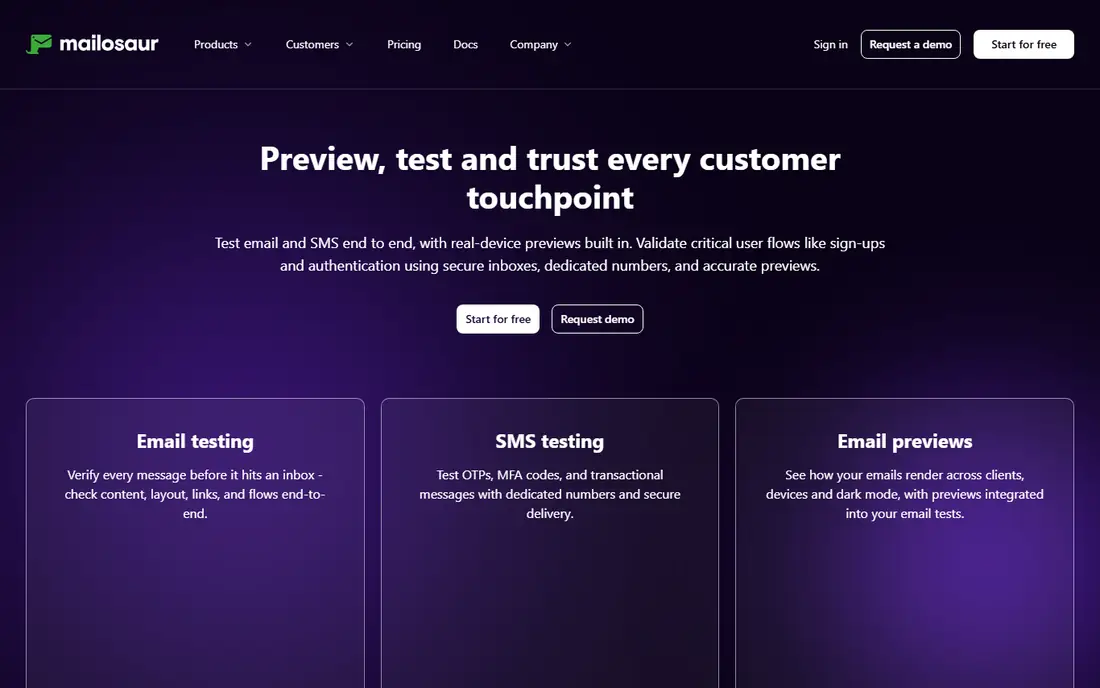
Mailosaur provides real email addresses and inboxes for automated testing, letting test suites send, receive, and assert on emails through an API, plus SMS testing for verification flows. That makes it ideal for end-to-end tests that cover signup, password reset, and notification emails.
Pricing is confirmed on the vendor site, there is no permanent free tier, and it is overkill for manual testing. Mailosaur suits QA teams automating email-dependent flows in continuous integration.
What we like- Real test email addresses for automation
- API and SMS testing
- Integrates with test frameworks
Watch out for- Pricing sits on the vendor site
- No free tier beyond trial
- Overkill for manual testing
Starting priceSee website
Free planFree trial
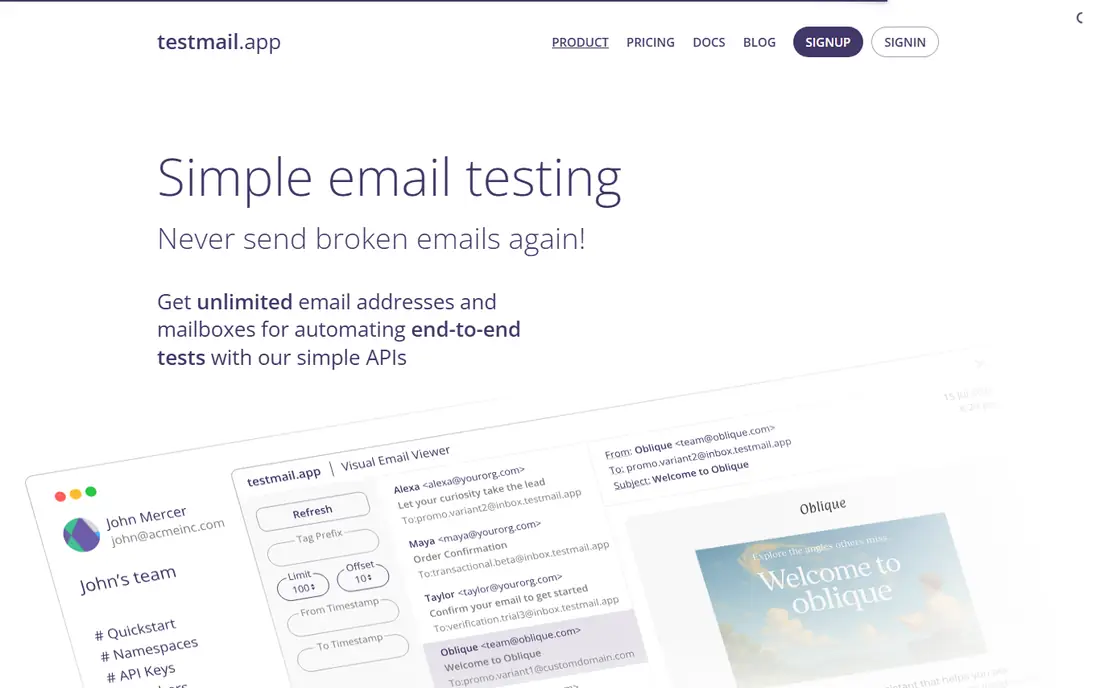
Testmail.app offers unlimited test inboxes through wildcard addresses, so each test can use a unique address without creating inboxes manually, with API and webhook support for automation. Setup takes minutes, and the pricing model suits teams running many parallel tests.
Pricing is confirmed on the vendor site, rendering previews are absent, and the feature set is narrower than Mailtrap's. Testmail.app suits automated testing teams that need many disposable inboxes cheaply.
What we like- Unlimited test inboxes with wildcard addresses
- API and webhook support
- Fast setup
Watch out for- Pricing sits on the vendor site
- No rendering previews
- Smaller feature set than Mailtrap
Starting priceFree
Free planYes

SendGrid's free tier includes daily sending with testing alongside production email, analytics, and APIs, which suits teams that already send through SendGrid and want basic testing in the same platform. Its email API and event webhooks support delivery monitoring.
Testing features are thinner than Mailtrap's dedicated platform, free daily volume is limited, and value is highest inside SendGrid. SendGrid suits SendGrid customers who want sending and basic testing together, rather than a dedicated testing platform.
What we like- Free tier with daily sending
- Email testing alongside production sending
- Analytics and APIs
Watch out for- Testing features are thinner than Mailtrap
- Free tier limits daily volume
- Best inside SendGrid
How we chose
We compared tools that test email sending, rendering, or automated flows, excluding pure email service providers without testing features and pure design tools without sending tests. Pricing figures come from each vendor's own pricing page, checked in October 2026, and where pricing sits on the vendor site we say so. We weighed sandbox sending, rendering previews, spam and deliverability checks, automation support, and price.
Pick by testing type
Sandbox tools such as Mailtrap, MailHog, and Mailpit catch emails during development. Preview tools such as Litmus and Email on Acid verify rendering before campaigns. Automation tools such as Mailosaur and Testmail.app assert on emails inside test suites. Most teams need two of the three, so budget for a sandbox tool plus a preview or automation tool rather than expecting one product to cover everything.
Test with real clients and spam filters
Rendering previews and spam scores catch problems that code review misses. Run campaign emails through Litmus or Email on Acid before sending, check spam scores in Mailtrap, and test on the clients your audience actually uses, not just the ones you prefer.
Accessibility and dark mode in email testing
Email accessibility is often an afterthought, yet it decides whether a significant share of recipients can actually read a message. Screen readers navigate emails by headings, link text, and table structure, so an email built as one large image with no text is invisible to them. Testing tools help here: Litmus and Email on Acid include accessibility checks that flag missing alt text, poor color contrast, and vague link text such as click here. Running those checks before sending is a small step that makes email usable for blind and low-vision readers.
Dark mode adds a second testing dimension. Many email clients now invert colors automatically, which can turn dark text on a light background into unreadable combinations, or make logos and images disappear against a dark background. Previews in dark mode, available in Litmus and Email on Acid, reveal these problems before recipients see them. Design choices such as transparent image backgrounds, explicit background colors, and tested contrast ratios prevent most dark mode failures.
A practical preflight checklist covers both areas: run the accessibility check, preview in dark mode on the top clients your audience uses, confirm that all links have descriptive text, and test the email with images disabled, since many clients block images by default. Emails that pass those checks reach more readers, look professional in every client, and reduce complaints. Accessibility testing is not extra work layered on top of email production. It is part of producing email correctly.
A final check is rendering on real devices. Emulator previews are accurate for most clients, but a few combinations, such as Outlook on Windows with certain fonts, behave differently in practice than in previews. Before a high-stakes send, test on the actual devices and clients your most important recipients use, even if that means borrowing a colleague's phone or laptop. That real-device check catches the edge cases that previews miss and takes only a few minutes per campaign.
Frequently asked questions
What is the best email testing tool overall?
Mailtrap, for the combination of fake SMTP testing, previews, and spam analysis. Litmus leads for rendering previews, while Mailpit leads for free local testing.
Is there a free email testing tool?
Yes. MailHog, Mailpit, and MailCatcher are free and open source for local testing, Mailtrap offers a free tier, and SendGrid offers free daily sending with basic testing.
What is the difference between Mailtrap and Litmus?
Mailtrap captures test emails through a fake SMTP server for developers, with previews and spam checks. Litmus focuses on rendering previews across clients and devices for marketing teams. Many teams use both.
Can I automate email testing in CI?
Yes. Mailosaur and Testmail.app provide APIs and test inboxes for automated suites, and Mailtrap offers API access on paid plans. Mailpit and MailHog work for local CI pipelines.
Do I need email testing if I use a transactional provider?
Yes. Providers deliver mail, but they do not verify your templates, rendering, or content. Test emails in staging with a sandbox tool before they reach real recipients.
Sources we checked (9)
- https://mailtrap.io
- https://www.litmus.com
- https://www.emailonacid.com
- https://github.com/mailhog/MailHog
- https://mailpit.axllent.org
- https://mailcatcher.me
- https://mailosaur.com
- https://testmail.app
- https://sendgrid.com
Is your product missing or out of date?
We review this list regularly. Vendors can request a listing, send updated pricing or ask about featured placement.

Shihab Mia · Founder, Rankite
Shihab has 5+ years in B2B and SaaS SEO. He writes Rankite's software buying guides from pricing pages, documentation and public user reviews. More about Shihab.
 Litmus
 Email on Acid
 MailHog
 Mailpit
 MailCatcher
 Mailosaur
 Testmail.app
 SendGrid Email Testing