How we make this list: we compare pricing pages, product documentation and public user reviews. Rankite is independent; if a vendor ever pays for a featured spot, that listing is clearly labeled Partner.
Key takeaways
- Bulk sending is a deliverability problem first and a design problem second: pick a tool with list validation, authentication (SPF/DKIM) and spam testing, not just a pretty editor.
- Free tiers exist (SendPulse, Elastic Email, SMTP2GO and Mailchimp all offer one), but every free plan caps volume, so model your monthly send before choosing.
- API-first senders (Twilio SendGrid, Mailgun, Elastic Email) and marketer-first platforms (Mailchimp, Brevo, Mailjet) price differently: per email vs. per contact.
- US senders must follow CAN-SPAM: honest subject lines, a real opt-out in every message, and a physical address. Every tool here supports compliance; none of them exempts you from it.
- If your team splits work between marketers and developers, Mailjet's shared templates and subaccounts, or SendPulse's all-in-one channels, reduce handoffs.
Quick comparison
| Tool | Best for | Starting price | Free plan |
|---|
 SendPulse SendPulse | SMBs wanting email, SMS and chatbots in one free platform | See website | Yes (free plan with no time limit, per vendor homepage) |
 Brevo Brevo | SMBs wanting email, SMS and CRM with AI assistance | See website | See website |
 Twilio SendGrid Twilio SendGrid | Developers and product teams sending at high volume | See website | Free trial (no credit card required, per vendor homepage) |
 Mailgun Mailgun | Developers needing a flexible email API with validation | See website | See website |
 Mailchimp Mailchimp | Small businesses wanting easy campaigns with AI and automations | See website | Yes (free plan referenced on vendor homepage) |
 Mailjet Mailjet | Teams where marketers and developers build email together | See website | See website |
 Elastic Email Elastic Email | Budget senders wanting low cost with API and SMTP | See website | Yes (100 emails/day free, no credit card, per vendor homepage) |
 SMTP2GO SMTP2GO | Businesses wanting reliable SMTP relay with human support | See website | Yes (free up to 1,000 emails/month; paid plans above that, per vendor homepage) |
Is your product missing or out of date?
We review this list regularly. Vendors can request a listing, send updated pricing or ask about featured placement.
The best email blasting software
Let me be blunt: most bulk email campaigns fail before the first subject line is written. They fail because someone picked a tool built for monthly newsletters, blasted 50,000 contacts through it, and watched a third of the messages bounce or die in spam folders. Email blasting is a deliverability problem first and a design problem second. The best email blasting software keeps your sender reputation alive while you send at volume, handles opt-outs and authentication without drama, and charges you in a way that still makes sense at 500,000 sends a month. Everything else is decoration. These 8 tools are the legitimate, CAN-SPAM-compatible options worth comparing.
#1
SendPulse
Best for: SMBs wanting email, SMS and chatbots in one free platform
Visit sendpulse.com
Starting priceSee website
Free planYes (free plan with no time limit, per vendor homepage)
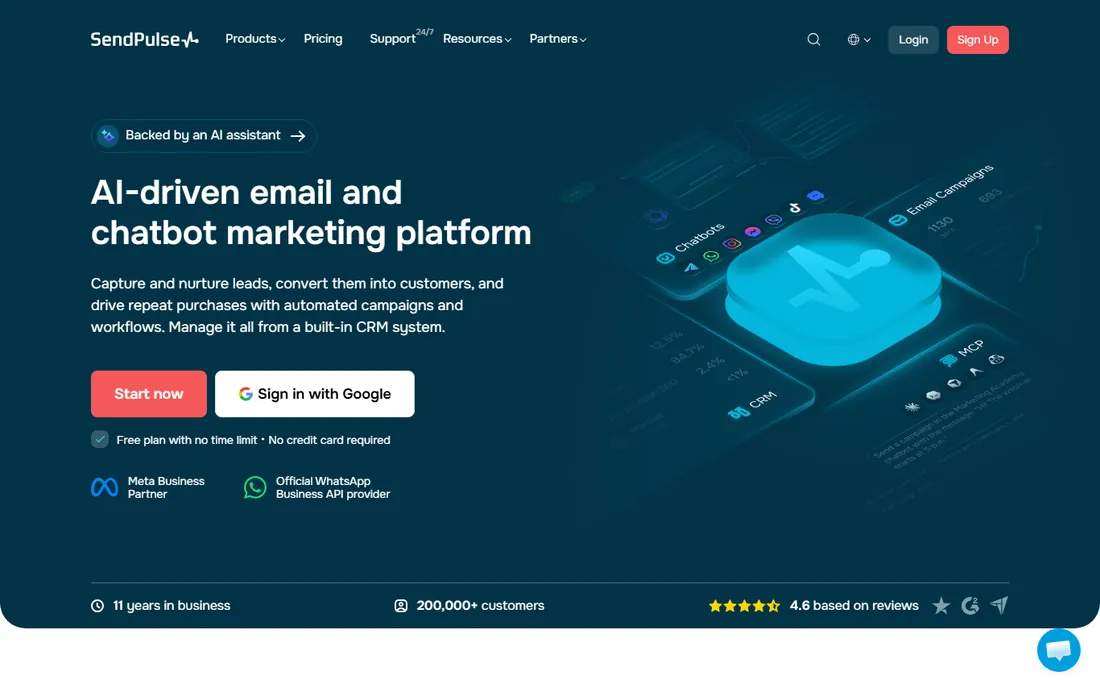
SendPulse pitches itself as the single workspace for customer messaging, and for bulk senders the appeal is consolidation: campaigns, automations, a CRM, chatbots for Messenger/Instagram/WhatsApp, SMS and web push all share one contact list. The vendor's homepage confirms a free plan with no time limit and tells users to upgrade only when ready to scale, which makes it a low-risk place to start blasting.
The trade-off of breadth is focus. Teams that only need to send large email campaigns may find the chatbot builders and course tools distracting, and the platform's deliverability toolkit (validation, dedicated IPs) is thinner than what API-first vendors offer. It fits small businesses that want one login for every channel and are willing to learn a bigger interface.
What we like- Free plan with no time limit
- Email plus SMS, WhatsApp, web push and chatbots in one workspace
- Built-in CRM, automation and an AI assistant
Watch out for- The all-in-one breadth means more setup than a single-purpose sender
- Scaling past the free tier requires a paid plan
- Advanced deliverability controls trail developer-first tools
#2
Brevo
Best for: SMBs wanting email, SMS and CRM with AI assistance
Visit brevo.com
Starting priceSee website
Free planSee website
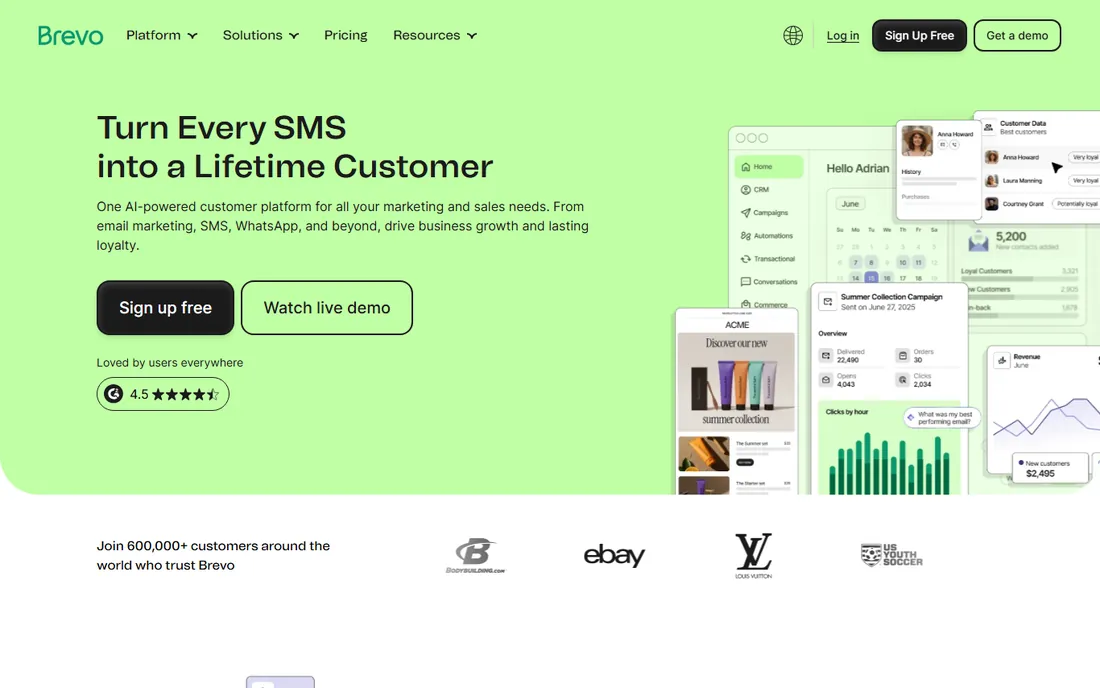
Brevo (formerly Sendinblue) is the European all-rounder: drag-and-drop campaigns, no-code automation, segmentation with web tracking, plus sales CRM and loyalty tools as you grow. The homepage positions it from first send to enterprise, with AI woven through copy, send times and insights. For a marketing manager who owns the whole customer journey, that consolidation is the selling point.
For pure bulk sending, judge it on deliverability tooling and per-email economics rather than the feature list. Brevo prices on email volume rather than contacts, which usually favors large lists with infrequent blasts. Confirm the current free allowance and paid tiers on its pricing page before committing your list.
What we like- All-in-one platform for email, SMS, WhatsApp, CRM and automation
- AI features for send-time optimization and personalization
- 600,000+ customers claimed on its homepage
Watch out for- All-in-one scope can overwhelm teams that only need bulk sending
- Enterprise features sit behind higher tiers
- Check the pricing page for current free-tier limits
#3
Twilio SendGrid
Best for: Developers and product teams sending at high volume
Visit sendgrid.com
Starting priceSee website
Free planFree trial (no credit card required, per vendor homepage)
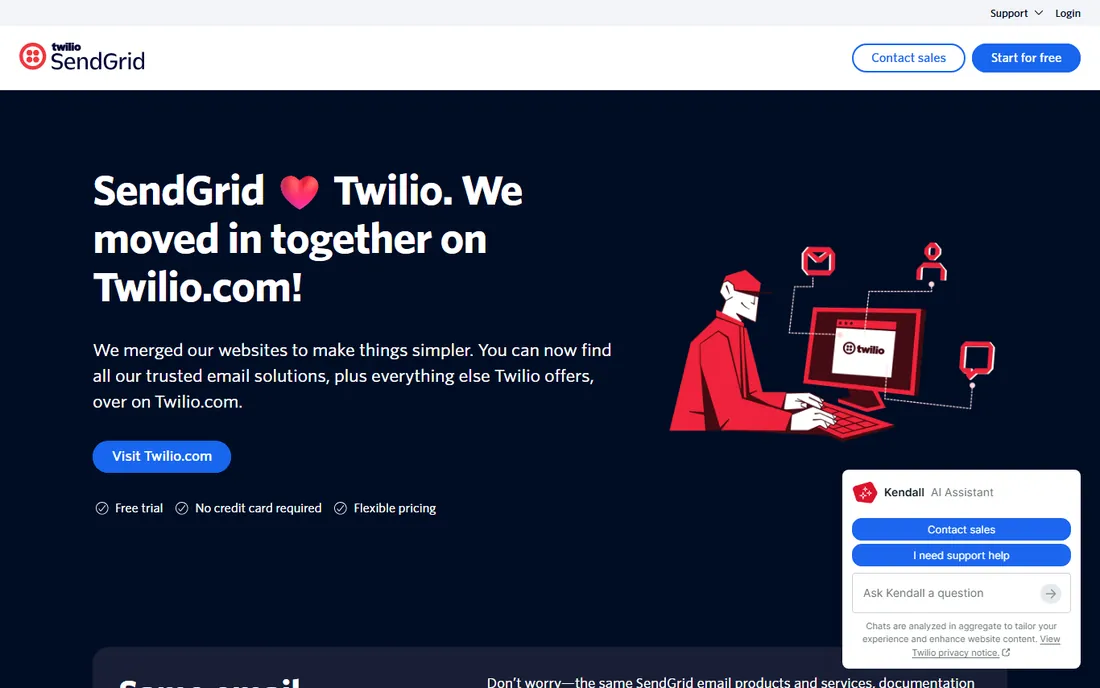
SendGrid is the workhorse of bulk email: an API and SMTP service that product teams embed for transactional mail and that marketers use for campaigns. The homepage now lives under Twilio branding, with the same email products plus the rest of the Twilio platform for verification, alerts and messaging. A free trial with no credit card lets developers test deliverability before talking to sales.
This is not the pick for a team without technical help. The campaign builder exists, but SendGrid's center of gravity is infrastructure: IPs, authentication, event webhooks, scale. If your blasts are really product-triggered emails or you send millions a month, that focus is exactly right; if you want drag-and-drop simplicity, look at Mailchimp or Brevo.
What we like- Email API proven at massive scale (200B+ emails per month claimed by the vendor)
- SMTP relay plus marketing campaigns in one account
- Now part of Twilio, alongside SMS and verification
Watch out for- API-first design means a learning curve for non-developers
- Marketer campaign tools are secondary to the sending infrastructure
- High-volume pricing needs a quote conversation
#4
Mailgun
Best for: Developers needing a flexible email API with validation
Visit mailgun.com
Starting priceSee website
Free planSee website
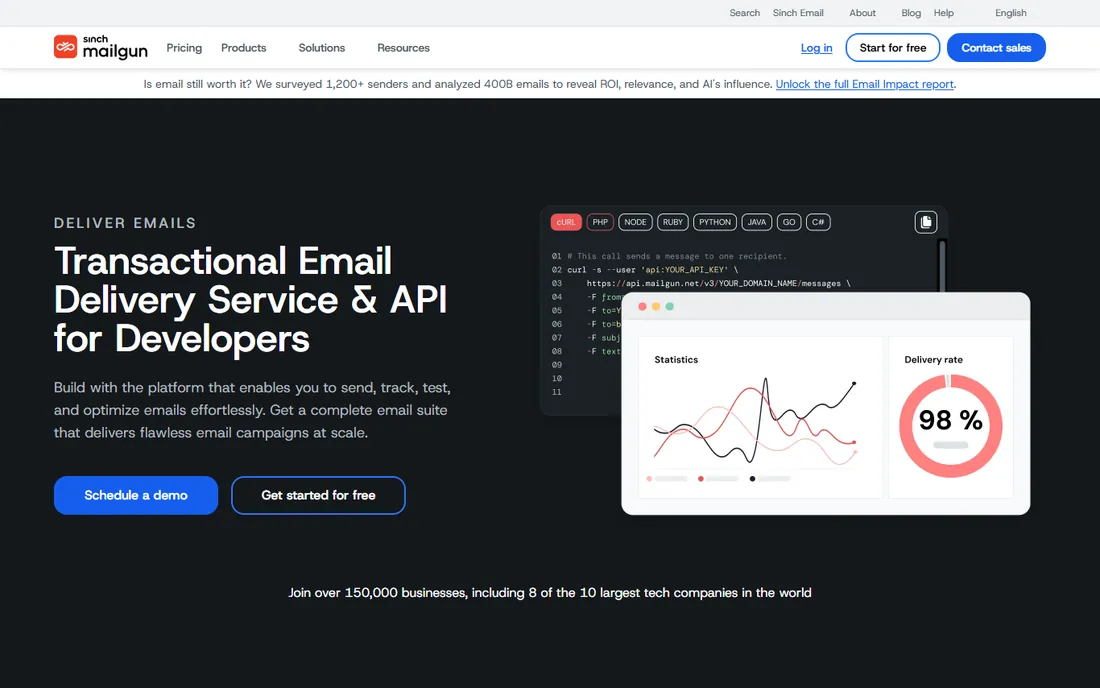
Mailgun's homepage reads like a developer's checklist: integrate email into your systems, validate lists, preview rendering, parse inbound messages, connect data to your CRM. The validation product deserves attention from bulk senders, since list hygiene is the cheapest deliverability win available, and the inspect tools (inherited from Email On Acid) catch rendering and accessibility problems before a blast goes out.
The honest limitation is audience. Mailgun assumes someone on your team is comfortable with APIs and DNS records. Small businesses without a developer will get more done faster with a marketer-first tool, while engineering-led teams get the control they want here.
What we like- Built by developers for developers, with send, optimize, validate and inspect in one platform
- Fast email validation API for list hygiene
- Inbox preview and QA tools from Email On Acid
Watch out for- Campaign design is not the product's center
- Marketers used to visual builders will miss one
- Pricing and trial terms live on the vendor's pricing page
#5
Mailchimp
Best for: Small businesses wanting easy campaigns with AI and automations
Visit mailchimp.com
Starting priceSee website
Free planYes (free plan referenced on vendor homepage)
Mailchimp remains the default first email tool for small businesses, and for modest bulk sending it is genuinely easy: templates, popup forms, automations and AI-assisted content without touching code. The homepage advertises a free plan you can downgrade to at any time and a 14-day trial of Standard, so testing costs nothing.
Watch the contact-based pricing as you grow. A 50,000-contact list costs far more than the same list on a volume-priced platform, which is why Mailchimp fits businesses whose lists are small to mid-size and whose team values simplicity over per-email economics. Heavy blasters should price-shop before importing six figures of contacts.
What we like- Easiest learning curve on this list, with a genuine free plan
- Generative AI features and enhanced automations
- 14-day Standard trial with no commitment
Watch out for- Pricing scales with contacts, so large lists get expensive
- Advanced testing and phone support sit on higher tiers
- SMS costs extra as an add-on
#6
Mailjet
Best for: Teams where marketers and developers build email together
Visit mailjet.com
Starting priceSee website
Free planSee website
Mailjet's differentiator is the workflow: marketers design in a drag-and-drop editor while developers use the same templates through the API, with comments, approvals and version history in between. Subaccounts let agencies manage multiple client brands without mixing data. Deliverability monitoring, address validation and dedicated IPs cover the bulk-sending basics.
Solo marketers may not need the collaboration layer, and should compare Mailjet against Brevo or Mailchimp on price and simplicity. But for teams where email passes between departments, or agencies sending on behalf of clients, the shared workspace removes a whole category of broken-handoff problems.
What we like- Real-time collaborative editing with shared templates between devs and marketers
- API plus SMTP relay for transactional and marketing mail
- Subaccounts for agencies and multiple brands
- EU data centers with GDPR posture
Watch out for- Smaller US brand presence means fewer third-party tutorials
- Free-tier details need the pricing page
- Collaboration features matter less to solo senders
Starting priceSee website
Free planYes (100 emails/day free, no credit card, per vendor homepage)
Elastic Email competes on price and simplicity: an email API and SMTP relay with a marketing campaign layer on top, integrations for the tools small businesses already use, and a free tier that needs no credit card. The AI template designer helps non-designers produce decent-looking blasts quickly.
The caution is scale and support. Elastic Email is a smaller vendor than SendGrid or Mailchimp, so very large senders should test deliverability to their specific audience before committing, and confirm paid tiers on the pricing page. For cost-conscious senders with modest volume and some technical comfort, it is one of the cheapest legitimate ways to blast.
What we like- Free tier of 100 emails/day with instant setup and no credit card
- HTTP API plus SMTP with ready integrations (HubSpot, WooCommerce, Shopify, WordPress)
- AI template designer
Watch out for- Smaller ecosystem and community than the giants
- Paid plan details need the pricing page
- Support depth at the free tier is limited
#8
SMTP2GO
Best for: Businesses wanting reliable SMTP relay with human support
Visit smtp2go.com
Starting priceSee website
Free planYes (free up to 1,000 emails/month; paid plans above that, per vendor homepage)
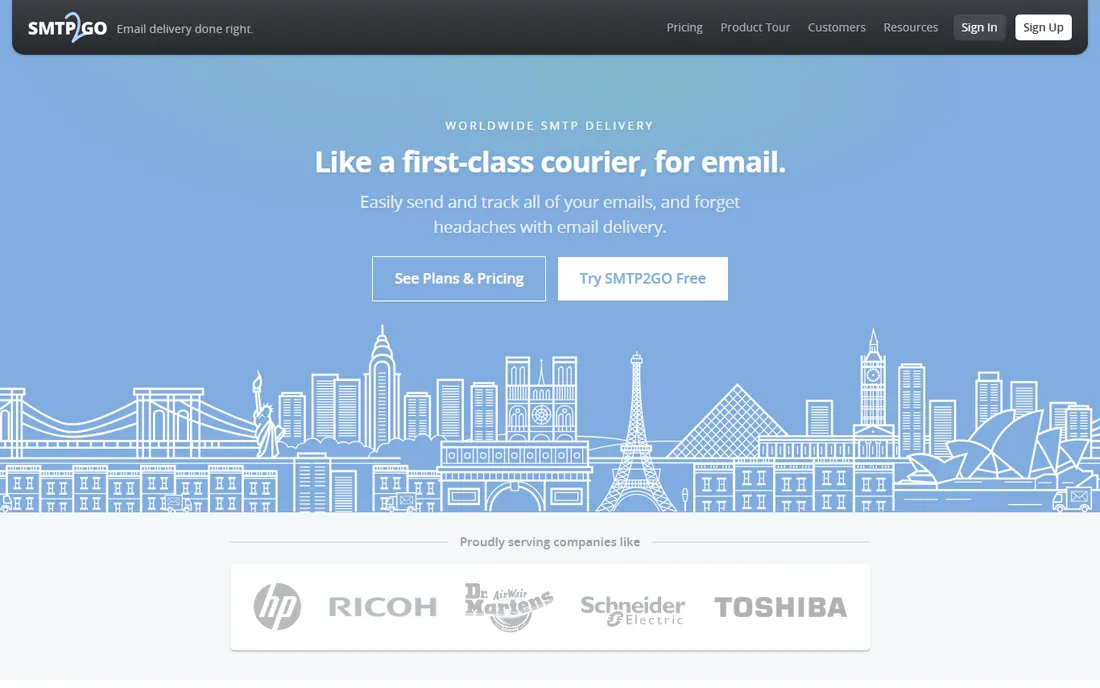
SMTP2GO does one job: get your email delivered. It is an SMTP relay and API for transactional mail, app-generated email and list mailings, with visual reports on bounces, spam complaints and unsubscribes. The homepage's pitch is reliability (redundant infrastructure, blacklist avoidance, automatic SPF/DKIM) and support that the vendor says wins awards.
Pair it with something else for design: there is no drag-and-drop campaign studio here. But if your blasts are generated by an app, a CRM or a script, and you want them to arrive with minimal fuss, SMTP2GO's free tier and automatic authentication setup make it one of the simplest legitimate options.
What we like- Free tier up to 1,000 emails/month with no time limit stated
- Redundant multi-datacenter infrastructure
- SPF and DKIM handled automatically
- Well-reviewed human support
Watch out for- A delivery service, not a marketing suite: no native campaign builder depth
- Paid plans required past 1,000 emails/month
- Reporting is infrastructure-grade, not marketer-grade
Staying CAN-SPAM compliant when you send in bulk
US law does not ban bulk email, but it sets rules, and ignorance is expensive: violations can draw steep per-email fines from the FTC. Every legitimate tool on this list helps with compliance, but the legal responsibility sits with you, the sender. The CAN-SPAM Act's core requirements are straightforward.
First, headers must be accurate: the From, To and routing information cannot mislead. Second, subject lines must reflect the message content; deceptive subjects are the fastest route to trouble. Third, identify the message as an ad where applicable. Fourth, every message needs your valid physical postal address. Fifth, every message needs a clear way to opt out, and you must honor opt-outs promptly (the law gives you 10 business days; faster is better).
In practice, that means: never buy email lists (consent you cannot prove is consent you do not have), use double opt-in for important lists, keep unsubscribe working and one click, and keep records of consent. All 8 tools above support unsubscribe links and bounce handling; several add list validation. The tool keeps you compliant-capable. Your list practices keep you compliant.
Start with your monthly volume and list size, because pricing models punish different shapes. Per-email pricing (common with API senders) favors small lists sent often; per-contact pricing (Mailchimp's model) favors large lists sent rarely. Run your actual numbers: 100,000 emails to 100,000 contacts once a month is a very different bill from 100,000 emails to 10,000 contacts ten times.
Next, check the deliverability toolkit, which matters more than the template gallery. You want: automatic SPF/DKIM setup (SMTP2GO does this; others document it), list validation (Mailgun's validation API, Mailjet's address checks), spam-filter testing before send, and bounce and complaint handling that suppresses bad addresses automatically. Ask about dedicated IPs if you send high volume from a single stream; shared IPs are fine for most, but one bad neighbor can hurt.
Then fit the tool to the team. Developers want APIs, webhooks and SMTP credentials (SendGrid, Mailgun, Elastic Email, SMTP2GO). Marketers want visual builders, automations and analytics (Mailchimp, Brevo, SendPulse, Mailjet). Mixed teams should weight collaboration features. Finally, trial the free tier with a real segment of your list, check inbox placement at Gmail and Outlook, and only then migrate the full list.
How we chose
We started with the searches bulk senders actually run: email blast software, bulk email sender, high-volume email service, and SMTP relay. For each candidate we opened the vendor's own homepage, noted the product's center of gravity (API vs. marketer UI), checked free tiers and trial terms on official pages, and compared deliverability features, authentication support, integrations and company-size fit against public reviews and documentation. Where a vendor's pricing page could not be verified during research, we wrote "See website" instead of guessing.
Frequently asked questions
Is email blasting legal in the US?
Yes, if you follow CAN-SPAM: accurate headers, honest subject lines, a physical address in every message, a working opt-out, and prompt honoring of unsubscribes. What is illegal is deceptive practice, not volume. Buying lists and blasting them is where most senders get into trouble, because you cannot prove consent.
How many emails can I send per day?
It depends on the tool and your reputation, not just the plan. Free tiers cap volume (Elastic Email allows 100/day, SMTP2GO's free tier covers up to 1,000/month). Paid plans raise the ceiling, but mailbox providers throttle unknown senders regardless, so warm up new domains and IPs gradually instead of blasting full volume on day one.
Should I use a dedicated IP address?
Probably not at first. Shared IPs from reputable senders have established reputations that benefit small and mid-size senders. Dedicated IPs make sense when you send high, consistent volume (typically 100,000+ emails per month) and want full control of your reputation. Below that, a dedicated IP can actually hurt, since low volume looks suspicious.
Why do my bulk emails land in spam?
The usual suspects, in order: a purchased or stale list (high bounces), missing or broken SPF/DKIM authentication, spam-trigger content and misleading subjects, no engagement history on a new domain, and sending from an IP with a bad reputation. Fix authentication and list hygiene first; they solve most placement problems before you touch content.
Can I send cold emails with these tools?
Generally no. These platforms are built for opted-in marketing and transactional mail, and their terms prohibit unsolicited bulk email. Cold outreach belongs on dedicated sales-engagement tools with proper opt-out handling, not on blast platforms. Violating a vendor's acceptable-use policy gets accounts suspended fast.
What is the cheapest way to send 100,000 emails a month?
Check each vendor's pricing page for current volume tiers, since per-email prices drop steeply with volume. API-first senders usually win on pure per-email cost at that scale, while all-in-one platforms bundle more features per dollar. Factor in list validation and any dedicated IP fees before comparing headline rates.
Sources we checked (10)
- https://sendpulse.com
- https://brevo.com/
- https://sendgrid.com/
- https://mailgun.com/
- https://mailchimp.com/
- https://mailjet.com/
- https://elasticemail.com/
- https://smtp2go.com/
- https://www.ftc.gov/legal-library/browse/federal-register-notices/can-spam-rule
- https://www.g2.com/categories/email-marketing
Is your product missing or out of date?
We review this list regularly. Vendors can request a listing, send updated pricing or ask about featured placement.

Shihab Mia · Founder, Rankite
Shihab has spent more than a decade helping SaaS and e-commerce brands grow through search. He writes Rankite's software buying guides from pricing pages, documentation and public user reviews. More about Shihab.