How we make this list: we compare pricing pages, product documentation and public user reviews. Rankite is independent; if a vendor ever pays for a featured spot, that listing is clearly labeled Partner.
Quick comparison
| Tool | Best for | Starting price | Free plan |
|---|
 Procore Procore | Large general contractors running complex projects | See website (volume-based pricing, unlimited users included) | No |
 Buildertrend Buildertrend | Home builders and remodelers who want everything in one place | See website (no published pricing in 2026) | No |
 Autodesk Forma Autodesk Forma | Firms already working in the Autodesk ecosystem | See website (sales-led pricing) | Free trial |
 JobTread JobTread | Small to midsize builders who want transparent pricing | $199 per month (monthly; $159 per month billed annually) | No (30-day money-back guarantee) |
 Fieldwire by Hilti Fieldwire by Hilti | Field teams living on drawings and punch lists | $39 per user per month (Pro, billed annually) | Yes (Basic: up to 5 users and 3 projects) |
 JobNimbus JobNimbus | Roofing and exterior contractors | See website (pricing is quote-based) | Free trial (14 days) |
 Contractor Foreman Contractor Foreman | Small contractors wanting the most modules per dollar | $49 per month (Basic) | Free trial (30 days) |
 ServiceTitan ServiceTitan | Service and specialty contractors scaling operations | See website (quote-based) | No |
 Bluebeam Bluebeam | PDF markups, takeoffs, and collaborative plan review | $260 per user per year (Basics) | Free trial |
Is your product missing or out of date?
We review this list regularly. Vendors can request a listing, send updated pricing or ask about featured placement.
#1
Procore
Best for: Large general contractors running complex projects
Visit procore.com
Starting priceSee website (volume-based pricing, unlimited users included)
Free planNo
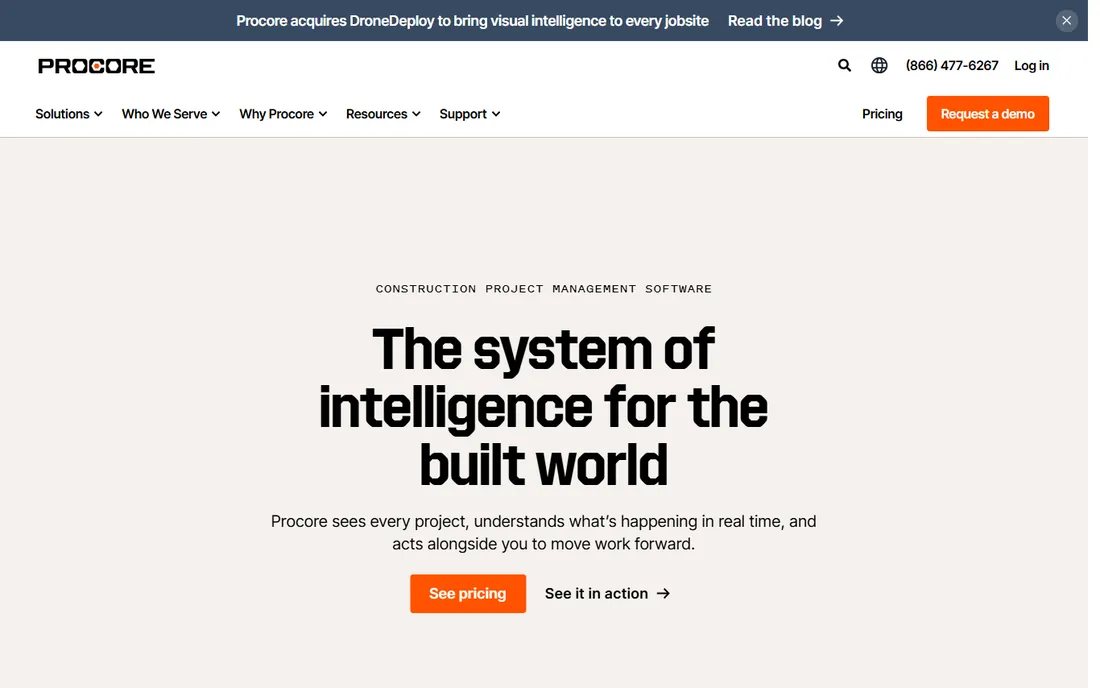
Procore is the default enterprise choice for a reason. It covers preconstruction through closeout in one system: drawings, RFIs, submittals, daily logs, punch lists, and financials all share the same data, so the field and the office finally work from the same record. With 3 million users worldwide, it has the integrations and the support network smaller platforms cannot match.
The catch is that Procore prices on annual construction volume, not seats, and every deal is negotiated. Small contractors routinely find the entry cost hard to justify, and rolling it out takes real effort. If you run multiple large projects with dedicated project managers, Procore pays off. If you run a ten-person remodeling crew, start further down this list.
What we like- True end-to-end platform
- Unlimited users on every contract
- Deep financial tools
Watch out for- Quote-only pricing
- Implementation is a project in itself
- Overkill for small shops
Starting priceSee website (no published pricing in 2026)
Free planNo
Buildertrend is the all-in-one platform for residential construction: scheduling, estimating, job costing, client communication, and payments under one roof. Its client portal is genuinely good, giving homeowners real-time visibility that cuts the daily status-call load. Onboarding managers help configure the system around your actual jobs.
The frustration is pricing. Buildertrend removed published prices from its site in 2026, so you negotiate blind, and long-term users report steady increases. Budget for a serious annual commitment and get the quote in writing with a rate lock if you can. For builders who want one vendor instead of five logins, it remains the most complete residential option.
What we like- CRM-to-financials in one system
- Strong client portal
- Guided onboarding
Watch out for- Pricing is quote-only
- Feature breadth can overwhelm
- Users report repeated price rises
Starting priceSee website (sales-led pricing)
Free planFree trial
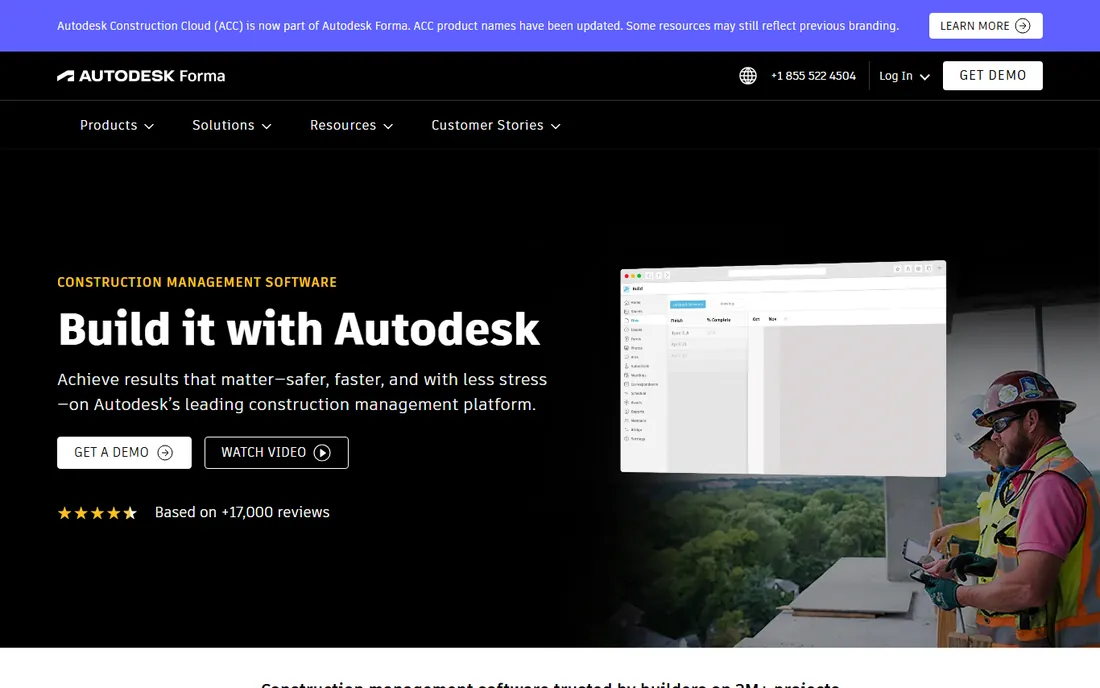
Autodesk Forma is the current name for what was long known as Autodesk Construction Cloud; Autodesk rebranded the platform in 2026. It connects design, preconstruction, and field execution, which makes it the natural pick if your architects and engineers already live in Revit and AutoCAD. Model coordination, document management, and field tools share one environment instead of three.
Like Procore, it is sold rather than bought: expect a sales process and implementation planning. Small contractors will find it heavy and expensive relative to simpler tools. But for firms where BIM is central to how they win and deliver work, nothing else ties the design model to the jobsite this tightly.
What we like- Deep BIM and design integration
- 400+ integrations
- Proven at massive scale
Watch out for- Pricing requires a sales conversation
- Complex to administer
- Overkill for small residential work
#4
JobTread
Best for: Small to midsize builders who want transparent pricing
Visit jobtread.com
Starting price$199 per month (monthly; $159 per month billed annually)
Free planNo (30-day money-back guarantee)
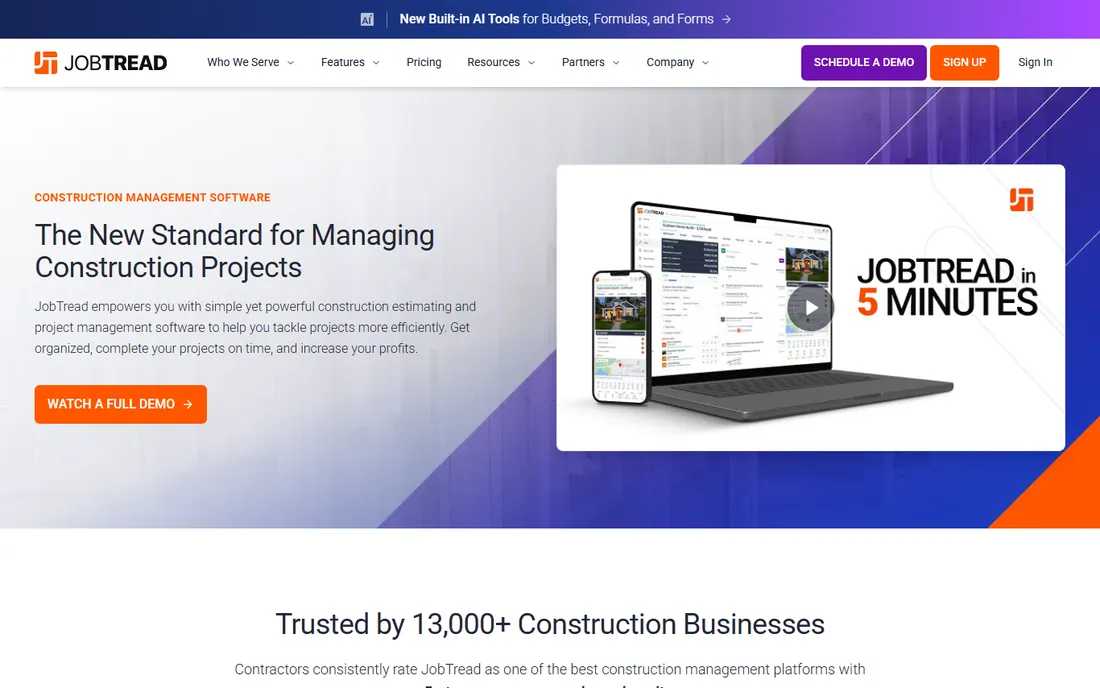
JobTread is the anti-enterprise option: one plan, every feature, published prices. At $199 a month (or $159 on annual billing), you get estimating, job costing, scheduling, change orders, invoicing, and client portals with unlimited jobs. Additional internal users run $20 a month each, while subs, vendors, and clients use the portals free.
The honesty extends to a 30-day money-back guarantee instead of a trial. The tradeoff is depth: field collaboration and reporting are not as strong as the bigger platforms, and training beyond the basics comes through partners at extra cost. For builders who want to know exactly what they will pay before the sales call, JobTread is refreshing.
What we like- Published pricing, no quote games
- Every feature on one plan
- Unlimited jobs and portal users
Watch out for- No free tier
- Field collaboration is lighter than Fieldwire
- Onboarding extras cost more
#5
Fieldwire by Hilti
Best for: Field teams living on drawings and punch lists
Visit fieldwire.com
Starting price$39 per user per month (Pro, billed annually)
Free planYes (Basic: up to 5 users and 3 projects)
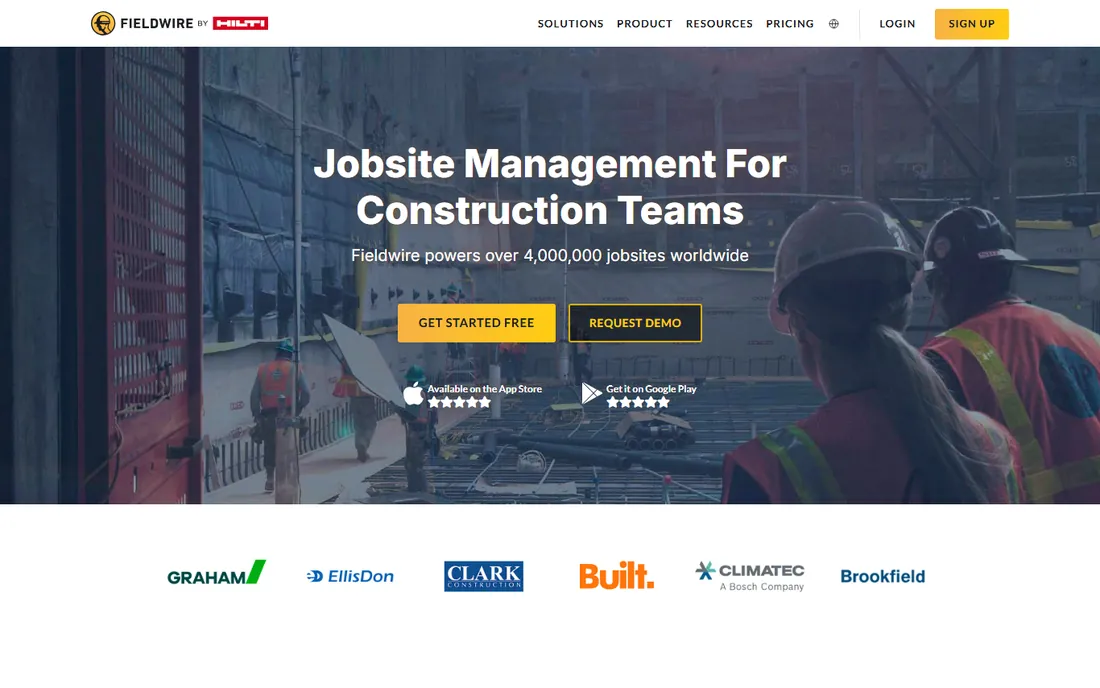
Fieldwire does one job extremely well: getting the right drawings, tasks, and punch lists into the hands of the crew. Plan viewing with automatic version control, markups tied to locations on the sheet, and offline access make it the field app other platforms try to copy. The free Basic tier covers 5 users and 3 projects, enough to run a real job.
Paid plans start at $39 per user per month billed annually for Pro, rising to $89 for Business Plus with RFIs, submittals, and budgets. Note the ownership: Fieldwire is now part of Hilti. It is not a full business platform, so you will still need something for estimating and accounting, but for field execution it is the easiest yes on this list.
What we like- Excellent mobile and offline experience
- Genuinely useful free tier
- Automatic drawing versioning
Watch out for- Per-seat pricing punishes large crews
- No estimating or invoicing
- API access is gated
Starting priceSee website (pricing is quote-based)
Free planFree trial (14 days)
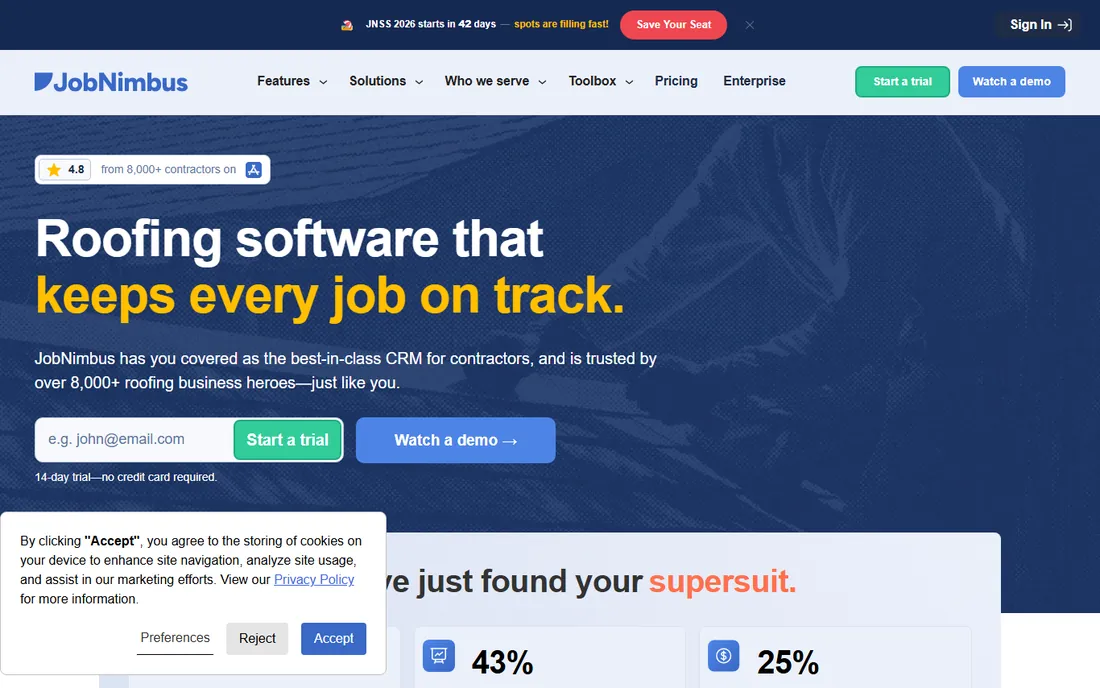
JobNimbus is a CRM and project platform tuned for roofers, siders, and exterior contractors. Lead tracking, estimating with built-in SumoQuote proposals, production boards, invoicing, and automated follow-ups cover the full roofing sales-to-install cycle. Integrations with EagleView for measurements and CompanyCam for photos fit the trade.
The annoyance is pricing: JobNimbus does not publish rates, and third-party estimates range widely because plans combine base fees with per-user charges by role. Get the quote for your actual headcount, including the texting bundle most roofers need. If you run a roofing company and want software that speaks your language, the fit is excellent; just negotiate with eyes open.
What we like- Built for roofing workflows
- SumoQuote for polished proposals
- Strong automations
Watch out for- No published pricing
- Per-user model gets expensive as you grow
- Texting is a paid add-on
Starting price$49 per month (Basic)
Free planFree trial (30 days)
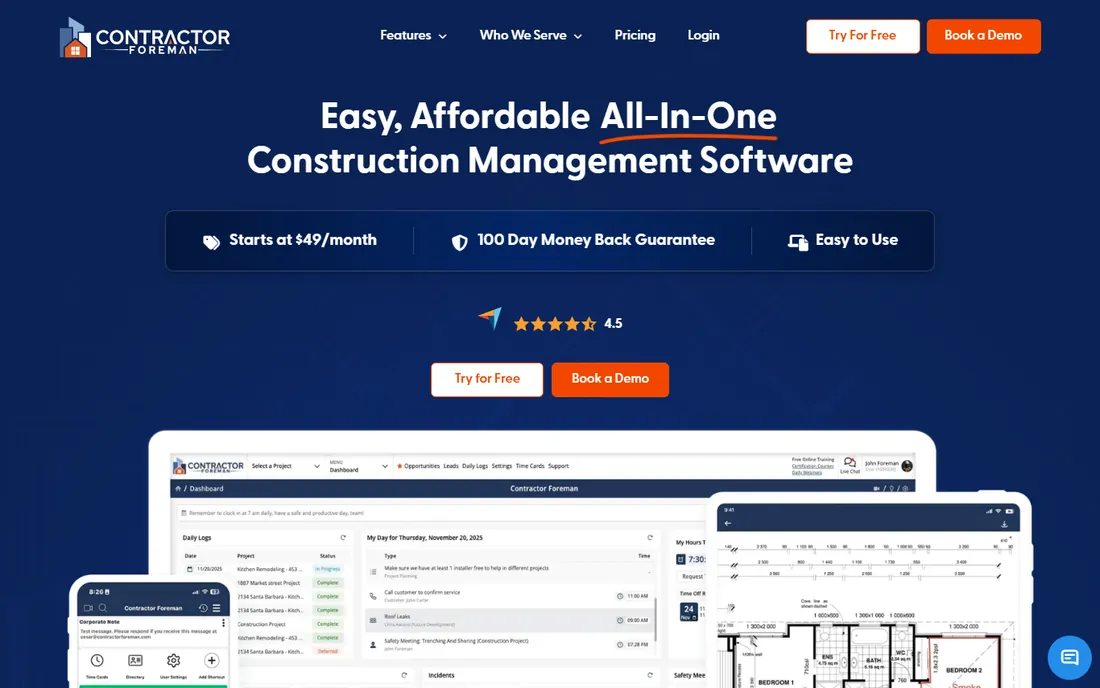
Contractor Foreman packs an almost absurd number of modules into $49 a month: estimating, scheduling, daily logs, time tracking, GPS timecards, safety meetings, equipment logs, client portal, and more. Higher tiers at $105, $166, $221, and $332 add users and features at flat rates, so costs stay predictable as you grow.
The price shows in places: the interface is functional rather than beautiful, and native QuickBooks integration needs pricier tiers. But the 30-day trial plus a 100-day money-back guarantee make it nearly risk-free to test. For small contractors who need breadth on a budget, nothing else delivers this much for $49.
What we like- Cheapest full suite in the category
- Flat-rate tiers
- 100-day money-back guarantee
Watch out for- Interface feels dated
- QuickBooks sync runs through Zapier on lower tiers
- Support has limited hours
Starting priceSee website (quote-based)
Free planNo
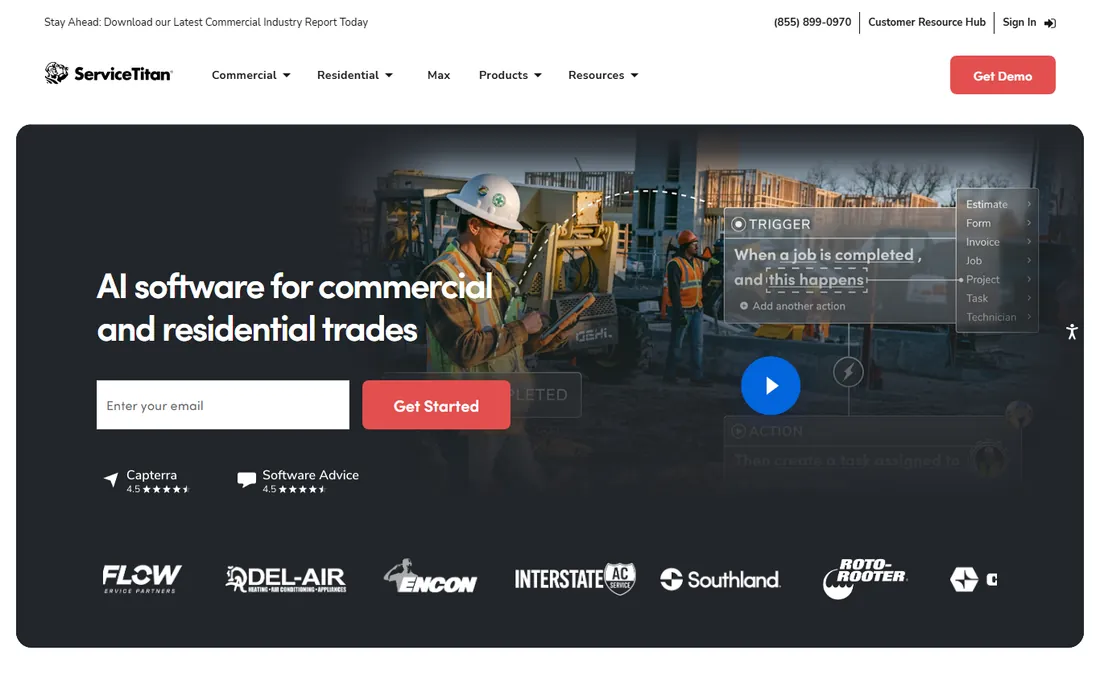
ServiceTitan dominates residential and commercial service trades: HVAC, plumbing, electrical, and similar businesses run dispatch, agreements, invoicing, and marketing on it. The reporting is a genuine strength, with real-time costing and dashboards that show per-technician and per-job profitability. Over 70 integrations connect it to accounting and supplier systems.
This is enterprise-grade commitment disguised as trade software: pricing is quote-only, contracts are substantial, and implementation needs attention. It is the right tool when you have dispatchers, CSRs, and a growing technician fleet. A five-person shop will drown in it; a fifty-person operation will wonder how it ever ran without it.
What we like- Deep service workflows
- Strong reporting and dashboards
- 70+ integrations
Watch out for- Quote-only pricing
- Serious cost commitment
- Implementation takes effort
#9
Bluebeam
Best for: PDF markups, takeoffs, and collaborative plan review
Visit bluebeam.com
Starting price$260 per user per year (Basics)
Free planFree trial
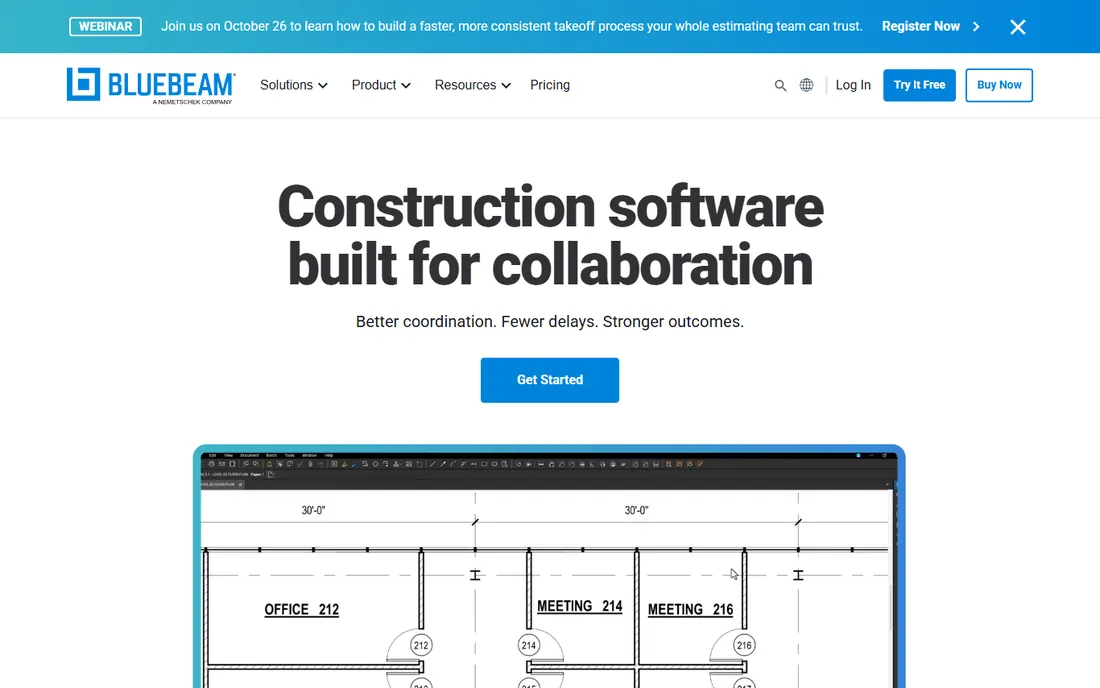
Bluebeam Revu is the markup tool the industry standardized on. Quantity takeoffs, punch markups, submittal reviews, and collaborative Studio sessions where the whole team marks up the same set in real time: this is the daily work of estimators, PMs, and architects. The measurement tools alone justify it for many firms.
Pricing is annual per user: Basics at $260, Core at $330, and Complete at $440. It is Windows-first software, so Mac-based teams work through the browser version. Bluebeam will not schedule your project or invoice your client, but paired with any platform above, it handles the document side better than anything else.
What we like- Industry standard for markups
- Studio sessions for live collaboration
- Precise measurement tools
Watch out for- Windows-first (Mac users get the web app)
- Annual per-user billing
- Not a project management platform
How we chose
We favored tools with proven jobsite adoption, not just office demos: mobile quality, offline capability, and reviews from working contractors weighed heavily. Prices were checked against vendor pages and vendor-verified sources on 2026-10-14; where vendors publish no pricing, we say so instead of guessing. Enterprise platforms and residential tools are both represented because construction is not one market.
What to check before you sign
Price the whole crew, not one seat
A $39 per-user tool is $390 a month for ten people and $3,900 for a hundred. Fieldwire, Bluebeam, and JobNimbus scale with headcount; Procore, Buildertrend, and Contractor Foreman do not. Model the cost at your crew size in two years before you fall in love with a per-seat price.
Ask who owns your data
Your project history, client records, and financials are the business. Ask how you export everything, what format it comes in, and what happens if you cancel. The vendors above vary widely here, and the answer matters more than any feature checklist.
Pilot on a real job, not a demo project
Every platform shines in a sales demo. Run the trial on one live project with your actual foreman and your actual drawings. If the crew will not open the app by week two, no feature list will save the rollout.
Check the accounting integration before anything else
Job costing that does not sync with QuickBooks, Xero, or Sage creates double entry forever. Verify the specific integration your accountant uses, on the specific plan you would buy, because sync depth varies by tier.
The per-seat trap
The quietest budget killer in construction software is per-user pricing on a growing crew. A field app that costs $39 a month per person sounds reasonable until you have forty people in the system and the annual bill rivals a truck payment. Flat-rate platforms like Contractor Foreman and JobTread, or volume-based ones like Procore, reward growth instead of taxing it. Before signing, ask every vendor for the three-year cost at double your current headcount. The cheapest quote today is rarely the cheapest contract in year three.
Frequently asked questions
What is the best construction management software for small contractors?
Contractor Foreman at $49 a month delivers the most functionality per dollar for small crews. JobTread at $199 a month is the pick if you want transparent pricing and stronger job costing. Fieldwire's free tier handles drawings and punch lists for up to 5 users at no cost.
How much does construction management software really cost?
From $49 a month for small-shop tools to five figures a year for enterprise platforms. The honest range for a 10-person contractor is roughly $500 to $4,000 a month depending on the platform and pricing model. Always get the quote for your headcount, not the headline price.
Is there genuinely free construction management software?
Fieldwire's Basic plan is free for up to 5 users and 3 projects with no expiry, and it covers the core field workflows. No full business platform on this list is free, but Fieldwire plus free accounting software gets a tiny crew surprisingly far.
What happened to CoConstruct?
CoConstruct was acquired by Buildertrend, and its standalone product is being wound down: the CoConstruct site now directs customers to migrate to Buildertrend. If you are a current CoConstruct user, plan the migration rather than renewing. JobTread is the closest independent alternative for residential builders.
Do I need separate software for estimating and project management?
Not necessarily. Procore, Buildertrend, JobTread, and Contractor Foreman all include estimating alongside project management. Fieldwire and Bluebeam do not estimate at all, so they pair with an estimating tool. One platform doing both keeps job costing honest; two systems need a sync you will have to maintain.
Sources we checked (9)
- https://www.procore.com
- https://construction.autodesk.com
- https://www.jobtread.com/blog/the-best-construction-management-software-for-2026-why-jobtread-wins
- https://www.g2.com/products/jobtread/pricing
- https://www.workyard.com/compare/fieldwire-review
- https://fieldservicesoftware.io/comparisons/jobber-vs-jobnimbus/
- https://www.g2.com/products/contractor-foreman/pricing
- https://www.bookedsolidcopy.com/the-automation-journal/what-buildertrend-procore-and-knowify-actually-cost
- https://www.coconstruct.com
Is your product missing or out of date?
We review this list regularly. Vendors can request a listing, send updated pricing or ask about featured placement.

Shihab Mia · Founder, Rankite
Shihab has spent more than a decade helping SaaS and e-commerce brands grow through search. He writes Rankite's software buying guides from pricing pages, documentation and public user reviews. More about Shihab.