How we make this list: we compare pricing pages, product documentation and public user reviews. Rankite is independent; if a vendor ever pays for a featured spot, that listing is clearly labeled Partner.
Key takeaways
- Small crews that mainly lose track of hand tools should start with ShareMyToolbox ($100/month, free plan available) or Sortly (free plan, $49/month Advanced), both built for fast field checkouts.
- Contractors running multiple jobsites with heavy equipment need purpose-built platforms: ToolWatch by AlignOps, Tenna (custom pricing) or GigaTrak (see website for pricing).
- EZO (formerly EZOfficeInventory) charges by items tracked rather than users, which suits companies with large field teams; exact plan prices are not published, so request a quote.
- Knowify ($99/month) and Buildertrend (custom quote) are broader construction management platforms with purchasing and materials tracking built in, a better fit when inventory is one piece of job costing.
- UpKeep ($24/user/month) approaches inventory from the maintenance side, which works when spare parts and preventive maintenance matter as much as the tools themselves.
Quick comparison
| Tool | Best for | Starting price | Free plan |
|---|
 Sortly Sortly | Small teams that want a visual, photo-first inventory system | $49/month (Advanced plan) | Yes (free plan, 100 unique items) |
 ShareMyToolbox ShareMyToolbox | Contractors focused on small tools and crew accountability | $100/month (Business plan, first admin user) | Yes (free plan, 100 tools and assets) |
 EZO EZO | Companies with large field teams (pricing is per item, not per user) | See website (item-based pricing, quote required) | Free trial (trial offered; terms on vendor site) |
 ToolWatch by AlignOps ToolWatch by AlignOps | Mid-size and large contractors with serious tool fleets | See website (usage-based, annual) | No |
 GigaTrak GigaTrak | Teams that want barcode tracking with an on-premise option | See website | No |
 Tenna Tenna | Contractors running mixed fleets of heavy equipment and vehicles | See website (custom pricing by asset count) | No |
 Knowify Knowify | Trade contractors who want inventory inside job costing software | $99/month (includes 1 user; additional users $29/month) | No |
 Buildertrend Buildertrend | Home builders and remodelers standardizing on one platform | See website (custom quote) | No |
 UpKeep UpKeep | Maintenance-led teams where parts inventory matters most | $24/user/month (Essential plan) | Free trial (per vendor site, no credit card required) |
Is your product missing or out of date?
We review this list regularly. Vendors can request a listing, send updated pricing or ask about featured placement.
The best construction inventory management software
A superintendent walks the laydown yard on a Monday morning and counts three missing rotary hammers, a generator that was supposed to be on the north site, and a pallet of fittings nobody can account for. The crew loses half a day hunting, and the project manager buys replacements that were sitting in another trailer all along. This happens on jobsites every week, and it is exactly what construction inventory management software exists to stop. These nine tools cover the real market, from simple tool-crib apps to full equipment operations platforms.
#1
Sortly
Best for: Small teams that want a visual, photo-first inventory system
Visit sortly.com
Starting price$49/month (Advanced plan)
Free planYes (free plan, 100 unique items)
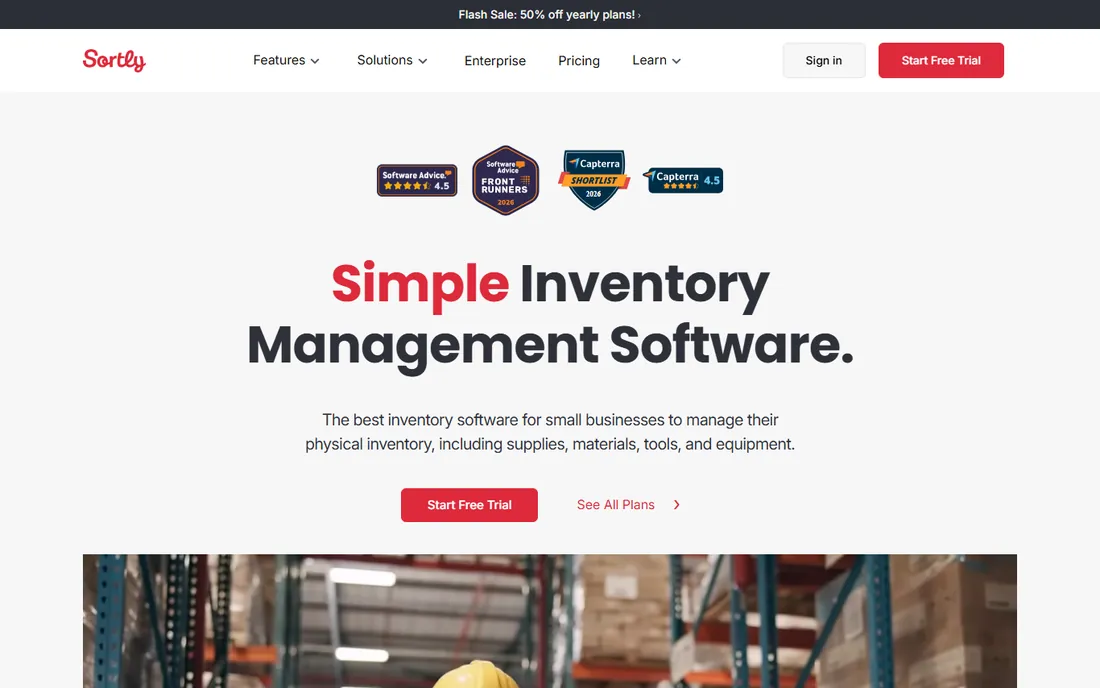
Sortly is the easiest on-ramp on this list. You photograph each item, assign it to a folder by jobsite or category, and the crew scans barcodes or QR codes to check things in and out from a phone. The free plan covers 100 unique items with one user, which is enough for a small contractor to test the concept on a single crew. Paid plans add purchase orders, custom roles, and a QuickBooks Online integration.
The honest catch is that Sortly is horizontal software, not construction software. It will not do job costing, tool billing back to projects, or equipment depreciation the way the trade-specific tools do. If your problem is simply "where is everything and who has it," that generality is a strength. If you need cost recovery per job, look at the purpose-built options below.
What we like- Photo-based item records make identification easy for field crews
- Barcode and QR scanning built into the mobile app
- Purchase orders and low-stock alerts on paid plans
Watch out for- Pricing is per plan with user and item caps, so growing teams step up tiers quickly
- No construction-specific job costing, it is general inventory software
Starting price$100/month (Business plan, first admin user)
Free planYes (free plan, 100 tools and assets)
ShareMyToolbox was built for exactly one job: making sure small tools come back. Crews search the catalog from their phones, request what they need, and scan items out with GPS coordinates captured at each scan. The audit feature pushes verification requests to field workers, so a foreman can confirm a crew still has everything without driving to the site. The free plan covers 100 tools, which suits a single small crew.
The honest catch is scope. This is small-tool tracking, not materials management or heavy equipment. The $100 monthly base covers the first admin, and each additional employee or admin connection is $10 per month sold in blocks of five. For a contractor whose losses are drills, saws, and meters, it is the most focused tool here.
What we like- Built specifically for construction tool tracking with audits and GPS scan tagging
- Unlimited tools on paid plans with unlimited data hosting
- View-only and virtual users cost nothing extra
Watch out for- Employee connections are sold in blocks of five at $10 each, which penalizes odd team sizes
- No heavy-equipment telematics or fleet features
Starting priceSee website (item-based pricing, quote required)
Free planFree trial (trial offered; terms on vendor site)
EZO, the rebranded EZOfficeInventory, is the enterprise-grade option for equipment-intensive contractors. Pricing is based on the number of items tracked rather than the number of users, and paid plans include unlimited users, which makes the math attractive when dozens of foremen, mechanics, and warehouse staff need access. It covers the full lifecycle: purchase orders, checkouts with custody chains, preventive maintenance, depreciation, and disposal.
The honest catch is the sales process. EZO publishes no prices, and the feature depth means implementation takes weeks, not hours. This is the right choice when you have hundreds or thousands of assets across multiple sites and need maintenance and reservations alongside tracking. For a ten-person shop, it is more system than you need.
What we like- Unlimited users on paid plans, which is rare and valuable for big crews
- Full asset lifecycle from procurement to disposal with maintenance workflows
- Barcode, QR, and RFID support
Watch out for- No published prices, so every buyer goes through sales
- The depth of features means a longer setup than the simple apps
#4
ToolWatch by AlignOps
Best for: Mid-size and large contractors with serious tool fleets
Visit toolwatch.com
Starting priceSee website (usage-based, annual)
Free planNo
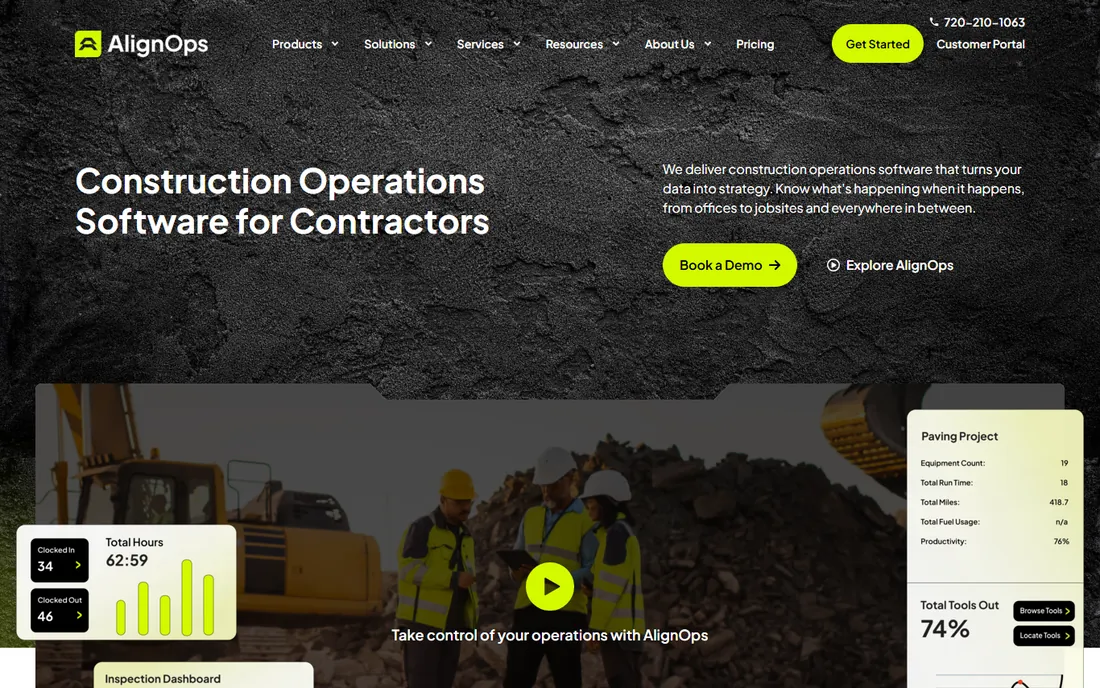
ToolWatch, now under the AlignOps brand, is the veteran of construction tool management. Its differentiator is financial: tools get billed back to jobs at internal rental rates, so project managers see the true cost of the equipment their crews use. That job-costing angle is why large mechanical, electrical, and industrial contractors have run it for years. It handles consumables, warehouse inventory, and purchasing alongside tool tracking.
The honest catch is that this is an enterprise sale. Expect an implementation project, training, and annual usage-based pricing with no public numbers. Small contractors will find the cost and complexity hard to justify. For a contractor with 50,000 assets across a dozen sites, though, this is the proven heavyweight.
What we like- Purpose-built for construction with job costing and internal tool billing
- Long track record with large commercial and industrial contractors
- Cloud and on-premise deployment options
Watch out for- Enterprise-grade pricing and implementation, overkill for small shops
- Third-party listings suggest around $2,520/year starting, but the vendor publishes nothing
#5
GigaTrak
Best for: Teams that want barcode tracking with an on-premise option
Visit gigatrak.com
Starting priceSee website
Free planNo
GigaTrak has been doing barcode asset tracking for contractors for about 30 years, and it shows in the workflow design: assign a barcode, scan it out, scan it back. The standout feature in 2026 is deployment choice. Few competitors still offer a true on-premise option, which matters for government work and contractors with strict data-control requirements. The mobile app covers check-in, check-out, and audits.
The honest catch is opacity and age. There is no pricing page, so you will talk to sales, and the product feels like established software rather than a modern app. If your priority is a straightforward barcode system your veteran tool-crib manager will actually use, GigaTrak delivers. If you want GPS tracking and slick mobile design, look elsewhere.
What we like- Simple barcode-based checkouts that field crews learn fast
- Offers both cloud-hosted and on-premise deployment
- US-based support with a long history in the trade
Watch out for- No published pricing at all
- The interface and feature set feel dated next to newer mobile-first apps
#6
Tenna
Best for: Contractors running mixed fleets of heavy equipment and vehicles
Visit tenna.com
Starting priceSee website (custom pricing by asset count)
Free planNo
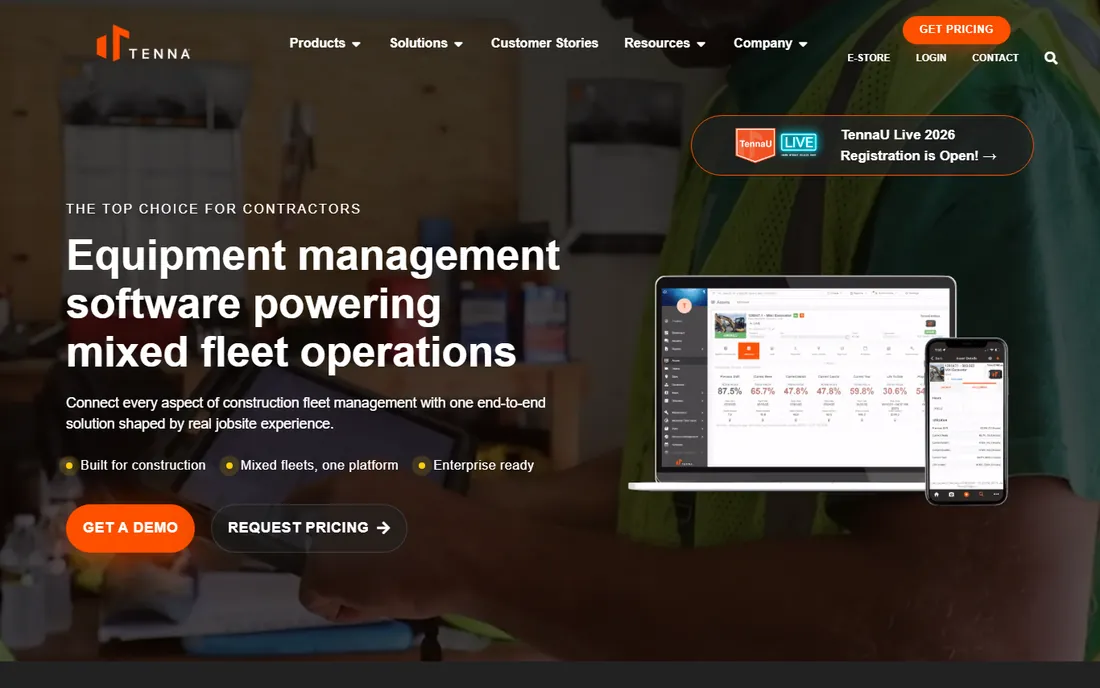
Tenna sits a level above tool tracking: it manages the whole mixed fleet. GPS trackers and cameras go on heavy equipment and vehicles, while tools and materials are tracked in the same platform, so the office sees one live picture of everything that moves. The company leans hard on its contractor roots, and the product reflects jobsite realities like geofences around sites and utilization reporting.
The honest catch is cost and complexity. Pricing is customized by asset count, and you are buying hardware and installation as well as software. This is for contractors with excavators, loaders, and truck fleets where a single stolen machine costs more than a year of software. A residential remodeler should not be shopping here.
What we like- Purpose-built for construction fleets with GPS trackers and cameras
- Unifies equipment, vehicles, tools, and materials in one system
- Built by people from the construction industry
Watch out for- Custom pricing only, with hardware and installation costs on top of software
- Aimed at larger operations, not small tool cribs
#7
Knowify
Best for: Trade contractors who want inventory inside job costing software
Visit knowify.com
Starting price$99/month (includes 1 user; additional users $29/month)
Free planNo
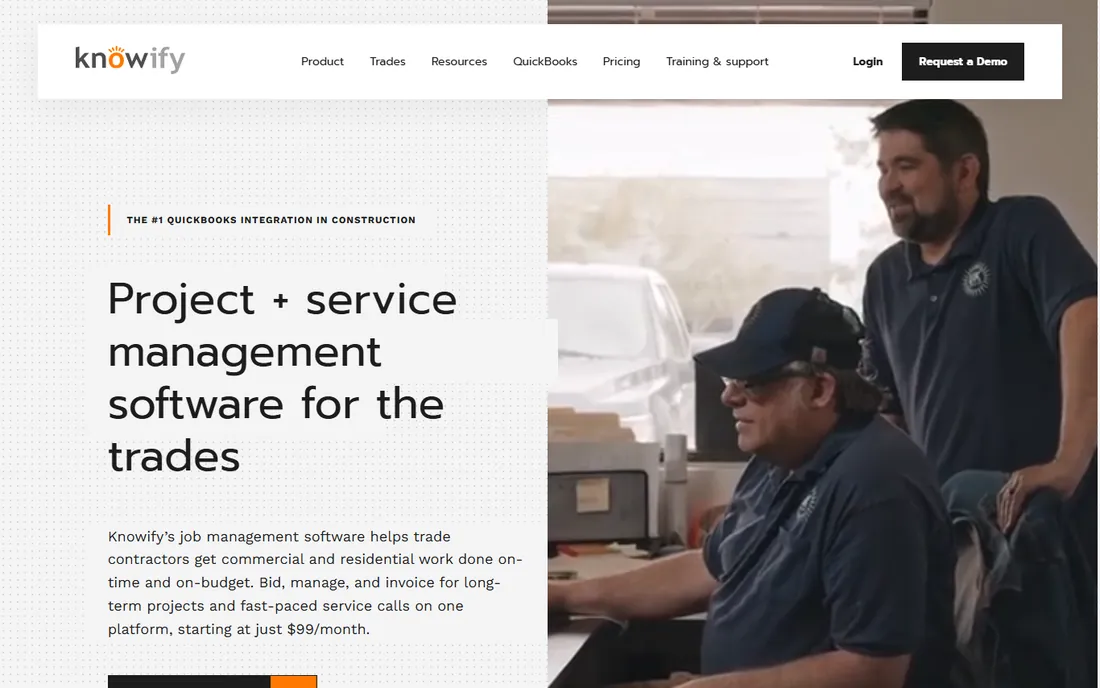
Knowify is construction management software for trade contractors where inventory management comes along for the ride. You track parts and materials against projects, build purchase orders, and the costs land in the right job automatically. The QuickBooks integration is genuinely deep, which matters because most small contractors still run their books in QuickBooks. Pricing starts at $99 per month for one user with additional users at $29 each.
The honest catch is that nobody buys Knowify just for inventory. If you need a dedicated tool-crib system with barcode checkouts, the specialists above do it better. But if your real problem is that material costs leak out of jobs unnoticed, having purchasing and inventory inside the job-costing system fixes the actual disease rather than the symptom.
What we like- Purchasing, expense tracking, and inventory flow straight into job costing
- Strongest QuickBooks sync in the trade-contractor segment
- AI connector for asking questions about job margins
Watch out for- Inventory is a supporting feature, not the product's core
- Per-user pricing adds up as the office team grows
Starting priceSee website (custom quote)
Free planNo
Buildertrend is the all-in-one platform for residential construction, and its materials and inventory features live inside a much bigger system covering scheduling, budgets, change orders, and client portals. For a home builder, tracking lumber packages and finish materials against each project inside the same tool that runs the schedule eliminates a whole category of double entry. Subscriptions include unlimited users, so the whole team and even clients can be in the system.
The honest catch is fit and price transparency. Pricing is custom-quoted per builder, and the product is designed around residential workflows. A commercial GC or a specialty trade contractor will find it mismatched. But for its target buyer, the breadth means inventory never becomes a separate system to maintain.
What we like- One platform for scheduling, financials, client communication, and materials
- Unlimited users in the subscription
- Deep onboarding support for busy builders
Watch out for- Custom-quoted pricing with no public numbers
- Built for residential builders, a poor fit for commercial or specialty trades
#9
UpKeep
Best for: Maintenance-led teams where parts inventory matters most
Visit upkeep.com
Starting price$24/user/month (Essential plan)
Free planFree trial (per vendor site, no credit card required)
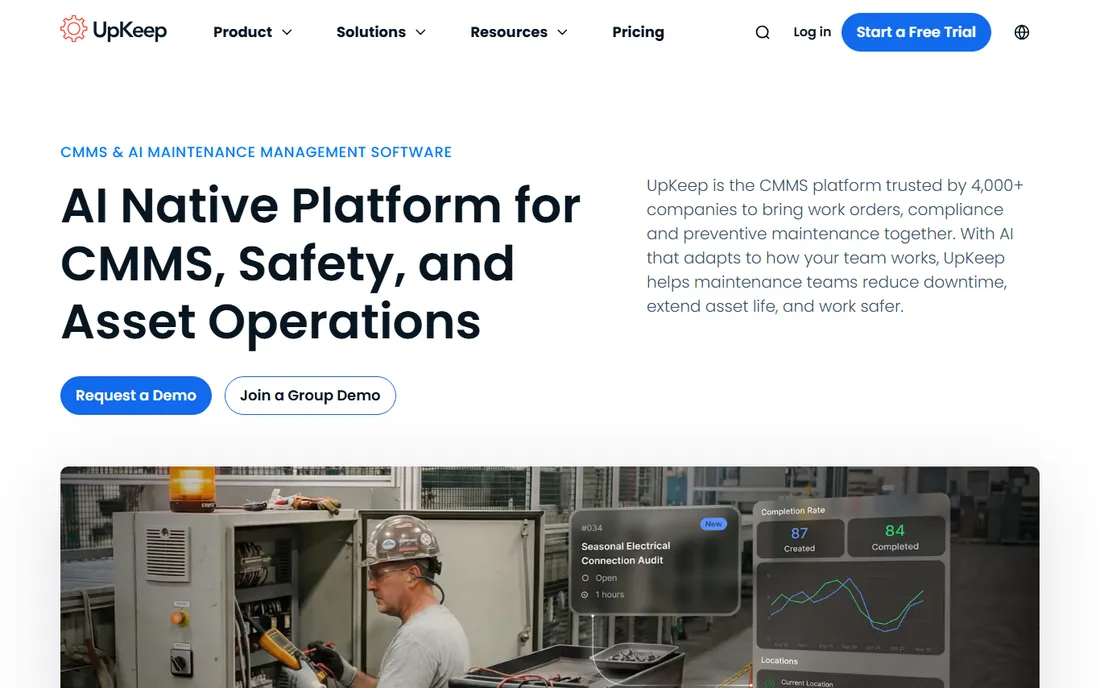
UpKeep comes at the problem from the maintenance side. It is a computerized maintenance management system where parts inventory, work orders, and preventive maintenance share one database. For a contractor or facility team where the expensive problem is not lost drills but unplanned downtime and missing spare parts, that framing is correct. Pricing is published and straightforward: $24 per user per month for Essential, $55 for Premium with parts and inventory costing.
The honest catch is that UpKeep is not really tool-tracking software. Check-in and check-out workflows exist but are not the product's heart. Choose it when maintenance operations drive the purchase and inventory rides along. Choose the specialists above when the tool crib itself is the problem.
What we like- Parts and inventory management with costing on the Premium tier
- Strong mobile app that technicians actually use
- Transparent published pricing from $24 per user per month
Watch out for- Built for maintenance workflows, so tool-crib checkout features are thinner than the specialists
- Inventory depth requires the $55/user/month Premium tier
What to check before you buy
Start with the loss you are actually trying to stop. Count what disappeared last quarter: small hand tools point to ShareMyToolbox or Sortly, materials and purchase-order leakage point to Knowify, and heavy equipment points to Tenna or ToolWatch. Buying a fleet platform to fix a missing-drill problem wastes money, and buying a phone app to manage excavators wastes time.
Second, decide who will do the scanning. The best system fails if the crew will not use it, so favor the tool your foremen will tolerate. Simple barcode or QR workflows win with field crews; RFID and GPS hardware win when you need proof rather than trust. Ask each vendor for a trial on one real jobsite before committing the whole company.
Third, pin down the total cost. Several vendors on this list publish no prices, which means the quote depends on asset counts, users, and hardware. Get the full first-year number in writing, including implementation, training, barcode labels or tags, and any GPS hardware. A $24-per-user sticker price means little until you know how many users need licenses and what the onboarding costs.
Pricing models explained
Construction inventory software prices in three different ways, and the model matters more than the headline number. Per-user pricing, like UpKeep at $24 per user per month or Knowify at $99 per month plus $29 per extra user, is predictable but punishes companies where everyone in the field needs access. Per-item pricing, like EZO's model, flips the math: unlimited users, but you pay for the assets tracked, which suits big crews with moderate equipment counts.
Flat platform pricing, like ShareMyToolbox at $100 per month for the first admin or Sortly's tiered plans, is simplest for small teams but comes with caps on items, users, or jobsites that force upgrades as you grow. Then there is the enterprise tier: ToolWatch, Tenna, and GigaTrak all keep pricing behind sales conversations because the quote depends on asset counts, locations, hardware, and implementation. For those, budget for the software plus the project around it, and never compare a quoted enterprise price against a self-serve monthly plan without adding implementation to both sides.
How we chose
We started from the construction inventory and tool-tracking category as buyers actually shop it, then checked each vendor's current homepage, pricing page, documentation, and public reviews on G2, Capterra, and contractor forums. Prices and plan details come from the vendor's own pricing pages as of October 2026; where a vendor publishes no prices, the starting price is listed as "See website" rather than guessed from third parties. Products that were shut down or folded into another brand were excluded, and renamed products are listed under their current names. We favored tools with genuine construction or field-service fit over generic inventory software, and mixed simple apps with enterprise platforms so contractors at different sizes find a fit.
Frequently asked questions
What is construction inventory management software?
It is software that tracks the materials, tools, and equipment a contractor owns across warehouses, jobsites, and vehicles. Typical features include barcode or QR check-in and check-out, assignment of items to jobs or people, low-stock alerts, purchase orders, and reporting on utilization and loss. Heavier platforms add GPS tracking, maintenance scheduling, and job costing.
How much does construction inventory software cost?
Simple apps run $24 to $100 per month for small teams, with free plans covering up to about 100 items. Mid-market platforms are usually quoted per asset count or user and land in the low thousands per year. Enterprise fleet platforms like ToolWatch and Tenna are custom-quoted and can run well into five figures annually once hardware and implementation are included.
Can I just use spreadsheets or a general inventory app?
Many small contractors start there, and a general app like Sortly is a legitimate step up from spreadsheets because it adds mobile scanning and photos. The trade-specific tools earn their keep when you need accountability (who has the tool), cost recovery (billing tools back to jobs), or scale (thousands of assets across sites). If spreadsheets are working and losses are small, you may not need dedicated software yet.
Do I need barcode labels, QR codes, or GPS trackers?
Barcode or QR labels are the minimum that makes any of these systems work, and most vendors sell compatible labels or support labels you print yourself. GPS trackers make sense for high-value equipment that leaves the yard, where the hardware cost is small next to the theft risk. RFID sits in between: faster audits than barcodes, but it needs compatible scanners or phones.
How long does implementation take?
Simple apps like Sortly or ShareMyToolbox can be running on one crew within a day or two: import your item list, print labels, and start scanning. Mid-market platforms like EZO typically take a few weeks with data import and workflow setup. Enterprise deployments for ToolWatch or Tenna run longer because they include hardware installation, integrations, and training across multiple sites.
Will my field crew actually use it?
That depends more on the workflow than the software. Systems that require three taps to check out a tool get used; systems that require a trip to the trailer office do not. Run the trial with your most skeptical foreman, not your most enthusiastic office manager, and pick the tool he complains about least. Mobile-first design and offline capability matter more than feature lists for adoption.
Sources we checked (15)
- https://sortly.com/pricing/
- https://sharemytoolbox.com/pricing/
- https://ezo.io/ezofficeinventory/pricing/
- https://knowify.com/pricing/
- https://buildertrend.com/pricing/
- https://tenna.com/pricing/
- https://sortly.com/
- https://sharemytoolbox.com/
- https://ezofficeinventory.com/
- https://www.toolwatch.com
- https://gigatrak.com/
- https://tenna.com/
- https://knowify.com/
- https://buildertrend.com/
- https://upkeep.com/
Is your product missing or out of date?
We review this list regularly. Vendors can request a listing, send updated pricing or ask about featured placement.

Shihab Mia · Founder, Rankite
Shihab has spent more than a decade helping SaaS and e-commerce brands grow through search. He writes Rankite's software buying guides from pricing pages, documentation and public user reviews. More about Shihab.