How we make this list: we compare pricing pages, product documentation and public user reviews. Rankite is independent; if a vendor ever pays for a featured spot, that listing is clearly labeled Partner.
Key takeaways
- DocuSign is the industry standard: deepest integrations, most recognized name, enterprise-ready.
- Adobe Acrobat Sign suits teams that live in PDFs and already pay for Adobe software.
- Dropbox Sign is the simplest option for teams whose files already live in Dropbox.
- PandaDoc combines proposals and contracts with signatures for sales teams.
- signNow, Zoho Sign, SignWell, YouTrust, and eSignatures.com cover the value, ecosystem, and European angles.
Quick comparison
Is your product missing or out of date?
We review this list regularly. Vendors can request a listing, send updated pricing or ask about featured placement.
The best digital signature software
Starting priceSee website
Free planNo
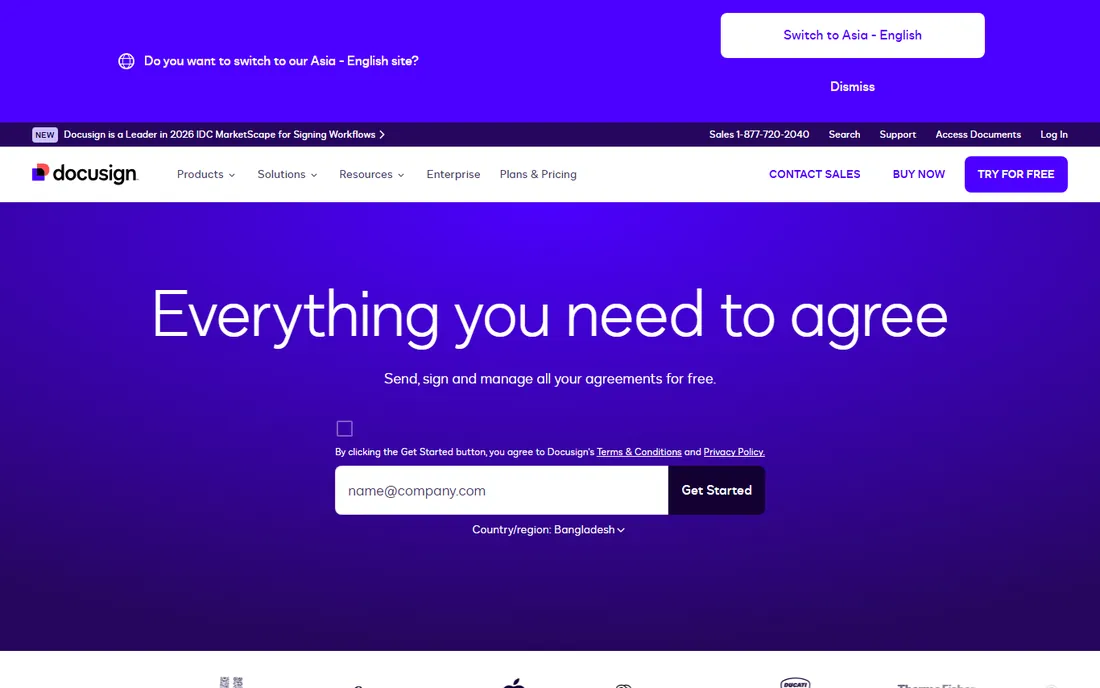
DocuSign is the name clients already trust. When you send a DocuSign envelope, recipients rarely hesitate; the brand recognition smooths the signing process. Underneath, it offers deep integrations (Salesforce, Microsoft, Google, and hundreds more), advanced workflows like conditional routing, and compliance options including identity verification for regulated industries.
The cost reflects the position. Per-user pricing adds up for large teams, and the interface prioritizes enterprise process over simplicity. But for businesses where signatures are frequent, high-value, or regulated, DocuSign's reliability and recognition are worth the premium. It is the safe choice that nobody gets fired for picking.
What we like- Most recognized brand
- Huge integration library
- Strong compliance options
Watch out for- Pricing climbs quickly
- Interface can feel corporate
Starting priceSee website
Free planNo
Acrobat Sign lives where PDFs live. If your team works in Acrobat all day, sending documents for signature without leaving the application is genuinely convenient. The Microsoft integration (Teams, SharePoint, Power Automate) is strong, which matters for Office-centric organizations. Compliance certifications cover the regulated industries.
Adobe's subscription structure takes patience to navigate; the right plan is not always obvious. But for organizations standardized on Adobe and Microsoft, Acrobat Sign slots into existing workflows better than any competitor. It is the enterprise PDF team's natural signature tool.
What we like- Deep PDF integration
- Strong Microsoft integration
- Trusted enterprise brand
Watch out for- Finding the right plan takes effort
- Adobe pricing complexity
Starting priceSee website
Free planNo
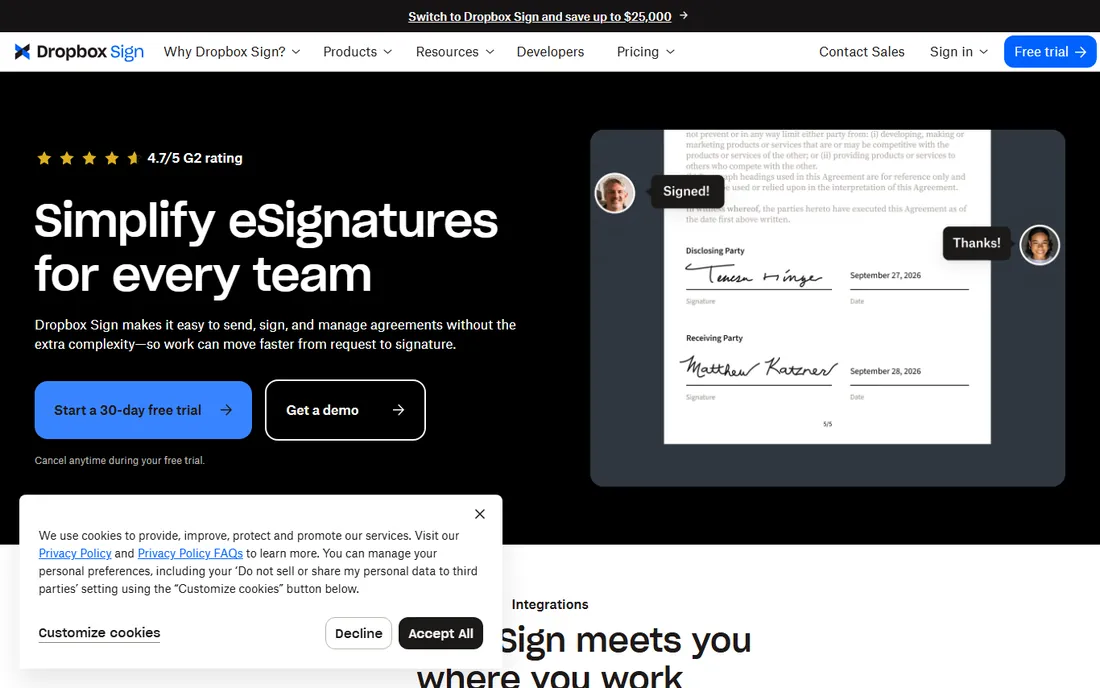
Dropbox Sign (formerly HelloSign) wins on simplicity. Upload a document, add signer fields, send; the recipient signs without creating an account. For teams whose files already live in Dropbox, the integration keeps everything in one place. The signer experience is clean, which reduces the back-and-forth that plagues clunky signing flows.
Complex workflows (conditional logic, advanced routing, bulk send at scale) trail DocuSign and Adobe. But most small businesses do not need those. For straightforward "send this contract, get it signed" work, Dropbox Sign's ease of use is its strongest argument.
What we like- Very easy to use
- Natural Dropbox integration
- Clean signer experience
Watch out for- Fewer advanced features
- Less suited to complex workflows
Starting priceSee website
Free planYes
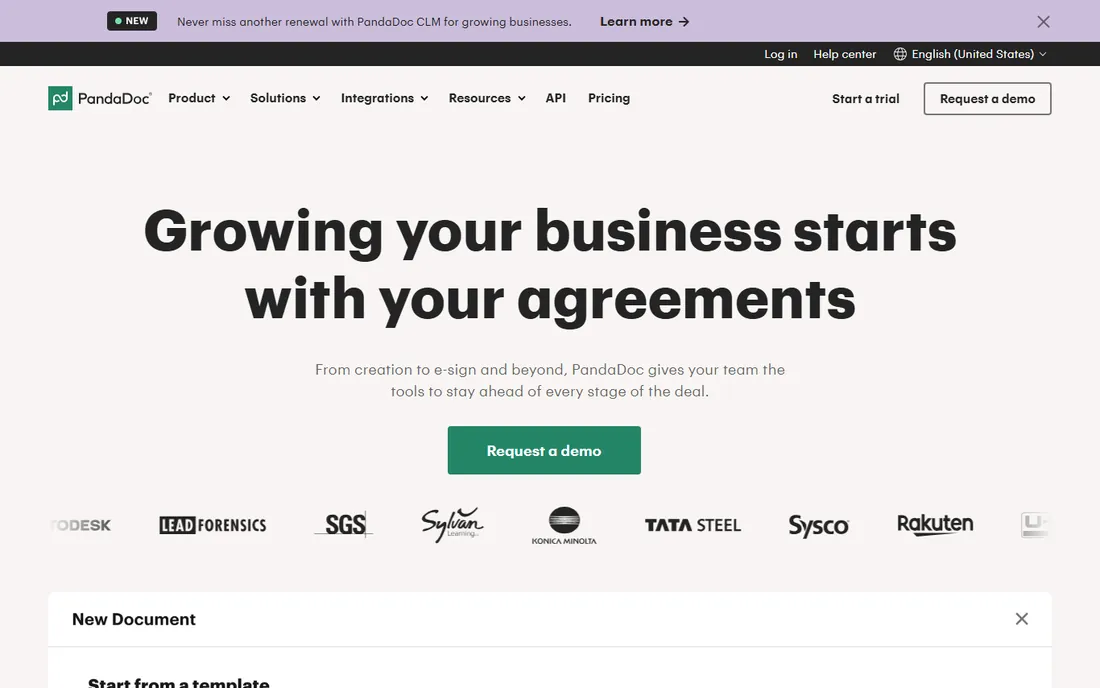
PandaDoc is not just a signature tool; it is a document platform where proposals, quotes, and contracts get created, sent, tracked, and signed. Sales teams see when prospects open proposals, which sections they read, and when they sign. Templates and content libraries keep the whole team producing consistent documents.
If you only need signatures, PandaDoc is more than necessary. But for businesses where the document before the signature matters (proposals, quotes, sales contracts), combining creation and signing in one tool removes handoffs. The free tier lets small teams try the core workflow.
What we like- Combines documents and eSignature
- Great for sales teams
- Content analytics
Watch out for- More than pure signers need
- Pricing per user
Starting priceSee website
Free planNo
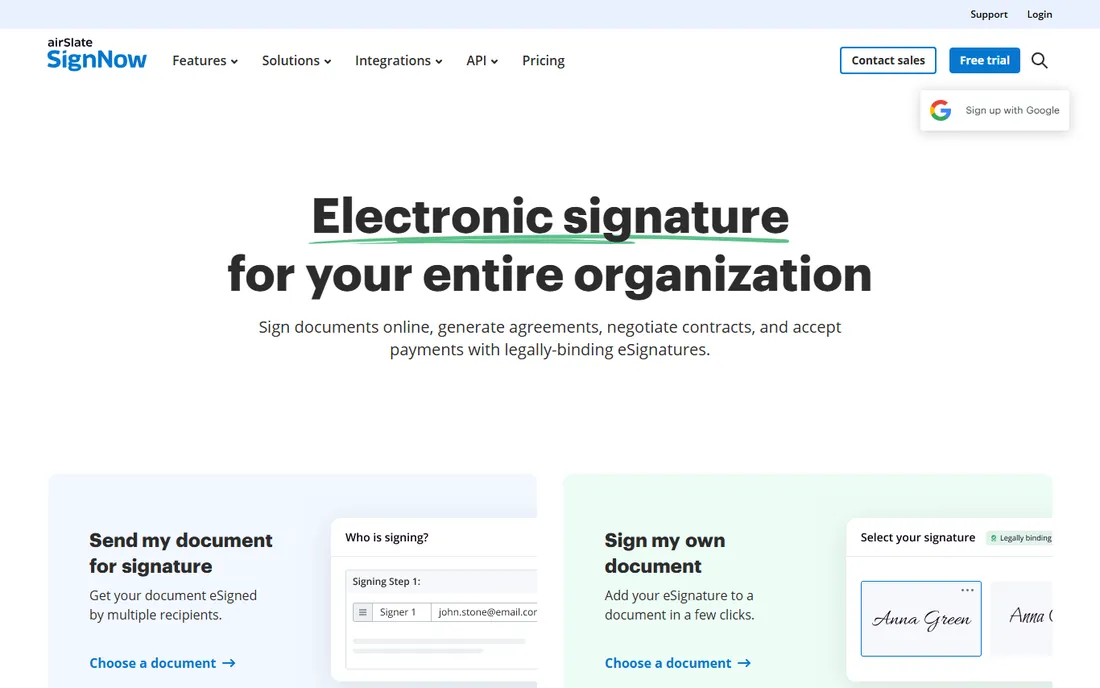
signNow positions itself as the value alternative to DocuSign: similar core features (templates, bulk send, integrations, API) at notably lower prices. Small and mid-size businesses get professional signing workflows without the premium brand tax. The API is solid for embedding signatures in applications.
The trade-off is recognition and polish. Some recipients will not know the name, and the interface is functional rather than delightful. But the documents signed are just as legally valid, and the savings are real. For cost-conscious businesses with regular signing volume, signNow deserves a trial.
What we like- Lower prices than DocuSign
- Solid feature set
- Good API
Watch out for- Brand less recognized
- Interface less polished
Starting priceSee website
Free planYes
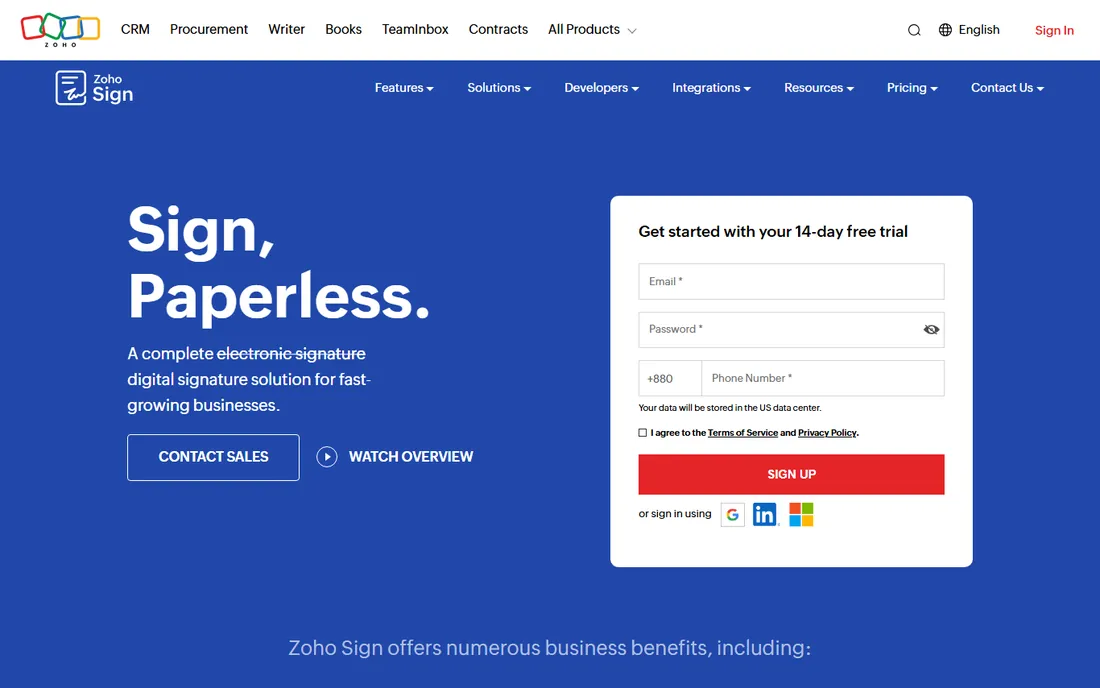
Zoho Sign is the obvious choice for the millions of businesses running Zoho CRM, Books, or Creator. Signatures trigger from Zoho workflows automatically, and documents flow between Zoho apps without manual steps. A free tier covers light use, and paid plans are among the cheapest here.
Outside the Zoho ecosystem, the integration advantage disappears, and third-party connections are thinner than DocuSign's. But Zoho's all-in-one pricing makes the bundle compelling: if you already pay for Zoho One, Sign is included. For Zoho shops, there is little reason to look elsewhere.
What we like- Free tier available
- Deep Zoho integration
- Affordable paid plans
Watch out for- Best inside the Zoho world
- Fewer third-party integrations
Starting priceSee website
Free planYes
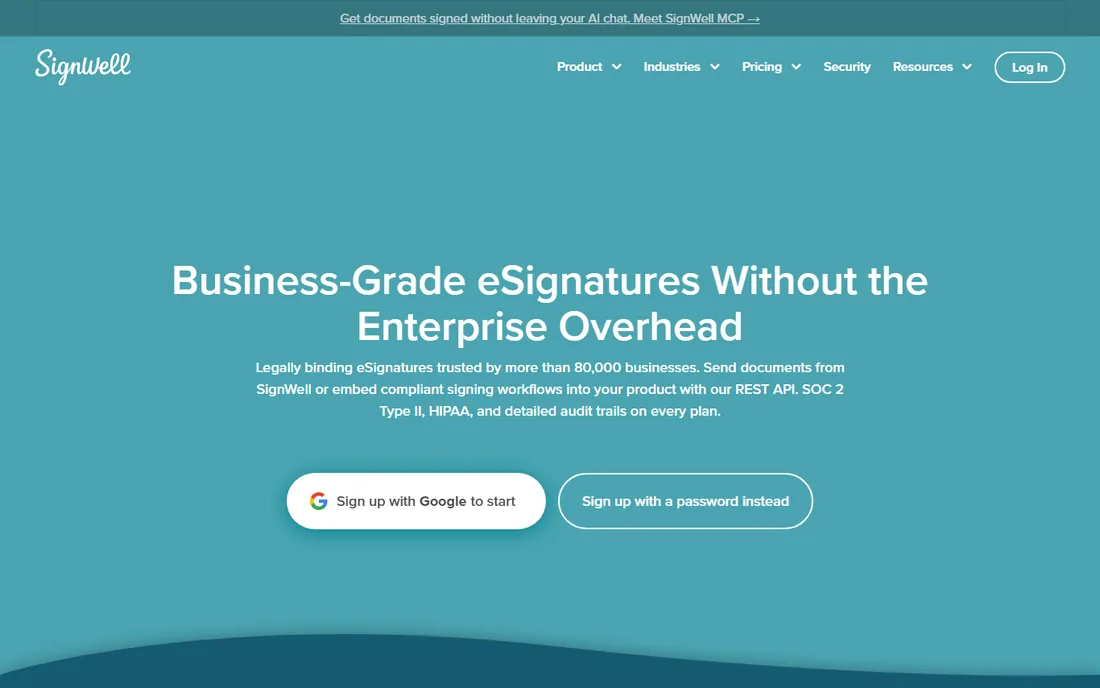
SignWell (formerly Docsketch) keeps things simple and cheap. The free tier covers a real monthly signing volume, the interface takes minutes to learn, and paid plans stay affordable. Templates, reminders, and audit trails cover the essentials without the enterprise complexity.
Advanced workflows, deep integrations, and compliance extras are thinner than the big players. But most users need "send, sign, done" and nothing more. For freelancers, landlords, and small businesses with modest signing needs, SignWell's free tier may be all you ever need.
What we like- Generous free tier
- Very simple
- Affordable upgrades
Watch out for- Fewer advanced features
- Smaller company
Starting priceSee website
Free planNo
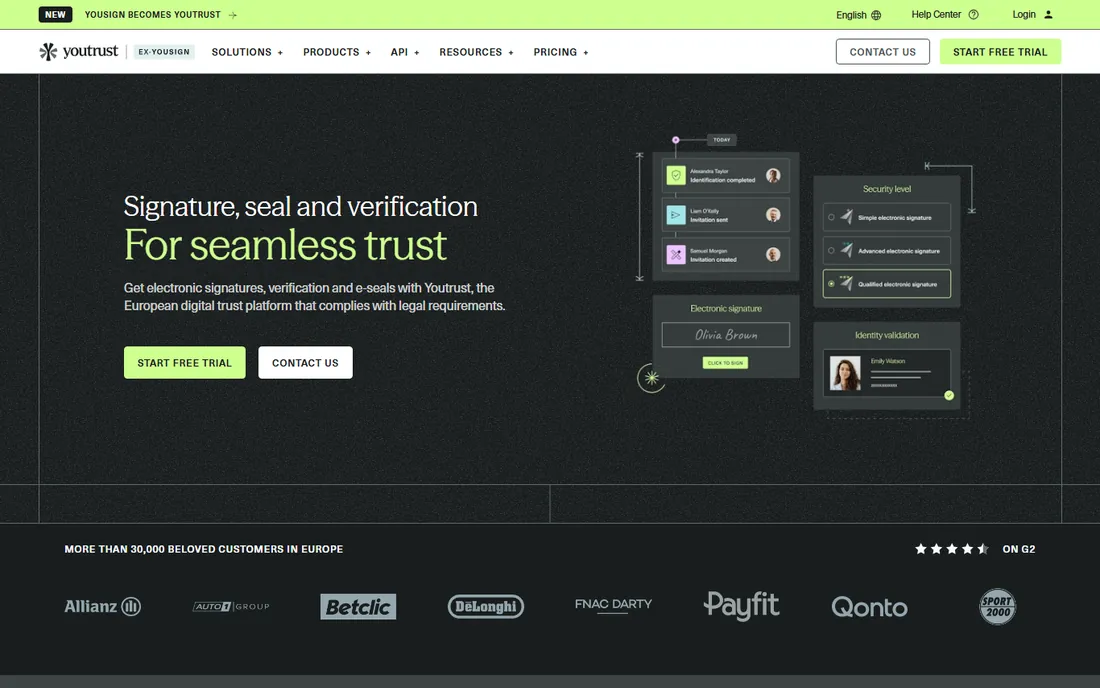
YouTrust, formerly Yousign, is the European specialist. It offers qualified electronic signatures under eIDAS (the EU's signature regulation), which carry the highest legal weight in Europe, plus identity verification built in. French and European businesses with strict compliance needs are the core audience.
Outside Europe, the brand recognition drops sharply, and US-focused features trail the American vendors. Pricing is quote-based. But for European companies where eIDAS compliance is non-negotiable, a specialist beats adapting a US tool. The rebrand from Yousign to YouTrust reflects a broader digital trust positioning.
What we like- European compliance focus
- Qualified signatures
- Identity verification
Watch out for- Less known outside Europe
- Pricing not public
Starting priceSee website
Free planNo
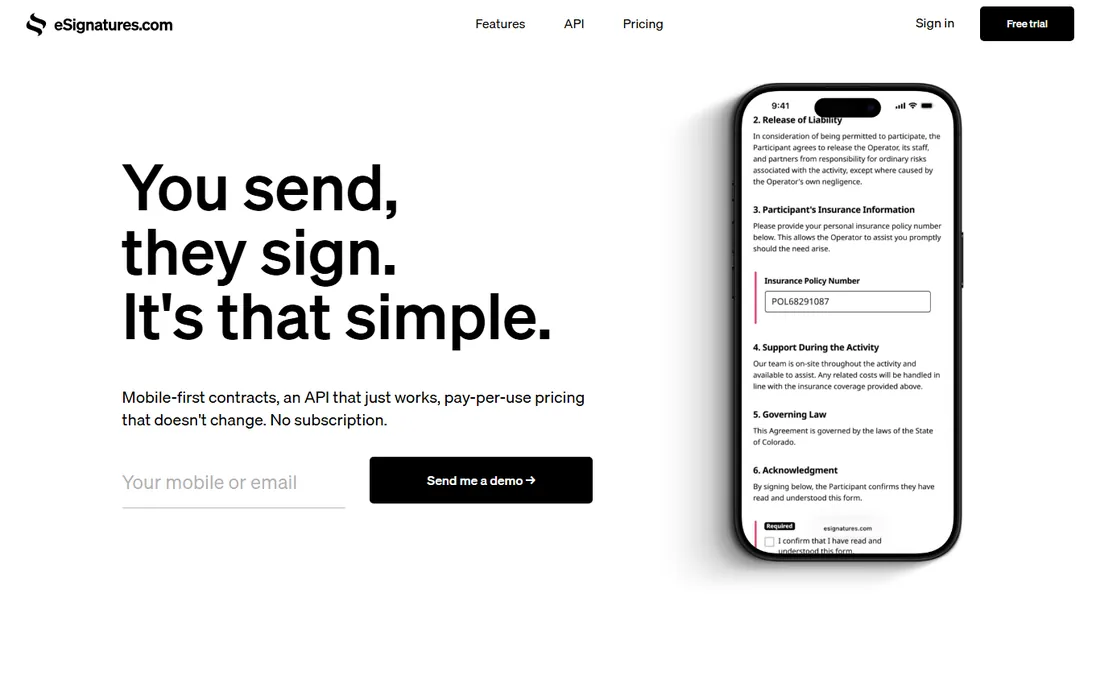
eSignatures.com takes a radically simple approach: a contract-based API with pay-per-use pricing and no seat licenses. Developers embed signing in their applications with minimal code, and the pricing model (per contract rather than per user) suits high-volume, low-touch use cases. There is deliberately little else to it.
Non-technical users will find the minimal interface limiting; this is a developer tool first. But for SaaS products that need "user signs terms during onboarding" at scale, the simplicity and pricing model are exactly right. It does one thing with minimal fuss.
What we like- Very simple contracts-based API
- Pay per contract
- No seat licenses
Watch out for- Minimal interface
- Less for non-technical users
What makes an e-signature legally valid
In the US, the ESIGN Act and state UETA laws give electronic signatures the same legal weight as handwritten ones, provided there is intent to sign, consent to do business electronically, and an associated record. In the EU, eIDAS defines three levels, with qualified electronic signatures carrying the highest presumption of validity. What matters in practice: use a reputable tool that captures an audit trail (who signed, when, from where, with what authentication), keep the signed document and its certificate, and match the signature level to the document's importance. Routine contracts need standard e-signatures; real estate, HR, and regulated documents may need advanced or qualified signatures with identity verification. When in doubt, ask your attorney, not your software vendor.
What to check before you buy
Signer experience
Your clients and employees will judge the tool by the signing experience. Test it as a recipient on a phone: no account required, clear guidance, easy signature capture. A confusing signer flow generates support requests and delayed deals. This matters more than the admin interface.
Authentication and compliance needs
Standard email-based signing suits most business documents. Regulated industries, high-value contracts, and European qualified signatures need identity verification (SMS codes, ID checks, video identification). Match the authentication options to your actual requirements; overbuying compliance features wastes money.
Integration with your workflow
Signatures usually trigger from somewhere: a CRM, an HR system, a proposal tool. Check native integrations and API quality for your stack. PandaDoc suits sales-led workflows; Zoho Sign suits Zoho shops; DocuSign integrates with everything. The best signature tool is the one your team does not have to think about.
Pricing model reality
Per-user, per-envelope, and per-contract pricing behave very differently at scale. A freelancer sending five contracts a month needs different math than a sales team sending five hundred. Model your actual volume, including seasonal peaks, against each pricing structure. Watch renewal increases after introductory pricing.
How we chose
We selected e-signature tools with real market presence in 2026, spanning enterprise standards, value options, and regional specialists. We evaluated vendor documentation, feature depth, pricing models, and reputation among business users. We excluded free PDF annotators without real signature workflows and discontinued products. No vendor paid for placement, and we did not execute test signature ceremonies.
Frequently asked questions
Are electronic signatures legally binding?
Yes, in most cases. In the US, the ESIGN Act and UETA give e-signatures the same legal standing as handwritten ones for most agreements. In the EU, eIDAS governs with tiered signature levels. Some documents (wills, certain real estate transactions) have special requirements that vary by jurisdiction. For standard business contracts, e-signatures from reputable tools are fully enforceable.
What is the difference between electronic and digital signatures?
An electronic signature is any mark indicating agreement (a typed name, a drawn signature, a click). A digital signature uses cryptographic certificates to verify identity and document integrity. All digital signatures are electronic signatures, but not vice versa. In casual use the terms are interchangeable; in compliance contexts the distinction matters.
Do recipients need an account to sign?
With most tools on this list, no. Recipients get an email link, review the document, and sign in the browser without creating an account. This frictionless experience is standard now. Requiring recipient accounts is a red flag in a modern e-signature tool.
How much does e-signature software cost?
Pricing varies widely: free tiers cover light use (SignWell, Zoho Sign, PandaDoc), value plans are priced per user per month, and enterprise DocuSign or Adobe deployments cost more. Per-envelope and API pricing suit different patterns. Check each vendor's pricing page for current numbers.
Can I use e-signatures for HR documents?
Yes, and most companies do: offer letters, NDAs, policy acknowledgments, and benefits enrollment all work well electronically. The audit trail actually improves HR compliance by proving who signed what and when. For highly regulated employment situations, check whether your jurisdiction requires specific authentication levels.
Sources we checked (10)
- https://www.docusign.com
- https://www.adobe.com/acrobat/business/sign.html
- https://sign.dropbox.com
- https://www.pandadoc.com
- https://www.signnow.com
- https://www.zoho.com/sign/
- https://www.signwell.com
- https://youtrust.com
- https://esignatures.com
- https://www.lilachbullock.com/best-e-signature-software/
Is your product missing or out of date?
We review this list regularly. Vendors can request a listing, send updated pricing or ask about featured placement.

Shihab Mia · Founder, Rankite
Shihab has spent more than a decade helping SaaS and e-commerce brands grow through search. He writes Rankite's software buying guides from pricing pages, documentation and public user reviews. More about Shihab.
 DocuSign
 Adobe Acrobat Sign
 Dropbox Sign
 PandaDoc
 signNow
 Zoho Sign
 SignWell
 YouTrust
 eSignatures.com