How we make this list: we compare pricing pages, product documentation and public user reviews. Rankite is independent; if a vendor ever pays for a featured spot, that listing is clearly labeled Partner.
Key takeaways
- Somewhere in a closet there is a box of printed photos waiting to become something. These tools turn them into finished pages.
- Artisan (Forever) and MyMemories Suite are the dedicated scrapbook programs for traditional page designers.
- Canva (free; Pro $144 per year) and Adobe Express (free; Premium $9.99 per month) are the flexible modern picks with huge template libraries.
- Smilebox suits quick slideshow-style keepsakes; MemoryMixer suits template-driven pages.
- FotoJet and BeFunky cover fast collages and cards when a full scrapbook app is overkill.
Quick comparison
| Tool | Best for | Starting price | Free plan |
|---|
 Artisan Artisan | Traditional scrapbookers who want a dedicated desktop program | See website | Free trial |
 MyMemories Suite MyMemories Suite | Scrapbookers who want template-driven pages with designer kits | See website | Free trial |
 MemoryMixer MemoryMixer | Beginners who want guided, simple scrapbook page creation | See website | Free trial |
 Smilebox Smilebox | Quick slideshow keepsakes, invitations and announcements | See website | Yes (limited) |
 Canva Canva | Modern scrapbookers who want endless templates and assets | Free (Pro $144/year per person, per canva.com) | Yes |
 Adobe Express Adobe Express | Scrapbookers who want Adobe-quality templates and fonts free | Free (Premium $9.99/month, per adobe.com) | Yes |
 FotoJet FotoJet | Fast collages, cards and simple photo projects | See website | Yes |
 BeFunky BeFunky | Scrapbookers who want photo editing plus collage in one tool | See website | Yes |
Is your product missing or out of date?
We review this list regularly. Vendors can request a listing, send updated pricing or ask about featured placement.
The best digital scrapbooking software
Somewhere in a closet there is a box of printed photos waiting to become something: the vacation, the graduation, the baby's first year. Digital scrapbooking turns those photos into finished pages without the paper cuts, the glue sticks or the dining table buried for a month. The tools range from dedicated scrapbook programs with layered templates to modern design apps that happen to make beautiful pages. These eight cover both worlds.
#1
Artisan
Best for: Traditional scrapbookers who want a dedicated desktop program
Visit forever.com
Starting priceSee website
Free planFree trial
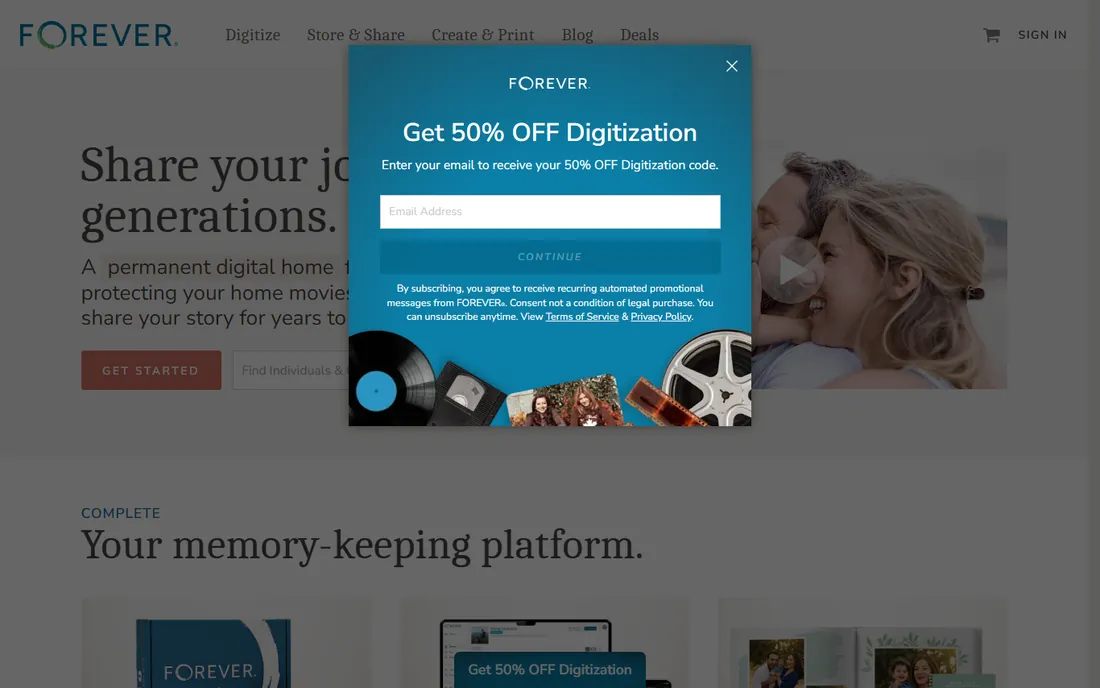
Artisan (from Forever, the former Panstoria) is scrapbooking software in the traditional sense: a desktop program built around layered pages, designer templates, digital embellishments and photo editing tuned for memory keeping. It integrates with Forever's permanent storage and print services, so pages can become printed books without leaving the ecosystem. For the scrapbooker moving from paper to digital, the metaphors are familiar.
The honest catch is the niche. Artisan is a serious program with a learning curve, and pricing lives on forever.com. Mobile-first crafters may find it desktop-bound. But for dedicated page designers who want the full traditional toolkit digitally, it remains the reference.
What we like- Purpose-built for scrapbooking: layered pages, templates, embellishments
- Integrates with Forever's printing and storage ecosystem
- Designed with scrapbookers, not adapted from office software
Watch out for- Pricing on forever.com
- Desktop-focused in a mobile world
- Learning curve for true beginners
#2
MyMemories Suite
Best for: Scrapbookers who want template-driven pages with designer kits
Visit mymemories.com
Starting priceSee website
Free planFree trial
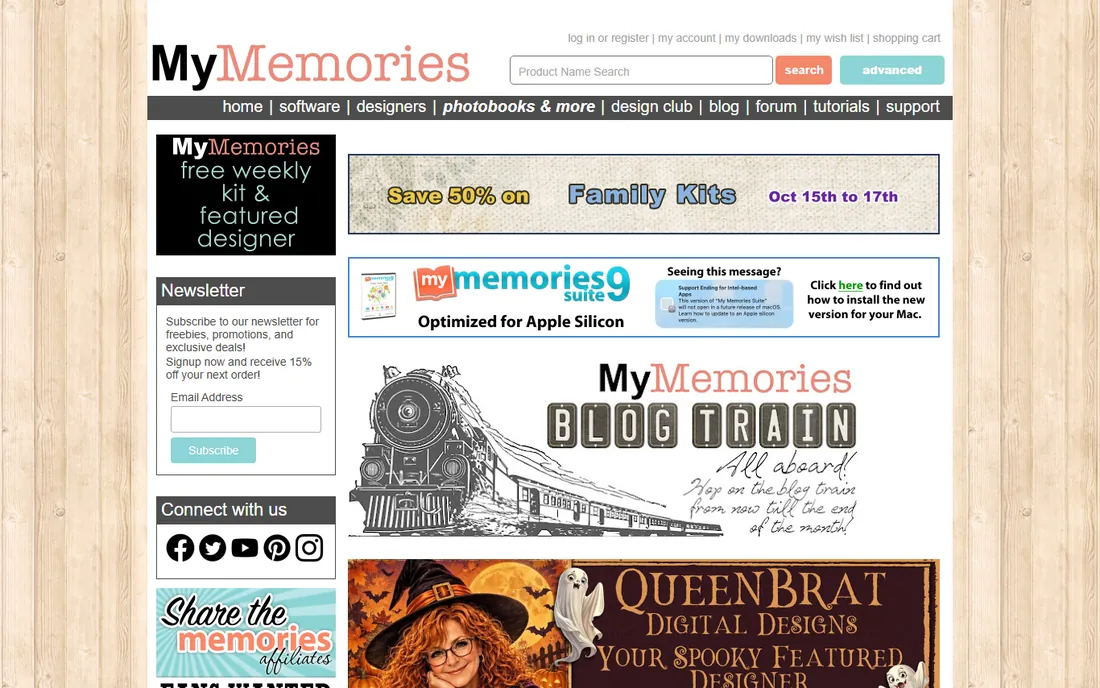
MyMemories Suite is built around the designer-kit model: buy beautiful coordinated kits (papers, embellishments, alphabets) and assemble pages from professional templates. For the scrapbooker whose strength is photos and stories rather than design, starting from a designer's page and customizing it produces better results faster. The community challenges and forums keep motivation up.
The honest catch is the aesthetic ceiling. Template-driven pages can look similar, and freeform designers may feel constrained. Pricing is on the vendor's site, with a trial to test the workflow. For kit lovers and template workers, though, it is the most comfortable digital home.
What we like- Large library of designer templates and digital kits
- Straightforward page builder
- Active scrapbooking community and challenges
Watch out for- Pricing on mymemories.com
- Template-driven approach limits freeform designers
Starting priceSee website
Free planFree trial
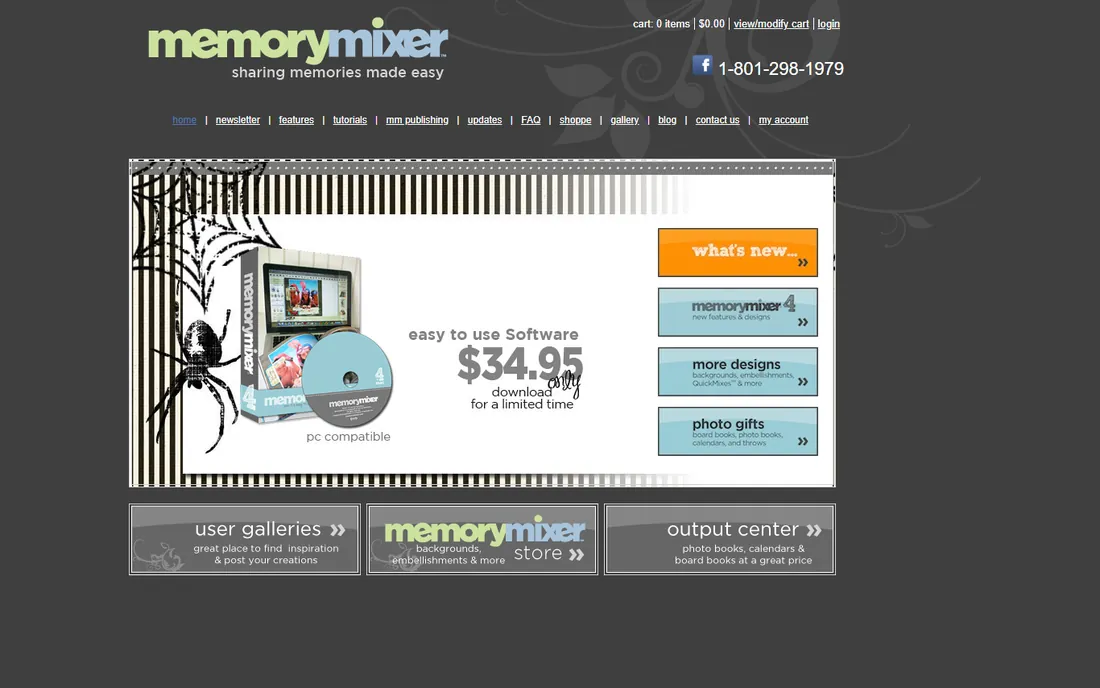
MemoryMixer targets the beginner directly: simple tools, guided templates and an interface that does not assume design experience. For the grandmother digitizing family photos or the parent making a first baby book, the low intimidation factor matters more than feature depth. It covers the essentials: photos, text, embellishments, backgrounds and printing.
The honest catch is growth. Ambitious designers will outgrow it, and the community and kit ecosystem are smaller than the big names. Check memorymixer.com for current pricing and the trial. As a first scrapbook program, its friendliness is the feature.
What we like- Gentle learning curve aimed at beginners
- Template-based pages
- Affordable positioning
Watch out for- Pricing on the vendor's site
- Fewer advanced features than Artisan
- Smaller community
#4
Smilebox
Best for: Quick slideshow keepsakes, invitations and announcements
Visit smilebox.com
Starting priceSee website
Free planYes (limited)
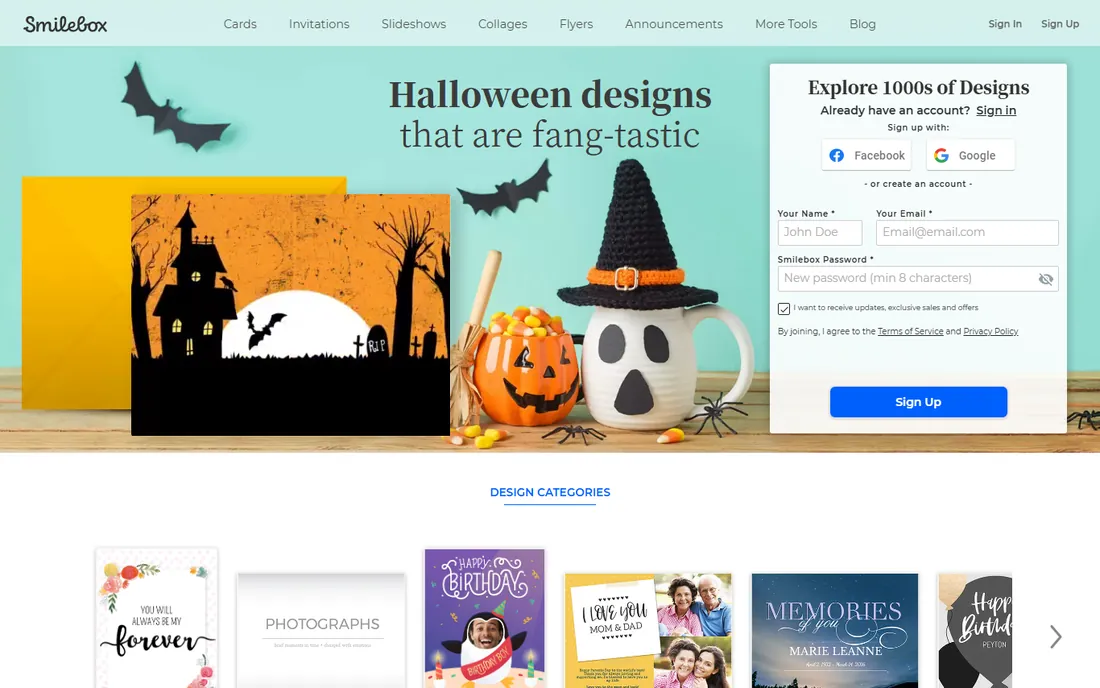
Smilebox is the quick win: pick a design, drop in photos, add music and text, and you have a slideshow, invitation or announcement in minutes. It is less a scrapbook program than a keepsake generator, which is exactly right for birthdays, holidays and thank-yous. The free tier lets you test the experience before subscribing.
The honest catch is depth. You will not build layered 12x12 scrapbook pages here; Smilebox does fast, pretty and shareable. Pricing is subscription-based on smilebox.com. For the crafter who wants finished keepsakes without a learning curve, it delivers.
What we like- Fastest path from photos to a finished keepsake
- Slideshow and ecard formats
- Free tier for trying
Watch out for- More keepsake-maker than true scrapbook program
- Subscription pricing on the vendor's site
- Designs can feel templated
#5
Canva
Best for: Modern scrapbookers who want endless templates and assets
Visit canva.com
Starting priceFree (Pro $144/year per person, per canva.com)
Free planYes
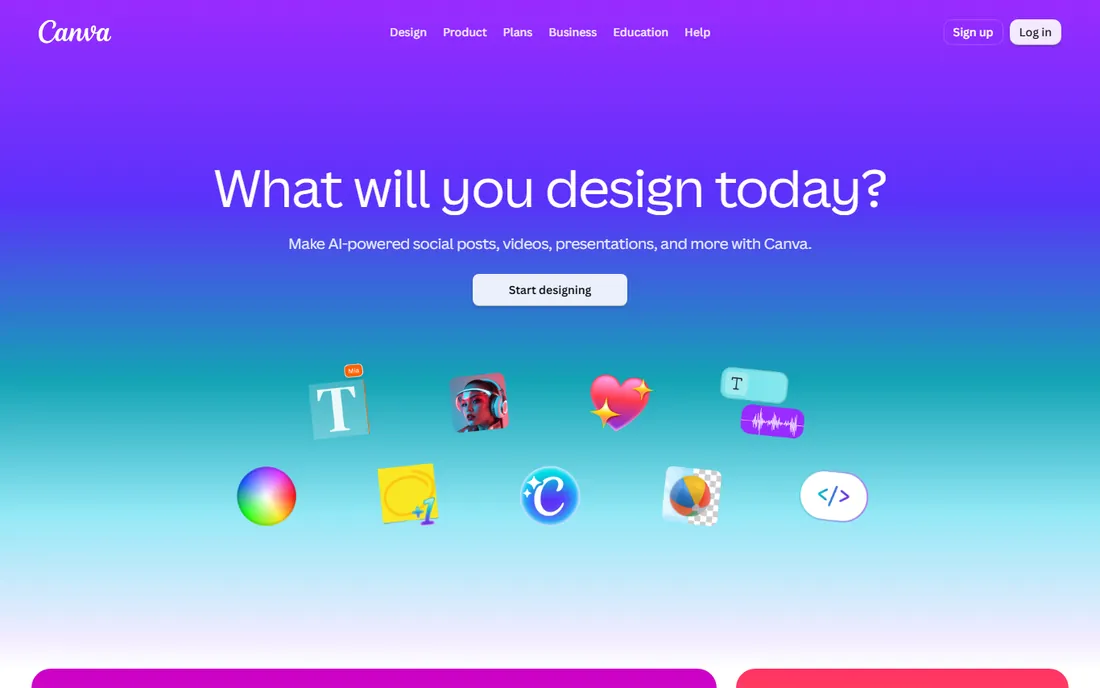
Canva is the modern generalist's scrapbook tool: thousands of scrapbook and photo-book templates, millions of photos and graphics, and a drag-and-drop editor anyone can use. The free tier is genuinely enough for beautiful pages; Pro ($144 per year per person, per Canva's own pricing page) adds premium assets and features. Sharing, printing and collaborating are built in.
The honest catch is specificity. Canva lacks the layered, kit-based workflow traditional scrapbookers love; it is a design tool that makes pages, not a scrapbook program. But for the modern memory keeper who values speed and variety over tradition, it is the most versatile free option.
What we like- Prices published on canva.com
- Enormous free template and photo library
- Drag-and-drop simplicity
- Prints and shares easily
Watch out for- Not scrapbook-specific (no layered PSD-style workflow)
- Pro at $144 per year for premium assets
#6
Adobe Express
Best for: Scrapbookers who want Adobe-quality templates and fonts free
Visit adobe.com
Starting priceFree (Premium $9.99/month, per adobe.com)
Free planYes
Adobe Express brings Adobe's design resources to quick page creation: professional templates, the excellent Adobe Fonts library, and (on Premium, $9.99 per month per Adobe's own FAQ) full Adobe Stock access. The free tier covers attractive scrapbook pages, cards and collages. For the crafter already in Adobe's ecosystem, it slots in neatly.
The honest catch mirrors Canva: it is a template design tool, not a layered scrapbook studio. Free users hit premium-template locks. But the free tier's quality (especially typography) is a step above most free tools, making it a strong modern pick.
What we like- Prices published on adobe.com
- Generous free tier with templates and fonts
- Premium ($9.99 per month) adds stock assets and brand tools
- Adobe Fonts included
Watch out for- Template-driven rather than freeform
- Best with an Adobe account
- Premium features add up
Starting priceSee website
Free planYes
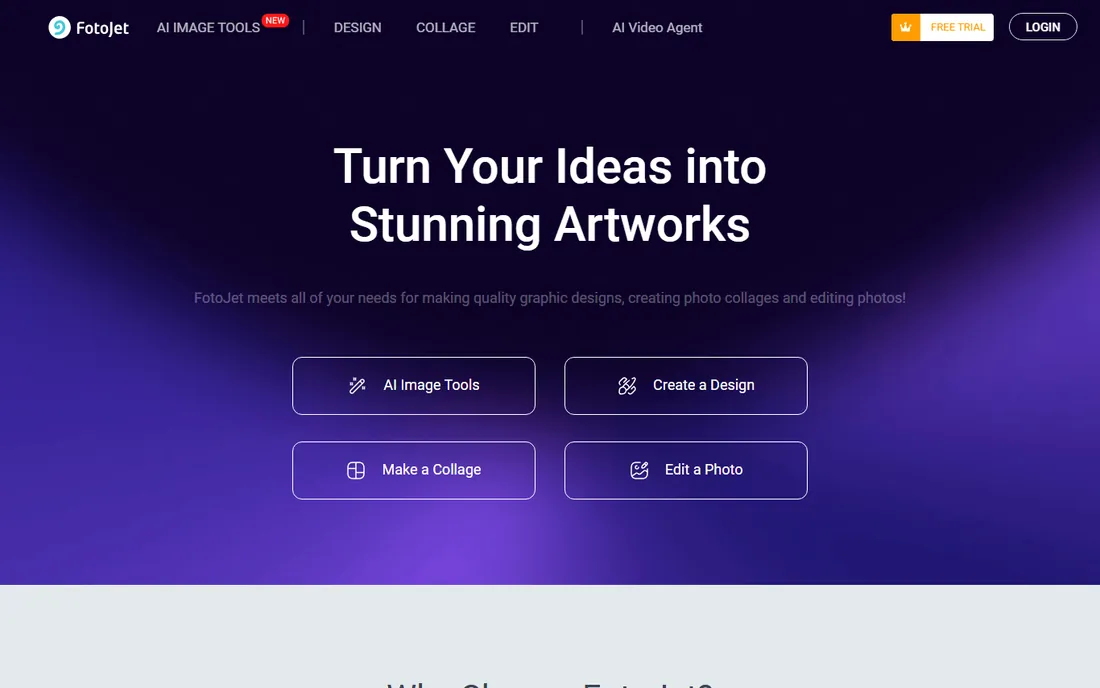
FotoJet is the quick-collage specialist: a browser tool for photo collages, cards, posters and social graphics with scrapbook-adjacent templates. For the memory keeper who wants a birthday collage or a holiday card in ten minutes, it is faster than any dedicated program. The free tier covers the basics; a premium plan adds more.
The honest catch is ambition. FotoJet makes collages, not scrapbook albums; there is no layered page design or kit ecosystem. Check fotojet.com for current premium pricing. Use it for quick projects alongside a real scrapbook tool for keepsake albums.
What we like- Browser-based with no install
- Quick collage and card templates
- Free tier handles basic projects
Watch out for- Not a full scrapbook program
- Premium features behind a paywall
- Simpler than the dedicated tools
#8
BeFunky
Best for: Scrapbookers who want photo editing plus collage in one tool
Visit befunky.com
Starting priceSee website
Free planYes
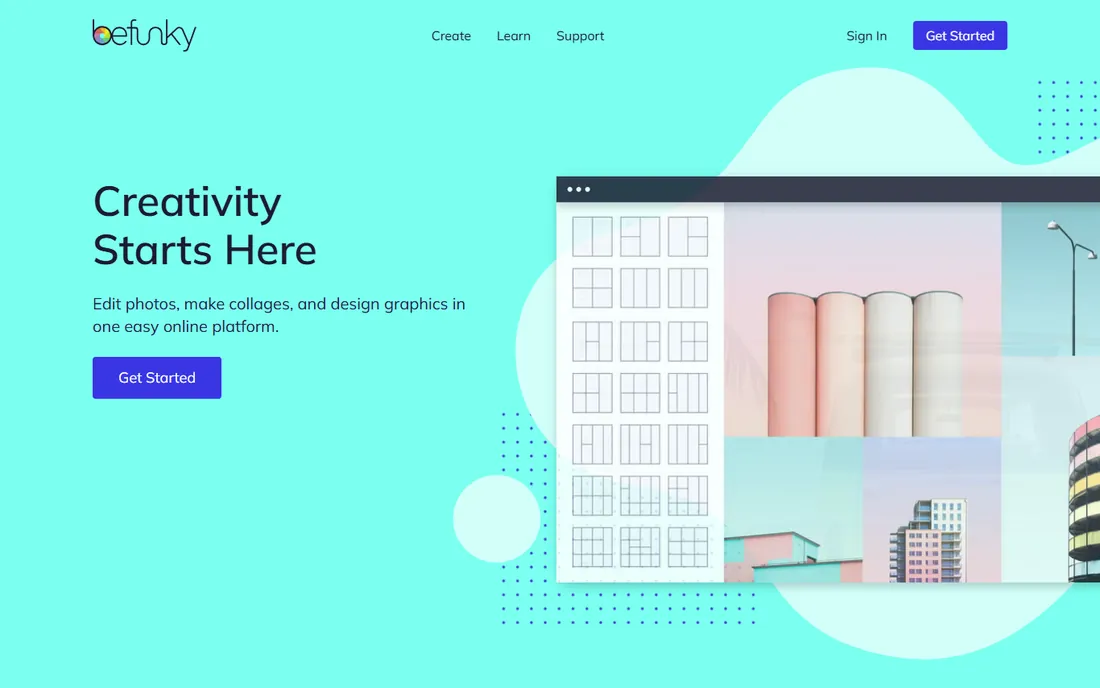
BeFunky pairs a genuinely good photo editor with a collage maker, which suits the scrapbooker whose pages start with edited photos. Fix lighting, remove backgrounds, then drop the polished photos into collage layouts. The free tier handles real work; the Plus subscription adds premium effects and assets.
The honest catch is the scrapbook gap: no layered pages, no designer kits, no print-book workflow. It is a photo tool that makes collages. Check befunky.com for Plus pricing. For photo-first memory keepers, the editor-plus-collage combo is efficient.
What we like- Combines a real photo editor with collage maker
- Browser-based
- Free tier is capable
Watch out for- Subscription pricing on the vendor's site
- Collage templates simpler than dedicated scrapbook kits
Traditional vs modern: two philosophies
Dedicated scrapbook software (Artisan, MyMemories Suite, MemoryMixer) thinks in layers, kits and 12x12 pages: the digital version of the paper craft. Modern design tools (Canva, Adobe Express, BeFunky, FotoJet) think in templates and drag-and-drop: faster, more flexible, less traditional.
Neither is wrong. Paper-craft migrants are happier with the dedicated tools' metaphors. Digital natives and casual memory keepers get better results faster with Canva or Express. The question is which craft you are practicing: scrapbooking as a hobby with its own culture, or memory keeping as one of many creative tasks.
What to check before you buy
Start with your output. Printed photo book? Check the tool's print integration (Artisan via Forever, Canva's print service). Shared digital pages? Any tool works. The output decides more than the editor.
Then check the template question. If you love designer kits, MyMemories Suite's ecosystem matters. If you prefer building from scratch, Canva's asset library matters more. Browse each tool's templates before committing; you will live inside them.
Finally, trial the workflow. Every dedicated tool here offers a trial or free tier. Build one complete page in each finalist: import photos, add journaling, embellish, export. The tool that felt easiest at 11 PM is the one you will actually use for album number five.
How we chose
We started with memory-keeper reality: best digital scrapbooking software, Artisan vs MyMemories, free scrapbook software. For each candidate we checked the vendor's own site for pricing and current status, then cross-checked features against scrapbooking communities and reviews. Where the vendor does not publish clear pricing, we wrote "See website." General photo editors without scrapbook workflows were excluded.
Frequently asked questions
What is the best digital scrapbooking software?
Artisan for dedicated traditional scrapbookers; MyMemories Suite for template-and-kit lovers. For modern flexibility, Canva (free) and Adobe Express (free) make beautiful pages with huge template libraries.
Is there free scrapbooking software?
Yes. Canva and Adobe Express have generous free tiers; FotoJet and BeFunky are free for collages and cards; Smilebox has a limited free tier. The dedicated programs (Artisan, MyMemories, MemoryMixer) offer trials.
Can I print my digital scrapbook pages?
Yes. Artisan integrates with Forever's print services for books and prints; Canva offers direct printing; most tools export high-resolution files any print shop accepts. Check export resolution before designing.
What is the difference between scrapbooking software and Canva?
Dedicated software uses layered pages and designer kits like paper scrapbooking; Canva uses templates and drag-and-drop design. The dedicated tools feel familiar to paper crafters; Canva is faster for modern memory keepers.
Do I need a powerful computer for digital scrapbooking?
No. These tools run on ordinary laptops; Canva, Express, FotoJet and BeFunky run in a browser. Only large layered files in desktop programs benefit from more RAM.
How do I preserve old photos for scrapbooking?
Scan at 600 DPI minimum, save as TIFF or high-quality JPEG, back up in at least two places, then import into your scrapbook tool. Handle fragile originals carefully; scan once, craft digitally forever.
Sources we checked (2)
- https://www.canva.com/en_au/pricing/
- https://www.adobe.com/uk/express/spotlight/marketers
Is your product missing or out of date?
We review this list regularly. Vendors can request a listing, send updated pricing or ask about featured placement.

Shihab Mia · Founder, Rankite
Shihab has spent more than a decade helping SaaS and e-commerce brands grow through search. He writes Rankite's software buying guides from pricing pages, documentation and public user reviews. More about Shihab.