How we make this list: we compare pricing pages, product documentation and public user reviews. Rankite is independent; if a vendor ever pays for a featured spot, that listing is clearly labeled Partner.
Key takeaways
- Chaos now owns three of the biggest names in archviz: V-Ray (Solo $45/month), Corona (Solo $34.50/month) and Enscape (Solo $47.90/month), all subscription-only with free trials.
- Twinmotion is free for firms under $1M in annual revenue, which makes it the default starting point for freelancers and small studios.
- D5 Render gives individuals a free real-time renderer with Pro plans from $38/month, the cheapest paid seat on this list.
- Blender is completely free and open source, but it is a general 3D package, not an archviz specialist, so expect a longer setup.
Quick comparison
| Tool | Best for | Starting price | Free plan |
|---|
 Enscape Enscape | Architects who want real-time rendering without leaving Revit, SketchUp or Rhino | $47.90/month (Solo plan, billed annually at $574.80) | Free trial (14 days) |
 Twinmotion Twinmotion | Freelancers and small studios who want professional real-time visualisation free | Free (for under $1M annual revenue); paid seats for larger firms | Yes |
 Lumion Lumion | Presentation-heavy practices that want fast stills and videos with huge asset libraries | See website | Free trial (see vendor site) |
 V-Ray V-Ray | Studios that need maximum photorealism across many 3D platforms | $45/month (Solo plan, billed annually at $540) | Free trial (see vendor site) |
 Chaos Corona Chaos Corona | Archviz artists who want V-Ray-grade photorealism with a gentler learning curve | $34.50/month (Solo plan, billed annually at $414) | Free trial (30 days) |
 D5 Render D5 Render | Individuals and small teams who want affordable real-time rendering | Free for individuals; Pro plans from $38/month | Yes |
 Blender Blender | Artists and studios with zero software budget who want full 3D control | Free | Yes |
Is your product missing or out of date?
We review this list regularly. Vendors can request a listing, send updated pricing or ask about featured placement.
What the numbers say about archviz in 2026
Chaos, the company behind V-Ray, Corona and Enscape, states on its own homepage that 90 percent of top architecture firms use its tools. That concentration tells you where this market went: a handful of renderers now sit inside the daily workflow of nearly every serious practice, while free tools like Twinmotion and Blender cover everyone the subscriptions price out. The practical question for buyers is no longer which renderer looks best in a demo reel. It is which one fits inside the CAD or BIM software your team already uses, and what the annual seat cost does to your project margins.
The seven tools below split into two philosophies. Real-time renderers (Enscape, Twinmotion, Lumion, D5 Render) show you the finished image as you design, inside or alongside your model. Offline renderers (V-Ray, Corona, Blender's Cycles) compute the image separately and reach higher photorealism at the cost of waiting. Most practices end up using one of each.
#1
Enscape
Best for: Architects who want real-time rendering without leaving Revit, SketchUp or Rhino
Visit chaos.com
Starting price$47.90/month (Solo plan, billed annually at $574.80)
Free planFree trial (14 days)
Enscape's pitch is that you never leave your design software. It plugs into Revit, SketchUp, Rhino, Archicad and Vectorworks, and the rendered view updates the moment you move a wall. For client meetings that is a genuine advantage: you can adjust the design live instead of promising a new render next week. Chaos prices Solo at $47.90 per month billed annually, with Premium ($55.90) adding more assets and AI credits and Collection ($60.90) adding animation and sustainability tools.
The honest catch is that the real-time convenience costs more than the alternatives over time. Twinmotion is free under $1M revenue and D5 Render starts at $38 per month, so Enscape's entry price only makes sense if the inside-your-CAD workflow is worth the premium to your practice. The 14-day trial is the way to find out: run it on a live project, not a demo file.
What we like- Runs inside your CAD or BIM tool, so every model change appears rendered instantly
- Solo plan includes cloud collaboration, 6,700 assets and Veras AI
- 14-day free trial with the full feature set
Watch out for- Subscription-only with no perpetual option
- Solo is the priciest entry point among the real-time tools here
#2
Twinmotion
Best for: Freelancers and small studios who want professional real-time visualisation free
Visit twinmotion.com
Starting priceFree (for under $1M annual revenue); paid seats for larger firms
Free planYes
Twinmotion is Epic Games' real-time visualiser, and its licensing is the most generous in the industry. If your gross revenue is under $1 million a year, you get the complete program free: all upgrades, no watermark, no feature restrictions. It syncs scenes from 3ds Max, Revit, Archicad, Rhino, SketchUp Pro and more via Datasmith, so model changes flow through, and the Path Tracer mode produces genuinely high-quality stills.
The catch only appears when you grow. Above $1M in revenue, Twinmotion moves to paid per-seat licensing, and heavy users may also want the broader Unreal ecosystem. The native asset library is thinner than Lumion's, though integration with Quixel Megascans and the Fab marketplace closes the gap if you are willing to source assets yourself. For small practices, students and freelancers, this is the obvious first install.
What we like- Full application free for individuals, small businesses under $1M revenue, students and educators, with no watermarks or feature limits
- Powered by Unreal Engine 5 with Datasmith sync from major CAD tools
- Includes Twinmotion Cloud sharing
Watch out for- Firms over $1M revenue must buy seats, which changes the math at scale
- Asset library is smaller than Lumion's curated catalogue unless you pull from Epic's Fab marketplace
#3
Lumion
Best for: Presentation-heavy practices that want fast stills and videos with huge asset libraries
Visit lumion.com
Starting priceSee website
Free planFree trial (see vendor site)

Lumion built its reputation on one thing: getting from model to beautiful image faster than anything else. The workflow is deliberately simple, the asset library is enormous (roughly 9,500 built-in objects, from cars to animated people to vegetation), and the AI-assisted material and upscaling tools in recent versions cut production time further. For practices that produce client presentations weekly, that speed is the product.
The honest catch is price with no escape hatch. Lumion runs on annual subscriptions only, with no free tier and no perpetual licenses for new users. Third-party pricing trackers put Lumion Pro around $1,149 per year for a named user, which is roughly double Enscape Solo, but we could not verify current figures on Lumion's own pages, so confirm before budgeting. If your visualisation volume justifies it, Lumion pays for itself in saved hours; if not, Twinmotion or D5 Render do the same job cheaper.
What we like- Famous for speed: stills and animations come together fast with minimal setup
- Enormous built-in library of around 9,500 objects plus thousands of materials
- Lumion Cloud keeps client review and feedback in one place
Watch out for- No free tier and no perpetual licenses
- Consistently the most expensive single seat among the real-time renderers
#4
V-Ray
Best for: Studios that need maximum photorealism across many 3D platforms
Visit chaos.com
Starting price$45/month (Solo plan, billed annually at $540)
Free planFree trial (see vendor site)
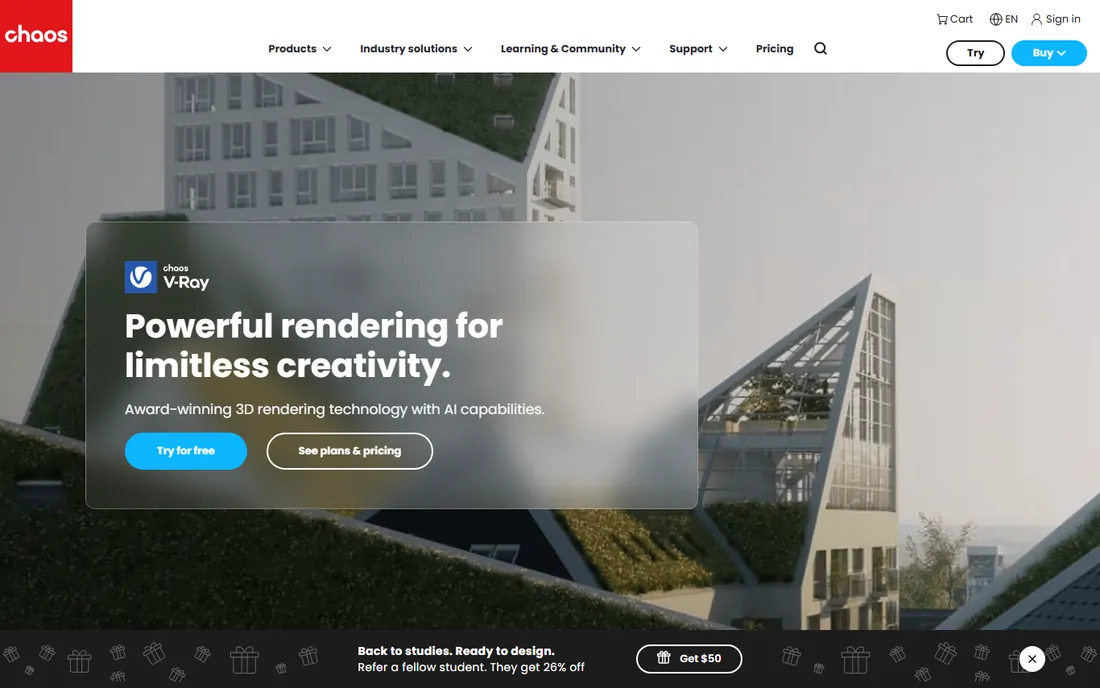
V-Ray is the renderer behind a large share of the archviz images you admire and a good portion of film VFX. Chaos sells it as Solo ($45/month billed annually), Premium ($64.90) and Collection ($100.90), with the higher tiers adding assets, AI credits, Anima crowds and real-time viewport rendering via Vantage. The integration list is unmatched: if your studio models in anything, V-Ray probably plugs into it.
The catch is that this is a craftsman's tool. Expect to learn lighting, materials and render settings properly; V-Ray rewards expertise and punishes impatience. It is also offline rendering, so iteration means waiting for buckets to resolve rather than orbiting a live view. Studios that sell photorealism as their differentiator accept both trade-offs gladly. Everyone else should weigh the real-time options first.
What we like- The industry reference for photorealistic rendering, with integrations for 3ds Max, SketchUp, Rhino, Revit, Maya, Cinema 4D, Houdini and Blender
- Solo includes 15,000 assets plus Veras AI
- Scales from stills to film VFX
Watch out for- Real learning curve compared with the real-time tools
- Offline rendering means waiting for images instead of seeing them live
#5
Chaos Corona
Best for: Archviz artists who want V-Ray-grade photorealism with a gentler learning curve
Visit chaos.com
Starting price$34.50/month (Solo plan, billed annually at $414)
Free planFree trial (30 days)

Corona is the friendly face of photorealistic rendering. Its whole philosophy is sensible defaults: you get beautiful results quickly, with interactive rendering for fast creative decisions and tools like LightMix that let you adjust lighting after the render. Chaos prices Solo at $34.50 per month billed annually, making it the cheapest way into the Chaos ecosystem, with a 30-day trial to prove the workflow on your own projects.
The honest catch is platform lock. Corona runs in 3ds Max and Cinema 4D, full stop. If your practice models in SketchUp or Revit, Corona is not an option, and you should look at V-Ray or Enscape instead. It is also primarily a CPU renderer, so artists with heavy GPU investments may find GPU-based engines faster. Within its lane, though, nothing is easier to learn.
What we like- Famous for ease of use: smart defaults produce good renders with minimal setup
- 30-day free trial of the full product
- Cheapest Chaos entry point at $34.50/month
Watch out for- Available for 3ds Max and Cinema 4D only, so SketchUp and Revit users must look elsewhere
- CPU-based rendering can be slower than GPU alternatives on big scenes
#6
D5 Render
Best for: Individuals and small teams who want affordable real-time rendering
Visit d5render.com
Starting priceFree for individuals; Pro plans from $38/month
Free planYes

D5 Render is the value disruptor in real-time archviz. Built on NVIDIA RTX ray tracing, it produces genuinely high-fidelity images with accurate global illumination, and the vendor's homepage states the deal plainly: free for individuals, Pro plans from $38 per month. Live-sync plugins cover the major CAD and BIM tools, so geometry and material changes appear in the render view as you work.
The catch is what the free tier withholds. Reviewers report watermarked output and resolution caps on the free Community edition, which is fine for internal reviews but not for client delivery. The community, asset library and tutorial ecosystem are also younger than Lumion's or Enscape's. For small practices that want Lumion-style output without Lumion-style pricing, D5 is the most credible alternative.
What we like- Free tier for individuals with Pro starting at $38/month, the lowest paid seat here
- Real-time ray-traced rendering with live sync to SketchUp, Revit, Rhino, Archicad and 3ds Max
- AI-assisted features for materials and scene building
Watch out for- The free tier has output limits (watermarks and resolution caps reported by reviewers)
- Younger ecosystem with a smaller community and tutorial base than the established names
#7
Blender
Best for: Artists and studios with zero software budget who want full 3D control
Visit blender.org
Starting priceFree
Free planYes
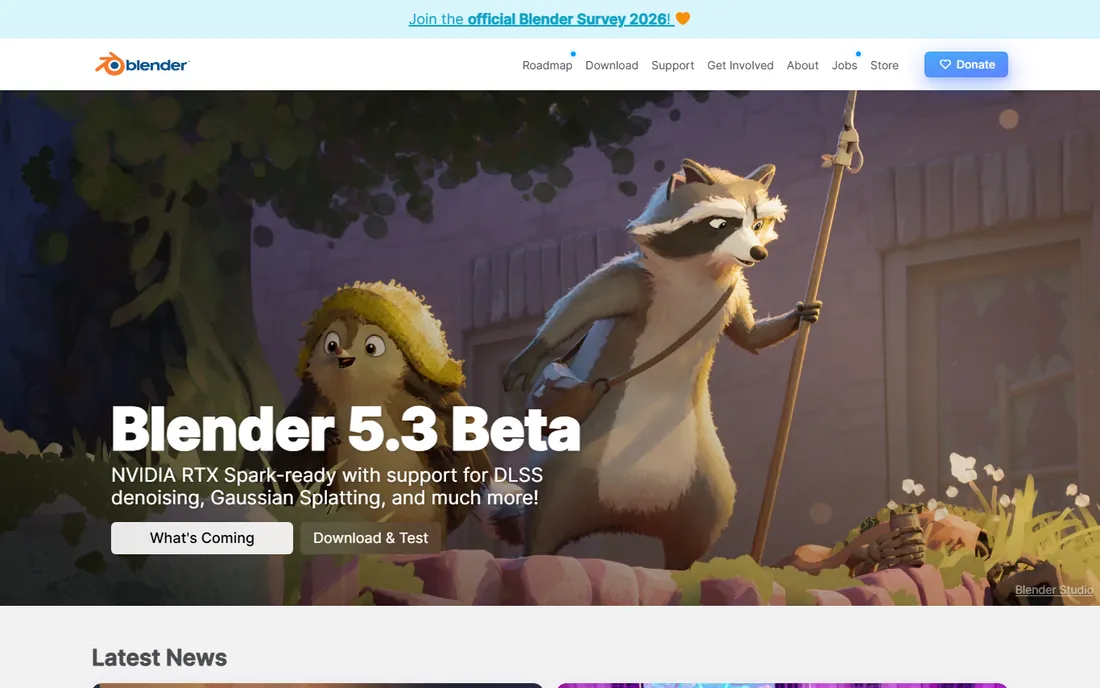
Blender is the only tool here that costs nothing, forever, with no catch in the license. Its Cycles renderer produces genuinely photorealistic images, EEVEE gives real-time previews, and the add-on ecosystem covers everything from CAD importers to scattering tools. For freelancers, students and studios that would rather spend on hardware than subscriptions, it is a complete production pipeline for the price of learning it.
The honest catch is specialization. Blender is a generalist: modeling, animation, VFX and rendering in one package. Archviz-specific workflows like BIM data handling and one-click material libraries need add-ons and configuration that Enscape or Lumion give you out of the box. Expect weeks of setup and learning before your output matches the specialists. The price is zero; the cost is time.
What we like- Completely free and open source with no revenue restrictions, watermarks or tiers
- Cycles and EEVEE cover both offline photorealism and real-time preview
- Huge community with endless free tutorials and add-ons
Watch out for- A general 3D package, not an archviz specialist, so CAD import and BIM workflows need add-ons and setup
- The interface and learning curve intimidate beginners
Real-time or offline: which renderer type fits your work
The fundamental split in this category is when the image gets computed. Real-time renderers (Enscape, Twinmotion, Lumion, D5) show a rendered view as you orbit the model, which transforms client meetings: you change the design live and the client sees the result. Offline renderers (V-Ray, Corona, Cycles) calculate light transport properly and produce more photorealistic finals, but each iteration costs you render time.
Most professional practices use both: a real-time tool for design development and client reviews, and an offline renderer for the hero images that win competitions and portfolio pieces. If you can only afford one, match it to where you spend your hours. Design-heavy architects benefit more from real-time; visualisation specialists selling final images need offline quality.
What the subscription really costs per project
Renderers used to be perpetual licenses you bought once. Those days are over: Chaos, Lumion and D5 all sell subscriptions now, so price your visualisation as an annual cost, not a one-time purchase. A single Enscape Solo seat is $574.80 per year; V-Ray Solo is $540; Corona Solo is $414; D5 Pro starts around $456. Multiply by your seat count and add it to project overhead explicitly.
Then check what the subscription includes beyond the renderer. Chaos bundles thousands of assets, cloud collaboration and AI credits into every tier, which replaces separate spending on asset libraries. Twinmotion's free tier for sub-$1M firms is genuinely free, not a trial, which makes it the rational default for freelancers. And remember that GPU hardware matters: real-time renderers reward NVIDIA RTX cards, so a subscription saving can evaporate into a hardware upgrade.
How we chose
We started with the searches buyers run: 3D visualisation software, best renderer for architecture, Lumion vs Enscape vs Twinmotion. For each candidate we opened the vendor's own site, confirmed the product is current in 2026, and took prices only from vendor pages (Chaos's V-Ray, Corona and Enscape pages, Twinmotion's licensing section, D5 Render's homepage). Where a vendor page did not display a verifiable price, as with Lumion, we wrote "See website" rather than quoting third-party trackers. We cross-checked fit and reliability against practitioner discussion and comparison reviews.
Frequently asked questions
What is the difference between real-time and offline rendering?
Real-time renderers show you the finished image as you work, updating instantly when you change the model. Offline renderers compute light transport in a separate pass, which takes minutes to hours but produces more photorealistic results. Enscape, Twinmotion, Lumion and D5 Render are real-time; V-Ray, Corona and Blender's Cycles are offline.
Which 3D visualisation software is free?
Blender is completely free and open source with no restrictions. Twinmotion is free for individuals and firms under $1M in annual revenue. D5 Render is free for individuals with some output limits. These three cover most use cases without spending anything on software.
Do I need a powerful graphics card for 3D visualisation?
For real-time renderers, yes: an NVIDIA RTX card makes an enormous difference in Twinmotion, D5 Render and Lumion. Offline CPU renderers like Corona care more about processor cores. Check each vendor's recommended hardware before buying, because a weak GPU will bottleneck even the best software.
Can these renderers work with SketchUp or Revit?
Enscape, V-Ray, Twinmotion, Lumion and D5 Render all offer direct integrations or live sync with SketchUp and Revit. Corona is the exception: it works with 3ds Max and Cinema 4D only. If your practice is SketchUp or Revit based, confirm the integration exists before committing to any renderer.
Is V-Ray better than Lumion?
They solve different problems. V-Ray produces more photorealistic final images and integrates with more 3D platforms, but it has a learning curve and renders take time. Lumion produces presentation-ready stills and animations much faster with less expertise. Many studios use Lumion for speed and V-Ray for hero shots.
How much does 3D visualisation software cost per year?
For a single seat: Corona Solo $414, D5 Render Pro from about $456, V-Ray Solo $540, Enscape Solo $574.80, all billed annually. Twinmotion is free under $1M revenue and Blender is free outright. Lumion does not publish prices we could verify on its own site; third-party trackers report around $1,149 per year for Pro.
Sources we checked (11)
- https://www.chaos.com/
- https://www.chaos.com/vray
- https://www.chaos.com/corona
- https://www.chaos.com/enscape
- https://lumion.com/
- https://www.twinmotion.com/
- https://www.d5render.com/
- https://www.blender.org/
- https://illustrarch.com/articles/design-softwares/78474-lumion-vs-enscape-vs-twinmotion-best-renderer.html
- https://illustrarch.com/articles/design-softwares/73606-lumion-vs-enscape-vs-twinmotion.html
- https://maverickframe.com/blog/lumion-vs-twinmotion/
Is your product missing or out of date?
We review this list regularly. Vendors can request a listing, send updated pricing or ask about featured placement.

Shihab Mia · Founder, Rankite
Shihab has spent more than a decade helping SaaS and e-commerce brands grow through search. He writes Rankite's software buying guides from pricing pages, documentation and public user reviews. More about Shihab.