How we make this list: we compare pricing pages, product documentation and public user reviews. Rankite is independent; if a vendor ever pays for a featured spot, that listing is clearly labeled Partner.
Key takeaways
- KaraFun is the easiest way to sing at home: a subscription opens up a large licensed catalog with offline sync and a free tier.
- Siglos Karaoke Professional ($119) and PCDJ Karaoki are built for working KJs with singer rotation, remote requests and dual-screen hosting.
- Kanto Karaoke is the best value for personal CD+G and MP3+G collections, with a limited free version and a $49 Standard license.
- vanBasco's Karaoke Player and Karaoke Builder Player are both free, but they only play files you already own; neither supplies songs.
Quick comparison
| Tool | Best for | Starting price | Free plan |
|---|
 KaraFun KaraFun | Home singers and small parties that want a licensed catalog without building a library | $9.99 (Premium, per the vendor's own product data) | Yes (free songs and Premium song previews) |
 Siglos Karaoke Professional Siglos Karaoke Professional | Working KJs hosting professional shows at bars, clubs and events | $119 (per the vendor's own product page) | Free trial (evaluation version) |
 PCDJ Karaoki PCDJ Karaoki | Professional KJs who want legal songs streamed from the cloud | See website | Free trial |
 Kanto Karaoke Kanto Karaoke | Personal CD+G and MP3+G collections on Windows or Mac | Free (limited); Standard $49 (per the vendor's own pricing page) | Yes (limited free version) |
 Karaoke Builder Studio Karaoke Builder Studio | Making your own professional-quality CD+G karaoke tracks | $99 (per the vendor's own buy page) | Yes (Karaoke Builder Player is free) |
 vanBasco's Karaoke Player vanBasco's Karaoke Player | Playing MIDI karaoke files on any Windows PC for free | Free | Yes |
 OneKaraoke OneKaraoke | Folder-based jukebox playback run from a keyboard or remote, no database needed | See website (license key purchase) | Yes (functional free download with limits) |
Is your product missing or out of date?
We review this list regularly. Vendors can request a listing, send updated pricing or ask about featured placement.
Your party is Saturday. Your software decision is tonight.
You promised karaoke at the party and the laptop is the sound system. The question is not which program looks best in a screenshot; it is where the songs come from. Half the tools below sell you a player and expect you to bring your own files. The other half sell you the songs too, usually by subscription. Pick the wrong type and Saturday night is you apologizing to guests while YouTube buffers.
The seven tools here cover both sides. KaraFun and the pro KJ tools bundle licensed music so the show keeps moving. Kanto, vanBasco, Karaoke Builder and OneKaraoke play your own collection: CD+G discs, MP3+G files, MIDI karaoke files. Know which camp you are in before you download anything.
#1
KaraFun
Best for: Home singers and small parties that want a licensed catalog without building a library
Visit karafun.com
Starting price$9.99 (Premium, per the vendor's own product data)
Free planYes (free songs and Premium song previews)

KaraFun is karaoke as a service. You sign up, pick the Premium plan ($9.99 in the vendor's own product listing), and get the whole catalog on any device: customize key and tempo, manage a singer queue, sync songs offline for the cabin weekend. There is a free tier with free songs and previews of Premium tracks, plus quiz and battle modes that have nothing to do with karaoke but keep non-singers occupied.
The honest catch is the subscription math. If you sing twice a year, $9.99 a month is expensive per session compared with buying a few CD+G discs once. And the home Premium plan is not licensed for commercial use: bars and professional hosts need the Pro plan with its commercial license, advanced interface customization and permanent QR code for song requests. Pick the tier that matches where you sing.
What we like- Licensed catalog across many genres with apps for computer, tablet and mobile
- Offline sync saves tracks for venues without internet
- Singer management and key/tempo controls built in
Watch out for- The full catalog requires the Premium subscription
- Serious KJs will need the Pro tier with its commercial license, not Premium
#2
Siglos Karaoke Professional
Best for: Working KJs hosting professional shows at bars, clubs and events
Visit powerkaraoke.com
Starting price$119 (per the vendor's own product page)
Free planFree trial (evaluation version)
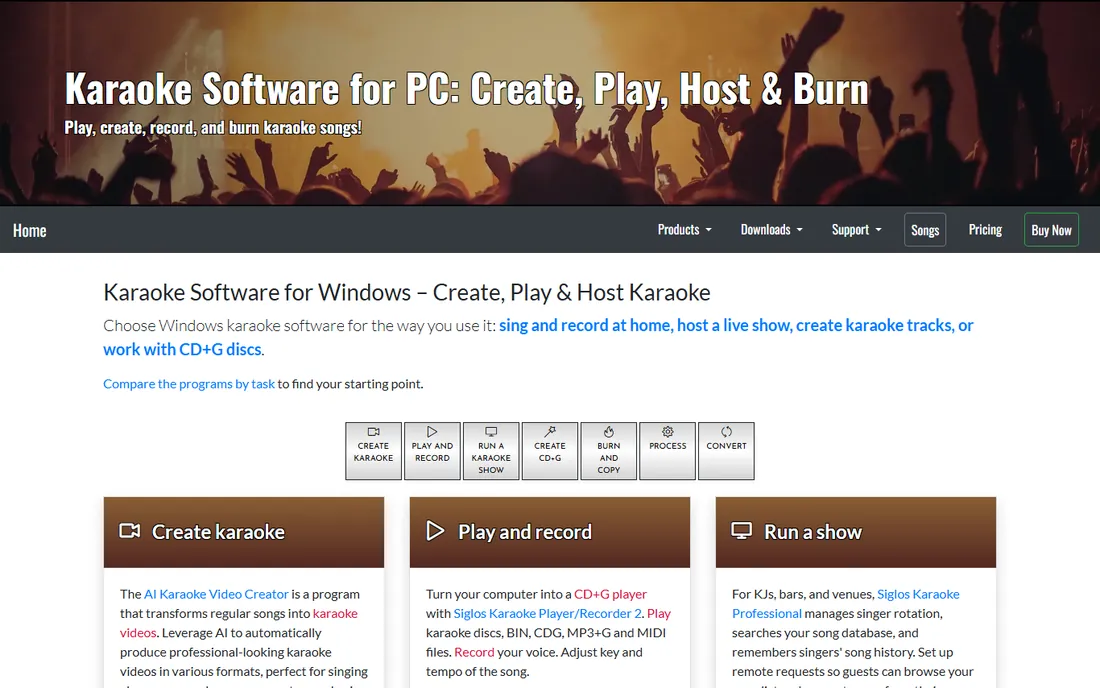
Siglos is what karaoke hosts actually run. The Professional edition manages the whole show: singers join the rotation, request songs from their phones, lyrics go to the singer's screen while the host screen keeps the controls, and background music fills the gaps. The vendor sells it for $119 as a per-user license with no activation and no internet required for basic playback, installable on two computers.
The honest catch is that Siglos is a player and host, not a music store. Your CD+G, MP3+G, ZIP, MIDI and video files come from your own collection. Building a legal commercial library costs real money on top of the software. It is also Windows-only, which matters if your show laptop is a Mac. For a working KJ the $119 is trivial; the song library is the real budget line.
What we like- Built for live hosting: singer rotation, remote song requests from phones, dual-screen display, filler music
- One-time $119 per-user license with no activation and offline playback
- Install on two computers
Watch out for- Windows only, no Mac version
- You supply your own song library, which is a separate investment
#3
PCDJ Karaoki
Best for: Professional KJs who want legal songs streamed from the cloud
Visit pcdj.com
Starting priceSee website
Free planFree trial
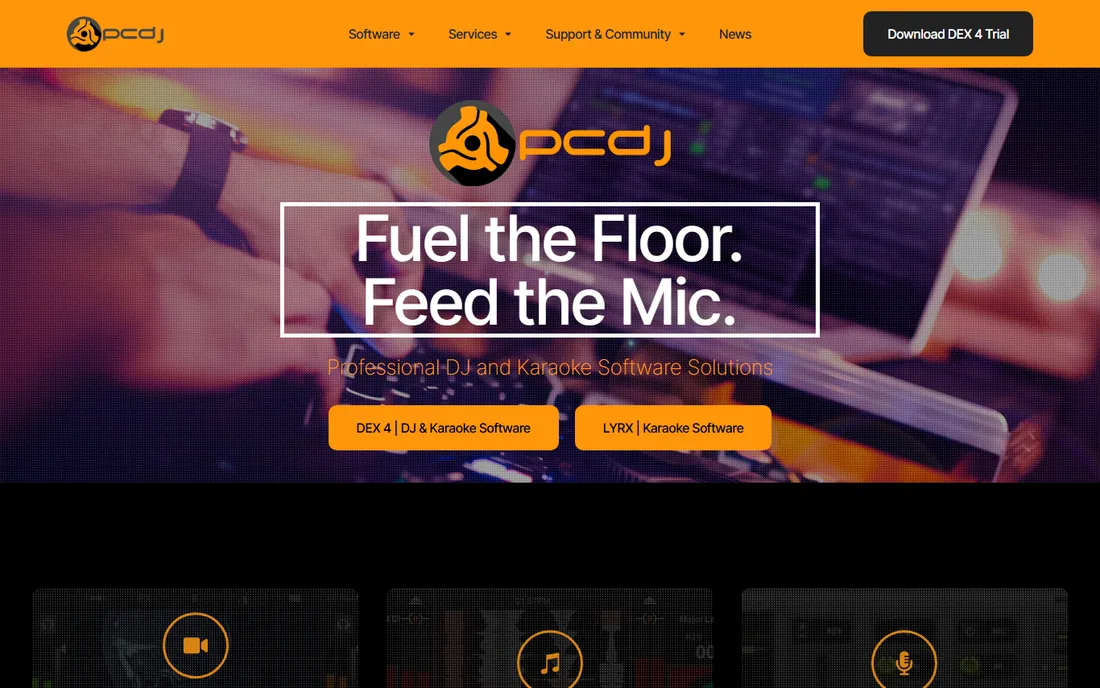
Karaoki answers the song problem differently: instead of a disc collection, it streams. Karaoke Cloud Pro is baked into Karaoki, giving professional KJs and venues in-app access to a library of legal karaoke music. That solves the biggest cost and legality headache of professional karaoke: building a library of licensed tracks. The vendor offers a free trial, and the site notes over 100 compatible DJ controllers for hosts who also DJ.
The honest catch is pricing opacity and subscription reality. PCDJ publishes no Karaoki price on its main pages, so you talk to sales. And the cloud library is a subscription: convenient, but the lifetime cost dwarfs a one-time software purchase. For a venue running weekly shows, the math works. For a monthly host, compare it honestly against owning your files.
What we like- Karaoke Cloud Pro is built in, giving access to a licensed karaoke library without buying discs
- From the long-running PCDJ family of DJ and KJ software
- Free trial available
Watch out for- No price published on the main pages we could verify
- The cloud library is a subscription, so the ongoing cost exceeds the software cost over time
Starting priceFree (limited); Standard $49 (per the vendor's own pricing page)
Free planYes (limited free version)
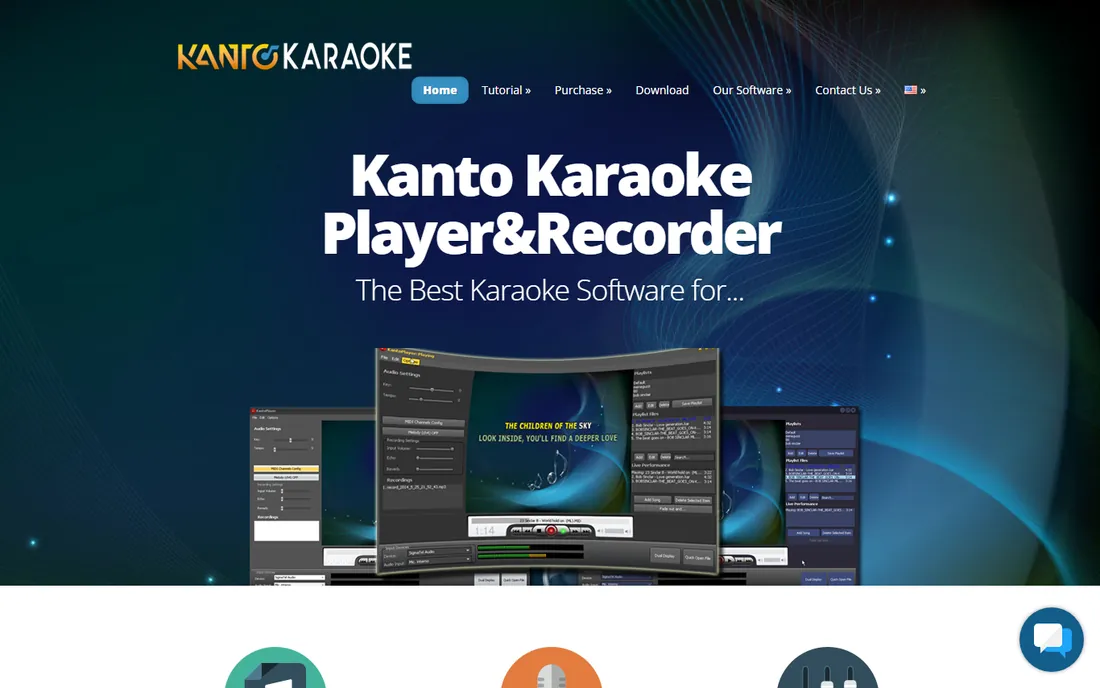
Kanto Karaoke is the sensible middle of the market. It plays everything in a typical home collection: MIDI, KAR, MP3, CDG, MP4. The free version is genuinely usable for testing, with limits (5 playlist songs, 1-minute recording, no professional use). The Standard license at $49 on the vendor's own pricing page removes the limits for personal use: unlimited playlists, voice recording over music, MIDI to MP3 conversion. The Professional version at $69.95 adds commercial use, singer rotation and multi-PC licensing.
The honest catch is knowing which version you need. The $49 Standard is personal use only; if money changes hands at your karaoke night, you need Professional. The free version's limits are tight enough that you will hit them fast, which is the point: it is a demo, not a product. For home singers with an existing disc or file collection, Standard is the value pick of this list.
What we like- Plays MIDI, KAR, MP3, CDG, MP4 and more on Windows and Mac
- The free version lets you test everything before paying
- $49 Standard license is cheap for unlimited playlists and recording
Watch out for- Free version caps playlists at 5 songs and recording at 1 minute
- The Professional version ($69.95 on the vendor's page) is needed for commercial use and singer rotation
Starting price$99 (per the vendor's own buy page)
Free planYes (Karaoke Builder Player is free)
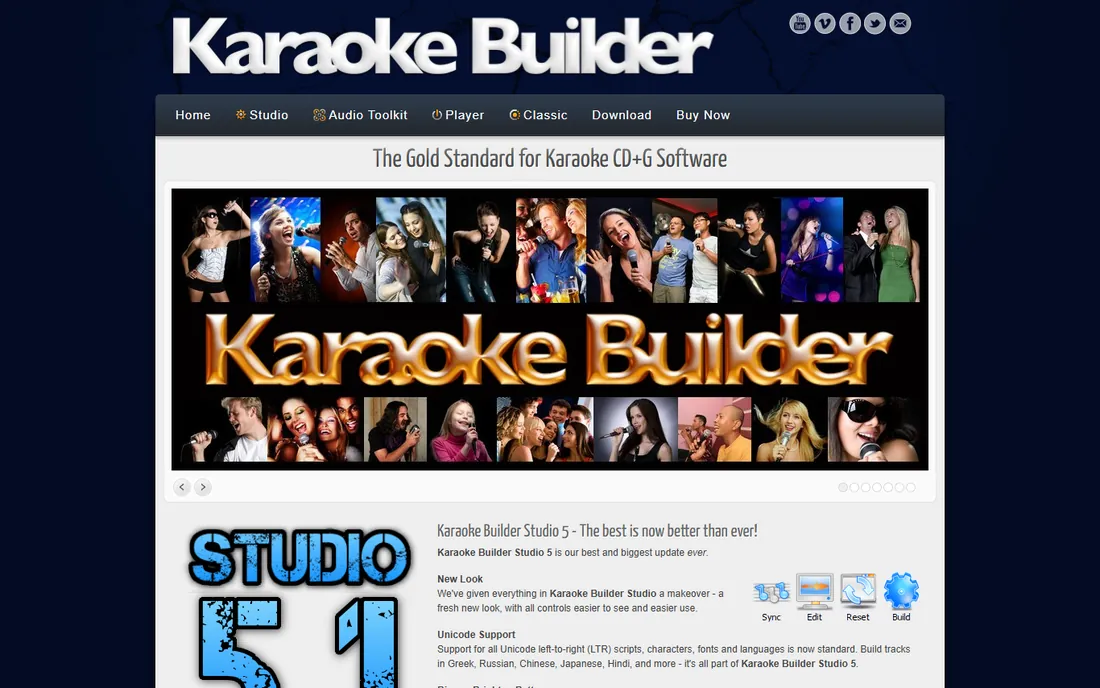
Karaoke Builder Studio is for the other side of karaoke: creating tracks instead of singing them. Since 2001 the company has sold the same production tools that commercial CD+G companies use, and the buy page lists Studio at $99, with the Audio Toolkit at $39 and bundle packs up to $139 for all three. The free Karaoke Builder Player plays your CD+G and MP3+G tracks, even straight from ZIP files, with key, speed and balance controls.
The honest catch is the workload. Studio is genuinely capable, but a polished track means syncing every lyric line to the audio by hand, which takes far longer than newcomers expect. Buy it if you produce tracks for a show, a church, a school or a YouTube channel. Do not buy it thinking it will play Saturday's party: that is what the free Player is for, and it does that job well.
What we like- The same tools commercial CD+G producers use, at $99 instead of five figures
- Free Player plays CD+G and MP3+G including from ZIP files
- Trial version converts to full on registration
Watch out for- It is production software, not a party player
- Making a good track takes real time syncing lyrics to audio
#6
vanBasco's Karaoke Player
Best for: Playing MIDI karaoke files on any Windows PC for free
Visit vanbasco.com
Starting priceFree
Free planYes
vanBasco's Karaoke Player is a time capsule that still sings. The vendor's site describes it plainly: it plays MIDI karaoke files, displays lyrics full-screen, changes tempo, volume and key per song, mutes or solos instruments, and it is totally ad-free freeware. It is small, fast and costs nothing, which is why it has survived decades past its last update in 2006.
The honest catch is the format. MIDI karaoke sounds like a 1990s keyboard because it is one, and the player handles nothing modern: no MP3+G, no video. It is also unmaintained software, so future Windows updates could break it without warning. But for a free MIDI player on a spare laptop, nothing here beats it. Just know exactly what you are getting.
What we like- Completely free with no ads, per the vendor's own site
- Full-screen lyrics, tempo/key/volume changes, instrument mute and solo
- Tiny and runs on anything
Watch out for- MIDI karaoke only, so modern MP3+G and video formats are out
- The site's last update was 2006, so this is abandonware that happens to still work
#7
OneKaraoke
Best for: Folder-based jukebox playback run from a keyboard or remote, no database needed
Visit onekaraoke.com
Starting priceSee website (license key purchase)
Free planYes (functional free download with limits)
OneKaraoke is karaoke minimalism. It is a hard-disc jukebox: organize your karaoke videos and audio files in folders, and the program reads the filenames on startup and builds its song list automatically. No database maintenance, no importing. The free download never expires and is genuinely functional, limited to 3 categories of 5 songs, 5 queued songs, and no dual-screen. Buying the license key removes the limits. It runs mouseless from a keyboard or remote, with dual-monitor support putting the video on one screen and the controls on another.
The honest catch is age. The documentation still references Windows 98SE and Pentium III machines, and the license arrives by email after purchase. It works, and the folder-based design is honestly clever, but go in expecting vintage software, not a modern app. It suits a dedicated karaoke PC in a home or small venue that never needs the internet.
What we like- No database to maintain: it reads song filenames from folders on startup
- Free download never expires, limited to small categories and 5 queued songs
- Dual-monitor support for separate singer and host screens
Watch out for- The site and software show their age (era of Windows 98/XP documentation)
- You bring all your own files and buy the license key by email
How we chose
We searched for karaoke software for PC the way buyers do, then checked each candidate's vendor site for signs of life in 2026. One candidate failed the test: TriceraSoft's JustKaraoke is out of business (its site went dark years ago and forum reports confirm the company folded), so we replaced it with Karaoke Builder Studio per our shut-down rule. Prices come only from vendor pages: KaraFun's product data, Kanto's pricing page, Siglos's product page, Karaoke Builder's buy page. Where the vendor publishes no price, we wrote "See website".
Where the songs come from matters more than the player
Every buyer should answer one question first: do I own karaoke files already? If yes, you need a player: Kanto, vanBasco, Karaoke Builder Player or OneKaraoke, matched to your file formats. If no, you need a source: KaraFun's subscription, Karaoki's cloud library, or a commercial disc/download collection for Siglos.
Legality is the second question, and it matters for paid gigs. Commercial karaoke hosting generally requires licensed music; the cloud and subscription services here exist precisely to solve that. Ripping YouTube videos into a bar show is the kind of shortcut that ends badly. Buy the music properly or use a licensed service, and keep receipts.
Frequently asked questions
Do I need to buy karaoke songs separately?
It depends on the software. KaraFun (subscription) and PCDJ Karaoki (Karaoke Cloud Pro) include licensed music access. Siglos, Kanto, vanBasco and OneKaraoke are players: they play files you already own, such as CD+G discs or MP3+G downloads.
Can I use karaoke software commercially at a bar?
Only with the right license. KaraFun requires its Pro plan with a commercial license; Kanto requires the Professional version; Siglos's $119 license is built for professional hosting. Home plans do not cover paid gigs.
What file formats do karaoke players use?
The common ones are CD+G (karaoke CDs), MP3+G (MP3 audio plus graphics file), ZIP (MP3+G bundled), KAR and MID (MIDI karaoke), and MP4 video. Check your collection's format against the player's supported list before buying.
Is vanBasco's Karaoke Player still safe to use?
The vendor's site is still live and the player is ad-free freeware. It is unmaintained since 2006, so treat it as abandonware: fine on a spare offline PC, but do not build a business on software with no updates.
What happened to JustKaraoke?
TriceraSoft, the company behind JustKaraoke, went out of business years ago after its website went dark. We excluded it from this list and included Karaoke Builder Studio instead. If you still have an old JustKaraoke install, plan a migration.
Can karaoke software remove vocals from regular songs?
Some can: Kanto Karaoke advertises vocal removal from MP3 and MP4 files as a feature. Results vary by song, and stripped vocals never sound as clean as a purpose-made karaoke track. For important events, use real karaoke files.
Sources we checked (8)
- https://www.karafun.com/
- https://kantokaraoke.com/
- https://pcdj.com/
- https://vanbasco.com/
- https://www.powerkaraoke.com
- https://www.powerkaraoke.com/src/prod_siglos-karaoke-professional.php
- https://www.karaokebuilder.com/buy.php
- https://onekaraoke.com/faq.html
Is your product missing or out of date?
We review this list regularly. Vendors can request a listing, send updated pricing or ask about featured placement.

Shihab Mia · Founder, Rankite
Shihab has spent more than a decade helping SaaS and e-commerce brands grow through search. He writes Rankite's software buying guides from pricing pages, documentation and public user reviews. More about Shihab.