How we make this list: we compare pricing pages, product documentation and public user reviews. Rankite is independent; if a vendor ever pays for a featured spot, that listing is clearly labeled Partner.
Key takeaways
- For anime and VTuber-style characters, VRoid Studio is free and purpose-built; nothing paid beats it for that style.
- Daz 3D's Daz Studio is free, with the business model in its asset store: budget for content packs, not the software.
- MetaHuman (free with Unreal Engine) produces the most realistic digital humans, but they are built for real-time engines, not film pipelines.
- Reallusion Character Creator 5 ($299 Standard) is the pragmatic middle ground for game-ready characters with clothing, morphs and animation export.
Quick comparison
| Tool | Best for | Starting price | Free plan |
|---|
 VRoid Studio VRoid Studio | Anime-style characters, VTuber avatars and stylized game characters | Free | Yes |
 Daz 3D Daz 3D | Beginners and illustrators who want quality characters without learning to model | Free (Daz Studio is free; content packs are paid) | Yes |
 MetaHuman MetaHuman | Photorealistic digital humans for games, virtual production and real-time projects | Free (with Unreal Engine) | Yes |
 Character Creator 5 Character Creator 5 | Game developers and animators who need rigged, clothed characters with export pipelines | $299 one-time (CC5 Standard; Deluxe $479) | No |
 MakeHuman MakeHuman | Open-source purists who want parametric humanoids with no licensing strings | Free | Yes |
 ZBrush ZBrush | Artists sculpting high-detail characters and creatures for film and games | See website (subscription; 14-day free trial) | Free trial (14 days) |
 Blender Blender | Artists who want sculpting, retopology, rigging and rendering in one free package | Free | Yes |
Is your product missing or out of date?
We review this list regularly. Vendors can request a listing, send updated pricing or ask about featured placement.
The problem every character project hits
Every character project runs into the same wall: modeling a believable human from scratch takes weeks, and most of that time goes into anatomy, topology and rigging rather than the creative part. Character creation software exists to skip the wall. These tools give you a finished, rigged base figure and let you spend your time on the face, the body, the clothes and the personality. The seven below cover every approach: parametric generators, anime stylization, photorealistic humans, and full sculpting.
The honest framing is that no single tool covers every style. Anime characters, realistic game NPCs and film-quality creatures are different products with different buyers. Pick the tool whose default output already looks like what you want to make, because fighting a tool's house style is the fastest way to waste a month.
#1
VRoid Studio
Best for: Anime-style characters, VTuber avatars and stylized game characters
Visit vroid.com
Starting priceFree
Free planYes
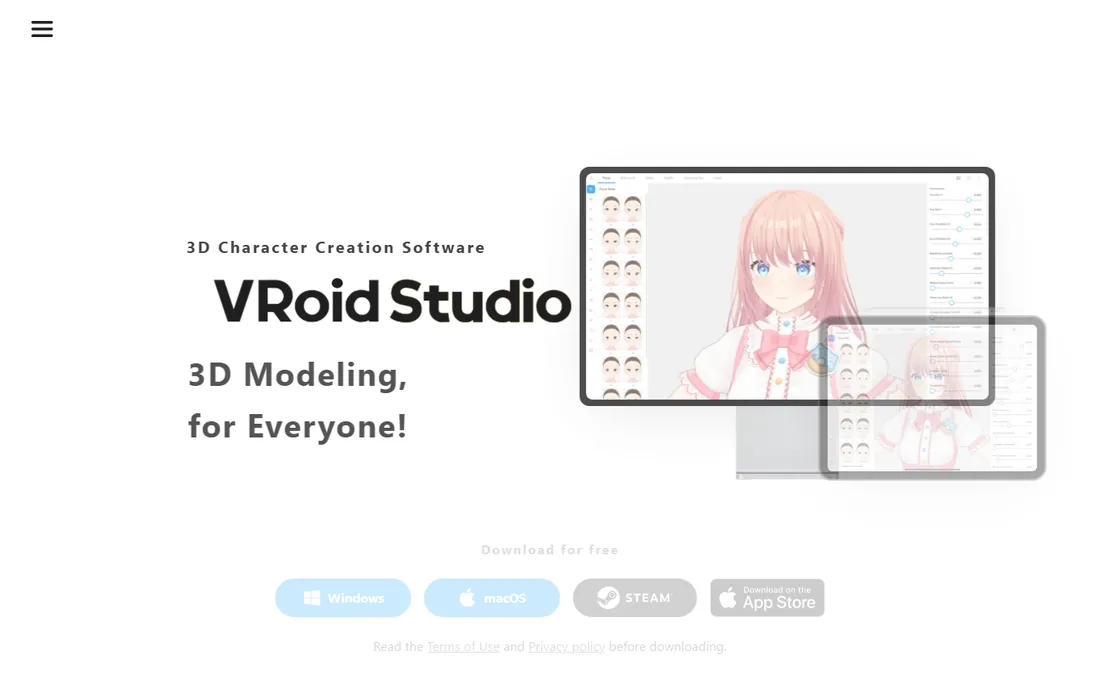
VRoid Studio is the rare tool that owns its niche completely. Made by pixiv, it creates anime-style 3D characters through an interface closer to drawing than to 3D modeling: you sketch hair strands, adjust face parameters with sliders, and paint textures directly on the model with pen-tablet support. Every version is free, and the models you create are yours to use freely, including commercially, under terms you set yourself.
The honest catch is scope. VRoid makes anime characters and nothing else. If your project needs realistic humans, creatures or western animation styles, this is the wrong tool. Export is VRM format, which works with VTuber apps, VRChat and a growing list of engines, but the pipeline into traditional film tools is thinner than the Daz or Reallusion ecosystems.
What we like- Completely free on Windows, macOS and iPad with no paid tiers
- Drawing-based hair and face editing feels like sketching, not modeling
- Exports VRM files you own outright, including for commercial use under your own terms
Watch out for- Anime style only
- Realistic or western-cartoon looks are out of reach
- Advanced users will outgrow the parameter sliders
#2
Daz 3D
Best for: Beginners and illustrators who want quality characters without learning to model
Visit daz3d.com
Starting priceFree (Daz Studio is free; content packs are paid)
Free planYes
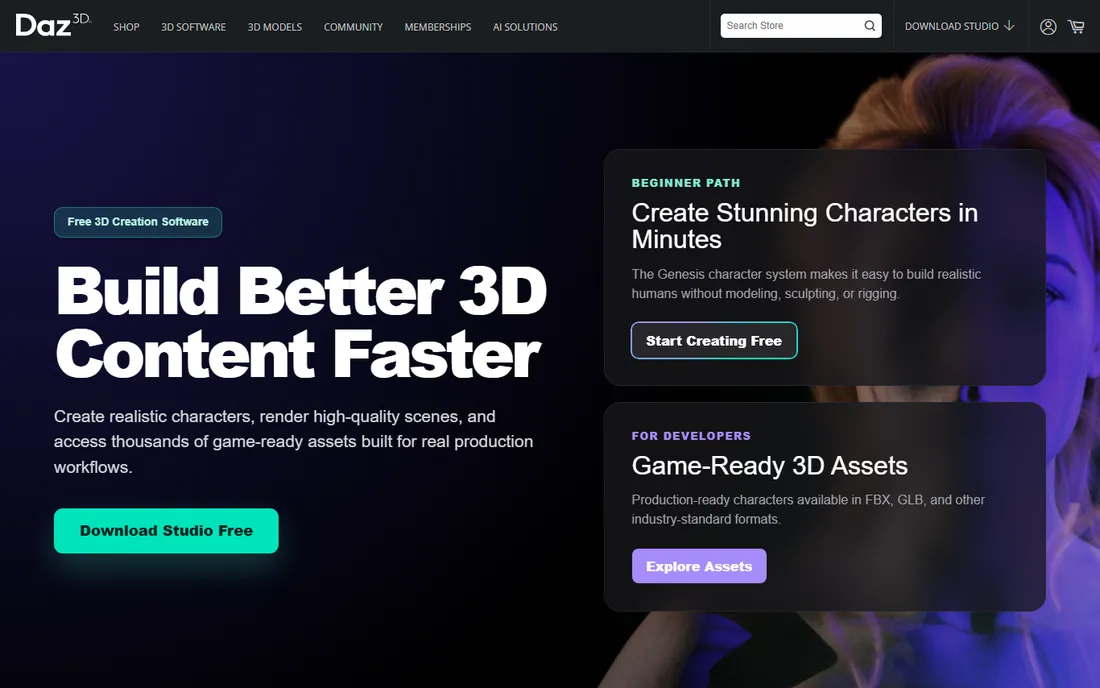
Daz 3D's model is simple: the studio software is free, and the money is in the store. Daz Studio gives you posing, lighting, animation and rendering, and the marketplace sells tens of thousands of premade figures, outfits, hairstyles and environments. For an illustrator who needs a posed character for a book cover or a marketer who needs a 3D spokesperson, you can go from download to finished image without modeling a single polygon.
The honest catch is the total cost of the "free" tool. Base figures are affordable, but a fully dressed, posed character with hair, clothing and an environment can easily run into triple digits across several packs. The default Genesis figures also have a distinctive look that experienced viewers recognize instantly. Budget for content, learn basic lighting, and Daz is a legitimate production shortcut.
What we like- Daz Studio itself is free to download and use
- Huge marketplace of ready-made characters, clothing, hair and environments
- Bridges export characters to Blender, Unreal, Unity, Maya and Cinema 4D
Watch out for- The free software is the hook for a paid content ecosystem, and costs add up fast
- Default renders have a recognizable "Daz look" that takes work to escape
#3
MetaHuman
Best for: Photorealistic digital humans for games, virtual production and real-time projects
Visit metahuman.com
Starting priceFree (with Unreal Engine)
Free planYes

MetaHuman is Epic Games' answer to the hardest problem in character work: believable digital humans. The browser-based MetaHuman Creator (running in Unreal Engine) builds photorealistic characters complete with hair and clothing in minutes, starting from presets, from Fab marketplace collections, or from your own scan data via Mesh to MetaHuman. Characters arrive fully rigged, and MetaHuman Animator captures facial performance from video, even in real time.
The honest catch is the ecosystem gravity. MetaHumans are happiest inside Unreal Engine; taking them to other renderers or game engines is possible but adds pipeline steps. The tool also does exactly one thing: realistic humans. Stylized characters, creatures and anime belong elsewhere on this list. For real-time projects that need believable people fast, nothing free comes close.
What we like- The most realistic free digital humans available, created in minutes from presets or from your own mesh and footage
- Fully rigged with facial animation via MetaHuman Animator
- Deployable from mobile to console and film
Watch out for- Built for the Unreal ecosystem, so other pipelines need extra export work
- Photorealism only, with no stylized or anime options
#4
Character Creator 5
Best for: Game developers and animators who need rigged, clothed characters with export pipelines
Visit reallusion.com
Starting price$299 one-time (CC5 Standard; Deluxe $479)
Free planNo
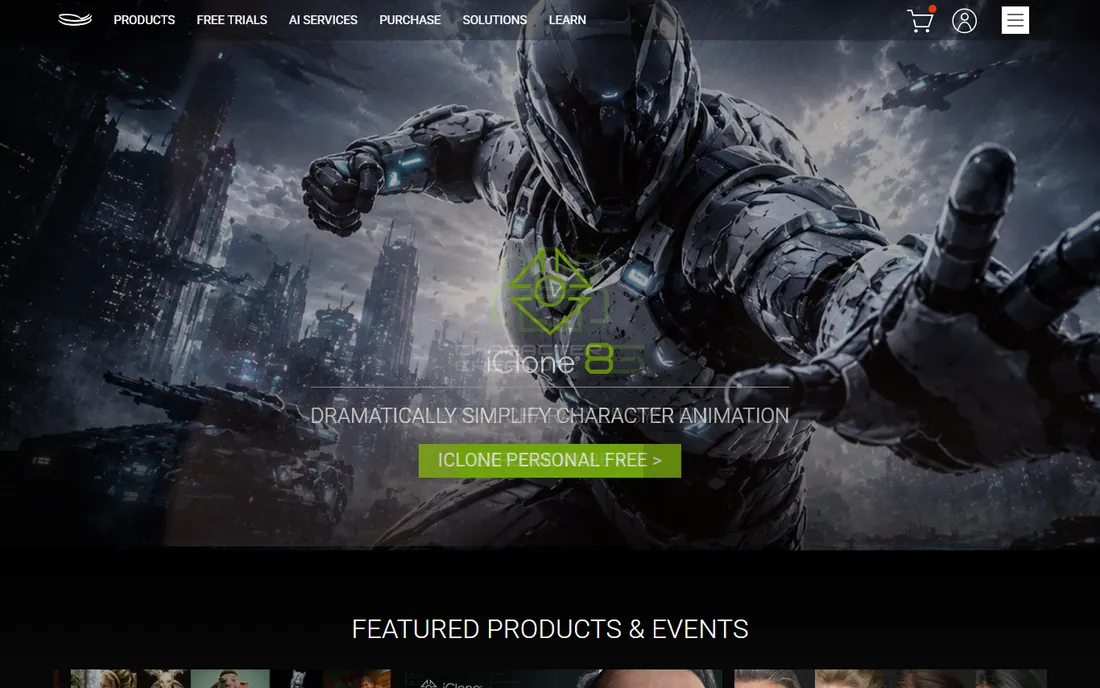
Reallusion's Character Creator 5 sits between Daz's content store and MetaHuman's realism: a dedicated character authoring tool aimed at games, animation and virtual production. The $299 Standard edition includes Character Creator 5 with free CC5 resources; the $479 Deluxe adds ActorMIXER tools, HD morphs and anatomy sets. Its strengths are practical: morph-based body customization, cloth and hair systems, and export pipelines tuned for Unreal Engine, Unity and major DCC apps.
The honest catch is the platform and the upsell curve. Character Creator is Windows software, so Mac-based artists need another option. And like Daz, the base purchase is the beginning: content packs, motion capture plug-ins and the iClone animation companion add cost as projects grow. For studios shipping game characters on Windows, it is the most pipeline-serious option short of sculpting everything by hand.
What we like- Purpose-built for game-ready characters with morphs, clothing simulation and LOD support
- Strong export to Unreal, Unity, Blender, Maya and 3ds Max
- Headshot tools generate characters from photos
Watch out for- Windows-focused with no native macOS version
- The Standard edition is the starting point, and serious users end up buying content packs and plug-ins
Starting priceFree
Free planYes
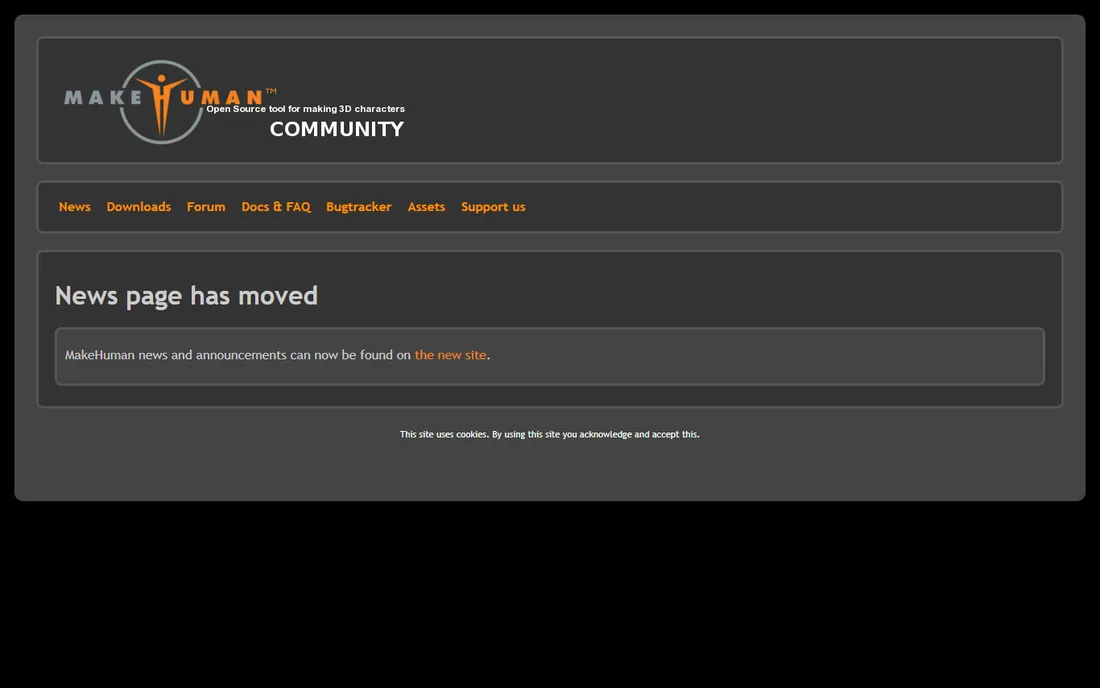
MakeHuman is the open-source answer to parametric character generation: sliders for age, gender, body proportions and ethnicity produce a rigged humanoid you can export anywhere, with no store, no account and no licensing fine print. It grew out of academic research into humanoid modeling, and for developers who need background characters or base meshes with zero legal encumbrance, it remains useful.
The honest catch is momentum. The project has not seen a meaningful release in years, and the community site now mostly points visitors to archived resources. The characters look dated next to modern alternatives, and there is no content marketplace to close the gap. Choose MakeHuman when the license terms matter more than the visuals; otherwise the free tiers of Daz or VRoid give you more.
What we like- Fully open source under a free license, so characters carry no royalty or store obligations
- Parametric sliders generate varied humanoids in seconds
- Lightweight and scriptable
Watch out for- Development has effectively stalled, with the community site in maintenance mode
- Output quality and asset ecosystem lag far behind Daz and Reallusion
#6
ZBrush
Best for: Artists sculpting high-detail characters and creatures for film and games
Visit maxon.net
Starting priceSee website (subscription; 14-day free trial)
Free planFree trial (14 days)

ZBrush is where film and game characters are actually sculpted. Its brush system lets artists shape detail the way they would with real clay, working at polygon counts that would choke other software, and its fingerprints are on franchises from Star Wars to The Last of Us. Maxon's subscription includes desktop, iPad and Windows on Arm versions plus training resources, with a 14-day trial of the full suite.
The honest catch is that ZBrush is a skill, not a shortcut. There is no "generate human" button: you sculpt every wrinkle yourself, which is the point for professionals and a wall for beginners. It is also subscription-only now, so the days of buying it once are over. Pair it with a generator like Daz or Character Creator when you need base meshes to sculpt over.
What we like- The industry standard for digital sculpting, with brushes that handle tens of millions of polygons
- Used across film franchises and AAA games
- Includes iPad sculpting and Redshift CPU rendering in the subscription
Watch out for- Subscription-only under Maxon with no perpetual license
- A sculpting tool, not a character generator, so every character starts as a ball of digital clay
#7
Blender
Best for: Artists who want sculpting, retopology, rigging and rendering in one free package
Visit blender.org
Starting priceFree
Free planYes
Blender is the only free tool that covers the entire character pipeline: sculpt the forms, retopologize for animation, rig with Rigify or Auto-Rig Pro, paint textures, and render in Cycles or EEVEE. For a solo artist or student, it replaces thousands of dollars of software, and the community produces tutorials for every character task imaginable.
The honest catch is that Blender does not hold your hand. Dedicated character tools give you a finished base figure; Blender gives you the tools to build one, which means weeks of learning before your first good character. The interface, while much improved, still overwhelms beginners. If your goal is characters specifically and quickly, start with VRoid or Daz; if your goal is learning 3D properly for free, start here.
What we like- Completely free and open source with sculpting, multiresolution, retopology and rigging built in
- Massive tutorial ecosystem and add-ons for every character workflow
- No revenue caps or watermarks
Watch out for- Generalist interface with a real learning curve
- Character-specific workflows need add-ons and setup that dedicated tools include by default
The fastest way to choose is to sort by output style, not by feature list. Anime and VTuber work belongs to VRoid Studio, full stop. Photorealistic humans for real-time projects belong to MetaHuman. Stylized game characters with clothing and animation export belong to Character Creator 5 or Daz 3D. Film and AAA creatures belong to ZBrush, usually over a base mesh. MakeHuman and Blender are the open-source safety nets underneath all of it.
This matters because every tool's defaults fight you when you push against its house style. Realistic skin in VRoid is a losing battle; anime faces in MetaHuman are impossible. Spend an hour browsing each tool's gallery before you commit to a workflow, and pick the one whose default output already looks like your target.
The real cost: software versus content
Character software pricing is misleading because the software is often the cheap part. Daz Studio is free, but a production-ready character can cost more in content packs than Character Creator 5's $299 license. Reallusion's Standard edition is the entry fee, not the total. Even ZBrush's subscription is minor next to the training time it demands.
Budget the whole pipeline before you start: the software license, the content and asset packs you will actually need, and the learning time. For a one-off project, the free tools (VRoid, Daz Studio, MetaHuman, Blender) plus a small content budget usually win. For ongoing production, a paid tool with a real export pipeline pays for itself in the first project.
How we chose
We started with the searches buyers run: character creation software, best 3D character creator, anime character maker, digital human software. For each candidate we opened the vendor's own site, confirmed the product is current in 2026 (noting that Reallusion's current release is Character Creator 5), and took prices only from vendor pages. Where a vendor page did not display a verifiable price, as with ZBrush's subscription tiers, we wrote "See website." We checked fit against practitioner discussion and the tools' own galleries.
Frequently asked questions
What is the best free character creation software?
It depends on the style. VRoid Studio is the best free option for anime characters, Daz Studio for realistic posed figures, MetaHuman for photorealistic digital humans, and Blender for full sculpting control. All four are free with no time limits.
Can I use characters from these tools commercially?
VRoid Studio lets you set your own terms for models you create, including commercial use. Daz 3D's license covers most commercial rendering but read the terms for interactive and game use. MakeHuman and Blender output carries no royalty obligations. Always check the current license before shipping a commercial project.
Do I need to know how to model to use character creation software?
No, for the generators: VRoid Studio, Daz Studio, MetaHuman and Character Creator 5 all start from finished base figures. You need modeling and sculpting skills only for ZBrush and for serious Blender character work, where every form is built by hand.
Which character software works with Unreal Engine?
MetaHuman is built for Unreal Engine natively. Character Creator 5, Daz 3D (via bridges) and Blender all export to Unreal. VRoid's VRM format needs a conversion step for Unreal workflows.
Is Daz 3D really free?
Daz Studio, the software, is free to download and use. The business model is the content store: characters, clothing, hair and environments are paid. A hobbyist can do a lot with free starter content; a professional should budget for asset packs.
What is the difference between Character Creator and MetaHuman?
Character Creator 5 is a general character authoring tool for games and animation with morphs, clothing and broad export pipelines, sold by Reallusion from $299. MetaHuman is Epic's free tool for photorealistic digital humans, optimized for Unreal Engine and real-time projects. Choose Character Creator for stylized and game-ready variety; choose MetaHuman for realistic humans in Unreal.
Sources we checked (8)
- https://www.daz3d.com/
- https://www.reallusion.com/
- https://www.reallusion.com/character-creator/default.html
- https://metahuman.com/
- https://vroid.com/en/studio
- http://www.makehumancommunity.org/
- https://www.maxon.net/en/zbrush
- https://www.blender.org/
Is your product missing or out of date?
We review this list regularly. Vendors can request a listing, send updated pricing or ask about featured placement.

Shihab Mia · Founder, Rankite
Shihab has spent more than a decade helping SaaS and e-commerce brands grow through search. He writes Rankite's software buying guides from pricing pages, documentation and public user reviews. More about Shihab.