How we make this list: we compare pricing pages, product documentation and public user reviews. Rankite is independent; if a vendor ever pays for a featured spot, that listing is clearly labeled Partner.
The best design project management software
Picture a six-person design studio on a Thursday afternoon: three client projects in review, one waiting on feedback that arrived as a 40-message email thread, and a homepage mockup that two designers both revised because nobody knew who owned it. The work is fine. The coordination is the problem. Design project management software exists for this exact mess: it ties feedback, versions, approvals and time to the project instead of scattering them across inboxes.
The eight tools below all handle creative workflows, but they come at the problem from different sides. Some are visual project platforms with proofing built in; others are studio management tools that combine projects with invoicing and time tracking. Prices range from $7 per user per month to flat monthly rates for the whole studio.
Key takeaways
- Wrike ($10/user/month Team) leads on proofing and approvals, the feature that matters most in design review cycles.
- For studios that bill hours, Moxie ($10/month flat) and Avaza ($11.95/month flat) bundle projects with time tracking and invoicing at one predictable price.
- ClickUp ($7/user/month Unlimited) is the cheapest per-seat option with proofing and whiteboards included; monday.com ($9/seat/month) is the visual alternative.
- BQE Core publishes no prices and sells by quote, which suits larger firms but makes comparison shopping slow.

#1
Wrike
Best for: Design teams with formal review and approval cycles
Visit wrike.com
Starting price$10/user/month (Team plan, billed annually, 2 to 15 users)
Free planYes
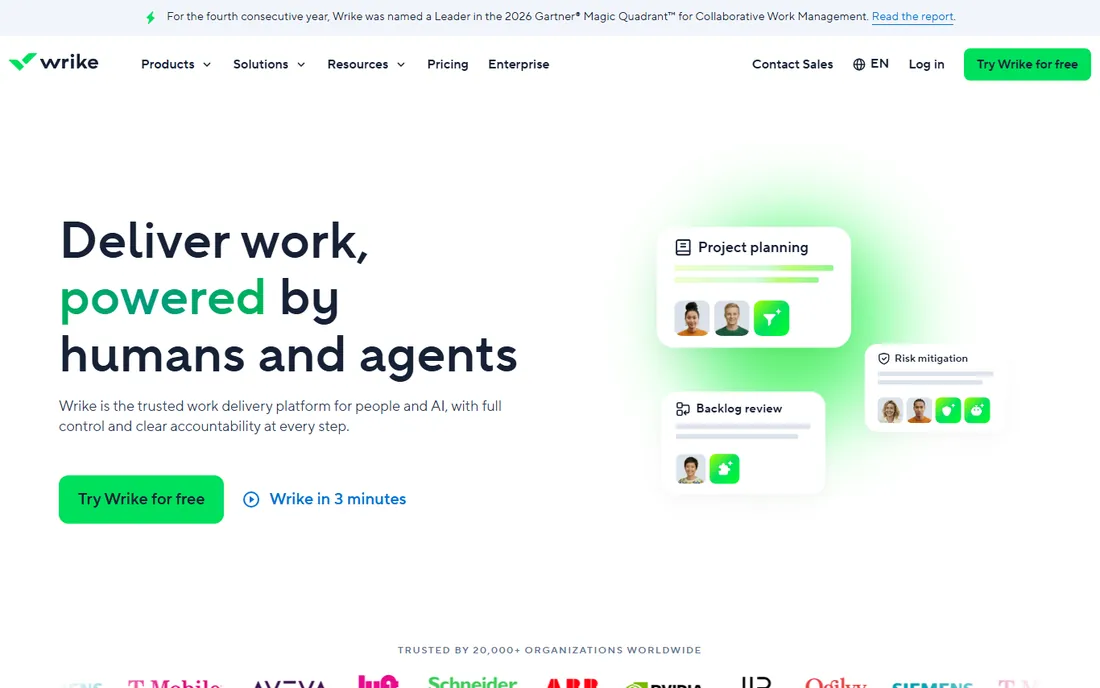
Wrike is the strongest pure project tool here for design review. Proofing lets stakeholders comment directly on a mockup or video frame instead of describing changes in email, and approval workflows route work through the right sign-offs with an audit trail. For studios where "final_final_v3" is a recurring joke, that structure pays for itself. Request forms turn vague client briefs into structured tasks with required fields.
The price is mid-range at $10 per user per month, but the 15-user Team cap pushes growing studios to higher tiers. The free plan covers basic tasks without proofing. If your bottleneck is feedback chaos rather than scheduling, Wrike's review tools are the best on this list.
What we like- Built-in proofing with markup on images, video and documents
- Approval workflows with clear sign-off chains
- Request forms that structure incoming design briefs
Watch out for- The Team plan caps at 15 users
- The interface takes longer to learn than simpler boards

#2
monday.com
Best for: Visual teams that manage design work on boards
Visit monday.com
Starting price$9/seat/month (Basic plan, billed annually)
Free planYes (Free, up to 2 seats)
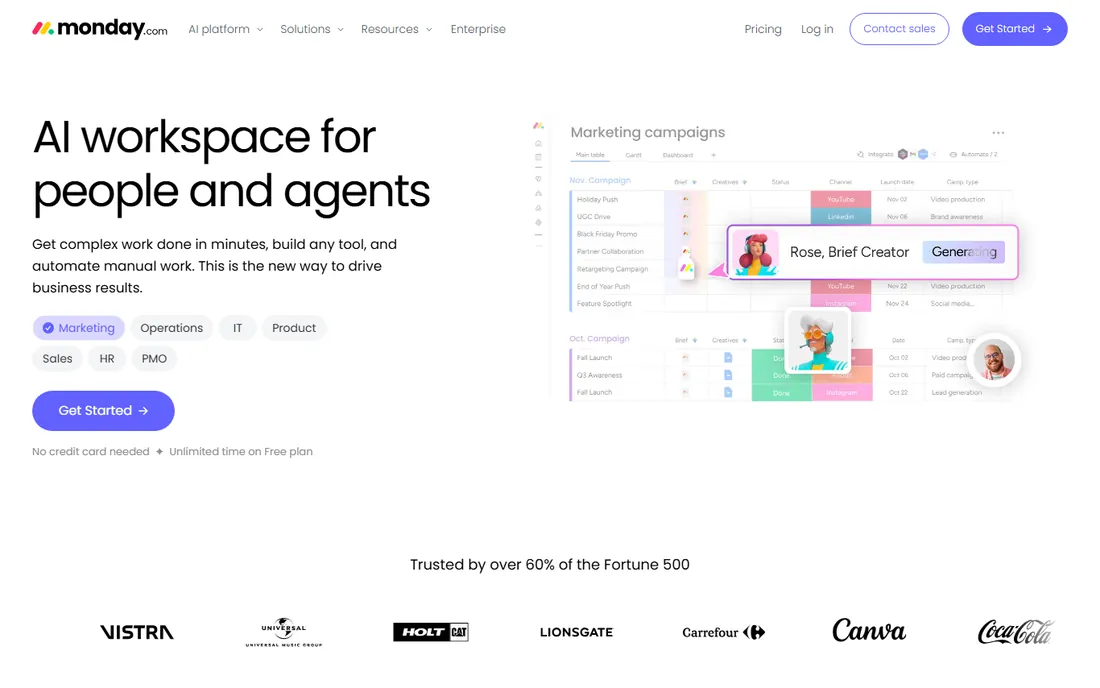
monday.com fits teams that think visually. Boards show every design project as cards with image thumbnails, and status columns make it obvious which projects are in concept, in review or approved. Files attach to tasks with previews, so designers do not hunt through drives for the latest version. At $9 per seat per month, Basic is affordable for small studios.
The limitation is review depth: commenting on files works, but true markup-and-approval workflows are not the focus. Dashboards that roll up many client projects sit on higher tiers. For studios that want a beautiful, flexible board system and handle approvals through comments, monday.com delivers. For formal sign-off chains, Wrike is stronger.
What we like- Highly visual boards that suit design workflows
- File and image previews directly on tasks
- Large template library including creative project templates
Watch out for- Proofing depth is thinner than Wrike's
- Per-seat costs add up fast for larger studios

#3
ClickUp
Best for: Design teams that want proofing, docs and whiteboards in one cheap seat
Visit clickup.com
Starting price$7/user/month (Unlimited plan, billed annually)
Free planYes (Free Forever plan)
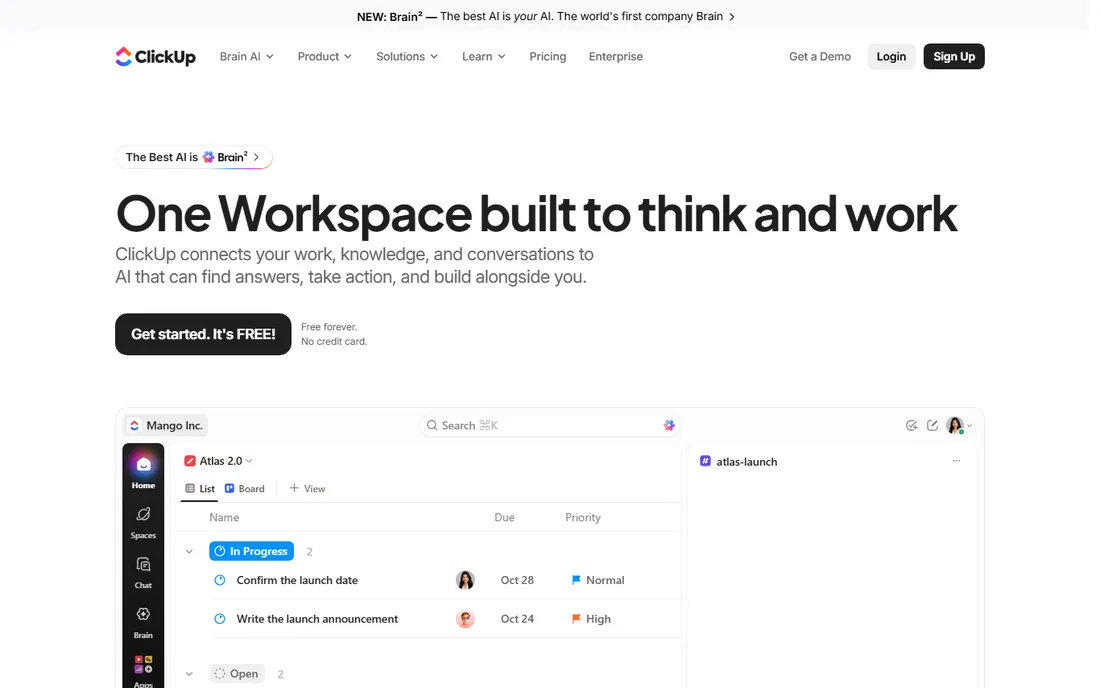
ClickUp gives design teams the most features per dollar. Proofing with annotations, collaborative whiteboards for ideation, docs for brand guidelines and time tracking all live in one $7-per-user workspace. For a studio standardizing its whole operation, that consolidation replaces two or three subscriptions.
The cost is complexity. ClickUp's flexibility means someone has to design the workspace, set conventions and keep it tidy, or designers drown in options. Performance in huge workspaces can lag. For budget-conscious studios willing to invest setup time, it is the value leader. For teams that want to open the app and start working, Asana or Teamwork are calmer.
What we like- The lowest per-seat price here with proofing, whiteboards and docs included
- Highly customizable task views
- Goals and time tracking in the same workspace
Watch out for- Configuration overhead is high
- The interface can feel cluttered for designers used to minimal tools

#4
Teamwork
Best for: Design agencies managing many client projects at once
Visit teamwork.com
Starting price$9.99/user/month (Basics plan, billed annually)
Free planYes (Free, up to 5 users)
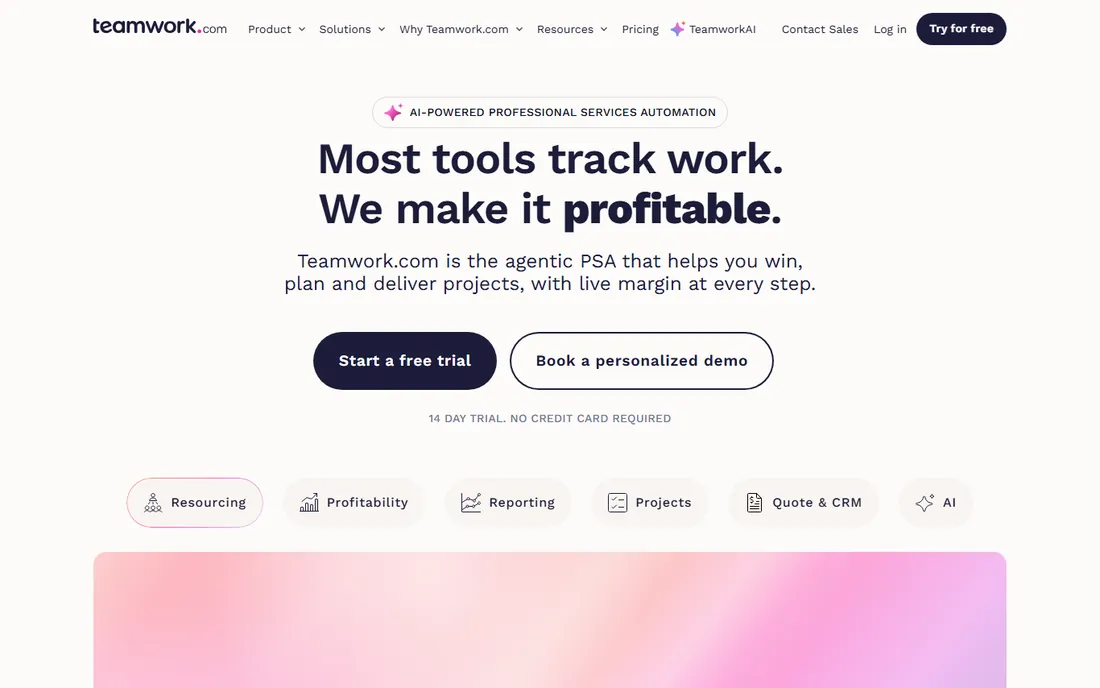
Teamwork speaks agency. Each client project gets its own permissions, so clients see their work and nothing else; time tracking ties hours to projects with billable rates; and the project overview shows every engagement's health at a glance. At $9.99 per user per month, it sits mid-pack, and the 5-user free plan lets small studios run real work.
For in-house design teams, the client-service framing is less relevant, and proofing is thinner than dedicated review tools. But for agencies and freelancers-with-teams juggling a dozen client projects, the combination of project management, time tracking and client privacy in one tool is purpose-built.
What we like- Client-specific permissions and project privacy
- Per-project time tracking with billable rates
- Portfolio-style overview across all client work
Watch out for- Creative review features are basic next to Wrike
- The agency framing fits client work better than in-house teams

#5
Asana
Best for: Design teams that want fast, clean project tracking
Visit asana.com
Starting price$10.99/user/month (Starter plan, billed annually)
Free planYes (Personal plan, up to 2 users)
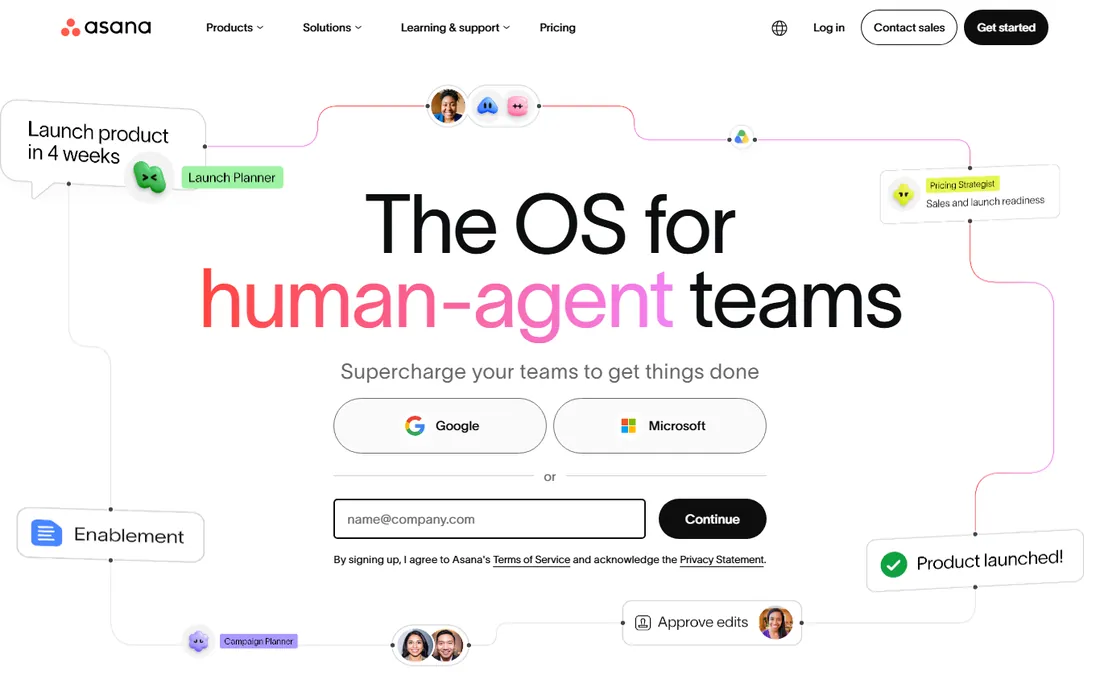
Asana is the polished option. Portfolios collect related design projects, timelines show dependencies across them, and integrations with Figma and Adobe Creative Cloud connect the work where it happens. The interface is the least intimidating here, which matters when half the team would rather be designing than managing.
At $10.99 per user per month, Starter is the priciest entry point, and serious review workflows still need comments and attachments rather than true markup. The 2-user free plan suits freelancers. For design teams that value speed and clarity and handle feedback through comments, Asana is the smoothest ride.
What we like- Portfolios group design projects with shared status
- Clean interface designers actually enjoy using
- Strong integrations with Figma, Adobe and Slack
Watch out for- Highest starter price on this list
- Proofing and asset review are lighter than Wrike's

#6
Moxie
Best for: Small studios and freelancers that want projects plus invoicing in one tool
Visit withmoxie.com
Starting price$10/month (Starter plan, billed annually; $12 month-to-month)
Free planNo (14-day free trial)
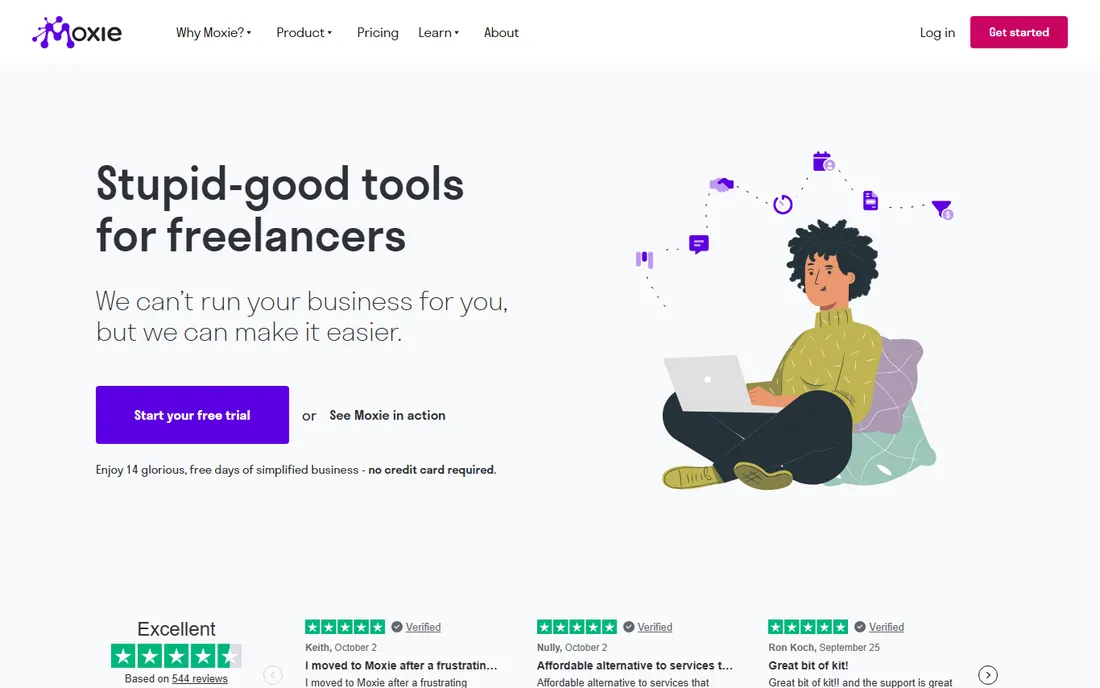
Moxie takes a different approach: instead of charging per seat, it charges $10 per month for the business and bundles the whole studio workflow. Projects, tasks, time tracking, proposals, contracts and invoices live in one system, so a freelancer or small studio can run client work end to end without stitching tools together.
The trade-off is PM depth. Task dependencies, Gantt charts and portfolio reporting are thinner than Wrike or monday.com. But for studios under 10 people where the same person designs, tracks time and sends invoices, the flat price and unified workflow beat a per-seat PM tool plus separate invoicing. Solo designers should price this against a free PM plan plus Wave's free invoicing.
What we like- Flat monthly price covers the whole business, not per seat
- Combines projects, time tracking, proposals, contracts and invoicing
- Built for freelancers and small studios
Watch out for- Project management depth is lighter than dedicated PM platforms
- No permanent free plan

#7
BQE Core
Best for: Architecture, engineering and design firms that need project accounting
Visit bqe.com
Starting priceSee website (quote-based; pricing not published)
Free planNo (free trial reported by reviewers, unverified)
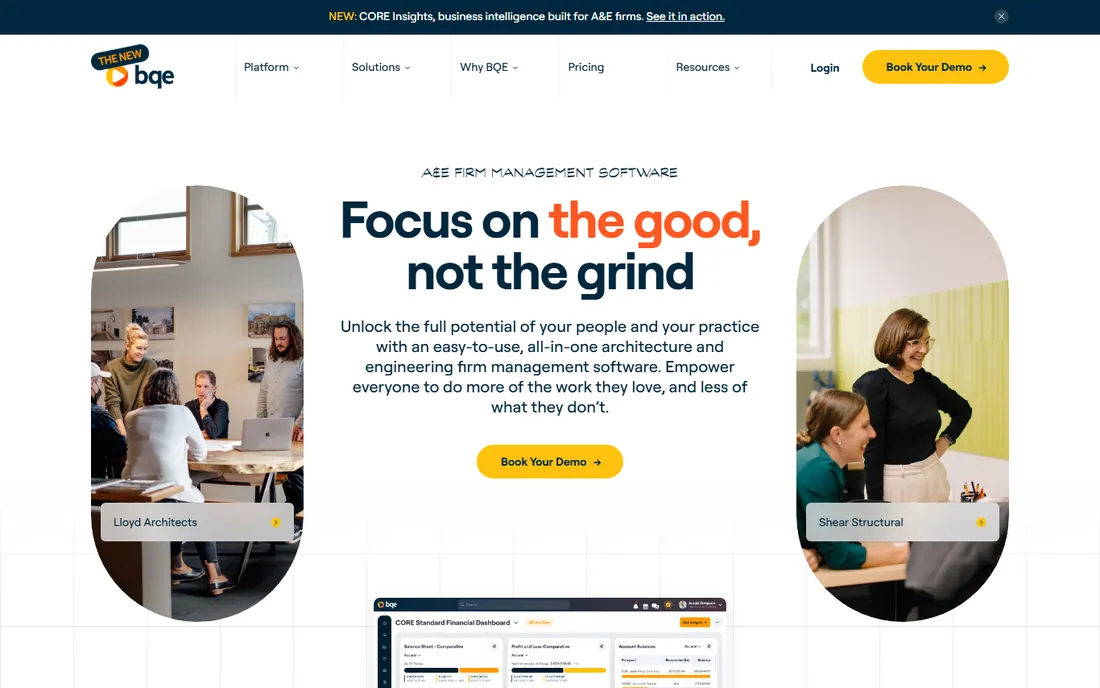
BQE Core is the grown-up option for design firms where projects have budgets, phases and profitability targets. It merges project management with accounting: time entries flow into project costs, budgets track against phases, and invoices generate from the same data. Architecture and engineering firms with 20-plus staff use it as their operating system.
The catch is opacity. Pricing is quote-based, implementation is a project in itself, and small studios will find it heavy. This belongs on the list because "design project management" for firms includes the financial side, and no per-seat board tool does project accounting. If you bill projects and need to know which ones make money, talk to BQE. If you need task boards, look elsewhere.
What we like- True project accounting with budgeting, cost tracking and profitability per project
- Built for professional services firms
- Time and expense tracking tied to project phases
Watch out for- No published pricing, so evaluation requires a sales process
- Overkill for small studios that just need task tracking

#8
Avaza
Best for: Small creative teams that want projects, time tracking and invoicing flat-rated
Visit avaza.com
Starting price$11.95/month (Startup plan)
Free planYes
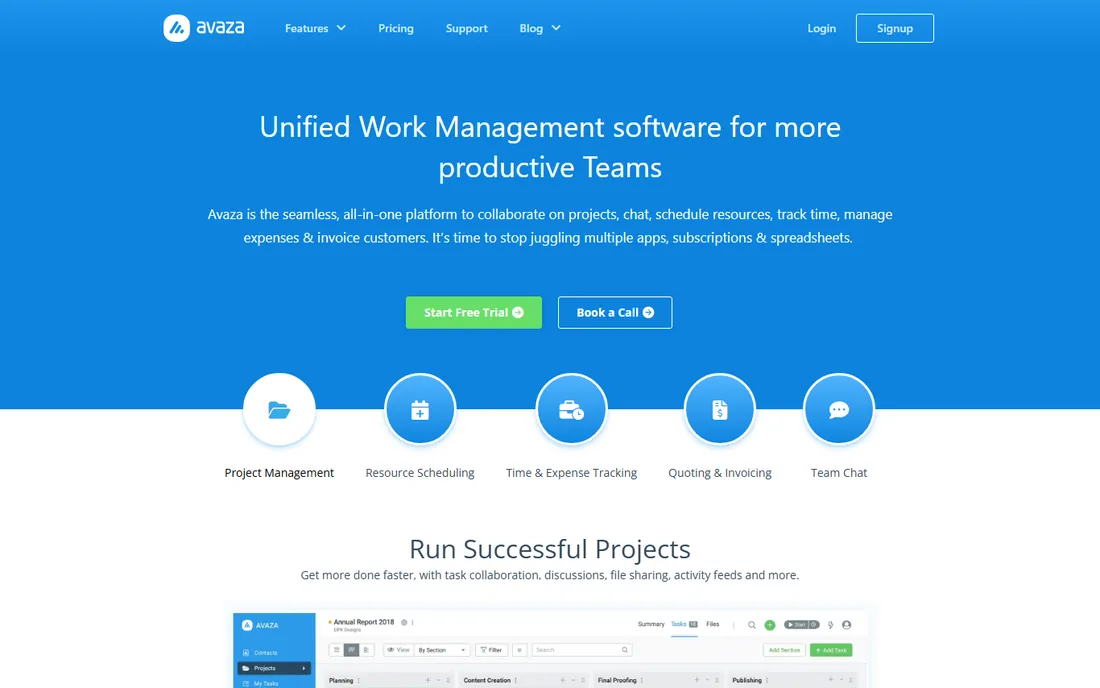
Avaza is Moxie's closest competitor on this list: one flat monthly fee covering projects, timesheets, expenses, quotes and invoices. At $11.95 per month for the Startup plan, a five-person studio pays less than two seats of most per-user tools. The free plan handles basic projects and invoicing for the smallest teams.
PM depth is the compromise. Gantt charts exist but dependency management and portfolio views are basic, and the integration list is shorter. For creative teams under 15 people that bill time and want one system for delivery and money, Avaza's flat pricing is compelling. For complex multi-project scheduling, the per-seat platforms above go deeper.
What we like- Flat monthly rate includes projects, time tracking, expense tracking, quotes and invoicing
- Clean interface with low learning curve
- Usable free plan
Watch out for- Advanced PM features like dependencies and portfolios are limited
- Smaller integration catalog than the big platforms
Design work has a review cycle that generic task management ignores. The must-have is proofing: commenting directly on an image, PDF or video frame, with versions tied to the feedback. Wrike leads here; ClickUp includes it; the rest handle feedback through comments and attachments. Second is client collaboration with boundaries: clients should see their project, comment on deliverables and approve work without seeing internal discussions or other clients. Teamwork and Asana handle this best.
Third is time against projects. Design businesses bill hours or fixed fees against estimated hours, so timesheets must attach to projects and tasks, not float separately. Avaza, Moxie and Teamwork build this in; the pure PM tools need integrations. Fourth is asset handling: large file previews, version stacking and links to Figma or Adobe files. Test this in a trial with your actual file sizes before committing, because demo videos never show the 2 GB video file.
Flat-rate vs per-seat pricing for design studios
Pricing models split this list in two, and the right one depends on headcount. Moxie ($10/month), Avaza ($11.95/month) and BQE Core (quoted) charge for the business, while the other five charge per seat from $7 to $10.99. For a 3-person studio, per-seat tools cost $21 to $33 per month, so the gap is small and features should decide. For a 10-person studio, per-seat costs run $70 to $110 per month against $10 to $12 flat, and the flat-rate tools win on price by a wide margin.
But flat-rate tools bundle invoicing and time tracking while going lighter on PM depth, so compare total stack cost, not just the PM line. A studio on ClickUp ($70 for 10 users) plus Wave (free invoicing) may beat Moxie on capability at a similar total. Model your real stack: PM seats plus time tracking plus invoicing, then compare. And remember BQE Core's quote model: for firms past 20 people with real project accounting needs, a quote often beats per-seat math, but you cannot know without the sales call.
How we chose
We started with the categories buyers search: design project management software, creative project management and agency project management software. For each candidate we opened the vendor's own pricing page, checked prices against public reviews on G2 and Capterra and practitioner discussion on Reddit, and compared proofing, client collaboration, time tracking, invoicing and price. Where a price could not be verified on the vendor's page we wrote "See website" rather than guessing.
Quick comparison
| Tool | Best for | Starting price | Free plan |
|---|
| Wrike | Design teams with formal review and approval cycles | $10/user/month (Team plan, billed annually, 2 to 15 users) | Yes |
| monday.com | Visual teams that manage design work on boards | $9/seat/month (Basic plan, billed annually) | Yes (Free, up to 2 seats) |
| ClickUp | Design teams that want proofing, docs and whiteboards in one cheap seat | $7/user/month (Unlimited plan, billed annually) | Yes (Free Forever plan) |
| Teamwork | Design agencies managing many client projects at once | $9.99/user/month (Basics plan, billed annually) | Yes (Free, up to 5 users) |
| Asana | Design teams that want fast, clean project tracking | $10.99/user/month (Starter plan, billed annually) | Yes (Personal plan, up to 2 users) |
| Moxie | Small studios and freelancers that want projects plus invoicing in one tool | $10/month (Starter plan, billed annually; $12 month-to-month) | No (14-day free trial) |
| BQE Core | Architecture, engineering and design firms that need project accounting | See website (quote-based; pricing not published) | No (free trial reported by reviewers, unverified) |
| Avaza | Small creative teams that want projects, time tracking and invoicing flat-rated | $11.95/month (Startup plan) | Yes |
Is your product missing or out of date?
We review this list regularly. Vendors can request a listing, send updated pricing or ask about featured placement.
Frequently asked questions
Do designers really need special project management software?
Not always. Small teams doing straightforward work do fine with Asana, monday.com or ClickUp. Specialized needs appear with client review cycles (proofing), billable hours (time tracking tied to projects) and project profitability (accounting). If feedback lives in email threads and nobody knows which version is current, you need the review features.
Which tool is best for client approvals?
Wrike, for its markup-based proofing and approval chains. Teamwork and Asana handle client-facing collaboration well through project permissions. If approvals are informal, comments and file attachments in any of these tools suffice.
Can I track time against design projects in these tools?
Yes in Avaza, Moxie and Teamwork, which build time tracking into projects with billable rates. ClickUp includes time tracking too. monday.com, Wrike and Asana track time through integrations or higher tiers. If billing hours is core to your business, prefer the tools with native time tracking.
What is the cheapest option for a freelance designer?
ClickUp's free plan, Notion's free plan or Avaza's free tier all work for solo freelancers. Among paid options, Moxie at $10 per month flat covers projects plus invoicing for the whole business, which replaces two subscriptions.
How much does design PM software cost for a 5-person studio?
From $10 per month flat (Moxie) to $55 per month (Asana Starter at $10.99 per seat). ClickUp costs $35, monday.com $45, Wrike $50 and Teamwork about $50. Avaza is $11.95 flat. BQE Core requires a quote.
Should a design studio combine PM and invoicing in one tool?
If the same people manage projects and money, yes: Moxie and Avaza remove the reconciliation work between systems. Larger studios often prefer best-of-breed: a PM platform plus dedicated accounting, with an integration between them. The deciding factor is who does the admin.
Sources we checked (10)
- https://www.wrike.com/pricing/
- https://monday.com/pricing/
- https://clickup.com/pricing
- https://www.teamwork.com/pricing/
- https://asana.com/pricing
- https://www.withmoxie.com/pricing/
- https://www.bqe.com/
- https://www.avaza.com/pricing/
- https://www.g2.com/categories/project-management
- https://www.capterra.com/project-management-software/
Is your product missing or out of date?
We review this list regularly. Vendors can request a listing, send updated pricing or ask about featured placement.

Shihab Mia · Founder, Rankite
Shihab has spent more than a decade helping SaaS and e-commerce brands grow through search. He writes Rankite's software buying guides from pricing pages, documentation and public user reviews. More about Shihab.