How we make this list: we compare pricing pages, product documentation and public user reviews. Ratings come from G2, Capterra or Trustpilot, with the date we checked them.
Key takeaways
- Canva is the default beginner pick, with a genuinely useful free plan and Pro at 18 dollars a month or 144 dollars a year.
- Adobe Express at 9.99 dollars a month is the cheapest premium plan from a major vendor, with commercially safe AI features built in.
- VistaCreate, Snappa and Desygner style tools undercut Canva, starting between 10 dollars a month billed annually, though this list focuses on the strongest eight.
- GIMP and Inkscape cost nothing and handle professional grade photo and vector work, but expect a real learning curve.
Quick comparison
| Tool | Best for | Starting price | Free plan |
|---|
 Canva Canva | All round beginner design | $18 per month | Yes |
 Adobe Express Adobe Express | Quick branded content | $9.99 per month | Yes |
 Figma Figma | Interface design and teams | $16 per editor/month | Yes |
 VistaCreate VistaCreate | Affordable Canva alternative | $10 per month | Yes |
 Snappa Snappa | Fast social media graphics | $10 per month | Yes |
 Pixlr Pixlr | Browser photo editing | $1.99 per month | Yes |
 GIMP GIMP | Free Photoshop alternative | Free | Yes |
 Inkscape Inkscape | Free vector illustration | Free | Yes |
Is your product missing or out of date?
We review this list regularly. Vendors can request a listing, send updated pricing or ask about featured placement.
The best design apps
#1Canva
Best for: All round beginner design4.7/5 on
G2 (7,678 reviews, checked Oct 2026)
Visit canva.com
Starting price$18 per month
Free planYes
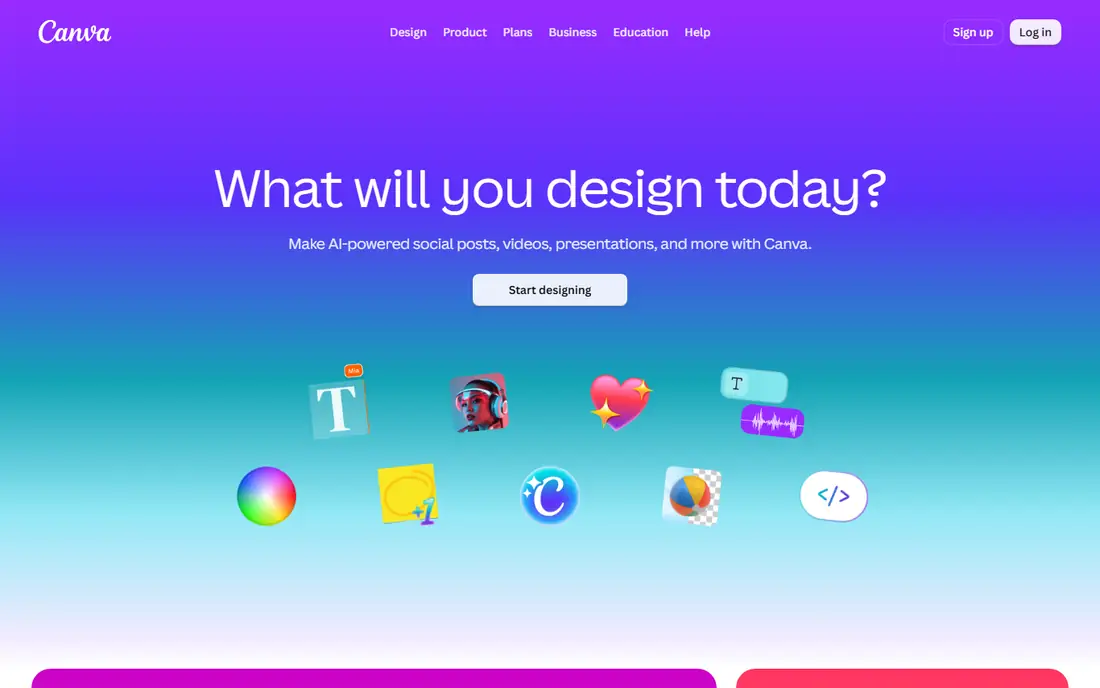
Canva became the default beginner tool for a simple reason: it removes the blank page. Pick a size for Instagram, a flyer or a presentation, choose a template, swap in your own text and photos, and export. The free plan covers a large template and stock library, so a beginner can publish decent work on day one without paying, and the editor runs in a browser and on phones.
Pro at 18 dollars a month adds the features that matter once you design regularly: a Brand Kit for consistent colors and fonts, one click background removal, Magic Resize and a larger stock library. If you design once a month, the free plan will likely do. If you publish weekly for a business, Pro pays for itself in saved time.
What we like- Huge template library
- Drag and drop editor
- Works on web and mobile with a useful free plan
Watch out for- Brand Kit and background remover need Pro
- Popular templates get overused
- Advanced photo editing is limited
#2Adobe Express
Best for: Quick branded content4.5/5 on
G2 (855 reviews, checked Oct 2026)
Visit adobe.com
Starting price$9.99 per month
Free planYes
Adobe Express is the quick branded content pick, with a free tier for everyday design and Premium at 9.99 dollars a month. Firefly AI images built in give commercially safer generation than most rivals, and Adobe stock photos and fonts raise the finish of a simple social post. The editor is fast for resizing and scheduling content.
Resize and Brand Kits sit on Premium, so the free tier is less complete than Canva free for brand work, and the template range is smaller. For a small business that wants branded content with safe AI images at the lowest premium price from a major vendor, Express is the pick.
What we like- Cheapest premium plan from a major vendor
- Commercially safe AI images
- Adobe stock and font integration
Watch out for- Resize and Brand Kits are Premium
- AI depth trails Firefly standalone
- Template range is smaller than Canva
#3Figma
Best for: Interface design and teams4.7/5 on
G2 (1,593 reviews, checked Oct 2026)
Visit figma.com
Starting price$16 per editor/month
Free planYes
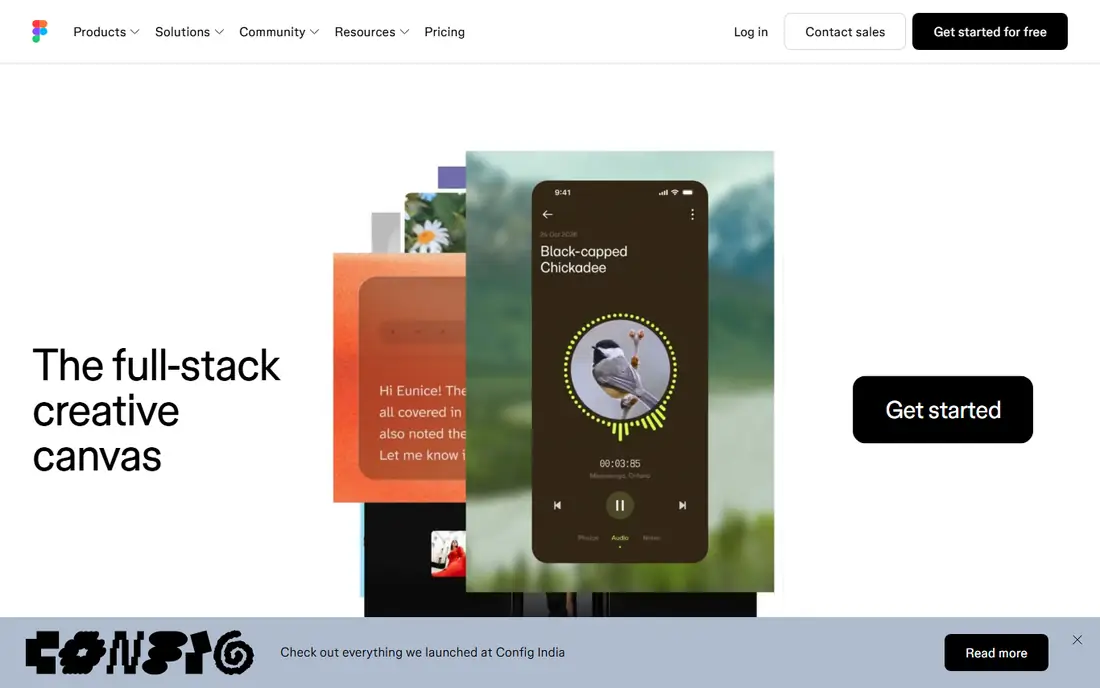
Figma is the interface design standard, and its free Starter plan is enough for learning website and app design. Components, auto layout and shared libraries let teams build real products together in one file, with comments and version history built in. Figma Make adds AI prototypes inside the tool designers already use, with AI credits per seat on paid plans.
Full seats cost 16 dollars a month billed annually on Professional, and the free plan limits teams to 3 files across Design and Sites with few AI credits. Print design is not the focus. For a beginner learning interface design or a team shipping a product, Figma is essential, and it pairs with Canva for marketing graphics.
What we like- Free Starter plan enough for learning
- Best team collaboration in design
- Components and auto layout for real products
Watch out for- Full seats cost 16 dollars a month billed annually
- AI image tools are limited
- Print design is not the focus
#4VistaCreate
Best for: Affordable Canva alternative4.5/5 on
G2 (171 reviews, checked Oct 2026)
Visit vistacreate.com
Starting price$10 per month
Free planYes
VistaCreate, formerly Crello, is the affordable Canva alternative for small teams. Pro costs 10 dollars a month billed annually for up to 10 seats, with a template library, social scheduling and brand tools that cover most small business needs. The editor is simple enough for a non designer to learn in an afternoon.
The free plan allows one seat with no resize and no HD download, and background removal needs Pro. The template library is smaller than Canva. For a small team that wants Canva style design at a lower per seat price, VistaCreate is the value pick.
What we like- 10 dollars a month billed annually
- Template library plus scheduling
- Up to 10 seats on Pro
Watch out for- Free plan allows one seat with no resize or HD download
- Background removal needs Pro
- Smaller library than Canva
#5Snappa
Best for: Fast social media graphics4.6/5 on
G2 (40 reviews, checked Oct 2026)
Visit snappa.com
Starting price$10 per month
Free planYes
Snappa is built for speed: open the editor, pick a social size, drop in text and a stock photo, and export in minutes. The simplicity suits a solo marketer or blogger who needs one graphic a day without learning a full design suite. Pro costs 10 dollars a month billed annually, matching VistaCreate.
The template range is narrower than Canva, advanced photo editing is absent, and team features are thin. For a user whose only design job is fast social graphics, Snappa is the least friction option here.
What we like- Fastest path to a social graphic
- Simple drag and drop editor
- Pro at 10 dollars a month billed annually
Watch out for- Template range is narrower than Canva
- No advanced photo editing
- Team features are thin
#6Pixlr
Best for: Browser photo editing4.4/5 on
G2 (751 reviews, checked Oct 2026)
Visit pixlr.com
Starting price$1.99 per month
Free planYes
Pixlr is a browser photo editor that covers quick edits, filters, layers and AI image tools without installing software. The paid tier at 1.99 dollars a month billed annually is the cheapest premium plan in this list, which makes it an easy upgrade for a user who edits photos weekly. It runs on any computer with a browser, including Chromebooks.
The free tier carries ads and limits, the interface can feel crowded on small screens, and there are no print layout or vector tools. For a user who mainly edits photos in a browser, Pixlr beats installing a heavy desktop app.
What we like- Cheapest paid tier here at 1.99 dollars a month billed annually
- Full browser photo editor
- AI image tools included
Watch out for- Free tier has ads and limits
- Interface can feel crowded
- Print and vector tools are absent
#7GIMP
Best for: Free Photoshop alternative4.3/5 on
G2 (1,484 reviews, checked Oct 2026)
Visit gimp.org
Starting priceFree
Free planYes
GIMP is the free Photoshop alternative for serious photo work. Layers, masks, filters, color tools and plugin support cover professional grade editing at no cost, on Windows, Mac and Linux. For a user who needs real photo manipulation without a subscription, GIMP is the only free tool here that reaches that depth.
The learning curve is real, the interface feels dated next to Pixlr or Express, and there are no cloud or team features. For a patient user willing to learn, GIMP replaces a paid photo editor entirely.
What we like- Completely free and open source
- Professional grade photo editing
- Runs on Windows, Mac and Linux
Watch out for- Steep learning curve
- Interface feels dated
- No official cloud or team features
#8Inkscape
Best for: Free vector illustration4.4/5 on
G2 (417 reviews, checked Oct 2026)
Visit inkscape.org
Starting priceFree
Free planYes
Inkscape is the free vector illustration pick, for logos, icons, diagrams and scalable graphics that must resize cleanly. The SVG native workflow means files open in browsers and other vector tools without conversion loss, and the toolset covers paths, gradients, text on paths and node editing at a professional level.
Bezier tools take practice, performance slows on very complex illustrations, and photo editing needs a separate tool like GIMP. For a designer or small business that needs vector work without paying for Illustrator, Inkscape is the free standard.
What we like- Completely free and open source
- Professional vector illustration for logos and icons
- SVG native workflow
Watch out for- Learning curve for bezier tools
- Performance slows on very complex files
- No built in photo editing
How we chose
We compared published prices, free tier terms and feature sets from vendor pricing pages and independent comparisons published in 2026, and we weighed template depth, editor ease, team collaboration, photo and vector capability, and AI features. We favored tools with a genuinely usable free tier and clear paid pricing, and we noted where free plans gate key features like background removal or HD download. No tool was credited with hands-on testing, and no user counts, awards or ratings were invented for this guide.
What to check before you pick
Start with the job, not the brand. Social posts and flyers suit Canva, Express or Snappa. Interface design suits Figma. Photo editing suits Pixlr or GIMP. Vector logos suit Inkscape. A tool that does everything usually does your one job worse than a specialist, so pick the specialist for the work you do most.
Next, check the free plan catch. Every free plan here gates something: Canva gates background removal, Express gates resize and Brand Kits, VistaCreate gates HD download, and Figma gates file count. Test the exact feature you need on the free tier before committing to a workflow. Finally, check export needs: print work needs CMYK and high resolution output, web work needs correct pixel sizes, and logos need SVG, so confirm your tool exports what your printer or developer requires.
Frequently asked questions
Which design app is best for a complete beginner?
Canva, because templates remove the blank page and the free plan covers most first projects. Adobe Express is close second for branded content, while GIMP and Inkscape suit beginners only if they plan to invest time learning professional tools.
Is there a completely free design app for professional work?
Yes, two: GIMP for photo editing and Inkscape for vector illustration, both free and open source with professional depth. The cost is learning time, since neither matches the guided simplicity of Canva or Express.
Can I use Canva for commercial client work?
Yes, on paid plans with proper licensing for stock and AI assets, and with care over template originality. Check the license for each asset type, since free plan stock and AI terms differ from Pro terms, and popular templates can look generic across clients.
Do I need Figma if I already use Canva?
For marketing graphics, no. For website and app interface design with a team, yes, since Figma components, auto layout and developer handoff have no real equivalent in Canva. Most product teams use both: Figma for the product, Canva for marketing.
What is the cheapest paid design app?
Pixlr at 1.99 dollars a month billed annually for photo editing, followed by VistaCreate and Snappa at 10 dollars a month billed annually for general design. Adobe Express Premium at 9.99 dollars a month is the cheapest premium plan from a major vendor for branded content.
Which app is best for logos?
Inkscape for free vector logos that scale cleanly, or a dedicated vector tool for paid work. Template editors like Canva can draft a logo quickly, but a vector original in Inkscape or Illustrator gives cleaner files for print, signage and trademark use.
Sources we checked (4)
- https://rankite.com/blog/top-creative-design-software-for-beginners
- https://rankite.com/blog/best-graphic-design-tools-for-beginners
- https://aialleyway.com/canva-alternatives/
- https://pixelixe.com/blog/10-best-social-media-graphics-tools-2026/index.html
Is your product missing or out of date?
We review this list regularly. Vendors can request a listing, send updated pricing or ask about featured placement.

Shihab Mia · Founder, Rankite
Shihab has 5+ years in B2B and SaaS SEO. He writes Rankite's software buying guides from pricing pages, documentation and public user reviews. More about Shihab.