How we make this list: we compare pricing pages, product documentation and public user reviews. Ratings come from G2, Capterra or Trustpilot, with the date we checked them.
Key takeaways
- Filestage and Ziflow suit formal proofing with version control, approval workflows and audit trails for marketing and regulated teams.
- Pastel and Markup.io are the simplest ways to collect client feedback on live websites, images and PDFs without logins.
- Frame.io is the strongest pick for video review, with frame accurate comments and deep Adobe integration.
- Marker.io and BugHerd turn website feedback into developer ready tasks, with screenshots and technical details attached automatically.
- ReviewStudio and GoVisually cover the middle ground: broad file support, checklists and approvals at mid market pricing.
Quick comparison
| Tool | Best for | Starting price | Free plan |
|---|
 Filestage Filestage | Formal proofing and approvals | $99 per month | Yes |
 Markup.io Markup.io | Simple client feedback on any content | $79 per month | No |
 Pastel Pastel | Website annotation for agencies | $29 per month (billed annually) | Yes |
 Ziflow Ziflow | Enterprise proofing workflows | $199 per month | Free trial |
 Frame.io Frame.io | Video review and approval | $15 per user/month | Yes |
 ReviewStudio ReviewStudio | Broad file proofing | $12 per user/month | Yes |
 GoVisually GoVisually | Packaging and creative approvals | $16 per user/month | Free trial |
 Marker.io Marker.io | Website feedback for developers | $39 per month (billed annually) | No |
 BugHerd BugHerd | Client website feedback and tasks | $42 per month (billed annually) | No |
Is your product missing or out of date?
We review this list regularly. Vendors can request a listing, send updated pricing or ask about featured placement.
#1Filestage
Best for: Formal proofing and approvals4.6/5 on
G2 (245 reviews, checked Oct 2026)
Visit filestage.io
Starting price$99 per month
Free planYes

Filestage is online proofing software built to end email based approval chaos. Upload a file once, share it with reviewers, and collect comments pinned to the exact spot on the design, video frame or document. Reviewers submit a clear decision, approve or request changes, and project managers see status, due dates and reminders in one dashboard. A system of evidence logs every decision, which matters for regulated industries and agencies that need a defensible approval trail.
The vendor own FAQ states paid plans start from $99 per month, with a free plan for small creative teams and a 14 day trial. That puts Filestage above simple annotation tools, but below enterprise proofing platforms for comparable features. For marketing, creative and compliance teams that run high volume approvals with many stakeholders, Filestage is the most complete formal proofing pick in this list.
What we like- Centralized proofing for designs, videos, documents and live websites
- Approval tracking, due dates and audit trails
- GDPR compliant with a free plan
Watch out for- Paid plans start higher than simple annotation tools
- Some file types are limited on lower tiers
#2
Markup.io
Best for: Simple client feedback on any content
Visit markup.io
Starting price$79 per month
Free planNo
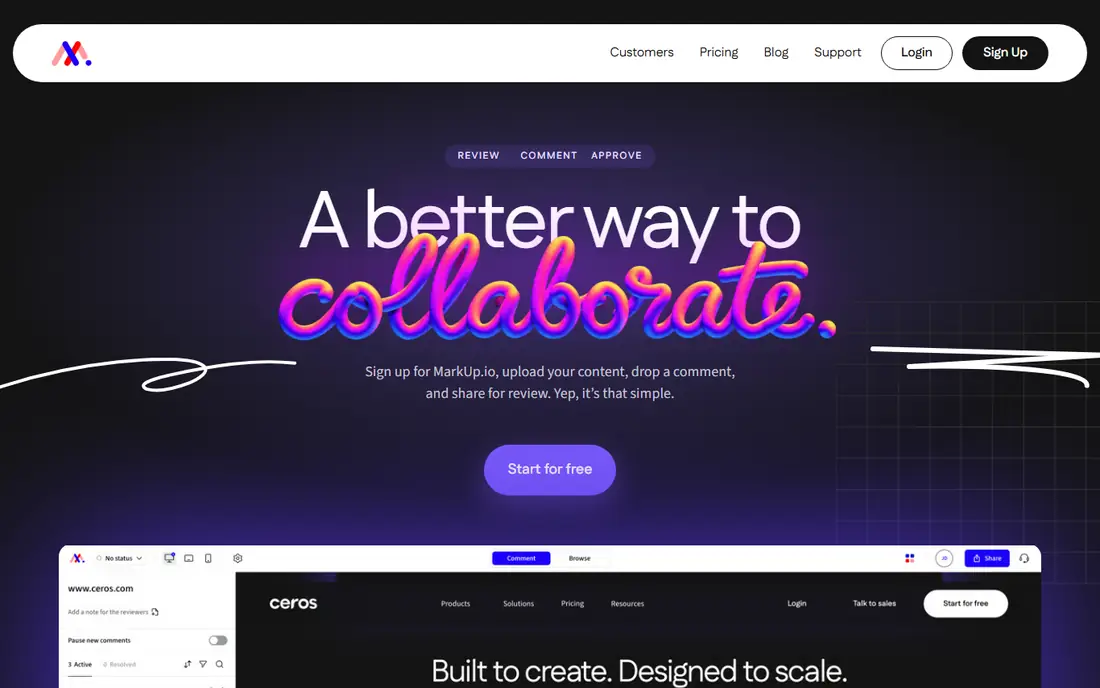
Markup.io, built by Ceros, aims to make feedback simple: upload content, drop a pin, share a link, and collect comments exactly where they belong. It supports more than 30 file types, unlimited collaborators, and guest access with no registration, which removes the biggest barrier to client feedback. A Chrome extension lets reviewers create markups straight from the browser with screenshots attached, and live website review means clients comment on the real site, not a screenshot of it.
Pricing starts around $79 per month with a 14 day trial and no free plan, so small teams should weigh it against free options like Pastel. Workflow automation and formal approval routing are lighter than enterprise proofing tools. For agencies and creative teams that need fast, frictionless client feedback across many file types, Markup.io is one of the easiest tools to adopt.
What we like- Supports 30+ file types including websites, images, PDFs and videos
- Guests can comment without signing up
- Chrome extension for browser based feedback
Watch out for- No free plan
- Approval workflow depth is thinner than Filestage or Ziflow
#3Pastel
Best for: Website annotation for agencies4.5/5 on
G2 (14 reviews, checked Oct 2026)
Visit usepastel.com
Starting price$29 per month (billed annually)
Free planYes
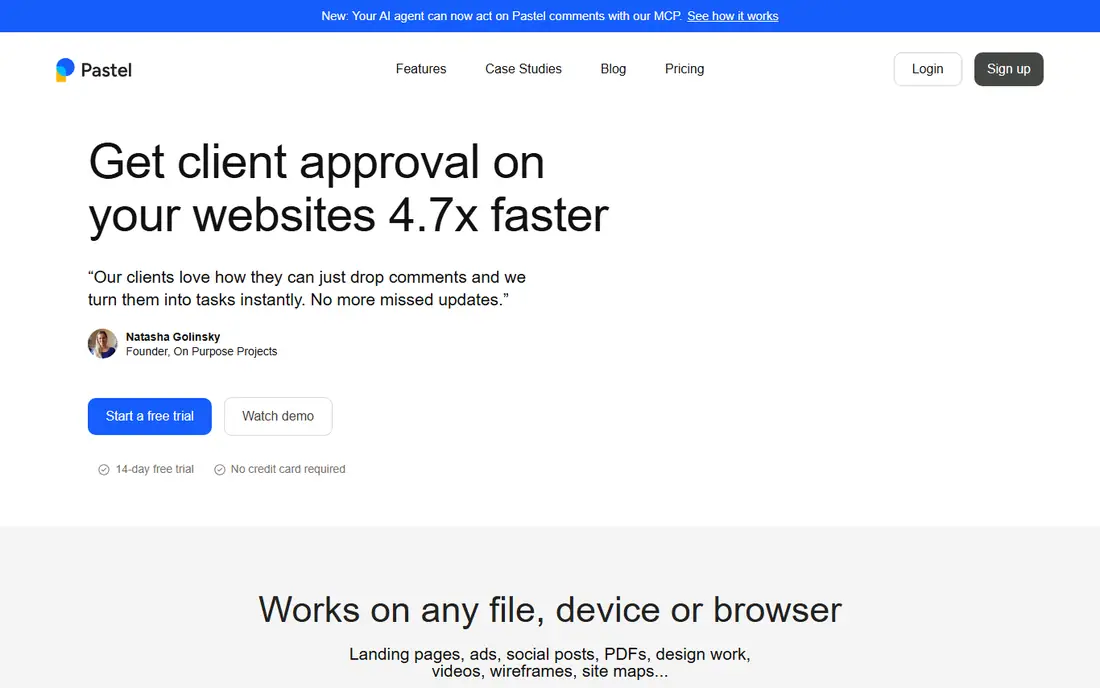
Pastel is a website annotation tool that agencies love for a simple reason: clients do not need an account. Share a canvas link, and clients click on a live website, image or PDF to leave pinned comments, suggest copy edits and mark items resolved. Unlimited guests, real time updates, private team only comments, tags, deadlines and responsive preview sizes keep the review organized, and comments can be exported as tasks to project management tools.
A free plan covers one user, with Pro from $29 per month billed annually. Video proofing and formal approval workflows are outside its core focus. For web design agencies and freelancers whose main feedback loop is client comments on live sites and mockups, Pastel is the fastest and friendliest option here, and the free tier makes it easy to test with a real client.
What we like- Share a link and collect feedback with no login needed
- Live website, image and PDF annotation
- Tags, deadlines and task exports for agencies
Watch out for- Focused on websites and images rather than video proofing
- Advanced features require paid plans
Starting price$199 per month
Free planFree trial
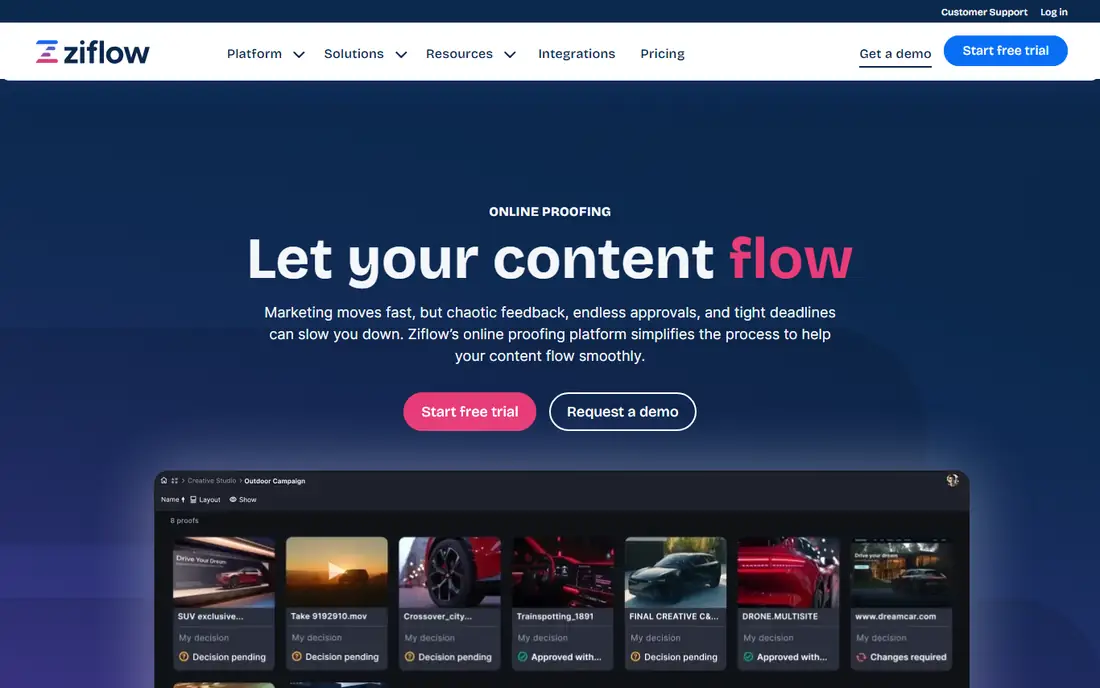
Ziflow is online proofing software for teams that review full campaigns, not single files. Markup tools cover designs, videos, documents and websites, built in checklists guide reviewers to give consistent feedback, and customizable automation routes assets to the right people at the right time. Centralized tracking shows project status, feedback and approvals in one dashboard, while enterprise features cover flexible permissions, global oversight and compliance control.
Paid plans start around $199 per month, with a trial available. That pricing and setup effort suit mid market and enterprise teams, not a freelancer with occasional reviews. For organizations with high volume creative production, complex approval chains and compliance needs, Ziflow workflow automation and control justify the cost over simpler annotation tools.
What we like- Automated routing and approval workflows at scale
- Checklists for consistent, guided feedback
- Enterprise permissioning and compliance controls
Watch out for- Pricing starts high for small teams
- Setup and workflow design take time
#5Frame.io
Best for: Video review and approval4.5/5 on
G2 (198 reviews, checked Oct 2026)
Visit frame.io
Starting price$15 per user/month
Free planYes
Frame.io, now part of Adobe, is the review platform video teams standardize on. Upload nearly any creative file to a cloud workspace, share it with clients or stakeholders, and collect timecoded comments that land exactly on the frame they refer to. Premiere integration puts those notes directly in the editor workspace, searchable transcripts and captions help teams find moments, and custom branded presentations make client delivery polished.
Homepage pricing is clear: free plan with up to 2 members, 2GB storage and 2 projects, Pro at $15 per member per month, and Team at $25. Design and document review work, but the platform is built around video first. For video production, post houses and marketing teams whose main deliverable is video, Frame.io is the strongest and most proven review tool in this list.
What we like- Frame accurate video comments with Premiere integration
- Cloud workspace for video, design and marketing assets
- Free plan with 2 projects and 2GB storage
Watch out for- Video focus means design proofing is secondary
- Storage limits grow cost for large video teams
Starting price$12 per user/month
Free planYes
ReviewStudio is an intuitive proofing platform that goes beyond simple markups with media specific tools for each content type. Images, video, audio, PDFs, Office documents, live web pages and even 3D files can be proofed in one centralized space, with comments, approvals and version tracking. It suits high volume, quick turnaround projects with many stakeholders, from photo studios and agencies to brand, education and manufacturing teams.
A 30 day full featured trial needs no card, and paid plans start around $12 per user per month with a free plan available. Integrations cover Asana, Monday, Wrike, Dropbox and Kantata, plus Zapier and Make for wider automation. For teams that review many different file types and want a simple, fast setup without enterprise pricing, ReviewStudio is a strong all rounder.
What we like- Media specific proofing for images, video, audio, documents, web and 3D
- 30 day full featured trial
- Integrations with Asana, Monday, Wrike and Dropbox
Watch out for- Brand is smaller than Frame.io or Ziflow
- Pricing detail requires a plan page check for larger teams
Starting price$16 per user/month
Free planFree trial
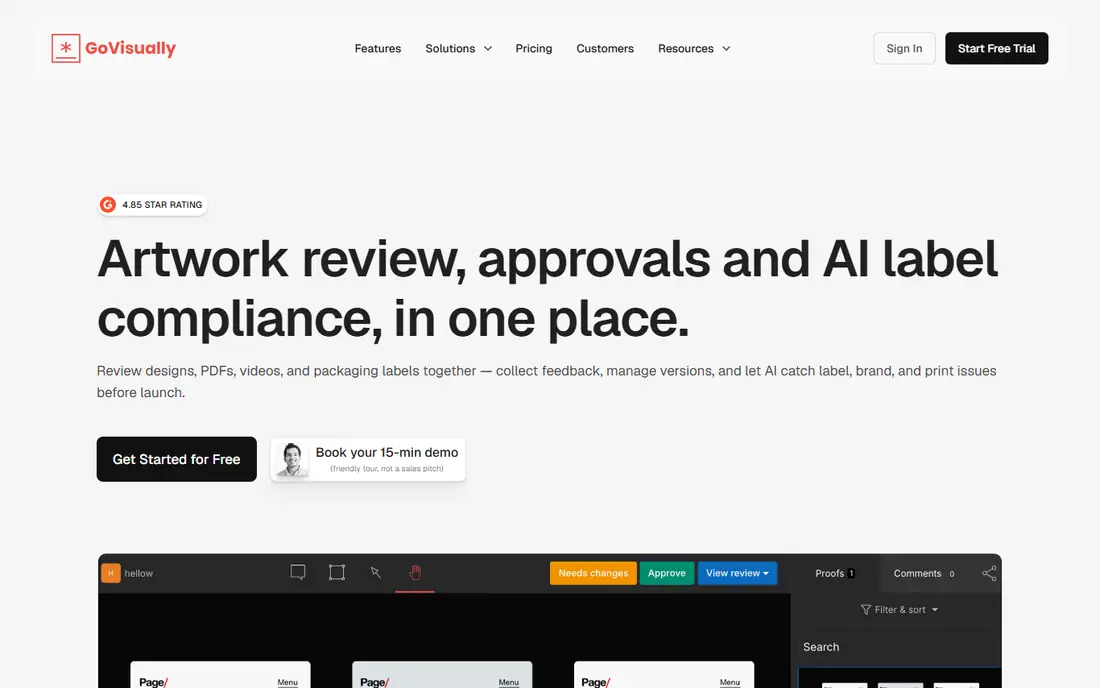
GoVisually combines online proofing with AI label compliance, which makes it distinct for packaging, consumer goods and retail teams. Review designs, PDFs, videos and packaging labels together, collect pinned feedback, manage versions, and let AI agents check label, brand and print issues before launch. One click approvals, checklists, automated notifications and no login sharing for external reviewers keep approvals moving, while Adobe and Asana integrations fit existing creative workflows.
Pricing is listed around $16 per user per month in some sources and $12 in others, so the current plan should be confirmed before budgeting. General design teams may not need the label compliance layer. For packaging and brand teams where a label error is costly, GoVisually AI checks plus standard proofing make it the most specialized pick here.
What we like- AI label compliance checks for packaging teams
- Pinpoint markup on designs, PDFs and videos
- Adobe Creative Cloud plugin and Asana integration
Watch out for- Pricing varies by source, so confirm current plans
- Packaging focus may exceed general design needs
Starting price$39 per month (billed annually)
Free planNo
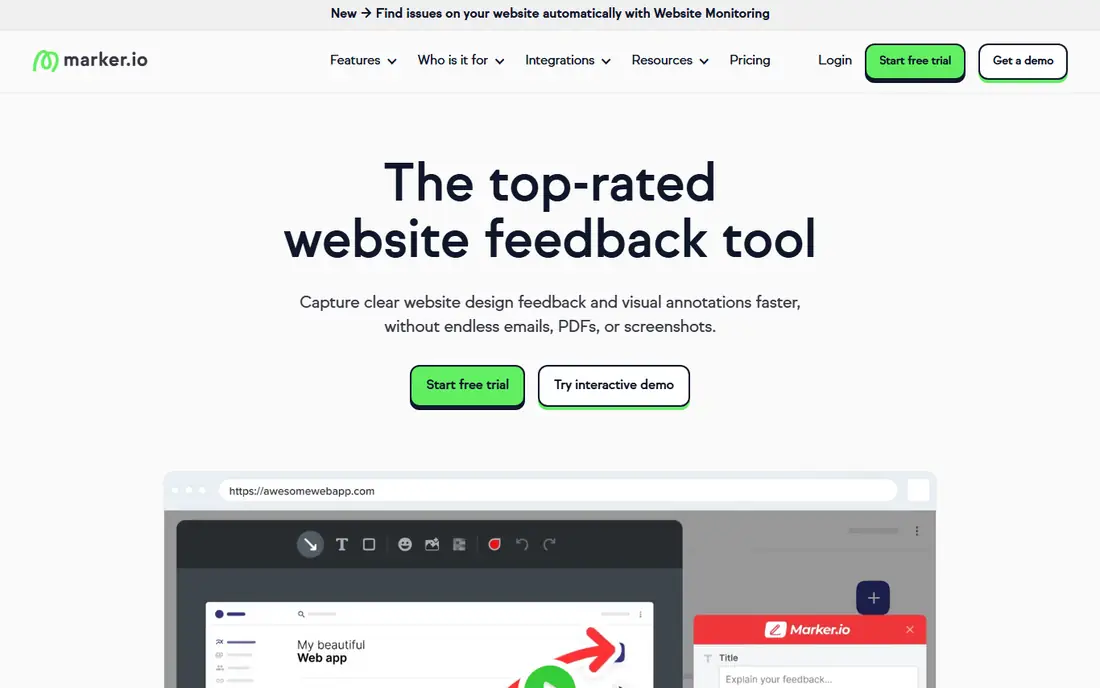
Marker.io is built for website feedback that developers can act on without follow up questions. Reporters annotate a live page, and each issue arrives with a screenshot, annotations, browser, device and technical metadata, plus session replay showing what led to the issue. Two way integrations sync issues with Jira, Trello, ClickUp, Asana and more, so status updates flow back to reporters, and website monitoring scans on a schedule for accessibility and broken elements.
Homepage pricing confirms plans start at $39 per month with a 15 day free trial and no free plan. It is not a general proofing tool for print or video. For web teams, agencies and product teams that manage many sites and need feedback to become trackable engineering tasks, Marker.io is the most developer friendly option in this list.
What we like- Feedback arrives with screenshots and technical metadata developers need
- Two way integrations with Jira, Trello, ClickUp and Asana
- Session replay and website monitoring
Watch out for- No free plan
- Website focus means it does not proof print or video files
#9BugHerd
Best for: Client website feedback and tasks4.7/5 on
G2 (216 reviews, checked Oct 2026)
Visit bugherd.com
Starting price$42 per month (billed annually)
Free planNo
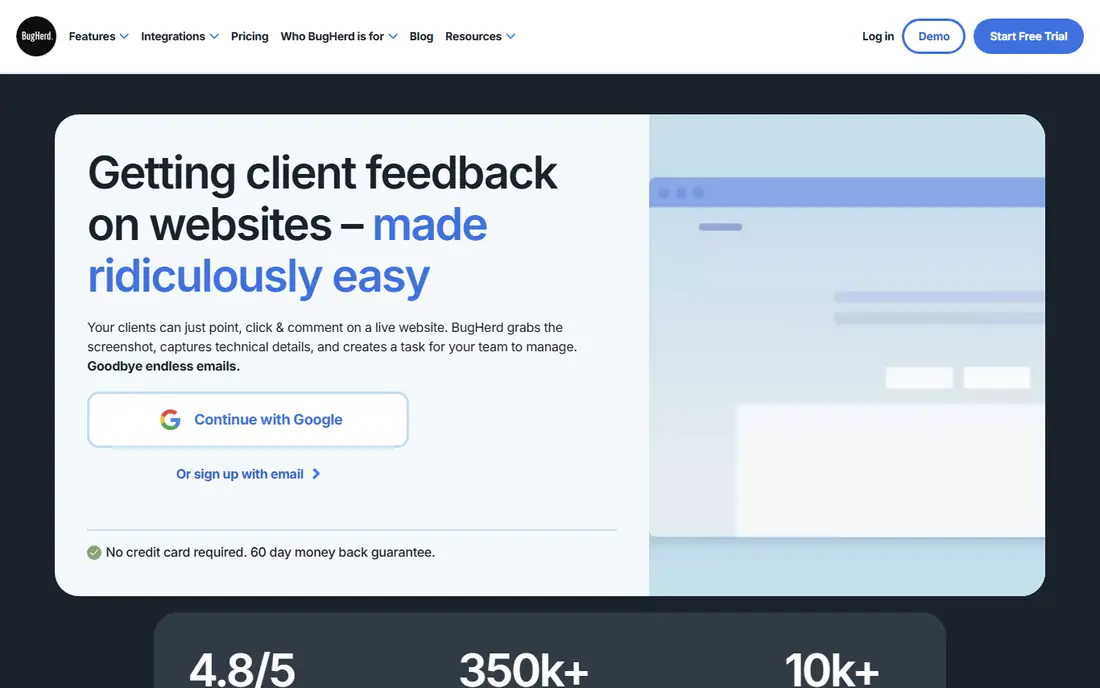
BugHerd makes client website feedback as simple as point, click and comment. Clients open a shared link, drop a pin on the exact element, highlight text to suggest edits, and BugHerd captures a screenshot, browser, operating system and screen resolution automatically. Each comment becomes a task on a Kanban board, so teams can prioritize, assign and track feedback without copying emails into a project tool. Integrations cover Trello, Asana, ClickUp, Jira, GitHub, WordPress, Slack and more.
Homepage pricing confirms plans start at $42 per month billed annually, with unlimited projects and guests, and a 7 day free trial. There is no free plan, and the tool covers websites only. For web agencies whose clients struggle with technical feedback tools, BugHerd zero training client experience is its biggest advantage, and it pairs well with a proofing tool for offline design files.
What we like- Clients point, click and comment with no account or training
- Every comment becomes a Kanban task with screenshot and technical details
- 20+ integrations including Jira and Trello
Watch out for- No free plan, only a 7 day trial
- Website only, so it cannot proof offline design files
How we chose
We compared vendor product pages, documentation and public reviews, and we opened each homepage to confirm the product exists and matches its name. We favored tools that let reviewers comment directly on designs, websites, videos or documents and turn feedback into approvals or tasks, over generic project management or chat tools. Prices are taken from vendor homepages where confirmed, including Filestage at $99 per month, Frame.io Pro at $15 per user, Marker.io at $39 and BugHerd at $42, and marked as approximate where sources differed, as with GoVisually.
Match the tool to the asset you review most. Video teams should start with Frame.io. Website teams should start with Pastel, Marker.io or BugHerd, depending on whether clients or developers are the main users. Print, packaging and marketing teams with formal approvals should start with Filestage, Ziflow or GoVisually. Teams that review many file types should start with ReviewStudio or Markup.io. A tool that fits your main asset type will always outperform a general tool used for the wrong job.
Decide who reviews and how formal approval must be
Guest access matters more than most buyers expect. Pastel, Markup.io and BugHerd let clients comment without accounts, which raises response rates from non technical stakeholders. Formal approval needs a different feature set: version control, approval status, checklists, due dates and audit trails, which Filestage and Ziflow provide. If a wrong version going live is costly, pay for formal proofing. If speed and client ease matter more, pay for guest access and simplicity instead.
Test the full loop before committing
Run a real review end to end on a trial: upload a current project, invite a client or colleague, collect comments, resolve them, and export or sync the result to your project tool. Check how comments appear on the next version, whether reviewers can see what changed, and how approval status is recorded. The best tool in this list is the one your reviewers actually use without training, since a powerful tool that clients avoid creates more email, not less.
Frequently asked questions
What is a design feedback tool?
A design feedback tool lets reviewers comment directly on a design, website, video or document, pinned to the exact spot they mean, instead of describing changes in email or chat. Comments become trackable tasks or approvals, versions stay organized, and teams can see who approved what and when. The goal is fewer revision loops and faster sign off.
What is the difference between proofing and annotation?
Annotation means adding comments and markups to a file or website. Proofing adds formal workflow around annotation: version control, approval decisions, checklists, due dates, routing and audit trails. Simple annotation tools like Pastel suit quick client feedback, while proofing tools like Filestage and Ziflow suit teams that need a defensible approval record.
Do clients need an account to leave feedback?
Not on many tools here. Pastel, Markup.io and BugHerd let guests comment via a shared link with no login, and GoVisually and Frame.io offer guest sharing options. That guest access is a major advantage for client feedback, since account creation is the most common reason clients fall back to email. Check guest permissions on your plan, since some tools limit guest features on lower tiers.
How much do design feedback tools cost?
Free plans cover small use on Filestage, Pastel, Frame.io and ReviewStudio. Paid plans start around $12 per user per month for ReviewStudio, $15 for Frame.io Pro, $16 for GoVisually, $29 for Pastel Pro, $39 for Marker.io, $42 for BugHerd, $79 for Markup.io, $99 for Filestage and $199 for Ziflow. Per user versus flat pricing matters for larger teams, so model total cost at your team size.
Can design feedback tools integrate with project management?
Yes, most do. Marker.io and BugHerd sync two way with Jira, Trello, ClickUp and Asana. ReviewStudio integrates with Asana, Monday, Wrike and Dropbox. GoVisually offers Adobe and Asana integrations plus Zapier. Filestage and Ziflow connect with project management, messaging and creative tools. Confirm the specific integration you need before buying, since depth varies from simple notifications to full two way sync.
Which design feedback tool is best for video?
Frame.io is the best pick for video, with frame accurate comments, Premiere integration, transcripts and client presentations built for video workflows. Filestage, Ziflow, ReviewStudio and GoVisually also support video proofing with timecoded comments, and suit teams that review video alongside other file types. For video only teams, Frame.io depth is hard to match.
Sources we checked (9)
- https://filestage.io/pricing
- https://markup.io/pricing
- https://usepastel.com/pricing
- https://ziflow.com/pricing
- https://frame.io/pricing
- https://reviewstudio.com/pricing
- https://govisually.com/pricing
- https://marker.io/pricing
- https://bugherd.com/pricing
Is your product missing or out of date?
We review this list regularly. Vendors can request a listing, send updated pricing or ask about featured placement.

Shihab Mia · Founder, Rankite
Shihab has 5+ years in B2B and SaaS SEO. He writes Rankite's software buying guides from pricing pages, documentation and public user reviews. More about Shihab.