How we make this list: we compare pricing pages, product documentation and public user reviews. Rankite is independent; if a vendor ever pays for a featured spot, that listing is clearly labeled Partner.
Key takeaways
- Most early startups should pick the database their team already knows. Managed Postgres options like Supabase and Neon cover the widest ground for typical web apps.
- Free tiers are genuinely generous: Supabase, Neon, MongoDB Atlas, Firebase, SurrealDB, and Convex all cost nothing to start, which is exactly what a pre-revenue team needs.
- Usage-based pricing from Neon, PlanetScale, and SurrealDB can be cheaper than flat plans at low traffic, but it needs monitoring so a traffic spike does not become a bill spike.
- CockroachDB and PlanetScale solve problems most startups do not have yet. Adopt them when growth demands it, not before.
Quick comparison
| Tool | Best for | Starting price | Free plan |
|---|
 Supabase Supabase | startups that want Postgres with auth, storage, and APIs included | $25 per month (Pro plan) | Yes (free tier: 500 MB database, 50,000 monthly active users) |
 Neon Neon | teams that want serverless Postgres with instant branching | Usage-based (Launch plan, typical spend $15 per month) | Yes (free tier: 100 projects, 100 compute-hours per project monthly) |
 PlanetScale PlanetScale | MySQL workloads that will outgrow a single server | From $5 per month (Postgres single node, usage-based) | No |
 MongoDB Atlas MongoDB Atlas | startups with flexible, fast-changing data models | Free tier (M0); paid Flex clusters from $8 per month | Yes (M0 cluster free forever, 512 MB storage) |
 Firebase Firebase | mobile and web apps that want a complete Google-backed platform | Free tier (Spark); Blaze plan is pay as you go | Yes (Spark plan with no-cost quotas across products) |
 CockroachDB CockroachDB | startups planning for global scale from the start | About $203 per month (Standard, 2 vCPU and 100 GB) | No |
 SurrealDB SurrealDB | teams that want documents, graphs, and vectors in one engine | Free tier (first instance free); from $15.33 per month after | Yes (first cloud instance free, 1 GB storage free forever) |
 Convex Convex | TypeScript startups that need realtime sync without backend work | $25 per developer per month (Professional plan) | Yes (free plan for personal projects and prototypes) |
Is your product missing or out of date?
We review this list regularly. Vendors can request a listing, send updated pricing or ask about featured placement.
The best database software for startups
#1
Supabase
Best for: startups that want Postgres with auth, storage, and APIs included
Visit supabase.com
Starting price$25 per month (Pro plan)
Free planYes (free tier: 500 MB database, 50,000 monthly active users)
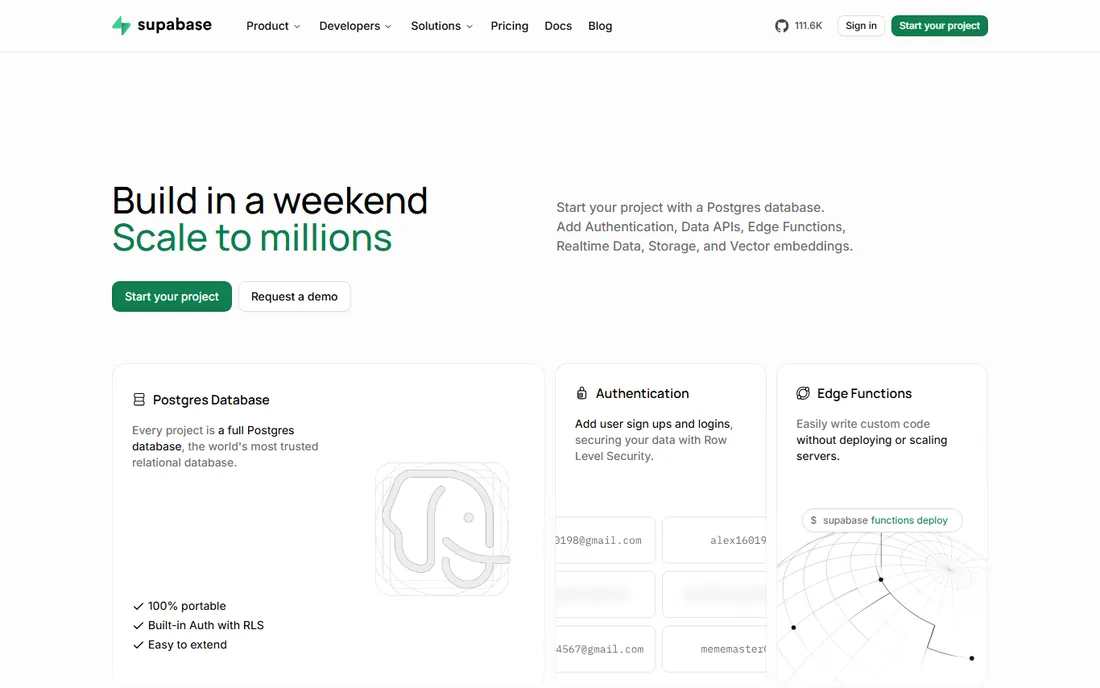
Supabase is the closest thing to a backend-in-a-box for Postgres fans. You get a real Postgres database plus authentication, file storage, edge functions, and realtime subscriptions, all wired together with auto-generated APIs. A two-person team can ship user accounts, uploads, and live updates without assembling five services.
The free tier covers 500 MB of database storage and 50,000 monthly active users, which carries most MVPs further than founders expect. The Pro plan at $25 per month per project adds 8 GB of disk, daily backups, and email support, with a spend cap on by default so costs stay predictable. The honest catch is that pricing is per project, so a company running many small services pays for each one. And while Supabase removes most setup work, slow queries are still slow queries: someone on the team should know their way around Postgres indexes by the time traffic grows.
What we like- Full Postgres with instant REST APIs
- Auth, storage, and realtime included
- Generous free tier for prototypes
Watch out for- Costs scale per project
- Advanced tuning still needs Postgres knowledge
#2
Neon
Best for: teams that want serverless Postgres with instant branching
Visit neon.com
Starting priceUsage-based (Launch plan, typical spend $15 per month)
Free planYes (free tier: 100 projects, 100 compute-hours per project monthly)
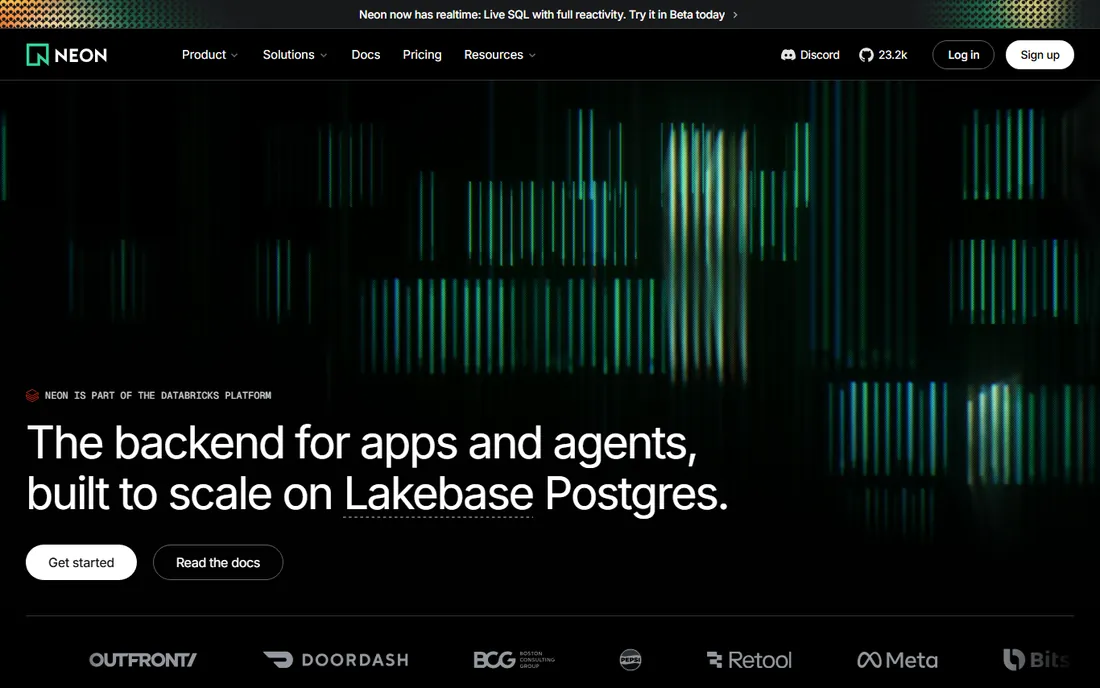
Neon rebuilt Postgres for a world where databases branch like code. Every branch is a copy-on-write clone you can spin up in seconds, which means each pull request can get its own isolated database for testing. For startups with a serious CI habit, that alone is worth the switch.
Pricing is usage-based rather than flat: the Launch plan bills per compute-hour and per gigabyte-month, with a typical spend around $15 per month. Scale-to-zero means idle databases stop costing you, which fits the spiky traffic of an early product. The free tier is generous enough for real development work. The trade-off is bill predictability: a runaway query or a forgotten branch can move the number, so set up usage alerts on day one. Neon is now part of Databricks, which should reassure buyers about its future.
What we like- Database branching for every pull request
- Scale-to-zero keeps idle costs near nothing
- Generous free tier
Watch out for- Usage-based bills need watching
- Newest features assume comfort with the platform
Starting priceFrom $5 per month (Postgres single node, usage-based)
Free planNo
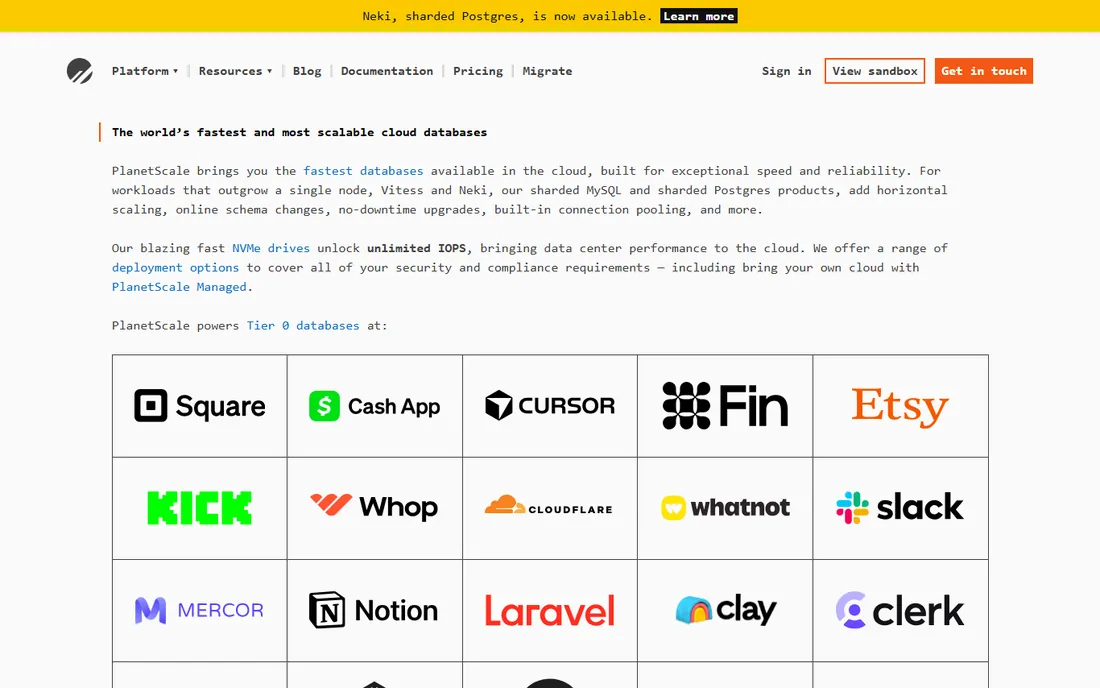
PlanetScale is the pick when your MySQL workload has outgrown a single server but you are not ready to hire a database team. Its Vitess-based platform shards MySQL horizontally, and its newer Postgres offering brings the same branching and schema-change workflows to Postgres users. Deploy requests let developers review schema changes the way they review code, with safe reverts when something goes wrong.
Pricing is resource-based: Postgres single-node databases start at $5 per month, with Metal options for high-performance needs. There is no free tier, which makes PlanetScale a harder first pick than Supabase or Neon for a brand-new startup. The honest guidance is timing: adopt PlanetScale when your traffic or your schema-change anxiety justifies it, not on day one. When that day comes, few tools handle growth this smoothly.
What we like- Horizontal sharding without the usual pain
- Zero-downtime schema changes
- Excellent performance tooling
Watch out for- No free tier
- Overkill until you actually need sharding
#4
MongoDB Atlas
Best for: startups with flexible, fast-changing data models
Visit mongodb.com
Starting priceFree tier (M0); paid Flex clusters from $8 per month
Free planYes (M0 cluster free forever, 512 MB storage)
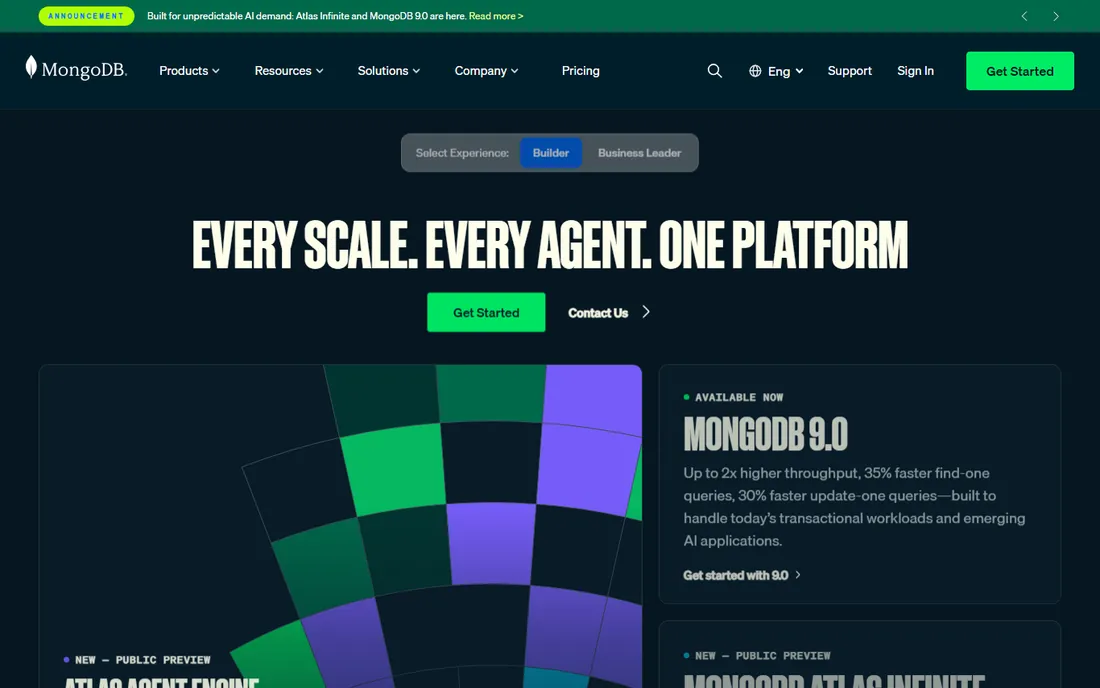
MongoDB Atlas is the safe, boring-in-a-good-way choice for document data. When your data model is still changing weekly, storing documents that match your application objects beats fighting a rigid schema. Atlas runs it as a managed service across AWS, GCP, and Azure, with search, vector search, and stream processing available on the same platform.
The M0 cluster is free forever with 512 MB of storage, and Flex clusters start around $8 per month for usage-based production workloads. Dedicated clusters start higher, billed hourly. The real risk with MongoDB is not the price but the modeling: the flexibility that makes it fast early can produce messy, hard-to-query data later if nobody enforces conventions. Teams that invest a little in schema design up front get the best of both worlds.
What we like- Document model fits rapid iteration
- Free-forever tier
- Huge ecosystem and hiring pool
Watch out for- Easy to model data badly without discipline
- Costs climb steeply on dedicated clusters
Starting priceFree tier (Spark); Blaze plan is pay as you go
Free planYes (Spark plan with no-cost quotas across products)
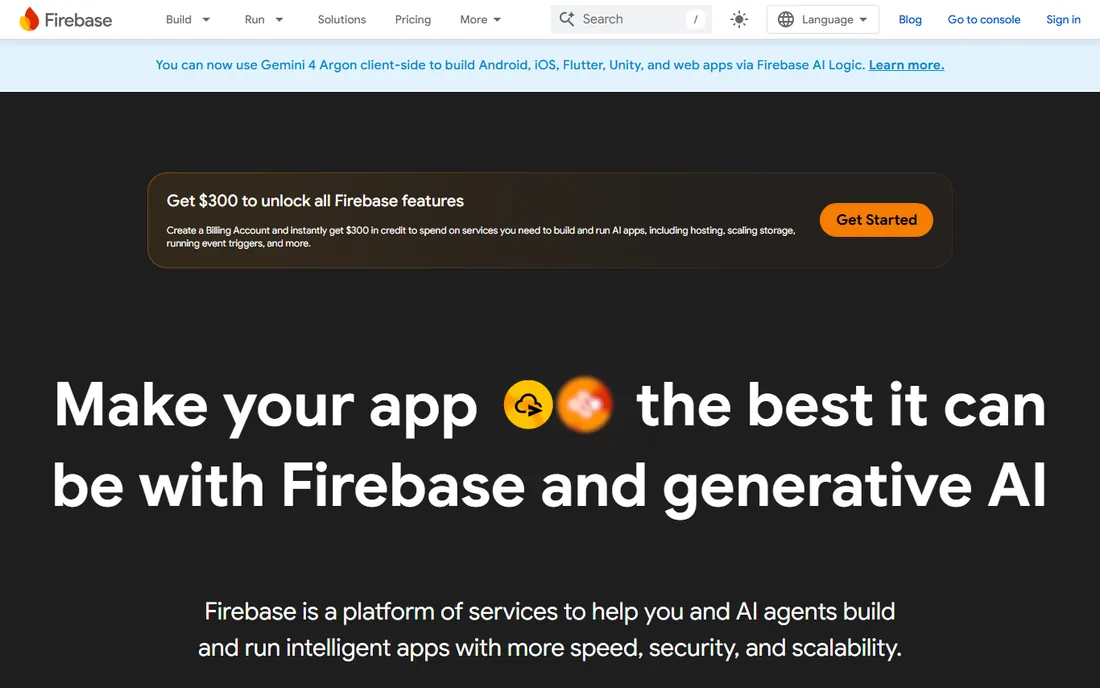
Firebase is not really a database. It is a whole app backend with databases inside: Firestore and Realtime Database for data, Authentication for users, Cloud Functions for logic, Hosting for the front end, and Crashlytics and Analytics for insight. For a mobile-first startup, that bundle can replace weeks of backend work.
The Spark plan is free with no-cost quotas on most products, and the Blaze plan bills purely on usage, so you pay nothing until you grow. That makes Firebase one of the cheapest ways to launch. The catches are well known: Firestore's querying is limited compared to SQL (no joins, limited compound queries), and the deeper you build on Firebase's proprietary APIs, the harder migration becomes. Startups that accept those limits ship very fast. Startups that expect complex relational queries should look at the Postgres options instead.
What we like- Auth, database, hosting, and analytics in one console
- Generous no-cost quotas
- Proven at massive scale
Watch out for- Firestore querying has real limits
- Leaving the platform later is painful
Starting priceAbout $203 per month (Standard, 2 vCPU and 100 GB)
Free planNo
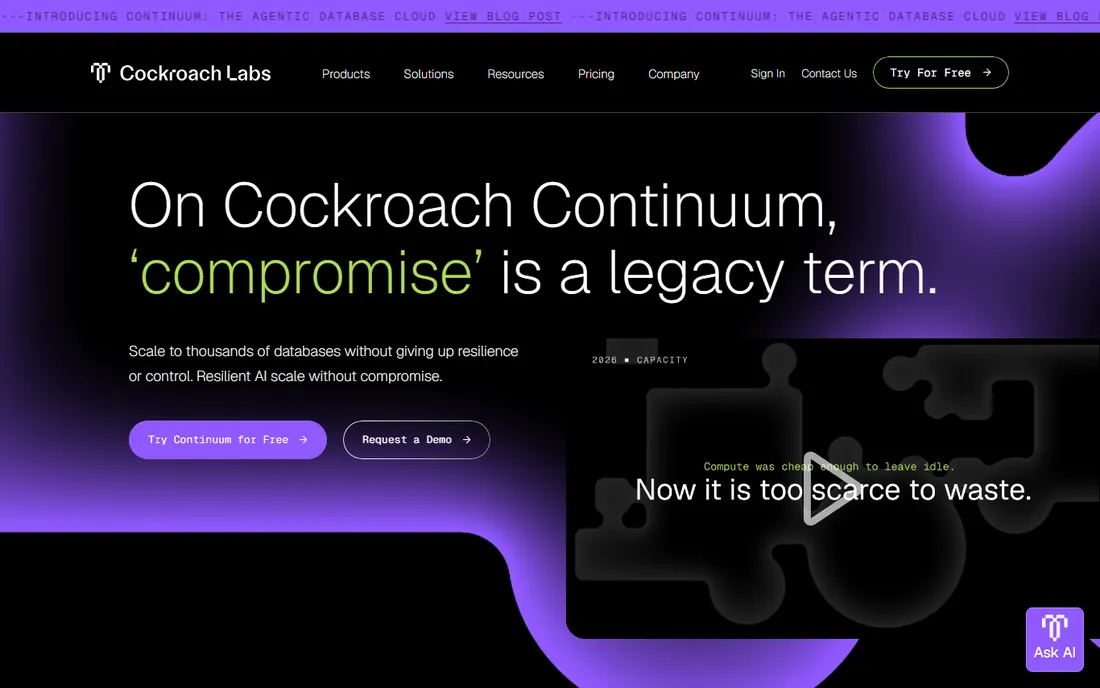
CockroachDB is the heavyweight on this list. It is a distributed SQL database that stays available and consistent across regions, which is why companies like DoorDash and OpenAI run critical workloads on it. It speaks the Postgres wire protocol, so most Postgres tools and drivers work with it.
The current Cockroach Continuum pricing starts around $203 per month for a Standard deployment with 2 vCPUs and 100 GB, billed by vCPU-hour. There is no free tier on the current pricing page. That puts it firmly in the "adopt when you need it" category: global fintech, marketplaces, and infrastructure startups with real multi-region requirements. For everyone else, it is worth knowing about and easy to defer. Starting here too early buys complexity without benefit.
What we like- Distributed SQL with strong consistency
- Multi-region deployments
- Postgres compatibility
Watch out for- Expensive for early stage
- Operational concepts take learning
#7
SurrealDB
Best for: teams that want documents, graphs, and vectors in one engine
Visit surrealdb.com
Starting priceFree tier (first instance free); from $15.33 per month after
Free planYes (first cloud instance free, 1 GB storage free forever)
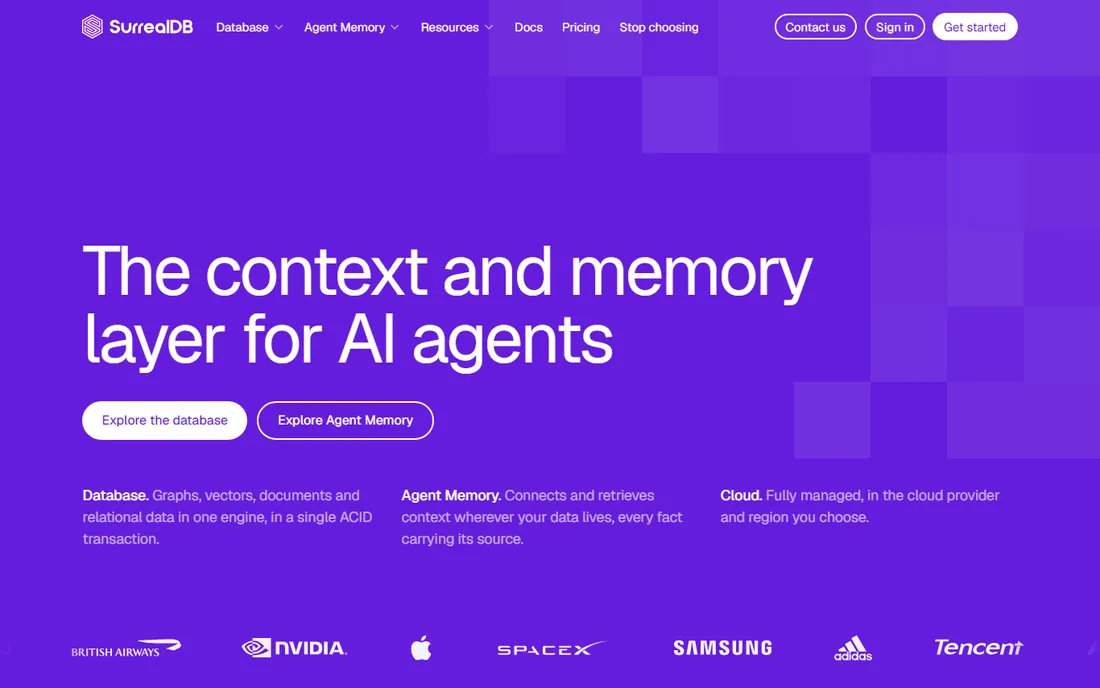
SurrealDB tries to be several databases at once, and that is the appeal. Relational, document, graph, vector, and time-series data are all native primitives you can query together in one ACID transaction using SurrealQL. If your product needs a knowledge graph plus vector search plus regular app data, SurrealDB can replace two or three systems.
SurrealDB Cloud's Start plan gives you the first instance free with 1 GB of storage free forever; additional instances start at $15.33 per month for a small node. The company reports millions of developers building on the engine, with production users including large enterprises. The honest caveats are youth: the ecosystem is smaller than Postgres or MongoDB, hiring experienced SurrealDB developers is harder, and a few roadmap features are still marked coming soon. For AI-heavy products that genuinely need multiple data models, it is an exciting pick.
What we like- Multi-model queries in one language
- Generous free start
- Fine-grained permissions built in
Watch out for- Younger ecosystem and smaller hiring pool
- Some advanced features still marked coming soon
#8
Convex
Best for: TypeScript startups that need realtime sync without backend work
Visit convex.dev
Starting price$25 per developer per month (Professional plan)
Free planYes (free plan for personal projects and prototypes)
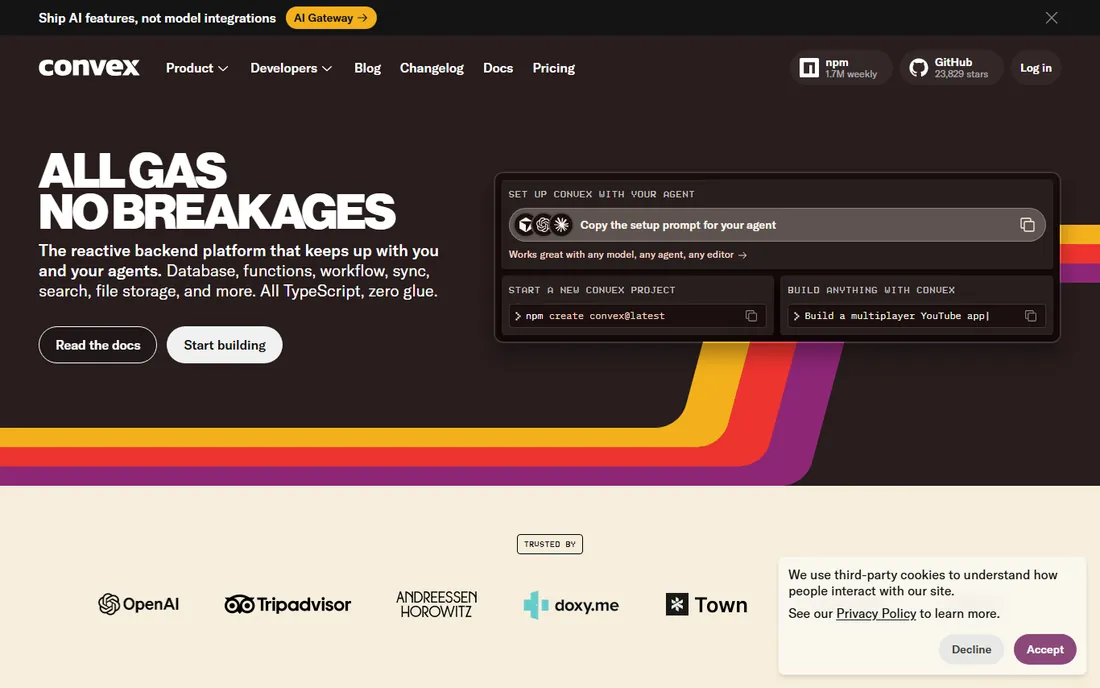
Convex is built for a specific kind of startup: the one shipping a TypeScript app as fast as possible. The database, server functions, scheduling, file storage, and realtime sync all live in one platform with end-to-end type safety, so the frontend and backend can never disagree about data shapes. There is no ORM layer, no API boilerplate, and no separate sync service to operate.
The free plan covers personal projects and prototypes, the Starter plan is pay as you go beyond free limits, and the Professional plan at $25 per developer per month adds higher built-in resources. The limitation is focus: this is a TypeScript-first platform, so Python or Go teams should look elsewhere. For the team it fits, Convex removes an entire category of backend work, which is exactly what an early startup should want from its data layer.
What we like- End-to-end type safety
- Realtime sync built in
- Zero backend glue code
Watch out for- TypeScript-only
- Younger platform with a smaller ecosystem
How we chose
We did not run benchmarks or test these tools hands-on for this guide. We compared current vendor pricing pages, official documentation, and public reviews on G2, Capterra, and Reddit, then scored each option on free tier quality, pricing predictability, fit for small teams without database specialists, ecosystem maturity, and honesty about limits. We included both safe defaults and newer options so the list covers what to pick today and what to watch. Every price here comes from the vendor's own pricing page as of October 2026.
SQL or NoSQL: the decision that actually matters
The longest-running debate in this category is simpler than it looks. If your data is relational by nature (users, orders, payments, anything with joins), pick a SQL option. Postgres has won this argument for most startups: Supabase, Neon, and PlanetScale's Postgres offering all give you the world's most capable open-source database without running it yourself. The hiring pool is enormous, every framework supports it, and the pgvector extension covers most AI search needs.
Pick a document database like MongoDB Atlas when your data model genuinely resists tables: nested, variable, fast-changing structures such as product catalogs, content, or event streams. Pick a multi-model engine like SurrealDB when you need graphs or vectors alongside documents and want one system instead of three. And pick Firebase or Convex when you want the database to disappear into a platform that also handles auth, functions, and hosting.
One more rule: choose what your team already knows unless you have a concrete reason not to. A team fluent in Postgres will ship faster on Supabase than on a theoretically better tool they have to learn. Database migrations are possible but painful, so the cost of switching later is real. Get it right enough the first time and move on to building the product.
The free-tier math for pre-revenue teams
Before you have revenue, the database should cost nothing, and in 2026 that is an achievable goal. Supabase's free tier covers 500 MB and 50,000 monthly active users. Neon's free tier allows 100 projects with monthly compute allowances per project. MongoDB Atlas M0 is free forever at 512 MB. Firebase's Spark plan spreads no-cost quotas across its whole product suite. SurrealDB gives you a first cloud instance free. Convex's free plan covers prototypes.
Two warnings. First, free tiers pause or throttle idle workloads: Supabase pauses projects after a week of inactivity, and Neon's scale-to-zero means cold starts. That is fine for development and acceptable for an MVP, but know it before a demo. Second, watch the jump from free to paid. Usage-based plans bill on consumption, so connect a billing alert the day you upgrade. The cheapest database is the one whose bill you can predict, and a $15 surprise is a lesson while a $1,500 surprise is a crisis.
Frequently asked questions
Should a startup use SQL or NoSQL?
Use SQL, specifically Postgres, unless your data model clearly fits documents better. Postgres handles relational data, JSON, full-text search, and vectors through extensions, which covers the vast majority of startup needs. Choose NoSQL when your data is deeply nested or schema-less by nature, not as a default.
Can I start on a free tier and upgrade later?
Yes, and you should. Every managed option on this list except PlanetScale and CockroachDB offers a free tier or free plan, and all of them allow in-place upgrades to paid plans. Start free, add a billing alert, and upgrade when usage or the need for backups and support justifies it.
What does usage-based pricing mean in practice?
You pay for what you consume: compute hours, storage gigabytes, and data transfer, rather than a flat monthly fee. Neon, PlanetScale, and SurrealDB all price this way. It is usually cheaper at low traffic and scales with success, but you must monitor usage because costs move with traffic spikes.
How hard is it to switch databases later?
Harder than vendors admit. Moving between Postgres-compatible services (Supabase, Neon, PlanetScale Postgres) is relatively straightforward. Moving from Firebase or a document model to SQL, or the reverse, means rewriting queries and reshaping data. This is why the initial choice deserves real thought even though it should not deserve weeks.
Do I need a database administrator?
Not at this stage. Every tool on this list is managed, which removes backups, patching, and failover from your plate. What you need instead is one developer who understands data modeling and indexing. That skill matters more than the vendor choice for the first year.
Sources we checked (16)
- https://supabase.com/pricing
- https://supabase.com
- https://neon.com/pricing
- https://neon.com
- https://planetscale.com/pricing
- https://planetscale.com
- https://www.mongodb.com/pricing
- https://www.mongodb.com/
- https://firebase.google.com/pricing
- https://firebase.google.com
- https://www.cockroachlabs.com/pricing/
- https://www.cockroachlabs.com
- https://surrealdb.com/pricing
- https://surrealdb.com/
- https://www.convex.dev/pricing
- https://www.convex.dev
Is your product missing or out of date?
We review this list regularly. Vendors can request a listing, send updated pricing or ask about featured placement.

Shihab Mia · Founder, Rankite
Shihab has spent more than a decade helping SaaS and e-commerce brands grow through search. He writes Rankite's software buying guides from pricing pages, documentation and public user reviews. More about Shihab.