How we make this list: we compare pricing pages, product documentation and public user reviews. Rankite is independent; if a vendor ever pays for a featured spot, that listing is clearly labeled Partner.
Key takeaways
- DBeaver, pgAdmin, and HeidiSQL are genuinely free, and for many teams the free options are all they will ever need.
- TablePlus ($99 one-time) and Beekeeper Studio ($9/month billed annually) are the best value paid picks for developers who want speed without a subscription maze.
- DataGrip is the strongest SQL editor of the bunch, and it is now free for non-commercial use.
- Navicat and DbVisualizer Pro charge serious money, but they earn it with multi-engine management and reporting features.
- Match the tool to your database mix first. A Postgres-only shop does not need a tool that talks to twelve engines.
Quick comparison
| Tool | Best for | Starting price | Free plan |
|---|
 DBeaver DBeaver | multi-database work without paying anything | See website (Community edition free) | Yes |
 DataGrip DataGrip | heavy SQL developers in the JetBrains ecosystem | $259 per user/year (commercial) | Yes (free for non-commercial use) |
 TablePlus TablePlus | fast, native client for Mac-first teams | $99 per license (one-time, perpetual) | No |
 Navicat Navicat | enterprises managing many database engines | $79.99 per user/month (monthly subscription) | Free trial |
 DbVisualizer DbVisualizer | analysts who want charts and visual query building | $199 per user (first year, perpetual license) | Yes (free tier); free trial (21 days) |
 Beekeeper Studio Beekeeper Studio | clean, simple daily database work | $9 per user/month (billed annually) | Yes (Community edition) |
 pgAdmin pgAdmin | PostgreSQL-only teams wanting the official free tool | $0 (free, open source) | Yes |
 HeidiSQL HeidiSQL | Windows shops on MySQL, MariaDB, or SQL Server | $0 (free, open source) | Yes |
Is your product missing or out of date?
We review this list regularly. Vendors can request a listing, send updated pricing or ask about featured placement.
#1
DBeaver
Best for: multi-database work without paying anything
Visit dbeaver.io
Starting priceSee website (Community edition free)
Free planYes
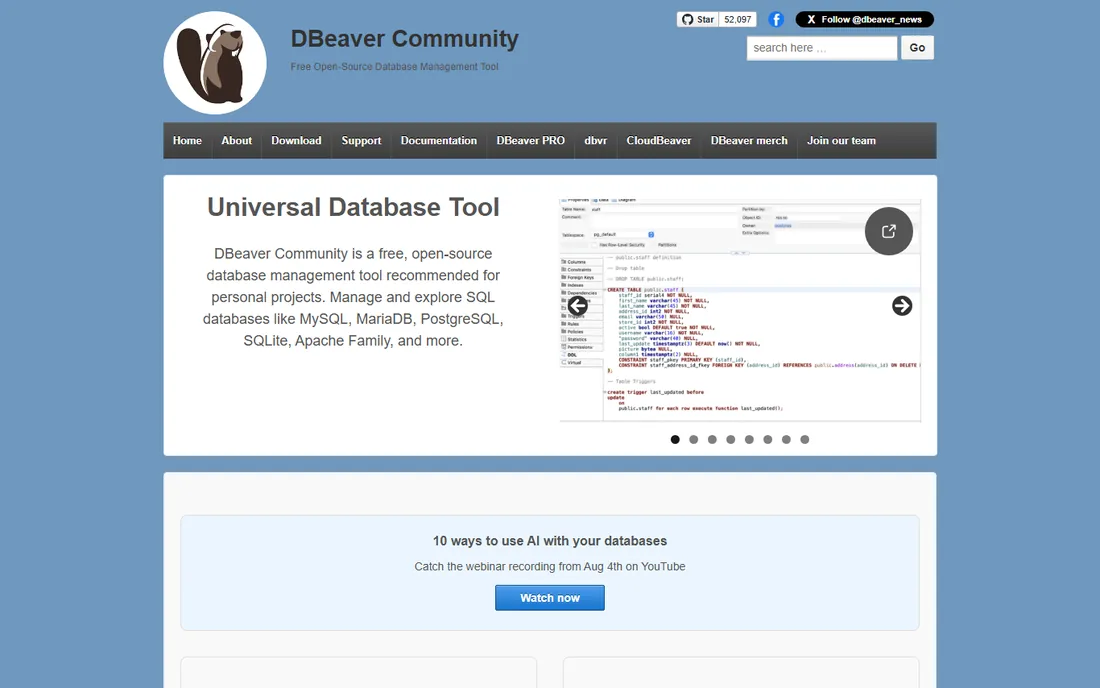
DBeaver is the open-source default for anyone who needs one client that talks to everything. The Community edition connects to MySQL, PostgreSQL, SQL Server, Oracle, SQLite, and dozens more through JDBC, all without charging you a cent. For a small team with a mixed database footprint, it is hard to argue against trying the free version first.
What stands out is the breadth. You get an ER diagram tool, a query manager with history, data export in multiple formats, and schema comparison across engines. The paid Pro edition adds things like NoSQL support, an execution plan analyzer, and cloud database integrations, which is where DBeaver starts asking for money. The honest catch is the interface. It is functional rather than beautiful, and new users often need a week to find everything. If your team can live with that, DBeaver is the best free answer in this category.
What we like- Connects to practically every database in existence
- Community edition is free and open source
- Runs on Windows, macOS, and Linux
Watch out for- Interface can feel cluttered and dated
- Advanced features are reserved for the paid Pro edition
Starting price$259 per user/year (commercial)
Free planYes (free for non-commercial use)
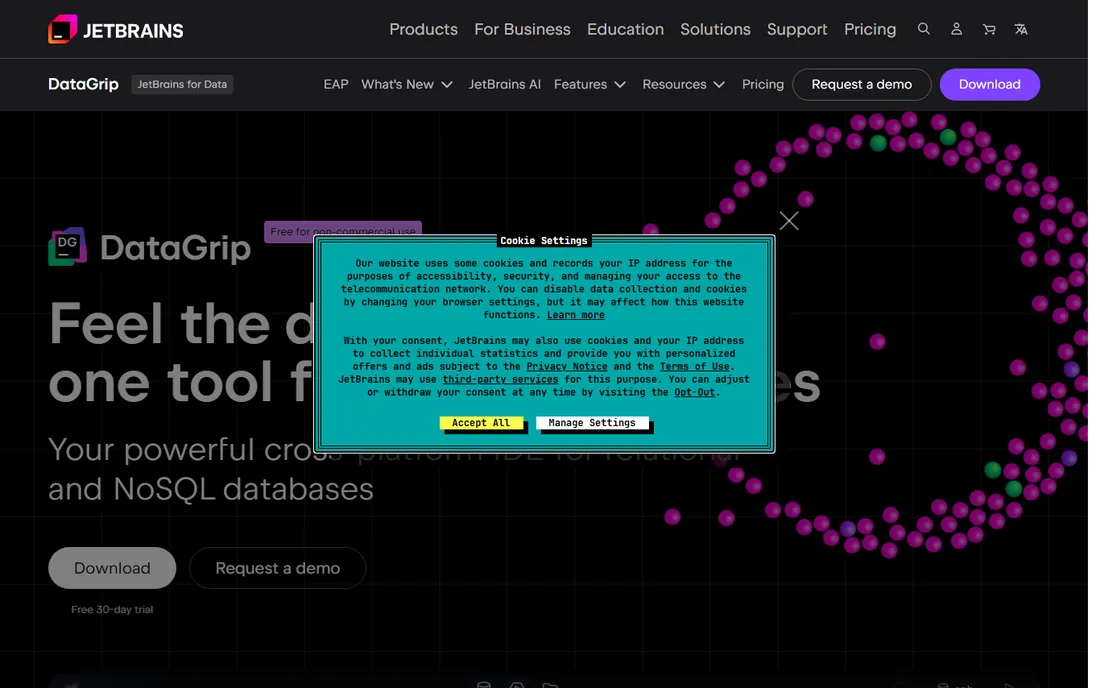
If you spend most of your day writing SQL, DataGrip treats your schema as a language instead of plain text. Code completion understands table structure, foreign keys, and even objects created inside your code. Renaming a column propagates through every query, file, and reference automatically. That is the kind of feature that sounds minor until it saves you from a broken migration at 11 p.m.
DataGrip also generates migration scripts from schema diffs and ships solid version control integration, which fits teams that review database changes like code. Since October 2025, JetBrains made it free for non-commercial use, which removes the price objection for students, hobbyists, and open-source contributors. The catch for businesses is the price: $259 per user per year for commercial use, and it wants to stay connected for activation. If your developers already live in IntelliJ or PyCharm, the familiar keymap and plugin model make this an easy sell.
What we like- Best-in-class SQL code completion and refactoring
- Schema diff and migration script generation
- Now free for non-commercial use
Watch out for- Commercial licenses are pricey
- Requires online activation for the free tier
Starting price$99 per license (one-time, perpetual)
Free planNo
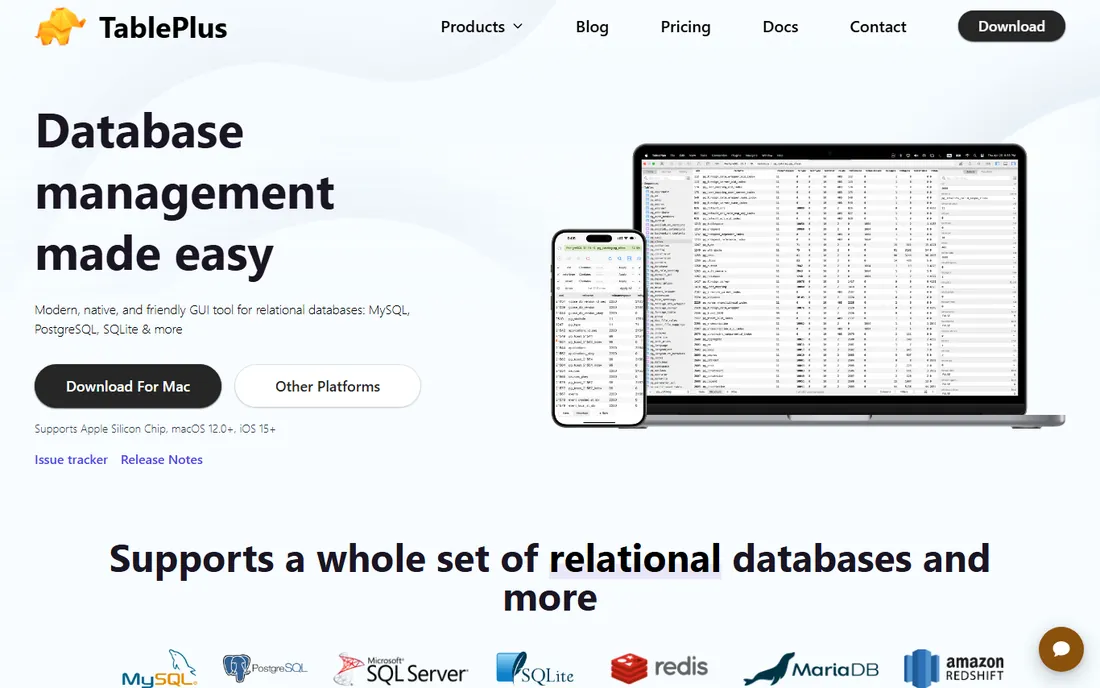
TablePlus takes the opposite approach from DBeaver: it does less, and it does it fast. The app is built natively for each OS, opens instantly, and keeps the interface focused on browsing, editing, and querying. Features like inline editing, advanced filters, a change code review before you commit, and a safe mode that guards production databases all feel designed by people who break things in production and learned from it.
The pricing is refreshingly simple. A Basic license costs $99 as a one-time purchase with no subscription and no auto-renewal, and you can keep using the app forever after the first year of updates. There is no free plan, so the trial period is your evaluation window. The tradeoff is scope: TablePlus covers the major relational databases well but is not the tool for someone who also needs MongoDB or Redis. For a developer who wants speed over breadth, it is one of the best purchases in this list.
What we like- Very fast native app on macOS, Windows, and Linux
- One-time perpetual license, no subscription
- Inline editing and safe mode for production work
Watch out for- No free plan
- Relational databases only, limited NoSQL support
Starting price$79.99 per user/month (monthly subscription)
Free planFree trial
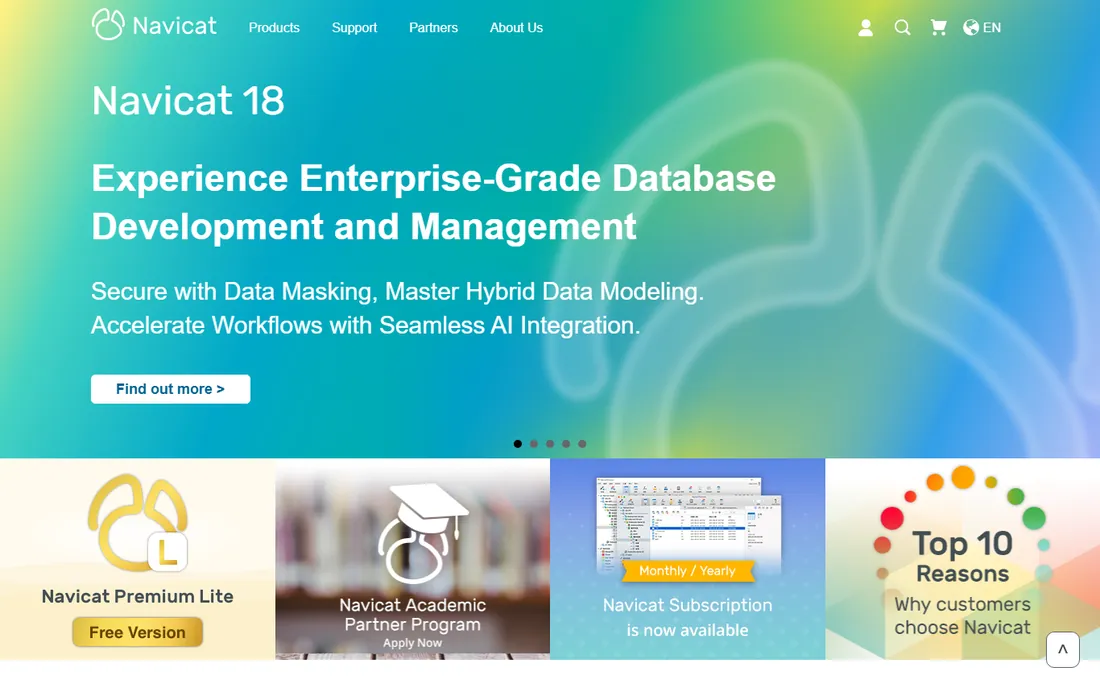
Navicat has been selling database clients since before most of its competitors existed, and it shows in the feature set. Navicat Premium connects to MySQL, PostgreSQL, SQL Server, Oracle, SQLite, MariaDB, MongoDB, Redis, and Snowflake from one application, with cloud provider support for AWS, Azure, Google Cloud, and Oracle Cloud baked in. Its backup, data transfer, and scheduled job tools are the kind of unglamorous features that operations teams end up depending on.
This is an enterprise-priced product. The monthly subscription starts at $79.99 per user, and the perpetual license runs $1,599, which is a different universe from the free and one-time-license tools on this list. There is a free trial so you can verify it earns its keep before committing. The honest catch, beyond price, is licensing complexity: enterprise, standard, and non-commercial editions with monthly, yearly, and perpetual options take real effort to navigate. Buy Navicat when one team must administer many engines with audit-friendly tooling, not because you like the icon.
What we like- Single app for relational and NoSQL engines
- Mature backup, transfer, and scheduling tools
- Polished native GUI on all three desktop platforms
Watch out for- Among the most expensive options here
- License structure is complex
#5
DbVisualizer
Best for: analysts who want charts and visual query building
Visit dbvis.com
Starting price$199 per user (first year, perpetual license)
Free planYes (free tier); free trial (21 days)
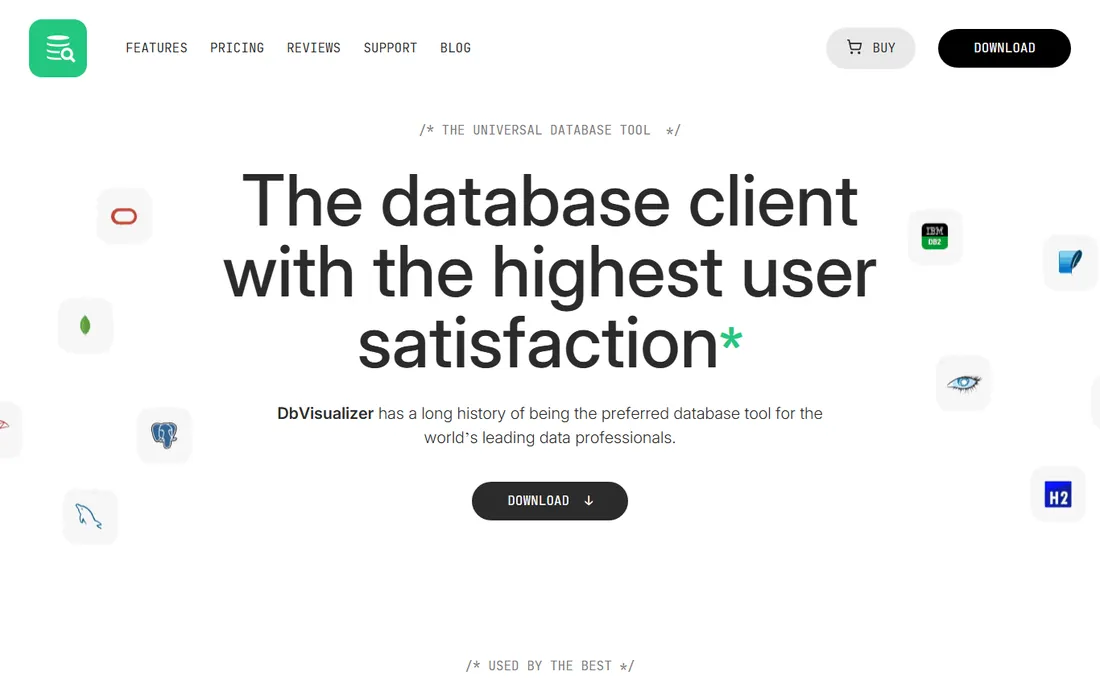
DbVisualizer pitches itself to the person who manages databases but does not write SQL all day. The free tier covers browsing, connection management, and basic querying, which is genuinely enough for many analysts. The Pro edition adds a visual query builder, charts, explain plans, table import and export, and an AI assistant for query help. It is a comfortable middle ground between a raw SQL editor and a full business intelligence tool.
Pricing is straightforward: $199 per user for the first year of Pro, with cheaper renewals after that, and the license is perpetual, so the version you bought keeps working even if you stop paying. You can try all Pro features for 21 days with no credit card, which is enough time to know if the visual tools fit your workflow. The catch is that some administrative features, like managing procedures, functions, and triggers, are Pro-only, so the free tier is a viewer and basic editor more than a full admin console. If your team runs reports and tweaks data more than it designs schemas, this fits well.
What we like- Generous free tier for basic use
- Visual query builder and charting built in
- Perpetual license, buy once and keep it
Watch out for- Free tier lacks procedure and trigger management
- The full Pro feature set costs more than simpler rivals
Starting price$9 per user/month (billed annually)
Free planYes (Community edition)
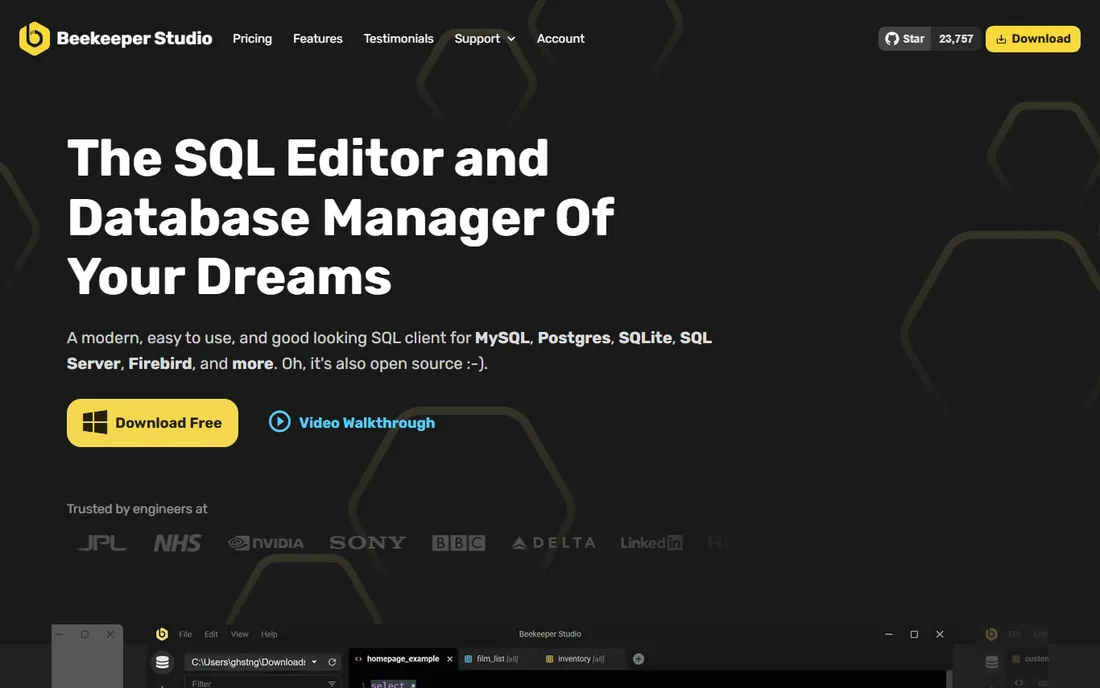
Beekeeper Studio feels like the answer to everyone who found DBeaver too cluttered and TablePlus too narrow. The interface is clean and modern, with an editable spreadsheet view for table data, a SQL editor with autocomplete, and tabbed queries that stay organized. The free Community edition covers PostgreSQL, MySQL, SQLite, SQL Server, and Redshift, which handles most small-business workloads.
Paid plans start at $9 per user per month billed annually for the Indie plan, adding more engines like Oracle and Cassandra plus import/export tools. What makes the pricing unusual is the lifetime usage license: even if you cancel, you keep using the versions released during your subscription forever. There is also a 14-day free trial of the paid features with no credit card required. The catch is that some databases and the AI shell need the Professional or Business tiers, and as a small bootstrapped team, Beekeeper ships features more slowly than JetBrains or Navicat. For daily database work that should feel pleasant, it is hard to beat.
What we like- Pleasant, modern interface with a short learning curve
- Open-source Community edition is free
- Lifetime usage license on paid plans
Watch out for- Advanced engines and AI features need the higher tiers
- Small team means slower feature cadence than giants
#7
pgAdmin
Best for: PostgreSQL-only teams wanting the official free tool
Visit pgadmin.org
Starting price$0 (free, open source)
Free planYes
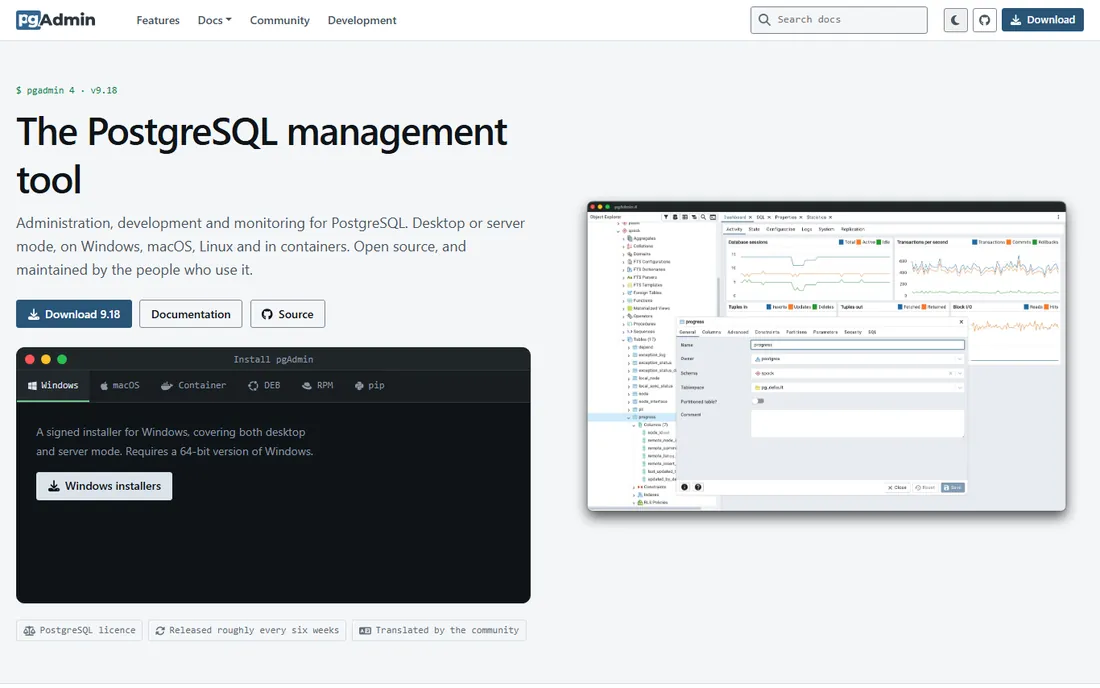
If your world is PostgreSQL and nothing else, pgAdmin is the official tool for the job. It is maintained alongside the database itself, it is completely free, and it understands Postgres deeply: the graphical query plan visualizer, backup and restore wizards, and server monitoring dashboards all speak fluent Postgres. For a team standardizing on one database, there is no licensing conversation to have and no vendor to evaluate.
The limitation is right in the name. pgAdmin manages PostgreSQL and only PostgreSQL, so the moment a client hands you a MySQL dump, you need something else. The interface also runs as a web app in your browser, which can feel sluggish when you are browsing schemas with thousands of objects. Neither of those is a flaw so much as a boundary. Inside its boundary, pgAdmin is excellent, and every Postgres shop should have it installed even if they buy something fancier for multi-engine work.
What we like- The official management tool for PostgreSQL
- Completely free and open source
- Deep Postgres-specific features like the query plan visualizer
Watch out for- PostgreSQL only
- Web-based interface can feel slow on large schemas
Starting price$0 (free, open source)
Free planYes
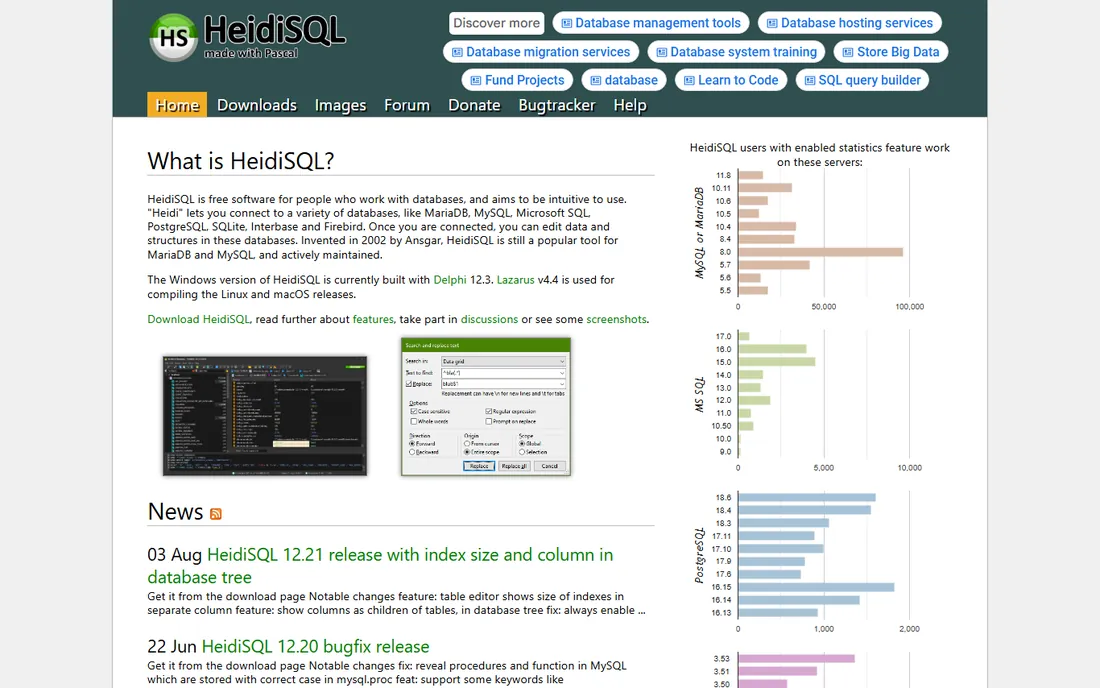
HeidiSQL is the Windows insider pick that has quietly done its job for years. It is a small, fast, open-source client that connects to MySQL, MariaDB, SQL Server, PostgreSQL, and SQLite, with a no-nonsense interface focused on browsing tables, editing data, and running queries. It starts quickly, uses little memory, and never asks for money or a login.
The tradeoff is polish. HeidiSQL is built for Windows first, and while it runs elsewhere, it does not feel at home there. The interface looks like it has not changed much in a decade, which is either charming or a dealbreaker depending on your taste. But dated looks aside, it does the core job well: connect, browse, edit, query, export. For a Windows-heavy team that mostly touches MySQL or SQL Server and wants zero cost and zero fuss, HeidiSQL remains one of the smartest installs on this list.
What we like- Lightweight and fast on Windows
- Completely free and open source
- Handles MySQL, MariaDB, SQL Server, PostgreSQL, and SQLite
Watch out for- Windows-first, with other platforms as an afterthought
- Interface looks dated
How we chose
We started from the tools that working developers actually name when asked what database client they use: DBeaver, DataGrip, TablePlus, Navicat, DbVisualizer, Beekeeper Studio, pgAdmin, and HeidiSQL. We checked each vendor's own site for current pricing and plan details, reading the pricing pages directly rather than relying on review-site summaries. We compared feature lists against public documentation, read recent user reviews on G2 and Capterra, and scanned Reddit threads for the complaints that only show up after months of daily use. We weighted fit for small and mid-size teams, meaning reasonable cost, sane licensing, and no enterprise sales call required. We did not run hands-on tests; this ranking reflects vendor-published information and public user feedback.
What to look for before you pay for a database client
Start with your database mix, because that single question eliminates half the list. If everything you touch is PostgreSQL, pgAdmin costs nothing and does the job. If your work spans three or more engines, a multi-database client like DBeaver or Navicat saves you from juggling apps. Write down the engines you actually connect to each month before you compare anything else.
Next, decide who will use it and how. Developers who write SQL all day benefit most from a strong editor with completion and refactoring, which points to DataGrip or TablePlus. Analysts and operations staff who browse, edit, and export data get more from visual tools like DbVisualizer or Beekeeper Studio. Buy for the daily user, not the occasional admin.
Licensing models matter more than the sticker price
A $99 one-time license and a $79.99 monthly subscription are not in the same conversation. Perpetual licenses from TablePlus, DbVisualizer, and Beekeeper Studio mean you keep working even if you stop paying, while subscriptions from Navicat and DataGrip stop the moment the billing does. For a small business, the total cost over three years is the number to compare, not the headline price.
Try before you buy, and check the free tier honestly
Every paid tool here offers a trial or a free edition. Use the trial on a real task, not a demo database: connect to your actual production replica, run your actual slow query, and see how the tool behaves. And check free tiers with clear eyes. DBeaver's Community edition and Beekeeper's Community edition are genuinely useful free products, while some free tiers are limited viewers designed to upsell you.
Free vs paid: when the free clients are enough
Here is the uncomfortable truth for the vendors on this list: most small teams never need to pay for a database client. DBeaver's Community edition handles multi-engine work, pgAdmin is the official Postgres tool, and HeidiSQL covers Windows shops, all for zero dollars. If your needs are connecting, browsing, running queries, and exporting results, stop here and save the budget.
Pay when a specific paid feature earns its keep. DataGrip's refactoring and schema diffing pay for themselves if your team reviews database migrations like code. Navicat's scheduling and backup tooling earn their price when one person administers many production databases. DbVisualizer's charts and query builder are worth it when analysts build reports directly from the client. The pattern is consistent: free tools handle the basics beautifully, and paid tools are for specific workflows. Buy the workflow, not the brand.
Frequently asked questions
Which database management tool is best for beginners?
Beekeeper Studio or TablePlus are the friendliest starting points, with clean interfaces and short learning curves. DBeaver is more powerful but takes longer to learn. If you only use PostgreSQL, pgAdmin is free and purpose-built for it.
Is DBeaver really free?
Yes. The Community edition of DBeaver is free and open source, and it covers most daily database tasks across many engines. There is a paid Pro edition with advanced features like NoSQL support and cloud integrations, but the free version is a complete tool, not a trial.
What is the difference between DataGrip and DBeaver?
DataGrip is a commercial IDE focused on writing SQL well, with schema-aware completion, refactoring, and migration tools. DBeaver is a broader, mostly free database administration client that connects to more engines. Choose DataGrip for heavy SQL development and DBeaver for multi-engine administration on a budget.
Do I need a paid database client for MySQL?
Usually not. HeidiSQL and DBeaver Community are both free and handle MySQL and MariaDB well. Paid tools become worth considering when you need visual query building, scheduled backups, or one client for many different database engines.
Can one tool manage both SQL and NoSQL databases?
Yes, with caveats. DBeaver Pro, Navicat Premium, and Beekeeper Studio's paid plans support engines like MongoDB, Redis, and Cassandra. The free editions of most tools focus on relational databases, so check the supported-engine list for the specific NoSQL database you use.
Is it safe to connect a database client to production?
It can be, with precautions. Use read-only users or replica databases where possible, enable safe modes like TablePlus's guard against accidental writes, and restrict production credentials to the people who need them. Never run untested queries directly against production, regardless of which client you use.
Sources we checked (11)
- https://dbeaver.io/
- https://www.jetbrains.com/datagrip/
- https://blog.jetbrains.com/datagrip/2025/10/01/datagrip-is-now-free-for-non-commercial-use/
- https://github.com/webstonehq/seaquel-app/blob/HEAD/packages/marketing/src/content/competitors/datagrip.md
- https://tableplus.com/pricing
- https://www.navicat.com/en/store/navicat-premium-plan
- https://www.g2.com/products/navicat-premium/pricing
- https://www.dbvis.com/pricing/
- https://www.beekeeperstudio.io/pricing
- https://www.pgadmin.org/
- https://www.heidisql.com/
Is your product missing or out of date?
We review this list regularly. Vendors can request a listing, send updated pricing or ask about featured placement.

Shihab Mia · Founder, Rankite
Shihab has spent more than a decade helping SaaS and e-commerce brands grow through search. He writes Rankite's software buying guides from pricing pages, documentation and public user reviews. More about Shihab.