How we make this list: we compare pricing pages, product documentation and public user reviews. Rankite is independent; if a vendor ever pays for a featured spot, that listing is clearly labeled Partner.
Key takeaways
- HubSpot CRM has the most capable free plan in the category, which makes it the default starting point for small teams that want to spend nothing at first.
- Pipedrive wins on pipeline clarity: sales teams that live in their deal board close faster with less training.
- Bigin by Zoho CRM and Less Annoying CRM are built for founders who want customer tracking without the enterprise CRM learning curve.
- Freshsales and Zoho CRM add AI and deep customization for teams that have outgrown a simple contact list.
- Close and Nutshell suit call-heavy and email-heavy sales motions respectively, with communication tools built into the CRM.
Quick comparison
| Tool | Best for | Starting price | Free plan |
|---|
 HubSpot CRM HubSpot CRM | free CRM that scales with you | See website | Yes |
 Pipedrive Pipedrive | visual sales pipelines | See website | Free trial |
 Bigin by Zoho CRM Bigin by Zoho CRM | simple CRM for tiny teams | See website | Yes |
 Freshsales Freshsales | AI-assisted selling on a budget | See website | Yes |
 Zoho CRM Zoho CRM | customizable CRM for growing teams | See website | Yes |
 Less Annoying CRM Less Annoying CRM | simplicity above everything | See website | Free trial |
 Nutshell Nutshell | CRM with email marketing built in | See website | Free trial |
 monday sales CRM monday sales CRM | visual, flexible deal tracking | See website | Free trial |
 Close Close | call-heavy outbound sales | See website | Free trial |
Is your product missing or out of date?
We review this list regularly. Vendors can request a listing, send updated pricing or ask about featured placement.
The best customer management app
Starting priceSee website
Free planYes
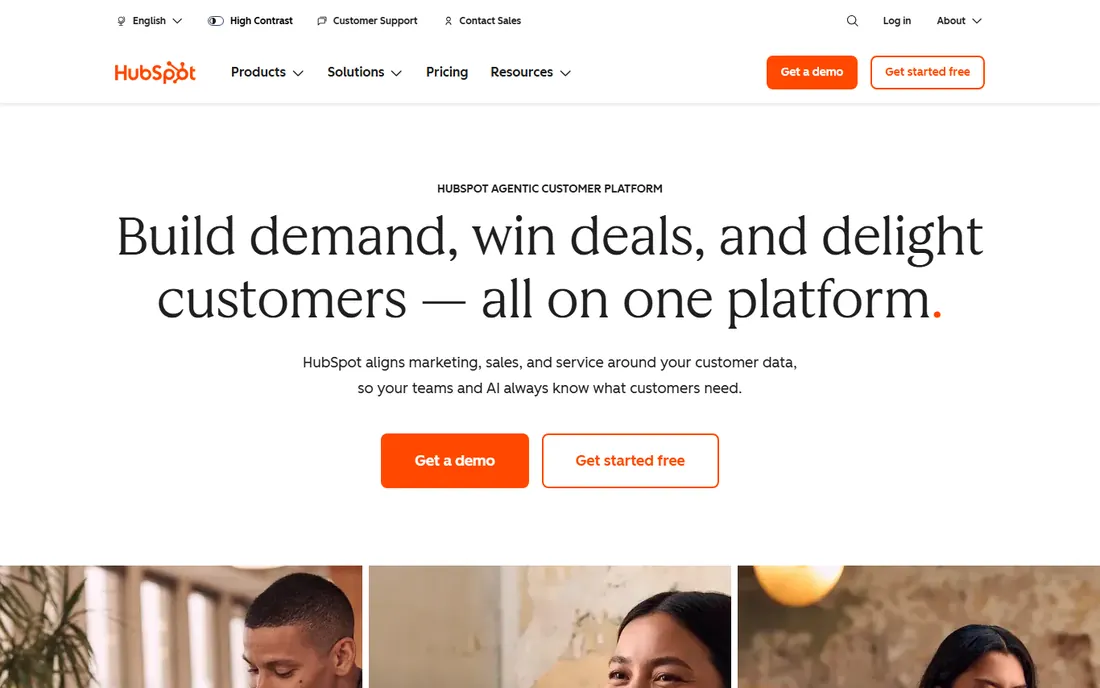
Most small businesses should start here and only leave if they outgrow it. HubSpot's free CRM covers contacts, companies, deals, tasks, and email tracking with no time limit, which is more than most paid small-business CRMs offered a few years ago. Setup takes an afternoon, and the interface does not punish non-technical users.
The catch is the upsell curve. Marketing Hub, Sales Hub, and Service Hub each add per-seat costs that compound quickly once you need automation, sequences, or serious reporting. Teams that stay on the free CRM plus one paid hub do fine. Teams that need everything HubSpot sells should budget carefully and compare against Pipedrive or Zoho before committing.
What we like- Generous free tier with real features
- Huge integration marketplace
- Marketing and service hubs add on cleanly
Watch out for- Paid tiers get expensive fast
- Advanced reporting sits on higher plans
Starting priceSee website
Free planFree trial
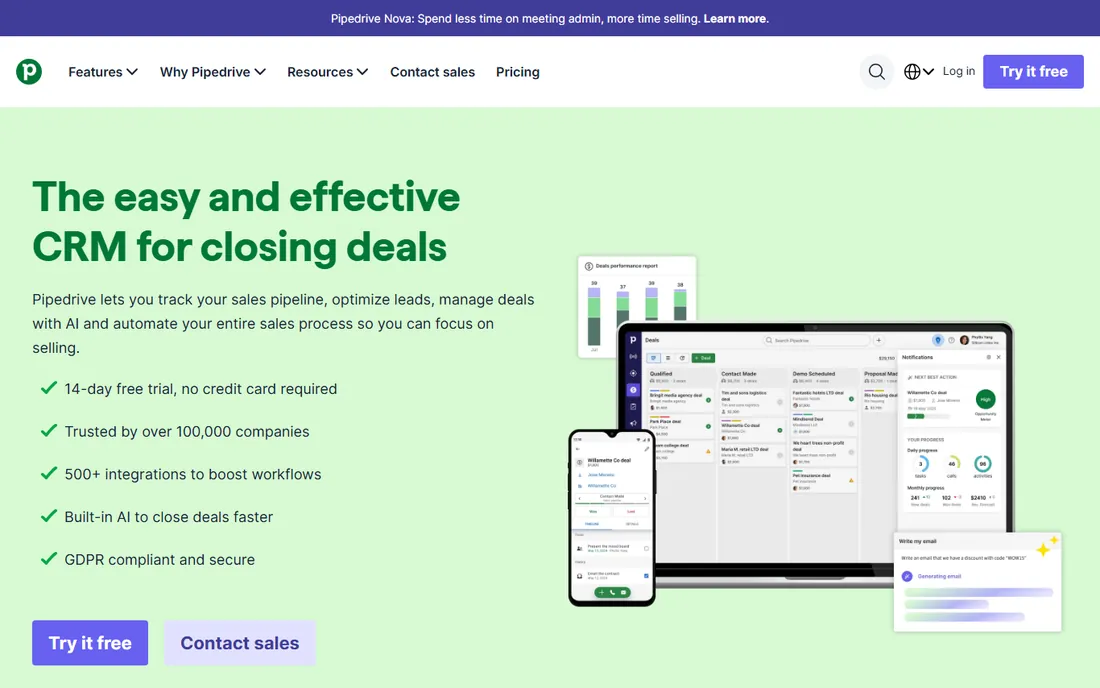
Pipedrive was designed around one idea: the deal pipeline. Every screen pushes the salesperson toward the next action, and the kanban board makes it obvious where each deal stands. Sales managers get the visibility they need without building custom reports, and new hires learn it in a day.
It is deliberately not an all-in-one platform. Marketing automation, project tracking, and customer support live in add-ons or other tools. That focus is the appeal for pure sales teams and the limitation for everyone else. If your bottleneck is deals slipping through cracks, Pipedrive fixes it. If you need marketing and service in the same system, HubSpot or Zoho fit better.
What we like- Best-in-class pipeline view
- Quick to learn
- Strong activity-based selling workflow
Watch out for- No free plan
- Marketing features cost extra
Starting priceSee website
Free planYes
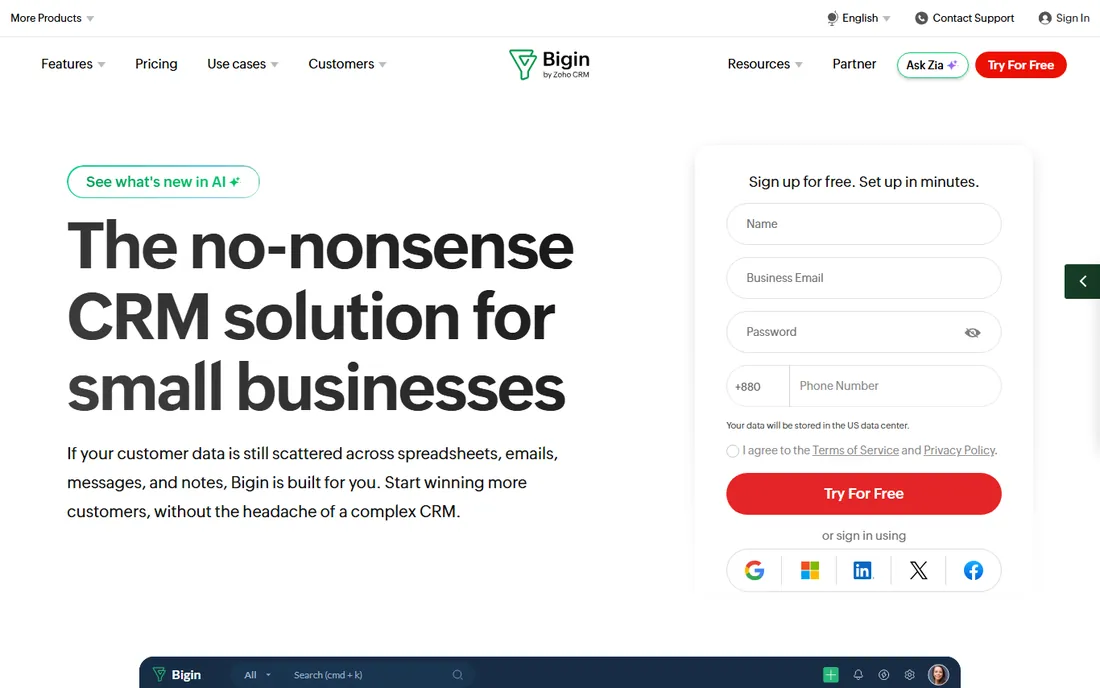
Bigin is Zoho's answer to founders who open Zoho CRM and feel overwhelmed. It strips the CRM down to contacts, pipelines, and activities in an interface a two-person team can run without training. The free plan covers the essentials, and paid plans stay cheap.
The simplicity is the whole product, so teams that need custom modules, complex automation, or deep reporting will hit walls. That is the signal to graduate to Zoho CRM proper, which shares the same ecosystem. For freelancers, agencies, and micro-businesses tracking their first few hundred relationships, Bigin is the least painful way to start.
What we like- Built for very small teams
- Clean pipeline interface
- Generous free tier
Watch out for- Limited customization
- Reporting is basic
Starting priceSee website
Free planYes
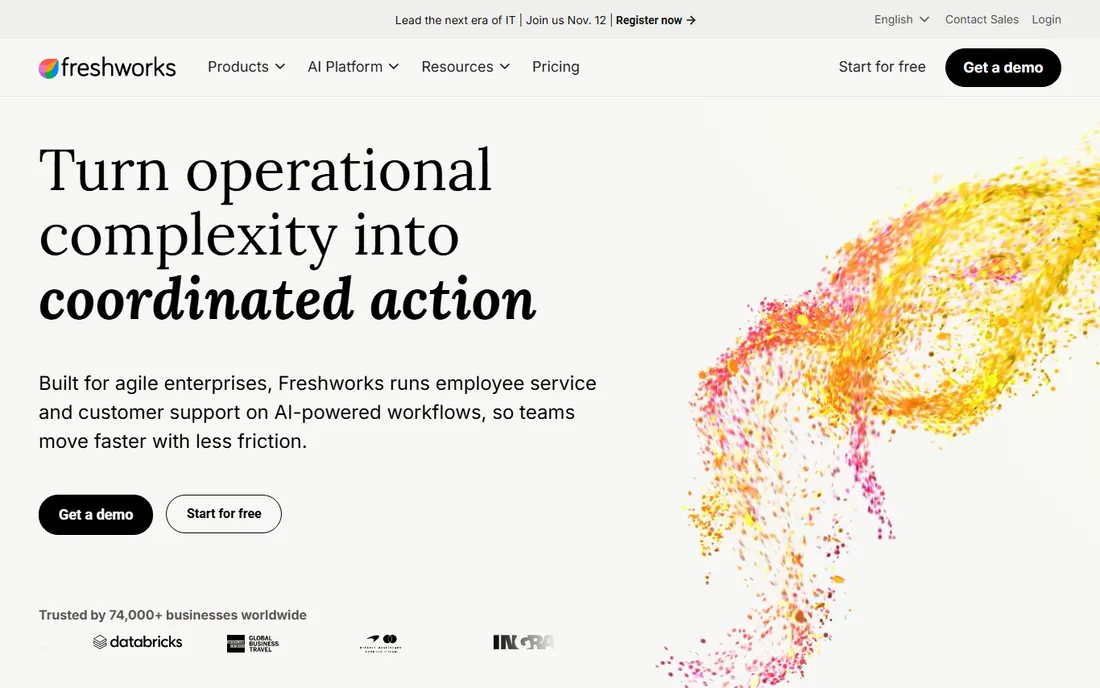
Freshsales bundles the communication tools other CRMs charge extra for. Click-to-call, email tracking, and chat sit inside the deal view, so reps work without switching apps. Freddy AI adds lead scoring, deal insights, and conversation summaries that used to require a separate sales-intelligence subscription.
Freshworks keeps entry pricing aggressive, which makes Freshsales the value pick for teams that want AI features without HubSpot-level bills. The ecosystem is smaller than HubSpot's or Salesforce's, so check that your must-have integrations exist before migrating. For straightforward B2B sales motions, though, it covers the workflow end to end.
What we like- Built-in phone and email
- Freddy AI scores and summarizes
- Competitive entry pricing
Watch out for- Smaller integration marketplace
- Advanced features need higher tiers
#5
Zoho CRM
Best for: customizable CRM for growing teams
Visit zoho.com
Starting priceSee website
Free planYes
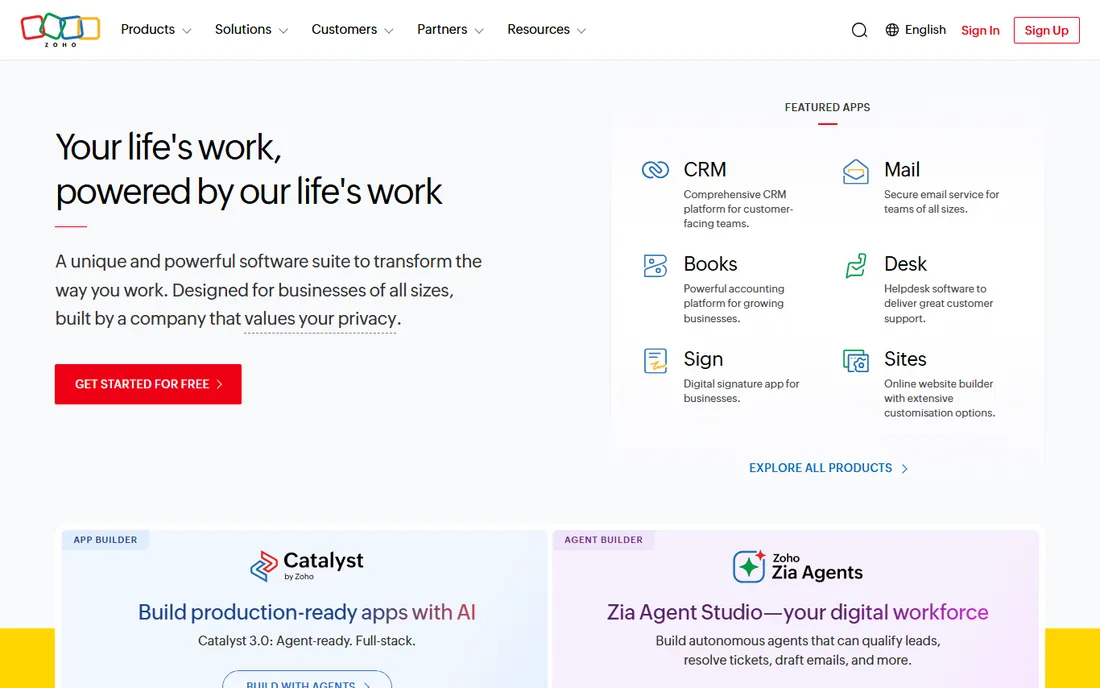
Zoho CRM is the tinkerer's CRM. Custom modules, layouts, workflows, and the Canvas design studio let you reshape it around unusual sales processes that would require consultants on other platforms. The free plan covers three users, and paid tiers stay well below HubSpot and Salesforce pricing.
That flexibility costs time. Out of the box, Zoho CRM shows you everything, and a new admin should budget days, not hours, to configure pipelines, permissions, and automation properly. Teams that invest the setup time get a system that fits like a glove. Teams that want to log in and start selling should pick Pipedrive or Bigin instead.
What we like- Deep customization at low prices
- Huge Zoho app ecosystem
- Strong automation
Watch out for- Interface can feel cluttered
- Setup takes real configuration
Starting priceSee website
Free planFree trial
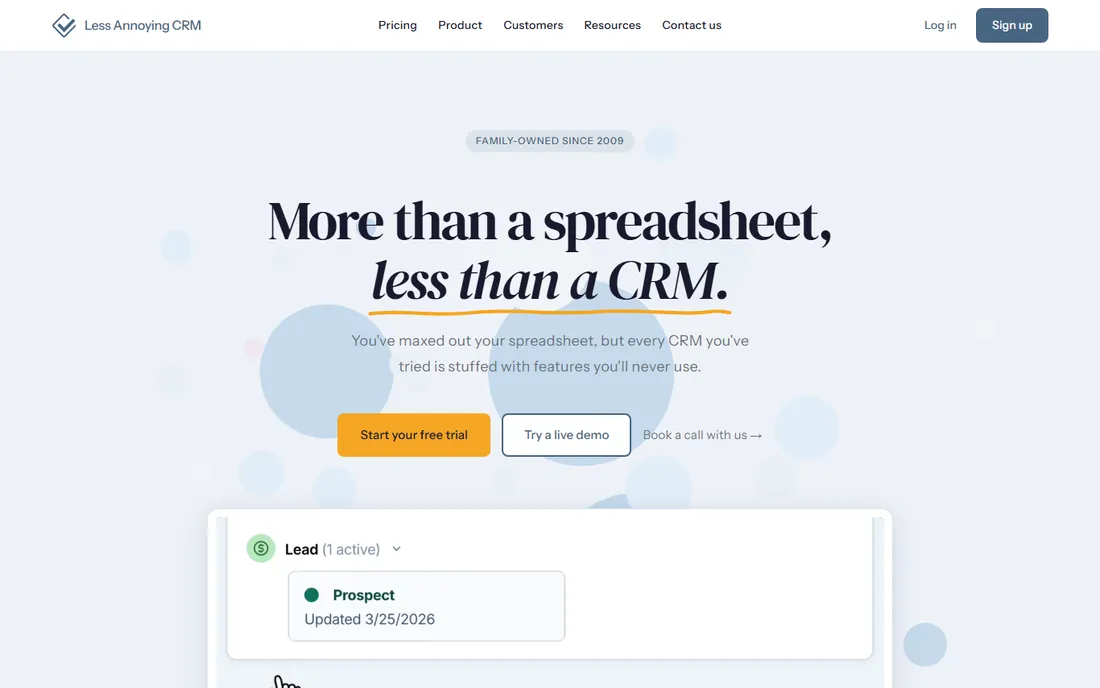
Less Annoying CRM does exactly what the name promises. There is one plan, one price per user, and every feature is included. No upsells, no modules to upgrade to, no certified consultants required. Small businesses that tried a big CRM and bounced off the complexity tend to land here and stay.
The tradeoff is scope. Integrations are limited, there is no built-in marketing automation, and reporting covers the basics. It is a customer management app in the purest sense: contacts, calendar, tasks, and history. For solo founders and tiny teams who need exactly that, the lack of bloat is the feature.
What we like- Famously easy to use
- Flat pricing with no tiers
- Excellent human support
Watch out for- Limited integrations
- No marketing automation
Starting priceSee website
Free planFree trial
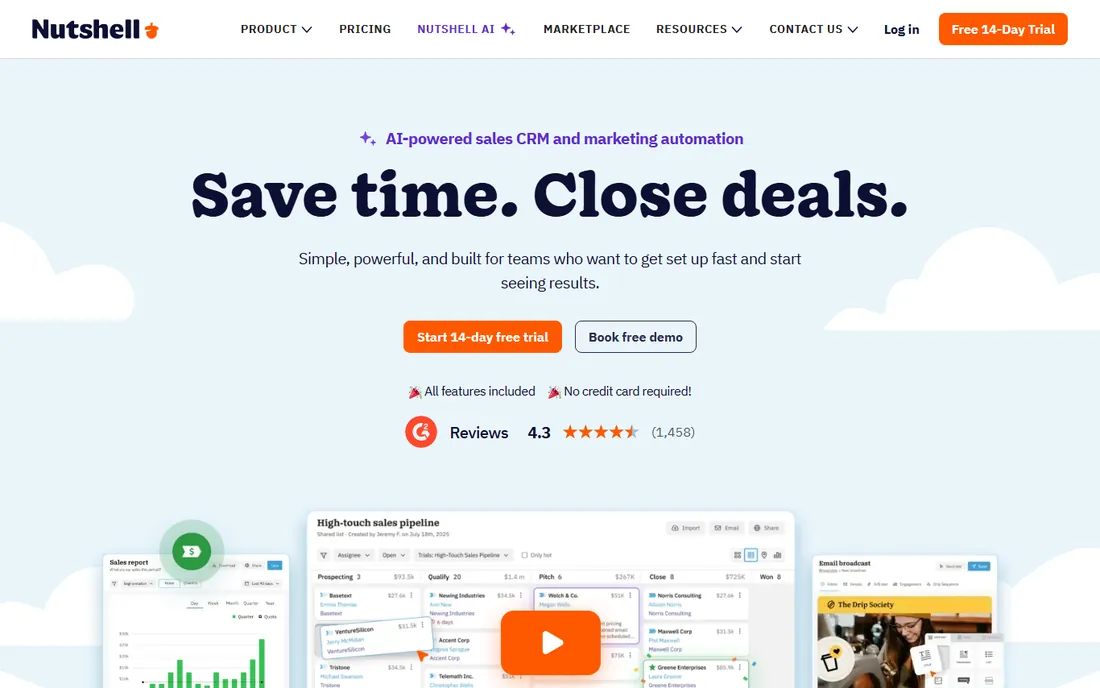
Nutshell combines a straightforward CRM with built-in email marketing and sales automation, which removes the usual CRM-plus-Mailchimp juggling act for small teams. Pipeline management, contact tracking, and drip sequences live in one subscription. DesignRush named it a top CRM for small businesses in 2026, citing that combination.
It will not match HubSpot's automation depth or Zoho's customization. But many small B2B teams never need that depth; they need follow-up emails to go out and pipeline stages to stay current. Nutshell covers that workflow at a price that makes sense for teams under twenty people.
What we like- Email marketing included
- Simple pipeline management
- Good for small B2B teams
Watch out for- Fewer third-party integrations
- Automation is lighter than rivals
Starting priceSee website
Free planFree trial
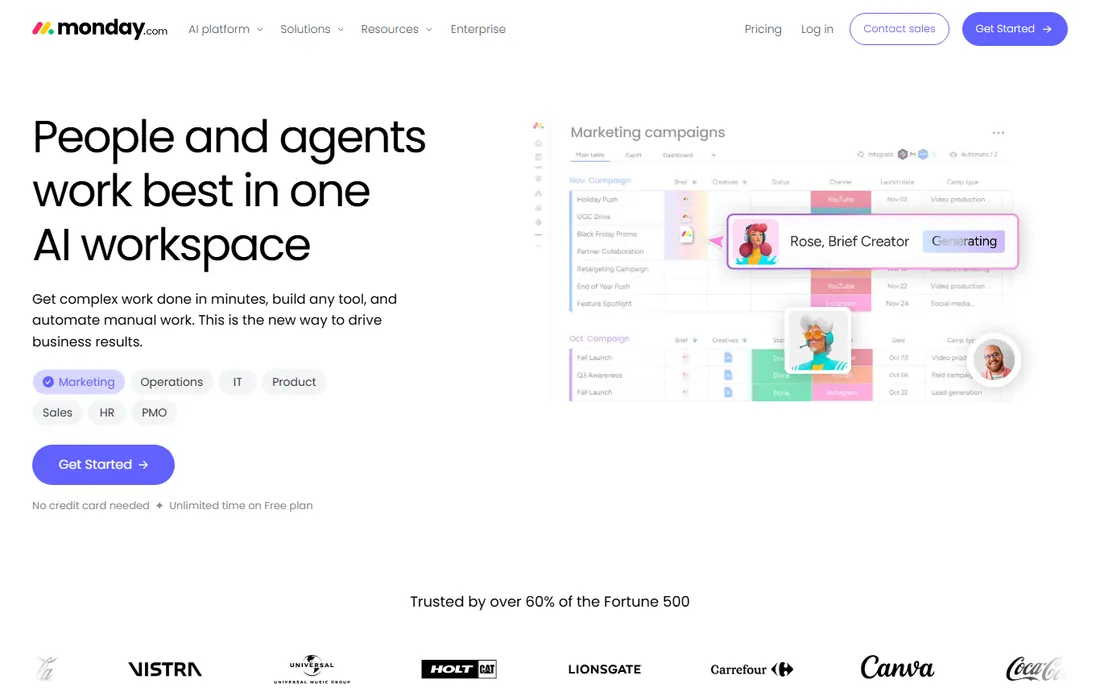
monday sales CRM brings the monday.com board experience to customer management. Teams that already run projects on monday get a CRM their people already know how to use, with deal boards, automations, and dashboards that look the same across the company. Customization is visual and code-free.
Pure sales teams may find the CRM layer thinner than Pipedrive or Close: fewer native sales workflows, more configuration to get the same result. The value case is organizational, not departmental. If the whole company lives in monday, the CRM belongs here. If only sales needs software, a sales-first tool fits better.
What we like- Highly visual boards
- Flexible customization
- Strong collaboration features
Watch out for- Pricing climbs with team size
- CRM features less deep than specialists
Starting priceSee website
Free planFree trial
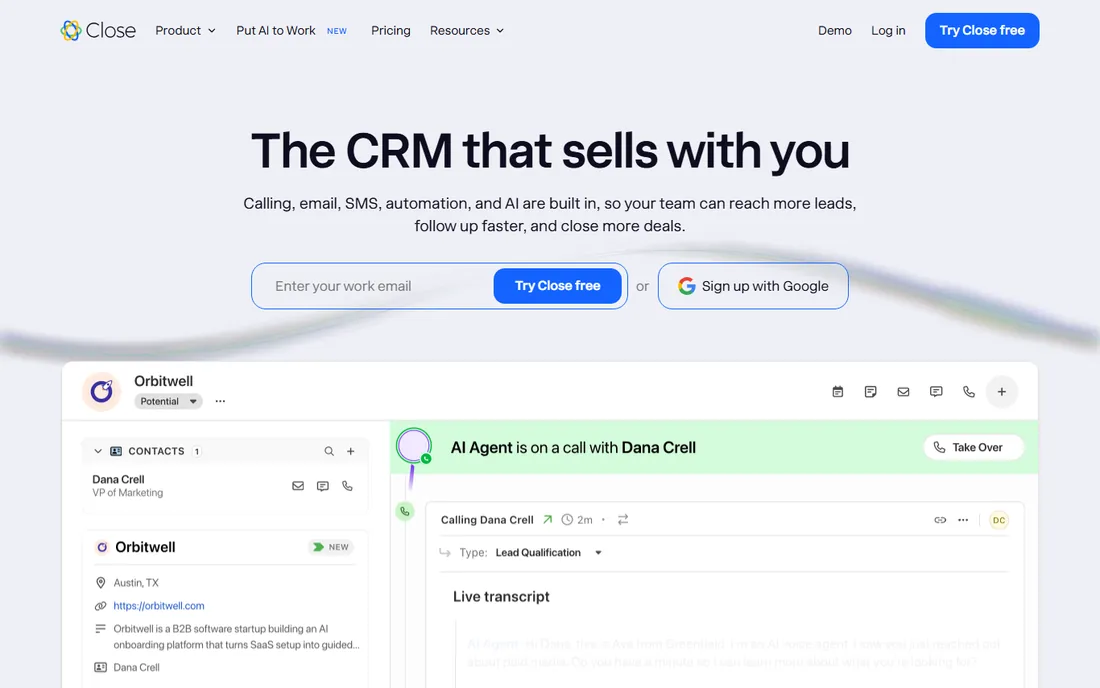
Close is built for one motion: outbound sales at speed. The power dialer, predictive calling, SMS, and email all run inside the CRM, and the interface minimizes the clicking between calls that kills rep productivity. Inside sales teams making a hundred calls a day swear by it.
It is less convincing as a general customer management app. Account management, long nurture cycles, and marketing automation are not its strengths. Buy Close when the team's job is booking meetings by phone and email. Buy something else when the job is managing relationships over years.
What we like- Power dialer and SMS built in
- Minimal data entry
- Built for outbound velocity
Watch out for- Weak for account management
- Email marketing is basic
What actually matters when you choose
Ignore the feature grid and answer three questions. First, who will enter the data? If the answer is busy founders or field staff, pick the simplest tool they will actually open: Less Annoying CRM, Bigin, or Pipedrive. The best CRM is the one with complete data, and complex systems get abandoned.
Second, where do customer conversations happen? If deals close by phone, Close's dialer matters more than any dashboard. If they close by email sequences, Nutshell or HubSpot's automation matters. Match the tool to the motion instead of buying features for a motion you do not run.
Third, what breaks first at twice your size? A five-person team becomes fifteen faster than expected. HubSpot, Zoho, and Freshsales scale from free to enterprise without migration. Simpler tools may need replacing in two years. That is a fine tradeoff if the price is right, just make the choice deliberately and confirm data export works before you commit.
Pricing traps to watch
CRM pricing looks simple until the add-ons arrive. Per-seat pricing means every hire raises the bill, and platforms like HubSpot charge separately for marketing, sales, and service hubs. A "free CRM" can cost thousands a year once you add the hub you actually need.
Watch the feature gating too. Reporting, automation, and integrations often sit two or three tiers above the advertised starting price. Before you compare "$15 per user" against "$29 per user," list the features you need and find which tier includes all of them on each platform. And check contract terms: monthly billing costs more per month but lets you leave, while annual billing locks the price and the commitment.
Frequently asked questions
What is a customer management app?
A customer management app, usually called a CRM, stores your contacts, tracks conversations, and manages deals or relationships in one place. Small businesses use it to stop losing follow-ups in email threads and spreadsheets. Most also include tasks, reminders, and basic reporting.
Is there a truly free CRM for small business?
Yes. HubSpot CRM's free tier is the most capable, with unlimited users on core features. Zoho CRM offers a free plan for up to three users, Bigin has a free tier for tiny teams, and Freshsales includes a free plan. Free tiers usually limit automation, reporting, and support, so growing teams eventually pay.
How long does it take to set up a CRM?
Simple tools like Less Annoying CRM or Bigin take an afternoon. Pipedrive and HubSpot typically take a few days including data import. Zoho CRM and monday sales CRM can take one to two weeks if you customize pipelines and automation. Budget time for importing and cleaning your existing contact data, which is usually the slowest part.
Can a CRM replace my email marketing tool?
Sometimes. Nutshell and HubSpot include email marketing strong enough for newsletters and drip sequences. Pipedrive, Close, and Less Annoying CRM do not; you would keep a separate tool. If email is central to your sales motion, pick a CRM with it built in rather than duct-taping two systems together.
What is the easiest CRM for non-technical users?
Less Annoying CRM and Bigin by Zoho CRM are the simplest on this list, designed for people who find other CRMs intimidating. Pipedrive is the easiest of the sales-focused options. All three can be running the same day you sign up.
How we chose
We focused on the small-business buyer: teams of one to thirty people who need customer tracking without an implementation project. We compared current pricing pages, free tiers, and feature lists, and weighed public reviews from G2, Capterra, and small-business forums. We favored tools with genuine free plans or trials, fast setup, and clear per-seat pricing, mixing mass-market leaders with simpler specialists. No vendor paid for placement, and we did not claim hands-on testing.
Sources we checked (11)
- https://www.saasworthy.com/blog/best-crm-software-for-small-business
- https://www.larksuite.com/en_us/blog/best-crm-software
- https://www.hubspot.com
- https://www.pipedrive.com
- https://www.bigin.com
- https://www.freshworks.com
- https://www.zoho.com
- https://lessannoyingcrm.com
- https://www.nutshell.com
- https://monday.com
- https://close.com
Is your product missing or out of date?
We review this list regularly. Vendors can request a listing, send updated pricing or ask about featured placement.

Shihab Mia · Founder, Rankite
Shihab has spent more than a decade helping SaaS and e-commerce brands grow through search. He writes Rankite's software buying guides from pricing pages, documentation and public user reviews. More about Shihab.