How we make this list: we compare pricing pages, product documentation and public user reviews. Rankite is independent; if a vendor ever pays for a featured spot, that listing is clearly labeled Partner.
Key takeaways
- Salesforce is the enterprise standard; HubSpot is the best all-round CRM for growing teams with its generous free tier.
- Pipedrive and Close are the sales-team favorites: pipeline-first design that reps actually enjoy using.
- Freshsales, Zoho CRM and Insightly offer strong value for budget-conscious teams; Copper is the pick for Google Workspace shops.
- The best CRM is the one reps update: prioritize usability and automation over feature count.
Quick comparison
| Tool | Best for | Starting price | Free plan |
|---|
 Salesforce Salesforce | Enterprise sales organizations with complex processes | See website | Free trial |
 HubSpot HubSpot | Growing teams wanting CRM plus marketing in one | See website | Yes |
 Pipedrive Pipedrive | Sales teams that live in their pipeline | See website | Free trial |
 Close Close | High-velocity inside sales teams | See website | Free trial |
 Freshsales Freshsales | Value seekers wanting telephony built in | See website | Yes |
 Copper Copper | Sales teams living in Google Workspace | See website | Free trial |
 Zoho CRM Zoho CRM | Budget-conscious teams wanting deep customization | See website | Yes |
 Insightly Insightly | Teams wanting CRM plus project management together | See website | Free trial |
Is your product missing or out of date?
We review this list regularly. Vendors can request a listing, send updated pricing or ask about featured placement.
The best CRM software for sales teams
A sales team's CRM lives or dies on adoption: the best pipeline views, automation and integrations mean nothing if reps will not log their activity. Eight CRMs, compared on sales-team fit rather than feature bingo.
Starting priceSee website
Free planFree trial
Salesforce is the CRM against which others are judged: limitless customization, the AppExchange ecosystem, and sales cloud depth that handles the most complex enterprise processes. Large sales organizations with dedicated operations teams get a platform that molds to any methodology.
The honest costs are money and administration. Licenses are premium, and Salesforce needs admins (often consultants) to stay healthy. Small teams drown in it. But for enterprise sales at scale, its ceiling is the highest.
What we like- Unmatched depth, customization and ecosystem
- AppExchange extends everything
- The standard large sales orgs are measured against
Watch out for- Expensive and complex
- Needs admins and often consultants to run well
#2
HubSpot
Best for: Growing teams wanting CRM plus marketing in one
Visit hubspot.com
Starting priceSee website
Free planYes
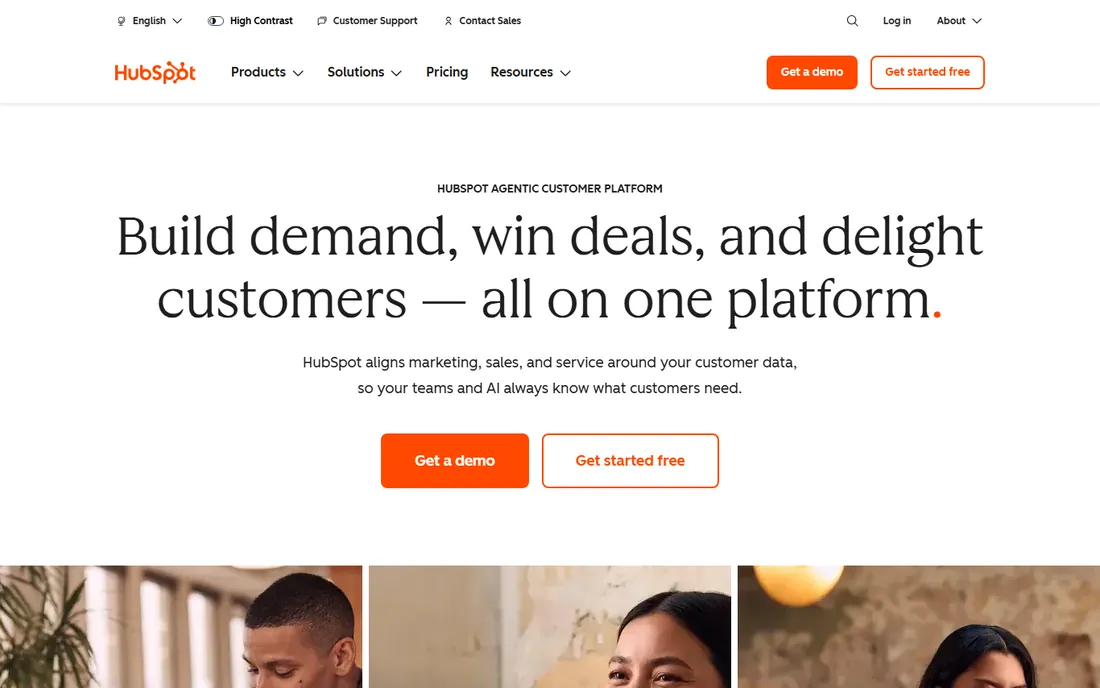
HubSpot's free CRM is the best deal in sales software: contact management, pipeline, email tracking and reporting free, with paid hubs adding marketing automation and advanced sales tools as teams grow. Reps adopt it because it is pleasant to use.
The honest trajectory is cost. HubSpot's pricing climbs sharply at professional tiers, and deep customization lags Salesforce. But for growing teams, the path from free to full-funnel platform is the smoothest in the category.
What we like- Generous free CRM
- Intuitive interface reps adopt quickly
- Marketing, sales and service hubs unify the funnel
Watch out for- Costs escalate steeply at higher tiers
- Advanced customization trails Salesforce
Starting priceSee website
Free planFree trial
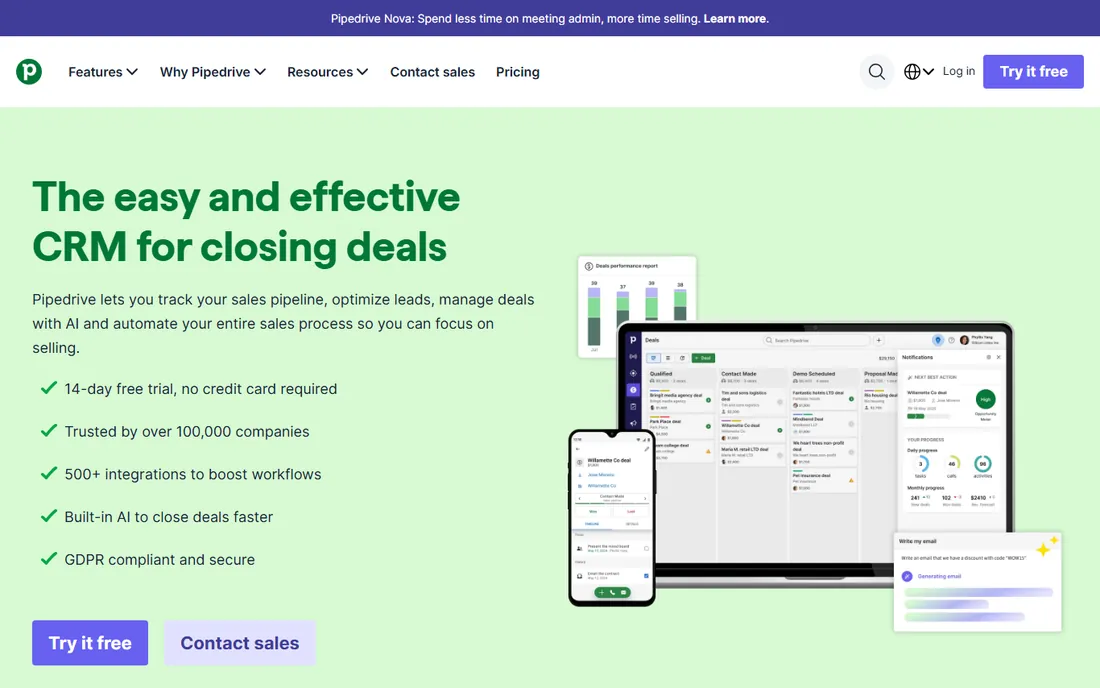
Pipedrive was designed by salespeople for salespeople: the pipeline view is the product, deals drag through stages, and activity reminders keep reps moving. Implementation takes days, and adoption is famously high.
The honest limits are breadth. Marketing automation and enterprise customization are thinner than the big suites. But for sales teams whose job is working deals (not configuring software), Pipedrive's focus is exactly right.
What we like- Pipeline-first design salespeople love
- Visual deal management
- Sensible automation
- Quick to implement
Watch out for- Marketing features thinner than HubSpot
- Enterprise depth less than Salesforce
Starting priceSee website
Free planFree trial
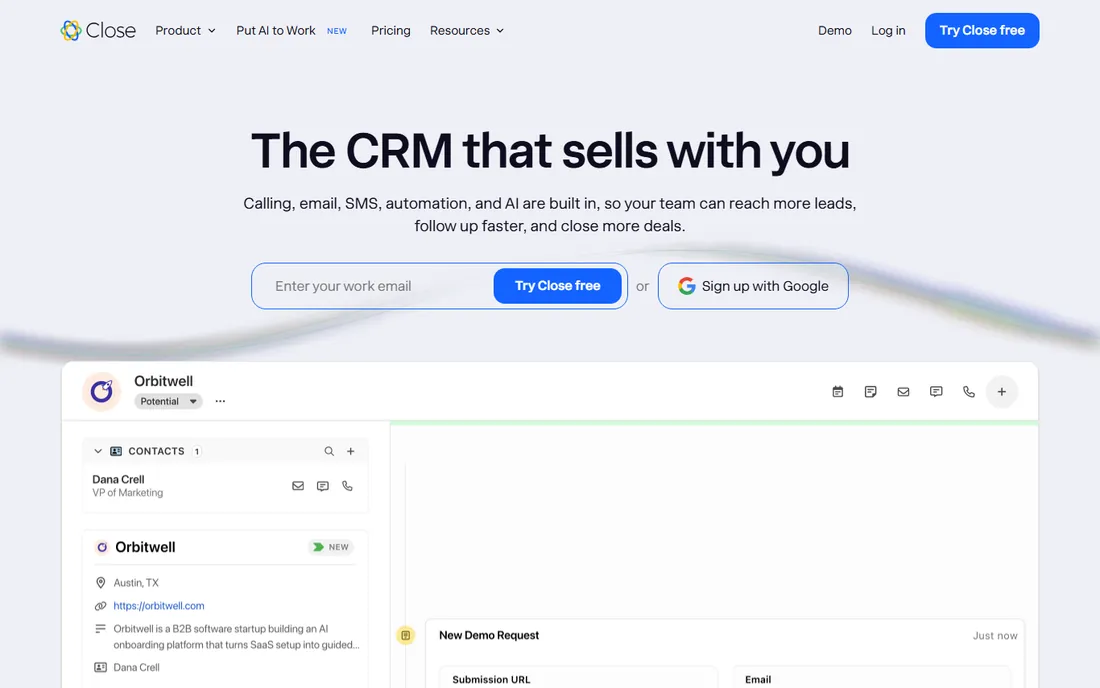
Close is the inside-sales weapon: calling, SMS and email built into the CRM, so reps prospect without switching tools. The workflow assumes high-volume outreach, and every design choice serves call-per-hour productivity.
The honest fit is motion-specific. Inbound-led or enterprise field sales get less; outbound SDR teams get the most focused tool in this list. Match Close to high-velocity prospecting and it pays for itself in activity.
What we like- Built-in calling, SMS and email for rapid outreach
- Predictive dialer and power dialer
- Minimal data entry by design
Watch out for- Narrower than full suites
- Best for outbound-heavy motions
Starting priceSee website
Free planYes
Freshsales (Freshworks) bundles what others charge extra for: built-in telephony, AI assistance and solid pipeline management at prices that undercut the leaders. Small and mid-size sales teams get premium-feeling tools affordably.
The honest trade-off is ecosystem. Fewer integrations and a smaller community than the giants. But for teams prioritizing built-in capability per dollar, Freshsales's value is hard to argue with.
What we like- Built-in phone, email and AI features at competitive prices
- Freddy AI assists reps
- Part of the Freshworks suite
Watch out for- Ecosystem smaller than Salesforce/HubSpot
- Advanced enterprise features thinner
Starting priceSee website
Free planFree trial
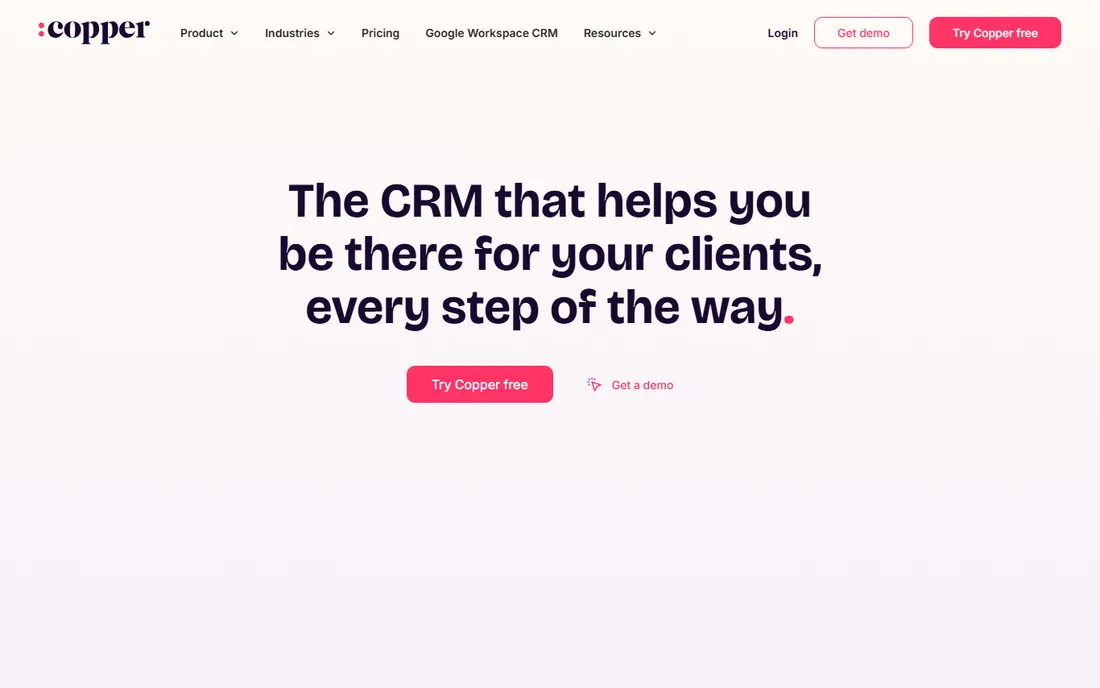
Copper's entire thesis is Google Workspace: the CRM lives inside Gmail, captures relationship data automatically from email and calendar, and feels native to Google-based teams. Adoption friction approaches zero for Workspace shops.
The honest boundary is the ecosystem. Microsoft-centric organizations and complex enterprise processes need more. But for the enormous population of Google Workspace sales teams, Copper's invisible-CRM approach is uniquely fitting.
What we like- Native Gmail and Google Workspace integration
- Automatic data capture from email
- Simple, familiar interface
Watch out for- Google-centric by design
- Less suited to Microsoft shops or complex needs
#7
Zoho CRM
Best for: Budget-conscious teams wanting deep customization
Visit zoho.com
Starting priceSee website
Free planYes
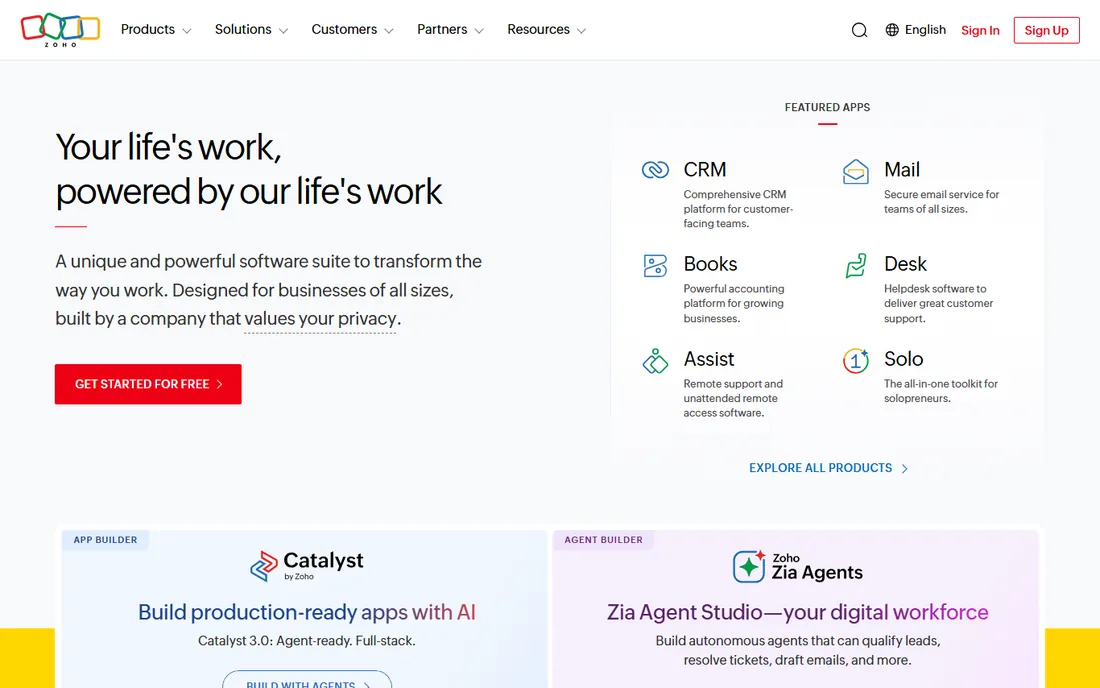
Zoho CRM is the value customizer: affordable plans (plus a genuine free tier) with workflow automation, customization and AI assistance that rival tools costing multiples more. The broader Zoho suite covers everything from email to accounting.
The honest caveats are polish and support. The interface trails HubSpot's refinement, and support quality varies by region. But for teams with more needs than budget, Zoho's capability-per-dollar leads the category.
What we like- Very affordable with a real free tier
- Deep customization and automation
- Part of the huge Zoho suite
Watch out for- Interface less polished than leaders
- Support experiences vary
Starting priceSee website
Free planFree trial
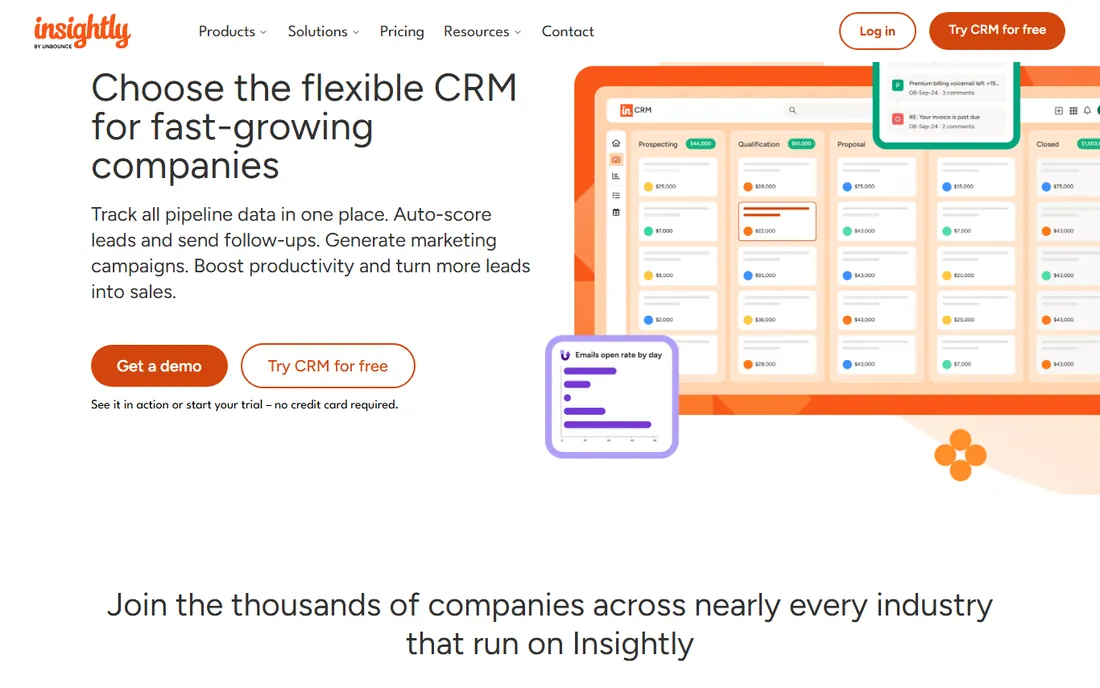
Insightly's differentiator is the handoff: CRM for winning the deal, project management for delivering it, in one system. Service businesses (agencies, consultants, contractors) track the customer from prospect to project completion without switching tools.
The honest comparison is sales depth. Pure sales teams get more pipeline power from Pipedrive or Close. But businesses where the sale and the delivery are one workflow find Insightly's combination genuinely useful.
What we like- CRM with built-in project management for post-sale delivery
- Straightforward interface
- Good for service-plus-sales businesses
Watch out for- Smaller ecosystem
- Sales depth less than Pipedrive or Close
How we chose
We selected CRMs with real sales-team adoption across segments (enterprise, mid-market, SMB, inside sales), weighing sales workflow quality, rep adoption, automation, pricing fairness and honest fit. We favored tools salespeople recommend over analyst checklists. Pricing comes from each vendor's own pricing page; unverifiable plans are marked "See website." No hands-on testing was performed.
What to look for before you buy
Prioritize rep adoption above all. Demo with actual salespeople, not just leadership; the CRM reps will not update is worthless regardless of features. Usability is the primary selection criterion.
Map your sales process first. Stages, activities, handoffs and reporting needs should be defined before evaluation; the tool must fit the process, not the reverse.
Check the automation depth. Lead routing, follow-up reminders, sequence automation and data capture separate CRMs that reduce admin from those that add it.
Finally, price the seats honestly. Per-user pricing at your real headcount (including growth) plus required add-ons determines the true cost; model three years before committing.
How CRM pricing really works
CRM pricing looks simple on the pricing page and gets complicated in the contract. Almost every vendor charges per user per month, with tiers that gate the features sales teams actually need. Entry tiers ($12 to $25 per user per month) cover contact management and basic pipelines. The automation, forecasting, custom reporting and integrations that make a CRM useful usually start one or two tiers up ($40 to $100 per user per month). When you compare tools, price the tier you will actually use, not the cheapest one advertised.
Watch for the platform fee. Several vendors add a mandatory base fee on top of per-seat pricing, or require a minimum seat count. A "$25 per user" plan with a 10-seat minimum and a $1,200 annual platform fee is really a $3,700+ annual commitment for a five-person team. Ask for the total first-year cost in writing, including every fee, before you compare per-seat numbers across vendors.
Onboarding and implementation are the quiet budget killers. Self-serve products (Pipedrive, HubSpot Starter) can be running in days with no services cost. Enterprise platforms (Salesforce, Microsoft Dynamics) commonly need consultants, and implementation projects run from a few thousand dollars to six figures depending on data migration, integrations and custom objects. If a vendor quotes implementation separately, treat it as part of the price and compare totals.
Free tiers deserve a clear-eyed look. HubSpot's free CRM is genuinely useful and free forever for core features, which makes it the default starting point for small teams. But the free tier is also a funnel: marketing, sales and service hubs each cost extra, and a team that grows into three paid hubs can spend more than an all-in-one competitor. Zoho's free tier (up to 3 users) suits micro-teams but not growing ones. Model your cost at 12 and 24 months of growth, not day one.
Contract terms matter as much as price. Annual billing typically saves 15 to 25 percent over monthly, but locks you in. Auto-renewal clauses with 30 to 90 day notice windows are standard in mid-market contracts; calendar the notice date the day you sign. Multi-year deals can lock pricing, which helps if you expect seat growth, but only if the discount is real and the product is proven in your workflow first.
Data migration and admin time are real costs even when the software is cheap. Moving from spreadsheets or a legacy CRM takes cleaning, deduplication and field mapping, usually 20 to 60 hours of someone's time for a small business. Ongoing, someone has to own the CRM: manage users, fix duplicates, maintain pipelines. Budget a few hours a month of admin, or the data quality decays and the team stops trusting it.
A practical way to estimate: take the tier with the features you need, multiply by seats, add 20 percent for add-ons and integrations, then add any implementation quote. Compare that first-year total across two or three finalists. The cheapest per-seat price rarely wins once the full picture is priced.
Frequently asked questions
What is the best CRM for a small sales team?
HubSpot (free tier, easy growth path) or Pipedrive (pipeline focus, fast adoption). Small teams should optimize for usability and price, not enterprise features.
Salesforce vs HubSpot: which for sales teams?
Salesforce for enterprise complexity and customization; HubSpot for growing teams wanting ease and marketing integration. The choice usually follows company size and process complexity.
How much does CRM software cost?
From free tiers to roughly $25-100 per user monthly for mid-market, to enterprise pricing (Salesforce) that runs much higher with implementation. Price seats plus required add-ons.
What CRM features matter most for sales teams?
Pipeline management, activity tracking, email integration, automation (sequences, reminders), mobile access and reporting. Everything else is secondary to reps working deals efficiently.
How long does CRM implementation take?
Days for simple tools (Pipedrive, Close); weeks for HubSpot; months for Salesforce with customization and migration. Data quality preparation often takes longer than the software setup.
Can a CRM replace sales engagement tools?
Partially: Close bakes engagement in; others integrate with dedicated tools (Outreach, Salesloft). High-volume outbound teams often need both CRM and engagement platforms.
Sources we checked (8)
- https://www.salesforce.com
- https://www.hubspot.com
- https://www.pipedrive.com
- https://www.close.com
- https://www.freshworks.com
- https://www.copper.com
- https://www.zoho.com
- https://www.insightly.com
Is your product missing or out of date?
We review this list regularly. Vendors can request a listing, send updated pricing or ask about featured placement.

Shihab Mia · Founder, Rankite
Shihab has spent more than a decade helping SaaS and e-commerce brands grow through search. He writes Rankite's software buying guides from pricing pages, documentation and public user reviews. More about Shihab.