How we make this list: we compare pricing pages, product documentation and public user reviews. Rankite is independent; if a vendor ever pays for a featured spot, that listing is clearly labeled Partner.
Key takeaways
- Small teams should start with HubSpot's free CRM or Zoho CRM; both cover contact management and pipelines without a credit card.
- Sales-led teams that live in pipelines usually prefer Pipedrive or Close over all-in-one suites; the workflow fit matters more than the feature count.
- Salesforce wins on customization and ecosystem at enterprise scale, but the implementation cost (consultants, admins, add-ons) often exceeds the license cost.
- Google Workspace shops should shortlist Copper first; its Gmail-native design removes the adoption problem that kills most CRM rollouts.
Quick comparison
| Tool | Best for | Starting price | Free plan |
|---|
 HubSpot CRM HubSpot CRM | Growing teams that want to start free and scale | See website | Yes |
 Salesforce Salesforce | Enterprises that need customization and ecosystem depth | See website | No |
 Pipedrive Pipedrive | Sales teams that think in pipelines and activities | See website | No |
 Zoho CRM Zoho CRM | Budget-conscious teams that still want real depth | See website | Yes |
 Freshsales Freshsales | Sales teams that want calling and email built in | See website | Yes |
 Close Close | High-velocity inside sales teams | See website | No |
 Copper Copper | Teams that live in Google Workspace | See website | No |
 Insightly Insightly | Small businesses that need CRM plus project delivery | See website | Yes |
Is your product missing or out of date?
We review this list regularly. Vendors can request a listing, send updated pricing or ask about featured placement.
The best CRM software
A CRM fails for one reason far more than any other: the sales team does not use it. The best CRM is therefore not the one with the longest feature list; it is the one your team will actually open every morning. These eight cover the real choices in 2026, from free starters to enterprise platforms, each with the honest reason teams adopt it or abandon it.
#1
HubSpot CRM
Best for: Growing teams that want to start free and scale
Visit hubspot.com
Starting priceSee website
Free planYes
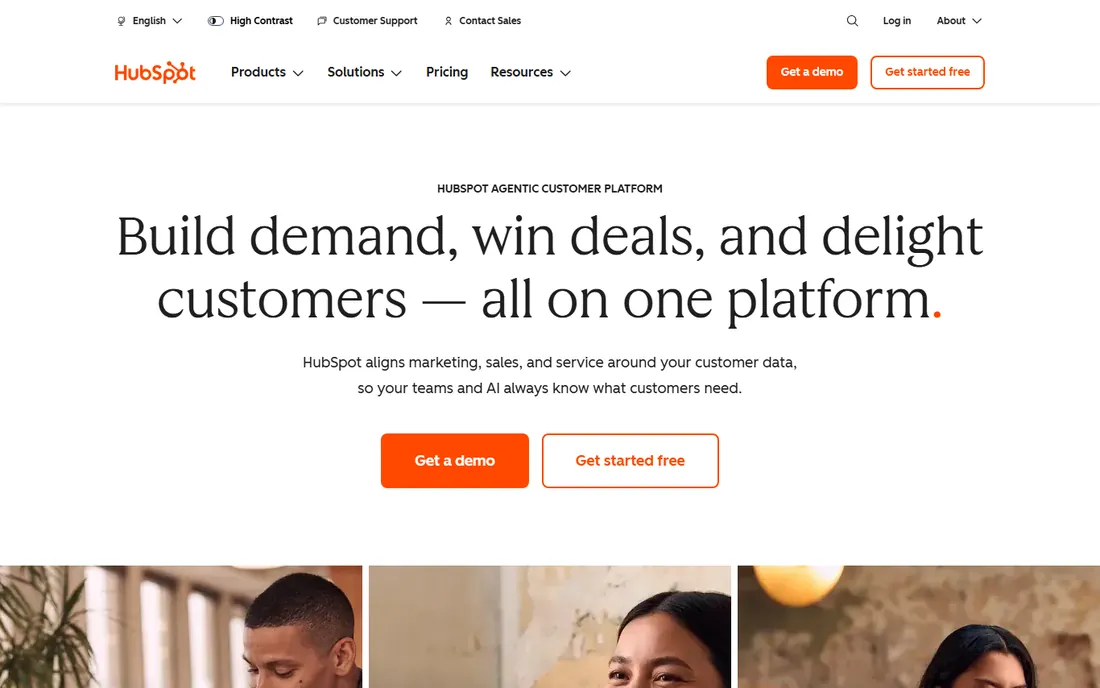
HubSpot's free CRM is the reason it tops so many shortlists: contact management, deal pipelines, email tracking and basic automation cost nothing, which removes the biggest barrier to CRM adoption. As teams grow, the paid Sales Hub adds sequences, forecasting and playbooks, and the shared database means marketing and service see the same customer your reps do.
The honest catch is the pricing curve. HubSpot is cheap to start and expensive to scale; costs rise with contacts, seats and hub tiers, and the onboarding fees on higher plans surprise buyers. Small teams should enjoy the free tier fully before upgrading, and growing companies should model the three-year cost, not the first-year teaser. For teams that value ease over infinite customization, it remains the safest pick.
What we like- Genuinely useful free CRM with contact management, pipelines and email tracking
- Marketing, sales and service hubs share one database
- Easy automation that non-technical teams can build
Watch out for- Paid tiers get expensive fast as contacts and seats grow
- Advanced reporting and customization sit behind higher plans
Starting priceSee website
Free planNo
Salesforce is the enterprise default for reasons that compound: whatever your sales process looks like, it can be modeled; whatever integration you need, someone built it on AppExchange. The platform's breadth (Sales, Service, Marketing clouds plus Einstein AI) means large organizations consolidate many tools onto one contract.
The honest catch is everything around the license. Salesforce projects famously need implementation partners, ongoing admin staffing and a growing stack of add-ons, and the total cost of ownership is a multiple of the per-user price. Small and mid-size teams often buy Salesforce for prestige and drown in complexity. Buy it when your process genuinely needs its depth, not before.
What we like- Deepest customization and the largest app ecosystem (AppExchange)
- Einstein AI across sales, service and marketing
- Proven at the largest global scale
Watch out for- Implementation usually needs consultants or dedicated admins
- Total cost (licenses plus add-ons plus services) runs far above the sticker price
Starting priceSee website
Free planNo
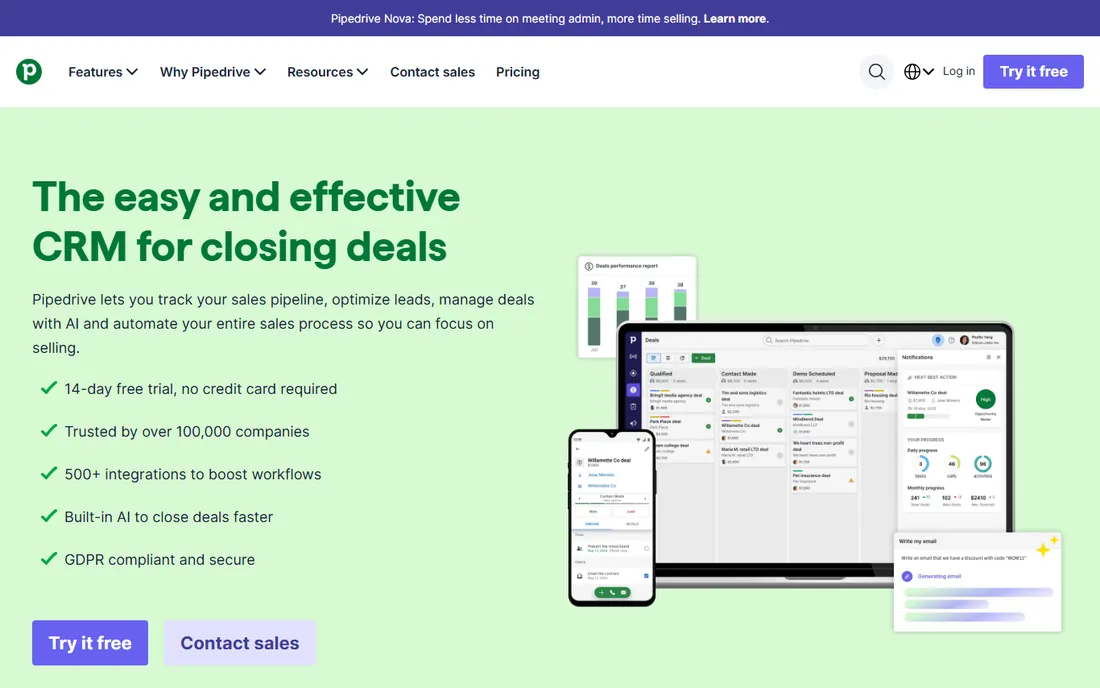
Pipedrive was designed around a simple insight: salespeople do activities, and deals move when activities get done. Its visual pipeline makes the next action obvious for every deal, and the activity-based methodology nudges reps toward the behaviors that close. Adoption is the product's superpower; teams that ignored previous CRMs often take to Pipedrive immediately.
The trade-off is scope. Pipedrive is a sales tool, not a customer platform; marketing automation and service features are basic next to HubSpot or Salesforce. Companies that need those will bolt on other tools. But for sales-led SMBs where the pipeline is the business, Pipedrive's focus is exactly right.
What we like- Visual pipeline that salespeople actually enjoy using
- Activity-based selling methodology built into the workflow
- Fast setup with high team adoption
Watch out for- Marketing and service features are thin compared to suites
- Reporting depth lags enterprise platforms
#4
Zoho CRM
Best for: Budget-conscious teams that still want real depth
Visit zoho.com
Starting priceSee website
Free planYes
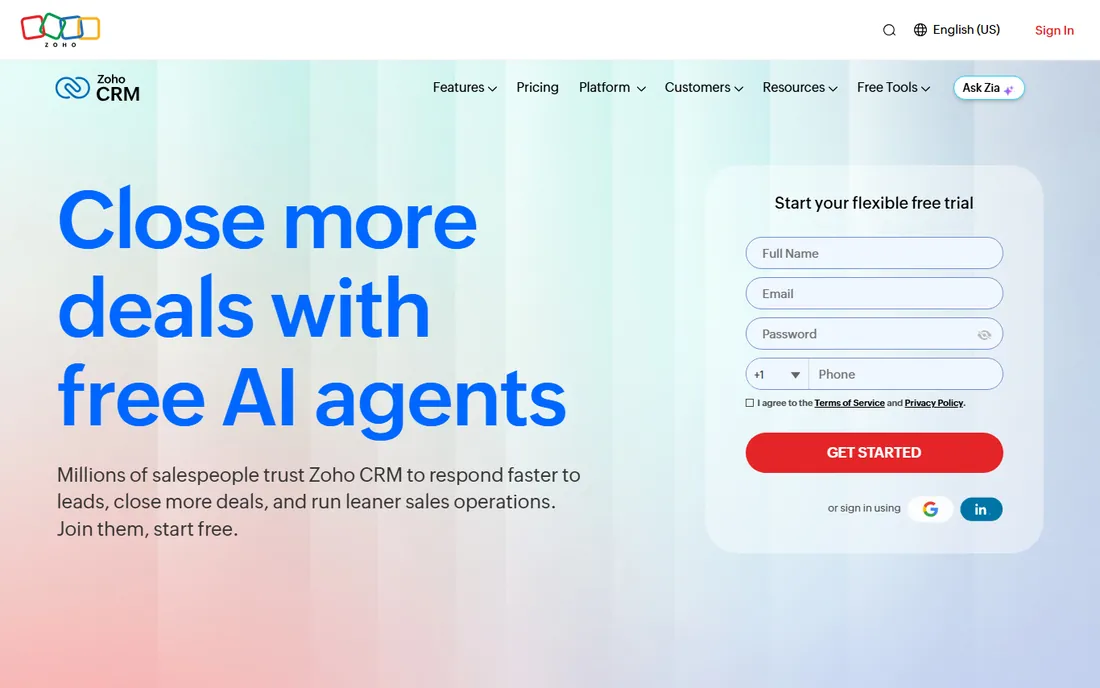
Zoho CRM is the value champion of this list. Workflow automation, omnichannel communication, AI-assisted insights and deep customization come at prices that undercut every Western competitor, and the free tier covers tiny teams outright. For businesses already in the Zoho ecosystem (Books, Mail, Projects), the integration value multiplies.
The honest critique is polish. The interface carries the weight of many features added over many years, and it shows next to HubSpot's design. Support experiences vary. But buyers who prioritize capability per dollar over aesthetics consistently land on Zoho, and the product improves every year.
What we like- Remarkable feature depth for the price, including AI assistant Zia
- Free tier for up to 3 users
- Tight integration across the affordable Zoho suite
Watch out for- Interface feels less polished than HubSpot or Pipedrive
- Support quality varies by plan tier
Starting priceSee website
Free planYes
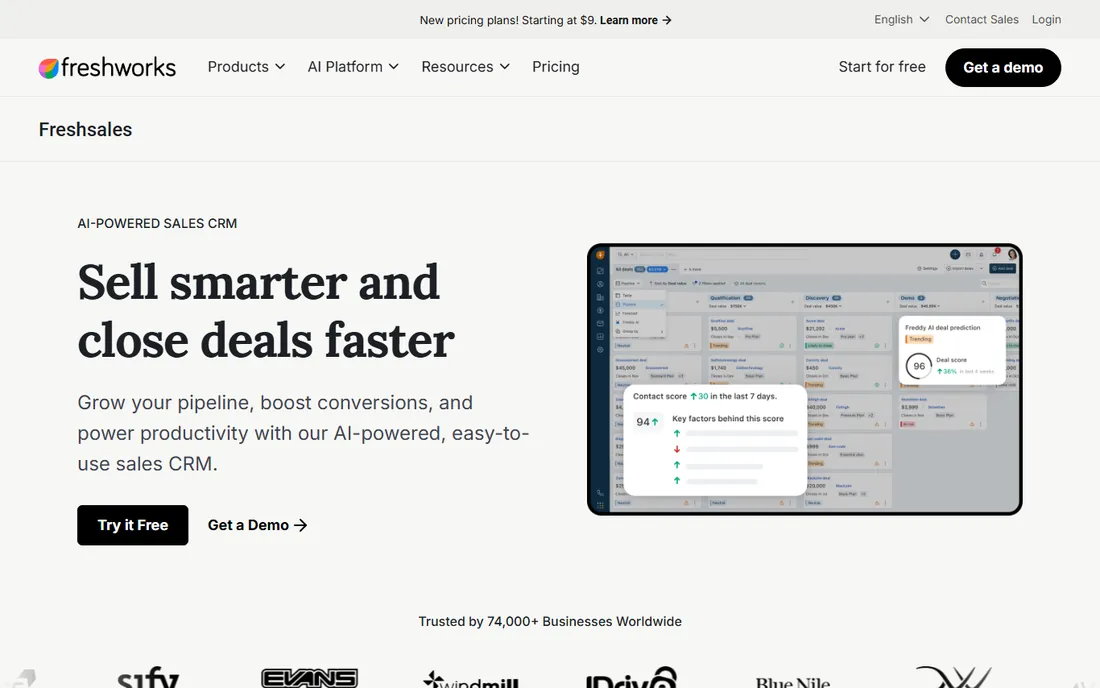
Freshsales (from Freshworks) targets sales productivity directly: the phone, email and messaging live inside the CRM, so reps stop tab-switching between five tools. AI scoring prioritizes the leads worth calling first, and deal insights flag stalled opportunities. The free tier makes it easy to pilot with a real team.
The ecosystem is the limitation. AppExchange it is not; niche integrations may need custom work. And like most CRMs, the genuinely useful automation sits above the entry tier. For SMB sales teams that want a modern, unified workspace without enterprise complexity, Freshsales hits a sweet spot.
What we like- Built-in phone, email and chat keep reps in one window
- AI lead scoring and deal insights
- Clean interface aimed at sales productivity
Watch out for- Ecosystem smaller than Salesforce or HubSpot
- Advanced customization needs higher tiers
Starting priceSee website
Free planNo
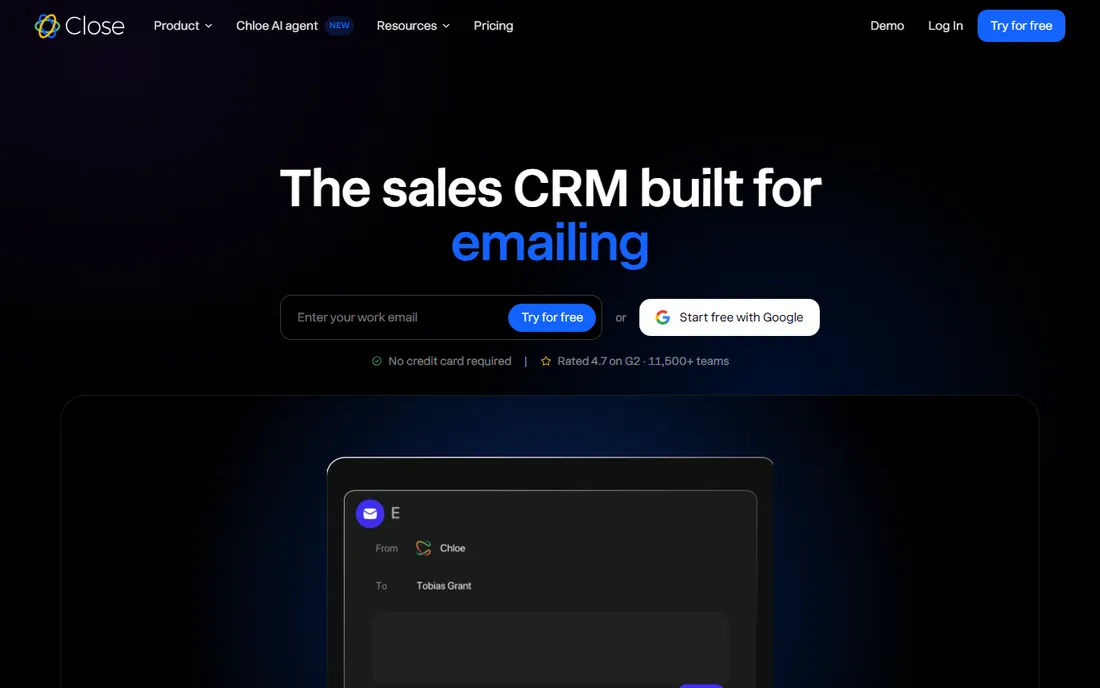
Close is the CRM for teams that sell by phone. The power dialer, built-in SMS, email sequences and automatic call logging are designed around one metric: conversations per rep per day. Data entry is minimized because the system logs activities itself, which solves the adoption problem by removing the chore.
It is unapologetically specialized. Field sales teams, enterprise account managers and companies needing deep customization will find it constraining, and there is no free tier to ease the decision. But for startups and SMBs running high-velocity outbound, Close's focus converts directly into pipeline.
What we like- Power dialer, SMS and email sequencing built for call-heavy workflows
- Minimal data entry with automatic activity logging
- Designed by and for inside salespeople
Watch out for- Premium pricing with no free tier
- Less suited to field sales or complex enterprise processes
Starting priceSee website
Free planNo
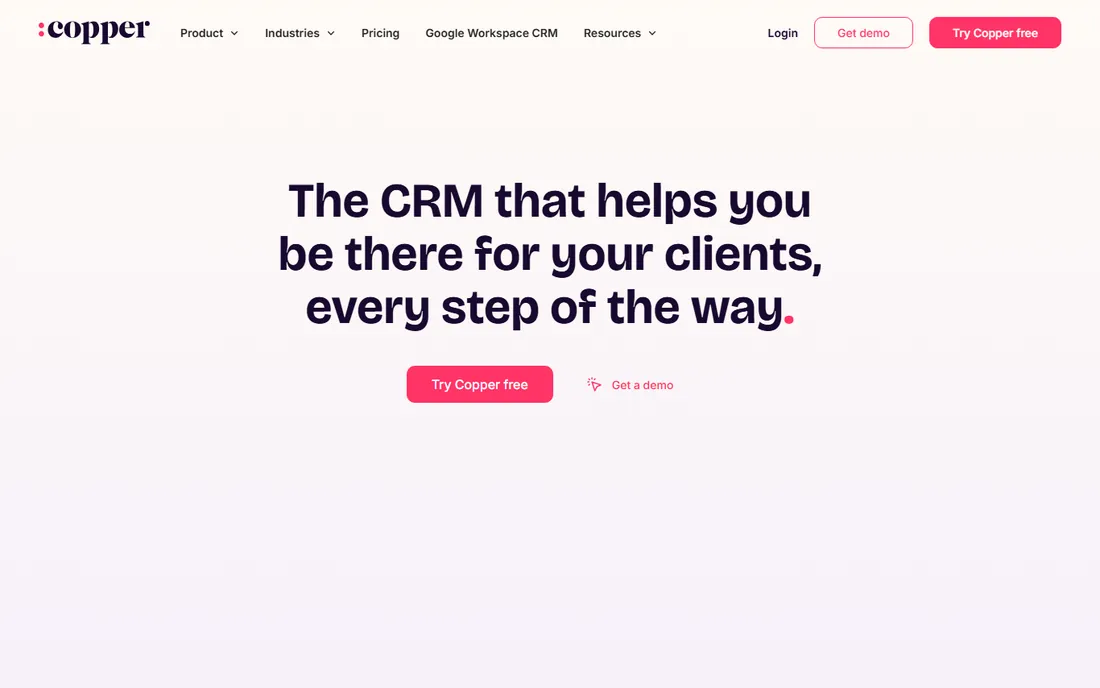
Copper's entire thesis is that CRM adoption fails because CRMs live outside the inbox. By embedding itself in Gmail and Google Workspace, Copper captures the relationship data where it already exists: emails become logged automatically, contacts enrich from threads, and the pipeline sits a click from the inbox. For Google-native teams, the friction of CRM drops to near zero.
The dependency is the catch. If your company ever leaves Google Workspace, Copper leaves with it, and the feature set is deliberately simpler than Salesforce or HubSpot. But simplicity is the point: teams that found other CRMs too heavy often find Copper is exactly enough.
What we like- Lives inside Gmail, Calendar and Drive, so adoption is nearly automatic
- No context-switching for Google-centric teams
- Clean, simple pipeline management
Watch out for- Google-dependent by design
- Feature depth trails the big suites for complex needs
Starting priceSee website
Free planYes
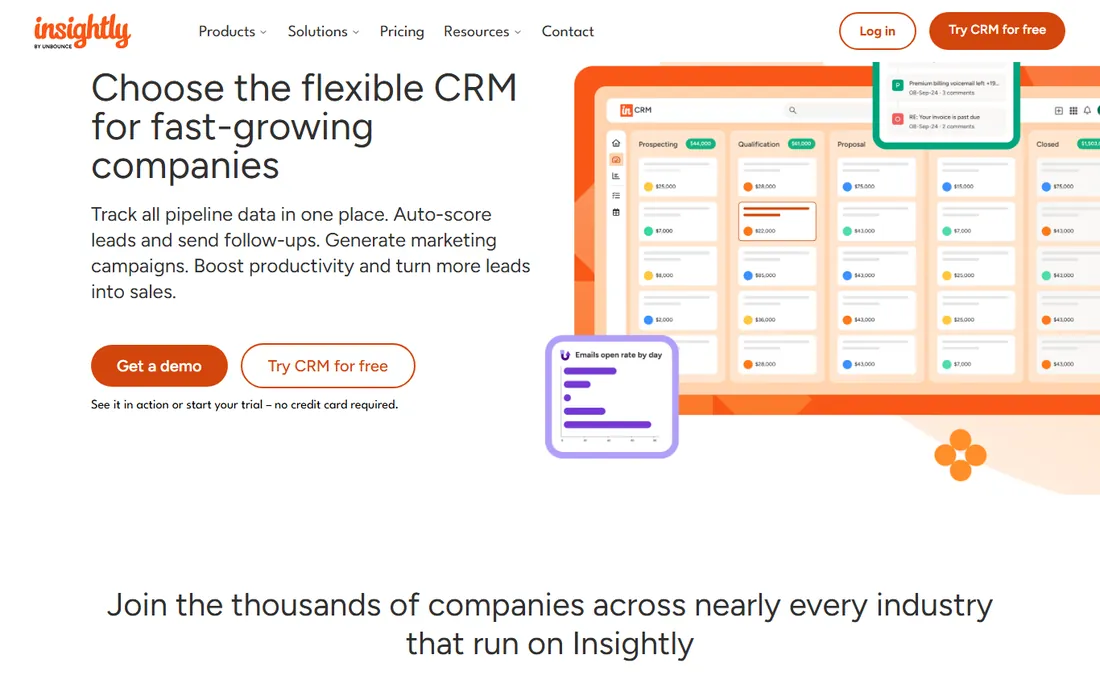
Insightly serves businesses where the sale is only half the job: agencies, consultants and contractors who sell a project and then deliver it. Linking opportunities directly to project plans with tasks and milestones removes the handoff gap that plagues service businesses. Marketing automation and a free tier round out a practical SMB package.
The compromise is depth. The CRM is not Pipedrive, the projects are not Asana, and the marketing is not HubSpot. Businesses with simple needs across all three will find it efficient; businesses with demanding needs in any one area should buy the specialist. For the sell-then-deliver SMB, though, the combination is genuinely useful.
What we like- Combines CRM with project management, so sold deals flow into delivery
- Marketing automation included
- Affordable for small teams
Watch out for- Jack-of-all-trades depth in each area trails specialists
- Interface and mobile experience feel dated
How we chose
We compared CRMs across the ways teams actually buy: free starters, sales-focused pipelines, value suites, inside-sales specialists and enterprise platforms. We weighed adoption likelihood, pricing transparency, free-tier usefulness, integration ecosystems and how honestly each product fits its stated buyer. Pricing comes from each vendor's own pricing page; where plans were not verifiable we used "See website." No hands-on testing was performed.
What to look for before you buy
Start with adoption, not features. Run a two-week trial with three real salespeople doing real work; the CRM they complain about least is usually the right one. A powerful CRM nobody opens is the most expensive kind.
Model the three-year cost, not the entry price. Per-seat pricing, contact tiers, required add-ons and implementation services compound. Ask each vendor for the all-in number at your projected headcount in year three.
Check the integrations that matter to you specifically: your email, your calendar, your accounting, your marketing tools. Generic "5,000 integrations" claims mean nothing if the three you need are shallow.
Finally, confirm data portability. You should be able to export every contact, deal, note and activity in a usable format at any time. Any vendor that makes leaving hard is telling you something about staying.
Frequently asked questions
What is the best free CRM?
HubSpot's free CRM is the most capable free option for most teams. Zoho CRM (up to 3 users), Freshsales and Insightly also offer free tiers. Free plans cover contact management and pipelines; automation and reporting usually require paid tiers.
How much does a CRM cost per user?
Entry paid tiers generally run $14 to $50 per user per month billed annually, with enterprise platforms higher. The bigger cost drivers are add-ons, implementation and the tiers your team actually needs, so model total cost, not the headline price.
Is Salesforce worth it for a small business?
Usually not. Salesforce's strength is customization and ecosystem at scale, but implementation costs and complexity overwhelm small teams. Pipedrive, HubSpot or Zoho CRM serve small businesses better at a fraction of the total cost.
What is the easiest CRM to use?
Pipedrive and Copper consistently win on ease of use: Pipedrive for its visual pipeline, Copper for living inside Gmail. HubSpot is also notably approachable. Ease correlates strongly with adoption, so weight it heavily.
Do I need a CRM if I use spreadsheets?
When your spreadsheet has multiple tabs, version conflicts or more prospects than you can track reliably, yes. The tipping point is usually around the time follow-ups start slipping through the cracks.
Can I switch CRMs later?
Yes, but migration is work: data cleanup, field mapping, workflow rebuilding and retraining. Choosing with a three-year horizon and confirming export capabilities up front makes a future switch far less painful.
Sources we checked (9)
- https://www.salesforce.com
- https://www.hubspot.com
- https://www.pipedrive.com
- https://www.zoho.com/crm/
- https://www.freshworks.com/crm/sales/
- https://www.close.com
- https://www.copper.com
- https://www.insightly.com
- https://github.com/ishandutta2007/awesome-crm
Is your product missing or out of date?
We review this list regularly. Vendors can request a listing, send updated pricing or ask about featured placement.

Shihab Mia · Founder, Rankite
Shihab has spent more than a decade helping SaaS and e-commerce brands grow through search. He writes Rankite's software buying guides from pricing pages, documentation and public user reviews. More about Shihab.