How we make this list: we compare pricing pages, product documentation and public user reviews. Rankite is independent; if a vendor ever pays for a featured spot, that listing is clearly labeled Partner.
Key takeaways
- HubSpot and Pipedrive have the strongest mobile apps for small sales teams.
- Salesforce Mobile covers the most depth for enterprises already on the platform.
- Close is built for phone-heavy outbound teams that call from anywhere.
- Free mobile CRM exists: HubSpot, Zoho CRM, Freshsales, and monday all offer free tiers.
Quick comparison
| Tool | Best for | Starting price | Free plan |
|---|
 HubSpot HubSpot | all-in-one simplicity | See website | Yes |
 Salesforce Salesforce | enterprise depth | $25 per user/month | Yes |
 Pipedrive Pipedrive | pipeline-driven selling | $14 per user/month (billed annually) | Free trial |
 Zoho CRM Zoho CRM | budget feature depth | See website | Yes |
 Freshsales Freshsales | AI-assisted selling | See website | Yes |
 Dynamics 365 Sales Dynamics 365 Sales | Microsoft shops | See website | Free trial |
 monday sales CRM monday sales CRM | visual workflows | See website | Yes |
 Close Close | outbound calling teams | $9 per user/month (billed annually) | Free trial |
Is your product missing or out of date?
We review this list regularly. Vendors can request a listing, send updated pricing or ask about featured placement.
The best crm mobile app
Starting priceSee website
Free planYes
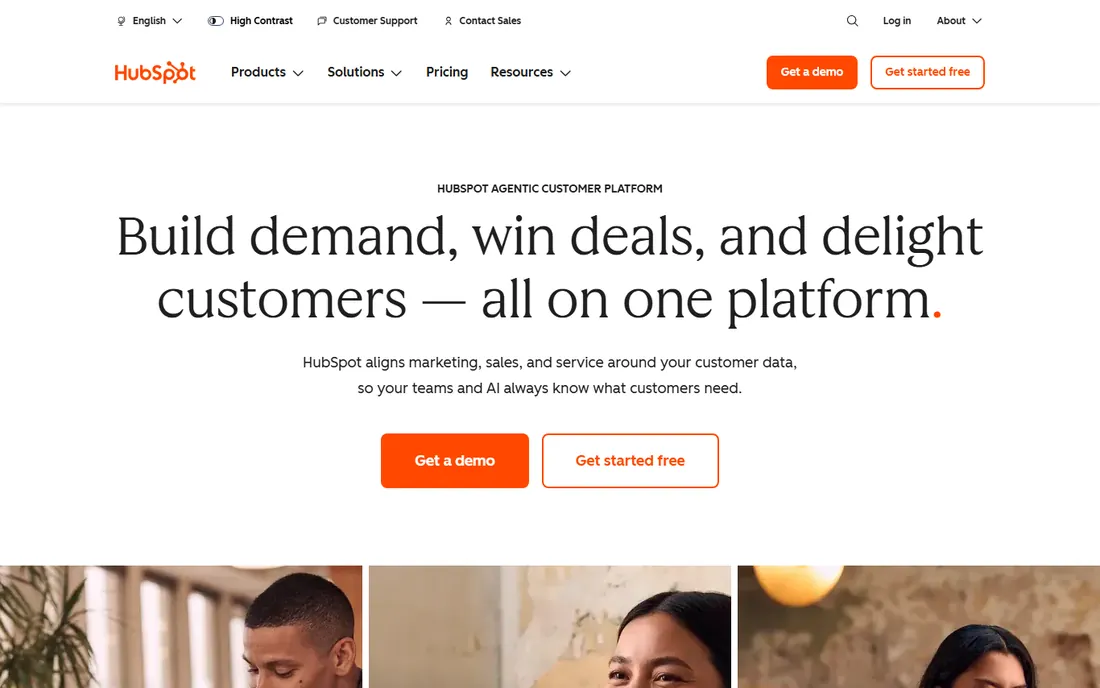
HubSpot's mobile app is one of the few that lets a rep work a full day from the phone. Calls, emails, deal updates, task management, and meeting scheduling all work natively on iOS and Android. The CRM core is free, which makes HubSpot the default recommendation for small teams that need mobile selling without a budget conversation.
The strength is completeness at the free tier: contacts, deals, and pipelines sync between mobile and desktop without friction. The honest catch is the upsell path. Serious sales features like sequences, predictive lead scoring, and advanced reporting sit in paid Sales Hub tiers, and costs rise as teams grow. Start free, pay when the pipeline justifies it.
What we like- Genuinely free CRM with capable mobile app
- Call, email, and log from the app
- Scales into full platform
Watch out for- Advanced sales features require paid Sales Hub seats
- Mobile reporting is lighter than desktop
Starting price$25 per user/month
Free planYes
Salesforce Mobile puts the world's most established CRM in a rep's pocket. Offline briefings, mobile dashboards, Einstein activity capture, and access to custom objects mean enterprise sellers are rarely blocked on the phone. Starter Suite begins at $25 per user per month, and a free CRM tier exists for small businesses getting started.
For organizations already standardized on Salesforce, the mobile app is non-negotiable infrastructure. The depth is unmatched: approvals, quotes, and service cases can all move from a phone. The catch is complexity. The mobile experience inherits Salesforce's configuration weight, and admins need to curate mobile layouts or reps drown in fields. Enterprises with dedicated admins will get the most from it.
What we like- Most complete mobile CRM for complex sales orgs
- Offline access and mobile dashboards
- Huge app ecosystem
Watch out for- Mobile UX can feel heavy
- Pricing climbs quickly with editions and add-ons
Starting price$14 per user/month (billed annually)
Free planFree trial
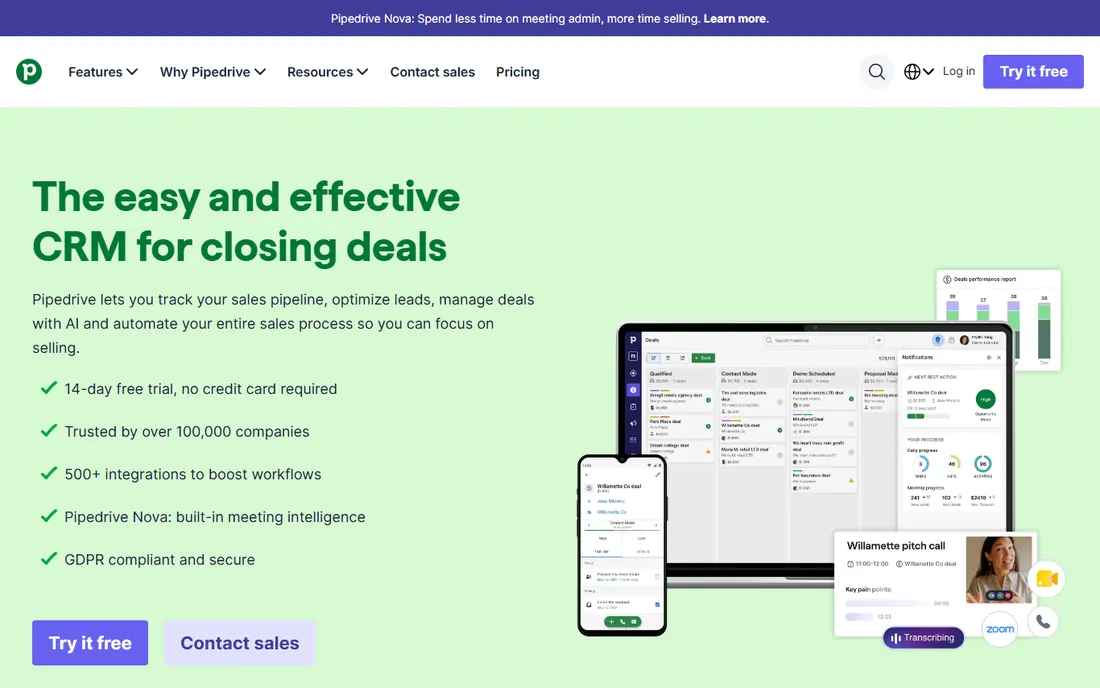
Pipedrive's mobile app is built for one job: moving deals forward from anywhere. The visual pipeline translates well to small screens, and logging calls, scheduling activities, and updating deal stages takes seconds. Plans start at $14 per user per month billed annually, with a free trial to evaluate.
For small sales teams that think in pipelines, Pipedrive's mobile experience is among the most usable. The app stays focused instead of cramming in the whole desktop product. The limitation is the pricing structure: there is no free plan, and email marketing and advanced features cost extra. Teams that want simple pipeline selling on mobile will not miss what is missing.
What we like- Mobile app designed around visual pipelines
- Fast deal updates and activity logging
- Affordable starting price
Watch out for- No free tier, only a trial
- Marketing features are add-ons
Starting priceSee website
Free planYes
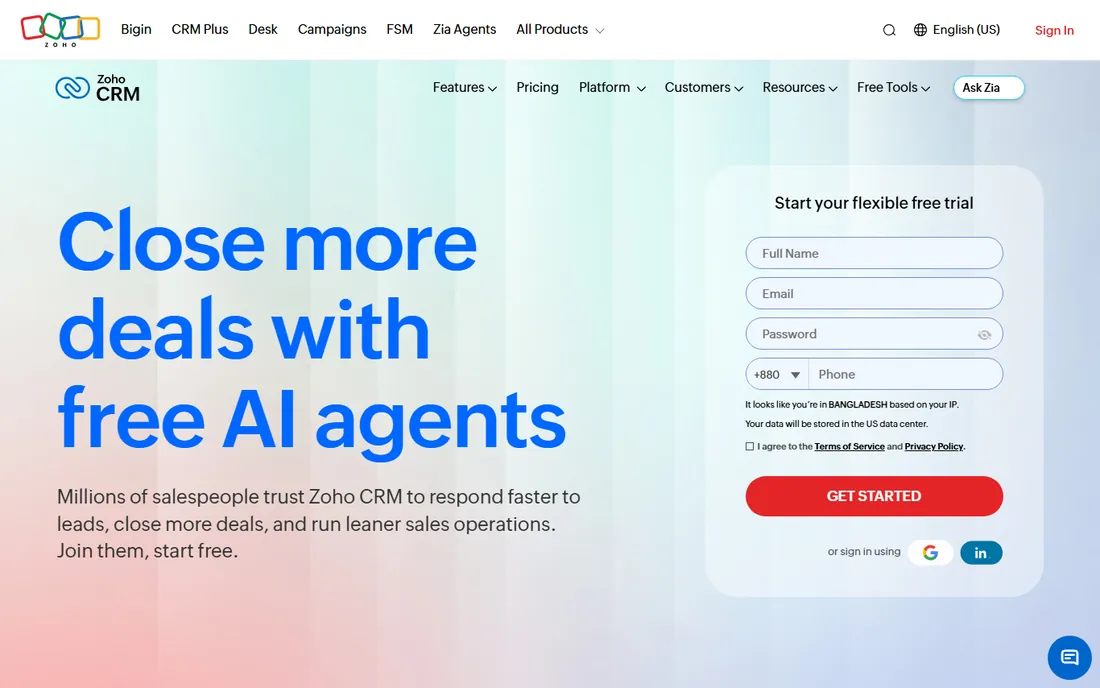
Zoho CRM's mobile app packs remarkable depth for the price, which starts at free for up to three users. Zia, the AI assistant, works on mobile for predictions and suggestions. Calls, emails, social, and even blueprint process enforcement are available in the app, and the Zoho One ecosystem keeps everything under one login.
The value proposition is unmatched at the low end: small teams get enterprise-style features free. The honest trade-off is polish. The mobile app carries a lot of functionality and can feel dense compared to Pipedrive or HubSpot. Teams that invest time in configuring views and permissions will be rewarded; teams that want instant simplicity should look elsewhere.
What we like- Free tier for up to 3 users
- Deep features including AI assistant on mobile
- Huge native app ecosystem
Watch out for- Mobile interface can feel dense
- Some advanced features locked behind higher tiers
Starting priceSee website
Free planYes
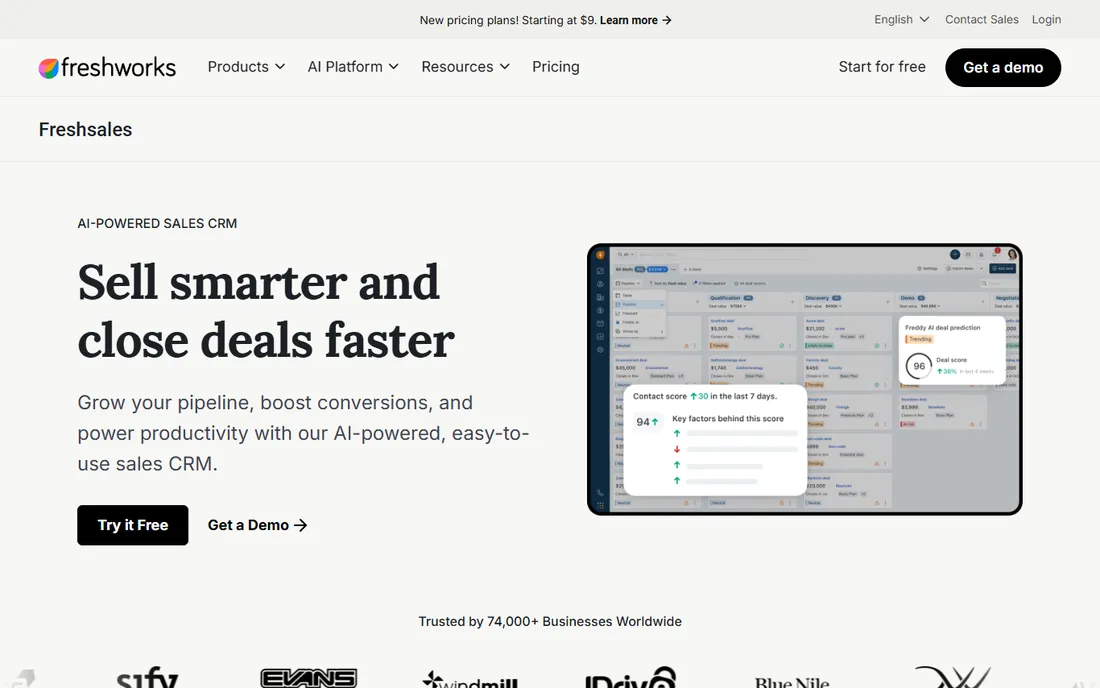
Freshsales, now positioned within the Freshworks CRM family, brings Freddy AI to mobile selling: lead scoring, deal insights, and conversation intelligence that help reps prioritize from the phone. The interface is modern and uncluttered, and a free plan lets small teams start without spending.
For teams that want AI assistance without enterprise complexity, Freshsales is a strong middle option. Built-in phone, email, and WhatsApp on mobile cover the channels reps actually use. The caveat is the product's shifting identity within Freshworks, which has renamed and reorganized the lineup. Verify the current plan structure on the pricing page before committing.
What we like- Freddy AI built into mobile workflows
- Clean modern interface
- Free plan to start
Watch out for- Freshworks rebranding has shuffled product pages
- Smaller ecosystem than leaders
Starting priceSee website
Free planFree trial
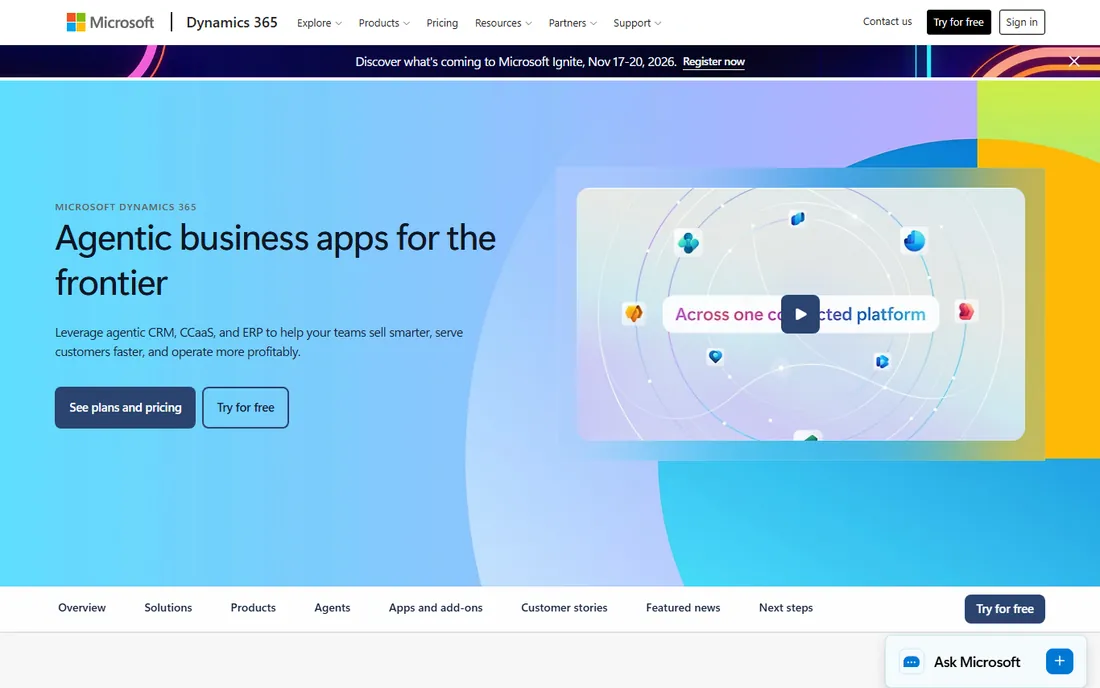
Dynamics 365 Sales is the natural mobile CRM for organizations living in Microsoft 365. The mobile app integrates with Teams calling, Outlook email, and Copilot summaries, so sellers work inside tools they already open daily. Enterprise-grade security and compliance come standard.
The fit is clear: if your company runs on Microsoft, this is the path of least resistance. Mobile offline capability and relationship analytics are genuinely useful. The honest catch is weight. Dynamics 365 Sales is an enterprise platform with enterprise implementation needs; small teams without a Microsoft partner will struggle. This is a mobile app for organizations, not for solo reps.
What we like- Native Teams, Outlook, and Office integration on mobile
- Copilot AI assistance
- Strong enterprise security
Watch out for- Overkill for small teams
- Implementation typically needs a partner
Starting priceSee website
Free planYes
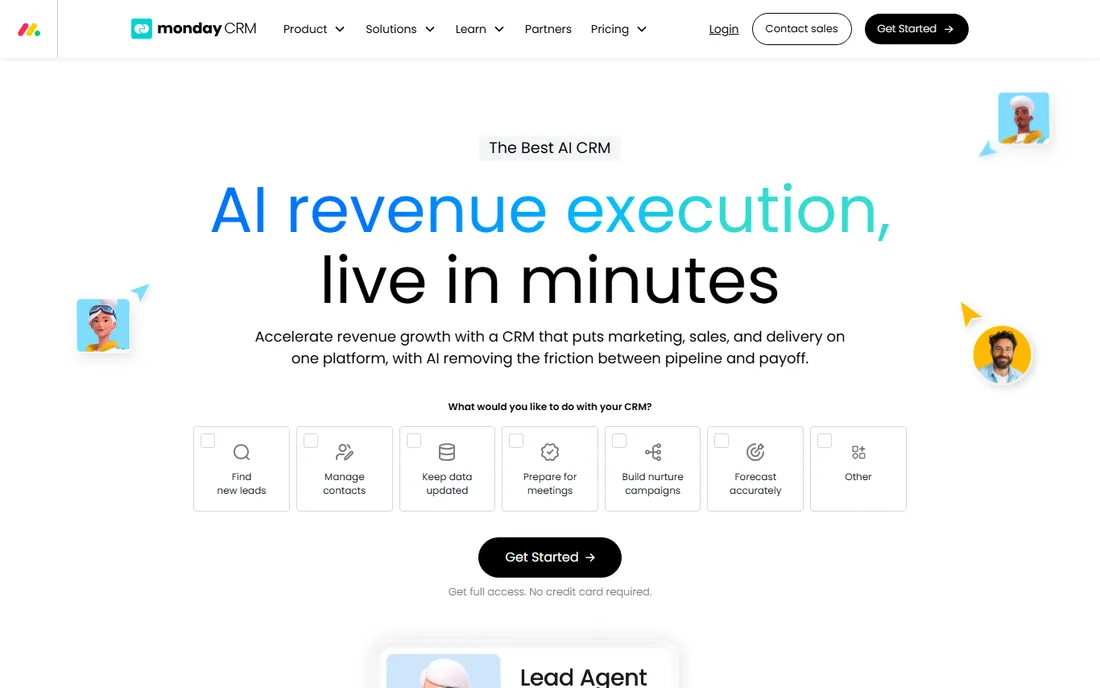
monday sales CRM brings the platform's visual board style to mobile selling. Pipelines, lead lists, and deal boards are genuinely pleasant on a phone, and the no-code customization means teams shape the CRM to their process rather than the reverse. A free tier covers up to two seats.
For teams that chose monday for project work and want sales in the same system, the mobile app keeps everything unified. The limitation is CRM maturity: dedicated platforms offer deeper sales features like advanced forecasting and territory management. If visual flexibility matters more than sales-specific depth, monday's mobile experience is a pleasure to use.
What we like- Highly visual boards translate well to mobile
- Flexible no-code customization
- Free tier for up to 2 seats
Watch out for- CRM depth is lighter than dedicated sales CRMs
- Costs scale with automations
Starting price$9 per user/month (billed annually)
Free planFree trial
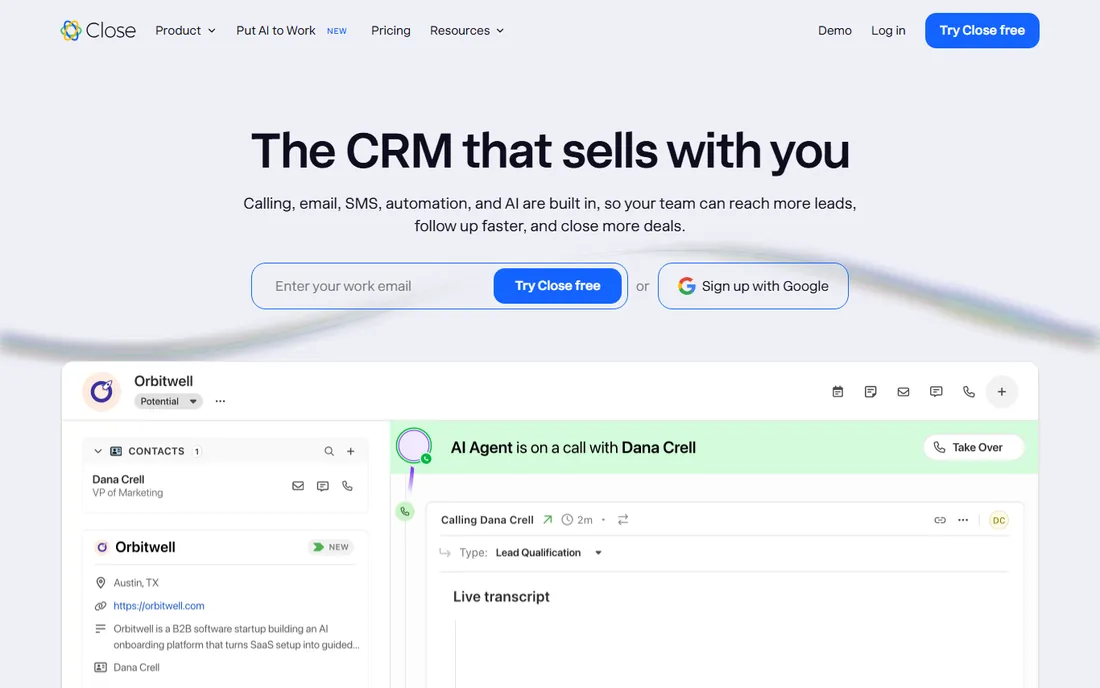
Close was built for teams that sell by phone, and its mobile app reflects that: built-in calling, SMS, and email sequences mean an outbound rep can run a full call block from anywhere. Plans start at $9 per user per month billed annually for solo operators, with a free trial.
For inside sales teams and startups doing high-volume outreach, Close's mobile app is a weapon. The power dialer and automatic activity logging cut the admin that usually follows call blocks. The trade-off is focus: complex enterprise sales with long cycles and custom objects will outgrow it. High-velocity outbound teams will not.
What we like- Built-in calling and SMS from the mobile app
- Power dialer for high-volume teams
- Predictable per-seat pricing
Watch out for- Less suited to long-cycle enterprise sales
- Reporting is functional rather than deep
How we chose
We evaluated the mobile CRM market by checking each vendor's current product pages, app store presence, and public documentation, then confirmed every homepage URL by opening it directly. We weighted what reps can actually do on the phone, logging calls, moving deals, communicating, over desktop feature lists. Pricing reflects current vendor pricing pages, with free tiers and trial availability verified. We never claim hands-on testing.
What to test in the mobile app before buying
Desktop demos hide mobile weaknesses. Run this checklist during every trial.
The parking lot test
Can a rep log a call, update a deal stage, and schedule the follow-up from the phone in under two minutes? If the mobile app is read-only for your key workflows, it will not fix the Friday-afternoon data dump.
Offline and notifications
Field reps lose signal. Check offline access for the day's schedule and contacts, plus push notifications for assigned leads and meeting reminders. A mobile CRM that needs constant connectivity fails in rural territories.
Admin control
Ask who configures mobile layouts. The best mobile apps let admins simplify views per role, hiding the 40 custom fields that make desktop Salesforce unusable on a phone. If every user sees everything, adoption will suffer.
Mobile CRM and data hygiene
The dirty secret of mobile CRM is that easy logging can mean messy logging. Reps typing with thumbs create duplicate contacts and one-word notes. Before rollout, set required fields for mobile-created records, enable duplicate detection, and define what a good mobile note looks like. The teams that gain forecast accuracy from mobile CRM are the ones that pair the app with five minutes of data standards. The app gets the data in; your process decides whether it is worth anything.
Frequently asked questions
What is the best CRM mobile app?
HubSpot and Pipedrive lead for small teams, Salesforce and Dynamics 365 lead for enterprises, and Close leads for outbound calling teams. The best choice depends on your sales motion and existing stack.
Is there a free CRM with a mobile app?
Yes. HubSpot CRM, Zoho CRM (up to 3 users), Freshsales, and monday sales CRM all offer free tiers with mobile apps. Salesforce also offers a free CRM tier for small businesses.
Can I make calls from a CRM mobile app?
Most leading CRM mobile apps include built-in calling. Close, HubSpot, Salesforce, and Freshsales all support calling from the app, with automatic logging to the contact record.
Do CRM mobile apps work offline?
Many do, with limits. Salesforce Mobile and Dynamics 365 offer offline briefings and record access; others cache recent records. Check each vendor's offline documentation for your specific workflows.
Which CRM mobile app is easiest to use?
Pipedrive and HubSpot consistently rank as the most intuitive for small teams. Zoho CRM and monday offer more customization at the cost of simplicity.
How much does a CRM mobile app cost?
Mobile apps are included with the CRM subscription, not priced separately. Entry pricing runs from free tiers up to $25 per user per month for Salesforce Starter; verify current pricing on each vendor's site.
Sources we checked (8)
- https://www.hubspot.com
- https://www.salesforce.com/
- https://www.pipedrive.com
- https://www.zoho.com/en-us/crm/
- https://www.freshworks.com/crm/sales/
- https://www.microsoft.com/en-us/dynamics-365/
- https://monday.com/crm
- https://close.com
Is your product missing or out of date?
We review this list regularly. Vendors can request a listing, send updated pricing or ask about featured placement.

Shihab Mia · Founder, Rankite
Shihab has spent more than a decade helping SaaS and e-commerce brands grow through search. He writes Rankite's software buying guides from pricing pages, documentation and public user reviews. More about Shihab.