How we make this list: we compare pricing pages, product documentation and public user reviews. Rankite is independent; if a vendor ever pays for a featured spot, that listing is clearly labeled Partner.
Key takeaways
- Salesforce Revenue Cloud is the default pick if your team already lives in Salesforce, but budget for a 3 to 6 month implementation and a Sales Cloud license on top of the $150 per user monthly fee.
- DealHub and PandaDoc are the fastest routes to cleaner quotes for mid-market and small teams, with DealHub covering CPQ plus contracts and billing, and PandaDoc winning on document workflow.
- HubSpot CPQ costs nothing extra beyond Sales Hub, which makes it the cheapest way to start, but it runs out of room once you need usage-based pricing or quote-to-invoice automation.
- PROS Smart CPQ is the pricing nerd's choice, with published per-user pricing ($60 to $75) and quote analytics that most rivals only offer at enterprise tiers.
- If you sell subscriptions, look hard at Hyperline, which puts CPQ and billing in one system for $199 a month plus a cut of revenue, so there is no quote-to-billing handoff to maintain.
Quick comparison
| Tool | Best for | Starting price | Free plan |
|---|
 Salesforce Revenue Cloud Salesforce Revenue Cloud | Salesforce-based teams wanting quoting, contracts and billing together | $150 per user/month (billed annually) | Free trial |
 DealHub DealHub | Mid-market teams wanting CPQ, CLM and billing in one deal | See website | Free trial |
 PandaDoc PandaDoc | Small teams needing quotes, proposals and e-signatures fast | $19 per user/month | Yes |
 HubSpot CPQ HubSpot CPQ | HubSpot users who want quoting inside their CRM | $90 per seat/month (billed annually) | Yes |
 PROS Smart CPQ PROS Smart CPQ | Enterprises with complex pricing and big catalogs | $60 per user/month | No |
 Conga CPQ Conga CPQ | Large companies needing CPQ plus strong contract management | See website | Free trial |
 Experlogix Experlogix | Manufacturers and distributors with complex configuration | See website | Free trial |
 Tacton Tacton | Manufacturers selling engineer-to-order products | See website | No |
 Oracle CPQ Oracle CPQ | Oracle-heavy enterprises needing global quote-to-cash | See website | No |
 Hyperline Hyperline | SaaS startups wanting CPQ and billing in one system | $199 per month + 0.6% of revenue | Free trial |
Is your product missing or out of date?
We review this list regularly. Vendors can request a listing, send updated pricing or ask about featured placement.
The best CPQ software for streamlining quote-to-cash
#1
Salesforce Revenue Cloud
Best for: Salesforce-based teams wanting quoting, contracts and billing together
Visit salesforce.com
Starting price$150 per user/month (billed annually)
Free planFree trial
Salesforce Revenue Cloud is the current name for what most people still call Salesforce CPQ (originally SteelBrick). If your sales team and customer data already live in Salesforce, this is the path of least resistance: quotes, approvals, orders, contracts and billing share one data model.
The catch is cost and effort, both of which are real. Revenue Cloud Growth lists at $150 per user per month billed annually, and that sits on top of a required Sales Cloud license. Consumption billing needs the Advanced tier at $200 per user per month. Most deployments need an implementation partner and run three to six months. For a Salesforce-standardized company with complex configuration needs, it is still the safest enterprise bet. For everyone else, it is overkill.
What we like- Native to the Salesforce platform
- Covers quoting, subscriptions, contracts and billing
- Largest partner and integrator network in the category
Watch out for- Requires a Sales Cloud license on top
- Implementations typically run 3 to 6 months
- Advanced tier needed for consumption billing
#2
DealHub
Best for: Mid-market teams wanting CPQ, CLM and billing in one deal
Visit dealhub.io
Starting priceSee website
Free planFree trial
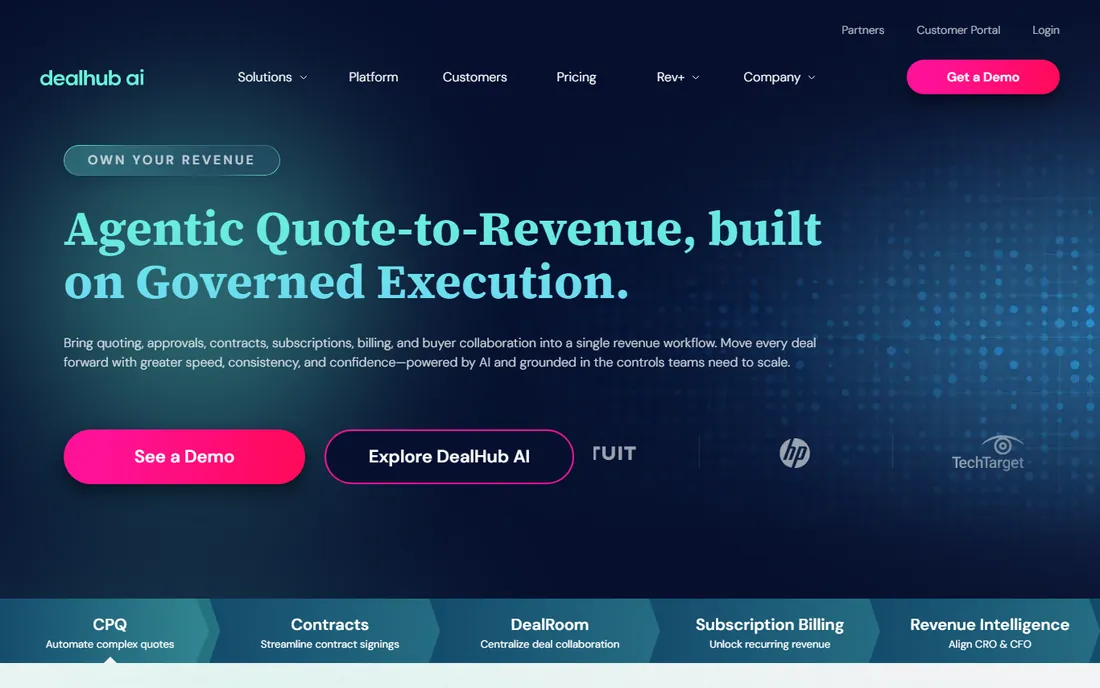
DealHub pitches itself as the quote-to-revenue platform for companies that find Salesforce CPQ too heavy and document tools too light. One subscription covers guided selling, approvals, a buyer-facing DealRoom with e-sign, contracts and subscription billing. Because it is no-code, your RevOps team can change a price book or discount policy without filing a ticket with IT.
Pricing is entirely quote-based, which cuts both ways. You will not find a public rate card, so budget time for a sales cycle and get specific about which users need full licenses and which modules are included. The sweet spot is a sales-led SaaS or services company doing $5M to $200M that wants one vendor from quote to cash without a nine-month project.
What we like- CPQ, digital deal rooms, contracts and subscription billing in one platform
- No-code setup that admins can change without developers
- Fast implementations, often 4 to 8 weeks
Watch out for- Quote-based pricing with no public rate card
- One-time implementation fee
- Buyer engagement tracking costs extra on some comparisons
#3
PandaDoc
Best for: Small teams needing quotes, proposals and e-signatures fast
Visit pandadoc.com
Starting price$19 per user/month
Free planYes
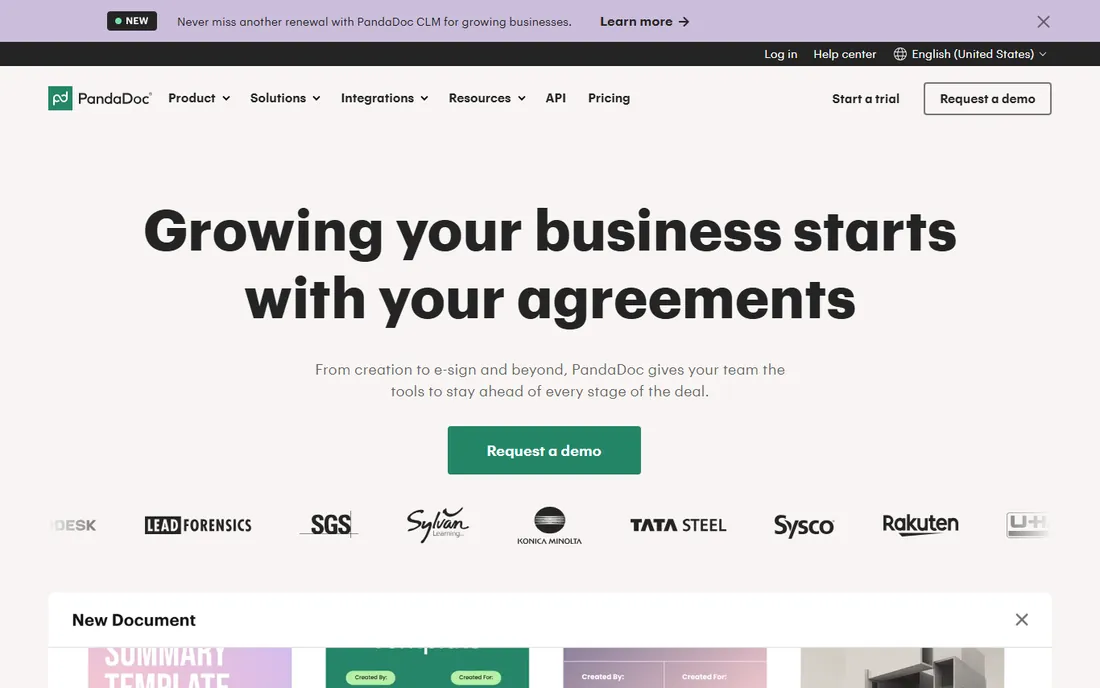
PandaDoc comes at quoting from the document side rather than the pricing-engine side, and for many small businesses that is exactly right. Reps build proposals with pricing tables in a drag-and-drop editor, send them for e-signature, and collect payment in the same flow. Essentials starts at $19 per user per month, a free plan covers basic e-signing, and a 14-day trial covers the paid features.
Be honest about what it is not. If your quotes need constraint-based configuration or 1,000-line bills of materials, PandaDoc will frustrate you, and the serious CPQ functionality requires the Enterprise tier on a custom quote. But if your problem is that proposals take days and stall at signature, PandaDoc fixes that in a week or two. It integrates with Salesforce, HubSpot, Pipedrive and the usual CRMs.
What we like- Genuinely free e-sign plan to start
- Drag-and-drop document builder reps actually enjoy
- Pricing tables, payments and analytics built into quotes
Watch out for- Real CPQ features (pricing rules, approvals depth) sit on the Enterprise plan
- Per-user pricing adds up as the team grows
- Not built for complex product configuration
#4
HubSpot CPQ
Best for: HubSpot users who want quoting inside their CRM
Visit hubspot.com
Starting price$90 per seat/month (billed annually)
Free planYes
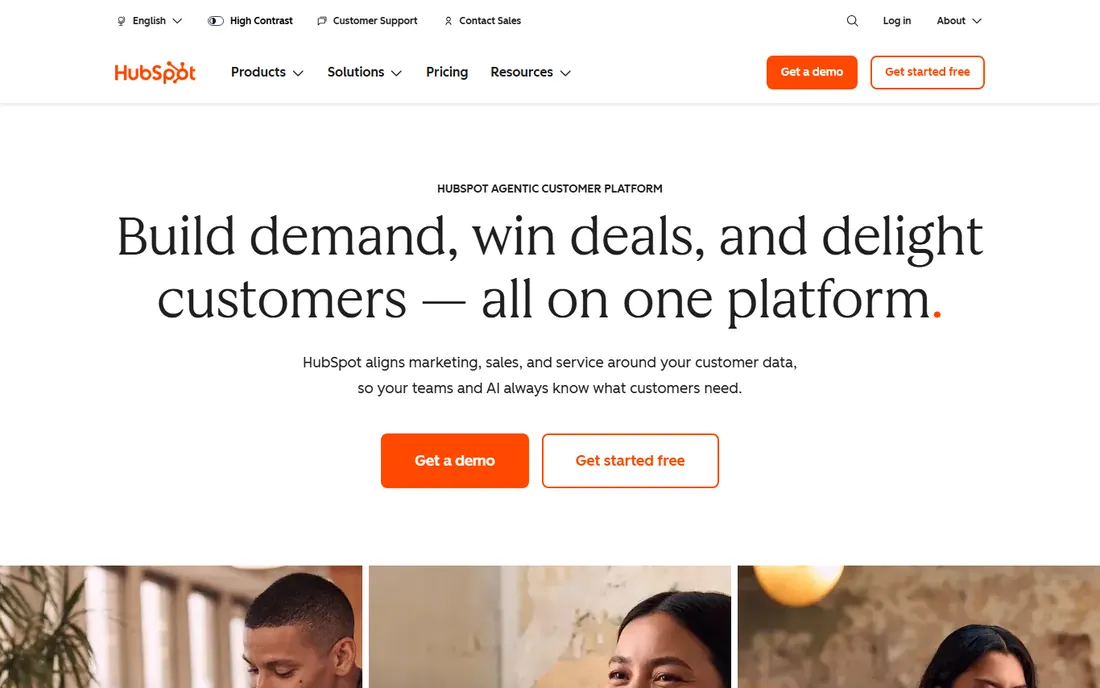
HubSpot CPQ is the quotes tool inside Sales Hub, so there is nothing new to learn and no integration to maintain. Line items pull from your product library and everything lands back on the deal record. Free CRM tools include basic quoting; the full experience comes with Sales Hub Professional at $90 per seat per month billed annually.
The limits show up as you grow. There is no real usage-based pricing engine, subscription management is basic, billing still happens in another system, and reporting stays shallow compared with dedicated CPQ tools. HubSpot also charges a mandatory $1,500 onboarding fee on Professional, which stings on a small team. For a HubSpot-centered company under $10M doing straightforward quotes, it is the obvious and cheapest choice. Past that, most teams outgrow it and migrate to something like DealHub or Hyperline.
What we like- Quotes live inside the CRM your team already uses
- Free tools include basic quoting
- Fast setup with no implementation project
Watch out for- $1,500 mandatory onboarding on Professional
- Limited pricing flexibility and reporting at scale
- No native quote-to-invoice automation
#5
PROS Smart CPQ
Best for: Enterprises with complex pricing and big catalogs
Visit pros.com
Starting price$60 per user/month
Free planNo
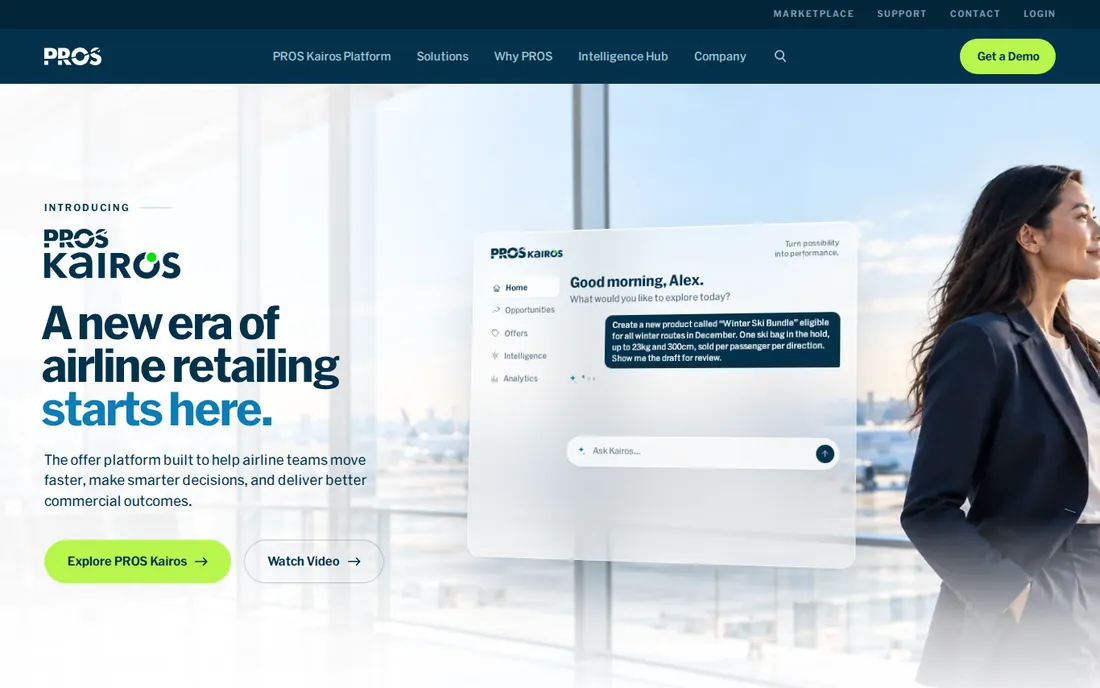
PROS is the rare enterprise CPQ vendor that publishes its prices: Essentials at $60 per user per month and Advantage at $75, both billed annually. Essentials covers guided selling, rule-based configuration and subscription pricing. Advantage adds constraints-based configuration for engineer-to-order workflows, tiered pricing and quote analytics.
That transparency is refreshing, but do not mistake it for a self-serve product. PROS comes from the world of pricing science, and its sweet spot is companies with genuinely complex pricing: multiple currencies, customer-specific agreements and large catalogs. Smaller teams will find the power unnecessary and the sales process still enterprise-shaped.
What we like- Published per-user pricing, rare in this category
- Strong pricing science and quote analytics
- Handles up to 10,000 line items on the Advantage tier
Watch out for- No free trial or free plan
- AI and price optimization features cost extra
- Enterprise sales cycle despite the transparent pricing
#6
Conga CPQ
Best for: Large companies needing CPQ plus strong contract management
Visit conga.com
Starting priceSee website
Free planFree trial
Conga's strengths are the unglamorous ones: contracts and documents. Conga CLM is a mature standalone product, and Composer remains the standard for complex templated documents. The CPQ side handles subscriptions, bundles and multi-currency quoting, and unlike Salesforce-native rivals it runs on Dynamics 365 and SAP too.
What you give up is modernity and price transparency. There is no rate card on conga.com, users regularly describe the interface as clunky, and reporting takes more work than it should. Conga fits large enterprises that need the full commerce chain on one platform and have the team to run it. Smaller companies will drown in it.
What we like- Mature contract lifecycle management and document generation
- Works across Salesforce, Dynamics 365 and SAP
- API-first design embeds quoting into ecommerce and portals
Watch out for- No public pricing on its own site
- Interface feels dated to many users
- Implementations typically run 3 to 6 months
#7
Experlogix
Best for: Manufacturers and distributors with complex configuration
Visit experlogix.com
Starting priceSee website
Free planFree trial
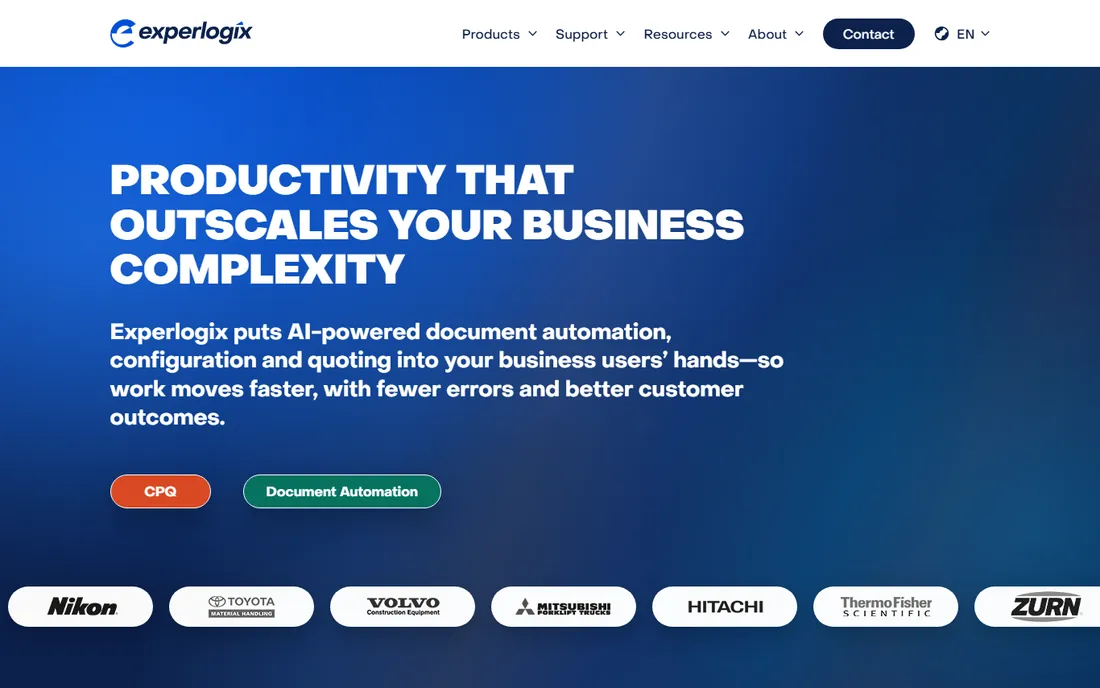
Experlogix is the CPQ vendor manufacturers call when their products have real engineering behind them. Its rules engine controls which options and prices combine validly, and the visual configurator shows changes as they happen. It also does document automation and digital commerce, so one vendor covers quotes, order documents and the customer portal.
The trade-offs are familiar for this segment. Pricing is quote-based with no public numbers, implementations take real effort, and reviewers warn of a steep learning curve. But the integrations are genuinely broad: Dynamics 365, NetSuite, Salesforce, SAP and a long list of ERPs. If your quoting problem is really a configuration problem, Experlogix deserves a demo. If you sell software subscriptions, look elsewhere.
What we like- Deep integrations with Dynamics 365, NetSuite and Salesforce
- Logic-based rules engine handles complex product constraints
- Visual configuration shows options in real time
Watch out for- No published pricing
- Setup is complex and often needs consultants
- Learning curve is steep for new admins
#8
Tacton
Best for: Manufacturers selling engineer-to-order products
Visit tacton.com
Starting priceSee website
Free planNo
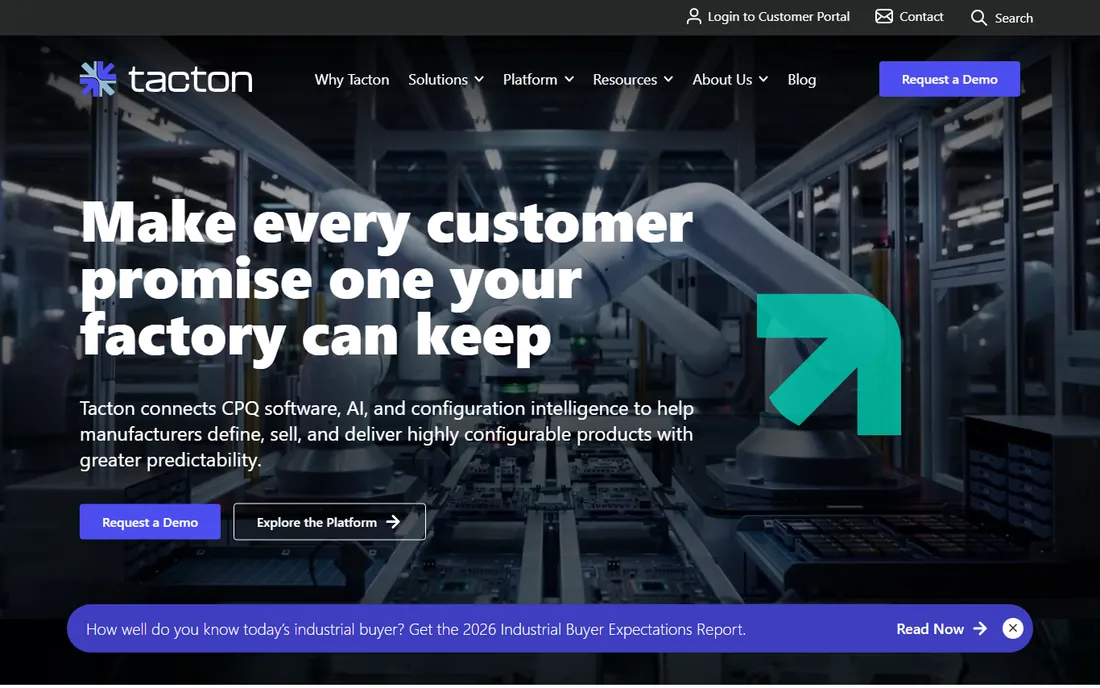
Tacton is a Swedish company that has spent over 25 years on one problem: quoting products that are engineered to order. Its constraint-based configuration engine handles the kind of complexity that breaks lesser tools, thousands of interdependent options across product families, and it connects the sold configuration to a factory-ready bill of materials. That quote-to-manufacturing link is the whole point.
This is not a tool for SaaS companies or simple services. Pricing is entirely custom and there is no trial. But if you sell industrial machinery, heavy vehicles or complex configured systems, Tacton is one of a handful of vendors that can actually do the job, and analysts consistently rank it as a leader for manufacturing CPQ.
What we like- Constraint-based configuration built for extreme product complexity
- Connects quoting to bills of materials and manufacturing
- Decades of manufacturing focus
Watch out for- No public pricing and no free trial
- Overkill for simple or services quoting
- Swedish vendor with a smaller North American partner network
#9
Oracle CPQ
Best for: Oracle-heavy enterprises needing global quote-to-cash
Visit oracle.com
Starting priceSee website
Free planNo
Oracle CPQ (the former BigMachines) is the enterprise establishment choice alongside Salesforce. It covers guided selling, dynamic pricing, approvals, contracts and e-signature in one platform, pairs with Oracle Subscription Management for recurring revenue, and handles multi-language documents and global price books. Oracle cites nine straight years as a Leader in Gartner's CPQ Magic Quadrant.
The honest assessment: it is at its best inside an Oracle estate, integrated with Oracle Sales and Fusion ERP, where it removes a whole layer of integration work. Outside that world it is expensive and complex to implement. Pricing is quote-based. If your CIO's strategy is Oracle everywhere, this is the CPQ.
What we like- Deep integration with Oracle's CX and ERP suite
- Strong subscription management and global pricing
- Recognized as a Leader by Gartner nine years running
Watch out for- No public pricing
- Interface and setup feel enterprise-heavy
- Best value only if you already run Oracle systems
#10
Hyperline
Best for: SaaS startups wanting CPQ and billing in one system
Visit hyperline.co
Starting price$199 per month + 0.6% of revenue
Free planFree trial
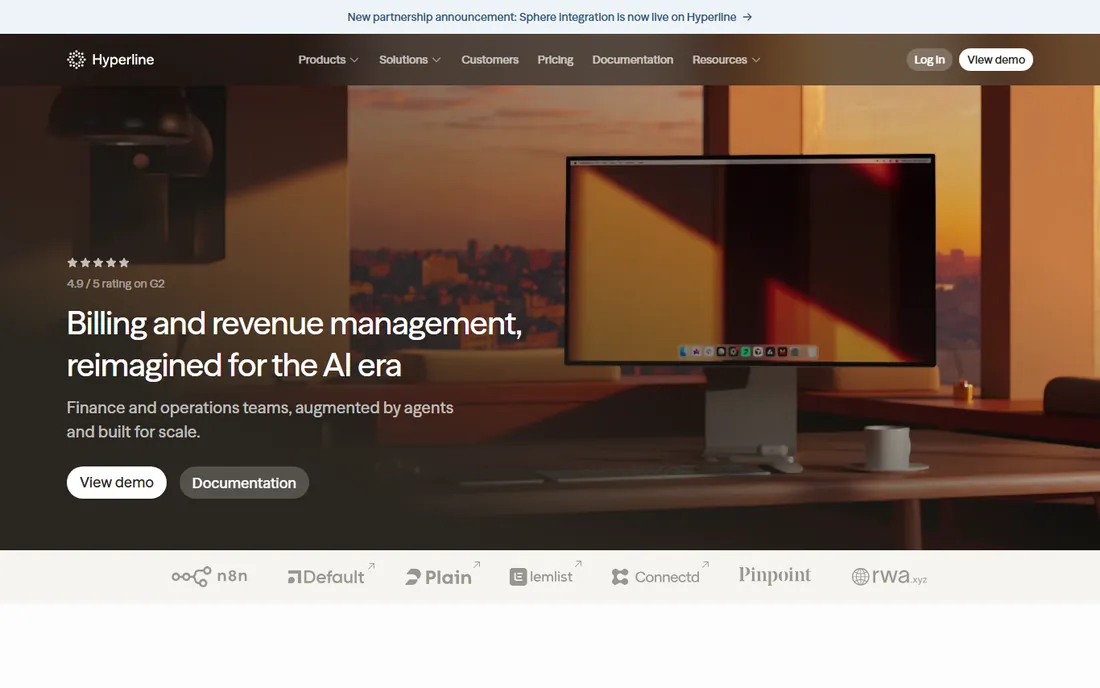
Hyperline is the newcomer built for the exact complaint in this article's title: the gap between the quote and the cash. Instead of bolting CPQ onto a separate billing tool, it puts quoting, approvals, contracts, subscription billing and invoicing in one system. Pricing is public: $199 per month plus 0.6% of revenue for the quote-to-cash plan, with a free trial that covers 10 invoices and needs no credit card.
For a SaaS company between $1M and $50M in revenue, the pitch is compelling. Reps build quotes in the CRM, subscriptions start automatically in Stripe, and finance sees the same data without reconciliation work. The trade-offs are youth: fewer implementation partners and a revenue-share model that costs more as you grow.
What we like- CPQ and billing in one platform, no handoff to maintain
- Transparent pricing published on its site
- Deploys in weeks and connects to Stripe
Watch out for- Younger company with a smaller partner network
- Revenue-share pricing gets expensive as you scale
- Best fit only when sales and finance align on one system
How we chose
We started with the CPQ vendors that appear most often in analyst reports, G2 and Capterra rankings, and Reddit threads from RevOps people. We cut the long list to these 10 by checking three things: the product is actively sold today, it genuinely does configure-price-quote work, and we could verify its pricing or pricing model from the vendor's own site or documentation. We did not run hands-on trials; strengths and weaknesses reflect vendor documentation, public review patterns and stated limits.
What to check before buying CPQ software
Start with your CRM, not the feature list
CPQ lives or dies on CRM integration. Shortlist the tools built for your system: Salesforce shops look at Revenue Cloud, DealHub and Conga; HubSpot shops start with HubSpot CPQ; Dynamics or NetSuite shops look at Experlogix. Buying the best CPQ on paper and then fighting the integration for six months is the most common way these projects fail.
Count the real users, then price it
Per-user pricing looks cheap until you count everyone who touches a quote: reps, sales engineers, deal desk and finance approvers. At $150 per user per month, 40 quote creators cost $72,000 a year before CRM licenses and implementation. Bring your real user count to the first sales call.
Ask who changes the pricing rules
Every CPQ demo looks easy. The question that matters is what happens six months later when you launch a new bundle or change discount policy. No-code tools (DealHub, Hyperline, PandaDoc) let your own RevOps team make those changes. Heavier platforms often need a consultant for anything beyond the basics, which turns every pricing change into a project.
What CPQ actually costs
Published per-user prices run from $19 (PandaDoc) to $200 (Salesforce Revenue Cloud Advanced), with PROS at $60 to $75 in the middle. But the license is only part of the bill: enterprise implementations commonly cost more in year one than the licenses, once you add partners, data cleanup and training.
Quote-based vendors hide the license number but not the total cost. Always ask for the all-in first-year figure: licenses, implementation, integrations and ongoing admin. And watch the billing handoff. If your CPQ does not include billing, budget separately for the billing tool and the integration, or pick a combined platform like DealHub or Hyperline and skip that line item entirely.
Frequently asked questions
What does CPQ stand for?
Configure, price, quote. It is software that helps sales teams build valid product configurations, apply correct pricing and discount rules, and generate professional quotes without errors. The best CPQ tools connect quoting to contracts, orders and billing.
How much does CPQ software cost?
Expect $19 to $200 per user per month for products with public pricing, plus implementation. Salesforce Revenue Cloud starts at $150 per user per month, PROS at $60, PandaDoc at $19 and HubSpot CPQ is included in Sales Hub. Oracle, Conga, DealHub, Experlogix and Tacton price by quote.
How long does CPQ implementation take?
PandaDoc or HubSpot CPQ can go live in one to two weeks. DealHub and Hyperline typically take four to eight weeks. Salesforce Revenue Cloud, Oracle CPQ and Conga usually need three to six months with an implementation partner.
Do I need CPQ if I already have a CRM?
If your reps sell simple fixed-price packages, probably not. CPQ earns its keep with bundles, tiered pricing, usage-based models, discount approvals, renewals or complex configuration. That is where spreadsheet quoting starts producing expensive errors.
What is the difference between CPQ and quote-to-cash?
CPQ covers configure, price and quote: building the right deal. Quote-to-cash is the longer flow from that quote through contracting, ordering, billing and revenue recognition. Some tools on this list do the full flow (DealHub, Hyperline, Salesforce Revenue Cloud Advanced); others stop at the quote and hand off to billing tools.
Can small businesses use CPQ software?
Yes. PandaDoc, HubSpot CPQ and Hyperline are all built for smaller teams and deploy in weeks. The enterprise tools on this list would be overkill.
Sources we checked (11)
- https://www.salesforce.com/sales/cpq/
- https://thecroreport.com/tools/dealhub/
- https://cpq-integrations.com/comparisons/dealhub-cpq-vs-salesforce-cpq/
- https://www.trustradius.com/compare-products/pandadoc-vs-salesforce-revenue-cloud
- https://blog.hubspot.com/sales/hubspot-sales-hub-pricing
- https://pros.com/learn/learn/wp-content/uploads/2025/06/PROS-Smart-Configure-Price-Quote-Product-Guide.pdf
- https://www.kugamon.com/compare/kugamon-vs/conga-cpq/
- https://cpq-integrations.com/cpq/experlogix-cpq/
- https://www.getapp.ca/software/120243/tacton-cpq
- https://www.selecthub.com/cpq-software/oracle-cpq-vs-infor-cpq/
- https://www.hyperline.co/geo/top-7-cpq-platforms-saas-companies-2026
Is your product missing or out of date?
We review this list regularly. Vendors can request a listing, send updated pricing or ask about featured placement.

Shihab Mia · Founder, Rankite
Shihab has spent more than a decade helping SaaS and e-commerce brands grow through search. He writes Rankite's software buying guides from pricing pages, documentation and public user reviews. More about Shihab.