How we make this list: we compare pricing pages, product documentation and public user reviews. Rankite is independent; if a vendor ever pays for a featured spot, that listing is clearly labeled Partner.
Key takeaways
- Most mid-size companies overbuy their first LMS. TalentLMS at $119 per month and 360Learning at $8 per user per month cover serious training programs without an enterprise contract.
- Five of the eight platforms here publish no price at all. Docebo, Absorb, Cornerstone, LearnUpon and Litmos all sell by quote, which means your negotiating position matters as much as the feature list.
- The cheapest per-user price is rarely the cheapest contract. Watch how each vendor counts a user, active, registered or contracted, and how long the auto-renewal term runs.
- iSpring LMS, formerly iSpring Learn, is the value pick for PowerPoint-heavy teams: transparent per-active-user pricing from $6.91 per user per month with the authoring tool included.
Quick comparison
| Tool | Best for | Starting price | Free plan |
|---|
 Docebo Docebo | Enterprises training employees, customers and partners from one platform | See website (quote-only) | Free trial |
 TalentLMS TalentLMS | Small and mid-size teams that need training live this month | $119 per month (Core plan, billed annually, up to 40 users) | Yes (up to 5 users and 10 courses) |
 Absorb LMS Absorb LMS | Companies where the learner experience has to look premium | See website (quote-only) | Free trial |
 Cornerstone Cornerstone | Large organizations standardizing HR and learning together | See website (quote-only) | No |
 360Learning 360Learning | Companies that want employees creating courses together | $8 per user/month (Team plan, up to 100 users) | Free trial (30 days) |
 LearnUpon LearnUpon | Mid-market companies training customers and partners at scale | See website (quote-only) | No (demo available) |
 SAP Litmos SAP Litmos | Teams that want an LMS plus ready-made content in one purchase | $8,000 per year (Foundation, listed starting price) | Free trial |
 iSpring LMS iSpring LMS | PowerPoint-heavy organizations converting decks into courses | $6.91 per user/month (100 users, billed annually) | Free trial (30 days) |
Is your product missing or out of date?
We review this list regularly. Vendors can request a listing, send updated pricing or ask about featured placement.
The best corporate LMS software
#1
Docebo
Best for: Enterprises training employees, customers and partners from one platform
Visit docebo.com
Starting priceSee website (quote-only)
Free planFree trial
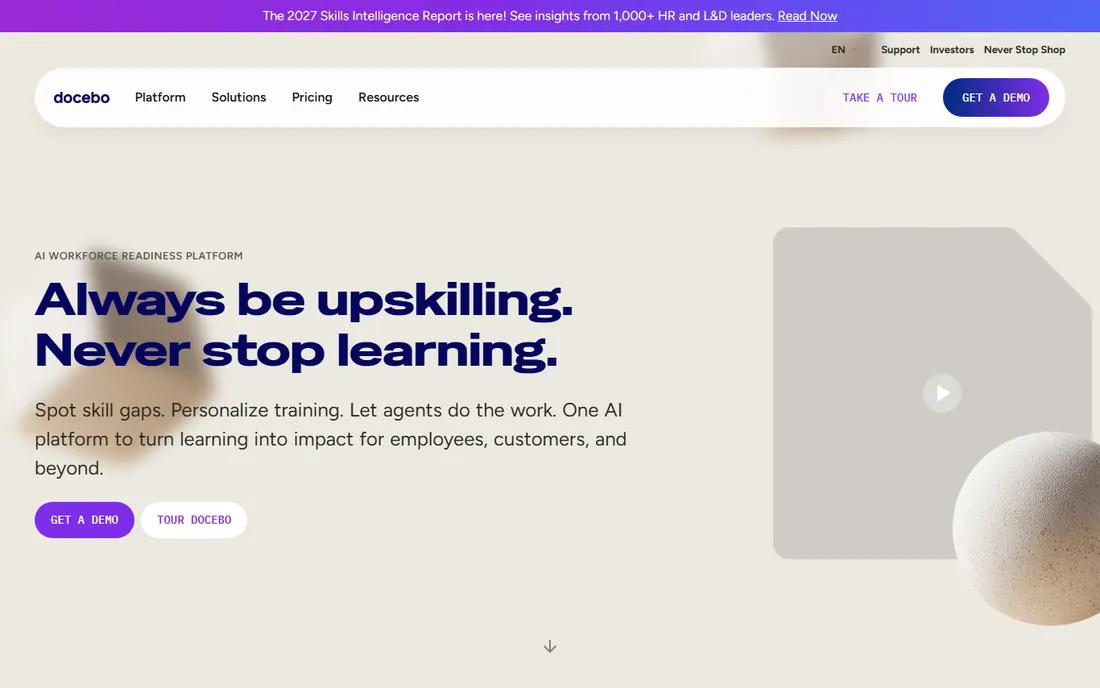
Docebo is the platform companies graduate to when training stops being an HR side project. It serves employees, customers and partners from one system with separate branded portals, and its AI layer now covers content generation, auto-tagging and skills intelligence for mapping workforce capabilities. Integrations with Teams, Zoom, Salesforce and Shopify are mature, and the analytics go deep enough for compliance-heavy industries.
Everything about the commercial side is enterprise-shaped. Pricing is quote-only, the vendor says it fits organizations training at least 250 learners, and most customers sign three-to-five-year contracts with a one-year minimum available. Active-user pricing means extending training to frontline or partner audiences changes the bill. Shortlist Docebo when you have a dedicated L&D owner and multiple audiences; look at TalentLMS or 360Learning if you are buying your first LMS for one internal team.
What we like- Handles multiple audiences and extended enterprise well
- AI features for content creation and skills mapping
- Broad integration ecosystem
Watch out for- No public pricing
- Complexity needs a dedicated admin
- Most customers sign multi-year contracts
#2
TalentLMS
Best for: Small and mid-size teams that need training live this month
Visit talentlms.com
Starting price$119 per month (Core plan, billed annually, up to 40 users)
Free planYes (up to 5 users and 10 courses)
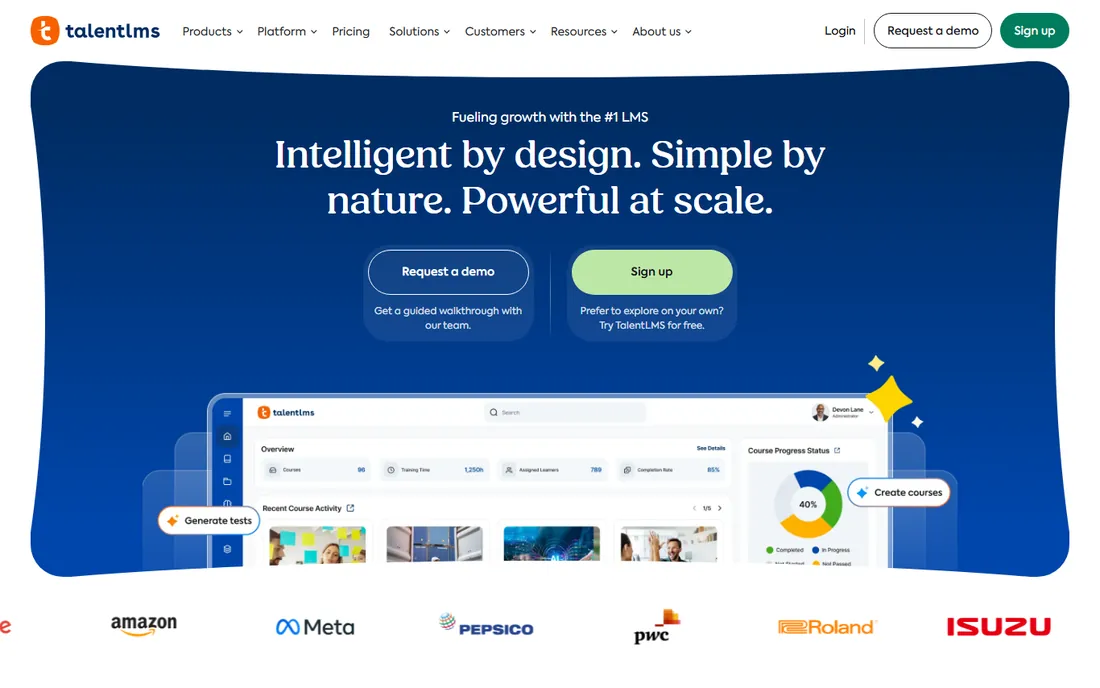
TalentLMS wins the speed contest. An admin can self-register, build a portal, upload SCORM content and invite learners in an afternoon, which is why it shows up in companies that need compliance or onboarding training running now rather than after a six-month implementation. The feature set covers the fundamentals well: learning paths, certifications, gamification, branches for separate audiences, and AI-assisted course creation.
Pricing is refreshingly public and bracket-based rather than per-seat. Core costs $119 per month billed annually or $149 monthly for up to 40 users, Grow is $229 annually for up to 70, and Pro is $449 annually for up to 100. Only users who log in during the cycle count toward the bracket, which flatters teams with seasonal learners. The brackets are the catch: growing from 40 to 41 active users moves you to the next tier. The free plan covers 5 users and 10 courses, enough for a real pilot.
What we like- Genuinely fast to set up
- Transparent published pricing
- Free plan is usable for pilots
Watch out for- Pricing jumps between user brackets
- Limited eCommerce for selling courses
- Advanced reporting waits for higher tiers
#3
Absorb LMS
Best for: Companies where the learner experience has to look premium
Visit absorblms.com
Starting priceSee website (quote-only)
Free planFree trial
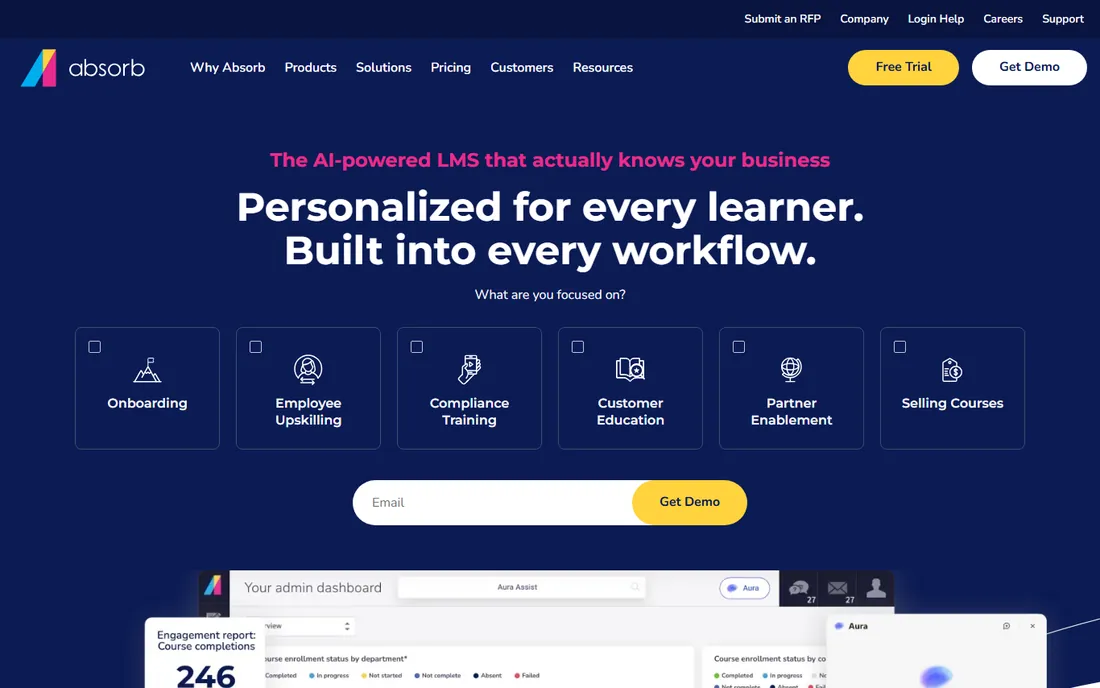
Absorb sells on the experience. Learner and admin interfaces are consistently rated among the best-looking in the category, with social features, leaderboards, badges and personalized dashboards that keep completion rates up. The eCommerce module is a real differentiator: companies that sell training to customers or partners can run the whole storefront inside the LMS. AI tools now generate courses from short descriptions or uploaded materials.
Commercially it is firmly enterprise. Pricing is quote-only on a pay-per-active-user model across Core, Pro and Enterprise editions, with the per-user rate falling as volume rises. Expect the sales process to include a demo, a scoping call and an annual contract. Absorb fits mid-market and enterprise buyers who care about branding and learner engagement; if you need heavy-duty authoring, pair it with a dedicated tool or look at iSpring.
What we like- Clean, modern interface learners actually like
- Strong eCommerce for selling courses
- AI-assisted course creation
Watch out for- No public pricing
- Key features like eCommerce sit in higher editions
- Content authoring is not its strength
Starting priceSee website (quote-only)
Free planNo
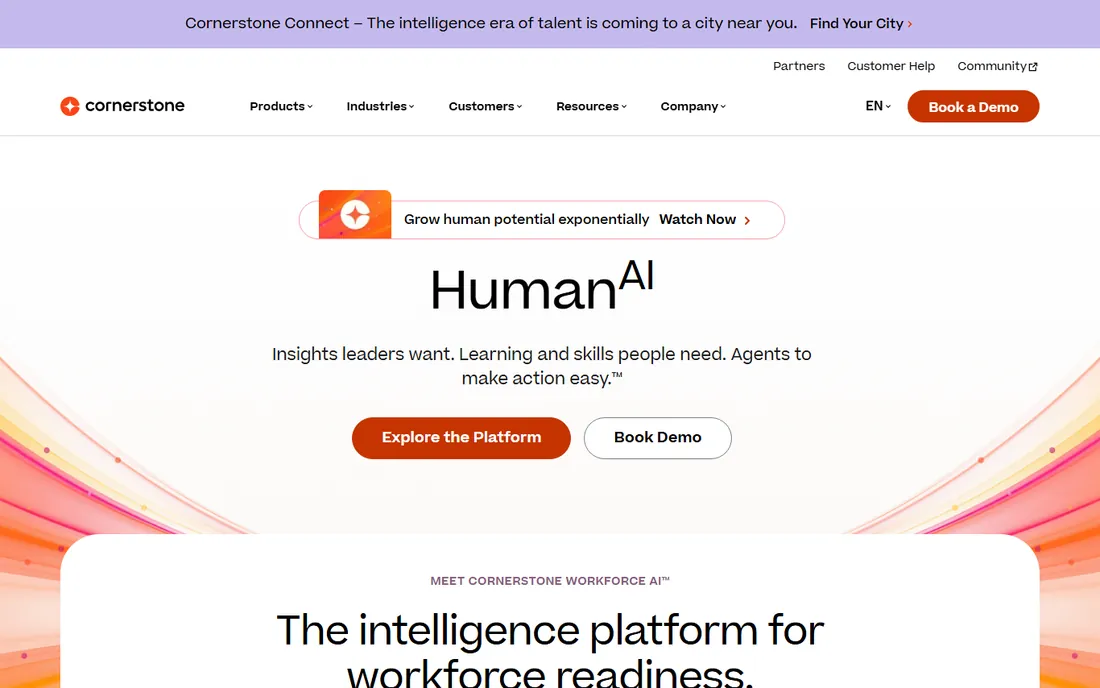
Cornerstone OnDemand is the incumbent of corporate learning, founded in 1999 and deeply embedded in large enterprises. Its strength is breadth: learning management sits alongside performance, recruiting, succession and HR analytics in one talent suite, which appeals to CHROs standardizing on a single vendor. Compliance tracking, certifications and the Content Anytime subscription library cover regulated industries well.
The tradeoffs are the ones analysts cite every year: an overwhelming feature set that takes real admin effort to configure, a dated feel in parts of the interface, and high total cost of ownership. Pricing is entirely quote-based, with third-party estimates in the single digits per user per month at enterprise scale, and there is no free trial, only demos. Choose Cornerstone when learning must live inside a broader HR transformation; choose anything else on this list when learning is the actual project.
What we like- Deepest HR and talent management integration
- Strong compliance and certification tracking
- Huge content ecosystem
Watch out for- No public pricing and no free trial
- Interface complexity is a common complaint
- Implementations are long
Starting price$8 per user/month (Team plan, up to 100 users)
Free planFree trial (30 days)
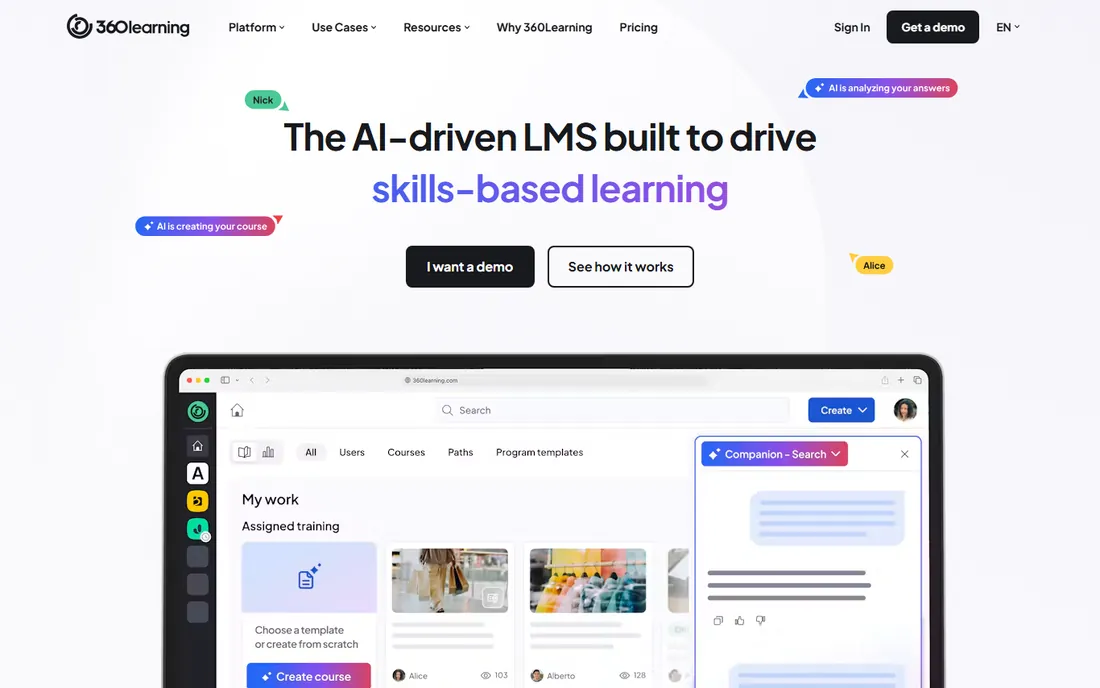
360Learning is built on a simple idea: the people who know the job should write the training. Its collaborative authoring workflow lets internal experts draft courses together with feedback loops, relevance scores and peer review, which produces training that reads like it came from inside the company rather than a vendor catalog. Discussion forums, gamification and mobile apps cover the learner side.
The Team plan is one of the most transparent deals in corporate LMS: $8 per user per month for up to 100 users, billed monthly with no annual commitment, plus a 30-day trial. Business and Enterprise are quote-only and add SSO, API access, nested groups and a dedicated success manager. The ceiling matters: above 100 users you are negotiating, and companies training thousands will find the per-user math changes. Pick 360Learning when your bottleneck is content creation, not content delivery.
What we like- Collaborative authoring turns experts into course creators
- Transparent entry pricing
- No annual commitment on Team
Watch out for- No free plan
- SSO and API wait for Business
- Caps at 100 users on the published tier
#6
LearnUpon
Best for: Mid-market companies training customers and partners at scale
Visit learnupon.com
Starting priceSee website (quote-only)
Free planNo (demo available)
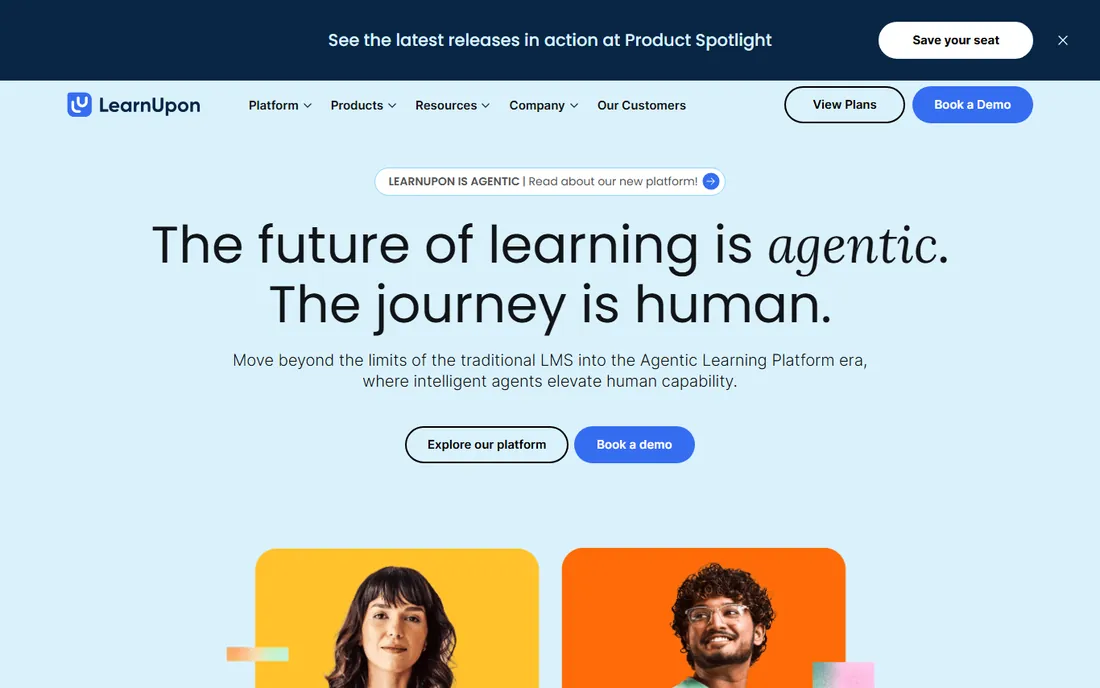
LearnUpon focuses on the audiences beyond your employees. Its Learning Portals let you run separate branded training environments for customers, partners and staff from one account, which is exactly what SaaS companies need for customer education. The admin experience is widely praised as one of the easiest among enterprise LMS platforms, and unlike creator-oriented platforms it charges no transaction fees on course sales.
The commercial terms demand attention. There is no published price and no free trial, only demos, and the pricing page lists user floors instead of figures: from 100 users for employees, 150 for associations, 300 for customer education. Annual contracts with 12-month auto-renewal and a 30-day notice window are standard, with no cap on renewal increases unless you negotiate one. LearnUpon suits companies above those floors with real multi-audience needs; smaller teams should start with TalentLMS.
What we like- Multi-portal setup for separate audiences
- Clean admin experience
- No transaction fees on course sales
Watch out for- No published pricing and no free trial
- 100-user minimum on the employee product
- 12-month auto-renewal terms
#7
SAP Litmos
Best for: Teams that want an LMS plus ready-made content in one purchase
Visit litmos.com
Starting price$8,000 per year (Foundation, listed starting price)
Free planFree trial
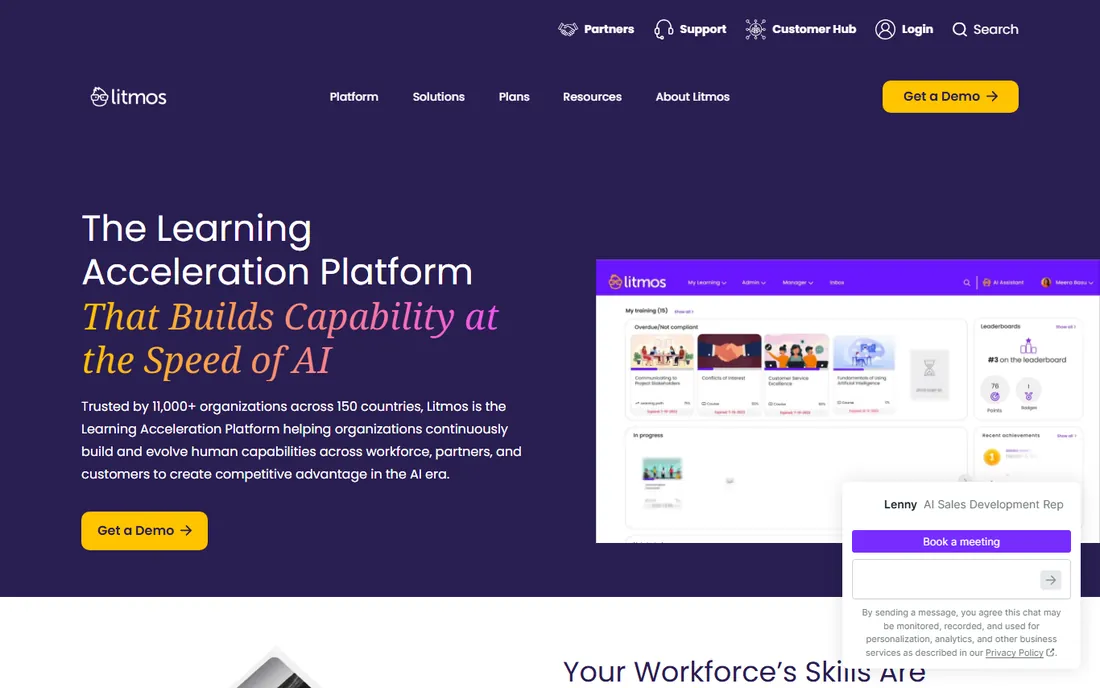
SAP Litmos bundles the two things buyers usually purchase separately: the platform and the content. The built-in library covers compliance, safety, soft skills and more, which means a company with no course catalog can launch training in weeks rather than building everything from scratch. The platform itself is straightforward, with a mobile app, 37-plus languages and integrations into Teams, Salesforce and major HR systems.
Litmos lists three tiers, Foundation, Platinum and Platinum AI, with starting prices published at $8,000 per year for Foundation and $15,000 for Platinum. That entry point rules out very small teams, and the features that matter at scale, advanced reporting, AI authoring and content libraries, cluster in the higher tiers or as add-ons. A free trial is available. Litmos fits mid-market companies that value speed and included content over rock-bottom pricing.
What we like- Ships with a large built-in course library
- Fast to deploy
- AI-assisted authoring on higher tiers
Watch out for- Listed starting price is steep for small teams
- Advanced features locked in Platinum tiers
- Content add-ons raise the bill
Starting price$6.91 per user/month (100 users, billed annually)
Free planFree trial (30 days)
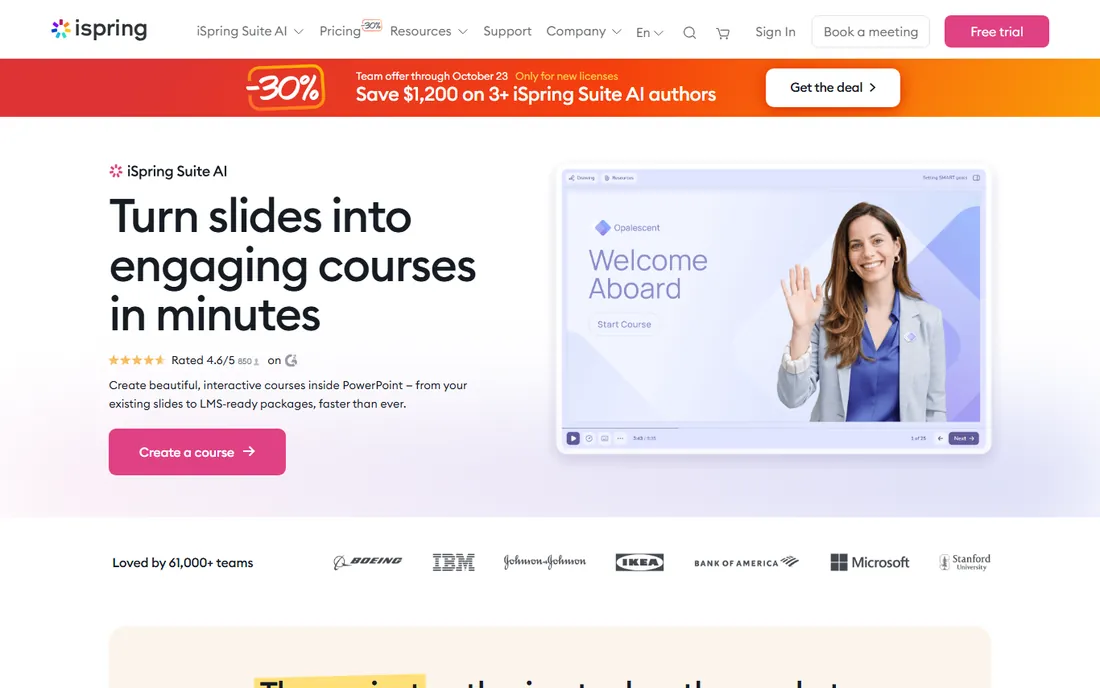
iSpring LMS, known until recently as iSpring Learn, is the pragmatic choice for companies whose training content already exists as slide decks. The iSpring Suite authoring tool converts PowerPoint presentations into HTML5 courses with quizzes, branching scenarios, role-play simulations and text-to-speech narration, and it ships inside the LMS plans rather than as a separate purchase. Admins get training automation, mobile apps with offline learning and 24/7 support.
Pricing is published and simple: you pay only for active users, meaning anyone who logs in at least once a month. The Business plan runs $6.91 per user per month for 100 users billed annually, falling to $4.46 at 300 users and $3.97 at 500, with Enterprise quoted for larger deployments. A 30-day trial and money-back guarantee lower the risk of trying it. iSpring is less configurable than Docebo or Cornerstone, but for straightforward employee training it is hard to beat on value.
What we like- Converts PowerPoint to interactive courses in clicks
- Transparent per-active-user pricing
- Authoring suite included
Watch out for- Less modular than enterprise suites
- No built-in course marketplace
- Interface prioritizes simplicity over depth
What actually drives the price
LMS quotes look mysterious until you learn the three variables vendors actually price on.
First, the definition of a user. TalentLMS and Absorb charge for active users who log in during the cycle. 360Learning charges per registered user. LearnUpon sets minimum user floors per product line. A company with 2,000 registered employees but 300 monthly learners can pay wildly different amounts on different platforms, so get the definition in writing before you compare quotes.
Second, contract length and renewal terms. Enterprise LMS deals typically run one to three years, with Docebo customers commonly signing three-to-five-year terms. Auto-renewal clauses with 30-day notice windows are standard at LearnUpon and common elsewhere. The renewal increase cap, or the absence of one, belongs in the contract, not in a verbal promise.
Third, everything around the license. Implementation, data migration, integrations and content development are usually scoped separately, and content libraries like Litmos bundles or Absorb's Amplify portfolio are add-ons with their own price. A $15,000 platform quote can become a $40,000 first-year project once services are included. Ask every vendor for the all-in first-year figure, not just the license line.
How we chose
We did not run pilot implementations. We compared the vendors own pricing pages where prices are published, read documentation on user models, contract terms and content standards, and checked recent buyer reviews on G2, Capterra and Reddit for the complaints that appear after go-live. We favored platforms with a real corporate training customer base, clear audience fit, and honest limits on free tiers and trials. Vendors that could not be verified as active and maintained were excluded.
Mistakes that blow up LMS budgets
The most expensive mistake is buying for the company you hope to become. A 200-person company signs a 2,000-seat enterprise contract for growth that never arrives, then pays the renewal on seats nobody uses. Start with the headcount you have, negotiate growth tiers into the contract, and let the vendor earn the expansion.
The second mistake is skipping the content question. An LMS without courses is an empty building. Before signing, decide who creates the training: your team with an authoring tool like iSpring Suite, your experts collaboratively in 360Learning, a vendor content library like Litmos, or instructional designers you hire. The content decision often costs more than the platform.
The third is ignoring the exit. Ask how you export courses, learner records and completion data before you sign, and get the answer in the contract. SCORM content you uploaded is generally portable; courses authored inside a vendor's proprietary tool may not be. The platforms that make exit easy, like those supporting standard formats throughout, deserve extra credit in your evaluation.
Frequently asked questions
How much does a corporate LMS actually cost?
It ranges from $119 per month for TalentLMS Core to six-figure annual contracts for enterprise platforms like Docebo and Cornerstone. Mid-market buyers typically land between $10,000 and $50,000 per year all-in, depending on user count, content needs and implementation services. Always budget the first-year total including services, not just the license.
Should we buy seats for future headcount now?
No. Buy for the learners you have, with contract terms that define pricing tiers as you grow. Vendors will happily sell you growth you have not achieved yet. Negotiate the expansion pricing into the agreement and trigger it when headcount actually arrives.
Do we need SCORM and xAPI support?
If you buy or build standards-based courses, yes. SCORM remains the common format for packaged courses, and xAPI tracks learning outside the LMS. Every platform on this list supports SCORM; confirm the specific versions and xAPI support on the plan you would buy, since lower tiers sometimes limit standards support.
How long does LMS implementation take?
From days to months depending on the platform and your content. TalentLMS and 360Learning can be live in weeks with existing content. Enterprise platforms like Docebo, Cornerstone and Absorb typically take two to six months including data migration, integrations and admin training. Content development, not software setup, is usually the long pole.
Can we migrate our courses from our current LMS?
Usually, with caveats. SCORM and xAPI packages you uploaded generally export and re-import cleanly. Courses built in a vendor's proprietary authoring tool may not export at all, and learner history, completions and certifications need a planned data migration. Get the export capabilities in writing before signing with any new vendor.
Which LMS is best for training customers rather than employees?
LearnUpon and Docebo lead here with multi-portal setups that give customers a separate branded learning environment. SAP Litmos works well when you also need ready-made content. TalentLMS Branches cover simpler customer-training needs at a much lower price. Match the choice to how many external learners you have and whether you sell the training.
Sources we checked (14)
- https://www.docebo.com
- https://www.talentlms.com
- https://www.absorblms.com
- https://www.cornerstoneondemand.com
- https://www.360learning.com
- https://www.learnupon.com
- https://www.litmos.com
- https://www.ispringsolutions.com
- https://www.ispringsolutions.com/ispring-learn/pricing
- https://saascrmreview.com/talentlms-pricing/
- https://www.educate-me.co/blog/360learning-pricing
- https://lmschef.com/sap-litmos-review/
- https://lmschef.com/docebo-lms-review/
- https://minicoursegenerator.com/blog/learnupon-alternatives/
Is your product missing or out of date?
We review this list regularly. Vendors can request a listing, send updated pricing or ask about featured placement.

Shihab Mia · Founder, Rankite
Shihab has spent more than a decade helping SaaS and e-commerce brands grow through search. He writes Rankite's software buying guides from pricing pages, documentation and public user reviews. More about Shihab.