How we make this list: we compare pricing pages, product documentation and public user reviews. Ratings come from G2, Capterra or Trustpilot, with the date we checked them.
Key takeaways
- GitHub Actions suits teams already on GitHub, because CI lives next to code, pull requests, and issues.
- Jenkins suits teams that want free, self-hosted control and a huge plugin ecosystem, if they can staff its maintenance.
- CircleCI and Buildkite suit teams that need fast, parallel builds and strong test performance at scale.
- Azure DevOps Pipelines suits Microsoft and Azure shops that want boards, repos, pipelines, and test plans in one suite.
- TeamCity suits JetBrains shops and teams that want strong build chains and on-premises control.
- Bitbucket Pipelines suits Atlassian teams that want CI tied to Jira issues and Bitbucket pull requests.
- Price depends on minutes, concurrency, runner type, and storage, so model a real month of builds before choosing.
Quick comparison
Is your product missing or out of date?
We review this list regularly. Vendors can request a listing, send updated pricing or ask about featured placement.

#1Jenkins
Best for: Free self-hosted CI4.4/5 on
G2 (570 reviews, checked Oct 2026)
Visit jenkins.io
Starting price$0
Free planYes
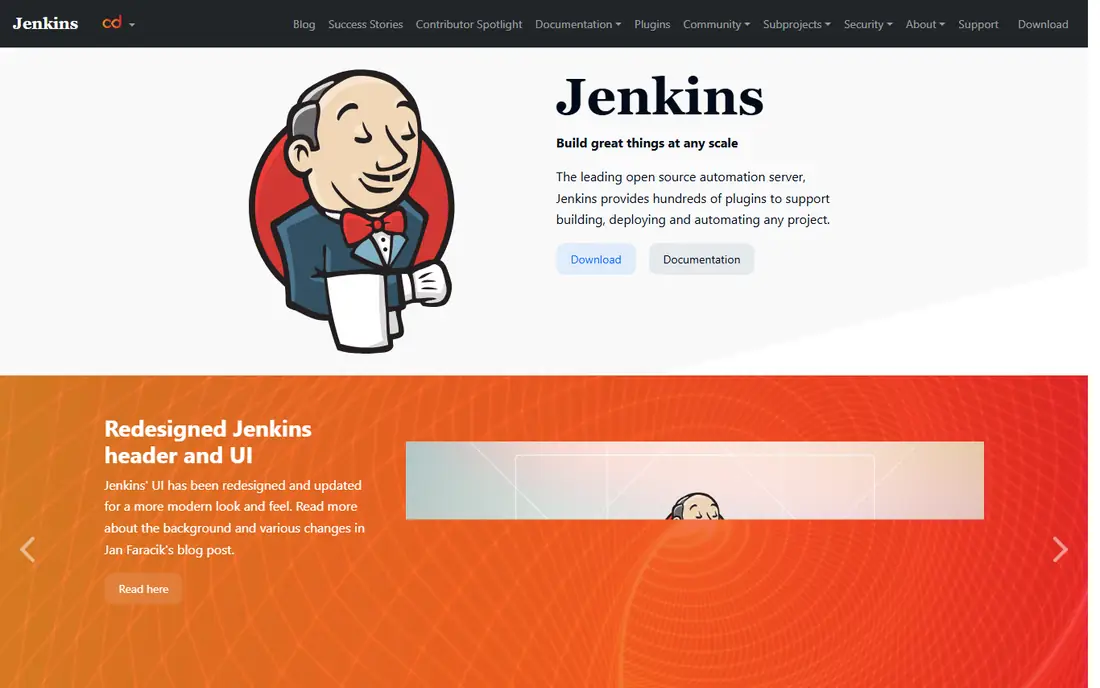
Jenkins is the long-standing open source automation server, and it remains the right choice when control matters more than convenience. A team can run it on its own hardware, in a private cloud, or on Kubernetes, with agents spread across machines and platforms. Its plugin library covers almost every build tool, test runner, deployment target, and notification channel, and pipeline-as-code lets a team version its build steps next to its application code.
That freedom has a cost in staff time. Upgrades, plugin compatibility, agent scaling, secrets handling, and security patching all sit with the team that runs Jenkins. A small team without a platform owner can spend more time caring for Jenkins than shipping features. For a team with DevOps skill, strict hosting rules, or a large existing Jenkins setup, the free license and total control still make it hard to beat.
What we like- Free and open source
- More than 2,300 plugins
- Runs on your own servers, cloud, or Kubernetes
Watch out for- Maintenance, upgrades, and plugin care fall on your team
- Interface feels dated
- Security needs active management
Starting priceSee website
Free planYes
GitHub Actions is the default CI choice for a team already on GitHub. Workflows run on pull requests, pushes, schedules, and releases, with status checks visible right in the pull request. The marketplace offers reusable actions for setup, testing, security scanning, and deployment, which helps a small team build a solid pipeline fast. Public repositories get generous free usage, and private repositories include a free minutes allowance that suits many small projects.
Cost control is the watch point. Minutes, larger runners, and storage are usage-based, so a large test suite or a monorepo can raise the bill quickly. Teams should cache dependencies, split tests in parallel, and cancel redundant runs on new pushes. Self-hosted runners can cut cost and meet network rules, but they bring back the maintenance Jenkins teams know well. For a GitHub team that wants CI with the least setup, Actions is the obvious start.
What we like- CI lives in the same repo as code and pull requests
- Huge marketplace of reusable actions
- Free minutes for public repos
Watch out for- Usage-based pricing can surprise at scale
- Self-hosted runners need management
- Workflow files grow complex for large monorepos

#3CircleCI
Best for: Fast parallel cloud builds4.4/5 on
G2 (510 reviews, checked Oct 2026)
Visit circleci.com
Starting priceSee website
Free planFree trial
CircleCI suits a team that measures CI in minutes and wants builds to finish fast. Its cloud runners, parallelism, test splitting, and caching help large suites finish sooner, and newer features focus on running only the tests a change affects. Configuration as code keeps pipelines versioned, while orbs, which are reusable configuration packages, speed up setup for common languages and deployment targets. CircleCI also supports running GitHub Actions workflows on its compute in preview, which helps a team migrate gradually.
Usage pricing needs a real model. A team should estimate monthly minutes, concurrency, and runner sizes from its current build history, not from a demo project. Configuration also rewards a platform-minded team that will invest in reusable orbs and pipeline standards. For a team where slow CI blocks merges every day, CircleCI speed and test intelligence often justify the bill.
What we like- Fast, parallel cloud builds
- Strong test splitting and caching
- Supports GitHub and other hosts with flexible runners
Watch out for- Pricing is usage-based and needs modeling
- Configuration has a learning curve
- Some advanced features sit on higher plans
Starting priceSee website
Free planFree trial
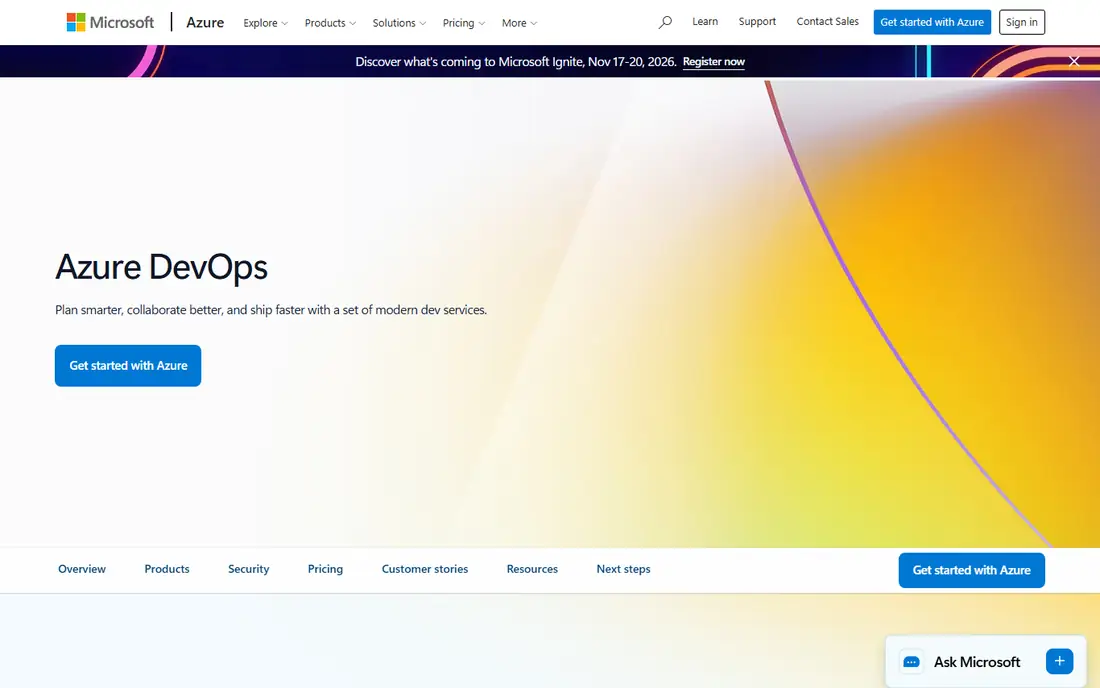
Azure DevOps Pipelines, part of Azure DevOps, suits a Microsoft or Azure shop that wants planning, code, CI, and testing in one place. Pipelines run on Linux, macOS, and Windows, deploy to any cloud or on-premises target, and support YAML definitions, approvals, environments, and parallel jobs. Boards track work, repos host code, and test plans manage manual and exploratory testing, so a team can trace a feature from issue to deployment without switching systems.
A team that only needs CI may find the suite heavier than GitHub Actions or CircleCI, and the full benefit arrives when the team also uses Boards and Repos. Licensing and parallel job pricing need a check for larger organizations, especially where many teams share agent pools. For an Azure team with compliance, approval, and traceability needs, Pipelines gives a coherent, enterprise-ready path.
What we like- Full suite with boards, repos, pipelines, and test plans
- Strong Azure deployment support
- YAML pipelines with approvals and environments
Watch out for- Suite can feel heavy for a team that only needs CI
- Best value needs Microsoft stack commitment
- Licensing needs care for larger orgs

#5TeamCity
Best for: JetBrains and on-premises teams4.2/5 on
G2 (90 reviews, checked Oct 2026)
Visit jetbrains.com
Starting priceSee website
Free planFree trial
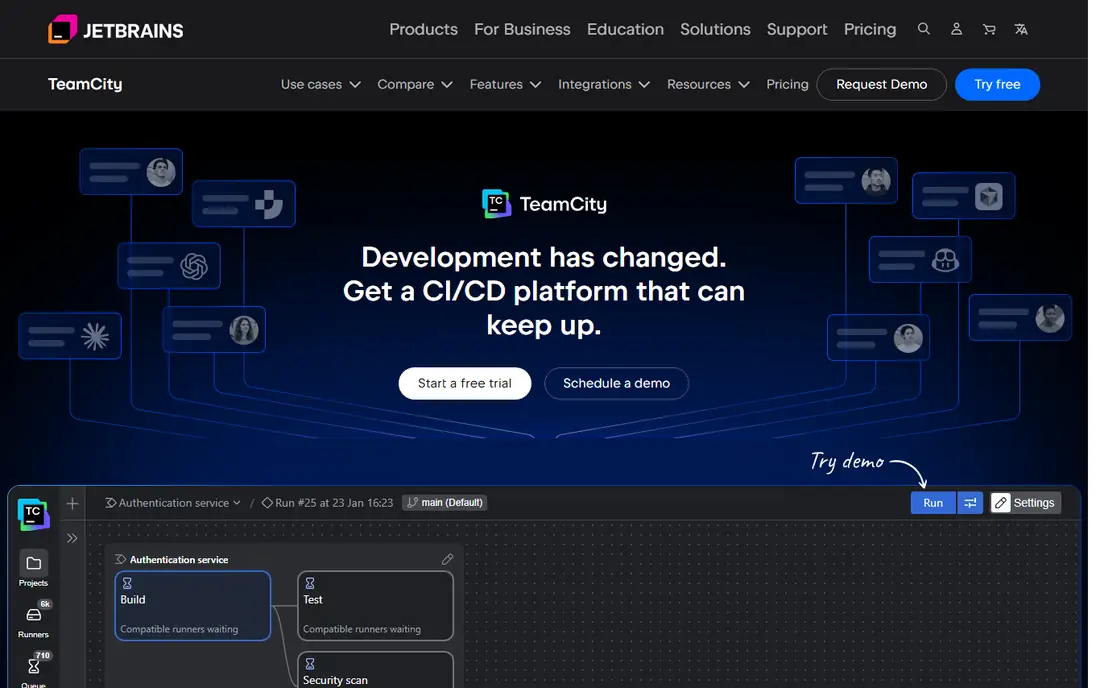
TeamCity, from JetBrains, suits a team that wants a polished, self-hosted CI server without assembling Jenkins plugins. Build chains model dependencies between builds, so a library change can trigger downstream builds in the right order. Test history, flaky test handling, and build configuration templates help a team keep pipelines consistent across projects. JetBrains IDE integration also helps developers who already use IntelliJ IDEA or related tools.
TeamCity is a commercial product, so a team should confirm pricing for its agent and user count, including any free tier limits. Its community and marketplace are smaller than Jenkins or GitHub Actions, though its built-in features reduce the need for plugins. For a team that wants on-premises control, strong build chains, and a cleaner admin experience than Jenkins, TeamCity is a solid middle path.
What we like- Strong build chains and dependency handling
- Good out-of-the-box features with less plugin hunting
- On-premises and cloud options
Watch out for- Pricing is quoted for larger setups
- Smaller community than Jenkins or GitHub Actions
- Administration still needs a dedicated owner
Starting priceSee website
Free planYes
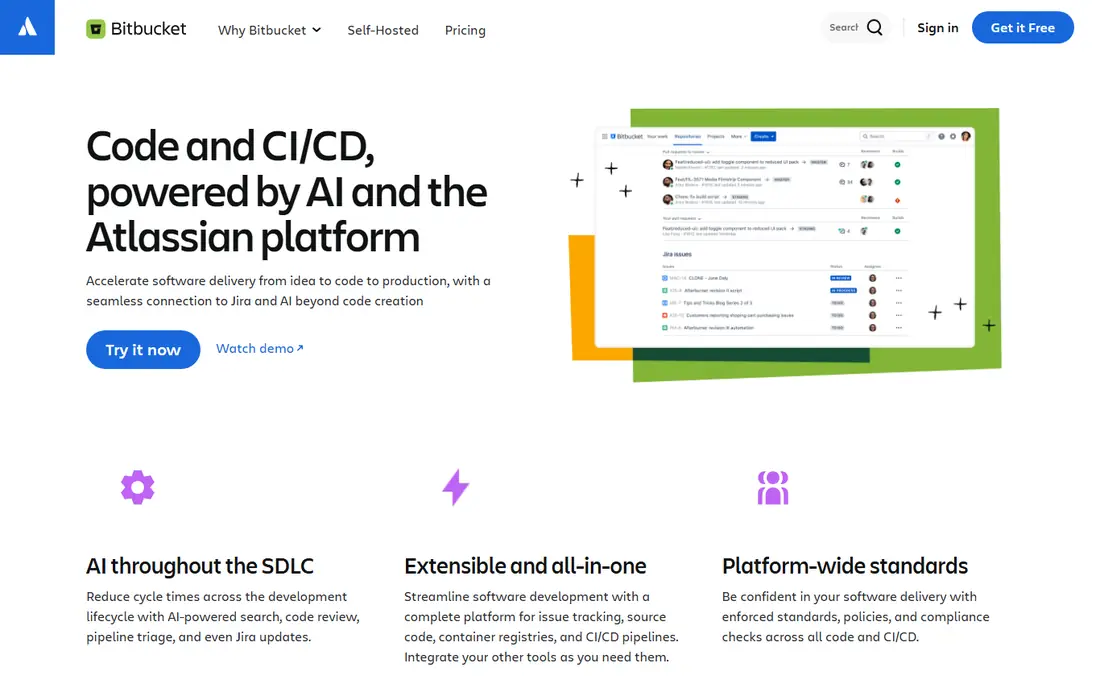
Bitbucket Pipelines suits a team already using Bitbucket and Jira. Pipelines run from a YAML file in the repository, with build status visible in pull requests and Jira issues updating automatically when a commit or branch mentions an issue key. That link between code, CI, and planning helps a team trace a deployment back to the ticket that requested it, without manual status updates. A free tier for up to five users makes it easy for a small team to start.
Build minutes and concurrency are limited on lower plans, so a team with a large test suite should price the next tier before committing. Self-hosted options exist through Bitbucket Data Center and external CI tools, but the simplest Pipelines experience is cloud-based. For an Atlassian team that wants CI close to Jira and Bitbucket, Pipelines removes a whole integration layer.
What we like- CI built into Bitbucket Cloud
- Tight Jira issue tracking
- Free tier for small teams up to five users
Watch out for- Cloud-first for the simplest setup
- Build minutes are limited on lower plans
- Less suited to teams outside Atlassian tools

#7Buildkite
Best for: Scalable hybrid pipelines4.7/5 on
G2 (31 reviews, checked Oct 2026)
Visit buildkite.com
Starting priceSee website
Free planFree trial

Buildkite suits a team that wants cloud control with its own compute. Its hosted service manages pipelines, while agents run on a team's own servers, cloud accounts, or Kubernetes clusters, which helps with security, cost, and specialized hardware such as mobile build machines. Unlimited parallelism, dynamic pipelines, and a test engine for splitting, flaky test isolation, and analytics help large suites finish faster and fail less often for the wrong reasons.
The hybrid model needs agent infrastructure skill. A team must provision, scale, and patch agents, even though Buildkite manages the control plane. Pricing depends on plan, agents, and test engine use, so a team should model a real month of builds. For a scaling team with complex, large, or hardware-specific builds, Buildkite gives control and speed that a purely hosted runner may not match.
What we like- Hybrid model with hosted control and your own agents
- Massive parallelism for large suites
- Test engine for flaky tests and splitting
Watch out for- Pricing needs modeling for agents and test engine use
- Setup needs agent infrastructure skill
- Smaller marketplace than GitHub Actions
How we chose
We compared pricing pages, product documentation, and public reviews, and we checked each homepage to confirm it loads and belongs to the named product. We favored tools that cover the full CI loop: trigger on code change, build, test, report, and hand off to deployment. We weighed hosting model, runner options, parallelism, caching, security, and ecosystem, and we excluded tools whose homepage could not be verified in this check, including a blocked site and a bot-check page that did not confirm the product. Pricing is listed as See website where vendors charge by usage, agents, or quoted plans, rather than a single flat rate.
Start with where your code already lives. A GitHub team gets the fastest start on GitHub Actions, a Bitbucket and Jira team on Bitbucket Pipelines, and an Azure team on Azure DevOps Pipelines. Changing code hosting just to change CI rarely pays off unless the new platform solves a real bottleneck, such as build speed, security, or compliance. List your must-haves first: hosted or self-hosted runners, operating systems, GPU or mobile hardware, secret handling, and approval gates.
Measure speed, cost, and flakiness together
A fast pipeline that fails randomly is worse than a slower, stable one. Track build time, queue time, failure rate, and flaky test rate for a month before switching, then set targets for the new tool. Cache dependencies, split tests by history, and run only affected tests where the tool supports it. Model cost from real minutes and concurrency, including larger runners for slow jobs, and set alerts for usage spikes so a runaway pipeline does not surprise finance.
Keep pipelines simple and owned
Put pipeline definitions in the repository, review them like code, and give one team ownership of shared templates and runners. Avoid copying pipeline files across fifty repositories; use reusable templates, orbs, or shared libraries where the tool supports them. Add required status checks on protected branches, require approvals for production deployments, and store secrets in the tool vault, never in pipeline files. A simple, owned pipeline that developers trust will beat a feature-rich pipeline that no one maintains.
Frequently asked questions
What is the difference between CI and CD?
Continuous integration builds and tests code on every change, so problems surface early. Continuous delivery or deployment takes a tested build through staging to production, automatically or with approvals. Most tools on this list cover both, but a team should still separate build, test, and deploy stages with clear gates between them.
Is Jenkins still worth using in 2026?
Yes, for teams that want free, self-hosted control and can staff its maintenance. Jenkins offers a huge plugin ecosystem and flexible hosting, but upgrades, security, and agent care fall on the team. A team without a platform owner may get faster value from a hosted CI service.
Which CI tool is cheapest for a small team?
Jenkins is free to run, apart from hosting costs, and GitHub Actions and Bitbucket Pipelines offer free tiers for small teams and public projects. The cheapest choice depends on build minutes, runner needs, and maintenance time. A free hosted tier with low maintenance often beats a free self-hosted server that needs weekly care.
Do I need self-hosted runners?
Self-hosted runners help when code cannot leave a network, when builds need special hardware, or when cloud minutes cost more than owned compute at scale. Hosted runners suit most teams, with less maintenance and faster setup. Many teams mix both: hosted runners for standard builds and self-hosted runners for sensitive or hardware-specific jobs.
How do I reduce flaky tests in CI?
Track flaky tests separately, quarantine them from blocking merges, and fix the root cause, such as timing, shared state, or external services. Use test splitting and retry policies carefully, since blind retries hide real bugs. A test engine or reporting tool that shows flaky history helps a team prioritize fixes.
Can one CI tool handle monorepos?
Yes, with care. Use path filters, affected-test detection, and parallel jobs so a small change does not trigger the whole repository. Keep pipeline definitions modular, cache aggressively, and set concurrency limits so one large change does not block other teams. Monorepos reward a CI tool with strong caching, splitting, and build-chain support.
Sources we checked (7)
- https://www.jenkins.io
- https://github.com
- https://circleci.com
- https://azure.microsoft.com/en-us/products/devops
- https://www.jetbrains.com/teamcity/
- https://bitbucket.org
- https://buildkite.com
Is your product missing or out of date?
We review this list regularly. Vendors can request a listing, send updated pricing or ask about featured placement.

Shihab Mia · Founder, Rankite
Shihab has 5+ years in B2B and SaaS SEO. He writes Rankite's software buying guides from pricing pages, documentation and public user reviews. More about Shihab.
 GitHub Actions
 Azure DevOps Pipelines
 Bitbucket Pipelines