How we make this list: we compare pricing pages, product documentation and public user reviews. Rankite is independent; if a vendor ever pays for a featured spot, that listing is clearly labeled Partner.
Key takeaways
- Parse.ly and Chartbeat remain the standards for newsrooms and editorial teams, with real-time dashboards and metrics like engaged time that GA4 does not surface well.
- Contentsquare now covers both behavior analytics and the former Hotjar toolkit, since the two merged in 2025, with a free tier of 200,000 monthly sessions.
- Google Analytics and Microsoft Clarity cost nothing, which makes them the default stack for small content teams that can live with less editorial context.
- BrightEdge and Conductor play at the enterprise end, connecting content performance to search and AI search visibility rather than on-page behavior.
- Plausible suits privacy-conscious publishers that want simple traffic analytics without cookies or consent banners.
Quick comparison
| Tool | Best for | Starting price | Free plan |
|---|
 Parse.ly Parse.ly | Newsrooms and editorial teams | See website | Free trial |
 Chartbeat Chartbeat | Real-time publisher analytics | See website | Free trial |
 Contentsquare Contentsquare | Experience and behavior analytics at scale | $49 per month (Growth plan) | Yes (200,000 sessions) |
 Google Analytics Google Analytics | Free baseline web analytics | Free | Yes |
 BrightEdge BrightEdge | Enterprise SEO and AI search visibility | See website | No (demo only) |
 Conductor Conductor | Enterprise AEO and content intelligence | See website | No (demo only) |
 Plausible Plausible | Privacy-friendly simple analytics | See website | Free trial |
 Microsoft Clarity Microsoft Clarity | Free heatmaps and session recordings | Free | Yes |
Is your product missing or out of date?
We review this list regularly. Vendors can request a listing, send updated pricing or ask about featured placement.
The best content analytics software
Starting priceSee website
Free planFree trial
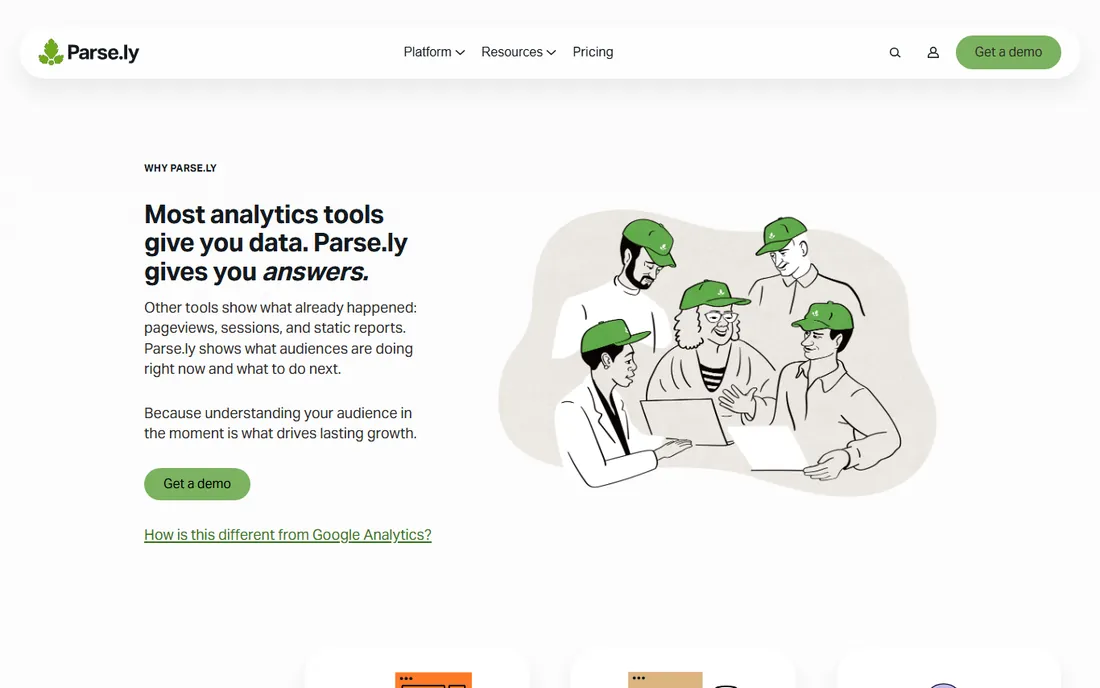
Your managing editor opens the newsroom dashboard at 8 a.m. and sees which stories are converting readers into subscribers, which headlines are underperforming, and which topics to double down on today. That is the world Parse.ly is built for. It speaks in authors, sections and topics rather than sessions and bounce rates, which is why editors actually open it.
The platform has three layers: the dashboard for editorial and business staff, a content API for personalized recommendations, and a data pipeline that streams raw event-level data to your warehouse. Recent additions include AI Insights with plain-English answers, live headline testing and an MCP connector for AI assistants.
Pricing is negotiated per publisher, which puts it out of reach for most independent blogs. Parse.ly makes sense when content is the business and editorial decisions have revenue attached. For everyone else, the free tools lower on this list cover the basics.
What we like- Dashboard designed for editors, not just analysts
- Real-time data with conversions and reporting
- Content API and data pipeline for personalization and warehouse export
Watch out for- Pricing is quote-based with no public plans
- Overkill for small blogs
- No free tier for ongoing use
Starting priceSee website
Free planFree trial
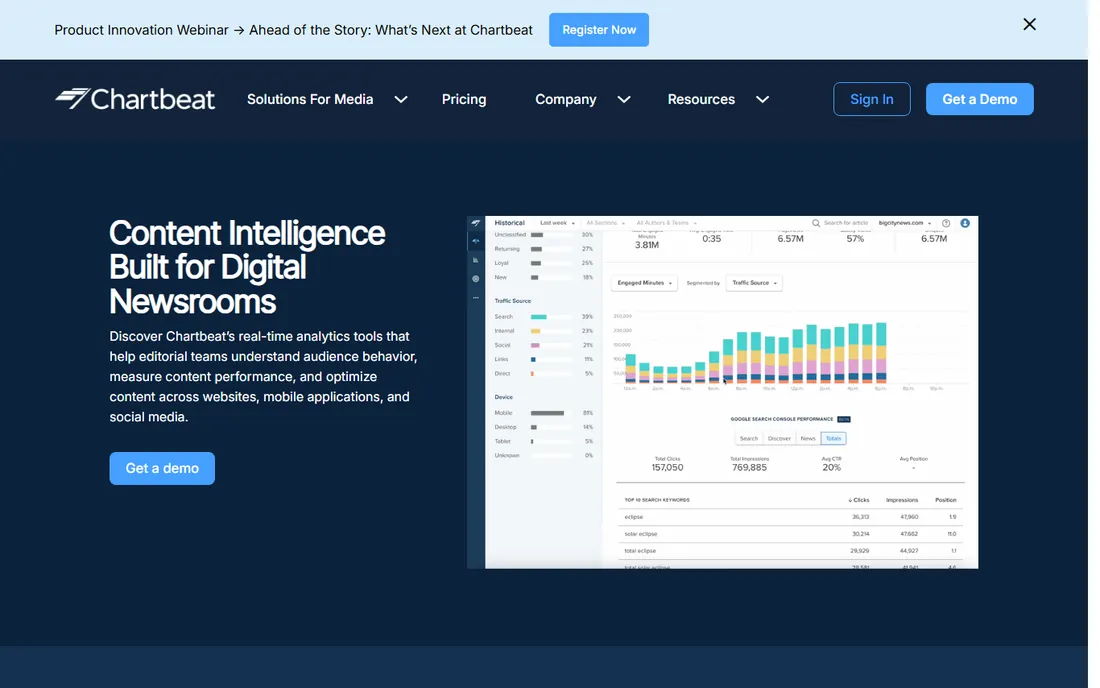
Chartbeat is the other name that defined editorial analytics. Its real-time dashboard shows concurrent readers, scroll depth and recirculation across every page, which is exactly what a homepage editor needs during a breaking story. Historical dashboards keep 13 months of trend data so teams can learn from past successes instead of re-litigating them.
Headline and image testing is a standout. Editors can test variants on live stories and let reader behavior pick the winner, something generic analytics tools do not do. Competitive benchmarking through Chartbeat Cohorts compares your loyalty metrics against other publishers in its network.
Like Parse.ly, Chartbeat prices on traffic volume and negotiation, with mid-size newsrooms commonly paying several thousand dollars a year and enterprises much more. It is a publisher tool first. A SaaS company running a content marketing program will find more relevant features elsewhere.
What we like- Real-time dashboard trusted by major newsrooms
- Engaged time and scroll depth metrics tuned for content
- Headline and image testing built in
Watch out for- Quote-based pricing that typically reaches five figures annually for mid-size publishers
- Focused on publishers, less useful for SaaS content marketing
- Onboarding and implementation can add significant cost
Starting price$49 per month (Growth plan)
Free planYes (200,000 sessions)
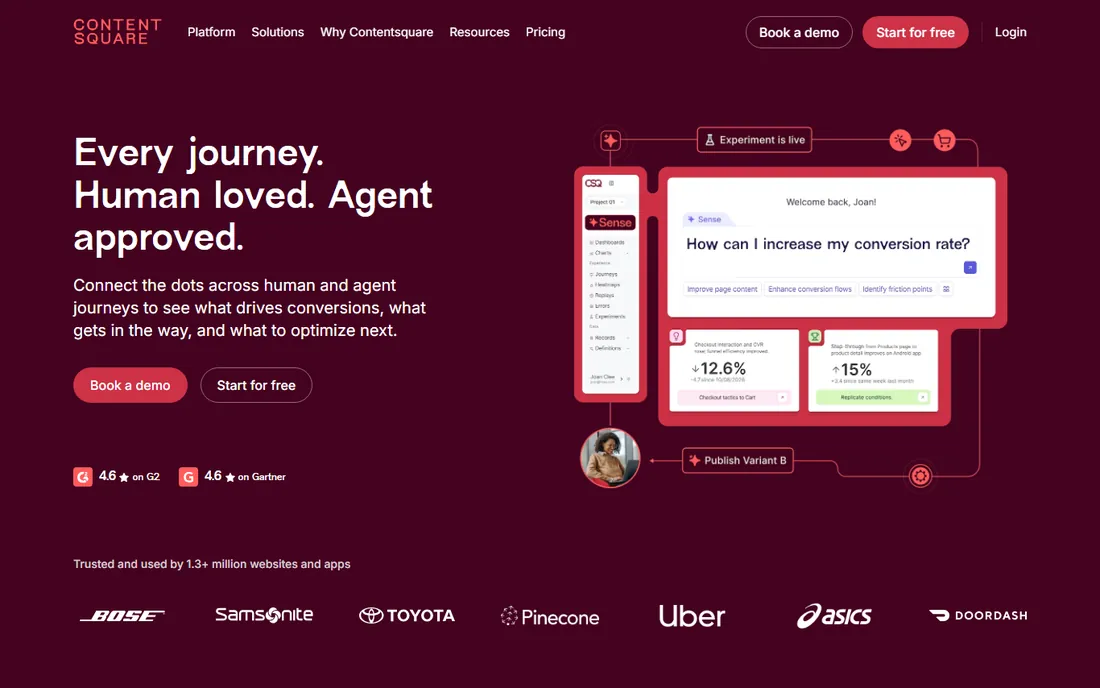
Contentsquare absorbed Hotjar in 2025, so the tool you may have known as Hotjar now lives here. The result is the broadest behavior analytics platform on this list: heatmaps, session replays, funnels, journey analysis, error monitoring and AI-powered summaries, all in one account. Content teams use it to see not just which articles get traffic but where readers stall, scroll past or rage-click.
The free tier includes 200,000 monthly sessions with core features, which is generous enough for many small and mid-size sites to run it permanently. The Growth plan starts at $49 per month with longer data retention and journey analysis.
Session-based pricing is the catch. Traffic spikes burn through allowances, and sampled data can distort funnels on higher-traffic sites. Contentsquare is excellent at on-page behavior but will not tell you much about search visibility or editorial strategy, so pair it with an SEO tool if that matters.
What we like- Combines heatmaps, session replays, funnels and journey analysis
- Free tier with 200,000 monthly sessions is genuinely useful
- AI summaries and impact quantification on paid plans
Watch out for- Pricing climbs fast with session volume
- Enterprise features require sales-led plans
- Broad platform takes time to learn
Starting priceFree
Free planYes
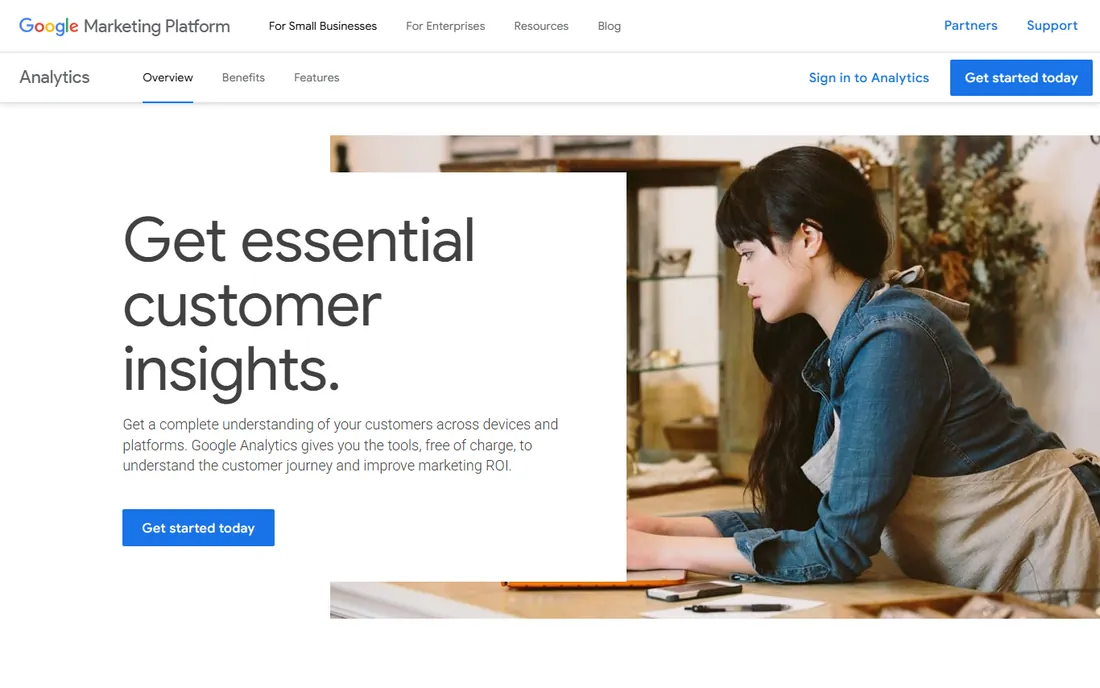
GA4 is the default answer for a reason: it costs nothing, scales to any traffic level and integrates with the tools most marketing teams already use. For content teams, it answers which pages get traffic, where it comes from and what readers do next. The funnel and exploration reports are capable once you learn them.
The honest weakness is editorial fit. GA4 thinks in events and sessions, not stories and authors. Getting a clean view of how a specific article performs across its lifetime takes custom reports, and engaged time requires configuration that most small teams never finish. Privacy compliance also falls on you.
Use it as the baseline every content program needs, then add a specialized tool where its gaps hurt. Almost every team on this list runs GA4 alongside something else.
What we like- Completely free with no traffic limits
- Cross-platform measurement across web and app
- Integrates with Google Ads, Search Console and the rest of the Google stack
Watch out for- Interface overwhelms non-analysts
- Editorial metrics like engaged time are awkward to surface
- Privacy regulations require careful configuration in the EU
Starting priceSee website
Free planNo (demo only)
BrightEdge answers a different question from the analytics tools above: not how readers behave on your pages, but whether your content gets found at all. Its platform tracks visibility across Google Search, AI Overviews, ChatGPT and Perplexity, which is where content discovery is moving. The Data Cube research engine holds billions of data points with years of history for keyword and content research.
Content features include AI-assisted creation and optimization recommendations, plus Copilot and Autopilot capabilities that turn insights into executed site changes. It is built for teams where organic search drives serious revenue.
There is no free tier and no public pricing; this is a demo-and-negotiate enterprise sale. Small teams get most of the value from cheaper SEO tools. BrightEdge earns its place when content is an enterprise channel with dedicated staff.
What we like- Unified SEO and AEO workflows with AI search tracking across Google, ChatGPT and Perplexity
- Data Cube research engine with deep historical data
- Content optimization recommendations tied to rankings
Watch out for- Enterprise pricing with no public plans or free tier
- Heavy platform that needs dedicated owners
- Overkill for teams under a few dozen people
Starting priceSee website
Free planNo (demo only)
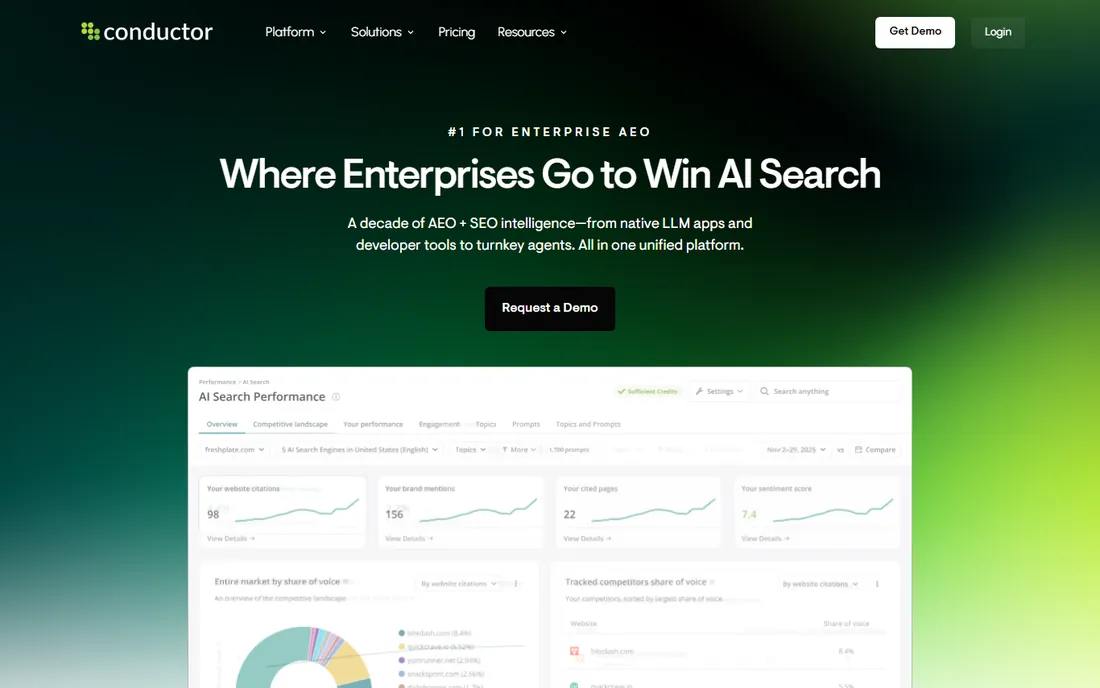
Conductor repositioned itself as the enterprise AEO platform: AI visibility tracking, content creation, technical site health and proprietary search intelligence in one system. Its data engine combines intent, content and technical signals gathered over more than ten years, which feeds everything from LLM apps to its own turnkey agents.
For content teams at large companies, the appeal is workflow unification. Research, briefs, optimization and monitoring connect instead of living in four tools. The platform also plugs into the AI tools teams already use rather than forcing a tab switch.
Like BrightEdge, this is enterprise software with enterprise pricing and a demo-led sales process. It is not trying to serve small teams. If your content program runs at enterprise scale and AI search visibility is a board-level concern, Conductor belongs on the shortlist.
What we like- Unified enterprise AEO platform from visibility tracking to content creation
- Proprietary intent, content and technical signal data built over a decade
- Turnkey AI agents automate the content workflow
Watch out for- Enterprise-only pricing with no self-serve option
- Best suited to large organizations with complex sites
- Smaller teams will find it too much platform
Starting priceSee website
Free planFree trial
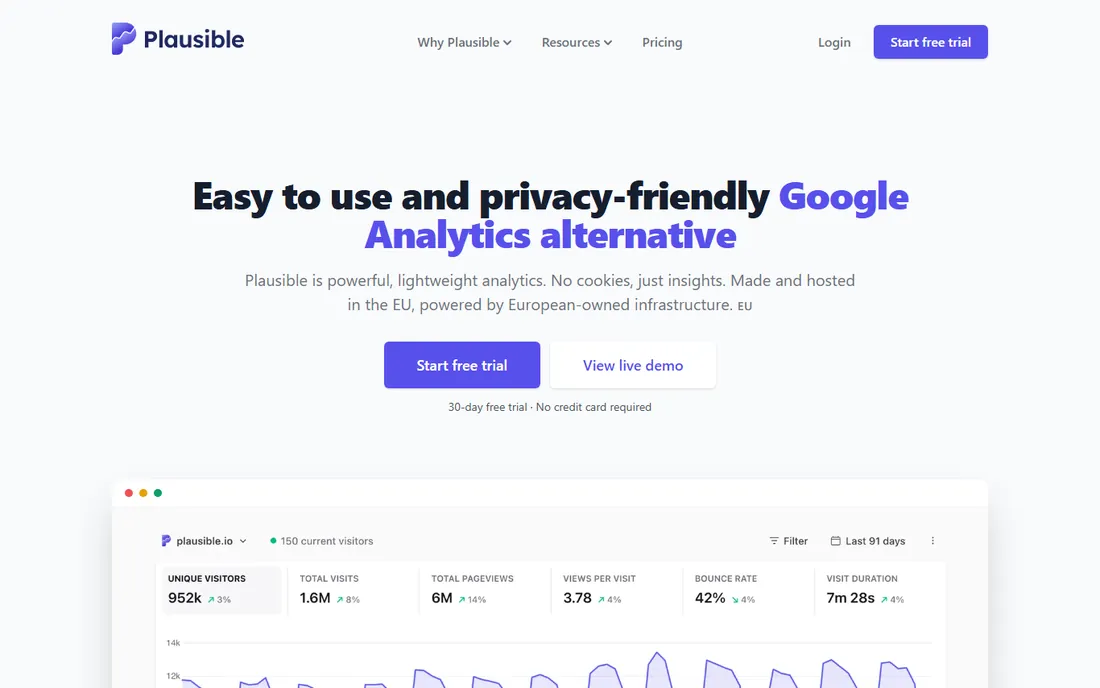
Plausible is the anti-GA4. One dashboard, one minute, the essential numbers: visitors, sources, top pages, conversions. No menus to learn, no reports to build. The script is 54 times smaller than Google Analytics, so it barely touches page speed, and because it collects no personal data, most sites can drop the cookie banner entirely.
It is open source and self-funded, with data processed on EU-owned servers. Over 21,000 paying customers use it, mostly small businesses, publishers and indie projects that value simplicity and privacy.
The tradeoff is depth. You get traffic analytics, not behavior analytics and not editorial intelligence. There are no heatmaps, no funnels, no author-level reporting. Plausible works best as the simple traffic layer, often paired with Clarity for behavior or GA4 for depth.
What we like- Simple one-page dashboard with no learning curve
- No cookies, so no consent banners and easier GDPR compliance
- Lightweight script that keeps pages fast
Watch out for- Limited depth compared to GA4 or Contentsquare
- No heatmaps or session recordings
- Pricing scales with pageviews, which can surprise growing sites
Starting priceFree
Free planYes
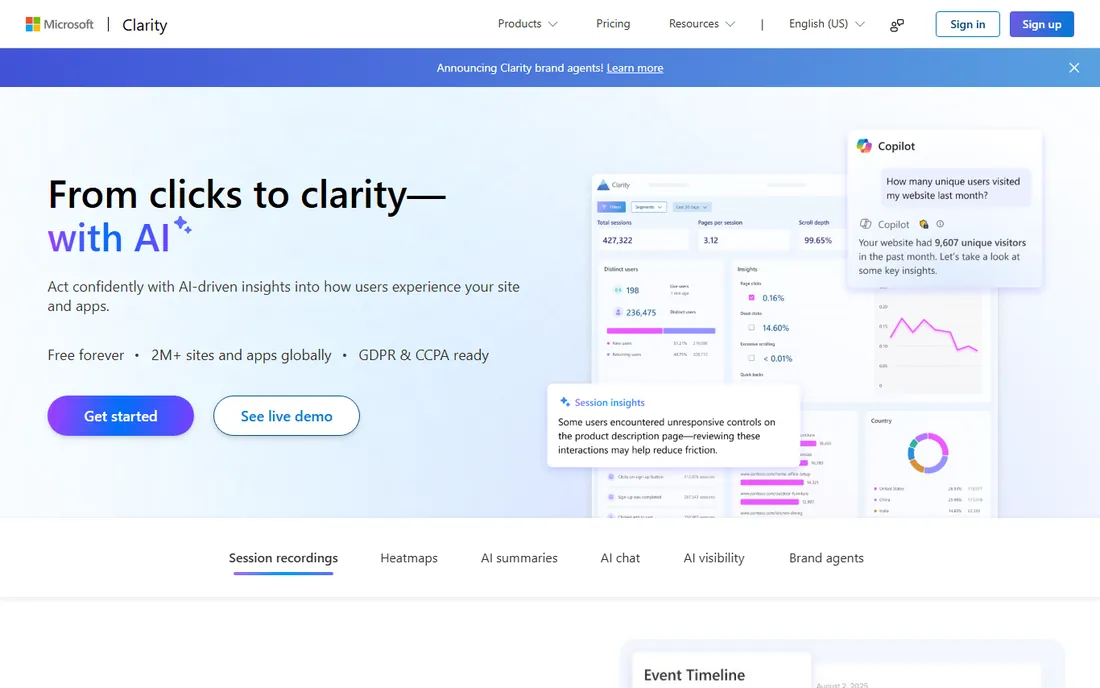
Clarity is the best free deal in analytics. Heatmaps, session recordings, AI summaries and even an AI visibility tracker that shows how AI experiences surface your brand, all for nothing, with no traffic caps. For a content team that wants to see how readers actually move through an article, it is the fastest win on this list.
Setup takes minutes: paste a script and recordings start appearing. The AI chat lets you ask questions of your data in plain language instead of building reports.
Clarity is behavior-only. It will not replace GA4 for traffic, sources or conversions. The standard setup pairs Clarity with GA4 or Plausible: one for what readers do on the page, one for how they got there. At zero cost, there is little reason not to try it.
What we like- Free heatmaps, session recordings and AI summaries with no traffic limits
- AI visibility feature tracks how AI experiences cite your content
- Dead simple to set up
Watch out for- No traditional traffic analytics, so it needs a companion tool
- Data retention and filtering are basic
- Microsoft product, which some privacy-conscious teams avoid
How we chose
We researched each vendor's current site and pricing pages, cross-checked features against public review platforms like G2 and Capterra, and read independent 2026 comparisons from publishers and analysts. We treated content analytics as its own category: tools built to measure content performance for editorial and marketing teams, not generic business intelligence.
We excluded Hotjar as a separate entry because it merged into Contentsquare in 2025 and now shares its platform and pricing. We also excluded tools that were acquired or shut down. Every tool above is available today with a real website, current pricing or a stated quote model, and an actual free plan or trial where we claim one.
What your team size changes about the choice
A solo blogger and a 200-person media company both do content analytics, but they are buying different things. Small teams should start free: GA4 for traffic plus Clarity for behavior covers most needs at zero cost, and Plausible adds privacy-friendly simplicity for a small subscription. None of these require a sales call or a contract.
Mid-size publishers and content-led companies hit the limits of the free stack when editorial decisions carry revenue weight. That is where Parse.ly and Chartbeat earn their fees: editor-friendly dashboards, engaged time metrics and headline testing that GA4 cannot match. Contentsquare fits teams that care more about on-page behavior than editorial workflow.
Enterprises with large content operations and search-driven revenue should look at BrightEdge and Conductor, which connect content performance to search and AI search visibility. These are negotiated annual contracts, so budget for implementation time and a dedicated owner. Buying an enterprise platform without someone to run it is the most common way to waste this budget.
Mistakes content teams make when buying analytics
The most common mistake is buying for the analyst and forgetting the editor. A tool nobody opens is worthless no matter how good its data model is. During every trial, watch whether the people who make content decisions actually log in without being asked. Parse.ly and Chartbeat win newsrooms partly because editors use them voluntarily.
The second mistake is assuming one tool covers everything. Traffic analytics, behavior analytics and search visibility are three different jobs. GA4 tells you what happened, Contentsquare shows you what readers did, and BrightEdge tells you whether anyone found the page. Budget for the combination your team actually needs instead of expecting one platform to do it all.
The third is ignoring the pricing model. Session-based and pageview-based pricing punishes success: the more your content grows, the more you pay. Model costs at your traffic in twelve months, not today, and ask vendors what happens when you exceed your tier before you sign.
Frequently asked questions
What is content analytics software?
It is analytics software built to measure how content performs: which articles, videos and pages attract readers, how long they engage, what they do next and which pieces drive revenue. It differs from general web analytics by speaking the language of content teams: authors, topics, sections and stories rather than just sessions and events.
What is the best content analytics tool for publishers?
Parse.ly and Chartbeat are the two standards for publishers, with real-time dashboards, engaged time metrics and editorial workflows built for newsrooms. Parse.ly leans toward audience loyalty and conversions, while Chartbeat leans toward real-time editorial decisions and headline testing. Both are quote-priced for professional publishers.
Is Google Analytics enough for content analytics?
For basic traffic reporting, yes. GA4 shows which pages get views, where readers come from and what they do next, all for free. It falls short on editorial context: engaged time, author and section reporting, and headline testing all require extra work. Most serious content teams pair GA4 with a specialized tool like Parse.ly, Chartbeat or Clarity.
What is a good free content analytics tool?
Google Analytics and Microsoft Clarity together make a strong free stack: GA4 for traffic and Clarity for heatmaps and session recordings. Contentsquare also offers a free tier with 200,000 monthly sessions including heatmaps, funnels and replays. Plausible is not free but offers a trial for privacy-friendly traffic analytics.
How is content analytics different from SEO tools?
Content analytics measures what happens on your site after someone arrives: engagement, behavior and conversions. SEO tools measure whether people find your content at all: rankings, visibility and search demand. BrightEdge and Conductor bridge both worlds, but most teams need at least one tool from each side.
Do I need both GA4 and a specialized content tool?
Many teams do. GA4 handles baseline traffic measurement and integrates with the Google stack, while a specialized tool adds editorial context, behavior detail or search visibility that GA4 lacks. Start with GA4 plus Clarity for free, and add a paid specialist only when you can name the specific decision it will improve.
Sources we checked (15)
- https://parse.ly
- https://chartbeat.com
- https://contentsquare.com
- https://marketingplatform.google.com/about/analytics/
- https://www.brightedge.com
- https://www.conductor.com
- https://plausible.io
- https://clarity.microsoft.com
- https://www.itqlick.com/chartbeat/pricing
- https://www.itqlick.com/chartbeat
- https://justanalytics.app/blog/chartbeat-vs-justanalytics-newsroom-real-time-analytics
- https://tamer.marketing/blog/hotjar-review/
- https://www.trustradius.com/compare-products/chartbeat-vs-supermetrics
- https://www.trustradius.com/compare-products/geckoboard-vs-parse-ly
- https://www.spotsaas.com/compare/parse-ly-vs-nudge
Is your product missing or out of date?
We review this list regularly. Vendors can request a listing, send updated pricing or ask about featured placement.

Shihab Mia · Founder, Rankite
Shihab has spent more than a decade helping SaaS and e-commerce brands grow through search. He writes Rankite's software buying guides from pricing pages, documentation and public user reviews. More about Shihab.