How we make this list: we compare pricing pages, product documentation and public user reviews. Rankite is independent; if a vendor ever pays for a featured spot, that listing is clearly labeled Partner.
Key takeaways
- The shortlist for most teams: Asana for structured task management, Trello for simple kanban boards, and Monday for visual custom workflows.
- Flat and free pricing matters: Basecamp charges one flat rate with no per-user fees, ProofHub skips per-user pricing too, and Teamwork offers a free plan for up to 5 users ($9.99/user/month on Basics).
- Already living in documents? Notion combines wikis, docs and light task tracking in one workspace.
- ClickUp packs tasks, docs, chat, whiteboards and goals into a single app, which suits teams that want fewer subscriptions.
What does "collaborative" actually mean when every tool claims it? For this list, it means multiple people planning, commenting, assigning and tracking work in real time, with a shared view everyone trusts. These ten platforms all do that, and they split on structure: some give you strict timelines and portfolios, others give you a blank board and get out of the way.

#1
Asana
Best for: Teams that want structured projects with timelines, goals and portfolios
Visit asana.com
Starting priceSee website
Free planSee website
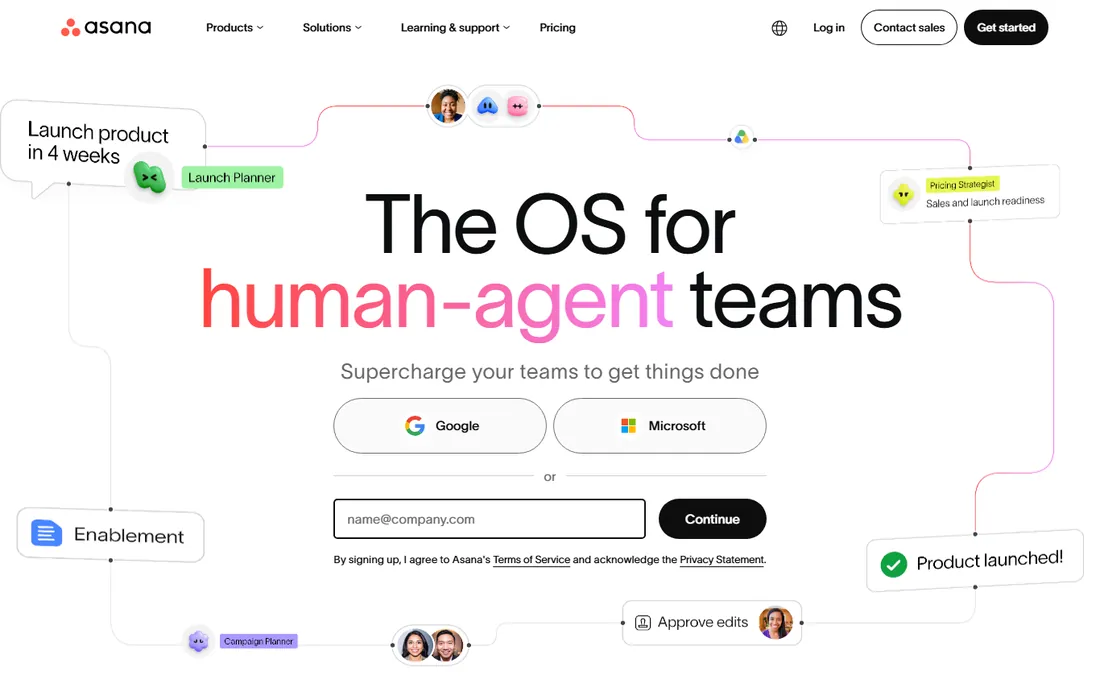
Asana is the structured workhorse of this list. Projects hold tasks with assignees, due dates, dependencies and custom fields; timelines give you the Gantt-style view; portfolios roll multiple projects into one executive dashboard. The automation builder handles the repetitive moves, like reassigning tasks when a status changes, without code.
The honest catch is cost and complexity. Per-user pricing means a 30-person team pays real money, and the features that make Asana powerful (workload, goals, advanced reporting) are gated to pricier plans. Teams that just need a shared task list will find it heavy. Teams running many projects at once will find the structure worth it.
What we like- Mature task, timeline and portfolio views that scale from small teams to enterprises
- Strong automation rules and 200-plus integrations
- Guest access lets clients see only their projects
Watch out for- Pricing is per user and adds up fast on larger teams
- Advanced features like workload management and goals sit on higher tiers

#2
Trello
Best for: Small teams that think in kanban boards and want to start in minutes
Visit trello.com
Starting priceSee website
Free planSee website
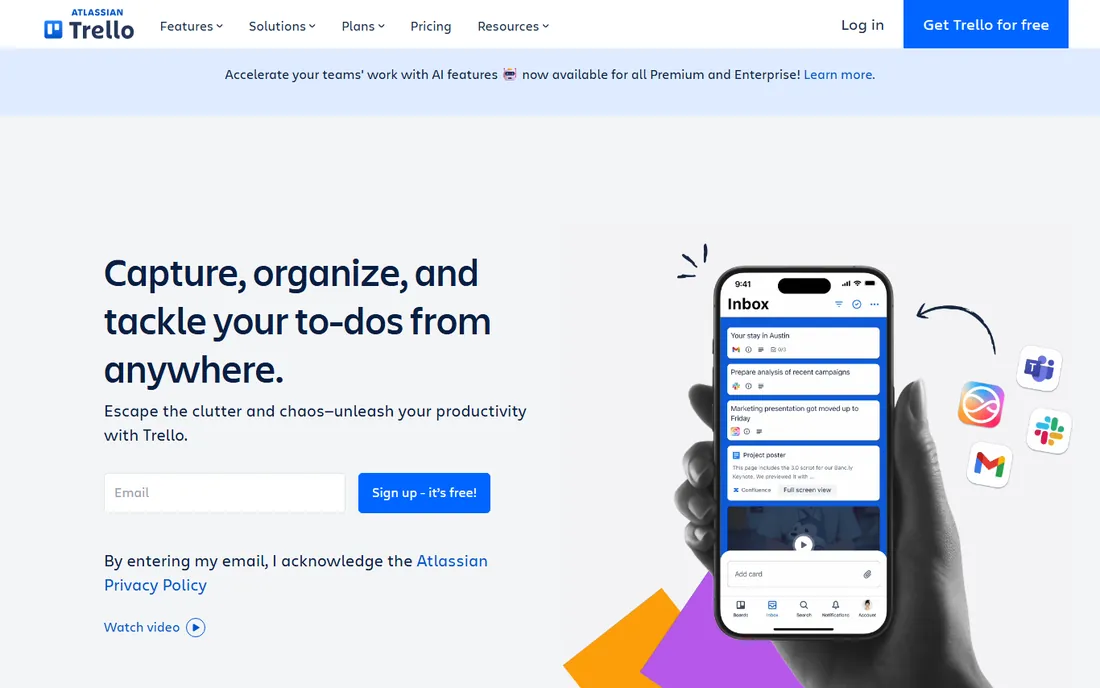
Trello is the kanban original, now part of Atlassian. Boards hold lists, lists hold cards, cards hold checklists, due dates, attachments and comments. It is the fastest tool here to set up: create a board, invite the team, drag cards across. Butler automation adds rules and scheduled commands without code.
The limits show at scale. There is no real portfolio view, resource management is basic, and reporting needs paid plans or Power-Ups. Trello is ideal for content calendars, hiring pipelines, sprint boards and small project teams. If your projects need dependencies, budgets and multi-project reporting, look at Asana, Monday or Wrike instead.
What we like- The simplest board interface in this set, learnable in an afternoon
- Butler automation handles routine card moves and reminders
- Generous free tier for small teams
Watch out for- Thin on native reporting, timelines and workload views without paid upgrades
- Large, complex projects outgrow the card model quickly

#3
Monday
Best for: Teams that want highly visual, customizable workflows without code
Visit monday.com
Starting priceSee website
Free planSee website
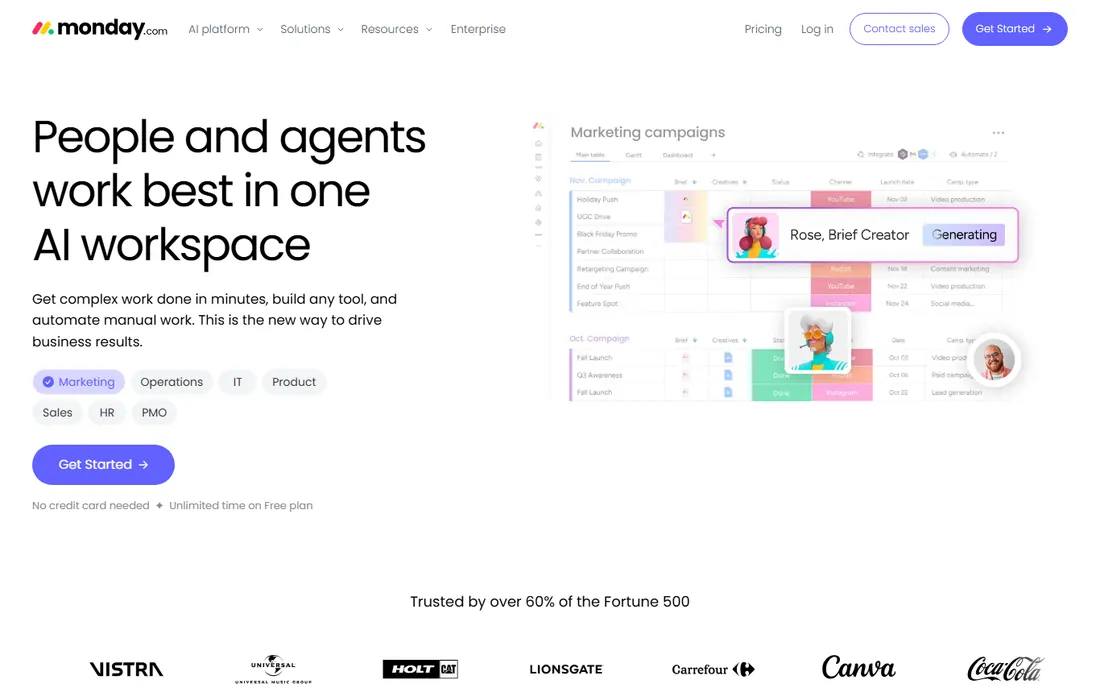
Monday (styled monday.com) sells the visual work OS: colorful boards, custom columns, and views that reshape the same data for different audiences. Marketing teams build campaign trackers, operations teams build intake pipelines, and managers watch workload views to spot overload. Automations and 500-plus integrations cover the usual stack.
The pricing reality needs attention. Monday has seat minimums on paid plans, so a tiny team can pay for seats it does not use, and automations and integrations are limited on lower tiers. It rewards teams that invest an hour in board design; teams that skip that step end up with pretty chaos. For visual thinkers who want customization without developers, it is the most flexible pick here.
What we like- Extremely flexible boards with many views (kanban, timeline, calendar, workload, map)
- Strong automation and integration library
- Polished interface that non-technical teams adopt quickly
Watch out for- Pricing minimums and per-seat costs rise quickly for bigger teams
- The flexibility means setup takes thought, and messy boards get confusing fast

#4
ClickUp
Best for: Teams that want tasks, docs, chat, whiteboards and goals in one app
Visit clickup.com
Starting priceSee website
Free planSee website
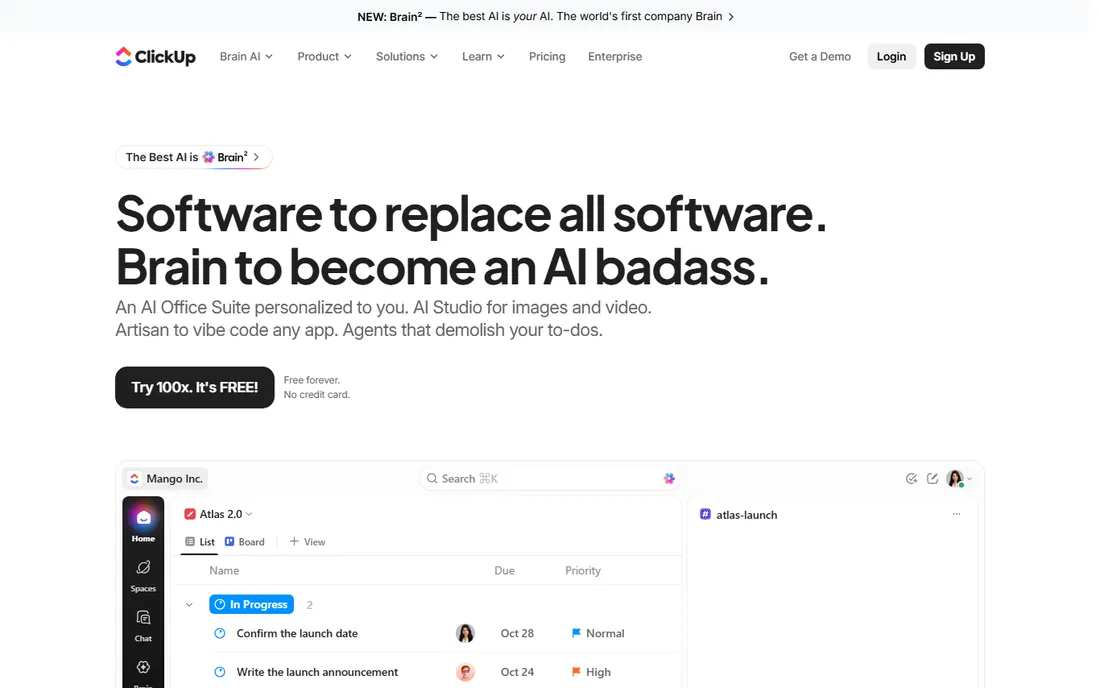
ClickUp's pitch is consolidation: instead of paying for a task tool, a docs tool and a chat tool, you run them all inside ClickUp. Tasks nest in lists, folders and spaces; docs and whiteboards live alongside; goals, time tracking and dashboards round it out. The free tier is famously generous, which is why so many small teams start here.
The tradeoff is complexity. New users face a wall of options, and admins need to set conventions or every team builds a different structure. Performance with very large workspaces draws mixed reviews. If your team wants one home for nearly everything and will invest in setup, ClickUp delivers the most features per dollar. If you want simplicity, Basecamp or Trello fit better.
What we like- Enormous feature breadth, so one subscription can replace several tools
- Very generous free tier by industry standards
- Deep customization of statuses, views and hierarchies
Watch out for- The breadth creates a learning curve and occasional performance complaints
- Setup takes real effort, and teams can drown in options without admin discipline
#5
Notion
Best for: Teams that want docs, wikis and lightweight task tracking in one workspace
Visit notion.so
Starting priceSee website
Free planSee website
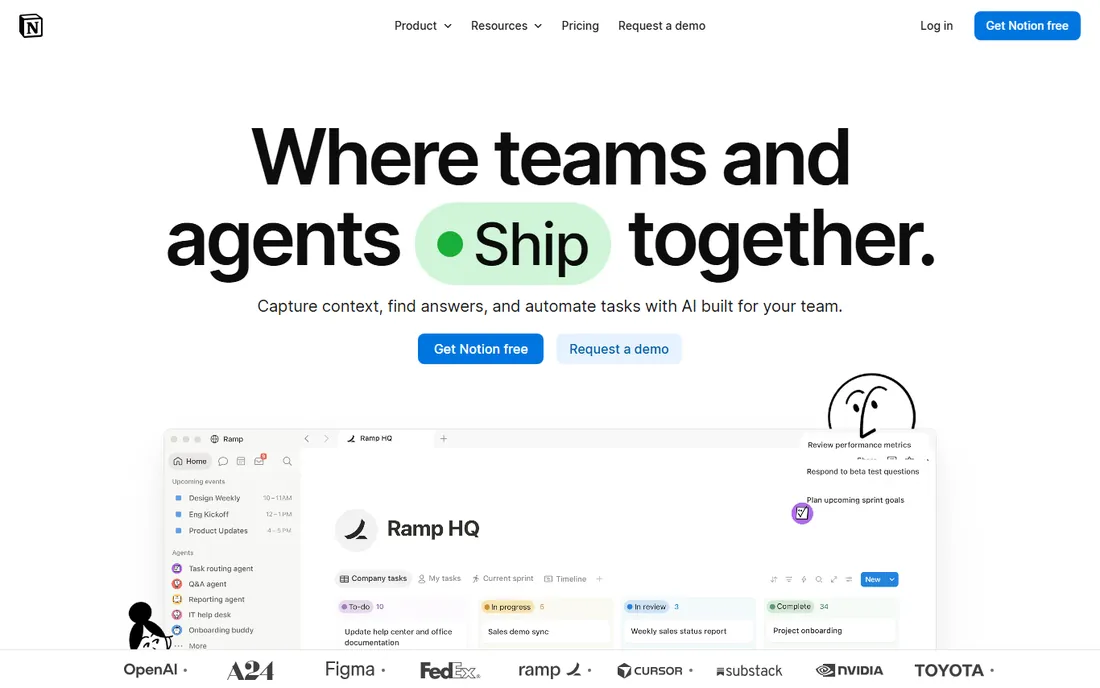
Notion is the documentation tool that grew task features. Pages nest infinitely, databases power kanban boards, calendars and tables, and templates cover meeting notes, roadmaps and project trackers. Teams that live in documents love having tasks next to the spec instead of in a separate app.
But collaboration here means co-editing, not project control. There are no real dependencies, resource management or portfolio reporting, and large databases can feel slow. Notion suits startups and small teams that want a shared brain with light task tracking attached. Teams that need timelines, budgets and workload planning should pair it with, or choose, a dedicated PM platform.
What we like- Best-in-class docs and wiki experience with databases that double as task trackers
- Flexible enough to build CRMs, roadmaps and knowledge bases
- Generous free tier for individuals and small teams
Watch out for- Not a real project management tool at its core: no native Gantt, workload or advanced reporting
- Performance and offline access lag behind dedicated PM apps

#6
Basecamp
Best for: Teams that want simple project communication at one flat price
Visit basecamp.com
Starting priceSee website (flat rate, no per-user pricing)
Free planSee website
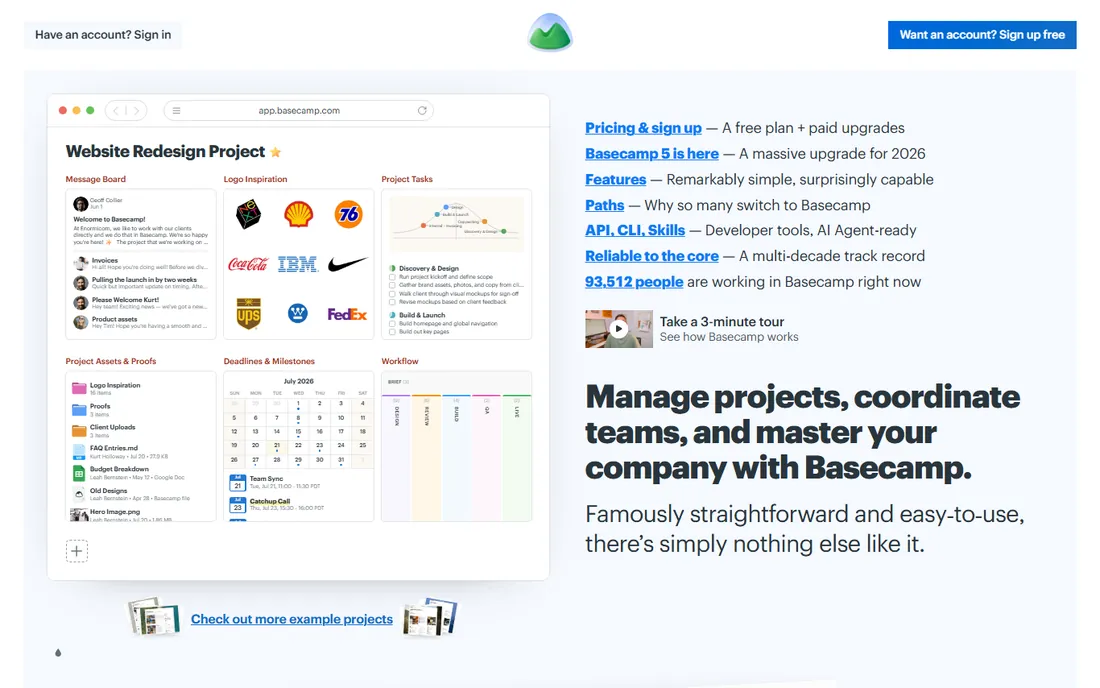
Basecamp, from 37signals, is the anti-complexity pick. Each project gets the same six tools: message board, to-dos, schedule, docs and files, group chat and automatic check-ins. Pricing is a single flat rate regardless of headcount, which makes it dramatically cheaper than per-seat tools once you pass a dozen people.
The simplicity is the point and the limit. You cannot reshape Basecamp into a custom workflow engine, integrations are few, and power users will miss timelines and dashboards. But teams burned by over-complicated software often come back to Basecamp and stay. If your projects are really about communication and task lists, not resource planning, the flat price is hard to beat.
What we like- One flat monthly price covers unlimited users and projects
- Deliberately simple toolset (message boards, to-dos, schedules, docs, chat) that teams actually adopt
- Long track record and stable product
Watch out for- Limited customization and few integrations next to Monday or Asana
- No Gantt charts, advanced reporting or time tracking depth

#7
Wrike
Best for: Marketing and professional services teams with complex, multi-step workflows
Visit wrike.com
Starting priceSee website
Free planSee website
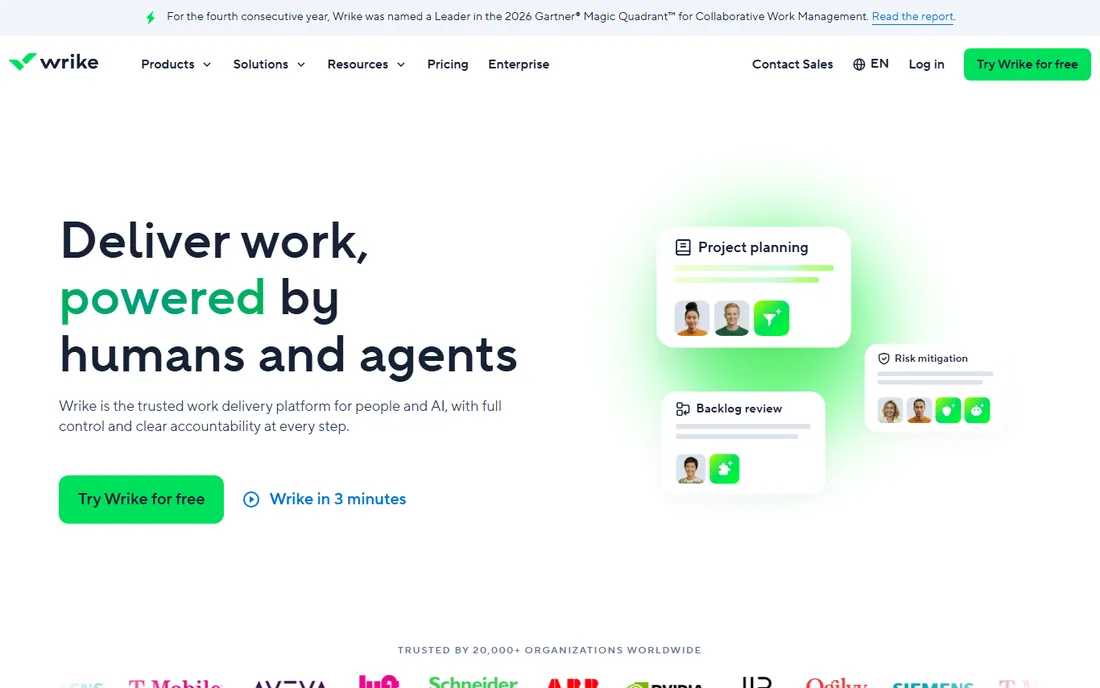
Wrike targets teams with real process: intake forms feed projects, approvals route automatically, proofing tools let reviewers mark up creative, and resource views show who is overloaded. Marketing departments and agencies are its core audience, and the platform handles cross-functional work with dependencies well.
Small teams should be cautious. Wrike's power comes with a learning curve and an admin burden, and the price reflects the enterprise positioning. It shines when you have defined workflows to encode; it frustrates when you just want a shared to-do list. For agencies and marketing orgs outgrowing Trello or Asana, Wrike is the natural step up.
What we like- Deep workflow customization with request forms, approvals and proofing
- Strong resource management and time tracking
- Enterprise-grade security and admin controls
Watch out for- Interface and setup feel heavy for small teams
- Pricing climbs with the advanced features most buyers actually want

#8
Smartsheet
Best for: Spreadsheet-comfortable teams managing projects, portfolios and reports at scale
Visit smartsheet.com
Starting priceSee website
Free planSee website
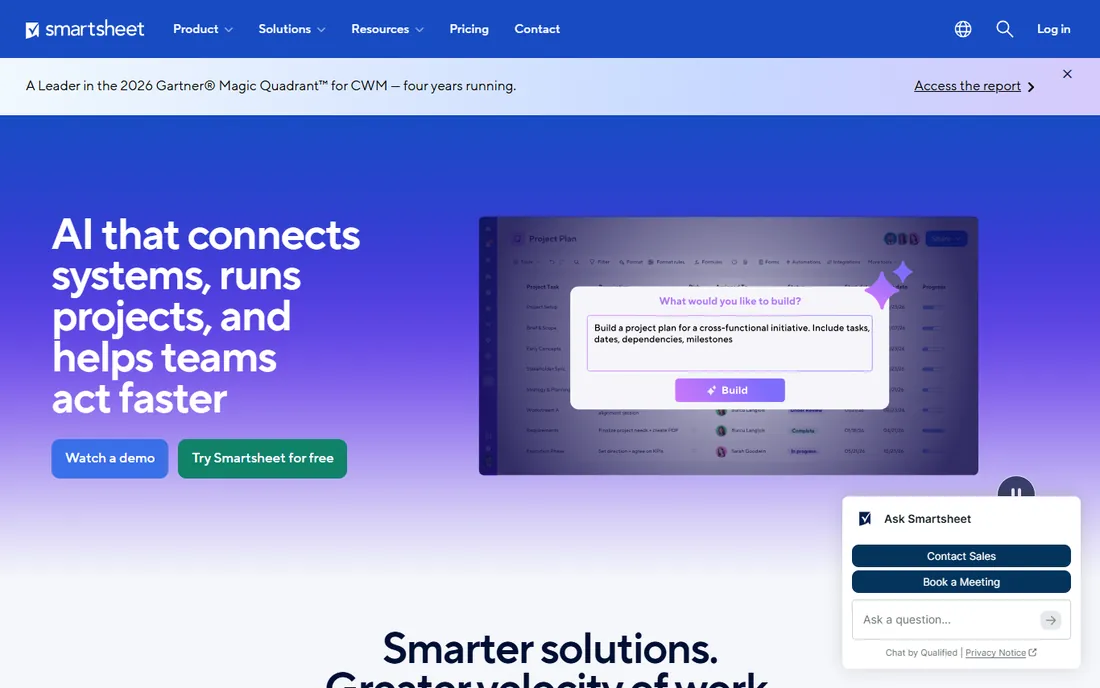
Smartsheet looks like a spreadsheet and acts like a project platform. Rows become tasks with owners and dates, sheets roll into reports and dashboards, and Gantt and card views reshape the same data. Teams that live in Excel adopt it faster than any tool here, and the automation handles approvals and update requests.
The grid has limits: commenting, subtasks and agile workflows feel bolted on next to Asana or Jira, and licensing gets expensive as viewer and collaborator counts grow. Note the ownership change: Blackstone and Vista took Smartsheet private in a 2025 deal, so long-term pricing direction is worth watching. For operations and PMO teams that think in rows, it remains a strong fit.
What we like- Familiar grid interface that spreadsheet users adopt instantly
- Strong Gantt, card and calendar views plus dashboards and portfolio rollups
- Solid automation and enterprise controls
Watch out for- The spreadsheet metaphor limits true task-management ergonomics
- Costs add up with collaborators and advanced features
- Now private equity-owned, so watch for pricing changes
#9
Teamwork
Best for: Client-services teams and agencies that track time and bill by the hour
Visit teamwork.com
Starting price$9.99/user/month (Basics plan)
Free planFree (Free Forever plan for up to 5 users)
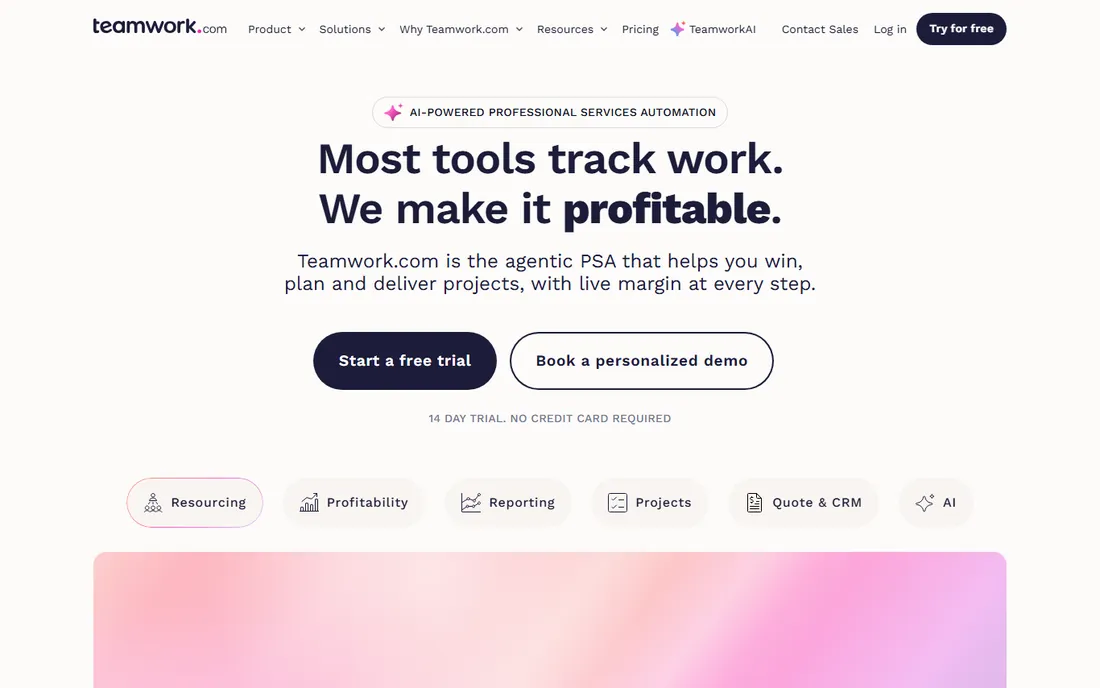
Teamwork.com is built for agencies, consultancies and professional services firms. Time tracking is first-class, with billable and non-billable hours feeding invoices and profitability reports. Projects support tasks, milestones, dependencies, Gantt charts and kanban boards, and clients can be given limited views of their own work.
Pricing is transparent: a free plan for up to 5 users, Basics at $9.99 per user per month, and Accelerate at $24.99, per the company's own site. The interface will not win design awards, and advanced resource planning needs the higher tiers. But if your business model is selling hours, Teamwork connects project tracking to revenue better than the generalists here.
What we like- Built for client work with billable time tracking, invoicing and client-facing views
- Gantt, kanban and workload views included
- Free plan covers tiny teams
Watch out for- Interface feels dated next to Monday or Asana
- The best billing and profitability features sit on higher tiers

#10
ProofHub
Best for: Larger teams that want predictable pricing without per-user fees
Visit proofhub.com
Starting priceSee website (flat pricing, no per-user fee)
Free planSee website
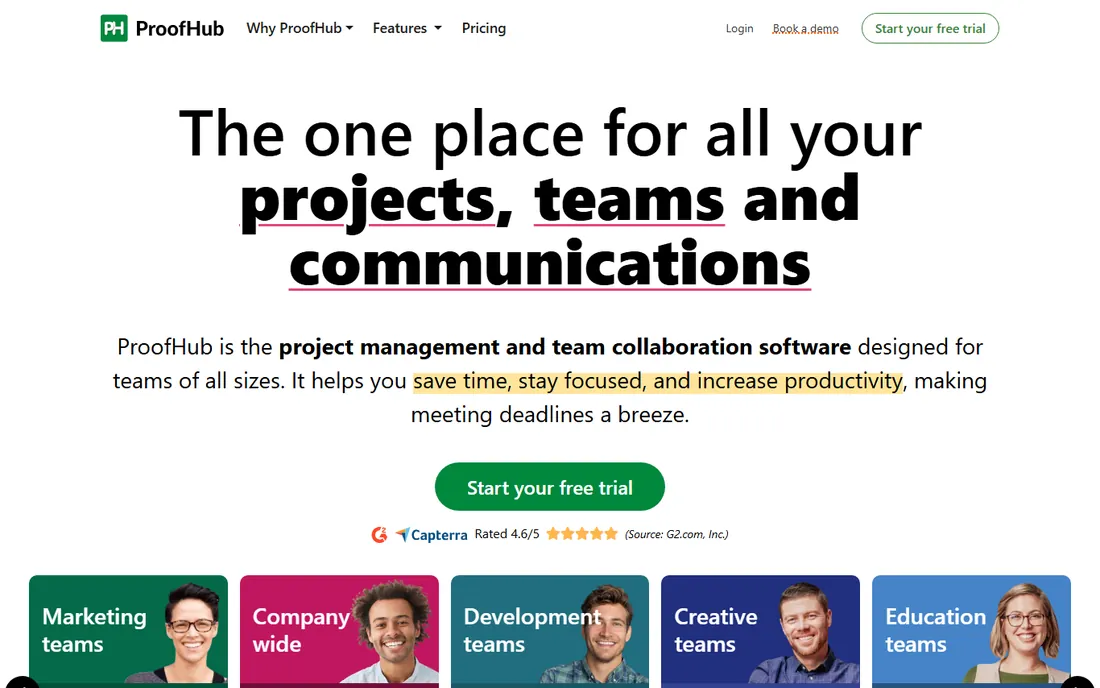
ProofHub's differentiator is the pricing model: flat plans with unlimited users, which makes budgeting easy and removes the penalty for inviting the whole company. The feature set covers the essentials in one place: task lists and kanban boards, Gantt charts, online proofing with markup, time tracking, discussions, notes and group chat.
The ecosystem is thinner. Integrations are limited compared to the big names, and the product evolves more slowly. For teams of 30-plus where per-seat pricing gets painful, ProofHub's flat rate can save thousands a year. For teams that need deep integrations with their existing stack, verify the connectors exist before committing.
What we like- Simple flat pricing with no per-user charges, so costs stay predictable as you grow
- All-in-one set (tasks, discussions, proofing, time tracking, Gantt, chat)
- Quick setup
Watch out for- Fewer integrations than Asana, Monday or ClickUp
- Interface and mobile apps feel less polished
- Smaller user community means fewer templates and guides
Quick comparison
| Tool | Best for | Starting price | Free plan |
|---|
| Asana | Teams that want structured projects with timelines, goals and portfolios | See website | See website |
| Trello | Small teams that think in kanban boards and want to start in minutes | See website | See website |
| Monday | Teams that want highly visual, customizable workflows without code | See website | See website |
| ClickUp | Teams that want tasks, docs, chat, whiteboards and goals in one app | See website | See website |
| Notion | Teams that want docs, wikis and lightweight task tracking in one workspace | See website | See website |
| Basecamp | Teams that want simple project communication at one flat price | See website (flat rate, no per-user pricing) | See website |
| Wrike | Marketing and professional services teams with complex, multi-step workflows | See website | See website |
| Smartsheet | Spreadsheet-comfortable teams managing projects, portfolios and reports at scale | See website | See website |
| Teamwork | Client-services teams and agencies that track time and bill by the hour | $9.99/user/month (Basics plan) | Free (Free Forever plan for up to 5 users) |
| ProofHub | Larger teams that want predictable pricing without per-user fees | See website (flat pricing, no per-user fee) | See website |
Is your product missing or out of date?
We review this list regularly. Vendors can request a listing, send updated pricing or ask about featured placement.
The per-user pricing trap
Nearly every tool here prices per seat, and the math surprises buyers. A $10-per-user plan is $3,600 a year for 30 people, before add-ons, and most teams invite more people than they planned: clients, contractors, part-timers. Before comparing sticker prices, count who actually needs a paid seat versus who can work as a free viewer or guest. Asana, Monday and ClickUp all offer limited-access roles that cut the bill.
Flat-priced tools change the calculation. Basecamp and ProofHub charge one rate for unlimited users, which favors larger or growing teams. Teamwork's free plan covers up to 5 users, making it nearly free for tiny agencies. Also watch the minimums: some vendors require a minimum seat count on annual plans, so a 4-person team can end up paying for 5 or 10 seats. Get the quote for your actual headcount, not the advertised per-seat price.
Switching PM tools is mostly a data and habits problem, not a technical one. Most platforms import from Trello, Asana or CSV, so tasks and boards transfer; what does not transfer is your workflow logic: automations, custom fields, templates and integrations need rebuilding. Budget a week for a small team and a month for a large one.
Run the migration in phases. Export everything from the old tool first, including attachments and comments you might need later. Rebuild one team's workflow in the new tool, run both systems in parallel for two weeks, then move the rest. The biggest failure mode is migrating without simplifying: a messy Asana becomes a messy Monday. Use the switch to archive dead projects and agree on naming conventions before anyone creates a board.
How we chose
We started with the categories buyers search: collaborative project management tools, team project management software and best project management software for small business. For each candidate we opened the vendor's own homepage and pricing pages, checked features against public reviews on G2 and Capterra and practitioner discussion on Reddit, and compared collaboration depth, pricing models and fit for small and mid-size teams. Where a price could not be verified on the vendor's own page we wrote "See website" rather than guessing.
Frequently asked questions
What is the best collaborative project management tool for a small team?
For most small teams, Trello (simplest), Asana (most structured) or Monday (most visual). If budget is tight, Teamwork's free plan covers up to 5 users, and ClickUp and Notion offer generous free tiers. Pick based on how your team already works, not on feature lists.
How much does project management software cost?
Per-user plans typically run $8 to $25 per user per month on standard tiers: Teamwork Basics is $9.99 per user per month. Flat-priced options like Basecamp and ProofHub charge one rate for unlimited users, which is cheaper past 15 to 20 people. Always price your actual headcount including guests and viewers.
Do I need the paid plan, or is the free tier enough?
Free tiers work for small teams with simple needs: a few projects, basic boards and limited automations. You typically need paid plans for timelines/Gantt, workload views, advanced automations, guest controls and integrations. Trial the paid tier with a real project before deciding.
Which tool is best for client work and billing?
Teamwork, built for agencies with billable time tracking and invoicing. Basecamp also suits client communication with its flat pricing and client-friendly views. Asana and Monday handle client projects well but need integrations or higher tiers for billing.
Can these tools replace Slack or email?
Partially. ClickUp, Basecamp and ProofHub include team chat; Asana and Monday include comments and inbox-style updates. Most teams still keep a separate chat tool because real-time conversation belongs somewhere fast, while project discussion belongs next to the work. Use the PM tool for decisions and the chat tool for chatter.
How long does it take to switch project management tools?
A small team can migrate in one to two weeks: export data, rebuild workflows, run both tools in parallel, then cut over. Larger teams need a month or more, mostly for retraining and rebuilding automations. The data import is the easy part; changing habits is the work.
Sources we checked (12)
- https://asana.com/
- https://trello.com/
- https://monday.com/
- https://clickup.com/
- https://www.notion.so/
- https://basecamp.com/
- https://www.wrike.com/
- https://www.smartsheet.com/
- https://www.teamwork.com/
- https://www.proofhub.com/
- https://www.g2.com/categories/project-management
- https://www.capterra.com/project-management-software/
Is your product missing or out of date?
We review this list regularly. Vendors can request a listing, send updated pricing or ask about featured placement.

Shihab Mia · Founder, Rankite
Shihab has spent more than a decade helping SaaS and e-commerce brands grow through search. He writes Rankite's software buying guides from pricing pages, documentation and public user reviews. More about Shihab.