How we make this list: we compare pricing pages, product documentation and public user reviews. Ratings come from G2, Capterra or Trustpilot, with the date we checked them.
Key takeaways
- Three of the eight platforms cost nothing to start: WordPress and Drupal are free open-source software, while HubSpot offers genuinely free CMS tools with hosting included.
- Pricing models differ wildly: Wix and Squarespace charge flat monthly rates, Webflow charges per published site, and headless options like Contentful jump from free to $300 per month.
- Your technical resources decide the shortlist: non-technical teams do better with Wix, Squarespace, or HubSpot; design-led teams gravitate to Webflow; developers pick WordPress, Drupal, Contentful, or Sanity.
- Every platform on this list now ships AI-assisted building or content tools, so compare the editing and publishing workflow, not just the marketing.
- Vendor lock-in varies: WordPress and Drupal let you move your site anywhere, while Wix and Squarespace keep your content inside their walls.
Quick comparison
| Tool | Best for | Starting price | Free plan |
|---|
 WordPress WordPress | maximum flexibility on any budget | Free (software; hosting paid separately) | Yes |
 Webflow Webflow | design-led sites without a developer | $14/month (Basic site plan, billed annually) | Yes |
 HubSpot HubSpot | marketing teams that live in a CRM | Free tools available (Starter $20/seat/month) | Yes |
 Wix Wix | beginners who want it all in one place | $17/month (Light, billed annually) | Yes |
 Squarespace Squarespace | polished sites with minimal fuss | $19/month | Free trial (14 days) |
 Drupal Drupal | complex, secure sites at scale | Free (software; hosting paid separately) | Yes |
 Contentful Contentful | structured content across many channels | Free plan available (paid plans from $300/month) | Yes |
 Sanity Sanity | developer-led teams with real-time needs | Free plan available (Growth from $15/seat/month) | Yes |
Is your product missing or out of date?
We review this list regularly. Vendors can request a listing, send updated pricing or ask about featured placement.
Your marketing manager wants to publish a new landing page by Friday. Your developer wants clean code and version control. Your CFO wants one predictable bill. The content management system you pick decides which of those three people stays happy, so it is worth ten minutes of honest comparison before you commit.
The eight platforms below cover the real options for small and mid-size companies in 2026: the open-source giants, the design-first builders, the marketing-suite CMS, and the headless systems developers reach for when content has to live in more than one place.
Starting priceFree (software; hosting paid separately)
Free planYes
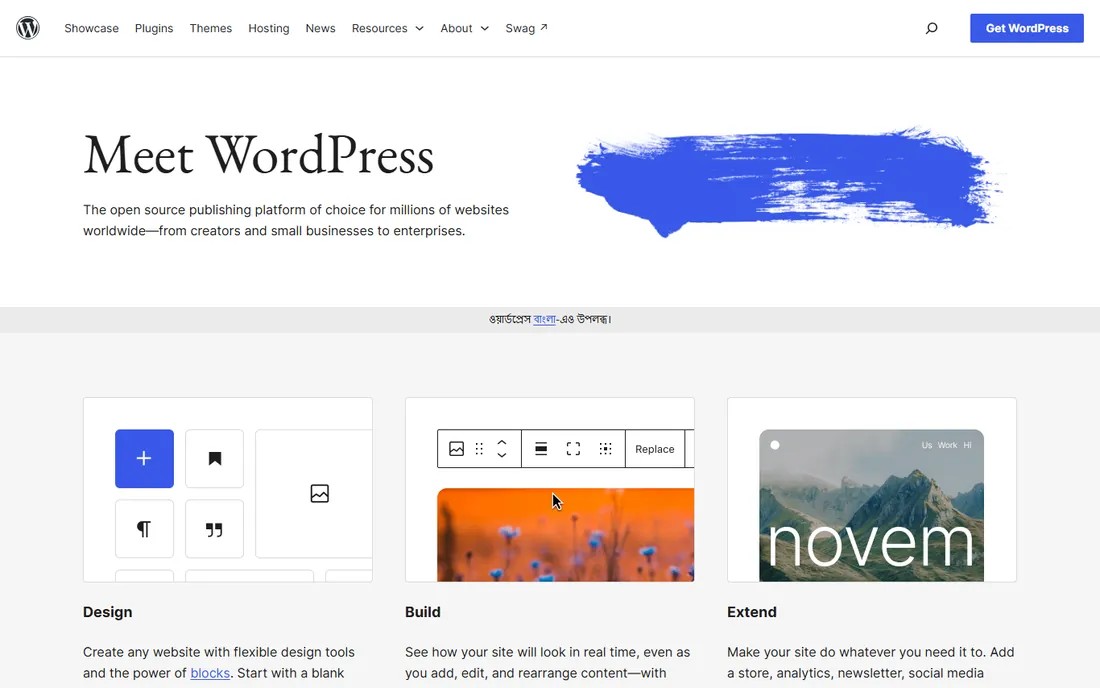
Nobody picks WordPress because it is trendy. They pick it because it does almost anything. The block editor handles everyday publishing without code, while the plugin library adds stores, memberships, booking, multilingual sites, and whatever else the business dreams up. With millions of sites running on it, there is a tutorial, a freelancer, and a fix for nearly every problem you will ever hit.
The honest catch is maintenance. WordPress.org is free software, but you pay for hosting (usually $5 to $30 per month for small sites) and you own the upkeep: updates, backups, and security. Install twenty plugins without a plan and you get a slow, fragile site. Run it lean on good hosting with a short plugin list and it remains the best value in the entire CMS market. It is the right pick when you want total control and zero platform rent.
What we like- Powers a huge share of the web, so help is everywhere
- Tens of thousands of free plugins and themes
- Full ownership with no vendor lock-in
Watch out for- You handle hosting, updates, and security yourself
- Plugin conflicts can break sites
- Performance depends on your hosting quality
Starting price$14/month (Basic site plan, billed annually)
Free planYes
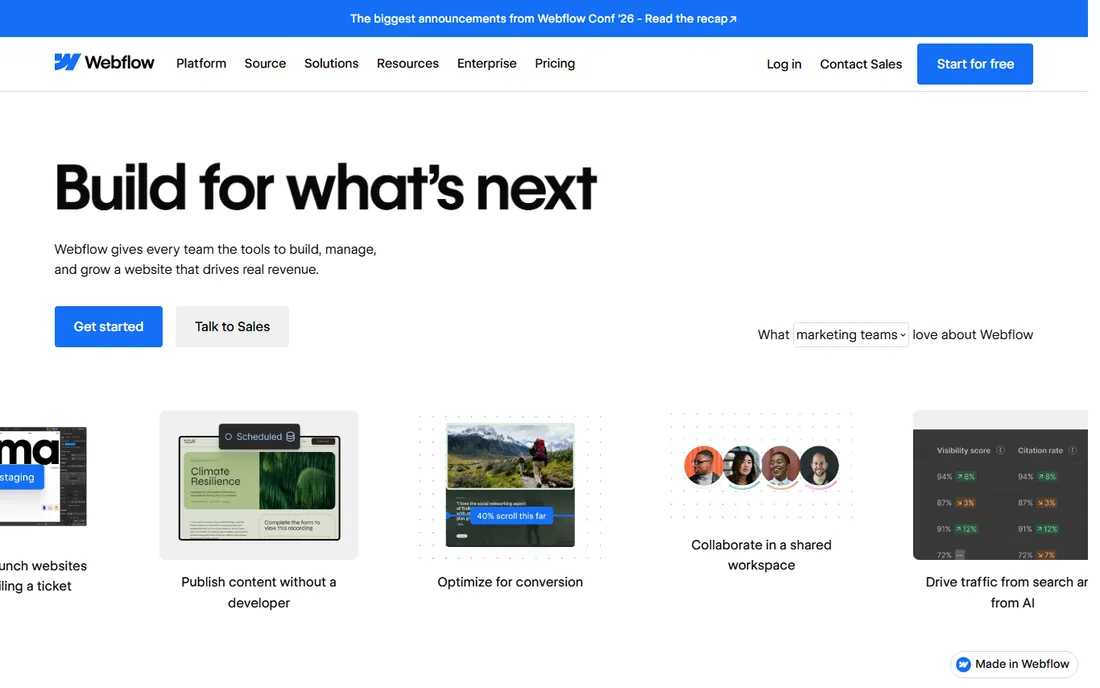
Webflow is what designers wished WordPress felt like. You design in a visual canvas that outputs clean HTML, CSS, and JavaScript, manage content in structured CMS collections, and publish to Webflow's global hosting without touching a server. The 2026 platform adds AI-assisted building, personalization, and optimization tools that aim squarely at marketing teams who want to ship pages without filing tickets.
Pricing has two dimensions: a Site Plan per published website (Basic at $14 per month annually, CMS at $23, Business at $39) plus optional Workspace plans for teams. The Starter plan is free for prototyping on a webflow.io subdomain. The honest catch is the item ceiling: the CMS plan caps you at 2,000 CMS items, and a busy blog can approach that faster than expected. For agencies and design-led teams that want pixel control without plugin drama, it is a strong pick.
What we like- Visual designer with true CSS-level control
- Hosting, SSL, and CDN included in every paid plan
- Strong built-in CMS collections for blogs and directories
Watch out for- Steep learning curve for non-designers
- Costs stack up with site plans plus workspace plans
- CMS item limits can force upgrades as content grows
Starting priceFree tools available (Starter $20/seat/month)
Free planYes
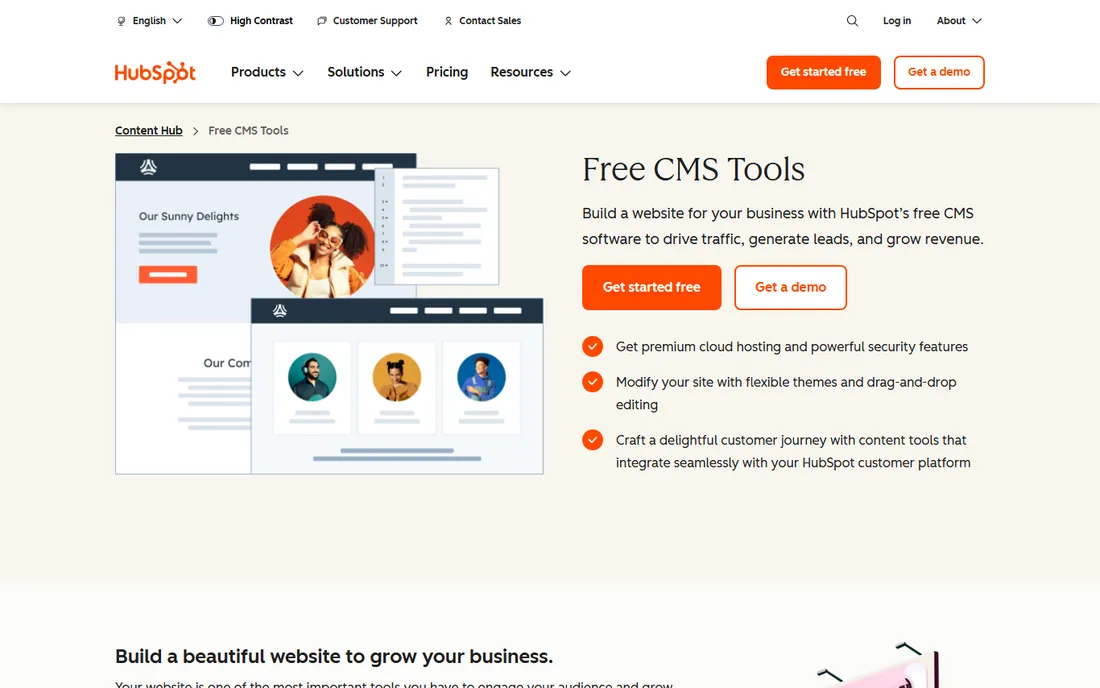
HubSpot's CMS story changed with Content Hub, the 2024 rename of CMS Hub. The free CMS tools are genuinely usable: drag-and-drop page editor, theme library, premium cloud hosting, custom domains, and website analytics, all without a credit card. For a team already running HubSpot for marketing and sales, the integration is the whole argument: forms, live chat, and analytics feed straight into the CRM.
Paid tiers start at $20 per seat per month for Starter and climb to $500 per month for Professional and $1,500 for Enterprise, so the ceiling is high. The honest catch is lock-in: your site lives inside HubSpot's platform, and the advanced personalization and content features sit behind the expensive tiers. Pick HubSpot when your website exists to feed a CRM pipeline. Pick something else when design freedom or portability matters more.
What we like- Free CMS tools include hosting, SSL, and analytics
- Deep native integration with HubSpot CRM and marketing tools
- Drag-and-drop editing with no coding required
Watch out for- Advanced features require paid Content Hub tiers up to $500+ per month
- Less design flexibility than Webflow or WordPress
- Moving off HubSpot later is painful
#4
Wix
Best for: beginners who want it all in one place
Visit wix.com
Starting price$17/month (Light, billed annually)
Free planYes
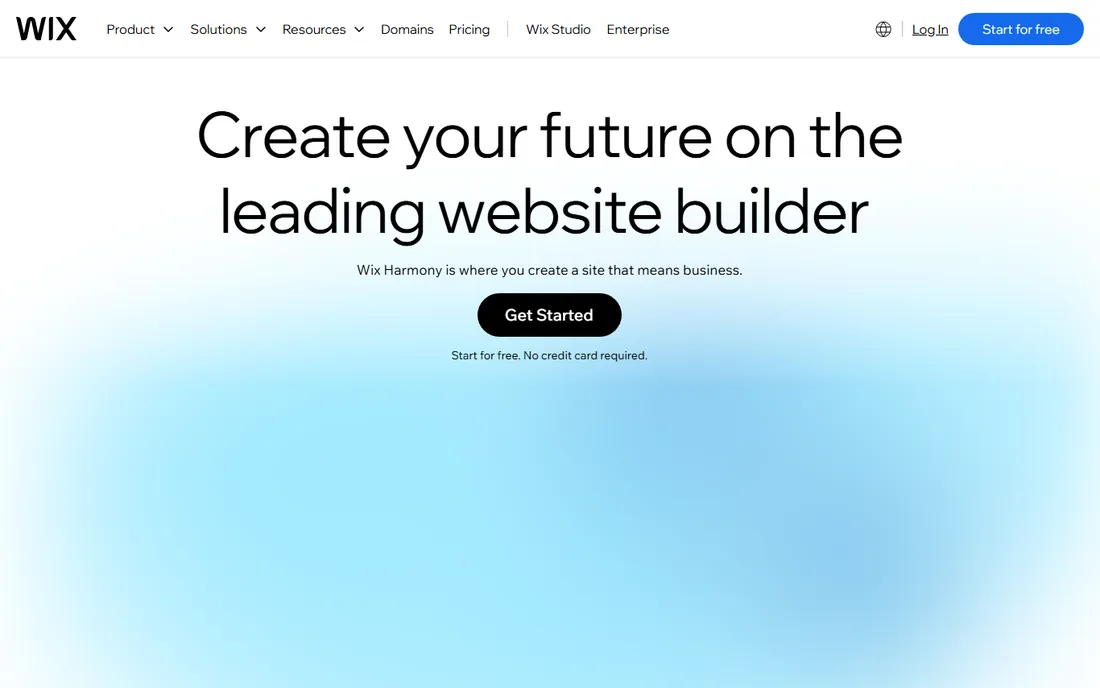
Wix remains the easiest way for a non-technical person to get a professional-looking site live this week. The 2026 platform, built around its AI builder, generates a complete site from a description and then lets you refine every pixel by hand. Beyond pages, you get a real business toolkit: online store, bookings and scheduling, email marketing, automations, and payments, all under one login and one bill.
Pricing runs Light at $17 per month, Core at $29, Business at $39, and Business Elite at $159, all billed annually, with a forever-free plan for testing. The honest catch is the exit: Wix's own help center confirms you cannot export blog posts to another platform, so years of content get stuck. And the free plan's ads and subdomain make it unsuitable for real business use. Choose Wix when speed and simplicity beat long-term portability.
What we like- True drag-and-drop freedom with 2,000+ templates
- AI website builder creates a full site from a prompt
- Built-in bookings, stores, email marketing, and payments
Watch out for- You cannot export your site or blog content if you leave
- Template switching is limited after you choose
- The free plan shows Wix ads and uses a subdomain
Starting price$19/month
Free planFree trial (14 days)
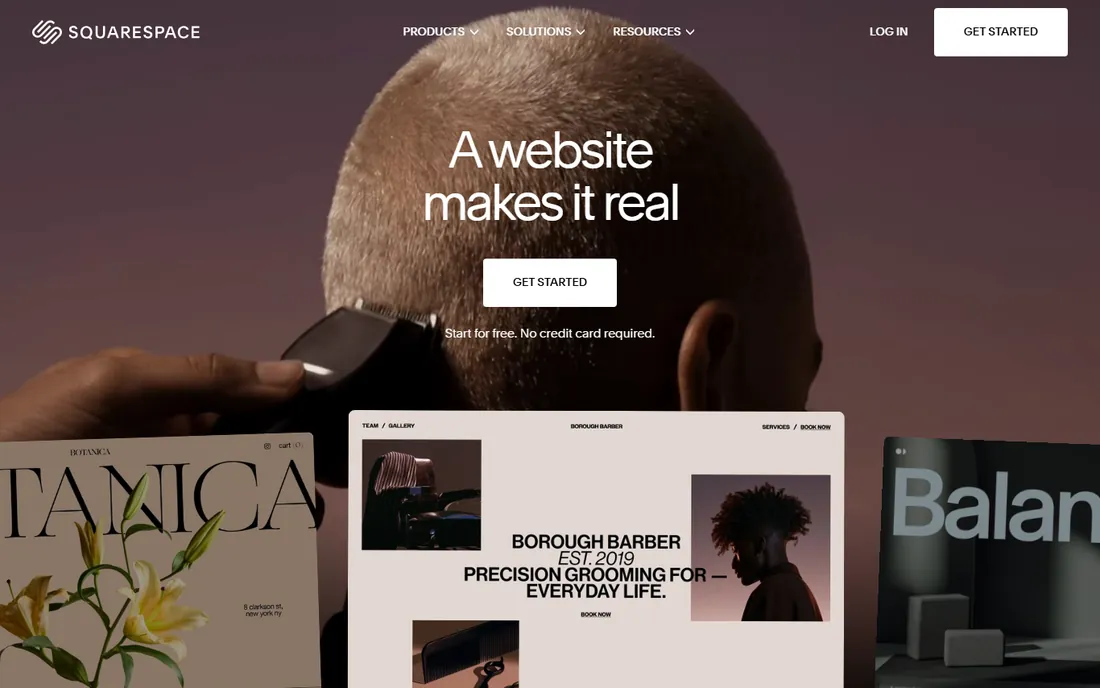
Squarespace has always sold taste. The templates are genuinely beautiful, the editor stays out of your way, and the Blueprint AI builder now assembles a complete site with copy and imagery matched to your brand after a few questions. Ecommerce, Acuity scheduling, invoicing, email campaigns, and domain registration all live in the same account, so a small business can run its whole online presence from one dashboard.
After the 14-day free trial, plans start at $19 per month, with more advanced tiers adding stronger ecommerce features. A free custom domain year comes with annual subscriptions. The honest catch is flexibility: everything is native and polished, but there is no plugin ecosystem for the weird request, and migrating away takes work. For portfolios, service businesses, and small stores where design quality is the brand, Squarespace is the low-effort, high-polish choice.
What we like- Award-winning templates that look expensive out of the box
- AI builder generates a full site from your answers
- Built-in ecommerce, scheduling, and marketing tools
Watch out for- No permanent free plan, only a 14-day trial
- Less flexibility than WordPress for complex sites
- Domain renewals and add-ons add to the bill
Starting priceFree (software; hosting paid separately)
Free planYes
Drupal is the CMS organizations pick when the site cannot fail. Government portals, universities, and healthcare systems run on it because of its security record, fine-grained permissions, and structured content modeling. The 2026 Drupal CMS experience has improved the out-of-box editing story, but it remains a platform for teams with developer resources rather than solo founders.
Like WordPress, the software is free and open source; you pay for hosting and usually for developer time. The module library is deep (tens of thousands of free modules) and multilingual support is genuinely best-in-class. The honest catch is the talent question: fewer freelancers and agencies work in Drupal than in WordPress, and the admin experience still assumes some technical comfort. Pick Drupal when security, complex workflows, or multilingual scale are non-negotiable. For a simple marketing site, it is more machine than you need.
What we like- Enterprise-grade security trusted by governments and universities
- Granular user roles and editorial workflows
- Excellent multilingual support out of the box
Watch out for- Steeper learning curve than WordPress
- Smaller theme marketplace and designer ecosystem
- Realistically needs developer involvement
Starting priceFree plan available (paid plans from $300/month)
Free planYes
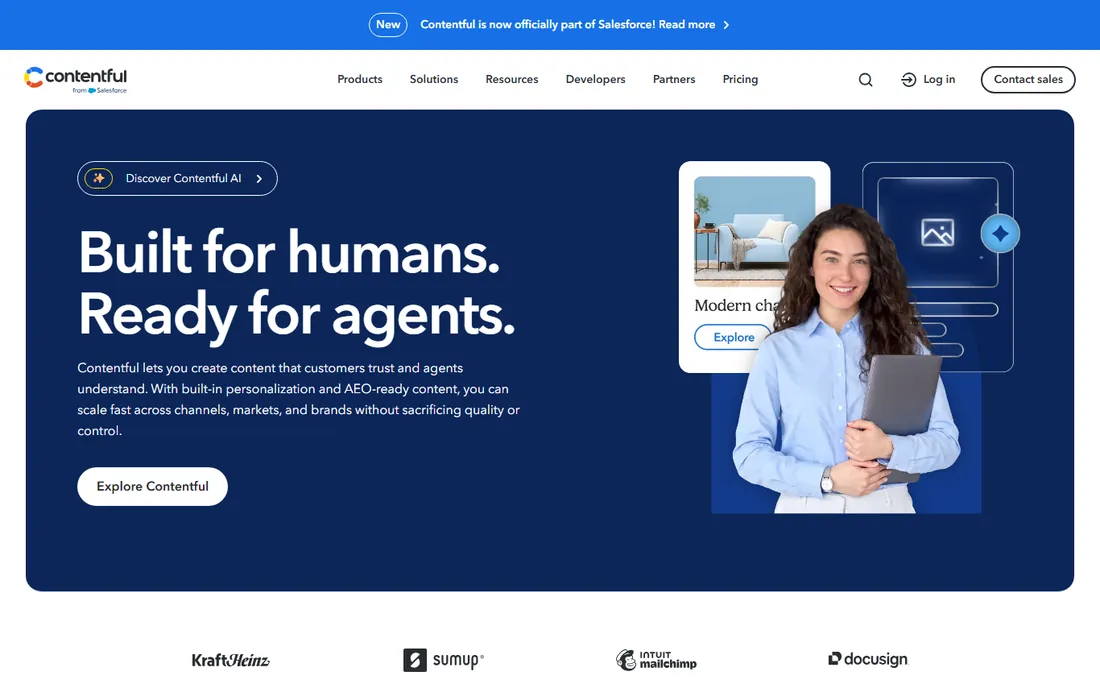
Contentful pioneered the headless CMS idea: content lives in a central hub and flows out through APIs to your website, mobile app, digital signage, or AI assistant. Marketers get a clean editing interface with personalization and experimentation, developers get REST and GraphQL APIs, and the platform handles scaling and uptime. For companies publishing the same content across many surfaces, it is the reference implementation.
The pricing is the conversation. The free Community tier exists, but paid plans start around $300 per month with no middle step, which shocks small teams that outgrow the free limits mid-project. Enterprise contracts run far higher. The honest catch is total cost: you still pay separately for frontend hosting on Vercel or Netlify, plus developers to build the front end. Choose Contentful when omnichannel delivery and team-scale workflows justify the spend. For one marketing site, it is overkill.
What we like- API-first platform delivers content to websites, apps, and devices
- Strong localization and personalization tooling
- Proven reliability with 99.99 percent uptime
Watch out for- Brutal pricing cliff from free to $300 per month
- Free tier limits (records, locales, API calls) hit fast on active projects
- Frontend hosting still costs extra
#8
Sanity
Best for: developer-led teams with real-time needs
Visit sanity.io
Starting priceFree plan available (Growth from $15/seat/month)
Free planYes
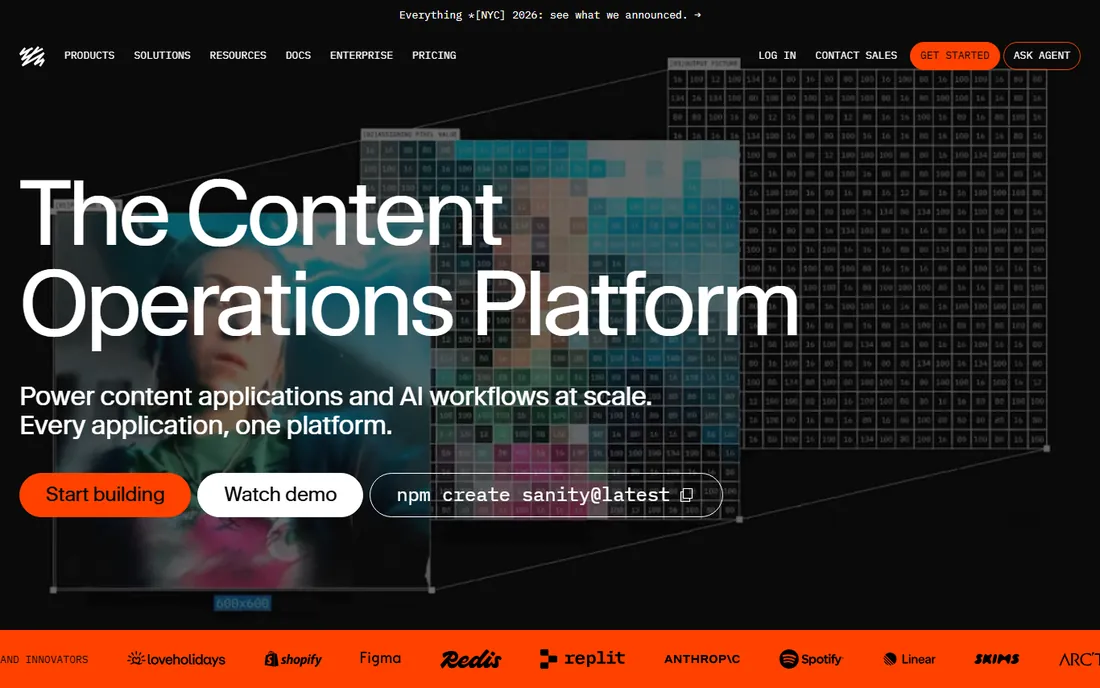
Sanity treats content as structured data in a real-time database called the Content Lake, and it shows in the experience. Multiple editors can work in the same document simultaneously, changes stream live to every connected frontend, and the open-source Studio can be reshaped with custom components to match your exact workflow. It is the headless CMS developers describe with the most affection.
The free tier is genuinely useful for small projects (multiple datasets and seats), and Growth plans start around $15 per seat per month. The honest catch is the build requirement: there is no template gallery or instant site, so a non-technical team cannot self-serve. Content modeling in Sanity rewards thought and punishes improvisation. Pick Sanity when developers own the stack and content needs to flow to many surfaces in real time. Pair it with a modern frontend framework and it sings.
What we like- Real-time collaborative editing in a fully customizable React studio
- Structured content stored as data with powerful GROQ queries
- Generous free tier for small projects
Watch out for- Requires developer setup, no plug-and-play templates
- Content modeling learning curve for non-technical editors
- Costs rise with seats on larger teams
How to choose the right CMS for your situation
Start with your team's skills, not the feature list. If nobody on staff writes code, shortlist Wix, Squarespace, HubSpot, and Webflow. If you have developers, WordPress, Drupal, Contentful, and Sanity open up. Matching the tool to the people who will use it daily matters more than any single feature.
Ask who publishes content
A CMS lives or dies on the publishing experience. Have your actual content editors trial the editor during the free plan or trial period. If they find it confusing, adoption will fail no matter how good the developer experience is.
Count the total cost, not the sticker price
WordPress and Drupal are free software with hosting and maintenance costs. Webflow charges per site. Contentful needs separate frontend hosting plus developer time. Wix and Squarespace bundle nearly everything into one bill. Add up two years of real costs before comparing.
Check the exit before you enter
Ask how you export your content. WordPress and Drupal let you take everything anywhere. Wix notably restricts blog export. Squarespace and HubSpot allow export with friction. The easier the exit, the safer the commitment.
How we chose
We reviewed vendor pricing pages, product documentation, and public user reviews on G2, Capterra, and Reddit to build this list. We compared free tiers, published plan prices, and the real limits that force upgrades, like CMS item caps and API quotas. We considered team-size fit, editing experience, design flexibility, and how each platform handles the jump from a first site to a serious publishing operation. We did not test any of these products hands-on.
The headless question, demystified
Headless CMS platforms like Contentful and Sanity split content from presentation: editors work in one interface, and developers pull that content through APIs into any website, app, or device. Traditional platforms like WordPress, Wix, and Squarespace couple them together: what you edit is what visitors see.
Headless makes sense when the same content must appear in several places (website plus mobile app plus in-store screens) or when developers want total frontend freedom. It costs more in money and developer time. For a single marketing website or blog, the traditional coupled approach is simpler, cheaper, and faster to launch. Do not buy headless architecture for a problem you do not have yet.
Frequently asked questions
What is the best CMS platform for a small business?
For most small businesses, WordPress offers the best long-term value with free software and full ownership, while Wix and Squarespace are easier to launch with no technical skills. If your team already uses HubSpot for marketing, its free CMS tools are the natural fit. The right answer depends on your team's skills and how much control you want.
Is WordPress still the best CMS in 2026?
WordPress remains the most widely used CMS and the most flexible option, with a massive plugin ecosystem and full ownership of your site. It is still the best choice when you want maximum control at minimum software cost. It is not the best choice when you want zero maintenance, which is where hosted platforms like Webflow, Wix, and Squarespace win.
What is a headless CMS and do I need one?
A headless CMS stores content separately from how it looks, delivering it through APIs to websites, apps, or devices. You need one if you publish the same content across multiple channels or want developers to build fully custom frontends. For a single website or blog, a traditional CMS is simpler and cheaper.
Which CMS platforms have a free plan?
WordPress and Drupal are completely free open-source software (you pay only for hosting). HubSpot offers free CMS tools with hosting included. Wix has a forever-free plan with ads, while Squarespace offers only a 14-day trial. Contentful and Sanity both offer free tiers, and Webflow has a free Starter plan for prototyping.
How much does a CMS cost per month?
Flat-rate builders run $14 to $39 per month for typical small-business plans. WordPress and Drupal cost nothing for the software plus $5 to $30 per month for hosting. Headless platforms jump higher: Contentful's paid plans start around $300 per month. Always count hosting, domains, premium plugins, and developer time in the real total.
Can I move my website from one CMS to another?
Sometimes. WordPress and Drupal make migration straightforward with full data export. Moving away from Wix is the hardest: its help center confirms blog posts cannot be exported. Squarespace and HubSpot sit in the middle with workable but imperfect export options. Check the exit path before you invest months of content in any platform.
Sources we checked (12)
- https://wordpress.org
- https://webflow.com/
- https://www.hubspot.com/products/cms
- https://www.wix.com
- https://squarespace.com/
- https://drupal.org/
- https://contentful.com/
- https://sanity.io/
- https://dev.to/nayankyada/webflow-pricing-2026-free-tier-limits-cms-costs-when-to-upgrade-1jmb
- https://dev.to/nayankyada/contentful-pricing-2026-free-tier-limits-the-300-cliff-and-enterprise-3gii
- https://superblog.ai/blog/hubspot-cms-hub-pricing/
- https://www.networksolutions.com/blog/is-wix-free/
Is your product missing or out of date?
We review this list regularly. Vendors can request a listing, send updated pricing or ask about featured placement.

Shihab Mia · Founder, Rankite
Shihab has 5+ years in B2B and SaaS SEO. He writes Rankite's software buying guides from pricing pages, documentation and public user reviews. More about Shihab.