How we make this list: we compare pricing pages, product documentation and public user reviews. Ratings come from G2, Capterra or Trustpilot, with the date we checked them.
Key takeaways
- Google Drive gives the most free space at 15 GB, shared across Gmail, Photos, and Drive.
- Mega offers 20 GB free with end-to-end encryption, the best privacy deal on this list.
- Dropbox free storage is small at 2 GB, but its sync reliability is still excellent.
- The best free plan depends on your devices, since Apple and Microsoft users get more from their own clouds.
Quick comparison
| Tool | Best for | Starting price | Free plan |
|---|
 Google Drive Google Drive | Most free space for everyday use | Free | Yes |
 Dropbox Dropbox | Reliable sync across devices | Free | Yes |
 Microsoft OneDrive Microsoft OneDrive | Windows and Office users | Free | Yes |
 Apple iCloud Drive Apple iCloud Drive | Apple devices and backups | Free | Yes |
 Mega Mega | Private free storage with encryption | Free | Yes |
 Box Box | Business document sharing | Free | Yes |
 pCloud pCloud | Free storage with a lifetime upgrade path | Free | Yes |
 Sync.com Sync.com | Encrypted storage for teams and families | Free | Yes |
Is your product missing or out of date?
We review this list regularly. Vendors can request a listing, send updated pricing or ask about featured placement.
The best free cloud storage apps
Starting priceFree
Free planYes
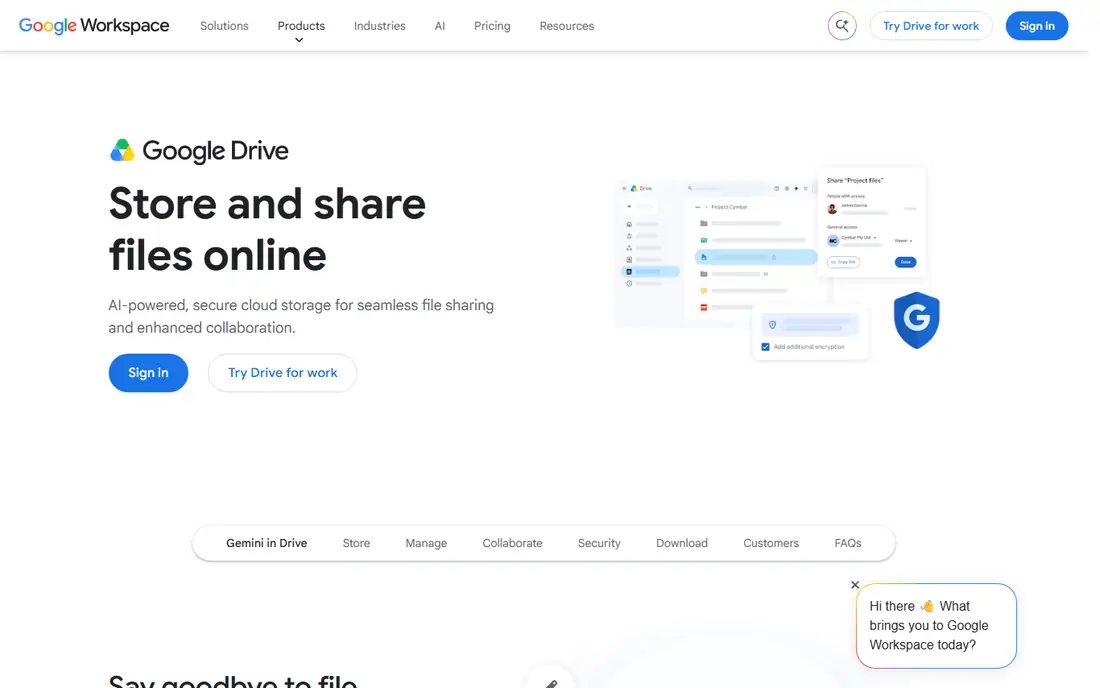
Google Drive is the default free cloud for most people, and the 15 GB free allowance is the main reason. That space covers documents, photos, and backups for light users, and the web apps for Docs, Sheets, and Slides mean you can work without installing anything. Sharing is simple, with link controls and permission settings that most recipients already understand.
The catch is sharing. The same 15 GB covers Gmail and Google Photos, so a full inbox or a large photo library eats into Drive space quickly. Google also does not offer end-to-end encryption on standard Drive, so privacy-minded users should look at Mega or Sync instead. Paid Google One plans start at 100 GB, which is the natural upgrade when free space runs out.
What we like- 15 GB free
- Strong search and sharing
- Works well on web, Android, and iOS
Watch out for- Storage is shared with Gmail and Photos
- Privacy is not end-to-end encrypted
#2Dropbox
Best for: Reliable sync across devices4.4/5 on
G2 (31,453 reviews, checked Oct 2026)
Visit dropbox.com
Starting priceFree
Free planYes
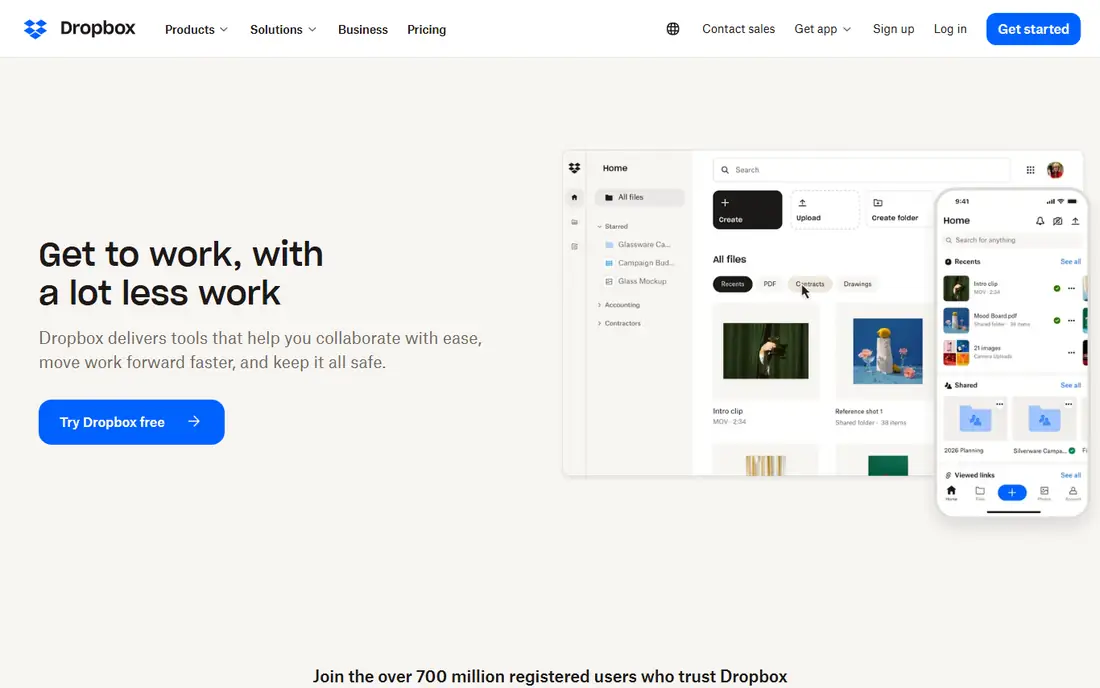
Dropbox built its name on sync that just works. Files appear on every device quickly, conflicts are handled cleanly, and the desktop app integrates with Finder and File Explorer without fuss. Third-party app support is also broad, so many tools can save straight to Dropbox.
The free plan is the weakness, with only 2 GB of space, which fills fast with photos or video. Paid plans are also pricier than Google or Microsoft equivalents. Dropbox free still suits people who need a small, dependable folder synced everywhere, such as documents and work files, while photos live elsewhere.
What we like- Excellent sync reliability
- Wide app support
- Simple sharing
Watch out for- Only 2 GB free
- Paid plans cost more than rivals
#3Microsoft OneDrive
Best for: Windows and Office users4.3/5 on
G2 (10,433 reviews, checked Oct 2026)
Visit microsoft.com
Starting priceFree
Free planYes
OneDrive is the natural cloud for Windows users, because it is built into the operating system. Files sync from File Explorer, Office documents autosave to OneDrive, and the mobile apps cover Android and iOS. The free plan gives 5 GB, which suits documents and light photo backup.
Five gigabytes is modest next to Google Drive 15 GB, and the real value appears with a Microsoft 365 subscription, which adds 1 TB and the full Office apps. If you already pay for Microsoft 365, OneDrive is the obvious choice. If you do not, Google Drive gives more free room.
What we like- Built into Windows
- 5 GB free
- Strong Office integration
Watch out for- Free space is modest
- Best features need a Microsoft 365 subscription
Starting priceFree
Free planYes
iCloud Drive is the cloud Apple users already have. It backs up iPhones and iPads automatically, syncs files across Mac, iPhone, and iPad, and shares easily with other Apple users. For someone deep in the Apple ecosystem, it needs no setup and no new app.
The free 5 GB fills fast, because device backups count against it, and many iPhone users hit the limit within months. Paid iCloud plans start at 50 GB for $0.99 per month, which most Apple users end up buying. Windows and Android users get a weaker experience, so iCloud is best kept as an Apple-only cloud.
What we like- Built into iOS and macOS
- Automatic device backups
- Simple sharing with Apple users
Watch out for- Only 5 GB free
- Windows and Android support is weaker
#5
Mega
Best for: Private free storage with encryption
Visit mega.io
Starting priceFree
Free planYes
Mega offers the best free deal for privacy-minded users, with 20 GB free and end-to-end encryption by default. That means files are encrypted before they leave your device, so only you and people you share keys with can read them. The web and mobile apps are capable, and sharing links can carry passwords and expiry dates.
Collaboration is thinner than Google Drive or OneDrive, with no built-in document editing suite to match Docs or Office. Free accounts also face transfer limits that can slow large downloads. If your priority is private storage rather than collaborative editing, Mega gives the most free space with the strongest privacy on this list.
What we like- 20 GB free
- End-to-end encryption by default
- Generous free allowance
Watch out for- Collaboration tools are thinner than Google or Microsoft
- Transfer limits apply
#6Box
Best for: Business document sharing4.2/5 on
G2 (5,259 reviews, checked Oct 2026)
Visit box.com
Starting priceFree
Free planYes
Box is built for business document sharing, and its free plan reflects that, with 10 GB of space and permission controls that suit teams. You can set who views, edits, or downloads a file, and integrations with Office and Google Workspace help teams work on shared documents without moving them around.
The free plan caps single-file uploads at 250 MB, which rules out large video files, and Box is less suited to personal photo libraries than Google Photos or iCloud. For freelancers and small teams sharing contracts, briefs, and reports, Box free is a solid, professional choice.
What we like- 10 GB free
- Strong permission controls
- Good business integrations
Watch out for- Single-file upload limit on free plan
- Less suited to personal photo backup
#7pCloud
Best for: Free storage with a lifetime upgrade path4.3/5 on
G2 (166 reviews, checked Oct 2026)
Visit pcloud.com
Starting priceFree
Free planYes
pCloud gives 10 GB free and stands out for its upgrade path, because paid plans include lifetime purchase options instead of only subscriptions. The apps cover desktop, mobile, and web, and file versioning helps recover older copies of a document. An optional Crypto folder adds client-side encryption for sensitive files.
That encryption costs extra, which is a mark against pCloud next to Mega free encryption. Media features also vary by plan. Still, for users who want a solid free tier and the option to buy storage once rather than rent it forever, pCloud is the most interesting long-term choice here.
What we like- 10 GB free
- Optional client-side encryption
- Lifetime paid plans available
Watch out for- Crypto folder encryption costs extra
- Media playback features vary by plan
#8Sync.com
Best for: Encrypted storage for teams and families4.0/5 on
G2 (44 reviews, checked Oct 2026)
Visit sync.com
Starting priceFree
Free planYes
Sync.com pairs end-to-end encryption with a clean sharing model, which suits small teams and families handling sensitive files. The free plan gives 5 GB, and sharing links support passwords, expiry dates, and download limits. File versioning and remote wipe options add safety if a device is lost.
Five gigabytes is small, and third-party integrations are fewer than Dropbox or Google Drive, so Sync suits document storage more than app workflows. Paid plans add much more space and team controls. If privacy and control matter more than raw free space, Sync is a strong pick despite the modest free tier.
What we like- End-to-end encryption by default
- 5 GB free
- Good sharing controls
Watch out for- Only 5 GB free
- Fewer third-party integrations than leaders
How we chose
We compared vendor pricing pages, product documentation, and public user reviews, and we judged each service on free space, file limits, sync reliability, privacy, and platform coverage. Free plans were judged on what they give without payment, not on paid upgrades, and we treated shared quotas, such as Google 15 GB across Gmail and Photos, as a real limit. We did not claim hands-on testing. Prices and free allowances change, so check the vendor page before you commit to a large migration.
What to check before you pick
Start with your devices. Apple users get the most from iCloud, Windows and Office users from OneDrive, and Android users from Google Drive, because each cloud is built into its own system. Then check the free quota against your real files, not your hopes, since photos and videos fill small plans in weeks.
Also check how each service handles deleted files and version history, because a free plan with short retention can lose an older version you still need. Check upload speeds too, since some free tiers throttle large transfers, which matters when you first back up a photo library. Also check file limits and privacy. A 250 MB single-file cap rules out video, and a lack of end-to-end encryption matters for sensitive documents. Check sharing too, because a cloud your recipients cannot open easily creates friction. Finally, check export options, so you can leave if prices rise or a service changes, without losing your files.
Frequently asked questions
Which free cloud storage gives the most space?
Mega gives 20 GB free, the most on this list, followed by Google Drive at 15 GB. Box and pCloud give 10 GB each, while OneDrive, iCloud, and Sync give 5 GB, and Dropbox gives 2 GB.
Is free cloud storage safe for important files?
It is safe for most files, but keep a second copy of anything irreplaceable, either on an external drive or a second cloud. No free tier guarantees your data forever, and account closures, payment disputes, or service shutdowns have all caused losses in the past, so a second copy is cheap insurance for photos, tax records, and work archives. Check whether the service offers end-to-end encryption if your files are sensitive, since standard Google Drive and OneDrive do not encrypt files so only you can read them.
What happens when my free plan fills up?
Uploads stop until you free space or upgrade, and some services may restrict syncing. Google counts Gmail and Photos against the same quota, so cleaning old emails and large attachments often frees space without paying.
Can I use more than one free cloud at once?
Yes, and many people do, keeping photos in one service and documents in another. This spreads risk and lets you use each free quota fully, but it also means remembering where everything lives. A simple rule helps: one cloud for photos, one for documents, and a note in each folder pointing to the other. The downside is complexity, since files end up in several places and you must remember where each type lives.
Is a lifetime plan worth it?
A lifetime plan can save money over years of subscriptions if the company stays in business and the plan terms do not change. Compare the lifetime price with five years of monthly payments before buying, and confirm what happens to your files if the company is sold or closes, since lifetime means the life of the service, not your life. Weigh that risk against a monthly plan you can cancel, and keep a backup outside any single provider.
Sources we checked (8)
- https://drive.google.com
- https://www.dropbox.com
- https://www.microsoft.com
- https://www.apple.com
- https://www.mega.io
- https://www.box.com
- https://www.pcloud.com
- https://www.sync.com
Is your product missing or out of date?
We review this list regularly. Vendors can request a listing, send updated pricing or ask about featured placement.

Shihab Mia · Founder, Rankite
Shihab has 5+ years in B2B and SaaS SEO. He writes Rankite's software buying guides from pricing pages, documentation and public user reviews. More about Shihab.